How To Protect Your Microwave Buttons From Early Wear and Tear
Microwave buttons face daily wear from grease, moisture, and heavy pressing. Simple habits like gentle cleaning, dry hands, and surge protection can prevent fading and costly repairs, keeping your appliance working smoothly for years.
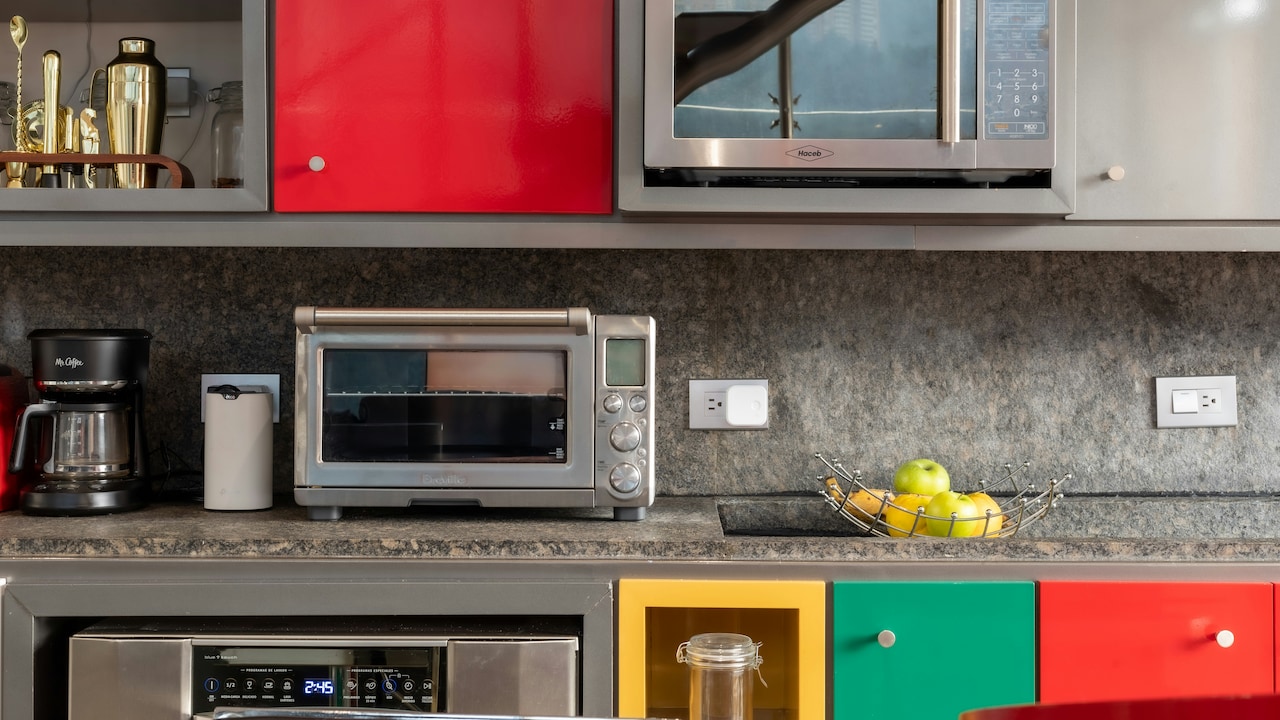
How To Protect Your Microwave Buttons From Damage And Extend Their Lifespan.
In many homes, the microwave works harder than any other appliance except the fridge. It warms last night's dal, melts chocolate for festival sweets, steams vegetables in a rush before school, and pops corn for weekend cricket matches. Yet while attention often goes to cleaning the interior, the control panel faces constant tapping, pressing, and sometimes even punching when dinner refuses to heat evenly.
Over time, those buttons begin to fade or stop responding. The plastic surface may crack. The printed numbers can disappear. Replacing a control panel can cost anywhere between ₹1,500 and ₹4,000, depending on the brand. In some cases, service centres recommend replacing the entire unit. That feels unnecessary, especially when the cooking function works perfectly.
Protecting microwave buttons does not require technical knowledge. A few small habits, some mindful cleaning, and a little awareness go a long way. The following sections explore practical ways to keep those buttons working smoothly for years.
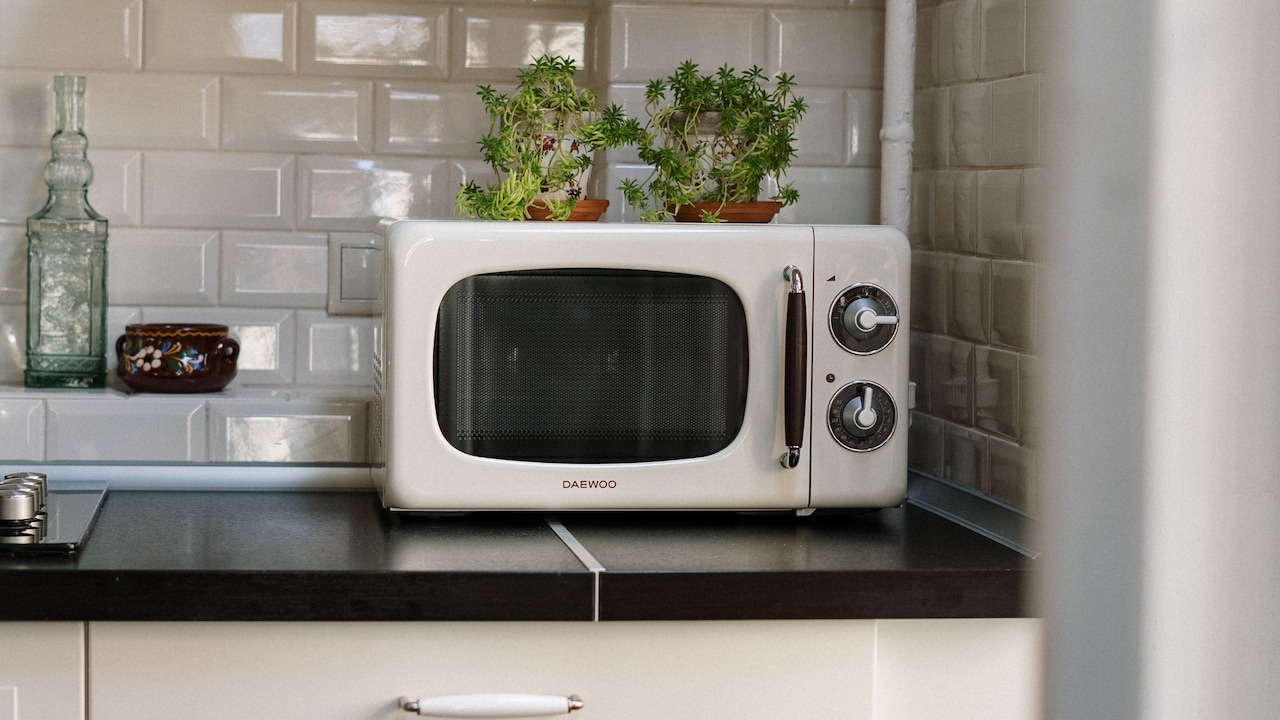
How To Protect Your Microwave Buttons From Early Wear and Tear; Photo Credit: Pexels
Simple Habits That Make A Big Difference
Keep Hands Clean And Dry Before Use
Microwave buttons face constant contact. Greasy fingers after frying pakoras or wet hands straight from washing rice can damage the control panel over time. Oil and moisture seep into tiny gaps around the membrane. Gradually, the inner circuit begins to struggle.
Kitchen routines move quickly. It feels natural to press “Start” while juggling three tasks. Yet a simple wipe of the hands on a towel prevents gradual buildup. Grease does not simply sit on the surface. It mixes with dust, forms sticky residue, and attracts even more grime.
Humidity during the monsoon season adds another layer of risk. Damp hands transfer moisture to the panel. Over weeks, the buttons may lose sensitivity. A quick habit change makes a difference. Dry your hands before pressing any button. Encourage children to follow the same rule. This small step protects the panel more than expensive cleaning products ever could.
Over time, this single practice reduces long-term wear. It costs nothing and saves thousands.
Avoid Pressing Buttons Too Hard
Many people treat microwave buttons like old television remotes. When the appliance does not respond immediately, the instinct is to press harder. Some even tap repeatedly with force. This habit shortens the life of the panel dramatically.
Modern microwave control panels rely on light contact. They do not need pressure. Aggressive pressing damages the membrane beneath the surface. Repeated force weakens the thin plastic layer and may cause cracking or loosening.
If a button fails to respond, the issue often lies in dirt buildup or internal circuitry. Force never solves the problem. In fact, it makes repairs more expensive. Replacing a damaged keypad often costs more than addressing a minor internal issue early on.
Gentle taps work best. A microwave responds to precision, not strength. Treating the panel like a delicate smartphone screen rather than a stubborn doorbell changes the outcome entirely.
Also Read: Best-Selling Microwave Ovens For Quick And Hassle-Free Cooking
Clean The Control Panel Regularly But Gently
Cleaning matters, but technique matters more. Some households spray glass cleaner directly onto the microwave panel. Others use rough scrubbers meant for steel utensils. These methods damage the printed labels and protective coating.
Instead, use a soft microfiber cloth. Lightly dampen it with a mild soap solution. Wipe gently in circular motions. Never pour liquid directly onto the panel. Excess moisture seeps into the edges and affects internal components.
Festival cleaning often involves vigorous scrubbing. While that enthusiasm keeps kitchens sparkling, control panels require care. Harsh chemicals fade numbers and symbols. Over time, the “Start” and “Stop” markings disappear. That leaves users guessing.
A gentle wipe once a week prevents heavy buildup. Consistency reduces the need for aggressive cleaning later. When grime never settles deeply, the panel retains clarity and sensitivity.
Small, regular effort keeps the control panel looking almost new, even after years of use.
Use A Protective Film Or Cover
Smartphone screens rarely remain bare. Protective films shield them from scratches and fingerprints. Microwave panels deserve similar care.
Transparent adhesive films designed for appliances provide a thin barrier. They protect printed labels from fading. They also prevent oil from settling directly on the surface. These films cost around ₹200 to ₹400 and last several months.
Some households prefer custom-cut plastic sheets. The key lies in ensuring proper alignment so buttons respond easily. Avoid thick covers that require extra pressure.
This simple addition reduces daily wear significantly. Families with young children benefit even more. Little fingers often press repeatedly just for fun. A protective layer absorbs that enthusiasm.
The film may need replacement occasionally, but the original panel remains untouched beneath. That small investment saves the cost of replacing an entire keypad later.
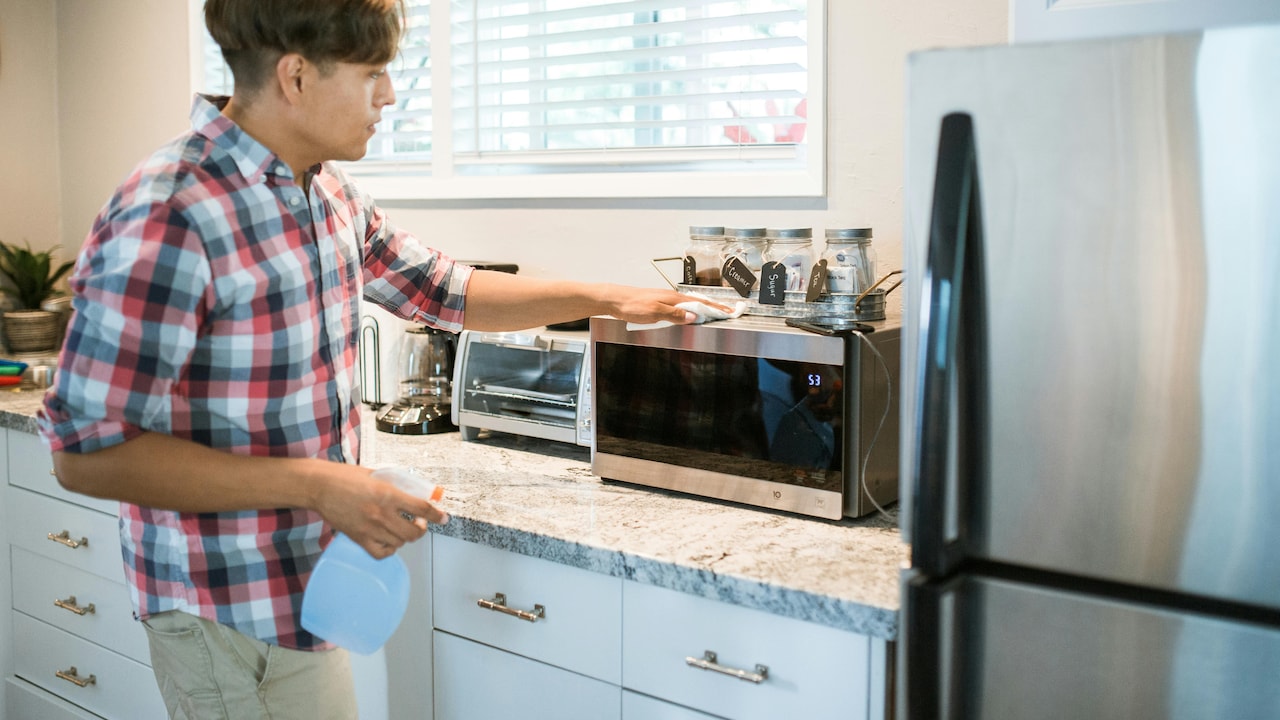
How To Protect Your Microwave Buttons From Early Wear and Tear; Photo Credit: Pexels
Keep Sharp Objects Away From The Panel
In busy kitchens, spoons, knives, and even spice jars sometimes rest temporarily on microwave tops. During cleaning or rearranging, these objects may slide and scratch the control panel.
Even fingernails can cause tiny abrasions if someone scratches the surface absent-mindedly while waiting for food to heat. Over time, scratches accumulate. The printed icons begin to fade unevenly.
Make it a rule: nothing rests against the panel. Keep sharp tools at a safe distance. If storage space feels tight, consider installing a small shelf above the microwave rather than placing items directly on it.
Small scratches may seem harmless at first. However, once the protective coating weakens, moisture and dirt penetrate faster. That accelerates wear.
A little spatial awareness prevents long-term damage. Treat the panel as a sensitive surface, not just another flat space in the kitchen.
Protect From Power Surges And Voltage Fluctuations
Electrical instability affects more than internal components. Voltage fluctuations can disrupt the control board that connects to the buttons. When that happens, certain buttons may stop responding or function unpredictably.
In many cities and towns, sudden power cuts remain common. When electricity returns, a surge often follows. Over time, this stresses the appliance.
Using a stabiliser or surge protector reduces risk. A good-quality surge protector costs between ₹800 and ₹1,500. Compared to a ₹3,000 keypad replacement, that seems reasonable.
Stable power ensures the smooth functioning of the digital interface. It also extends the overall lifespan of the microwave. Many service technicians report that control panels fail more often in homes without surge protection.
A simple device placed between the socket and the microwave can prevent unexpected repair expenses and daily frustration.
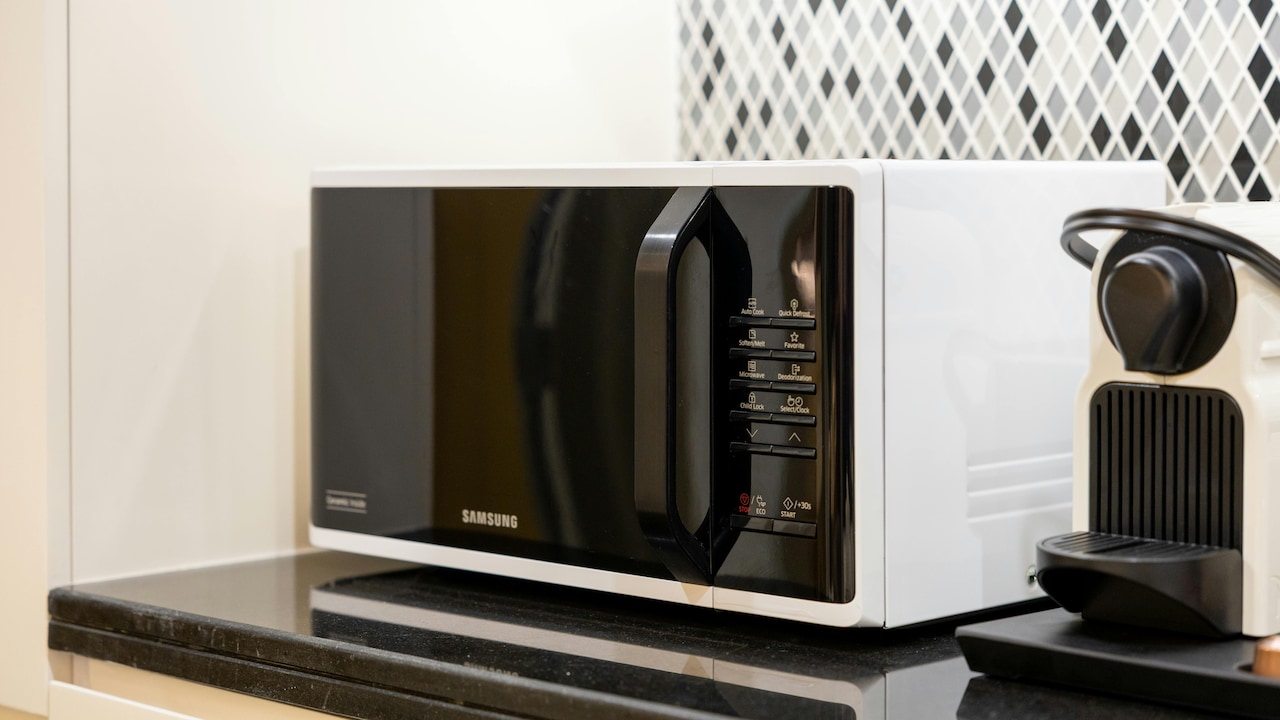
How To Protect Your Microwave Buttons From Early Wear and Tear; Photo Credit: Pexels
Avoid Excessive Heat Exposure
Microwaves generate heat inside, but external heat sources can damage the control panel. Placing the appliance next to a gas stove exposes the panel to rising heat and oil splatter. Over time, this combination weakens plastic and adhesives.
During summer months, kitchens can feel like ovens. If the microwave sits in direct sunlight near a window, the control panel may fade faster. Prolonged exposure to heat dries out plastic surfaces, making them brittle.
Rearranging the kitchen layout may not always feel convenient. However, even a slight shift away from the stove reduces exposure significantly. A small heat-resistant partition can also help.
Keeping the microwave in a well-ventilated, shaded area protects not only the buttons but also internal electronics. Temperature control plays a bigger role than most people realise.
Discourage Children From Treating It Like A Toy
Curiosity thrives in every household. Bright digital displays and beeping sounds attract young minds instantly. Many children enjoy pressing every button repeatedly just to watch numbers change.
While this seems harmless, excessive random pressing wears out the keypad faster. Repeated tapping strains the membrane and underlying circuits.
Set clear boundaries. Teach children how to use the microwave properly under supervision. Turn it into a learning moment rather than a playful distraction.
Some families place the microwave slightly higher to limit easy access. Others enable child lock features when available.
Encouraging responsible use protects the appliance. It also teaches care for household items. Respect for shared spaces begins with small lessons.
Schedule Occasional Professional Servicing
Preventive maintenance does not apply only to cars. Microwaves benefit from occasional check-ups, too. Dust accumulates internally over time. Loose connections may affect button responsiveness.
Instead of waiting for a complete failure, consider professional servicing every couple of years. Basic inspection costs around ₹600 to ₹1,000, depending on location. Technicians can clean internal circuits and check panel alignment.
Early detection prevents bigger expenses. If a button begins to feel slightly unresponsive, addressing it quickly costs less than replacing the entire panel later.
Regular servicing also ensures the appliance operates safely. Electrical issues sometimes show subtle early signs. Paying attention to these details extends the microwave's lifespan significantly.
Replace Worn Buttons Promptly Instead Of Ignoring Them
When one button starts fading or responding slowly, many people ignore it. They press harder or use alternative settings. Over time, that single weak point may affect surrounding buttons.
Small cracks allow moisture to enter. The damage spreads gradually. What begins as one faulty button can lead to complete panel failure.
Address issues early. Contact authorised service centres for compatible replacements. Using unofficial spare parts may seem cheaper, but quality often suffers.
Timely action prevents inconvenience during busy mornings or festive gatherings. No one wants to struggle with a malfunctioning microwave while preparing snacks for guests.
Paying ₹1,500 today feels far better than spending ₹8,000 on a new appliance next year.
Products Related To This Article
1. Voltas Beko, A Tata Product 20L, 700W smart solo Microwave oven
2. Haier 19 L Inverter Technology, Light Weight, Defrost
3. Samsung 23 L Solo Microwave Oven (MS23A3513AK/TL, Black, Auto Cook Programs, Child Safety Lock, Memory Feature)
4. Panasonic 25L Solo Microwave Oven (NN-ST310QBFG, Black, 85 Auto Cook Menus)
5. IFB 24L Solo Microwave Oven with 69 Auto Cook Menus
Microwave buttons rarely receive attention until they stop working. Yet these small controls carry the burden of daily kitchen life. They endure hurried mornings, festival feasts, late-night cravings, and countless reheating sessions.
Protecting them does not demand technical expertise or expensive upgrades. Clean hands, gentle pressing, regular wiping, and basic electrical protection make a remarkable difference. A small protective film or surge protector costs little but saves significant repair expenses.
Appliances reflect household habits. When treated with care, they respond with reliability. With thoughtful maintenance, microwave buttons can remain clear, responsive, and sturdy for many years.
In a kitchen filled with noise, aroma, and activity, that quiet reliability feels priceless.
(Disclaimer: This article may include references to or features of products and services made available through affiliate marketing campaigns. NDTV Convergence Limited (“NDTV”) strives to maintain editorial independence while participating in such campaigns. NDTV does not assume responsibility for the performance or claims of any featured products or services.)