Best Webcams For Low-Light Video Calls With Auto Light Balance
Poor lighting shouldn’t ruin video calls. These six webcams use smart auto light correction to keep faces clear and balanced in dim indoor home offices, making work calls look sharper and more professional.
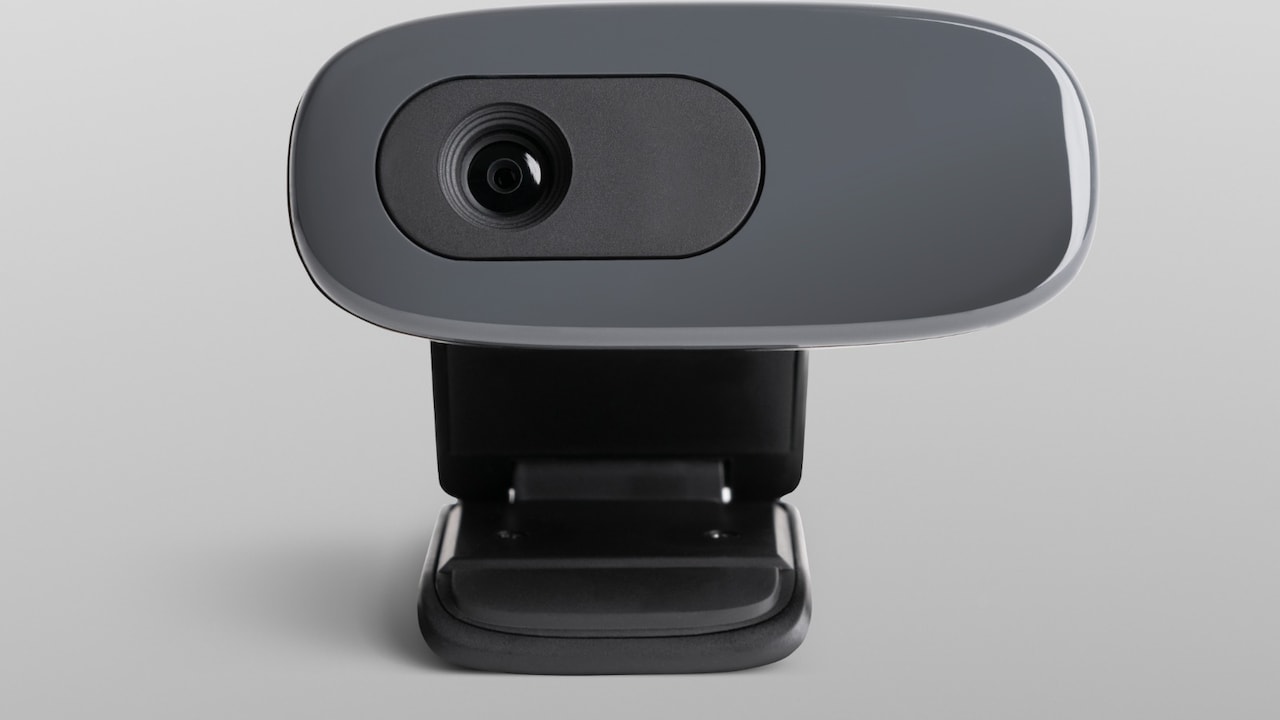
Check Out This List Of 6 Best Webcams With Auto Light Correction for Low-Light Indoor Home Offices.
Late-evening calls now feel as routine as morning stand-ups. Ceiling lights glare, desk lamps cast odd shadows, and natural light disappears far too early. Yet meetings still demand clear video and steady eye contact. That's where webcams with auto light correction step in. They adjust brightness, balance shadows, and keep faces visible without constant fiddling. For compact indoor home offices, these webcams turn challenging lighting into a non-issue and help everyone look more polished on screen.
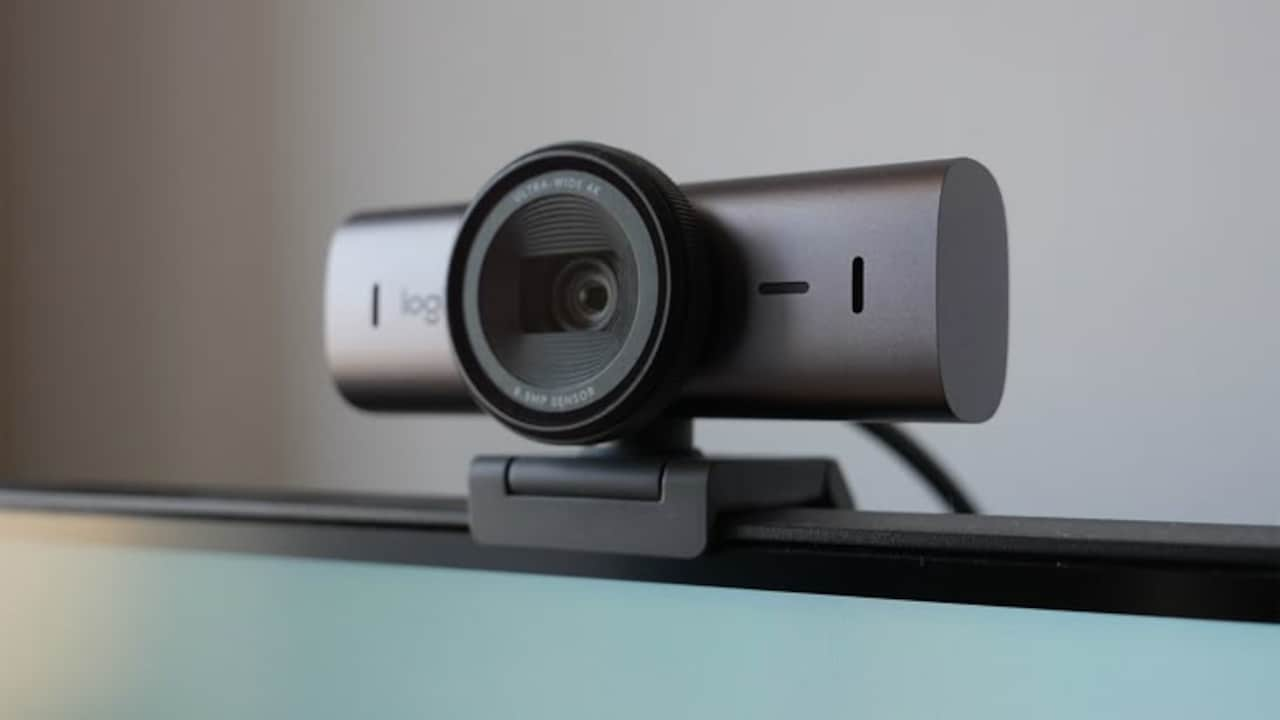
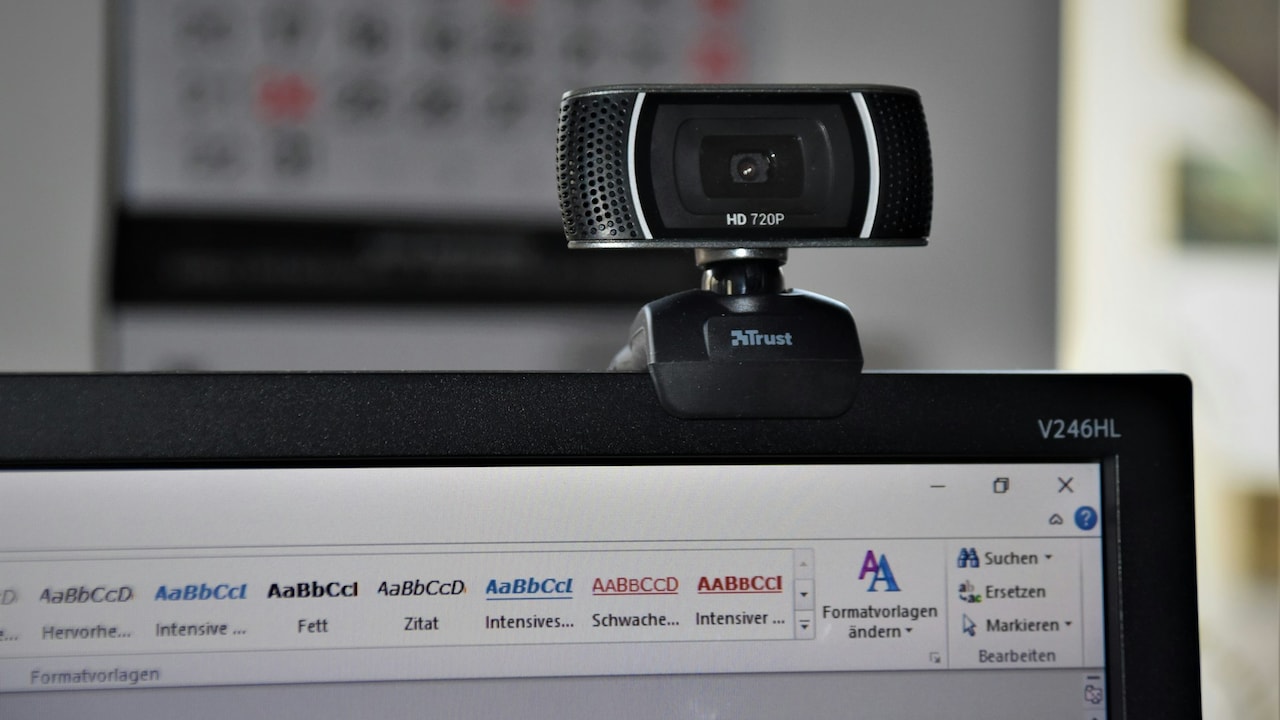
Top Webcams With Auto Light Correction For Indoor Work Calls; Photo Credit: Pexels
Why Auto Light Correction Matters for Home Offices
Auto light correction isn't just a technical extra. It actively reads the room and adjusts exposure in real time. This matters in indoor spaces where lighting changes through the day. From video calls and interviews to online classes and content creation, consistent lighting builds confidence and reduces distractions. Pair that with Full HD resolution, clear microphones, and privacy features, and a webcam becomes more than a basic accessory.
Also Read: Top 10 Camera Gear Deals Under ₹10,000: Tripods, Lights And Must-Haves You Cannot Miss
Top 5 Smart Webcams That Make Dim Rooms Look Better
1. Logitech Brio 100
The Brio 100 keeps things refreshingly simple. Full HD 1080p video delivers clean detail, while RightLight auto correction boosts brightness and softens shadows in dim rooms. A built-in microphone handles everyday calls well, and the sliding privacy shutter adds peace of mind between meetings. Plug-and-play support across popular video platforms makes it a dependable choice for daily office calls without fuss.
2. eMeet S600
Designed for users who want more control, the S600 blends a high-resolution sensor with advanced auto light balance. Faces stay sharp even under uneven indoor lighting. Autofocus reacts quickly, while adjustable field of view options suit solo calls or wider setups. Dual noise-reduction microphones help voices cut through background sounds, making it a strong pick for streaming, teaching, or long meetings.
3. Logitech Brio 100 (Alternate Finish Option)
This version mirrors the Brio 100's performance but appeals to those who care about desk aesthetics. Auto light balance handles low-light rooms confidently, and Full HD video stays crisp without oversaturation. The integrated microphone and privacy shutter keep things practical, while the compact build suits minimal home office setups that need reliable video without drawing attention.
4. OBSBOT Tiny SE
The Tiny SE brings a touch of intelligence to the desk. AI-powered tracking keeps users centred, even when moving during presentations. Auto exposure and HDR handle tricky lighting with ease, while high frame-rate Full HD video looks smooth and natural. Gesture controls add hands-free convenience, and the noise-cancelling mic keeps audio focused. It suits professionals who want smarter framing without manual adjustments.
5. Lenovo 300 FHD
Lenovo's 300 FHD focuses on flexibility. Auto light handling works well for indoor rooms, while the wide-angle lens captures more of the workspace when needed. Dual stereo microphones pick up voices clearly, and the rotating mount allows easy positioning. It fits well in shared home offices or collaborative setups where framing and movement matter as much as clarity.
6. HP 320 FHD
The HP 320 FHD takes a practical approach to low-light video. It auto-adjusts exposure the moment it's plugged in, reducing the need for manual tweaks. Full HD resolution keeps images sharp, and the wide-angle view feels natural during conversations. A swivel mount and lens cover round out a webcam that suits everyday work calls and casual virtual catch-ups.
A well-lit face changes how messages land on screen. These webcams prove that smart auto light correction can handle dim rooms, mixed lighting, and late hours with ease. From simple plug-and-play models to AI-powered options, each brings something useful to indoor home offices. Choose based on work style, space, and how much control feels right. Clear video, after all, sets the tone for every call. Shop now on Amazon.
(Disclaimer: This article may include references to or features of products and services made available through affiliate marketing campaigns. NDTV Convergence Limited (“NDTV”) strives to maintain editorial independence while participating in such campaigns. NDTV does not assume responsibility for the performance or claims of any featured products or services.)