External Keyboard vs. Large Monitor: Which One Actually Boosts Productivity?
External keyboard or large monitor, which upgrade actually improves daily productivity? This article breaks down comfort, speed and workflow to help professionals choose the smarter desk upgrade.
Take your productivity to the next level by making the right choice between a monitor and a keyboard.
Productivity rarely collapses because of a lack of talent or effort. It slips away through small daily frictions. A stiff neck during a long spreadsheet session. Fingers fumbling over flat laptop keys. Eyes darting between tabs on a cramped screen. Over weeks, these tiny irritations stack up and drain energy.
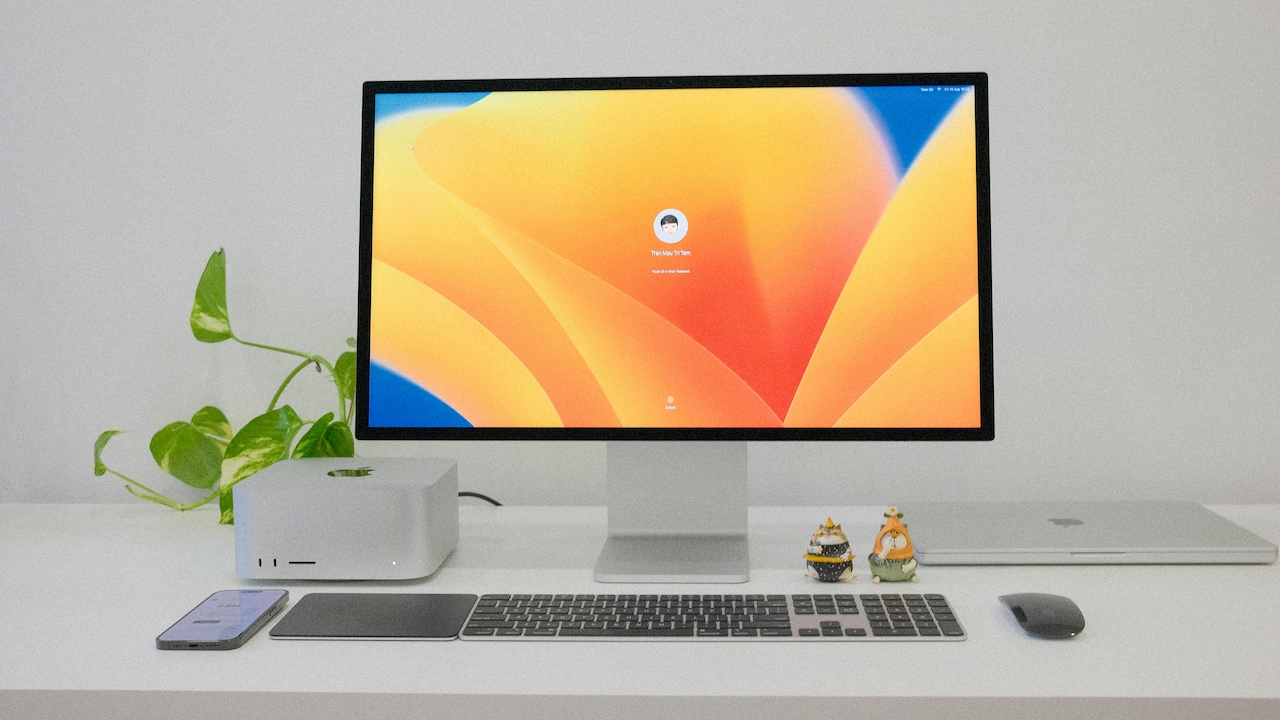
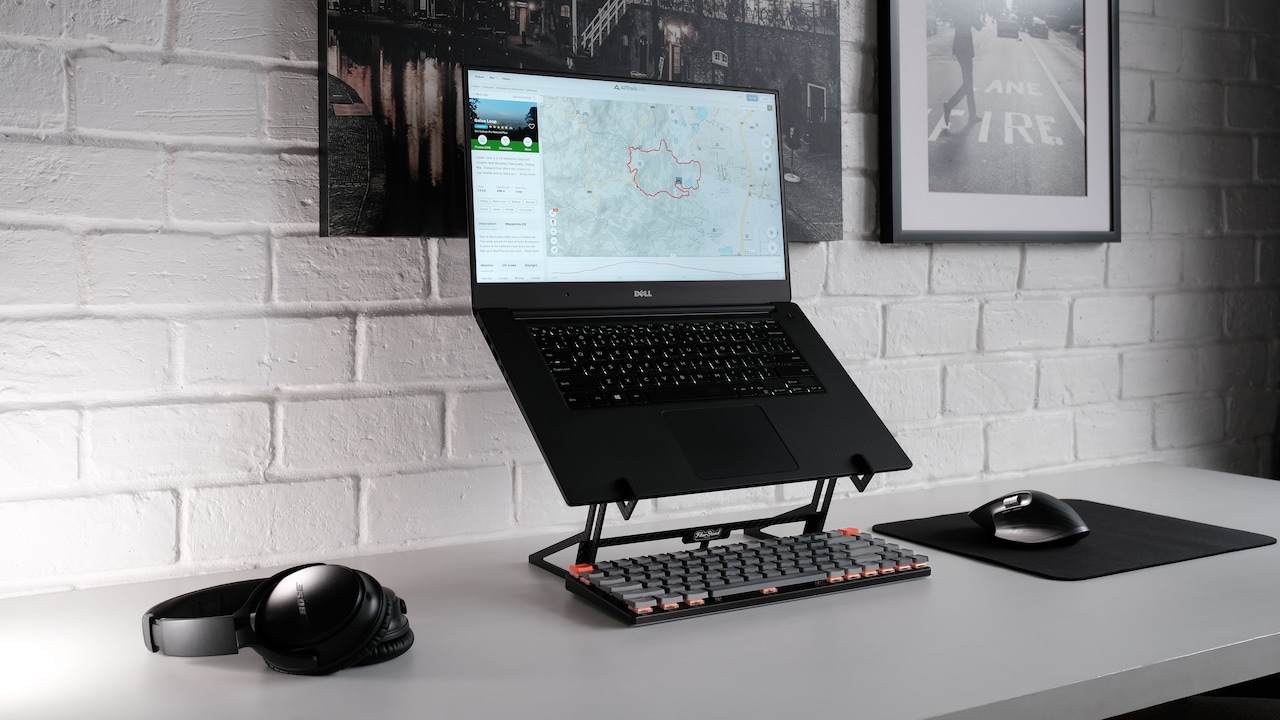
Improve your productivity by making the right choice between a large monitor and an external keyboard; Photo Credit: Pexels
Two upgrades often appear on shopping lists: a proper external keyboard and a large monitor. One promises speed and comfort for the hands. The other offers space and clarity for the eyes and the mind. Both sound essential. Budgets, however, tend to demand a choice.
This article explores that choice with a practical lens. No lab jargon. No dramatic claims. Just real workdays, real desks and real outcomes. From writing reports and analysing data to attending endless video calls, the following sections unpack how each tool shapes productivity in different ways.
Also Read: 7 Best Wireless Keyboards That Work Seamlessly Across Devices: Perfect For Laptops And Tablets
Looking Beyond Specs to Real Workday Results
1. Speed Starts at the Fingers
Typing speed sets the rhythm for many jobs. Emails, reports, proposals and messages fill the day. Laptop keyboards often feel cramped, shallow and unforgiving. An external keyboard changes that relationship instantly.
Keys offer better travel and spacing. Fingers land confidently. Errors drop. Words flow faster. Over hundreds of lines of text, those saved seconds add up. The mind stays focused on ideas instead of correcting typos.
Mechanical or well-designed membrane keyboards also reduce fatigue. Hands stay relaxed. Wrists feel supported. That comfort extends work sessions without strain. Even casual tasks, like replying to messages, feel smoother.
A large monitor cannot fix slow typing. Text still enters through the same keys. For roles heavy on writing, coding or documentation, productivity rises from faster input. In such cases, an external keyboard delivers immediate and measurable gains.
2. Screen Space Shapes Thinking
Complex work needs room to breathe. A large monitor provides that breathing space. Multiple windows stay open without overlapping. A document sits beside reference material. A video call runs next to shared notes.
This visual freedom reduces mental load. The brain stops juggling hidden tabs. Eyes move naturally across information. Tasks feel calmer and more organised.
Designers, analysts and planners benefit the most. Charts appear clearer. Timelines stretch comfortably. Errors stand out faster. Even simple tasks, like comparing prices or reviewing documents, become easier.
While a keyboard improves speed, a monitor improves clarity. When work demands constant switching between tools or data, screen size becomes a quiet productivity hero.
3. Comfort Is Not a Luxury
Discomfort kills focus faster than any notification. Laptop setups often force awkward postures. Shoulders hunch. Necks bend. Over time, pain creeps in.
A large monitor allows better posture. The screen rises to eye level. The neck stays straight. Pair that with an external keyboard placed at a natural height, and the body relaxes.
If choosing one, posture matters. A monitor alone improves neck alignment. A keyboard alone improves hand comfort. Which discomfort appears first during long days? Answering that question guides the smarter upgrade.
For many desks, neck strain shouts louder than finger fatigue. In those cases, a large monitor delivers stronger relief and longer-lasting focus.
4. Multitasking Without the Mess
Modern work rarely follows a single thread. Messages arrive mid-task. Files need cross-checking. Calls interrupt writing. Multitasking feels unavoidable.
A large monitor handles this chaos better. Two or three windows sit side by side. No constant minimising. No lost context. The workflow stays visible.
An external keyboard does help navigate faster with shortcuts. Yet shortcuts cannot replace visibility. Seeing everything at once reduces mistakes and speeds decisions.
For roles juggling many tools at once, screen real estate keeps work organised. Productivity rises not through speed, but through reduced confusion.
5. The Hidden Mental Boost
There is a psychological shift when work feels easier. A satisfying keyboard creates a rhythm. Each keystroke feels deliberate. Writing becomes enjoyable.
A large monitor creates a sense of control. Work spreads out calmly. The desk feels professional. That subtle confidence boosts motivation.
Which mental boost matters more depends on the task. Writing-heavy roles gain joy from typing. Visual-heavy roles gain calm from space. Productivity often follows enjoyment, not just efficiency.
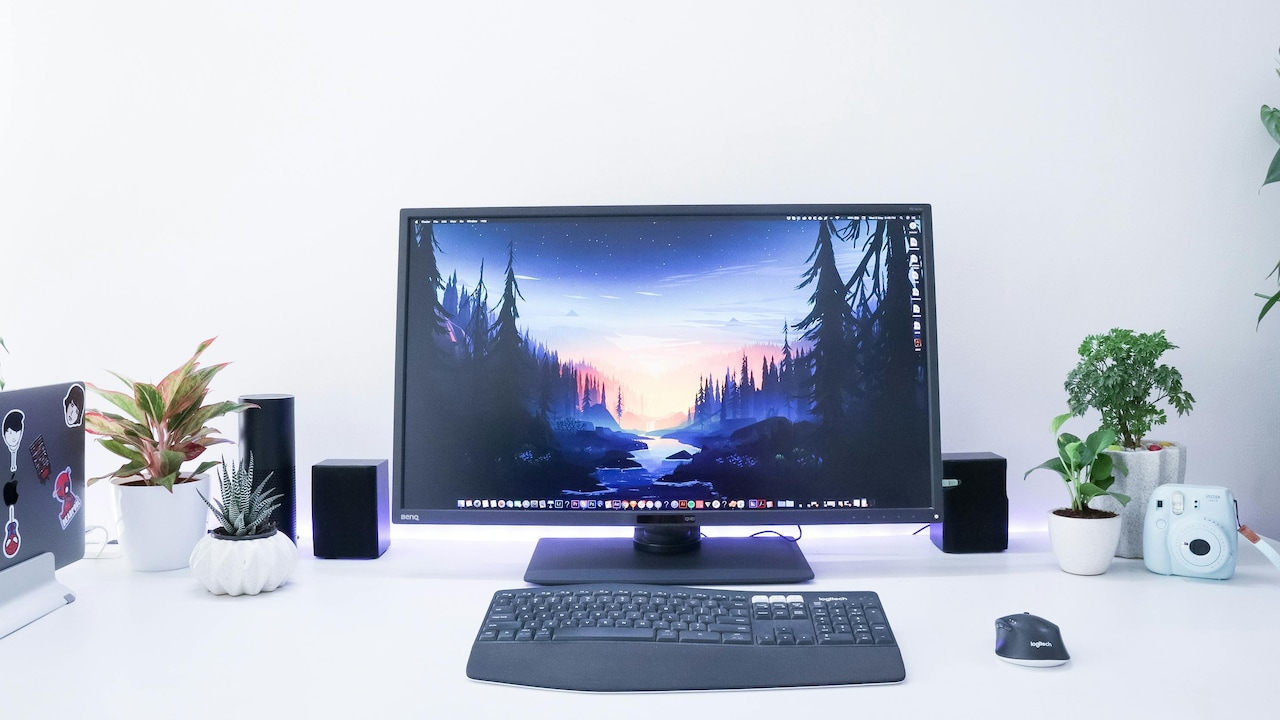
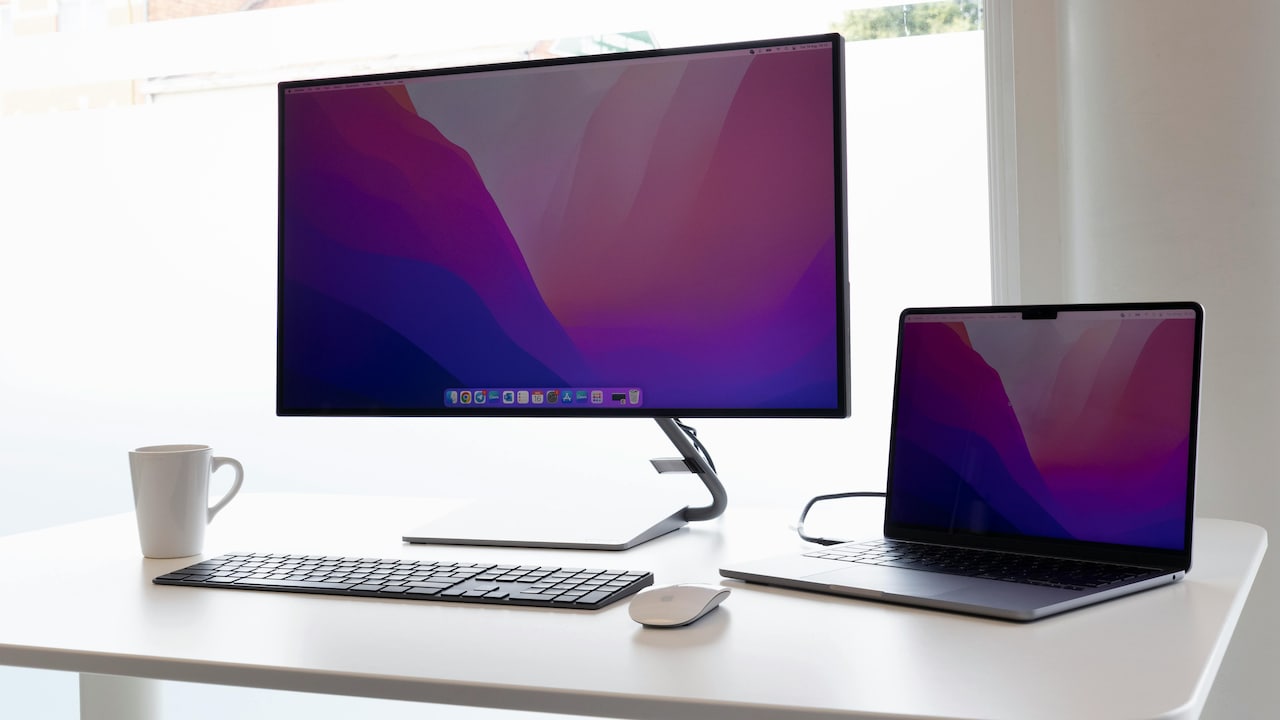
A large monitor offers a sense of control and makes your desk feel professional; Photo Credit: Pexels
6. Learning Curves and Instant Wins
An external keyboard delivers instant benefits. Plug it in. Start typing better. No adjustment needed.
A large monitor may need setup tweaks. Display scaling, window management and desk rearrangement take time. Once adjusted, the benefits last long.
For quick productivity gains, keyboards win. For long-term workflow transformation, monitors pull ahead.
7. Space, Portability and Real Homes
Not every home offers a sprawling desk. Space constraints matter.
An external keyboard slips into a drawer. It travels easily. It suits flexible workspaces and shared desks.
A large monitor demands space and stability. Moving often feels impractical. Power consumption also rises slightly.
For those working from cafés, shared rooms or temporary setups, keyboards adapt better. Monitors suit stable home offices.
8. Cost Versus Value
Budgets always enter the conversation. A reliable external keyboard often costs between ₹1,500 and ₹5,000. A good, large monitor ranges from ₹10,000 to ₹25,000.
Keyboards offer a lower entry point with immediate gains. Monitors cost more but deliver broader benefits over time.
When funds feel tight, keyboards present a safer first upgrade. When long hours define daily life, monitors justify their price through comfort and clarity.
9. Task-Based Productivity Wins
Different jobs demand different tools.
Writers, developers and students benefit more from keyboards. Speed and comfort drive output.
Designers, analysts and managers benefit more from monitors. Visibility and organisation shape results.
Productivity improves fastest when the tool matches the task, not trends or online hype.
10. The Power Pair Effect
The debate often misses a simple truth. The best setup uses both. A large monitor paired with an external keyboard transforms work completely.
Hands move freely. Eyes rest comfortably. Posture improves. Focus deepens. Productivity climbs without conscious effort.
When choosing one first, keyboards suit text-heavy and mobile setups. Monitors suit visual-heavy and stationary setups. Eventually, pairing both creates the most balanced and sustainable workflow.
Products Related To This Article
1. Logitech Pebble Keys 2 K380s, Multi-Device Bluetooth Wireless Keyboard with Customisable Shortcuts
2. Dell KB216 Wired Multimedia Keyboard
3. Portronics Bubble 3.0 Wireless Keyboard with Bluetooth
4. Amkette New and Improved Optimus BT 4 in 1 Multi Device Wireless Keyboard
5. EvoFox Fireblade TKL Semi-Mechanical Gaming Keyboard with Rainbow Backlit& Breathing Effect
Productivity does not hide in complicated systems or expensive gadgets. It lives in everyday comfort, clarity and flow.
An external keyboard boosts speed, reduces fatigue and delivers instant gains. A large monitor expands thinking space, improves posture and calms the mind. Neither option wins universally.
The smarter choice depends on how work unfolds each day. Typing volume, visual complexity, desk space and budget all matter. Observing where frustration appears offers the best clue.
In the long run, thoughtful upgrades pay back every hour spent working. Whether fingers move faster or eyes see clearer, productivity rises when tools support natural human rhythms.
(Disclaimer: This article may include references to or features of products and services made available through affiliate marketing campaigns. NDTV Convergence Limited (“NDTV”) strives to maintain editorial independence while participating in such campaigns. NDTV does not assume responsibility for the performance or claims of any featured products or services.)