How To Automate Your Diwali Lights With Smart Plugs
Want your Diwali lights to switch on by themselves each evening? Here is how to pick a smart plug, set the timer and keep the whole setup safe at home.
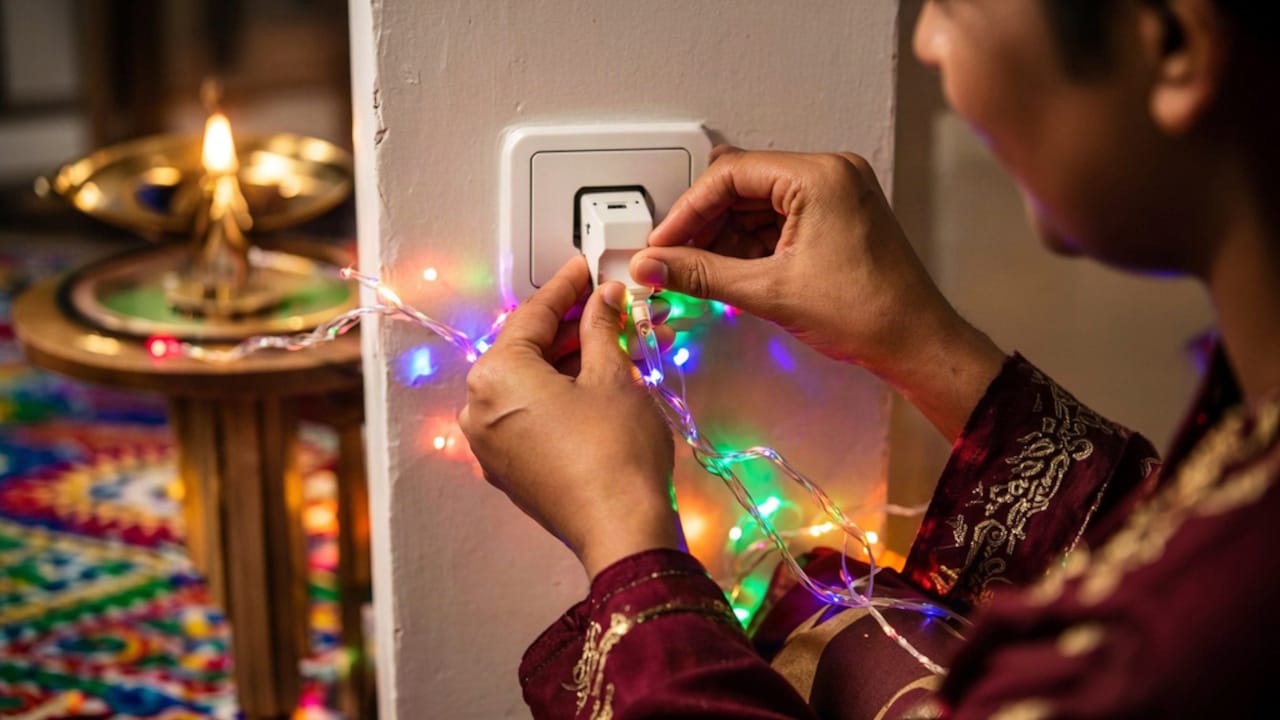
Try these tips to automate Diwali lights with smart plugs
It is nine o'clock at night, and the lights on the balcony are still on. No one is interested in climbing over the seats to get to the switch. Every year on Diwali, the ceremony takes place in a different part of the home. Either a string is kept lit until morning, or the lights are turned off immediately upon the arrival of guests. A smart plug is the solution to this issue. Amazon offers a wide variety of them, ranging from lightweight 6A ones to heavy 16A ones. The lights will run on their own for the entire week if you choose the appropriate size and set a timer just once. It only takes a few minutes to fully set up
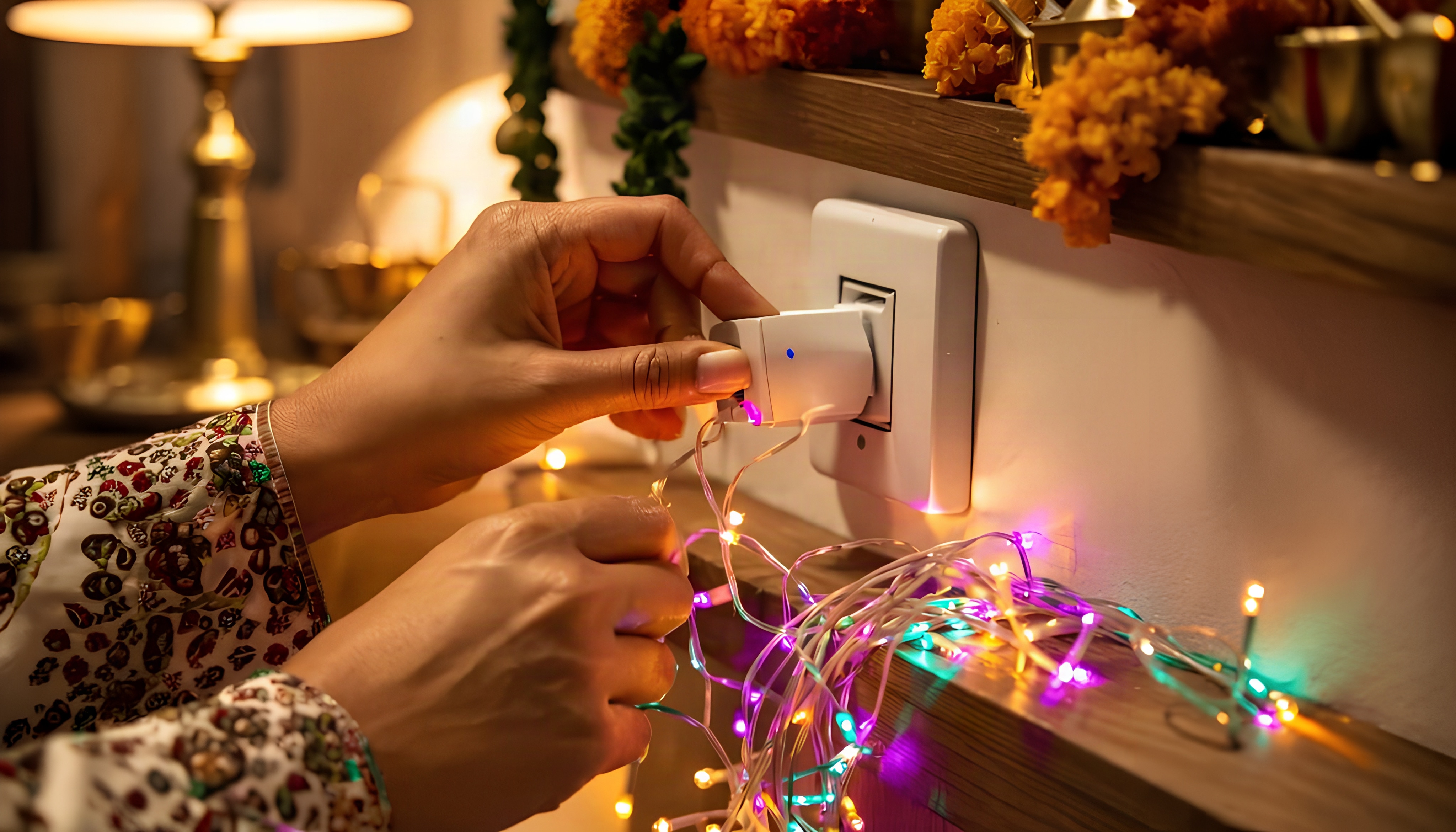
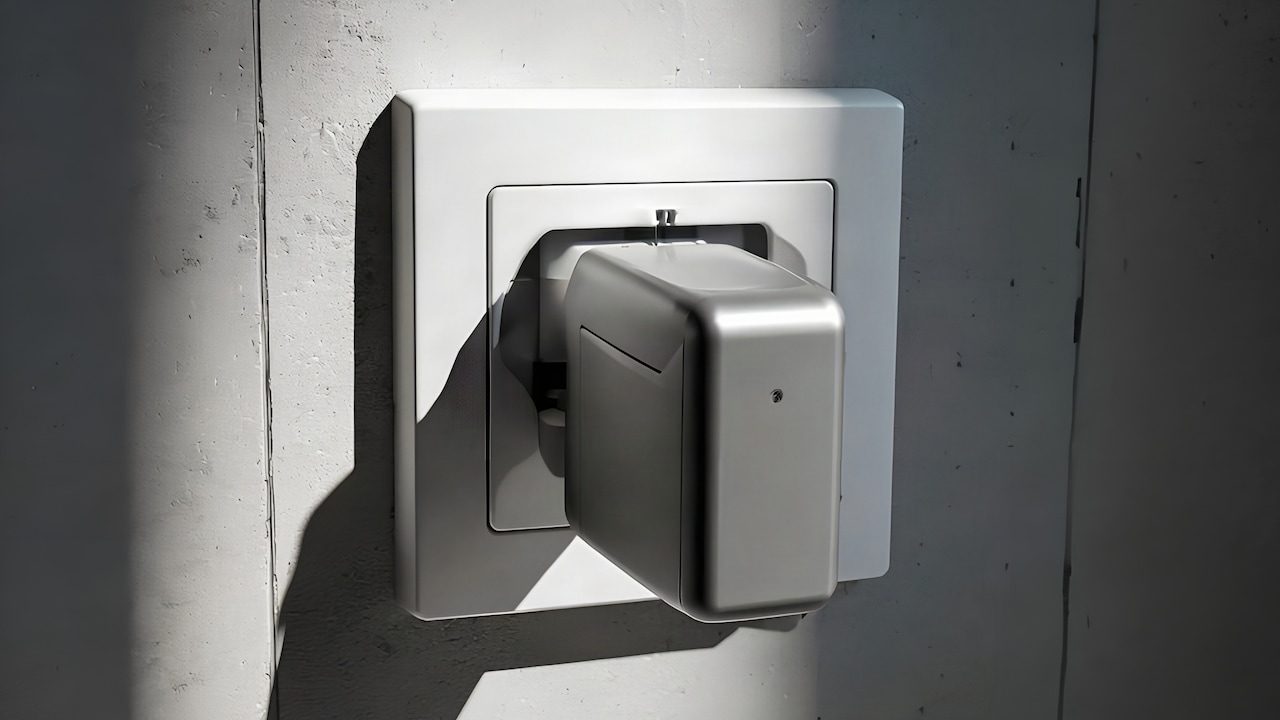
Smart Plug With Energy Monitoring
Photo Credit: iStock
Setup follows an order. First the plug size, then the Wi-Fi, then the app, then the timetable. If you don't do it that way, you reset everything again, generally with guests waiting for the lights to turn on. Each step is outlined in this handbook. It also comes with eight smart plugs from Amazon; hence, you should check it out before buying. Read it once, then have your phone handy as you attempt each step.
Also Read: Exotic Beverages On Amazon Great Indian Festival: 5 Picks That Taste Refreshing
What A Smart Plug Actually Does For Diwali Lights
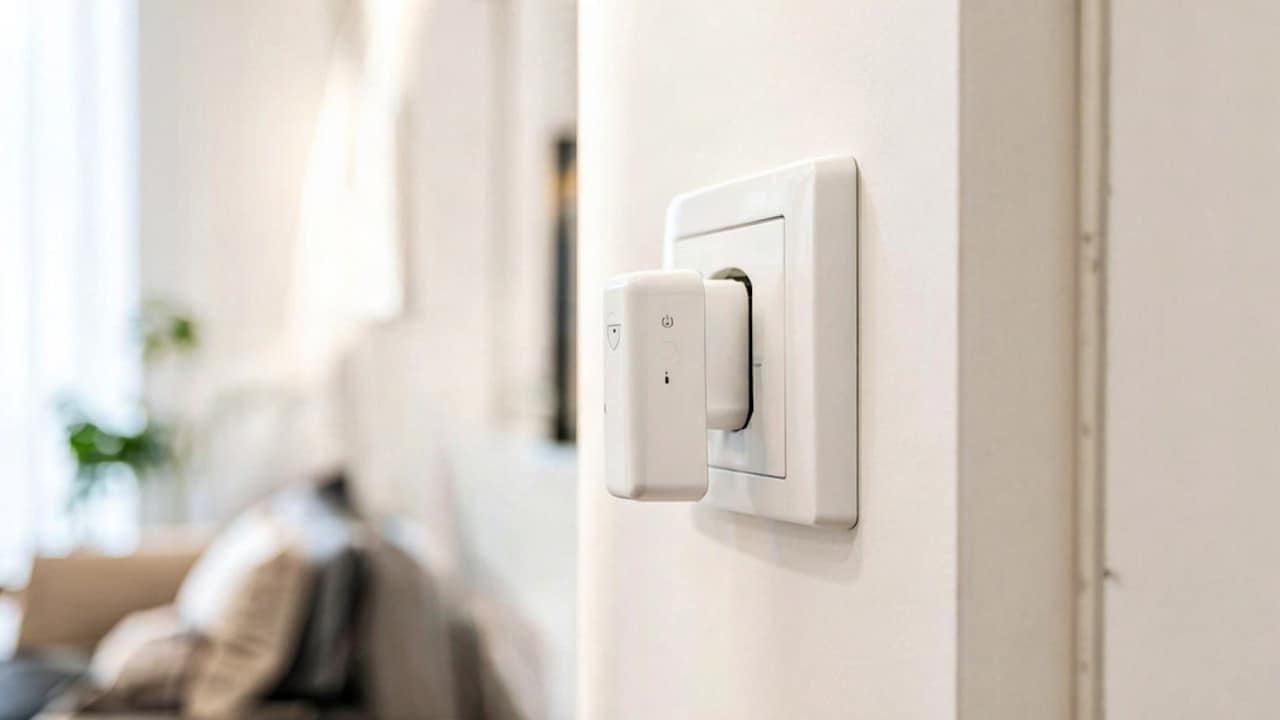
A smart plug sits between the wall socket and your light string. You control it from a phone app, a voice assistant or a timer. Nothing inside the lights changes. The plug just switches the power on and off at the time you choose. It also saves a trip to the switch every night.
Most people expect something complicated. It isn't. You plug it in, connect it to Wi-Fi and name it, say "balcony lights". After that, a schedule does the work. Lights on at six, off at eleven. Done for the whole festival.
Does The Plug Size Really Matter That Much?
Yes, more than the brand.
A plug has a limit. Small ones handle light loads; bigger ones handle heavy appliances. LED strings draw very little, so a 6A or 10A plug is usually fine. Old bulb strings and big decorative lamps draw more, so add up the load before you plug them in.
Don't guess here. Check the rating on the plug and the wattage on your lights. Keep the total below the limit. A few minutes of reading now beats a hot plug later, usually at midnight when everyone is asleep.
Setting Up The Plug And The App
Setup takes a few minutes. Most of it is the Wi-Fi.
1. Check Your Wi-Fi Band First
Many smart plugs are only able to connect to networks operating at 2.4 GHz. If your router combines both bands under a single name, the phone may try to connect to the wrong band.
Move close to the router during setup. Once the plug is connected, you can plug it in anywhere with a signal.
2. Plug In And Pair It
Put the plug in a socket, then open the app and add a new device. The light on the plug usually blinks while it pairs.
Give it a clear name. "Balcony lights" is better than "Plug 1". You will thank yourself when there are three of them.
3. Set A Daily Schedule
Choose the times to turn them on and off. Sunset is a good start, around six in the evening in most cities during Diwali. Turning off at eleven works for most homes.
Save it for every day of the week. You don't have to touch it again. You can edit it at any time from the same screen.
4. Test It Before The Big Night
Switch the plug on and off from the app. Then turn off your phone's Wi-Fi and see what happens.
Some plugs keep the timer running without internet. One listing here mentions that. Others need Wi-Fi all the time.
Planning The Lights, The Timings And The Safety
Once the plug works, think about where it goes. This stage is where setups either hold or cause trouble.
Lights change a home more than any single decoration. Treat the wiring with the same care as the lights themselves.
1. Match One Plug To One Zone
Give each area its own plug. Balcony, front door, living room window. One app tile for each.
That way you can switch off the living room without touching the balcony. Name each tile after the room. Small, simple, and handy.
2. Keep Plugs Indoors Or Covered
Most smart plugs are not made for rain. Keep them inside or under a proper covered spot with a cable running out.
Don't leave one on a wet balcony floor. Water and sockets don't mix, however good the lights look.
3. Avoid Overloading One Socket
Don't stack a plug, an extension board and five light strings into one wall point. Check the total again if you add more.
Spread the load across sockets. Use a rated extension board if you need more points. A hot plug is the first warning, and it's better to catch it early.
4. Use Voice And Timers Together
If you have Alexa or Google Assistant, link the plug-in in the app. Then you can say "lights off" at the door.
Keep the timer as a backup. Voice is fun for guests. The schedule is what keeps it all running when you are busy.
So, What Should You Actually Set Up?
One plug for each zone, rated well above the lights it runs. Wi-Fi checked, app named, schedule saved, and a test run done a day early. Eight plugs are listed below, and each suits a different setup. Skip the ones with a rating far above your needs if you only run a few LED strings.
Do the whole thing two days before Diwali. The week fills up quickly. A setup that runs by itself is better than one you have to keep fixing by hand.
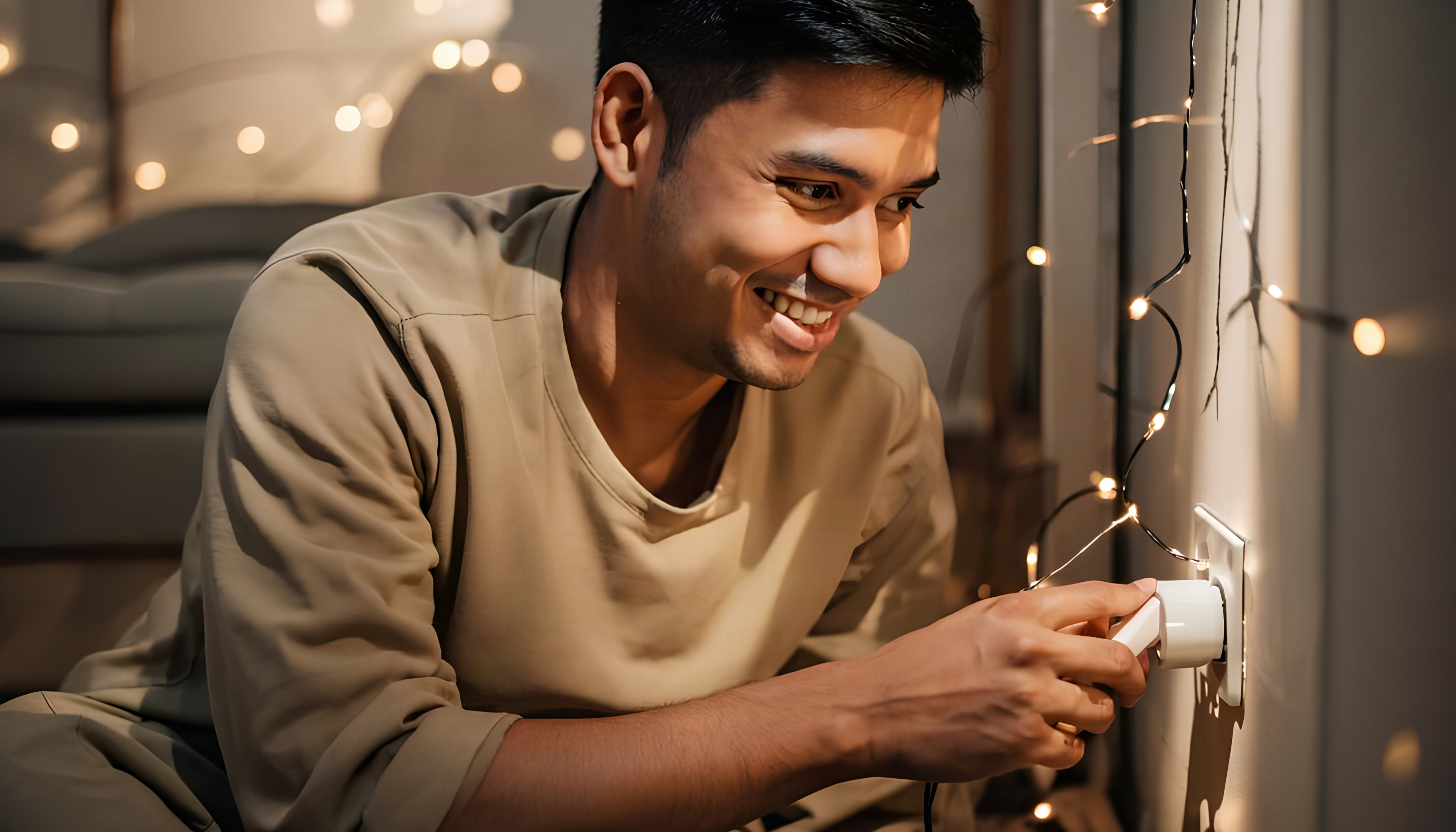
Smart Plug With Energy Monitoring
Photo Credit: iStock
Some Products You May Like
1. Wipro 10A Smart Plug With Energy Monitoring For Small Appliances
2. Tapo P110 16A Wi-Fi Smart Plug With Energy Monitoring
3. PHILIPS 6-16A Smart WiFi Plug With Wiz Connected Voice Control
4. Havells 16 A Wi-Fi Smart Plug With Voice Control And Energy Monitoring
5. Smarteefi 16A WiFi Smart Plug With Guaranteed Timer
6. Lifelong Electronics 10A WiFi Smart Power Plug For Home Automation
7. AZIOT 16A Smart Plug With Energy Monitoring, WiFi And Bluetooth
8. Zebronics ZEB-SP116 Smart Wi-Fi Plug With Scheduled Control And Energy Monitoring
Frequently Asked Questions (FAQs)
1. Can I use a smart plug to power my Diwali lights?
Yes, as long as the total load doesn't go over what the plug can handle. It's easy for most plugs to control LED strings because they don't use much power.
2. Would smart plugs still work if there is no Wi-Fi connection?
Some people can keep the timer going even when they're not online, but most of them need Wi-Fi. Check the listing, because you usually need to connect before you can set up and control the app.
3. Can Smart plug be used outdoors?
Not on a wet balcony. It should be maintained in a room or under suitable protection, and the cable should be distributed to the lights.
4. How many lights can be powered by a single plug set?
Both the wattage of the lights and the amp rating of the plug are factors that determine the answer. The watts should be added up, and the total should be kept considerably below the limit.
5. Should I use Google Assistant or Alexa for my needs?
No. On their own, the app and the timer function perfectly, and if you already have a speaker, voice control is an additional feature that you can use.
(Disclaimer: This article may include references to or features of products and services made available through affiliate marketing campaigns. NDTV Convergence Limited (“NDTV”) strives to maintain editorial independence while participating in such campaigns. NDTV does not assume responsibility for the performance or claims of any featured products or services.)