How To Protect Your Phone From Monsoon Water Damage
Keep your smartphone fully protected this Monsoon season using advanced waterproof accessories and drying solutions to prevent costly accidental water damage.
How To Protect Your Phone From Monsoon Water Damage
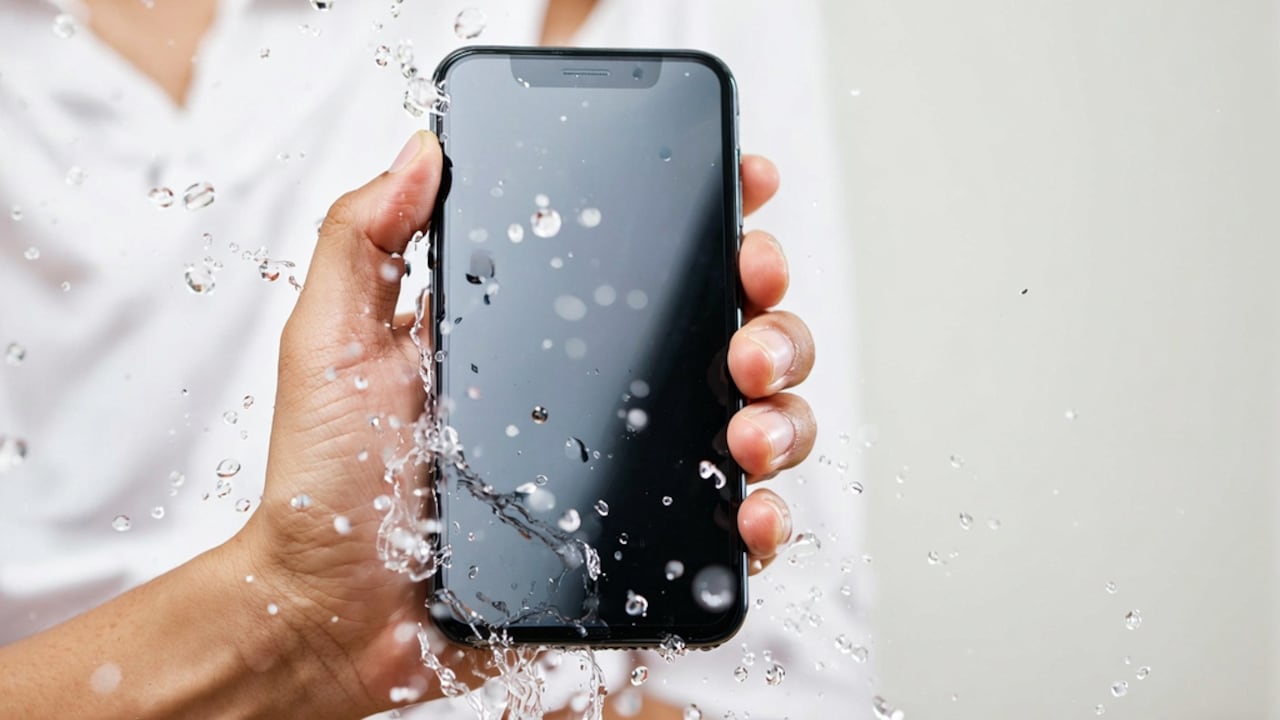
Monsoon season not only provides relief from the scorching summers, but it also poses many challenges to our gadgets. A single spell of rain, soaking-wet bags or even some water drops inside your pocket can ruin your cellphone. In the Indian scenario, where monsoons bring unexpected rains and humidity, taking measures to protect your cell phone becomes crucial. Moreover, sometimes moisture damage cannot be noticed immediately but keeps building up over time.
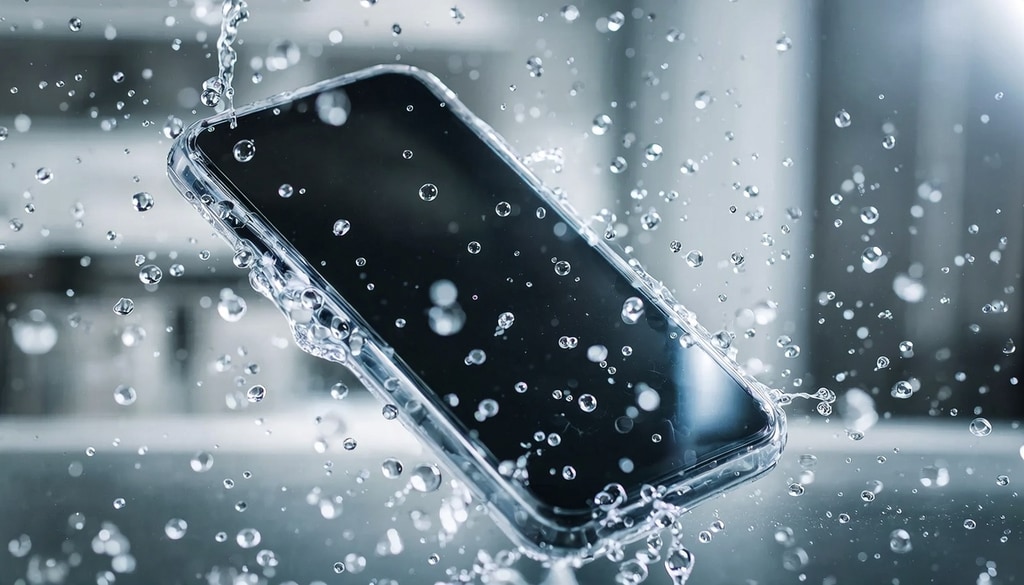
Prevent expensive fluid damage this Monsoon by securing your smartphone with premium water-resistant protective gear.
Photo Credit: iStock
However, there is no need to worry much about your cell phone while dealing with rainy days, because there are easy ways to safeguard it from monsoon damage. Some smart choices will enable you to protect your phone and save yourself from costly repair bills or loss of data.
Also Read: Top 5 Waterproof Crossbody Bags For Monsoon Commute Under ₹1,900
What To Consider Before Carrying Your Phone During Monsoon
Consider how much rain your phone will be exposed to. This is because light rains mixed with humidity may cause damage to your phone over time.
Your phone is more susceptible to moisture in monsoon months if you carry it in an open pocket. It is easier for the moisture to make its way into your phone via damp clothes or bag. Waterproof cases can help reduce chances of water exposure.
You also need to look at the humidity level, as high moisture levels in the environment can do damage to your phone, even without direct contact with water. You could end up with internal condensation in your phone if you go from an air-conditioned space inside to a humid environment outside. Finally, it is best to avoid keeping your phone in the same bag as umbrellas and damp clothes.
How To Protect Your Phone From Water Damage During Monsoon
Step 1: Use a Waterproof Case
The waterproof case will act as a safeguard against exposure to rain or water droplets that accidentally fall on the phone. If the phone is water-resistant, having another protective shield will offer added safety during rain. Opt for cases that have sealing ends along with a covered charging port.
Step 2: Put Your Mobile in a Dry Bag
Carrying your phone in a waterproof dry bag is one of the simplest ways to protect it from damage. The idea proves handy if you travel on two-wheelers or in heavy rain. Waterproof bags that are transparent make using the touch screen easy without taking out the phone.
Step 3: Don't Charge the Wet Device Right Away
Charging your mobile immediately after getting wet can damage it by causing a short circuit due to moisture in the charging port. Make sure you thoroughly dry the phone first.
What Are The Best Phone Protection Accessories During Monsoon?
1. Waterproof Phone Pouches
They are inexpensive, light in weight and suitable for use during travel when it rains. The majority of pouches offer protection against rain splash or water spray on the phone.
2. Shockproof and Waterproof Cases
Shockproof and waterproof cases not only provide protection from water but are also drop-resistant.
3. Waterproof Backpack and Sling Bags
Waterproof bags will protect your phone as well as accessories such as your chargers, earphones, and power banks.
4. Oleophobic Screen Protectors
Screen protectors with an oleophobic layer reduce water stains on your smartphone's screen surface.
Can Humidity Damage Smartphones During Monsoon?
Yes, high humidity does affect phones without any contact with water.
This is because moisture in the atmosphere finds its way into the charging port, speakers, and headphone ports and eventually causes corrosion. Fogginess in the camera lenses is another issue that occurs in high humidity.
Using the phone in a dry environment at all times will keep the moisture away. Alternatively, silica gel can help in such cases when placed in bags.
How To Save A Wet Phone During Monsoon
Step 1: Switch Off Your Phone Immediately
If your cell phone gets submerged in water or exposed to heavy rain, switch it off immediately. Using the phone more frequently will cause greater internal damage.
Step 2: Remove the SIM Card and Accessories
After switching off your phone, you should remove the phone cover as well as the SIM card. This will assist in draining out excess moisture.
Step 3: Dry Out the Phone Using a Cloth
Wipe your mobile phone using a microfibre cloth. Under no circumstances should you expose your mobile phone to heat, for example, from hair dryers.
Step 4: Let Your Mobile Phone Dry Completely
Leave your phone in a dry place for some time before turning it on.
Common Mistakes To Avoid During Rainy Season
Many people, after accidentally exposing their phone to water, end up damaging it even more without even knowing it. Don't shake the phone to get water out; doing so can force moisture further into the internal components.
Do not expose the phone to direct sunlight for extended periods of time. The battery and display can become warm. It is also dangerous to clean the ports with sharp objects. Instead, let the moisture dry out on its own.
Best of all, don't overlook small signs of water damage. Fuzzy cameras, charging problems or distorted speakers are often signs of internal moisture.
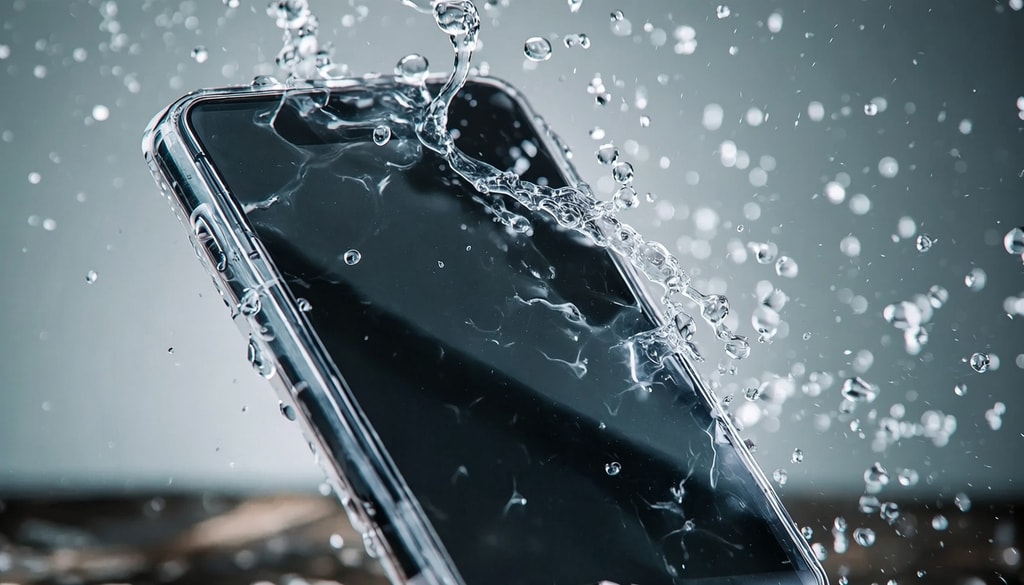
Keep mobile devices safe during rainy seasons using specialized waterproof covers and emergency moisture-absorbing tools.
Photo Credit: istock
Small Habits That Make A Big Difference
Simple daily habits can greatly reduce the chances of monsoon water damage. Keep your phone away from bathroom counters, kitchen sinks and open windows during heavy rain. Always wipe your hands before using the device after coming indoors.
Using wireless earphones in the monsoon also prevents frequent exposure of the charging port and jack of the headphones to moisture. In addition to taking measures, backing up your data regularly is also essential. Accidents may occur even if you take necessary precautions during unexpected weather conditions.
Simple precautions taken by you during the monsoon will protect your smartphone from costly repairs and stress.
Phone Protection Products You May Like
1. Case-Mate IP68 Waterproof Phone Pouch
2. Spigen Tough Armor Back Cover Case
3. Cozycase Plastic For iPhone 12 Waterproof Case Cover
4. Delzon Waterproof Dry Bag with Phone Case
5. Optifit Armband for Mobile Phone Running with Luminous, Waterproof Phone Holder
6. Spigen Polyvinyl Chloride Aqua Shield IPX8 Waterproof Pouch Bag
7. DUVORA 3L PVC Waterproof Dry Bag
Frequently Asked Questions (FAQs)
1. Can rain damage your smartphone permanently?
Yes, rain can cause serious harm to a smartphone if proper measures aren't taken immediately.
2. Are water-resistant and waterproof features the same?
No, water-resistant devices are less resistant compared to waterproof smartphones.
3. Do I put my waterlogged smartphone in rice?
Not necessarily because air drying in a well-ventilated place is safer.
4. Does humidity affect the performance of phone charging?
Yes, excessive moisture in the charging port will inhibit the battery from charging.
5. How do I safely carry phones during the rainy season?
Waterproof bags provide the most appropriate cover during monsoons.
(Disclaimer: This article may include references to or features of products and services made available through affiliate marketing campaigns. NDTV Convergence Limited (“NDTV”) strives to maintain editorial independence while participating in such campaigns. NDTV does not assume responsibility for the performance or claims of any featured products or services.)