Mechanical vs. Membrane Keyboards: Which Is Better For Typing, Work Or Gaming?
Mechanical and membrane keyboards may look similar, yet they feel worlds apart when fingers hit the keys. Explore the difference in a fun, relatable way, so choosing the right keyboard becomes easy rather than confusing.
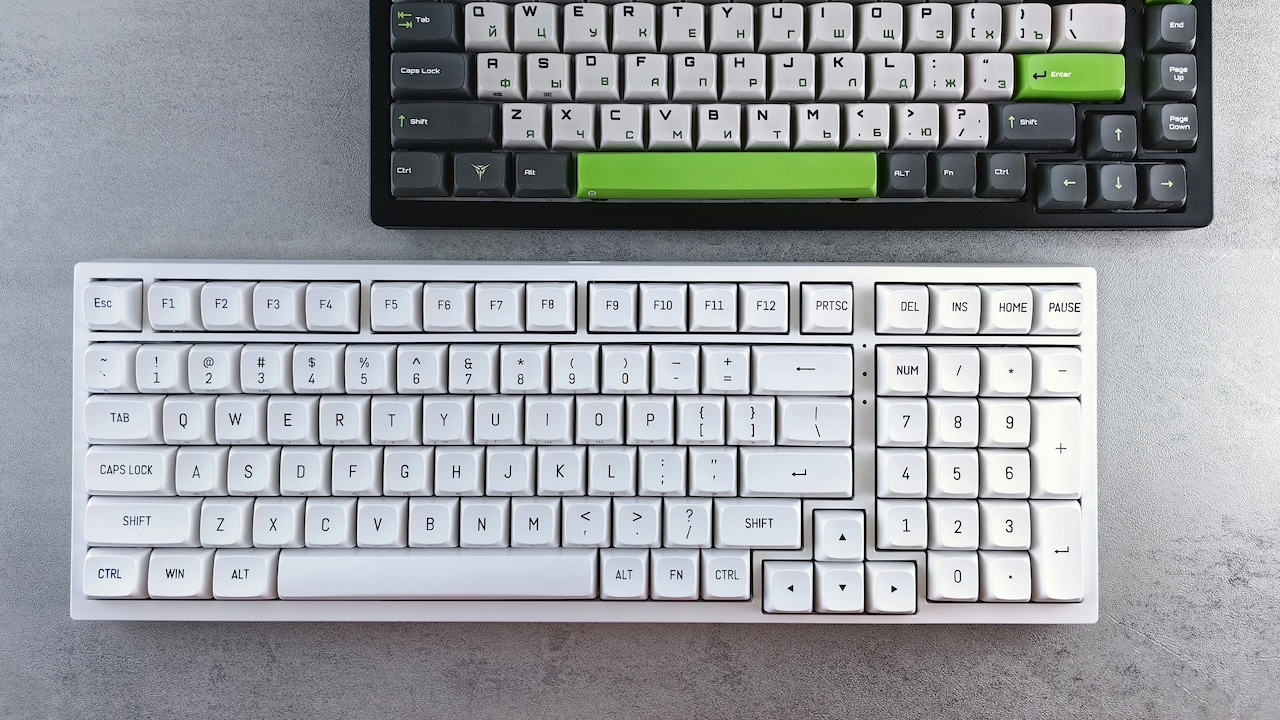
Mechanical vs Membrane Keyboards: Find the Best Option for Gaming, Office, and Typing Comfort.
Keyboards tend to sit on desks without much attention until long assignments, office tasks or gaming marathons turn into wrist workouts. That's usually when the hunt for a better keyboard begins. The market floods shoppers with two popular choices: mechanical and membrane keyboards. Both promise comfort and speed, yet deliver very different experiences. For many people balancing work, study and leisure, the ideal keyboard becomes more than just a tool. It shapes productivity, reduces fatigue and even adds a bit of personality to the setup.
So, on mechanical and membrane keyboards, this guide explores every angle, feel, speed, durability, sound, value for money and more. Each section blends everyday examples, honest observations and practical insights. By the end, choosing the right keyboard won't feel like decoding tech jargon.
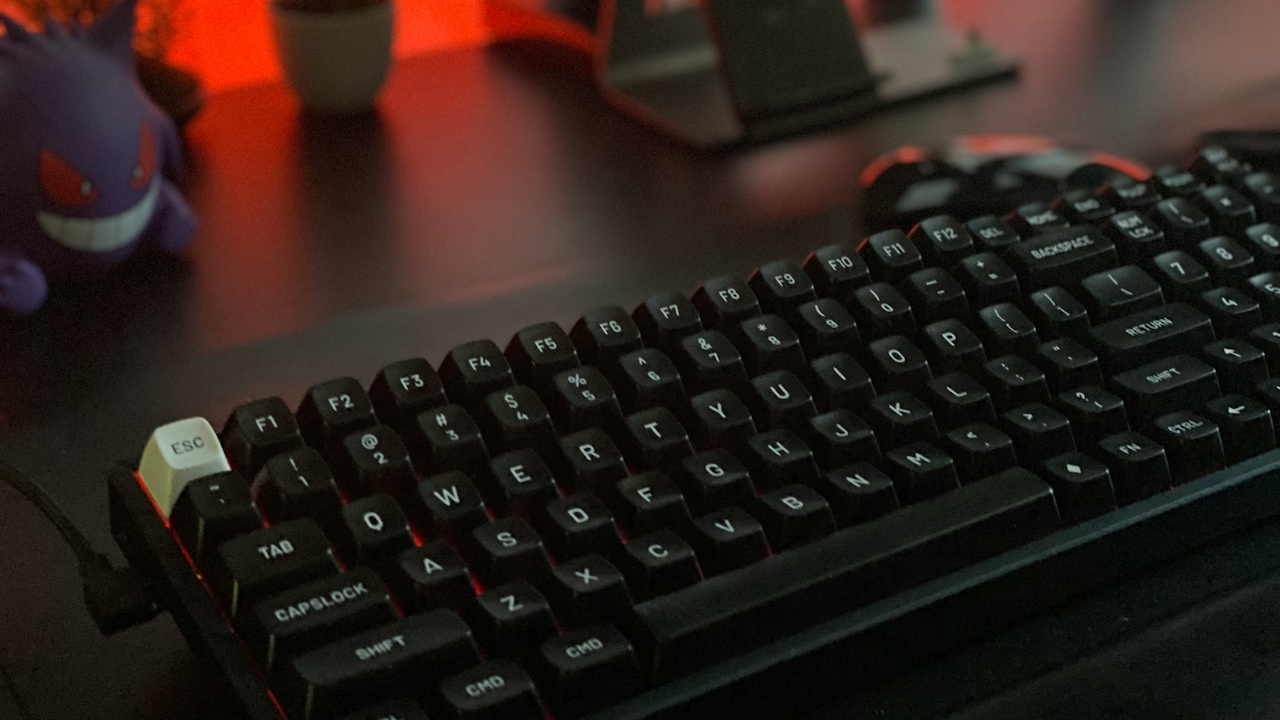
Mechanical vs. Membrane Keyboards: Which Is Better For Work Or Gaming?; Photo Credit: Pexels
A Closer Look at What Sets Mechanical and Membrane Keyboards Apart
1. Understanding How Mechanical and Membrane Keyboards Work
Mechanical and membrane keyboards differ at the core. Mechanical keyboards use individual switches under each key. Every press feels crisp because the switch actuates with a clear, tactile bump or a smooth linear motion. The mechanism creates precision and offers consistency even after years of daily use. It almost feels like each key celebrates every press.
Membrane keyboards take a different approach. Their keys sit on a thin rubber dome. Each press pushes the dome down to make contact with a circuit layer. The feeling stays soft and gentle. It suits those who prefer quiet, light typing without much resistance.
The difference becomes noticeable when switching between laptop keyboards and desktop setups. Laptop keys, often membrane-based, feel flat. Mechanical ones feel raised and defined. Understanding this helps match a keyboard to personal typing habits. Those who enjoy deliberate, rhythmic keystrokes may love mechanical switches. Those who type lightly may prefer the smooth glide of a membrane layout.
2. Typing Experience: Feel, Comfort and Speed
Typing speed depends heavily on the feel of the keys. Mechanical keyboards offer a satisfying sensation with every press. Their responsive nature builds a rhythm that encourages consistent speed. Some switches create a gentle bump mid-press. Others feel linear and glide smoothly. Fast typists often describe the feeling as almost musical, especially during long writing sessions.
Membrane keyboards feel softer and require slightly more pressure on each key. For casual typing, this softness works well. It creates a relaxed experience, especially for those who dislike loud clicks. However, the rubber dome can tire fingers after long hours because the feedback stays muted.
Office workers who type documents all day may appreciate mechanical switches because they reduce errors. Clear feedback means fewer accidental keystrokes. Yet membrane keyboards shine when silence matters. Late-night typing or shared spaces demand something quieter.
Both types work for typing, but the choice depends on whether someone values speed and tactile feel or prefers softer, discreet keypresses.
Also Read: 5 Best Wireless Keyboards Under ₹1,500 for Seamless Work-from-Home Setup
3. Gaming Performance: Response Time, Precision and Edge
Gamers often debate mechanical vs membrane keyboards more passionately than discussions on favourite snacks at chai stalls. Fast-paced games demand quick reactions, and mechanical keyboards usually deliver exactly that. Their switches trigger faster and more accurately. Players gain a slight edge when dodging virtual attacks or executing combos that require rapid tapping.
Mechanical switches also support N-key rollover, which means several keys can register at once. This helps during intense gaming moments where multiple commands happen together. Membrane keyboards struggle when many keys are pressed at the same time, which can limit gameplay.
That said, casual gamers may not notice huge differences. A membrane keyboard handles slower games, puzzle formats or simulation titles without trouble. It also stays quieter during late-night sessions when others are asleep in the next room.
Enthusiast gamers often choose mechanical keyboards for the performance boost. Others choose membrane ones for low cost and quieter use. The final choice depends on whether gaming is a weekend hobby or a serious pursuit.
4. Durability: Which One Lasts Longer?
A mechanical keyboard can serve faithfully for years without losing its responsiveness. Each mechanical switch typically lasts 50 to 100 million keystrokes. Even after long hours of coding, writing or gaming, the keys remain consistent. Favourite keys rarely fade because the legends stay etched or double-shot moulded.
Membrane keyboards don't last as long. The rubber dome inside wears out over time. This causes keys to feel mushy or unresponsive. After a few years, some keys may fail altogether. Those who use keyboards for heavy daily work notice this sooner, especially if typing happens for hours a day.
Repairing a mechanical keyboard also tends to be easier. Switches can be replaced individually. Custom cables, keycaps and accessories keep it looking fresh. Membrane keyboards usually get replaced completely when problems appear.
For people who love long-term value, mechanical keyboards make financial sense despite their higher upfront cost. Membrane keyboards offer affordability, but they don't stay consistent for very long when used heavily.
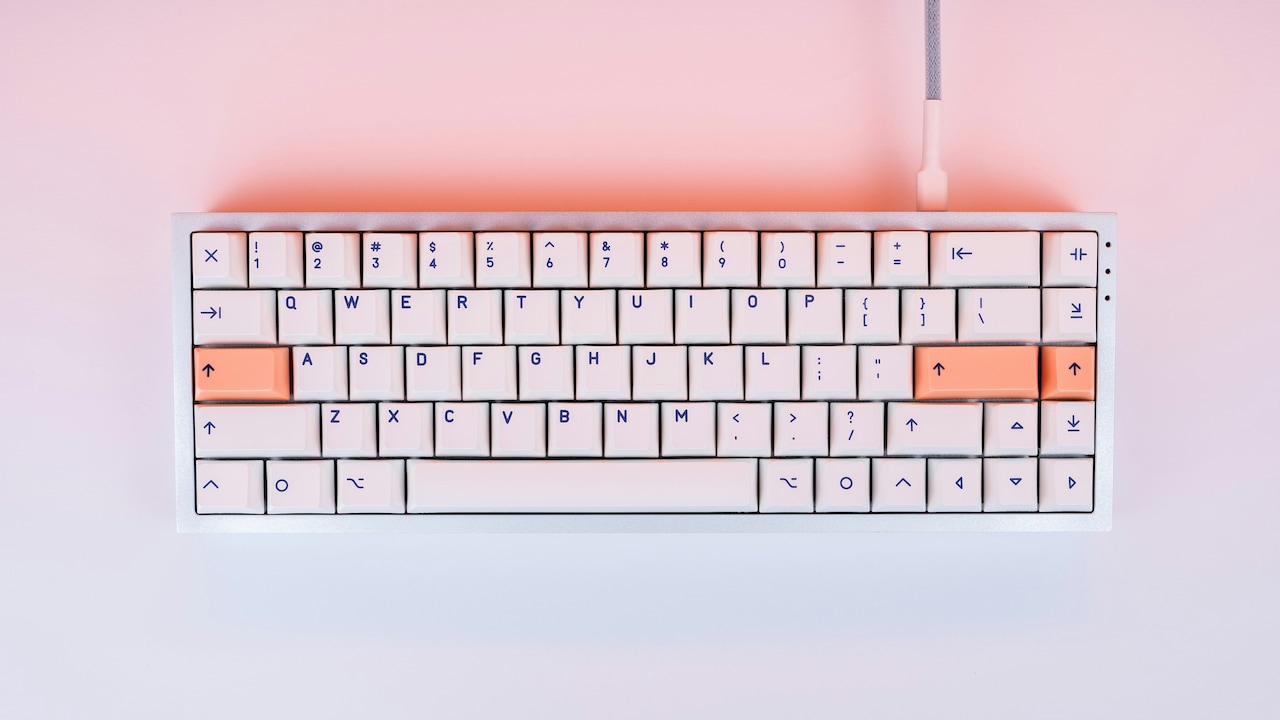
Mechanical vs. Membrane Keyboards: Which Is Better For Work Or Gaming?; Photo Credit: Pexels
5. Noise Levels: Quiet vs Clicky Environments
Mechanical keyboards are famous for their sound. Some switches produce a loud click. Others stay quieter but still offer noticeable feedback. This creates a lively typing experience. It also attracts amused comments from nearby family members who hear the loud “tak-tak-tak” across the room.
In shared offices or quiet study environments, loud clicks can cause trouble. Those who work in co-working spaces often prefer membrane keyboards because they are almost silent. The rubber dome softens ewith ach press. The sound stays low even if someone types quickly.
Mechanical keyboards offer quieter switch options like “silent red” or “brown” switches. These reduce noise while keeping the tactile feel. Still, they are not as quiet as membrane models.
When choosing based on sound, think about when and where typing usually happens. If noise doesn't bother anyone, mechanical switches feel lively and enjoyable. If late-night typing is common or the workspace demands silence, membrane keyboards win comfortably.
6. Customisation and Personalisation
Mechanical keyboards offer a world of customisation. Switches, keycaps, stabilisers, backlighting and even the case can be swapped or tuned. People often personalise their keyboard like a favourite bike or phone case, choosing colours, textures and materials. It becomes a reflection of personality rather than just another tool.
RGB lighting adds more flair. Work during the day can shift to gaming mode at night with rainbow waves or soft ambient glows. Custom keycaps featuring characters, symbols or minimal themes add a creative touch. Some enthusiasts build entire keyboards from scratch.
Membrane keyboards offer limited customisation. Their keycaps rarely come off easily. The design stays fixed and simple. For users who don't want to spend time tinkering, this simplicity works well.
Customisation brings joy to those who want a unique desk aesthetic. Others prefer a simple, ready-to-use model. The mechanical option stands out for those who enjoy creative modifications. Membrane keyboards suit minimal setups without extra fuss.
7. Price Range and Value for Money
Mechanical keyboards cost more because of their premium components. Good ones start around ₹2,000 and rise to ₹12,000 or more. Enthusiast models can go higher depending on materials and features. Though expensive, they offer durability, comfort and long-term reliability. The upfront cost pays off over the years because mechanical switches don't wear out quickly.
Membrane keyboards cost far less. Many popular models fall between ₹300 and ₹1,200. This makes them accessible for students, home offices and those who need a functional keyboard without breaking the bank. For those upgrading from a laptop keyboard, a basic membrane keyboard often feels like a good step up in comfort.
Value for money depends on how much typing or gaming happens daily. If hours are spent at a desk, a mechanical keyboard becomes a worthy investment. Light or occasional users may find membrane keyboards perfectly adequate without spending extra. Personal priorities shape the final decision.
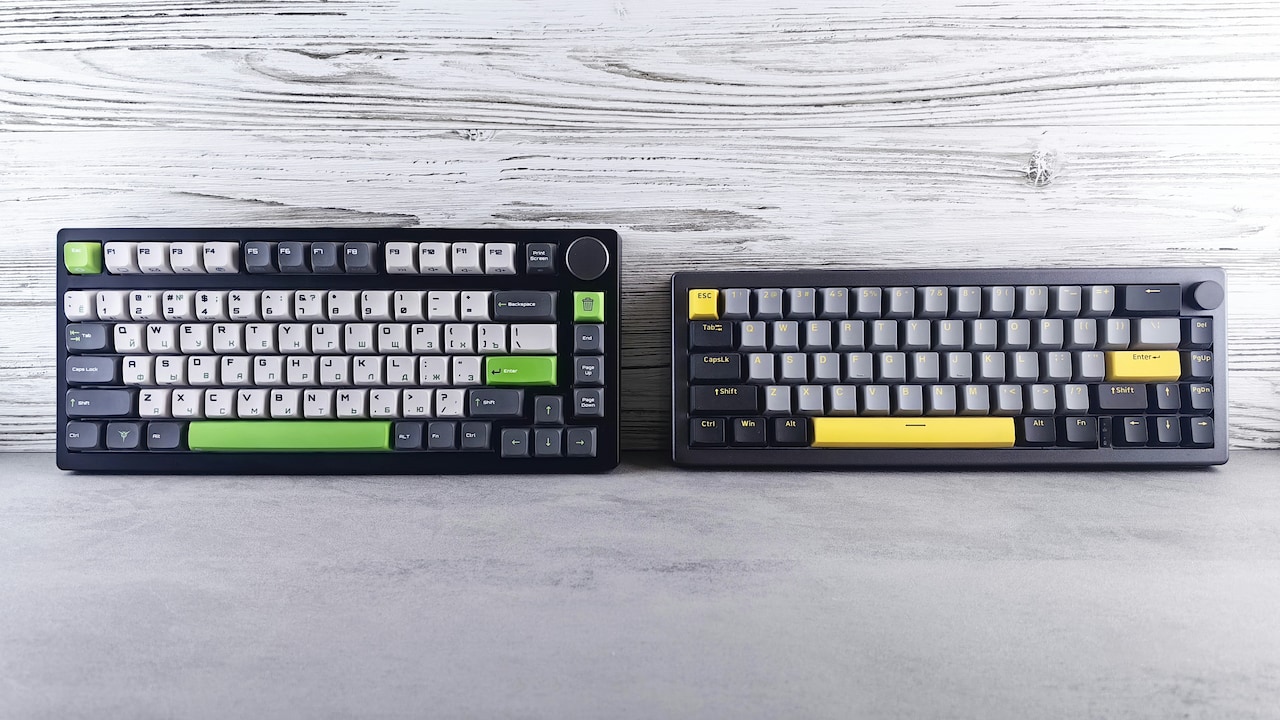
Mechanical vs. Membrane Keyboards: Which Is Better For Work Or Gaming?; Photo Credit: Pexels
8. Comfort and Ergonomics During Long Hours
Comfort becomes essential for anyone spending long hours typing, coding or browsing. Mechanical keyboards help maintain comfort because their switches offer clear feedback. Each press feels definite. Fingers glide confidently without extra pressure. The raised keycaps also help maintain a natural hand position.
Many mechanical keyboards come with wrist rests, adjustable feet and ergonomic layouts. This reduces strain during extended sessions. The predictable actuation force of mechanical switches prevents fingers from pressing too hard, keeping hands relaxed.
Membrane keyboards feel softer at first, yet they demand more pressure over time because the rubber dome absorbs energy. This may tire the fingers after a long session. Their lower profiles suit those who prefer flat keyboards, though some find the layout less comfortable for extended use.
Comfort doesn't rely on the keyboard type alone. Desk height, seating and hand posture also matter. Yet mechanical keyboards generally offer better long-term comfort, especially for heavy use.
9. Maintenance and Cleaning
Keeping a keyboard clean can be a mini-project, especially in hot and dusty cities where dust settles quickly. Mechanical keyboards handle this challenge well. Their keycaps come off easily. Each key can be cleaned, washed or replaced. A quick brush and air blower remove dust from the gaps. The exposed switches make maintenance straightforward.
Membrane keyboards trap dust under a single rubber layer. Cleaning becomes tricky because the keycaps are harder to remove. Once dust or crumbs get inside, removing them requires care. Many users avoid opening them altogether.
Mechanical keyboards also allow lubrication of switches for smoother typing. This hobby appeals to those who enjoy fine-tuning their devices. Membrane keyboards rarely offer such options.
Regular cleaning not only keeps the keyboard hygienic but also prolongs its life. Anyone who enjoys a tidy workspace or snacks frequently near the desk finds mechanical keyboards easier to manage.
10. Which Keyboard Fits Work, Typing and Gaming Best?
Choosing the right keyboard depends on how it will be used. For office work and long typing sessions, mechanical keyboards offer accuracy, comfort and endurance. They suit people who type throughout the day and want consistent performance. The tactile feedback reduces mistakes and boosts confidence.
Gamers benefit from mechanical keyboards because of their speed and multi-key support. Competitive or fast-paced games demand quick responses. Mechanical switches help players keep up with the action.
Membrane keyboards shine when budget and silence matter. Students, beginners and casual users may find them more practical. They fit shared rooms, libraries or quiet work areas. Typing feels soft and peaceful, even if the feedback stays subtle.
No single keyboard suits everyone. The best choice blends budget, environment and daily habits. A mechanical keyboard brings premium performance. A membrane keyboard brings simplicity. Understanding personal priorities makes the decision easy.
Products Related To This Article
1. EvoFox Ronin Wired Mechanical Gaming Keyboard
2. Ant Esports MK700 V2 Membrane TKL Wired Gaming Keyboard
3. HP GK400F Mechanical Gaming Keyboard
4. Ant Esports MK 1700 Wired Membrane Gaming Keyboard
5. AULA F75 75% Wireless Mechanical Keyboard
Keyboards shape the way hands interact with screens every day. Some offer a bold, clicky experience. Others stay soft and quiet. Mechanical keyboards stand out for durability, precision and comfort. Membrane keyboards win in affordability and silent operation. Both types serve different needs.
The best choice matches daily routines. Gamers and heavy typists often lean towards mechanical options. Those who want quiet, budget-friendly simplicity lean towards membrane models. Either way, a good keyboard turns everyday tasks into smooth, enjoyable moments. Whatever the choice, fingers will thank you.
(Disclaimer: This article may include references to or features of products and services made available through affiliate marketing campaigns. NDTV Convergence Limited (“NDTV”) strives to maintain editorial independence while participating in such campaigns. NDTV does not assume responsibility for the performance or claims of any featured products or services.)