10 Reasons A Laptop With A New-Generation Processor Can Still Feel Slow
A new-generation processor does not always guarantee speed. Limited RAM, slow storage, overheating, background apps and weak supporting hardware can still make a laptop feel sluggish.
10 Reasons A Laptop With A New-Generation Processor Can Still Feel Slow
Buying a new laptop often starts with one big question: which processor does it have? Sales pages proudly display phrases such as “latest generation”, “turbo performance” and “next-level speed”. The numbers sound reassuring. A newer processor should mean quicker start-ups, smoother multitasking and fewer moments spent staring at a frozen screen. At least, that is what most buyers expect after spending ₹50,000, ₹70,000 or even more.
10 Reasons A Laptop With A New-Generation Processor Can Still Feel Slow
Photo Credit: Pexels
Yet reality can feel rather different.
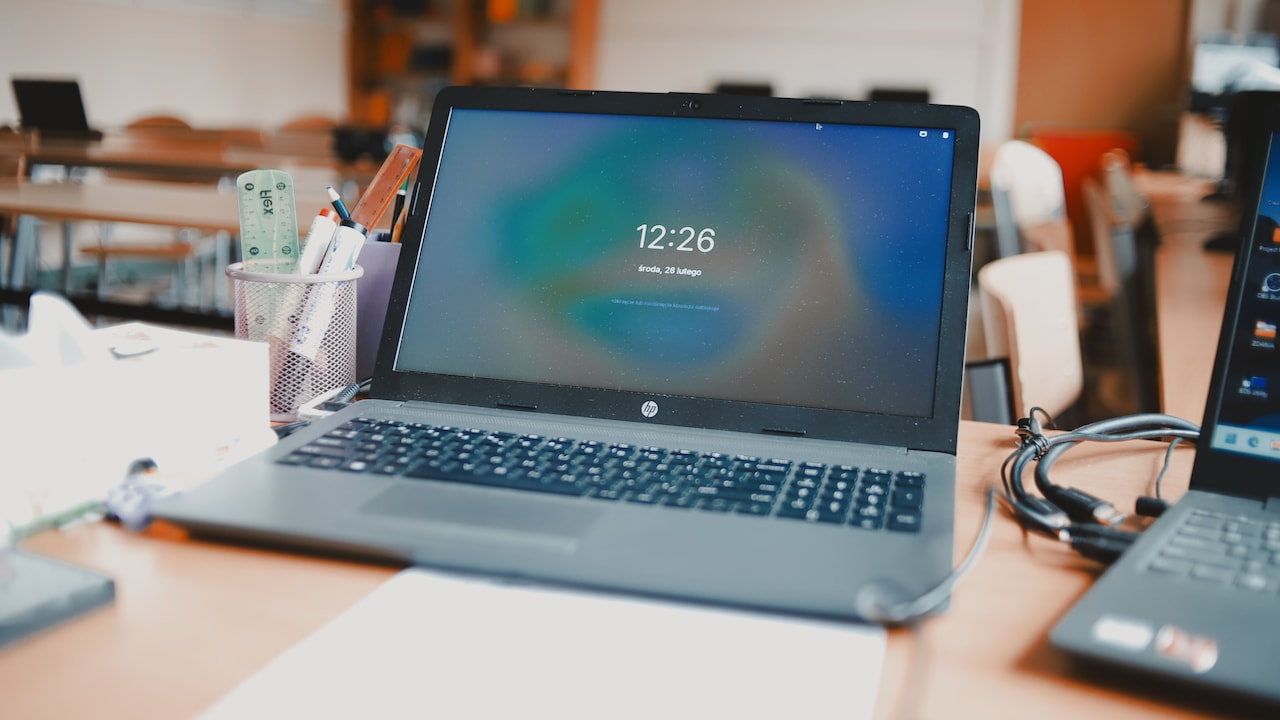
A laptop may have a recently launched processor and still take ages to open a browser. It may stutter during video calls, hesitate while switching between documents or sound like a table fan after ten minutes of work. Even the right-click menu may appear to stop and think about life before showing up.
The reason is simple: a processor does not work alone. A laptop functions like a busy kitchen. The processor may be the head chef, but speed also depends on the helpers, storage shelves, ventilation, ingredients and the number of orders arriving at once.
A modern chip can certainly improve performance. However, the rest of the machine must support it. The following ten reasons explain why a laptop with a new-generation processor can still feel disappointingly slow.
Why A New Processor Alone Cannot Guarantee Speed
1. The Laptop Does Not Have Enough RAM
A powerful processor cannot perform smoothly when the laptop has too little memory. RAM holds the apps, browser tabs and files currently in use. When that space fills up, the system starts moving data back and forth between RAM and the storage drive. This process takes longer and creates noticeable delays.
A laptop with 4GB of RAM may look affordable and attractive, especially during an online sale. However, everyday tasks have become more demanding. A browser with ten tabs, a video meeting, a spreadsheet and a messaging app can quickly exhaust 4GB. Even 8GB may feel tight for users who multitask heavily or work with large presentations.
The slowdown often appears gradually. At first, everything works well. Then the cursor begins to lag, apps take longer to minimise, and browser tabs reload whenever they are opened again. The processor remains capable, but it spends time waiting for data.
For regular office work and study, 16GB now offers a more comfortable experience. Those handling video editing, design tools or virtual machines may need even more. A new processor deserves enough breathing room, not a tiny memory cupboard packed to the ceiling.
2. The Storage Drive Is Slow
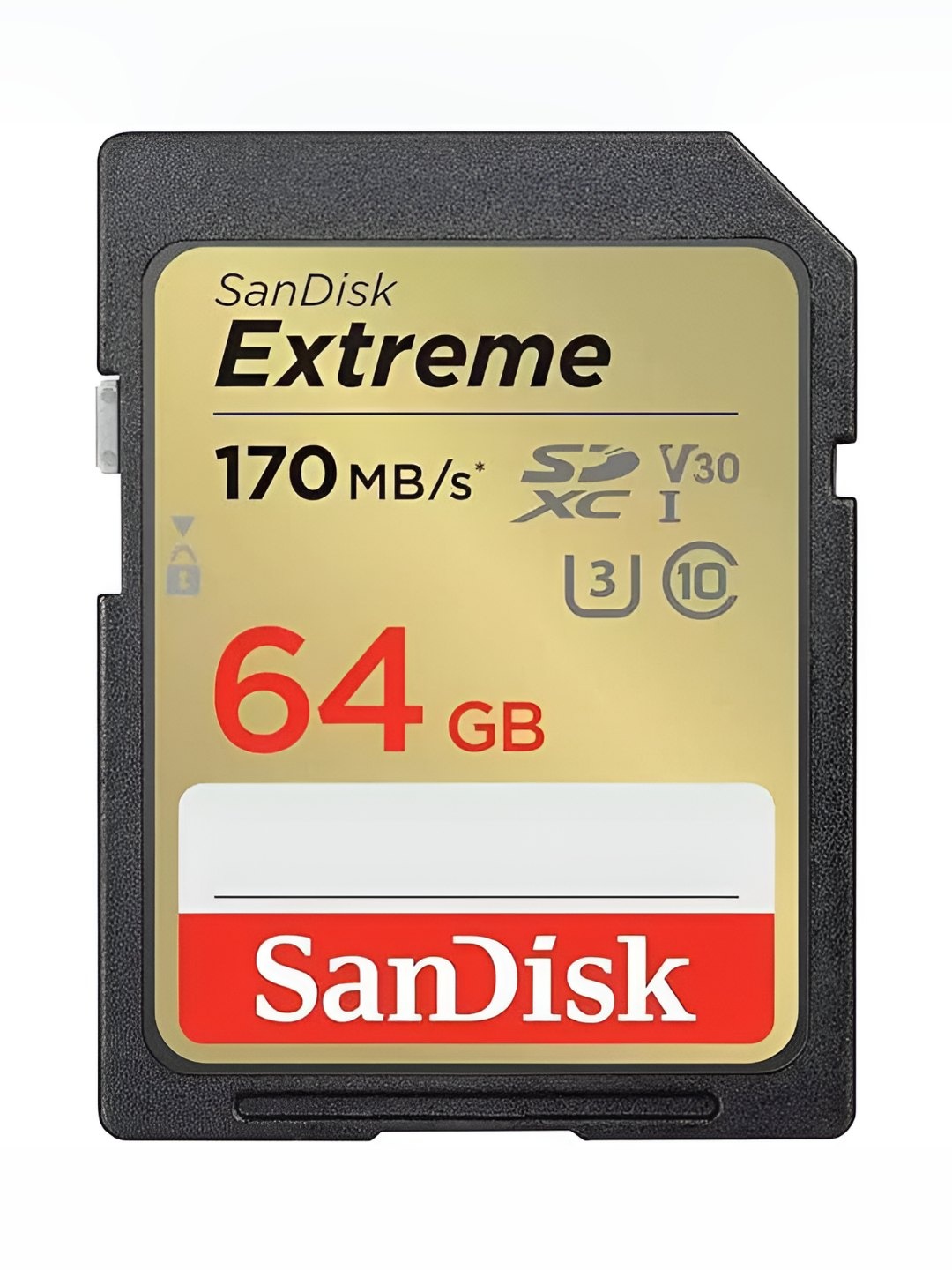
Storage has a major effect on how fast a laptop feels. It controls how quickly the system starts, apps open and files load. A laptop may contain a modern processor yet still use a slow hard disk drive, particularly in budget models or older designs refreshed with newer chips.
Traditional hard drives rely on moving mechanical parts. They cost less and offer plenty of space, but they cannot match the speed of a solid-state drive. An SSD has no spinning disk, so it can access data much faster. The difference often feels dramatic. A laptop that takes two minutes to become usable after switching on may start in a fraction of that time with a good SSD.
Not all SSDs perform equally either. A basic SATA SSD works well, but a modern NVMe drive usually offers much faster data transfer. Some low-cost laptops also use slower eMMC storage, which can become a bottleneck despite the new processor.
Storage speed matters during ordinary moments: opening a PDF, searching folders or launching a large application. Buyers often focus on processor labels and overlook the drive type. That small detail can decide whether a laptop feels swift or as though it needs encouragement and a cup of tea.
3. Too Many Programs Start Automatically
A new laptop often arrives with a surprising number of programs eager to launch the moment it starts. Cloud storage tools, update managers, chat platforms, antivirus utilities and manufacturer apps may all run automatically. Each one claims a small share of memory and processor power. Together, they can create a noticeable slowdown.
This problem usually hides in plain sight. The desktop may look empty, yet the background resembles a crowded railway platform. Several programs check for updates, sync files, display notifications or collect usage data without appearing on the screen.
The result is a laptop that takes longer to settle after start-up. The fan may begin spinning before any real work starts. Opening the first browser window may feel unusually slow because the system is already handling a queue of invisible tasks.
Users can review start-up programs through the operating system's task manager or settings menu. Disabling unnecessary items does not remove the apps; it simply stops them from launching automatically. Essential security services should remain active, of course.
A new-generation processor can handle many tasks, but giving every installed program permission to wake up at once wastes that advantage. The laptop needs a calm morning routine, not a digital stampede.
4. The Cooling System Cannot Handle The Heat
Modern processors can run at impressive speeds, but they also generate heat. When a laptop cannot cool the processor properly, the system reduces its speed to protect the internal components. This behaviour, known as thermal throttling, can make a powerful laptop feel strangely weak.
Thin laptops face this problem more often because their compact bodies leave little room for large fans and heat pipes. A processor may perform brilliantly for a few minutes, then slow down once temperatures rise. This explains why a laptop may feel quick during light browsing but struggle during gaming, editing or long video calls.
Dust can make matters worse. Over time, it blocks vents and restricts airflow. Using the laptop on a bed, sofa or cushion also covers the air intakes. The machine then tries to breathe through fabric while handling a demanding workload, which is hardly a recipe for speed.
A hard, flat surface helps air move freely. Cleaning the vents and keeping the room reasonably cool can also improve sustained performance. Some models simply have weak cooling by design.
A fast processor inside a poorly cooled chassis resembles a sports car stuck in peak-hour traffic. The power exists, but the conditions prevent it from showing.
5. The Processor Is New But Not Powerful
The phrase “new generation” does not automatically mean “high performance”. Processor families contain several tiers, each designed for a different purpose. A newly launched entry-level chip may still perform worse than an older mid-range or premium processor.
Manufacturers use labels that can confuse buyers. Two processors from the same generation may have very different core counts, clock speeds, power limits and graphics capabilities. One may suit basic browsing and document work, while another can handle video production and demanding software.
Low-power processors also prioritise battery life and cooler operation. That makes sense for lightweight laptops, but it may limit performance during heavier tasks. A machine designed for web browsing will not suddenly become a workstation simply because the processor name includes a recent year or generation number.
Price offers another clue. A laptop costing around ₹30,000 with a new processor may involve compromises elsewhere. The chip could belong to an entry-level series, paired with limited RAM and basic storage. Marketing may highlight what is technically new while saying little about what is genuinely fast.
Before buying, comparing the exact processor model matters more than admiring the generation number. Fresh packaging cannot turn a modest chip into a powerhouse.
6. The Laptop Runs In Power-Saving Mode
Power settings can quietly limit performance. Many laptops reduce processor speed when running on battery to extend usage time. Some remain in an energy-saving profile even when plugged in, especially after a software update or a change in manufacturer settings.
In power-saving mode, apps may open more slowly, animations may stutter and demanding tasks may take longer. The laptop does this intentionally. It trades speed for battery life, lower temperatures and quieter fan noise.
This behaviour can puzzle users because the machine may feel fast one day and sluggish the next. The difference may come down to a single setting. A balanced mode usually suits everyday work, while a high-performance mode can help during editing, gaming or large file transfers. However, maximum performance also drains the battery faster and creates more heat.
Some manufacturers include their own control apps with options such as silent, balanced and performance modes. Silent mode often restricts fan speed and processor power to reduce noise. That may work well in a library, but not while rendering a video.
A new processor cannot deliver full speed when the system keeps it on a strict energy diet. Checking the power profile can sometimes solve the mystery in under a minute.

10 Reasons A Laptop With A New-Generation Processor Can Still Feel Slow
Photo Credit: Pexels
7. The Operating System Needs Attention
An operating system collects clutter over time. Temporary files, unfinished updates, damaged system files and outdated drivers can all affect performance. Even a new laptop may face these problems soon after purchase, particularly if it has spent months in a warehouse before reaching the customer.
The first few days can feel slow because the system downloads updates, indexes files and configures background services. Cloud platforms may also sync photos, documents and emails. These tasks usually settle down, but failed or repeated updates can keep the laptop busy for much longer.
Outdated drivers create another issue. Drivers help the operating system communicate with components such as graphics, Wi-Fi and storage. A poor driver can cause lag, high processor usage or random freezes despite capable hardware.
Regular updates generally improve security and stability, but installing every optional utility does not always help. A clean, well-maintained system tends to perform better than one filled with duplicate tools and forgotten trial software.
Restarting the laptop also matters. Closing the lid for weeks may seem convenient, but it allows minor issues to accumulate. A proper restart clears temporary processes and finishes pending updates. Sometimes the most modern processor simply needs the digital equivalent of a good night's sleep.
Also Read: Lenovo, Acer To MSI, Top 5 Lightweight Work Laptops Under ₹99,999 That Will Not Weigh You Down
8. Bloatware Is Consuming Resources
Many new laptops arrive with pre-installed software that the buyer never requested. Trial antivirus programs, shopping apps, gaming portals, support assistants and promotional utilities often occupy storage and run background processes. Collectively, this unwanted software is commonly called bloatware.
One app may not cause much trouble. Ten of them can. They display pop-ups, check subscriptions, scan files and search for updates. Some duplicate features already built into the operating system. A laptop may end up running two security suites, three update tools and several notification services before the owner opens a single document.
Bloatware also creates confusion. Users may not know which programs matter and which ones merely advertise paid upgrades. Removing unnecessary applications can free storage, reduce start-up time and lower background activity. Care is still important, as deleting hardware drivers or essential manufacturer utilities may cause problems.
A clean installation of the operating system can provide the best results, though it requires backups and a little technical confidence. For most users, a careful review of installed apps works well enough.
Buying a new laptop should feel like moving into a fresh flat. Instead, bloatware makes it feel as though the previous tenant left cupboards full of leaflets, expired coupons and three broken clocks.
9. The Browser Is Using Too Many Resources
For many people, the browser has become the main workplace. Email, documents, video meetings, music, shopping and research all happen inside it. That convenience comes at a cost. Modern browsers can consume large amounts of RAM and processor power, especially when dozens of tabs remain open.
Each tab may run scripts, display adverts, refresh content or play hidden media. Browser extensions add further strain. A coupon finder, grammar checker, password manager and screenshot tool may all work in the background on every page.
The slowdown often gets blamed on the laptop because everything else seems connected to the browser. Pages scroll unevenly, typing lags and video calls freeze. Closing unnecessary tabs can produce an immediate improvement. Removing unused extensions also helps.
Some websites simply demand more resources than others. Online design platforms, dashboards and web-based office suites can behave like full desktop applications. Keeping several open at once challenges even a recent processor, particularly when RAM remains limited.
Tab hoarding feels harmless because the tabs look so small. Yet thirty open pages can become the digital version of keeping thirty books open across a desk. At some point, finding space for actual work becomes difficult.
10. The Laptop Has Weak Supporting Hardware
Overall speed depends on the complete hardware combination, not one headline component. A new processor may sit on slow RAM, basic integrated graphics, a low-quality motherboard or limited storage bandwidth. Any of these can hold the system back.
Graphics performance matters more than many buyers expect. Video editing, animation, gaming and even some browser tasks use the graphics processor. A laptop with weak integrated graphics may struggle despite having a capable central processor. Similarly, single-channel memory can reduce performance because it offers less data bandwidth than a dual-channel setup.
The display can also influence how smooth the laptop feels. A panel with a low refresh rate may make movement appear less fluid, even when the system performs correctly. Slow Wi-Fi can create another illusion of poor laptop speed when websites and cloud files take longer to load.
Budget models often combine one attractive feature with several modest components. The new processor becomes the star of the advertisement, while the supporting cast receives very little attention.
A balanced laptop usually provides a better experience than one with a powerful processor and weak surrounding hardware. Performance works like a cricket team: one brilliant player cannot carry every match without support from the rest of the side.
10 Reasons A Laptop With A New-Generation Processor Can Still Feel Slow
Photo Credit: Pexels
Products Related To This Article
1. Dell 15 (Previously Inspiron) Laptop, 14th Gen Intel Core i3
2. HP 15 Smartchoice, 13th Gen Intel Core i3
3. Lenovo IdeaPad Slim 3, AMD Ryzen 7 8840HS
4. Dell 15 (Previously Inspiron) Laptop, 14th Gen Intel Core i3
5. HP 15, Intel Core Ultra 5 125H (16GB DDR5
6. HP Premium EP Series (Intel 13th Gen Core i7
7. Lenovo V15 G6 AMD Ryzen 7 170 (Coequal 7735HS) 15.6"
A new-generation processor offers real advantages, but it cannot guarantee a fast laptop by itself. Memory, storage, cooling, software, power settings and supporting hardware all shape the final experience.
That is why two laptops with similar processor labels can feel completely different. One may start quickly, switch between apps smoothly and remain responsive throughout the day. The other may lag during basic work because limited RAM, slow storage or background clutter keeps getting in the way.
Before buying a laptop, the full specification deserves attention. At least 16GB of RAM, a reliable SSD and sensible cooling often matter more than a flashy generation number. The exact processor model also reveals far more than broad marketing terms.
Existing laptop owners should not rush to replace their machines either. Removing unwanted apps, reducing start-up programs, checking power settings and clearing blocked vents can restore a surprising amount of speed. A memory or SSD upgrade may also provide better value than buying another laptop.
The processor may act as the brain of the machine, but even the sharpest brain struggles in a crowded, overheated and poorly organised workspace. A truly fast laptop needs balance. When every component works together, the technology fades into the background and lets the user get on with the day.
(Disclaimer: This article may include references to or features of products and services made available through affiliate marketing campaigns. NDTV Convergence Limited (“NDTV”) strives to maintain editorial independence while participating in such campaigns. NDTV does not assume responsibility for the performance or claims of any featured products or services.)