7 Tablets With Stylus Support For Notes And PDF Mark-Ups
Looking for a tablet that works well with a stylus? These options support note-taking, PDF mark-ups, sketching and everyday productivity, with sharp displays, useful multitasking features and practical pen support.

7 Tablets With Stylus Support For Notes And PDF Mark-Ups
A PDF can travel through an entire working day without ever reaching a printer now. A student may highlight three chapters before breakfast, a manager can comment on a presentation during the commute, and someone studying for an exam can keep handwritten formulas beside digital textbooks. That shift has made stylus support far more useful than the old “nice for sketching” label suggests. The best tablets for note-taking now combine responsive screens, long battery life and enough processing power to juggle documents, browsers and video calls. Some even bundle a pen or keyboard. One important detail remains, though: not every tablet accepts an active stylus, so compatibility deserves a careful check before buying.

7 Tablets With Stylus Support For Notes And PDF Mark-Ups
Photo Credit: Pexels
Tablets For Handwritten Notes, PDFs And Everyday Work
1. Redmi Pad 2
The Redmi Pad 2 makes a convincing case for digital note-takers with its active stylus support and large 11-inch 2.5K display. A 90Hz refresh rate should make scrolling through lengthy PDFs and handwriting feel smoother, while up to 600 nits of brightness helps when reading in brighter surroundings.
Its 9,000mAh battery suits long study or work sessions, and 18W charging handles the top-ups. HyperOS 2 also brings tools such as Circle to Search and Gemini integration. The active pen comes separately, so remember to factor that into the setup.
2. OnePlus Pad Lite
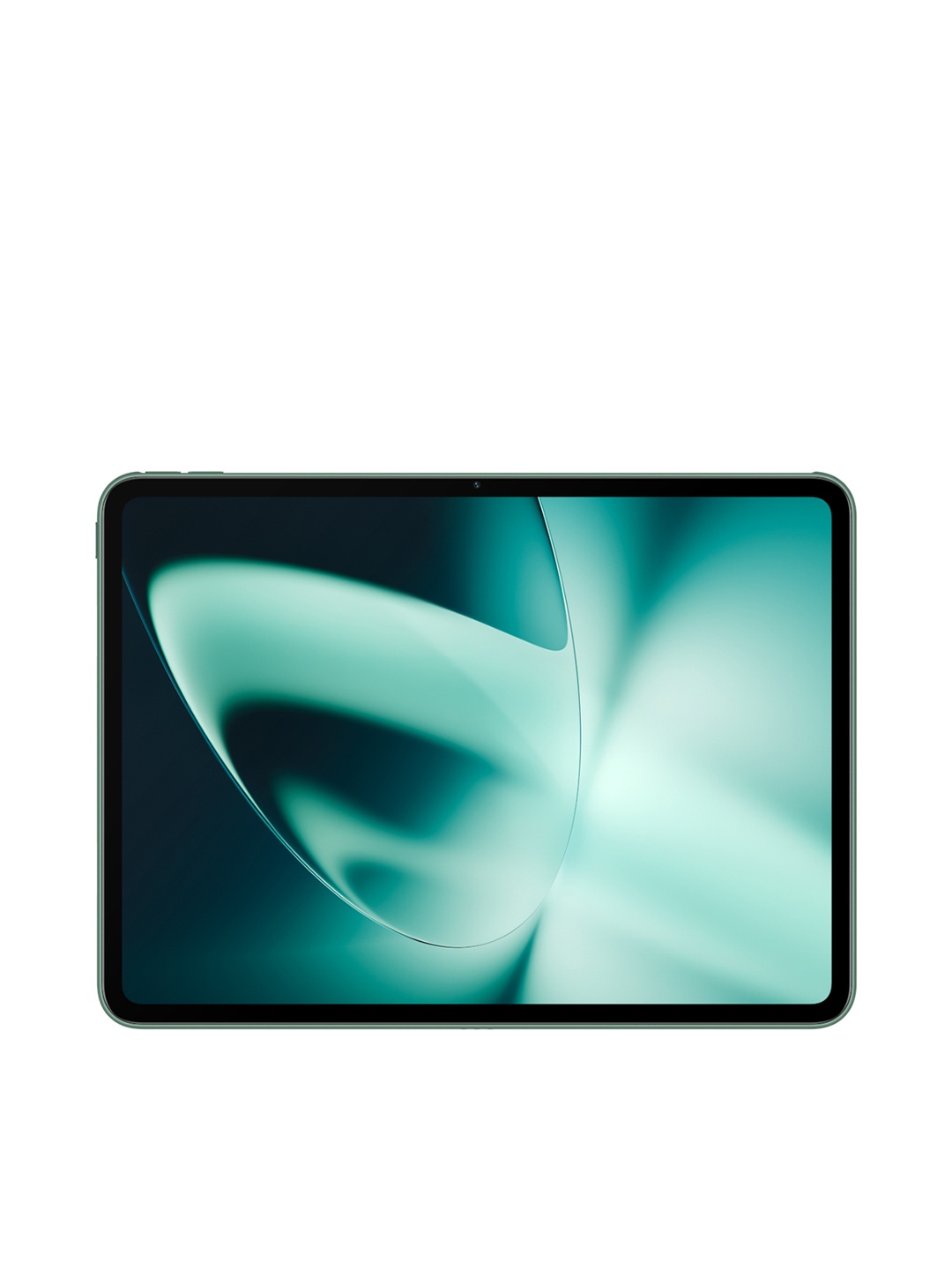
The OnePlus Pad Lite centres its appeal on an 11-inch, 1920 x 1200 display with a 90Hz refresh rate and a substantial 9,340mAh battery. That combination works particularly well for reading documents, attending online classes and keeping reference material open for hours.
Open Canvas adds practical multitasking by letting users resize and run two apps together, which can be useful when comparing a document with notes. However, the supplied specifications don't confirm dedicated active-stylus support. Buyers primarily interested in handwritten notes or precise PDF annotations should therefore check pen compatibility before choosing it.
Also Read: Top Android Tablets With Expandable Storage: Power, Performance And Flexibility
3. Samsung Galaxy Tab A11+
The Galaxy Tab A11+ offers an 11-inch 90Hz LCD display, 6GB RAM and 128GB storage in the listed configuration. Storage can expand through a microSD card, making it particularly handy for anyone carrying a large library of PDFs, videos and study material.
Quad speakers with Dolby Atmos add some entertainment value after work, while Gemini features can assist with information shown on the screen or through the camera. That said, the provided product details don't establish S Pen or another active-stylus compatibility. For handwriting-heavy use, confirm stylus support before purchasing rather than assuming it from the display alone.
4. Lenovo Idea Tab
This is one of the more straightforward choices for people who actually plan to write on their tablet. The Lenovo Idea Tab configuration supplied here includes a Tab Pen and folio keyboard, turning the device into a compact note-taking and typing station without requiring separate accessory hunting.
Its 11-inch 2.5K display runs at 90Hz and includes an anti-reflection treatment. There's also 8GB RAM, 256GB storage and a MediaTek Dimensity 6300 processor. The four-speaker Dolby Atmos system and 7,040mAh battery round out a package that can move comfortably between handwritten notes, PDF mark-ups, emails and entertainment.
5. Xiaomi Pad 8
For users who want stronger performance alongside stylus input, the Xiaomi Pad 8 stands out. Its 11.2-inch 3.2K display offers 345ppi pixel density and high brightness, which should make fine text, diagrams and handwritten annotations look particularly crisp.
The Snapdragon 8s Gen 4 processor also gives the tablet enough muscle for heavier multitasking and creative applications. Xiaomi's compatible Focus Pen Pro brings 16,384 levels of pressure sensitivity, very low claimed latency and gesture controls such as double tap, pinch and squeeze. Pen availability depends on the chosen package, so check whether the selected variant includes it.
6. Acer Iconia Tab11
The Acer Iconia Tab11 takes a practical all-in-one approach. The specified bundle comes with both an active stylus and detachable keyboard, making it well suited to users who alternate between handwriting and longer typed documents.
Its 11.45-inch 2.2K IPS display has a 90Hz refresh rate, while 8GB RAM and 128GB UFS storage handle everyday productivity. Storage can also expand through microSD. The MediaTek Helio G99 processor isn't aimed at flagship-level workloads, but for PDF annotation, digital notes, browsing and classes, the overall hardware package makes plenty of sense.
7. Samsung Galaxy Tab A9
Compact tablets still have their fans, especially when reading on the move. The Galaxy Tab A9 uses an 8.7-inch display, making it noticeably easier to hold than the larger 11-inch options on this list. Its MediaTek Helio G99 processor, Dolby Atmos speakers and 5,100mAh battery cover everyday reading and entertainment needs.
There is an important catch for note-takers. The supplied specifications don't mention S Pen or active-stylus compatibility. A basic capacitive stylus may handle simple taps or broad annotations, but that isn't the same as proper active-pen handwriting. Anyone buying specifically for detailed PDF mark-ups should confirm the required stylus functionality first.
Which Stylus Tablet Should You Choose?
The right tablet depends less on screen size alone and more on how often the pen will actually leave its holder. For regular handwriting and PDF annotation, models with clearly stated active-pen support such as the Redmi Pad 2, Lenovo Idea Tab, Xiaomi Pad 8 and Acer Iconia Tab11 deserve priority. Also check whether the stylus comes in the box, because a compatible tablet doesn't always include the pen. Shop now on Amazon
(Disclaimer: This article may include references to or features of products and services made available through affiliate marketing campaigns. NDTV Convergence Limited (“NDTV”) strives to maintain editorial independence while participating in such campaigns. NDTV does not assume responsibility for the performance or claims of any featured products or services.)