Grab These 5 Top Selling 4G/5G Tablets From Flipkart
Find simple and helpful details about tablets, their features, use, and benefits so you can choose the right one for study, work, or fun.

Which tablet will you upgrade to the new one?
Are you a person whose work or study life is never completed without a laptop or tablet? Now imagine this, you went to a new city, and the only thing that is needed to complete your work is a tablet. It is impossible to carry laptops at every place because it is very necessary to upgrade to a tablet as it's easy to carry anywhere, everywhere. You can resume your work anywhere. Just one thing you need to complete your work is a good Wifi network on a tablet, and the next step you will find yourself completing your work smoothly without a proper setup
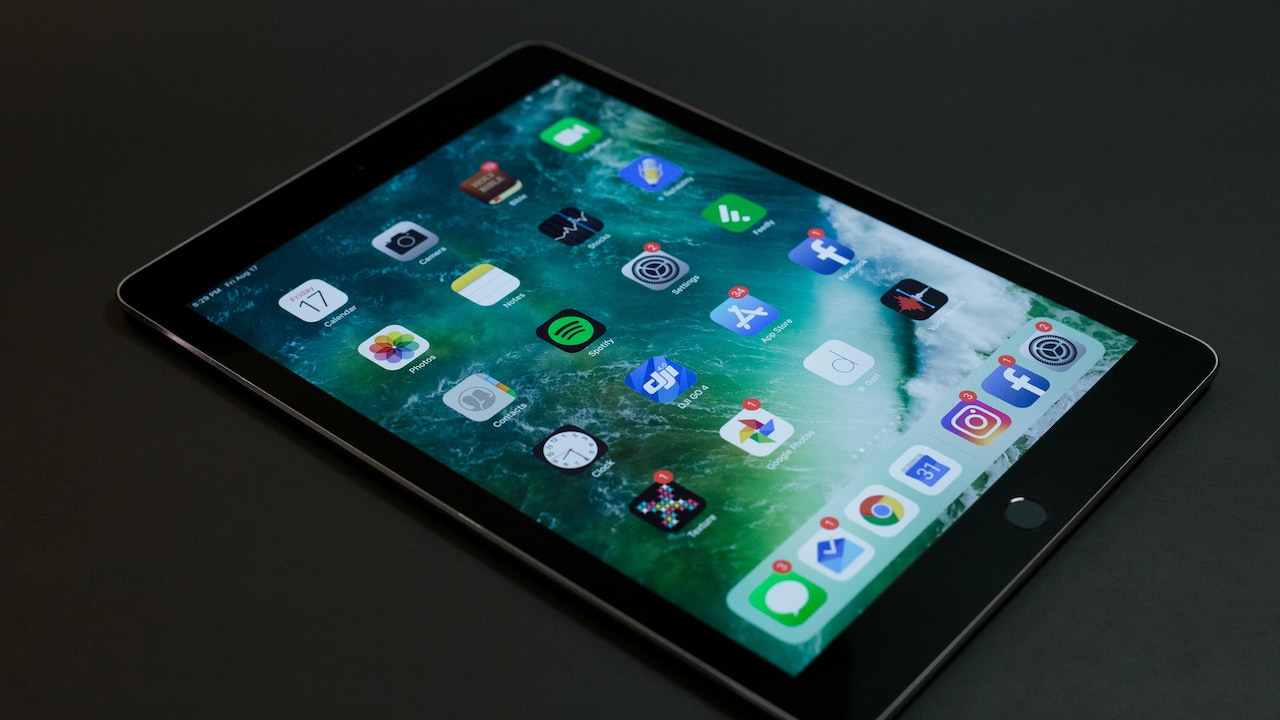
Which tablet will you upgrade to the new one?
Photo Credit: Pexels
Let's discover these 5 tablet options that you can grab at an affordable price without spending much on them. Below you will find the descriptions and key features of all the products. Grab one according to the features you want on your gadget.
Also Read: 7 Best Wireless Keyboards That Work Seamlessly Across Devices: Perfect For Laptops And Tablets
| Product Name | RAM & Storage | Battery Life | User Rating | Price |
|---|---|---|---|---|
| Lenovo Tab M11 | 4 GB RAM 128 GB ROM | 7040 mAH | 4.3/5 | ₹13,999 |
| realme Pad 2 | 6 GB RAM 128 GB ROM |
8360 mAh |
4.4/5 | ₹14,799 |
| Samsung Galaxy Tab A9+ | 8 GB RAM 128 GB ROM | 7040 mAH | 4.5/5 | ₹15,999 |
| realme Pad 2 Lite | 8 GB RAM 128 GB ROM | 7040 mAH | 4.4/5 | ₹16,999 |
| MOTOROLA Pad 60 Neo | 8 GB RAM 128 GB ROM |
7040 mAh |
4.5/5 | ₹18,999 |
Top 5 Picks On 4G And 5G Tablets
1. Samsung Galaxy Tab A9+
Immerse yourself in study, creativity, and entertainment on a stunning 27.94 cm (11) 2.5K display the highest resolution in its class. Enjoy crystal-clear visuals with over 3.6 million pixels, and buttery-smooth scrolling thanks to a 90 Hz refresh rate.
Key Features :
- 8 GB RAM | 128 GB ROM
- 27.94 cm (11.0 inch) WQXGA Display
- 8.0 MP Primary Camera | 5 MP Front
- Android 12 | Battery: 7040 mAH Lithium Ion
- Ideal Usage: Entertainment, Gaming, Reading and Browsing, For Kids, Business
2. MOTOROLA Pad 60 Neo
Unleash creativity with the bundled Moto Pen, featuring 4096 levels of pressure sensitivity and tilt support for lifelike shading, natural writing, and precision sketching. Powered by a long-lasting AAAA battery with Low Power Protocol integration, it ensures smooth, responsive performance across apps. Take notes, annotate PDFs, or draw your best ideas—every stroke feels effortless.
Key Features:
- 8.0 GB RAM | 128 GB ROM | Expandable Upto 2 TB
- 27.94 cm (11 inch) Display
- 8 MP Primary Camera | 5 MP Front
- Android 15 | Battery: 7040 mAh
- Ideal Usage: Art & Design, Business, Entertainment, High-Processing Tasks, Reading and Browsing
3. Lenovo Tab M11
Slip a world of power into your bag with a 6.99m slim and 490 gms light design that's built for mobility. Wherever you are, 5G connectivity keeps you productive, delivering faster downloads, lag-free streaming, and smooth video calls without relying on Wi-Fi. Always connected. Always ready.
Key Features:
- 4 GB RAM | 128 GB ROM | Expandable Upto 1 TB
- 27.94 cm (11.0 inch) Display
- 13 MP Primary Camera | 8 MP Front
- Android 13 | Battery: 7040 mAh
- Voice Call (Single Sim, 4G LTE)
4. realme Pad 2 Lite
Experience entertainment like never before with the realme Pad 2 Lite. Featuring a stunning 2K Eye Comfort Display for vibrant visuals and a robust Mediatek Helio G99 Chipset for seamless multitasking, this tablet is designed for immersive experiences.
Key Features:
- 90Hz 2K Eye Comfort Display
- Mediatek Helio G99 Chipset
- 8300mAh Mega Battery
- Quad Stereo Speakers with OReality Audio | realme UI 5.0 for Pad
- 8MP AI Camera
5. realme Pad 2
You can elevate your visual experience with the realme Pad 2, which comes with a 120 Hz 2K Super Display. The large screen allows you to browse through the web, enhance creativity, and launch apps effortlessly. Featuring a 33 W SUPERVOOC charge, this tablet can be charged instantly.
Key Features:
- 2K Display with up to 120Hz screen refresh rate
- 33W SUPERVOOC Charger in-the-box MediaTek Helio G99 Chipset
- realme UI 4.0 for Pad Dolby Atmos Quad Speaker with Hi-Res Certification
- 8MP HD Camera
- Ultra-slim Metallic Body Design
These tablets are designed with features that people search for in an electronic gadget. Tablets always play an important role in daily life So why to wait when you get gadgets at an affordable price without spending much. Head to Flipkart now and grab the deals that you don't want to miss
Frequently Asked Questions (FAQs)
1. What is a tablet used for?
A tablet is used for studying, watching videos, reading, online classes, games, and simple work tasks. It fills the gap between a phone and a laptop and is easy to carry.
2. Is a tablet good for students?
Yes. Students can read notes, attend online classes, write assignments, and watch learning videos. The large screen makes studying easier and keeps everything in one place.
3. What size tablet should I choose?
Most people choose between 8-inch and 11-inch screens. Smaller tablets are easy to carry, while bigger screens are better for reading, drawing, and watching videos.
4. Can a tablet replace a laptop?
A tablet can replace a laptop for basic work like emails, reading, browsing, and writing, especially if you add a keyboard. But heavy software may still need a laptop.
5. How much storage is enough in a tablet?
For regular use, 32GB to 64GB works well. If you download many apps, store movies, or take many photos, 128GB or more is better.
(Disclaimer: This article may include references to or features of products and services made available through affiliate marketing campaigns. NDTV Convergence Limited (“NDTV”) strives to maintain editorial independence while participating in such campaigns. NDTV does not assume responsibility for the performance or claims of any featured products or services.)