Why Your Bluetooth Headphones Keep Disconnecting: Fixes That Actually Work
Bluetooth headphones dropping out? Distance, interference, battery drain and outdated software are usually to blame. Here's how to stop frustrating disconnects and enjoy reliable wireless audio again.

How To Fix Bluetooth Headphones That Keep Cutting Out Or Disconnecting
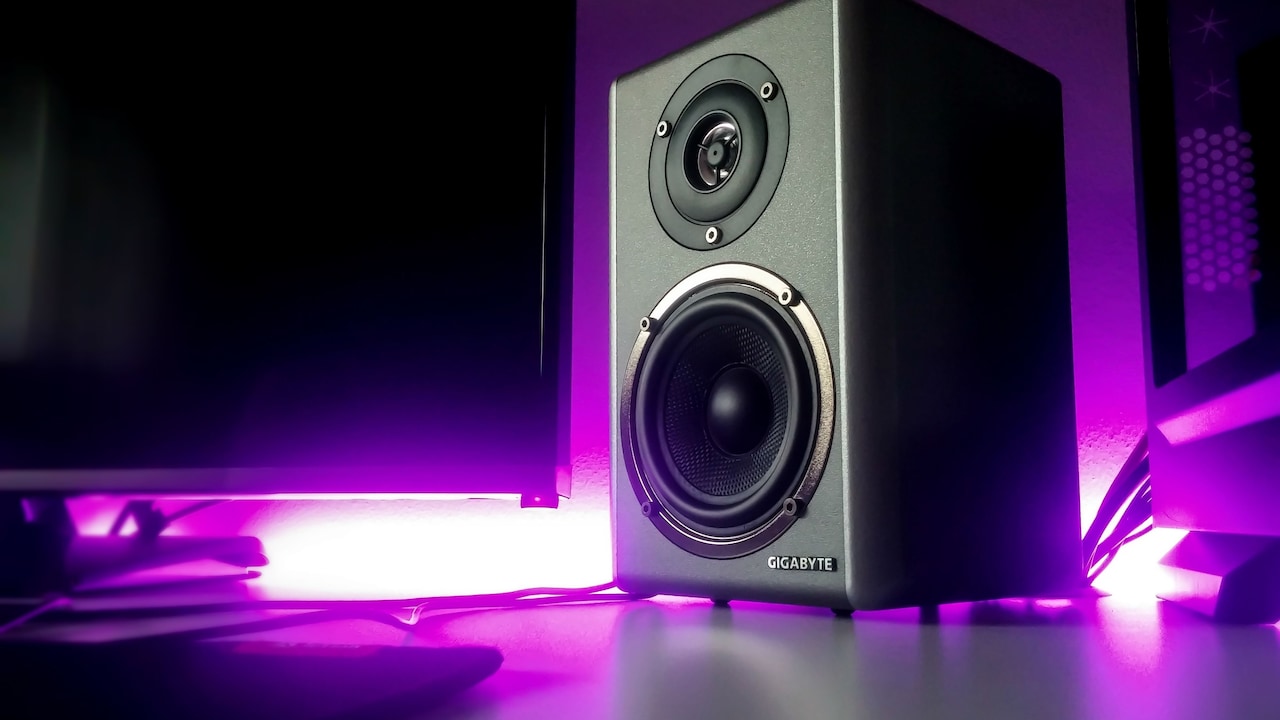
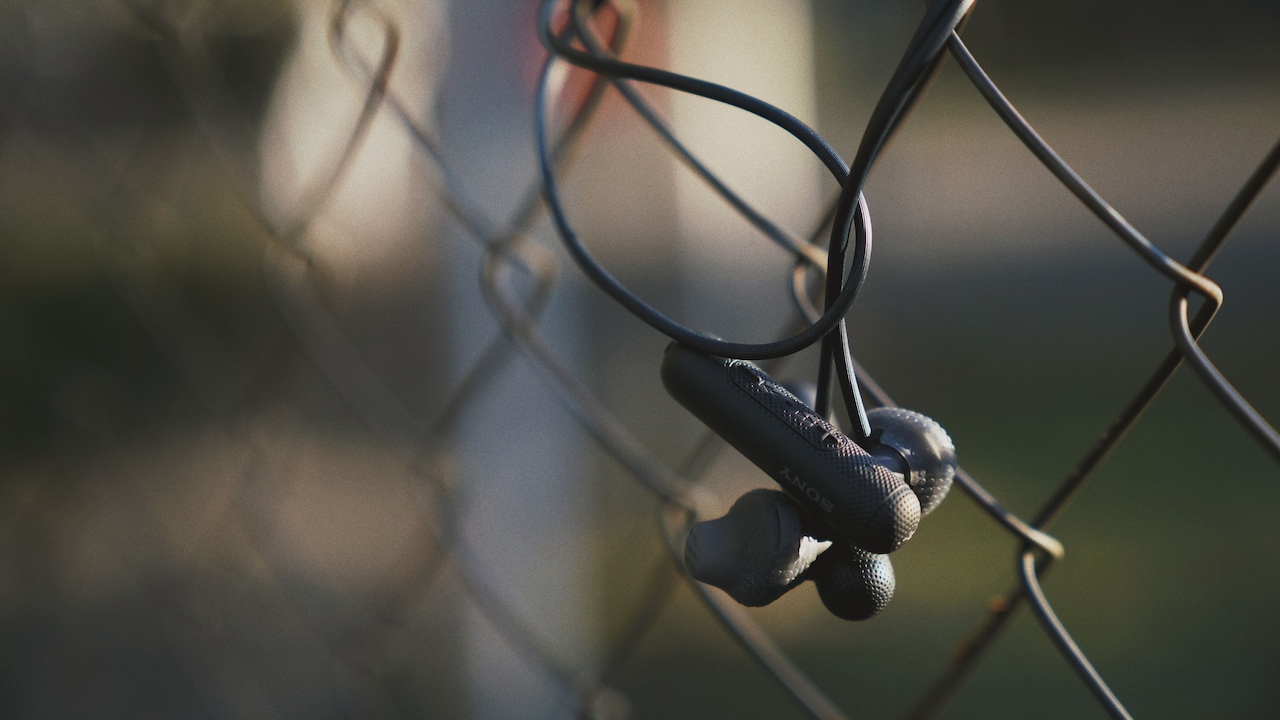
Bluetooth headphones have become as essential as morning chai for many people. Whether during crowded metro rides, Zoom meetings, evening walks, or simply avoiding noisy relatives during cricket season, wireless audio offers freedom that wired earphones simply cannot match. Yet, that freedom often comes with a catch: random disconnects. The problem can feel endless. Audio stutters during favourite songs, podcasts pause mid-sentence, and calls suddenly switch to speaker mode at the worst possible moment. Many assume their headphones are faulty and rush to replace them, sometimes spending ₹5,000 or more unnecessarily. In reality, Bluetooth disconnection issues often stem from surprisingly fixable causes. Devices, settings, software, and even surroundings can create problems. The good news is that most solutions are simple and cost nothing.

How To Fix Bluetooth Headphones That Keep Cutting Out Or Disconnecting; Photo Credit: Pexels
Understanding the root cause saves money, time, and a fair amount of irritation. With the right troubleshooting steps, those frustrating interruptions can often disappear entirely.
Common Reasons Behind Bluetooth Disconnections And How To Fix Them
Device Distance Matters More Than Expected
Bluetooth may seem magical, but it still follows physical limitations. Most wireless headphones work best within a range of about 10 metres, and that's in ideal conditions. Walls, furniture, metal surfaces, and even human bodies can weaken signals dramatically.
For example, leaving a phone in one room while moving to another may trigger disconnections faster than expected. Crowded spaces such as offices, shopping malls, or trains can make matters worse due to competing wireless signals.
Keeping the connected device nearby often solves frequent dropouts instantly. A phone tucked in a back pocket or placed on the opposite side of a desk can sometimes interrupt signal strength more than people realise.
Positioning also matters. If the Bluetooth antenna on the device is blocked, audio quality can suffer. Simple habits, like keeping the phone closer or in direct line of sight, can improve reliability without spending a rupee.
Sometimes, the easiest fix really is just moving the phone closer.
Also Read: These Premium Bluetooth Headphones Under ₹30,000 Are Everything You Are Looking For
Too Many Connected Devices Create Chaos
Modern smartphones, tablets, and laptops often juggle multiple Bluetooth connections at once. Smartwatches, speakers, keyboards, and car systems can all compete for attention.
This digital traffic jam can confuse devices, leading headphones to disconnect unexpectedly or switch connections altogether. Imagine headphones suddenly pairing with a nearby laptop during an important call. Annoying doesn't quite cover it.
Checking paired devices and removing unnecessary ones can dramatically improve stability. If old devices remain saved in memory, they may attempt reconnections automatically.
Turning off Bluetooth on unused gadgets nearby can also help. This is especially useful in households where several family members use wireless accessories simultaneously.
A quick clean-up of Bluetooth settings often restores smooth performance. It's a little like decluttering a wardrobe: remove what's unnecessary, and everything works better.

How To Fix Bluetooth Headphones That Keep Cutting Out Or Disconnecting; Photo Credit: Pexels
Battery Levels Affect Connection Stability
A low battery doesn't just reduce listening time; it can actively disrupt Bluetooth performance. As headphones lose charge, some models weaken connectivity to conserve power.
Users often notice more frequent audio cuts when the battery drops below 20 per cent. In cheaper models, this can happen even earlier.
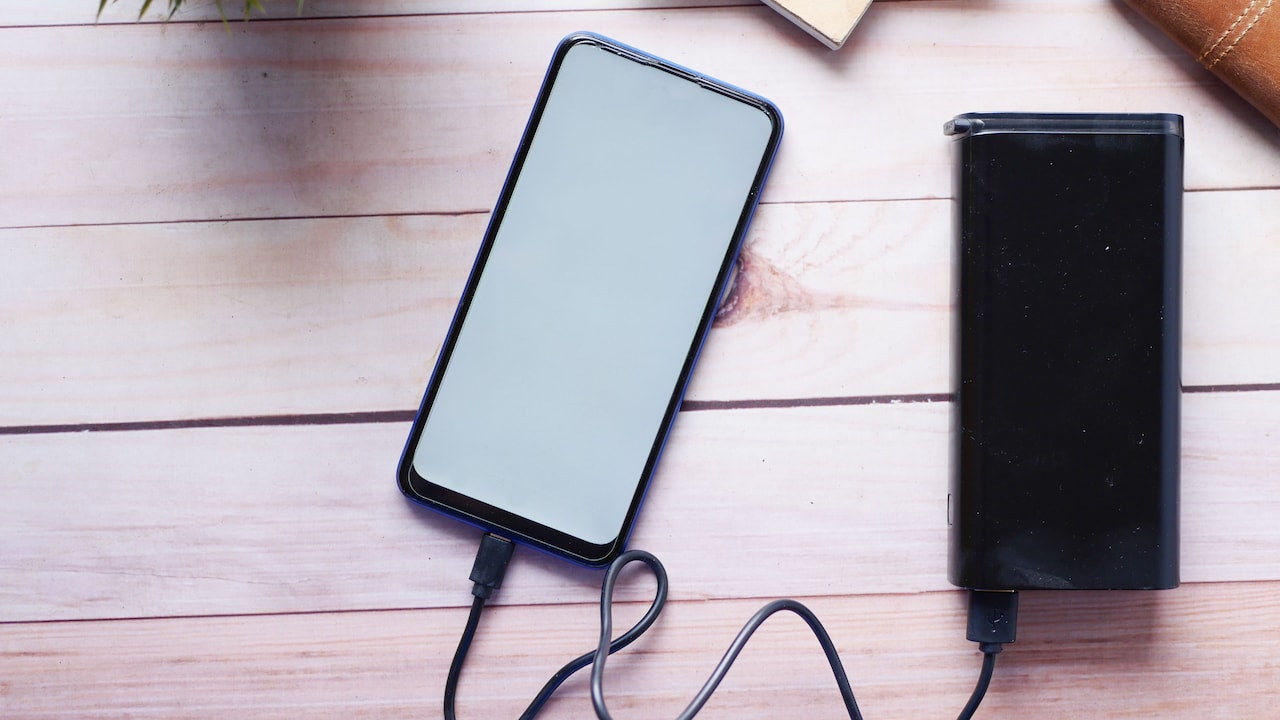
Charging headphones fully before assuming technical faults is an overlooked but essential step. Similarly, the phone or connected device's battery optimisation settings can interfere with wireless performance.
Some smartphones aggressively limit Bluetooth activity to save battery, causing random disconnects. Disabling battery restrictions for Bluetooth-related apps may help.
Reliable charging habits can prevent recurring issues. Investing in quality charging cables or cases also matters, as inconsistent charging may leave batteries underpowered.
In many cases, the solution is refreshingly simple: charge the headphones properly before blaming technology itself.
Software Updates Solve More Than New Features
Software updates rarely excite anyone. Most people postpone them until endless notifications become unbearable. However, outdated firmware often causes Bluetooth instability.
Headphone manufacturers regularly release updates to fix bugs, improve compatibility, and strengthen connectivity. Smartphones also receive patches that address Bluetooth performance issues.
Ignoring these updates can leave devices struggling with problems already solved by developers. Checking manufacturer apps or device settings for firmware upgrades can make a surprising difference.
For example, brands like Sony, JBL, or Boat frequently offer app-based updates that improve pairing reliability.
Operating system updates on phones, tablets, or laptops matter equally. Compatibility issues between older headphone firmware and newer smartphone software can trigger persistent disconnects.
Spending a few minutes updating software can often save hours of frustration later. Sometimes, technology simply needs a tune-up rather than replacement.
Wireless Interference Is More Common Than Realised
Bluetooth operates on the 2.4GHz frequency, which it shares with Wi-Fi routers, microwaves, and many wireless gadgets. This crowded digital highway often creates interference.
In homes packed with smart devices, signal clashes can become frequent. A busy router placed next to a workspace may weaken headphone stability significantly.
Public spaces such as airports, cafés, and coworking hubs are even worse. Hundreds of nearby devices can overwhelm Bluetooth connections.
Switching Wi-Fi routers to 5GHz, moving away from strong electronic sources, or reducing nearby wireless device activity can improve performance considerably.
Even household appliances like microwave ovens can briefly disrupt Bluetooth when operating.
Understanding environmental interference helps explain why headphones may work flawlessly at home but fail miserably in crowded public places. Sometimes, the issue isn't the headphones at all, it's the invisible battlefield around them.
Restarting Devices Still Works Wonders
It may sound painfully basic, but restarting devices remains one of the most effective solutions for Bluetooth problems.
Phones, laptops, and headphones all accumulate temporary glitches over time. These minor software hiccups can interfere with connectivity unexpectedly.
A full restart clears cached processes and refreshes wireless systems. For headphones, this may involve powering off completely or performing a factory reset.
Many users skip this step, assuming it's too simple to matter. Yet, it often resolves persistent issues faster than complex troubleshooting.
Restarting both the audio device and the source device together tends to work best.
This digital equivalent of “switch it off and on again” survives for good reason. It's simple, quick, and surprisingly effective, rather like adding butter to toast when all else fails.

How To Fix Bluetooth Headphones That Keep Cutting Out Or Disconnecting; Photo Credit: Pexels
Faulty Pairing Can Cause Repeated Disconnects
Sometimes, Bluetooth pairing itself becomes corrupted. Devices may technically connect but struggle to maintain stability.
Removing the headphones from the device's paired list and reconnecting from scratch often resolves this. It clears stored connection errors and establishes a fresh wireless link.
This process is especially useful after software updates, device changes, or switching between multiple gadgets.
Resetting headphones to factory settings can also help if standard re-pairing fails.
Though mildly inconvenient, this fix often works better than endlessly adjusting random settings.
Think of it as giving the connection a clean slate. Much like restarting a rocky friendship over chai, starting fresh can solve lingering problems.
Cheap Hardware Often Has Hidden Limitations
Budget headphones can offer excellent value, but extremely low-cost models sometimes cut corners on Bluetooth chip quality, antenna strength, and firmware support.
Frequent disconnects may reflect hardware limitations rather than user error. Inconsistent connectivity, weaker range, and poor compatibility are common in ultra-budget products.
While not every affordable headset performs poorly, recognised brands often provide better optimisation and long-term support.
Spending slightly more, perhaps ₹2,000 instead of ₹800, can significantly improve connection reliability.
Consumers often focus heavily on sound quality while overlooking wireless performance.
Reliable Bluetooth requires solid internal engineering, not just stylish design. If persistent issues remain despite troubleshooting, hardware quality may be the real culprit.
Sometimes, buying cheap ends up feeling expensive.
Background Apps May Secretly Interfere
Smartphones constantly run apps in the background, and some can interfere with Bluetooth performance. Fitness apps, audio enhancers, battery savers, and device managers sometimes disrupt wireless stability.
Overloaded devices may struggle to prioritise audio connections effectively.
Closing unnecessary apps, clearing memory, or disabling problematic permissions can improve performance noticeably.
Certain third-party battery-saving apps are particularly notorious for interrupting Bluetooth functions.
Checking app permissions and removing aggressive battery management tools can restore stable audio.
Phones should work smarter, not harder. Too many digital cooks in the kitchen often spoil the wireless broth.
A cleaner, less cluttered device environment supports stronger, more reliable headphone performance.
When Professional Repair Or Replacement Makes Sense
If every troubleshooting step fails, physical defects may be responsible. Damaged internal antennas, battery wear, or manufacturing faults can cause chronic Bluetooth failures.
In such cases, authorised service centres can diagnose hardware issues properly.
For premium headphones, repairs may cost far less than full replacement. However, older or budget models may not justify repair expenses.
Checking warranty coverage first is always wise.
If replacement becomes necessary, prioritising Bluetooth version, battery life, and brand support ensures better future reliability.
Technology should make life smoother, not more frustrating. When headphones consistently fail despite every effort, upgrading may simply be the smartest move.
Products Related To This Article
1. Boat Rockerz 113, 40H Battery, Dual Pair, Fast Charge, ENx Tech
2. CrossBeats Fury Max Gaming TWS in-Ear Buds
3. pTron Bassbuds Astra in-Ear TWS Earbuds w/Stereo Sound
4. Noise Airwave Max 5 Wireless Over-Ear Headphones with Adaptive Hybrid ANC
5. OnePlus Bullets Wireless Z2 ANC Bluetooth in Ear Earphones with Mic
6. Sony WH-CH520 Wireless Bluetooth Headphones on Ear with Mic
7. Portronics Muffs M6 Over Ear Wireless Bluetooth Headphone with Upto 40 Hours Playtime
Bluetooth headphone disconnections can feel maddening, especially during important moments. Yet, most problems stem from manageable causes rather than catastrophic device failure.
Distance, interference, outdated software, battery health, and device overload all play significant roles. Often, practical adjustments solve issues quickly without extra spending.
Before rushing to replace headphones, a little troubleshooting can save money and restore sanity. Wireless technology may occasionally test patience, but with the right fixes, it can return to doing what it does best, delivering seamless sound without tangled wires or unnecessary drama.
(Disclaimer: This article may include references to or features of products and services made available through affiliate marketing campaigns. NDTV Convergence Limited (“NDTV”) strives to maintain editorial independence while participating in such campaigns. NDTV does not assume responsibility for the performance or claims of any featured products or services.)