Video Calls Expose Bad Lighting Fast: Top 10 Home Office Setups For A More Professional Look
Bad lighting can ruin professional credibility on video calls in seconds. These ten smart home office setups help create a polished, confident on-screen presence without overspending.
10 Home Office Lighting Setups To Look More Professional On Video Calls
Video calls have changed the rules of professional presence. A crisp shirt and confident tone help, but harsh shadows, dim corners, or an unmade background can quickly steal attention for all the wrong reasons. Whether it is a client pitch, a remote interview, or a daily team catch-up, appearance on screen now carries surprising weight.
Many professionals discover this the hard way. One poorly lit call can make even the most organised person appear tired, distracted, or unprepared. The good news is that creating a refined home office does not require celebrity-level budgets or designer interiors. A few thoughtful changes can dramatically improve how one appears on screen.
With electricity bills, compact flats, and practical budgets always in mind, the smartest setups blend affordability with style. The focus lies not on flashy décor, but on crafting a workspace that projects confidence, clarity, and competence. Here are ten effective home office setups designed to ensure lighting works in your favour rather than against you.
10 Home Office Lighting Setups To Look More Professional On Video Calls
Photo Credit: Pexels
Top 10 Home Office Setups For A More Professional Look
Natural Light Near A Window Creates Instant Professionalism
Nothing flatters better than natural daylight. Positioning a desk near a window, where sunlight falls softly on the face, often creates the cleanest and most trustworthy appearance during calls. Morning light tends to work best, offering brightness without excessive glare.
A small adjustment in desk angle can make all the difference. Sitting directly in front of the window, rather than with it behind, prevents the dreaded silhouette effect that turns faces into dark outlines. Light curtains can soften harsh sunshine while keeping the setting elegant.
This approach remains one of the most cost-effective options, particularly for those wanting a professional boost without major spending. A simple desk repositioning could outperform expensive gadgets. In many urban apartments where space feels limited, making the most of available daylight becomes both practical and stylish. Plus, natural light often lifts mood and productivity, which never hurts before a Monday morning review.
Ring Lights Offer Budget-Friendly Brilliance
Ring lights have become the unsung heroes of remote work. Once associated mainly with influencers, these affordable tools now serve everyone from consultants to teachers. Prices often start around ₹1,500, making them an accessible upgrade.
Placed behind a laptop or webcam, a ring light delivers even illumination across the face, reducing shadows and creating a polished look. Adjustable brightness settings allow users to tailor lighting depending on the time of day or room conditions.
For smaller rooms where natural light proves unreliable, this setup offers consistency. It also avoids the unflattering overhead tube light effect that can make anyone resemble a sleep-deprived villain in a detective drama. Compact and easy to store, ring lights fit seamlessly into modern workspaces. For professionals balancing quality with sensible spending, this remains one of the smartest investments available.
Layered Desk Lamps Add Warmth And Dimension
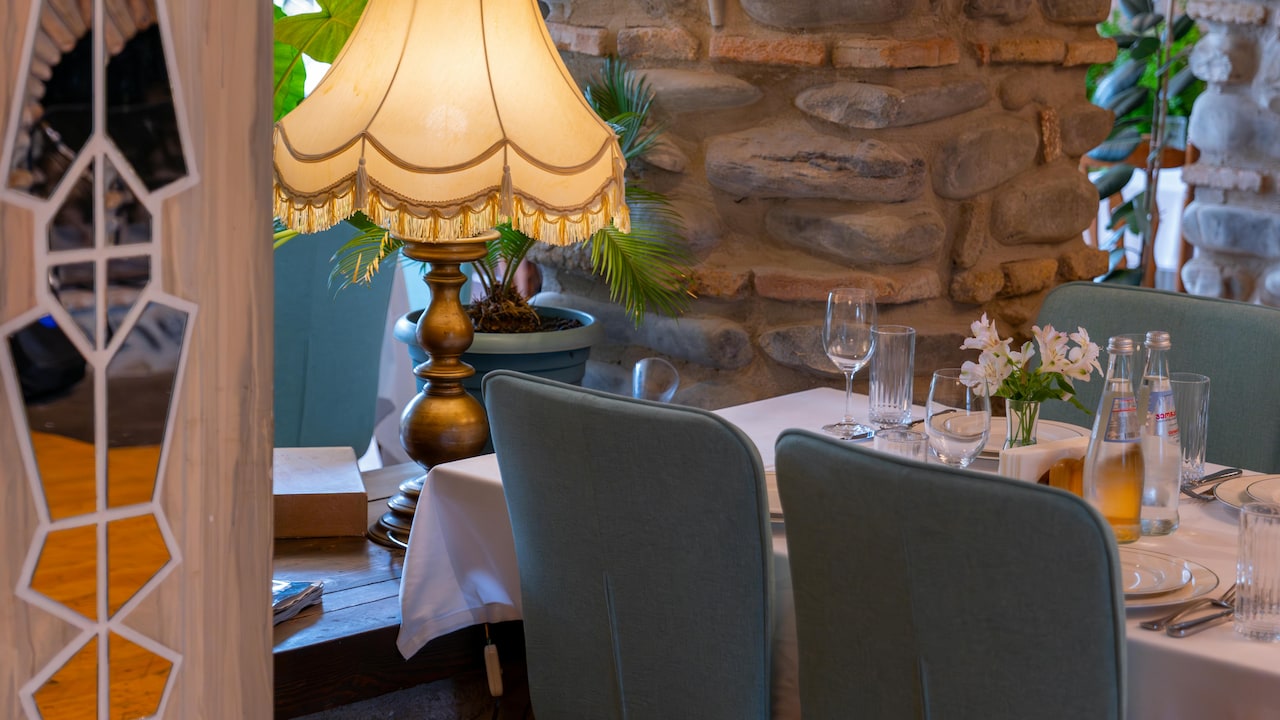
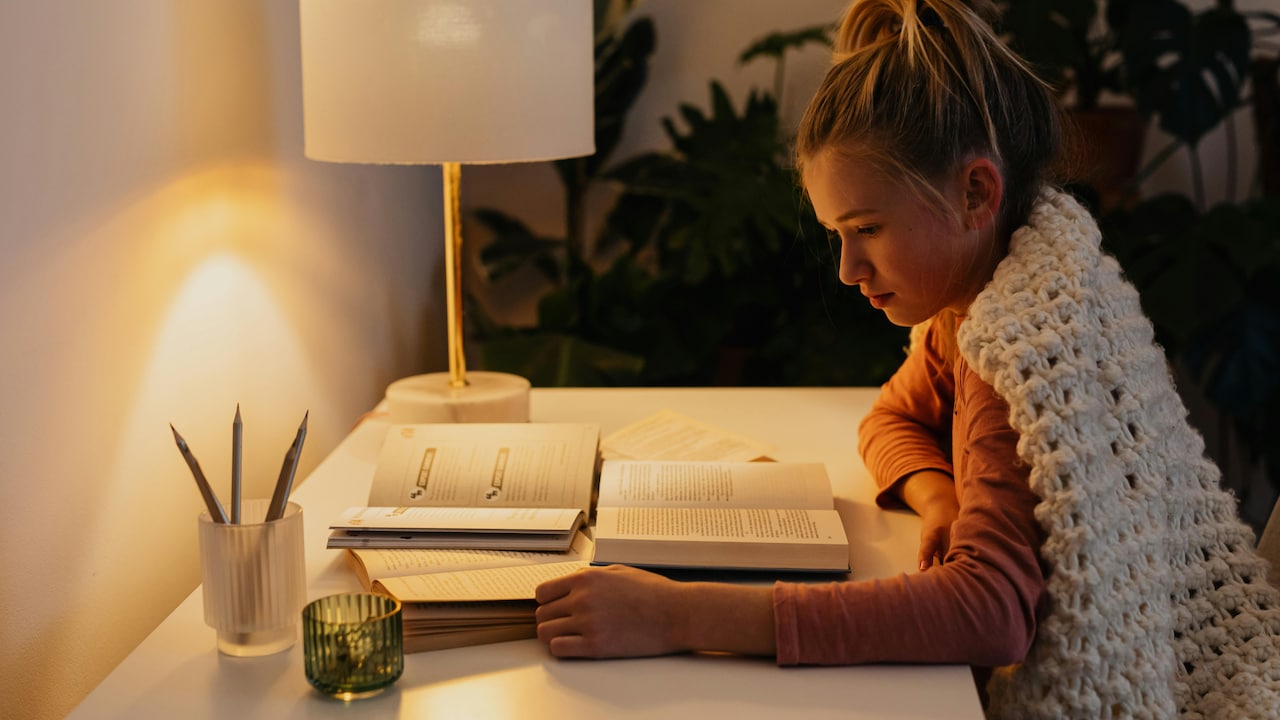
Relying solely on one harsh light source often creates a flat or overly bright appearance. Layered lighting, using a desk lamp alongside ambient room lighting, introduces warmth and depth to video calls.
A stylish LED desk lamp with adjustable colour temperature can cost between ₹2,000 and ₹5,000. Warm white tones often feel inviting, while cooler tones sharpen professional settings. Combining this with soft background lighting prevents the face from appearing washed out.
This setup works especially well during evening meetings when daylight disappears. It also enhances the visual texture of a room, creating a more considered and aesthetically pleasing workspace. A strategically placed lamp can subtly communicate organisation and taste, much like a well-chosen blazer. In competitive remote environments, these visual cues matter more than many realise.
Neutral Backgrounds Keep Attention Where It Belongs
Lighting may take centre stage, but backgrounds play a critical supporting role. A cluttered room, drying laundry, or busy wall décor can quickly distract colleagues and clients.
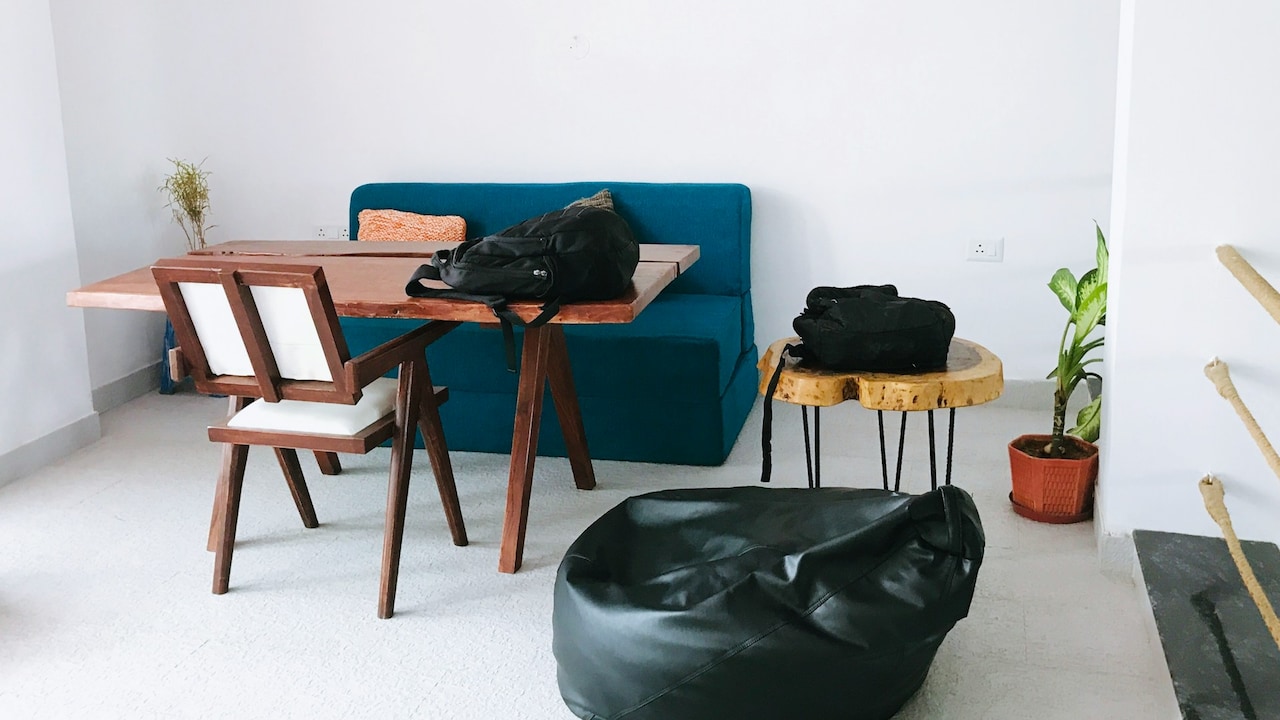
Neutral backgrounds in shades like beige, white, or soft grey create a clean and professional frame. Adding a bookshelf, indoor plant, or tasteful artwork can inject personality without chaos. The aim lies in appearing approachable yet competent.
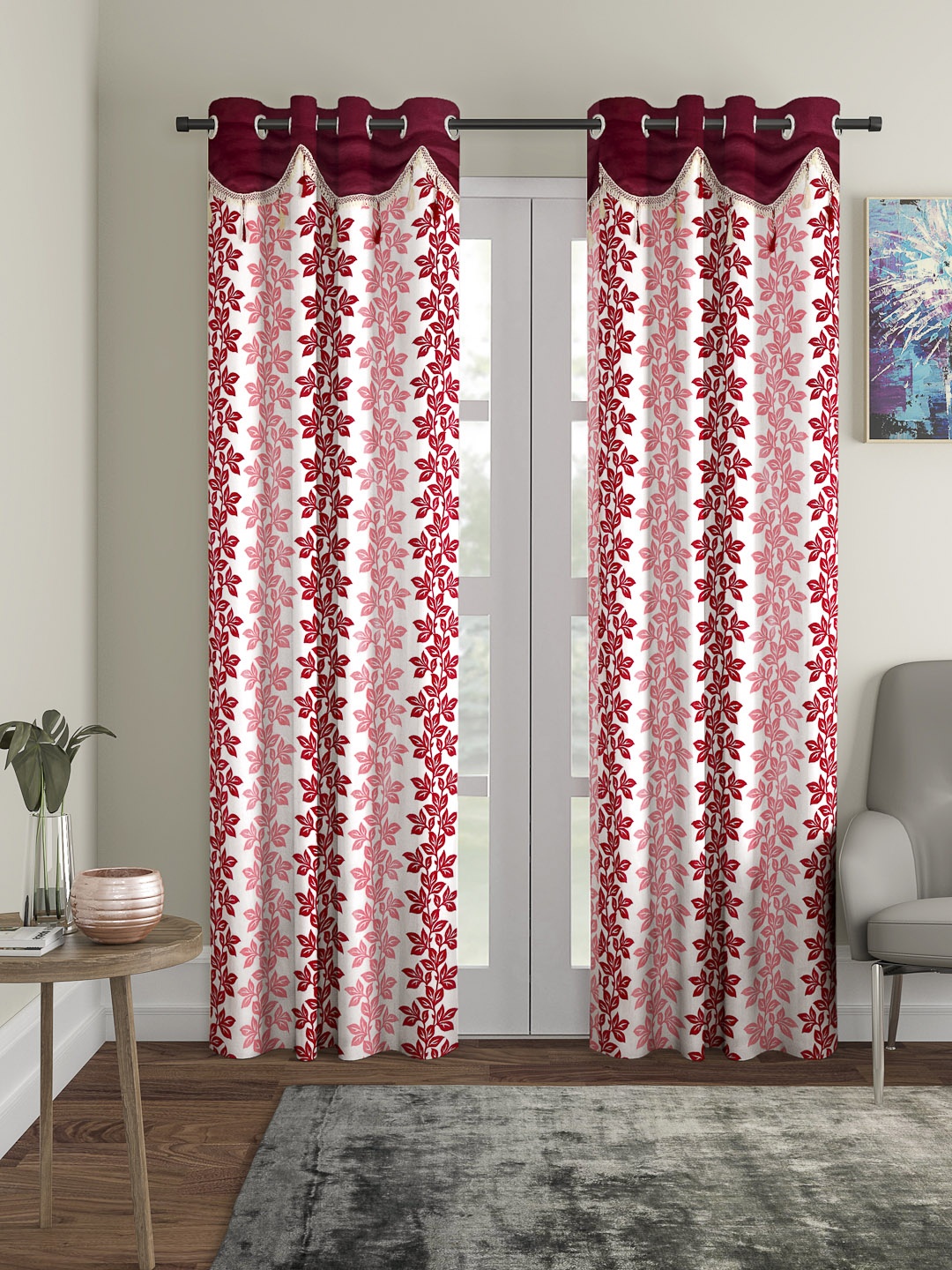
This setup need not involve expensive renovations. Even an affordable room divider or curtain costing around ₹3,000 can transform visual appeal. Minimalism often works wonders, particularly in smaller homes where multifunctional spaces dominate. A refined backdrop ensures facial expressions and ideas remain the focus rather than household distractions.
Adjustable Standing Desks Improve Angles And Energy
Camera angles can dramatically influence perception. Looking down into a laptop camera often creates awkward chin-heavy visuals, while poor posture reduces authority. Adjustable standing desks solve several issues at once.
Starting from approximately ₹15,000, these desks allow users to position webcams at eye level while encouraging healthier posture. Standing during key presentations can also boost energy and confidence.
This setup feels particularly useful for professionals handling frequent pitches or long client interactions. Beyond aesthetics, it supports physical well-being, reducing back strain common in remote work routines. A more upright presence naturally projects confidence on screen, helping conversations feel more dynamic and engaging.
Also Read: From Chandeliers To Pendant Lights: Top 10 Lights You Can Use To Decorate Your Home
External Webcams Sharpen Visual Quality
Even the best lighting cannot fully compensate for grainy laptop cameras. Investing in an external HD webcam often creates a significant leap in professional appearance.
Reliable options begin around ₹4,000 and offer superior resolution, colour balance, and low-light performance. Combined with proper lighting, an external webcam can make a modest workspace appear remarkably polished.
This upgrade proves especially valuable during interviews, webinars, or client meetings where visual clarity matters deeply. Crisp image quality signals seriousness and preparation. In a digital-first world, blurry visuals can unintentionally suggest outdated tools or limited attention to detail. A quality webcam serves as a modern equivalent of a strong handshake.
Acoustic Panels And Soft Furnishings Enhance Overall Presence
Professionalism extends beyond visuals. Echoing rooms or noisy environments can undermine even the best-lit setup. Soft furnishings such as rugs, curtains, and upholstered chairs help absorb sound while enhancing visual warmth.
Acoustic foam panels, available from around ₹2,500, can further refine audio quality without turning a room into a recording studio. Better sound often means clearer communication and reduced listener fatigue.
This setup creates a more immersive and competent impression during calls. It also reflects thoughtful preparation. In bustling neighbourhoods where outside noise often intrudes, managing acoustics becomes particularly valuable. After all, no amount of perfect lighting can outshine the interruption of relentless honking.
10 Home Office Lighting Setups To Look More Professional On Video Calls
Photo Credit: Pexels
Smart LED Panels Deliver Studio-Level Sophistication
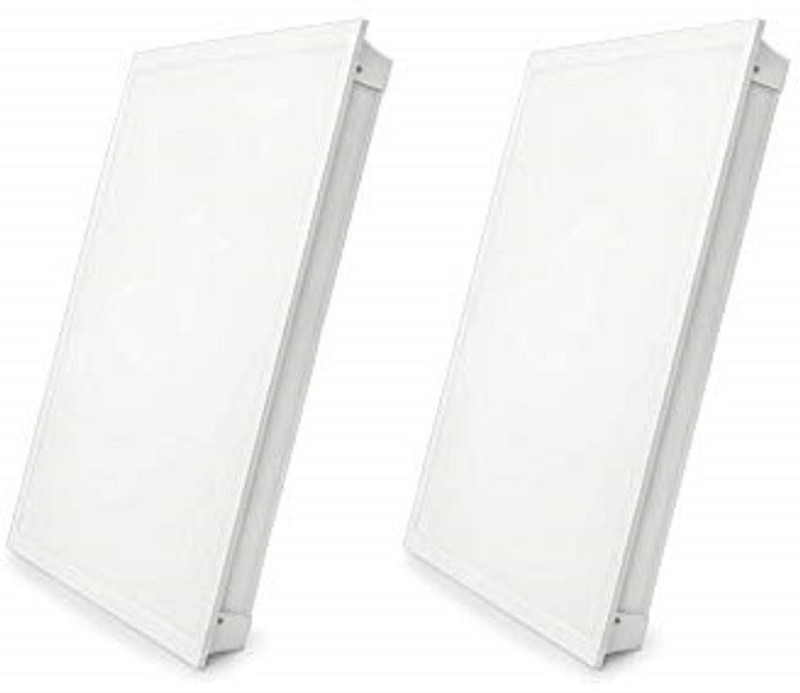
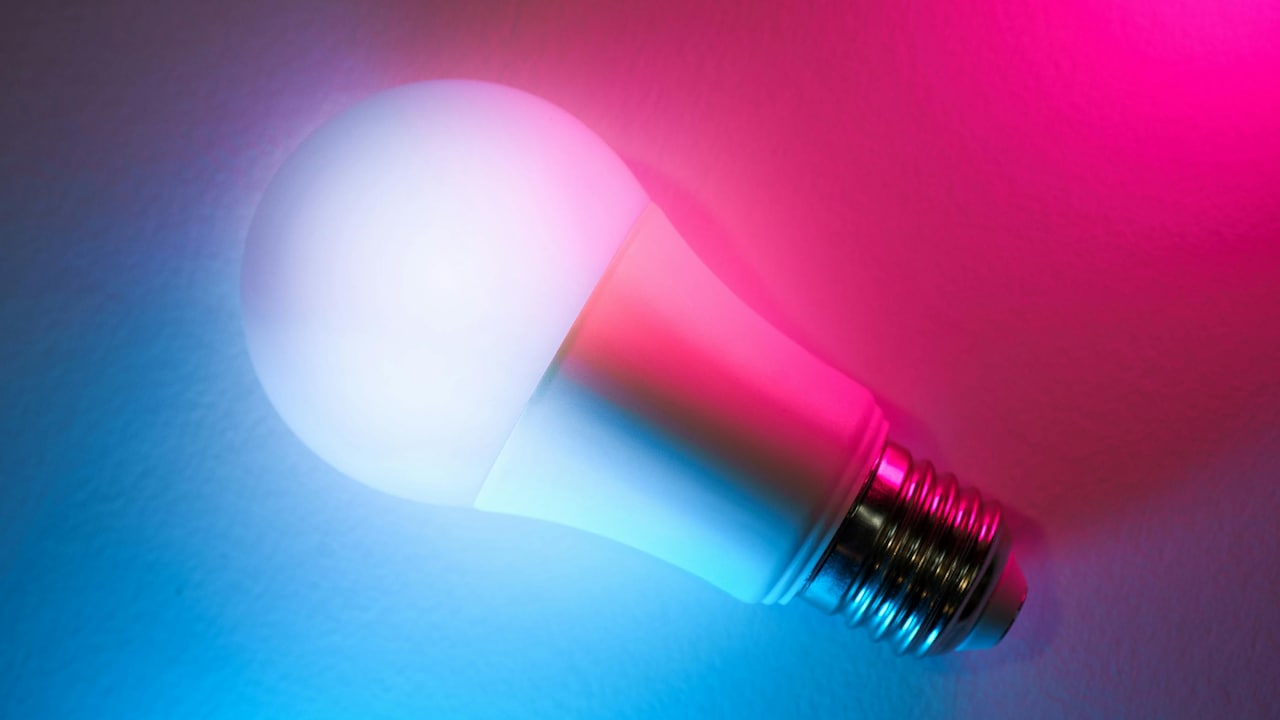
For those wanting premium results, smart LED panels offer impressive control. These lights allow users to adjust brightness, colour temperature, and even app-based presets.
With entry prices around ₹8,000, they suit professionals who regularly host webinars, manage teams, or produce content. Positioned strategically, LED panels create balanced, flattering light that rivals professional studios.
Their sleek design also contributes to a modern workspace aesthetic. While this option requires more investment, the visual payoff can be substantial. It represents a future-ready solution for remote professionals seeking consistent excellence.
Cable Management Creates Visual Cleanliness
Messy wires may seem trivial, yet visible cable chaos subtly affects professional perception. Tangled chargers and cluttered desks create subconscious impressions of disorganisation.
Simple cable trays, clips, and sleeves, often costing under ₹2,000, can dramatically improve desk appearance. Clean lines contribute to a polished and intentional workspace.
This setup supports both aesthetics and functionality. A tidy desk often promotes clearer thinking and reduces distractions. During video calls, these small details quietly reinforce competence. Sometimes professionalism lies not in grand upgrades, but in eliminating avoidable mess.
Personal Branding Through Thoughtful Décor Builds Memorability
The most compelling home offices balance professionalism with individuality. Thoughtful décor choices, such as tasteful artwork, subtle branding colours, or cultural accents, create memorable impressions.
A framed print, elegant lamp, or handcrafted desk accessory can elevate a workspace without overwhelming it. Budgets can vary widely, from ₹1,000 upward, depending on style.
This setup proves particularly effective for freelancers, consultants, and entrepreneurs seeking a stronger personal brand identity. A well-curated space communicates confidence, creativity, and authenticity. It reminds viewers there is a real person behind the screen, not merely another pixelated face in a crowded meeting.
10 Home Office Lighting Setups To Look More Professional On Video Calls
Photo Credit: Pexels
Products Related To This Article
1. Digitek (LED-D6W RGB) Portable Mini RGB LED Video Light with inbuild Battery
2. Tygot 10 Inches Big LED Ring Light for Camera
3. Digitek Lite DCL-150WBC Combo 150W Bi Color Continuous LED Light with 18CM Reflector
4. Arcnet USB Slab Light for Video Shooting with Height Adjustable Desk Stand for Mobile Vlogging
5. HIFFIN PRO HD Mark 2 Point Studio Lights for Photography and Video Shooting
Video calls reveal more than expressions and ideas. They quietly showcase preparation, professionalism, and attention to detail. Bad lighting can flatten confidence, while thoughtful home office design can elevate presence instantly.
Creating a polished setup no longer demands extravagant budgets or sprawling homes. From natural light adjustments to strategic tech upgrades, small changes often deliver remarkable results. The modern professional workspace should feel practical, stylish, and distinctly human.
As remote work continues shaping careers, investing in better lighting and presentation becomes less about vanity and more about opportunity. Because in the world of digital meetings, looking prepared often helps ensure one is remembered for expertise rather than unfortunate shadows.
(Disclaimer: This article may include references to or features of products and services made available through affiliate marketing campaigns. NDTV Convergence Limited (“NDTV”) strives to maintain editorial independence while participating in such campaigns. NDTV does not assume responsibility for the performance or claims of any featured products or services.)