How To Avoid Fast-Charger From Overheating: 10 Checks For Cable Quality, Wattage, Ventilation And Usage
Fast charger getting too hot? Check cable quality, wattage, ventilation, charging habits and device condition. These 10 practical checks can help reduce excess heat and keep fast charging safer and more efficient.
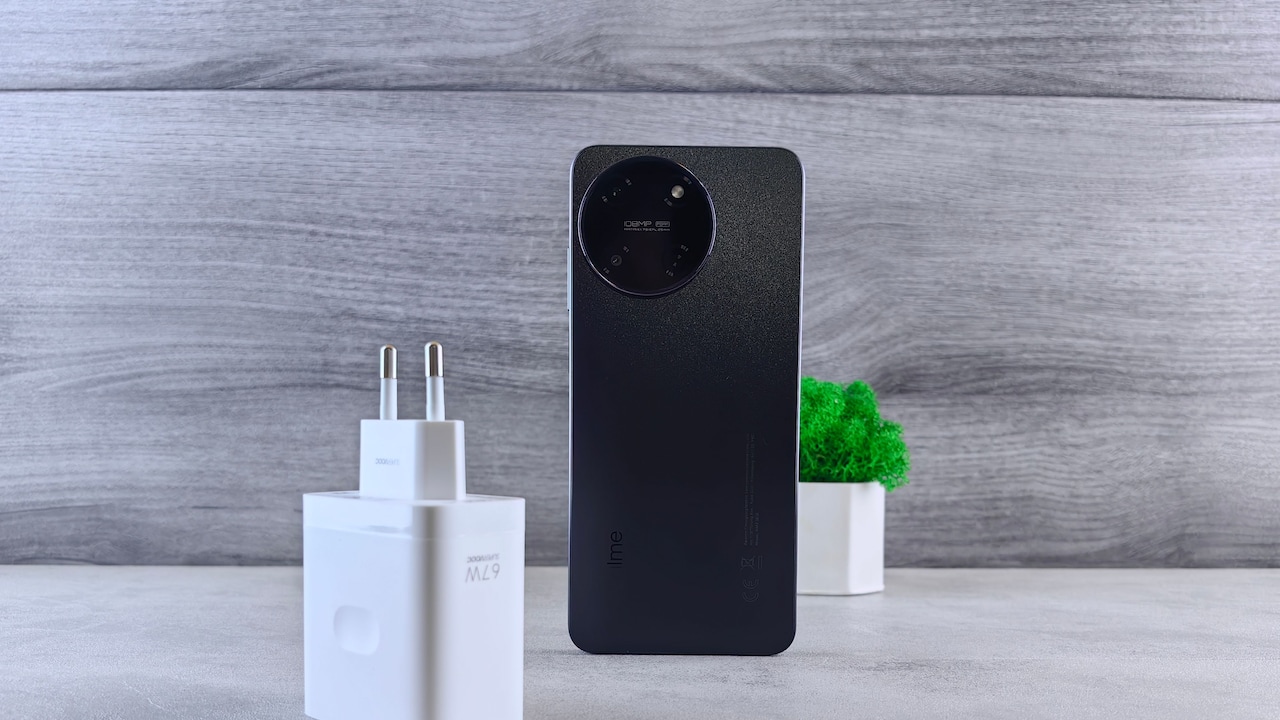
Why some fast chargers overheat device and how to stop them from doing so
Fast charging has quietly become one of those conveniences that feels impossible to surrender. A few minutes near a socket can provide enough battery for a commute, an online payment, a video call or an evening of navigation. The trade-off is heat. Some warmth during fast charging comes with the territory. Chargers convert electrical power, phones regulate incoming energy, and cables carry considerable current. Each stage can generate heat. Problems begin when a charger becomes unusually hot, charging repeatedly slows down, the cable connector feels scorching or the phone flashes a temperature warning.
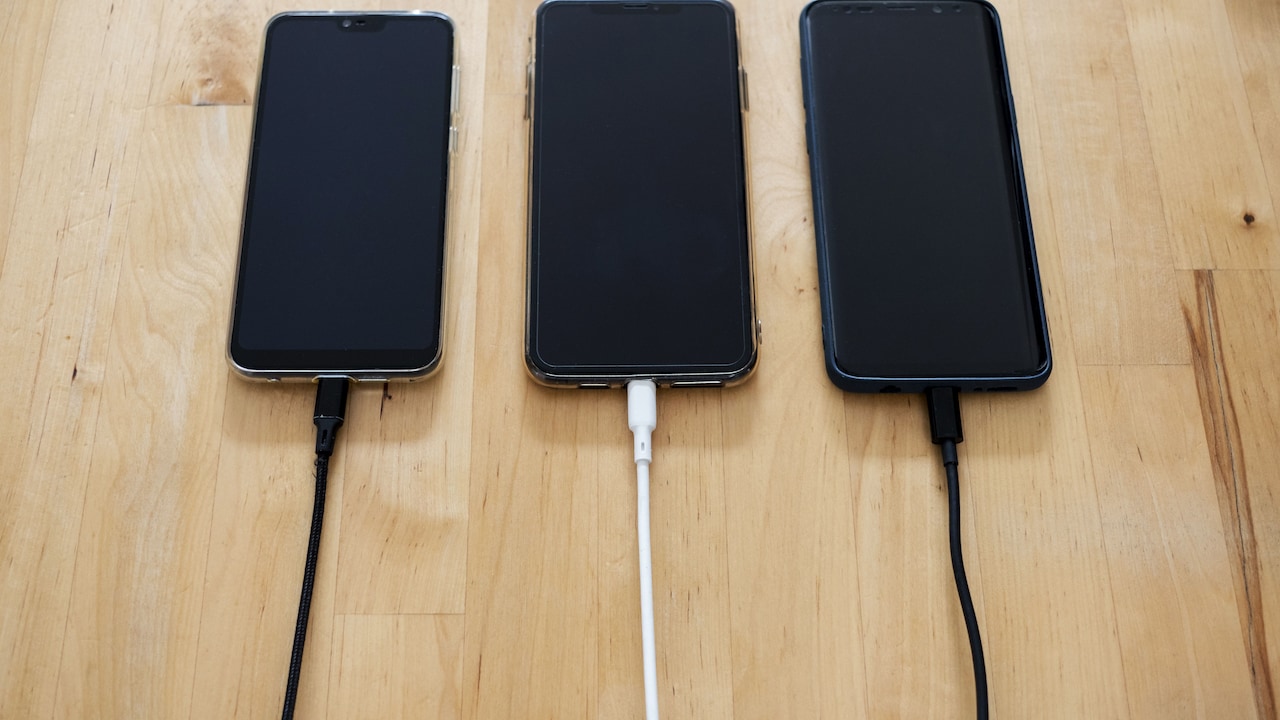
Tips to prevent a fast charger from overheating your device
Photo Credit: Pexels
The good news is that reducing heat rarely requires complicated troubleshooting. Small details matter: the quality of the cable, the charger's rated output, airflow around the adapter and even whether the phone sits under a pillow while charging.
Also Read: Top 5 Fast Wireless Chargers For Overnight Charging Under ₹2,000
Before blaming fast charging itself, check the complete charging setup. These ten areas often reveal why temperatures climb and what can bring them back under control.
10 Practical Checks To Keep Fast-Charger Heat Under Control
1. Check The Cable Quality Before Blaming The Charger
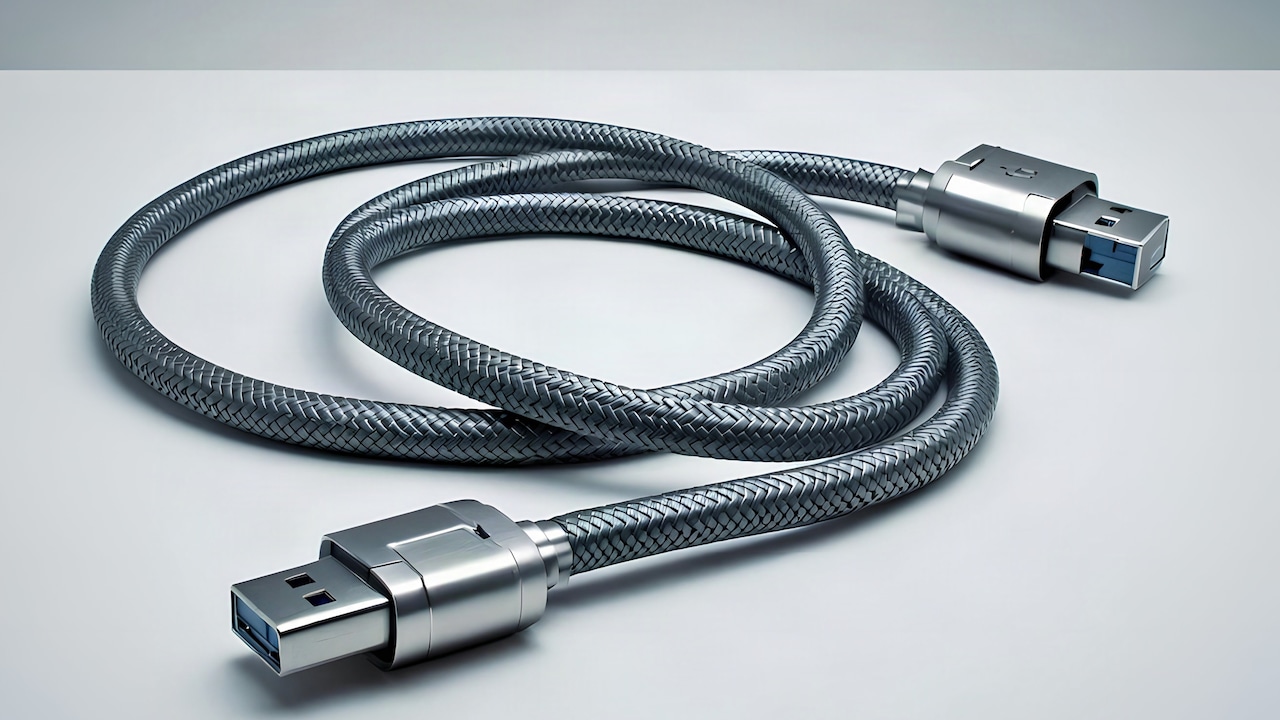
A charging cable looks simple, but its construction can make a noticeable difference to heat. Thin conductors, poor connectors and weak internal joints create electrical resistance. Resistance wastes energy as heat, which means a low-quality cable may become warm while delivering less power to the phone.
Start with the cable supplied by the phone or charger manufacturer when possible. A reputable certified replacement also works well. Avoid judging a cable only by its braided finish or thick outer covering. A cable can look sturdy and still contain poor internal wiring.
Pay attention to the connectors. Loose USB-C plugs, bent ends or darkened contact points deserve suspicion. If charging cuts in and out whenever the cable moves, replace it rather than trying to squeeze a few more months from it.
That ₹200 cable from an unknown seller may appear to save money, but repeated overheating can make the bargain less impressive. A dependable cable provides stable current and helps the charger work efficiently.
Try another known-good cable if the adapter runs hotter than usual. If temperatures fall noticeably, the original cable was probably contributing to the problem.
2. Match The Charger Wattage To The Device
More watts do not automatically mean more speed. A phone designed to accept 25W will not necessarily charge at 65W simply because someone plugs in a 65W adapter. Modern charging systems usually negotiate the power that the device can safely accept.
Compatibility still matters. Manufacturers use standards such as USB Power Delivery and, in some cases, proprietary fast-charging protocols. An adapter with impressive numbers on the box may fall back to an inefficient charging mode if it cannot communicate properly with the phone.
Check the phone manufacturer's recommended charging specification. Using a reputable charger that supports the correct protocol often provides better results than chasing the highest wattage available.
A higher-rated compatible charger does not automatically create dangerous heat because the phone controls how much power it requests. Problems arise more often with poorly designed adapters that regulate voltage badly or exaggerate their advertised capabilities.
Think of wattage like water flowing through a tap. A larger water tank does not force the tap to release everything at once. The phone still controls the flow.
Choose wattage according to compatibility first and headline numbers second. Cooler, predictable charging beats an unnecessary wattage race.
3. Give The Charger Enough Ventilation
Fast chargers need breathing room. Unfortunately, charging points often sit behind beds, beneath desks or beside tightly packed extension boards where heat has nowhere to escape.
The adapter releases heat into the surrounding air while converting mains electricity into the voltage the device needs. If cushions, curtains, clothing or furniture trap that warmth, the charger's temperature can keep rising.
Plug the adapter into an open socket whenever possible. Leave some space around it rather than surrounding it with other large adapters. A power strip carrying several chargers, a television and a laptop brick can become a miniature hot zone, especially during warm weather.
Never cover a working charger with clothing, bedding or a bag. Avoid placing an extension board on a sofa or mattress too. Hard, open surfaces allow heat to dissipate more effectively.
Room conditions matter as well. A charger that feels comfortable in an air-conditioned office may become considerably warmer in a closed room during a humid afternoon.
Fast charging works best when the adapter can release heat naturally. Sometimes the simplest fix costs nothing at all: move the charger into open air.
4. Avoid Charging The Phone Under Pillows And Blankets
The adapter is only half of the heat story. The phone itself also generates warmth while accepting high charging power.
Placing a charging phone under a pillow, blanket or folded clothing prevents that heat from escaping. The situation becomes worse when the phone rests on a bed, where soft materials insulate the device. Anyone who has retrieved a forgotten phone from beneath a pillow and found it surprisingly hot has already seen the effect.
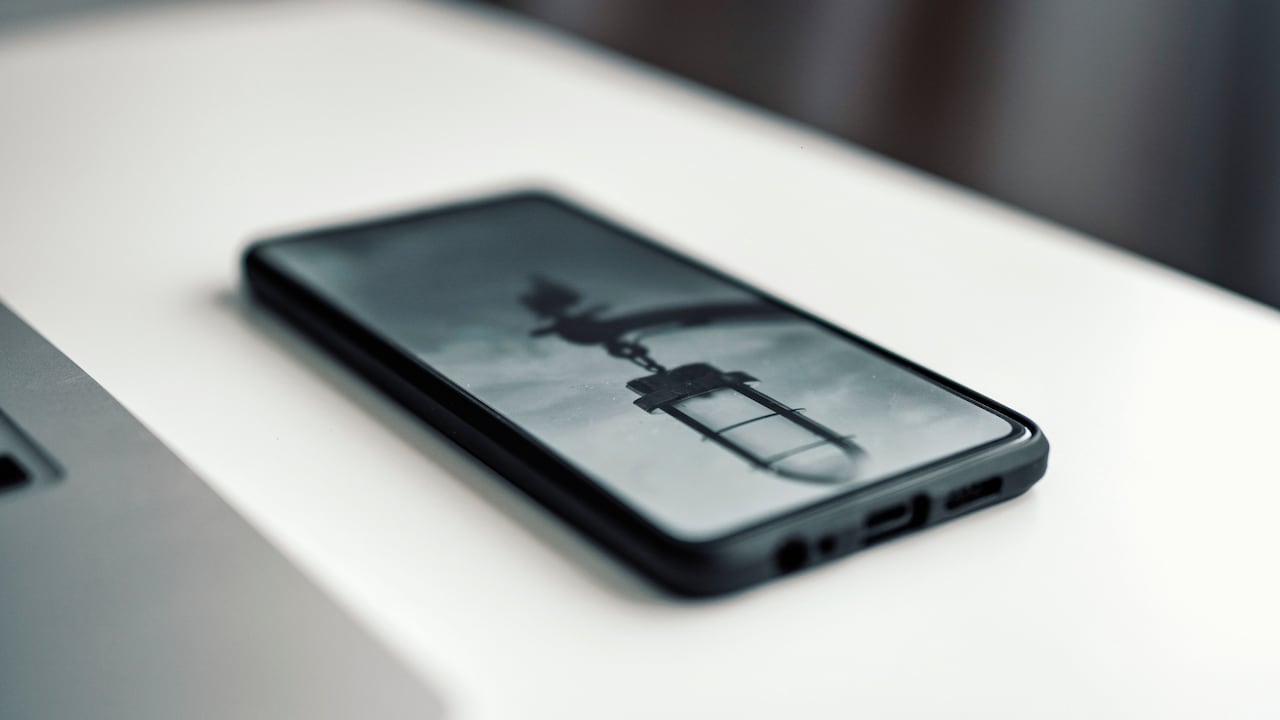
Charge the handset on a firm, exposed surface such as a table, bedside shelf or desk. Keep the charging port clear and allow air to move around the device.
Night-time charging deserves extra attention because bedding can shift while someone sleeps. A phone that began the night beside a pillow may end up underneath it.
A cool surface does not need to feel cold. Ordinary room-temperature furniture works perfectly well. Avoid placing the phone directly on extremely cold surfaces or using improvised cooling tricks.
Heat needs somewhere to go. Give the phone open space and it can regulate charging more effectively, particularly during the high-power early stage of fast charging.
5. Reduce Heavy Phone Use While Fast Charging
Fast charging and heavy phone use can create a double workload. The charging process generates heat while demanding activities such as gaming, video recording, navigation and high-resolution streaming make the processor and graphics hardware produce even more.
The result can feel like trying to run the air conditioner while leaving every window open.
For cooler charging, leave demanding tasks alone for a while. That does not mean the phone must remain untouched. Replying to a message or checking a notification causes little trouble. Running a graphics-heavy game at maximum brightness while using a fast charger presents a different situation.
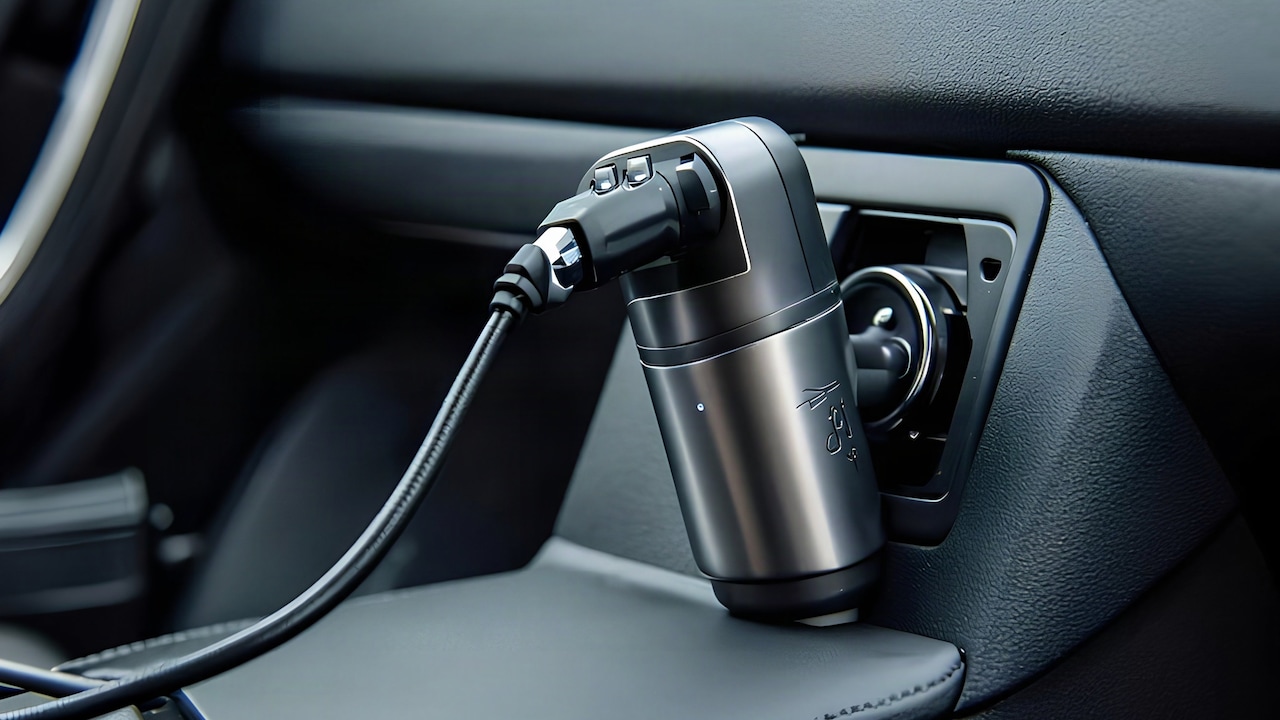
Navigation can create particular heat inside a car because GPS, mobile data and a bright display work continuously. Add sunlight through the windscreen and charging temperatures can rise quickly.
When possible, charge before starting demanding tasks. Even a short uninterrupted fast-charge session may add enough battery to reduce the need for charging during gameplay or navigation.
Reducing activity also lets the phone devote more incoming energy to replenishing the battery. In practical terms, less simultaneous work can mean lower temperatures and a quicker, more efficient charge.
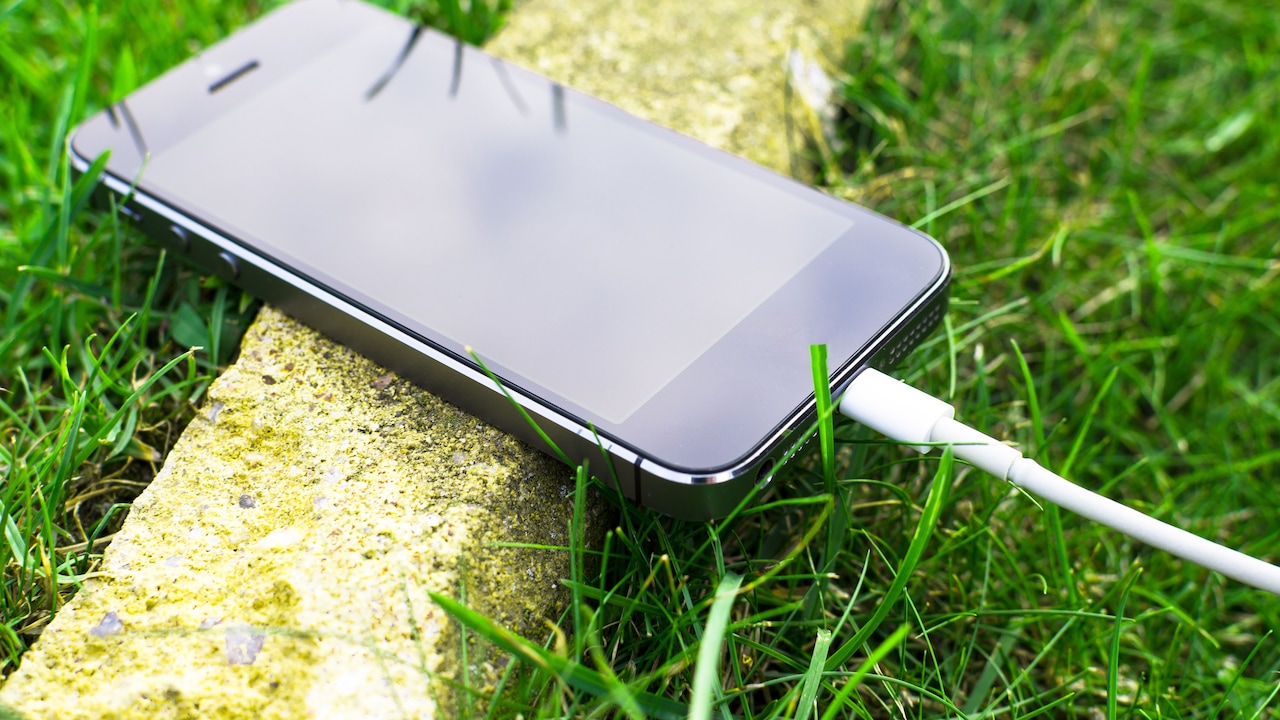
Avoid using your phone to prevent overheating during charging
Photo Credit: Pexels
6. Remove A Heat-Trapping Case When Necessary
Phone cases protect expensive devices from the sort of drops that make a room go silent for half a second. Some cases, however, also hold heat close to the phone.
Thick rubber, leather-style coverings and heavily padded cases can slow heat dissipation during fast charging. The effect varies between phones and cases, so there is no reason to remove a case every time the charger comes out.
Instead, pay attention to temperature. If the handset regularly becomes very warm during fast charging, try charging once without the case in the same conditions. A clear temperature difference can reveal whether the case contributes to the problem.
Wireless charging deserves even more attention because it generally produces more heat than wired charging. Thick or poorly aligned cases can make that heat worse.
Do not remove a case and leave the phone balanced somewhere risky. A cool phone with a cracked screen hardly counts as a victory.
Treat case removal as a troubleshooting step rather than a ritual. If temperatures remain normal with the case attached, keep using it. If removing it noticeably improves cooling, consider a slimmer case or take the cover off during longer fast-charging sessions.
7. Inspect The Charging Port For Dirt Or Damage
A tiny charging port spends its life collecting more debris than most people realise. Pocket lint, dust and grime can prevent the cable connector from sitting properly, creating an unstable electrical connection.
A loose connection can interrupt fast charging and sometimes generate extra heat around the connector. Common warning signs include a cable that feels unusually loose, charging that starts only at a certain angle or a plug that becomes much warmer than the rest of the cable.
Examine the port under good lighting. If visible lint has packed inside, handle cleaning carefully. Avoid metal pins or other conductive objects that could damage delicate contacts. Manufacturer-approved cleaning guidance offers the safest route when debris looks difficult to remove.
Moisture warnings also deserve attention. Do not repeatedly reconnect a charger when the phone reports liquid in the port. Give the device time to dry according to the manufacturer's instructions.
Physical damage requires professional attention. A bent internal connector or damaged port rarely improves through enthusiastic cable wiggling.
A healthy charging connection should feel secure and consistent. If the hottest part of the setup sits around the connector rather than the adapter, inspect the port and cable before continuing regular fast charging.
8. Avoid Cheap Or Unverified Fast Chargers
A fast charger handles significant electrical power in a surprisingly small body. Good designs include temperature monitoring, power regulation and several electrical protection systems. Poor designs may cut corners where users cannot see them.
Price alone does not determine quality, but extremely cheap chargers with exaggerated claims deserve caution. An adapter promising enormous power output for the price of a couple of cups of tea may warrant a closer look.
Choose chargers from established manufacturers and trusted retailers. Check whether the product supports recognised charging standards and carries the relevant compliance information. Beware of counterfeit accessories that imitate the branding and packaging of popular models.
Unusual behaviour provides another warning. Loud buzzing, a burnt smell, visible discolouration, sparking or a casing too hot to touch comfortably should end the charging session immediately. Replace a suspect charger instead of treating overheating as a quirky personality trait.
Saving ₹500 on an adapter loses its charm if that adapter damages a phone worth tens of thousands of rupees.
Fast charging depends on precise control of voltage and current. A well-designed adapter manages that job quietly. Reliability matters far more than flashy wattage printed across a box.
9. Keep The Phone Away From Direct Sunlight And Hot Cars
Ambient temperature has a major influence on charging heat. A charger and phone can manage their own warmth only when the surrounding environment gives them somewhere to release it.
Direct sunlight works against that process. Charging a phone on a windowsill, dashboard or car seat under strong sun can push temperatures upward before the charger has done much work.
Cars present a particularly harsh environment. A parked cabin can become extremely hot, while navigation, mobile data and charging may already keep the phone busy. Mounting the device near a sunlit windscreen makes matters worse.
Move the phone into shade and, where practical, use the car's air conditioning to keep the cabin comfortable. Do not place the handset directly against an air-conditioning vent in an attempt to chill it rapidly; ordinary airflow and moderate temperatures work better.
At home, avoid charging next to hot appliances or on surfaces warmed by sunlight.
Sometimes fast charging slows deliberately in hot conditions because the phone's protection system limits power. That behaviour may feel annoying when someone needs battery urgently, but the device is protecting itself. Cooling the surroundings provides a better solution than repeatedly reconnecting the charger.
10. Know When Heat Has Crossed The Normal Line
Warm and dangerously hot are not the same thing. Fast chargers often become noticeably warm during the first part of a charging session, especially while delivering their highest power. The phone may warm up too.
Temperature should usually ease as the battery fills and charging power decreases. Concern grows when heat becomes extreme, appears suddenly after months of normal use or comes with other warning signs.
Stop using the charger if its casing warps, cracks or changes colour. A burnt smell, smoke, sparking or repeated shutdowns also call for immediate replacement or professional inspection. The same applies to damaged cables with exposed conductors.
Pay attention to the phone as well. Repeated temperature warnings, unusual battery swelling or a back panel beginning to lift require professional service. Do not press a swollen battery back into place or continue charging it.
Comparisons can help. If the same phone remains cool with another genuine charger and cable, the original accessory deserves investigation.
Fast charging should feel convenient, not nerve-racking. A little warmth can be normal. Persistent, excessive heat is the device's way of asking for attention.
Products Related To This Article
1. Honeywell Zest Charger GaN 100W,Ultra-Fast Wall Charger with PPS Support
2. Ambrane 70W Fast Charging Adapter Gan Charger
3. 45W C-Type Super-Fast Charger Adapter
4. 100W USB-A to Type-C Fast Charger
5. AILKIN 68W TurboPower Fast Charger Adapter
6. 45W GaN Type- C Super Fast Charger Compatible with Samsung Galaxy
7. Samsung Original 25W USB Type-C Travel Adaptor Without Cable for Google Pixel
Fast charging does not have to turn a charger into a pocket-sized radiator. Some heat naturally accompanies high-power charging, but the right setup keeps it within sensible limits.
Start with the basics: use a reliable cable, match the charging standard, provide ventilation and keep both the phone and adapter away from trapped heat. Avoid pushing the phone through demanding games or navigation while it charges at full speed, and investigate loose ports or suspicious accessories rather than ignoring them.
Most importantly, learn the difference between ordinary warmth and warning signs. A charger that feels mildly warm can be doing exactly what engineers designed it to do. A charger that smells burnt, sparks, discolours or becomes painfully hot needs retirement, not another chance.
Fast charging works best when speed and sensible habits meet halfway. Give the equipment good-quality connections, open air and suitable working conditions, and those precious few minutes beside a socket can remain convenient rather than concerning.
(Disclaimer: This article may include references to or features of products and services made available through affiliate marketing campaigns. NDTV Convergence Limited (“NDTV”) strives to maintain editorial independence while participating in such campaigns. NDTV does not assume responsibility for the performance or claims of any featured products or services.)