Touchscreen Problems Explained: Why Phone And Tablet Screens Become Less Responsive
Unresponsive phone or tablet screens can be frustrating. Learn about common reasons why old phones and tablets become less responsive to touch.
Unresponsive Touchscreen? Common Reasons Smartphones And Tablets Stop Registering Touch.
Touchscreens have become second nature. From ordering food to paying bills, booking tickets to scrolling through memories, almost every daily task now flows through a slab of glass. That is why a laggy or unresponsive screen feels personal, almost insulting. A swipe that refuses to register or a tap that needs repeating can spark instant frustration, especially during a busy commute or an urgent call.
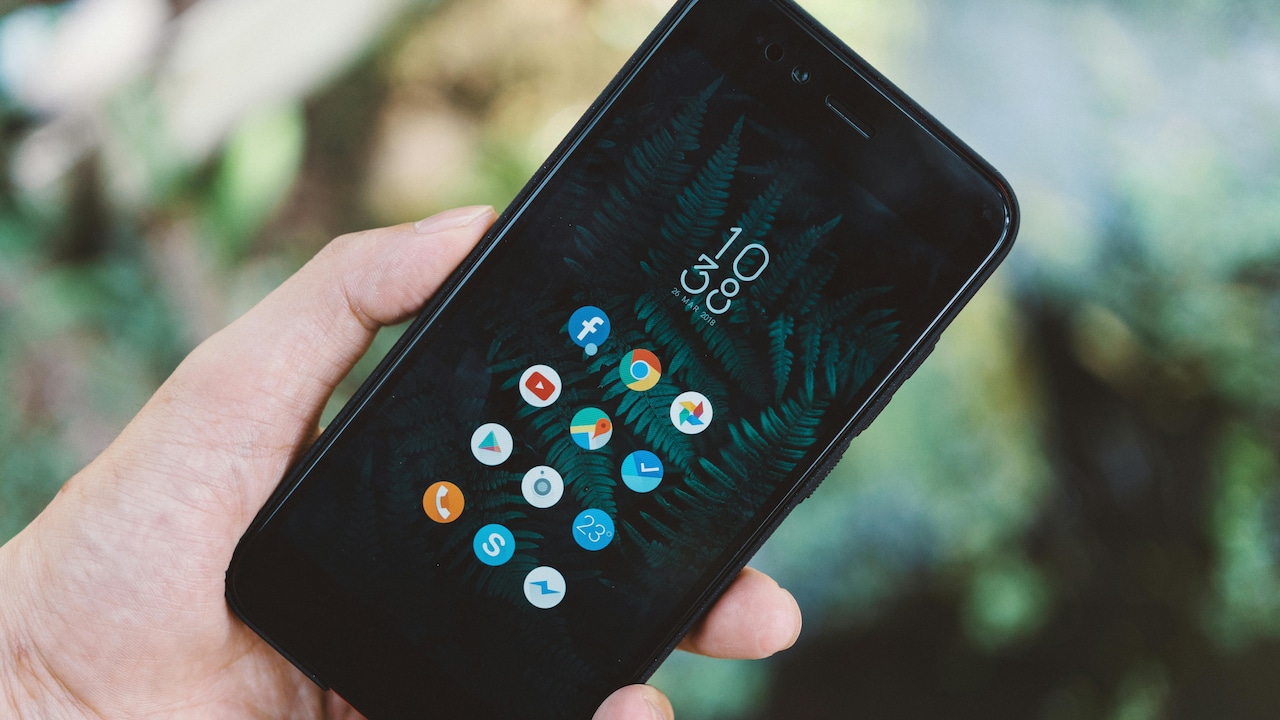
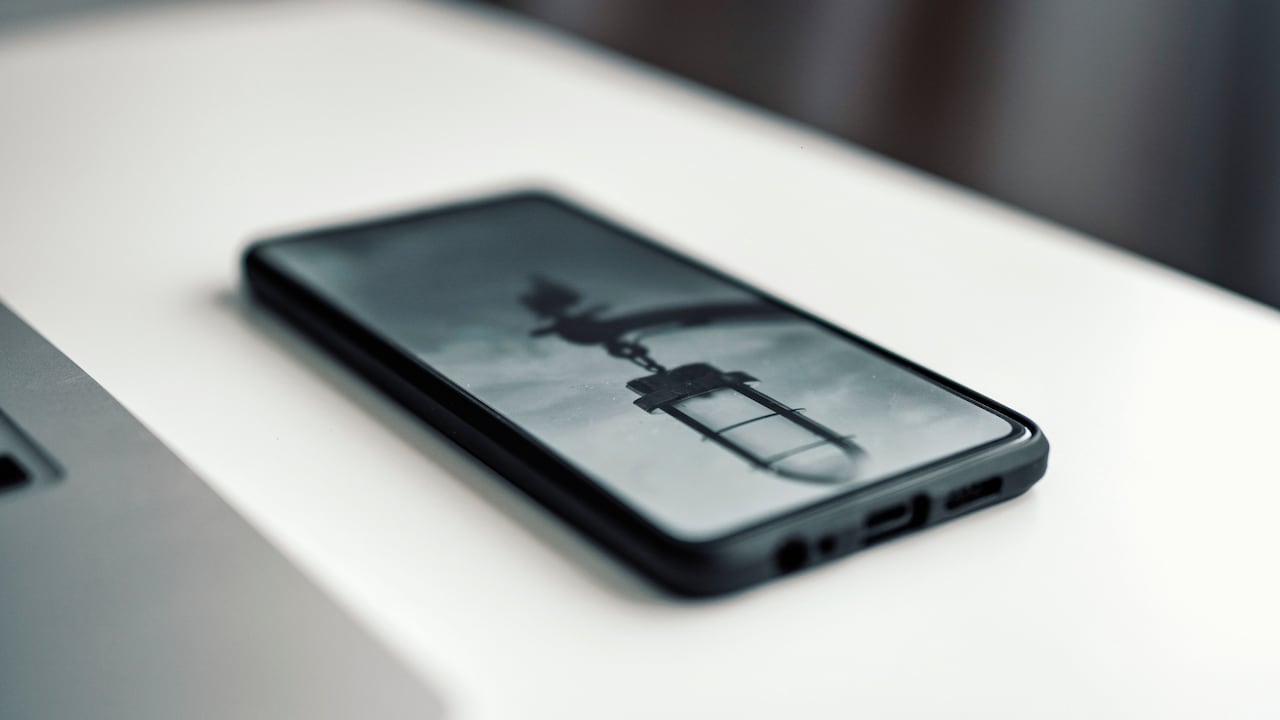
Explore the most common reasons why screens often become less responsive over time; Photo Credit: Pexels
Many assume such problems signal the end of a device's life. In reality, touchscreen issues often stem from small, fixable causes. Some relate to habits, others to environment, and a few to ageing hardware. Understanding these reasons helps extend a device's life and saves unnecessary repair bills that can easily cross ₹3,000 or more.
Let's break down the most common reasons why phone and tablet screens lose responsiveness, one practical point at a time.
Also Read: 6 Smartphones With Stereo Speakers and Flat Backs, Without Rear Camera Bump
What Really Causes Touchscreens To Lose Their Sensitivity
1. Dirt, Oil, and Daily Grime Build-Up
Touchscreens respond to electrical signals from the skin. Over time, a thin layer of oil, sweat, dust, and pollution settles on the surface. City air alone carries enough grime to coat a screen within days. Add greasy fingers after snacks or long calls, and the screen struggles to detect touch accurately.
This build-up often causes missed taps, delayed responses, or ghost touches. The issue becomes more noticeable while typing or playing games that need precision. Many users blame software glitches, yet a simple clean can restore smooth performance.
A soft microfibre cloth works best. Avoid harsh cleaners or tissues that scratch the glass. A slightly damp cloth, with clean water only, removes stubborn marks. Regular cleaning, even once every two days, keeps the screen responsive and pleasant to use.
2. Screen Protectors That Do More Harm Than Good
Screen protectors promise safety, but low-quality ones often reduce touch sensitivity. Thick plastic films and cheap tempered glass interfere with how the screen reads input. Tiny air bubbles or misalignment worsen the problem, especially near the edges.
Over time, protectors also develop micro-scratches. These scratches scatter touch signals, leading to an inconsistent response. A protector that once felt smooth may turn sticky or dull after months of use.
Investing in a good-quality tempered glass costs around ₹300–₹500 but saves daily frustration. Proper installation matters just as much. A poorly applied protector can undo all benefits. If responsiveness improves immediately after removal, the protector was likely the culprit.
3. Moisture and Humidity Confusing the Screen
Touchscreens and moisture never get along. Even a little sweat or humidity can confuse the screen's sensors. This explains why phones behave oddly during workouts, monsoon season, or long outdoor calls.
Water droplets mimic finger input, leading to random touches or frozen screens. Tablets used in kitchens face similar issues due to steam and spills. Many devices include water resistance, yet resistance does not mean immunity.
Drying the screen with a clean cloth often solves the problem. Avoid using the device with wet hands. If moisture enters deeper layers, switching off the device and letting it dry naturally helps prevent long-term damage.
4. Software Glitches and Overloaded Memory
Sometimes the issue lies beneath the glass. Heavy apps, background processes, and low storage slow down touch response. When memory fills up, the system struggles to process input quickly.
Signs include delayed taps, stuttering animations, or apps opening seconds after touch. This problem appears more often on older devices or those packed with unused apps, photos, and videos.
A quick restart clears temporary glitches. Regular updates also matter, as they often fix touch-related bugs. Clearing unused apps and freeing storage improves overall responsiveness. Even deleting old videos can make a noticeable difference.
5. Ageing Hardware and Worn-Out Touch Sensors
Every device ages, no matter how carefully handled. Touch sensors degrade over time due to constant use. Thousands of taps every day eventually take a toll, especially on frequently used areas like keyboards and navigation buttons.
Older phones may struggle to register light touches. Pressing harder might help temporarily, but that only accelerates wear. Tablets used by children often show uneven responsiveness due to repeated pressure in the same spots.
Once hardware wear sets in, cleaning or updates offer limited relief. Screen replacement becomes the only permanent fix, with costs ranging from ₹1,500 to ₹6,000 depending on the model.
Old hardware and worn-out sensors are also popular causes of phones becoming less responsive; Photo Credit: Pexels
6. Extreme Temperatures Affecting Performance
Heat and cold both disrupt touchscreen function. High temperatures soften internal components and affect electrical conductivity. Leaving a phone in a parked car under the sun can cause immediate lag.
Cold weather stiffens materials and reduces sensitivity. Screens may fail to respond until they warm up. This explains sluggish behaviour during early morning travel or winter evenings.
Keeping devices within moderate temperature ranges protects both the screen and battery. Simple habits, like avoiding direct sunlight or not using the phone outdoors for long periods, preserve responsiveness.
7. Physical Damage and Micro Cracks
Not all damage appears dramatic. Tiny cracks, invisible at first glance, interfere with touch detection. A minor drop may not shatter the screen, but can damage internal layers.
Symptoms include dead zones where touch fails or areas that register incorrect input. These issues often worsen over time as cracks spread.
Using a cracked screen risks further damage and injury. Replacing the screen early prevents additional problems and maintains usability. Ignoring minor damage usually leads to higher repair costs later.
8. Poor Charging Accessories and Electrical Interference
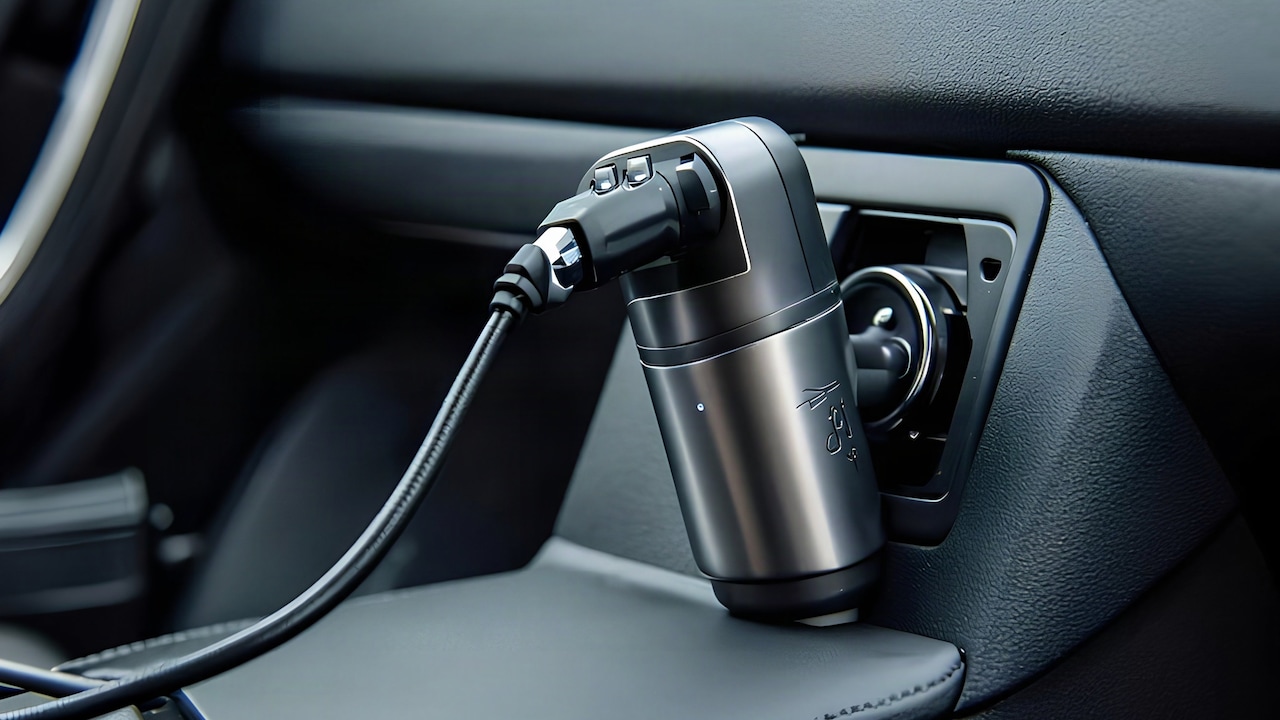
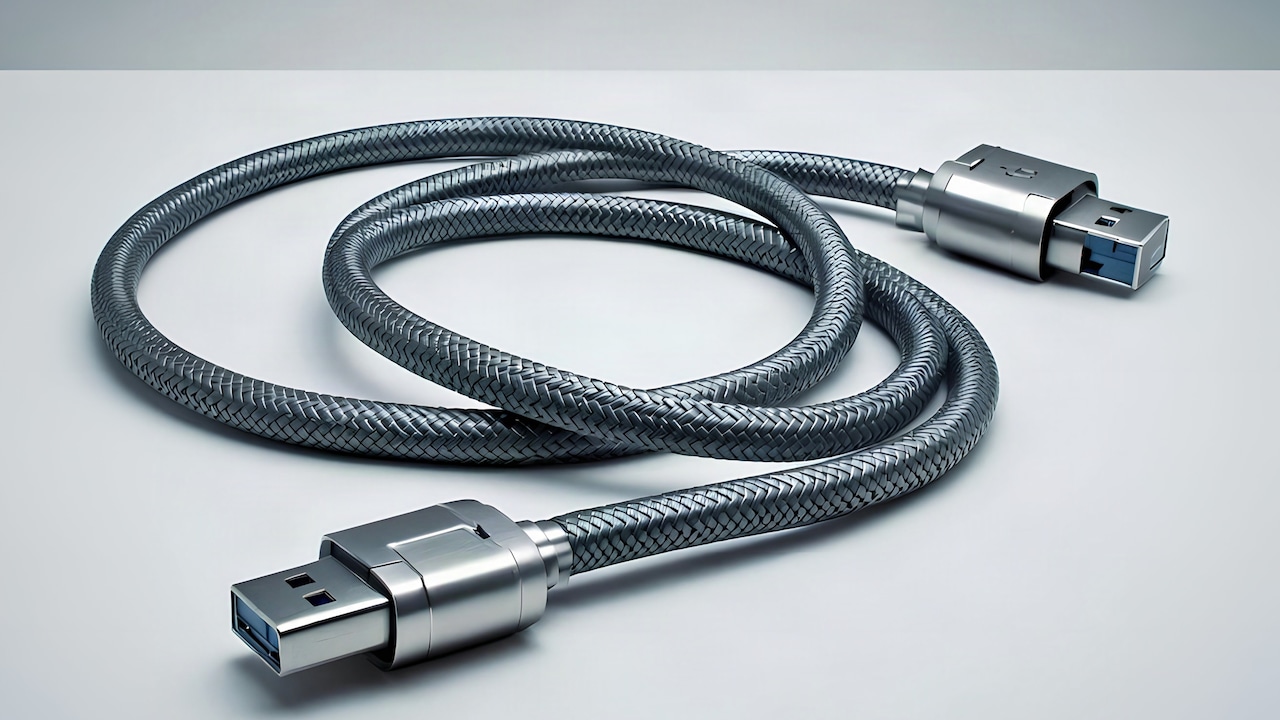
Low-quality chargers and cables cause strange touchscreen behaviour. Electrical interference from unstable power affects touch sensitivity, especially while charging.
Many experience ghost touches or unresponsive screens only when plugged in. This problem often disappears after unplugging the charger, pointing directly to the accessory.
Using original or certified chargers reduces risk. Spending ₹500 on a reliable charger saves hours of frustration and protects the device's internal components.
9. Accessibility Settings and Display Tweaks Gone Wrong
Sometimes the issue hides in settings. Accessibility features, sensitivity adjustments, or display scaling can alter how the screen responds.
Accidental changes happen easily, especially after updates. Larger display scaling may reduce touch accuracy near edges. Glove mode or stylus settings may also interfere with finger input.
Checking and resetting display and accessibility settings often restores normal behaviour. A quick review saves unnecessary worry about hardware failure.
10. Habitual Usage Patterns That Stress the Screen
Daily habits influence screen health more than expected. Using excessive force while typing, tapping angrily during games, or cleaning with rough cloths slowly degrades the surface.
Children often press hard or use sharp objects, causing invisible damage. Keeping nails trimmed and avoiding excessive pressure preserves sensitivity.
Mindful usage extends screen life. Gentle taps work just as well and keep the device feeling new for longer.
Products Related To This Article
1. Samsung Galaxy M36 5G Mobile
2. Samsung Galaxy Tab S10 Lite with AI, S Pen in-Box, 27.7 cm
3. Redmi A4 5G (Sparkle Purple, 4GB RAM, 128GB Storage)
4. Lenovo Tab M11 | Wi-Fi+ 4G (LTE) Connectivity| 4 GB RAM, 128 GB ROM
5. POCO C71, Desert Gold
6. OnePlus Pad Go 28.85Cm 2.4K 7:5 Ratio Readfit Eye Care LCD Display
7. iQOO Z10x 5G (Titanium, 8GB RAM, 256GB Storage)
8. VIVO T4x (Pronto Purple, 6GB + 128GB)
Touchscreen problems rarely appear without reason. Most stem from everyday habits, environment, or gradual wear rather than sudden failure. Understanding these causes helps restore responsiveness and extends a device's lifespan.
A clean screen, quality accessories, mindful usage, and occasional maintenance go a long way. Before assuming the worst or rushing to a service centre, small checks often solve the issue.
After all, that smooth glide across the screen remains one of modern life's simplest pleasures. Keeping it responsive ensures every tap feels just right.
(Disclaimer: This article may include references to or features of products and services made available through affiliate marketing campaigns. NDTV Convergence Limited (“NDTV”) strives to maintain editorial independence while participating in such campaigns. NDTV does not assume responsibility for the performance or claims of any featured products or services.)