World Computer Literacy Day 2025: Top 5 Desktop Monitors Under ₹50,000
Desktop Monitors Under 50000: Upgrading in 2025 supports growing digital needs like hybrid work, online learning, longer routines, and increased screen time. New models offer features that keep your eyes comfortable, help with multitasking, and fit modern setups better.
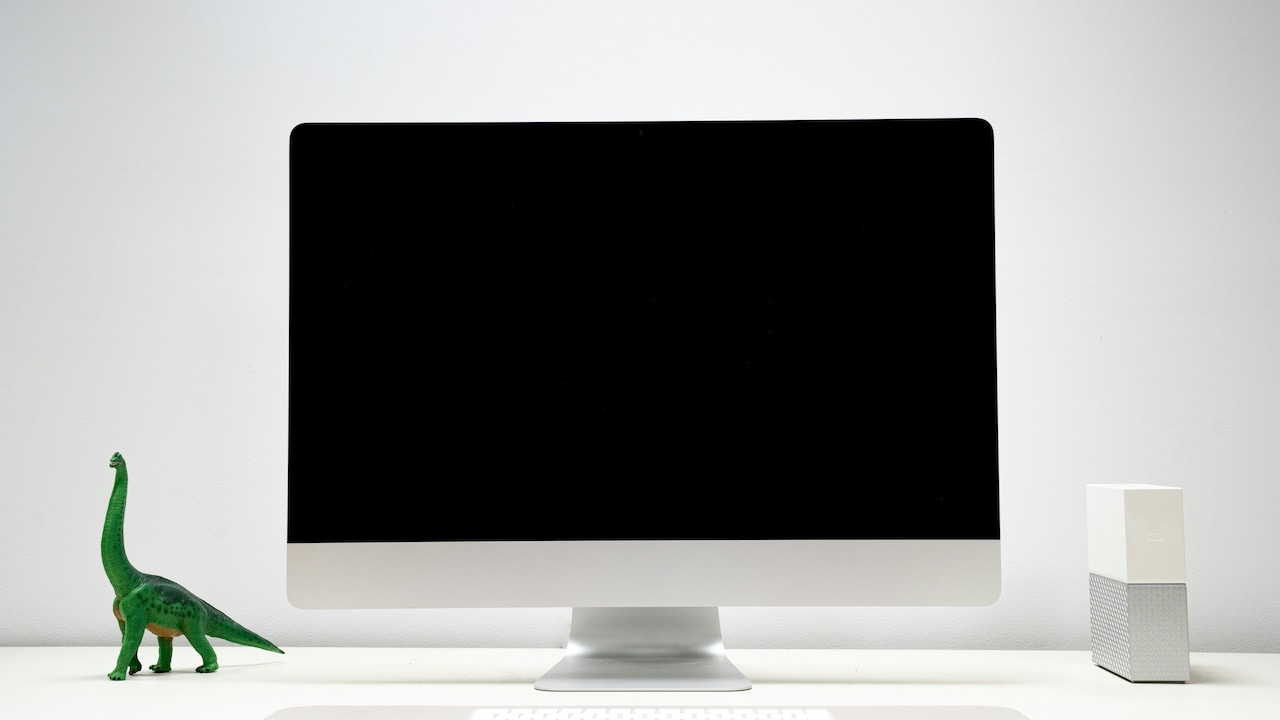
World Computer Literacy Day 2025: Best budget desktop monitors under ₹50,000 for your desk setup
Have you ever thought about how much your screen shapes your daily work? Picture this as you sit at your desk, opening your system and trying to finish tasks with ease. A good monitor can change how you work, how long you work, and how comfortable your eyes feel. World Computer Literacy Day 2025 highlights how digital use is rising every year, and many users now look for screens that support long hours, smooth viewing, and stable output. This is why upgrading to a better monitor helps you work without strain, view content clearly, and keep your system running in a steady way. In this guide, you will find the top desktop monitors under ₹50,000 that support daily tasks, learning, office work, and regular home use.
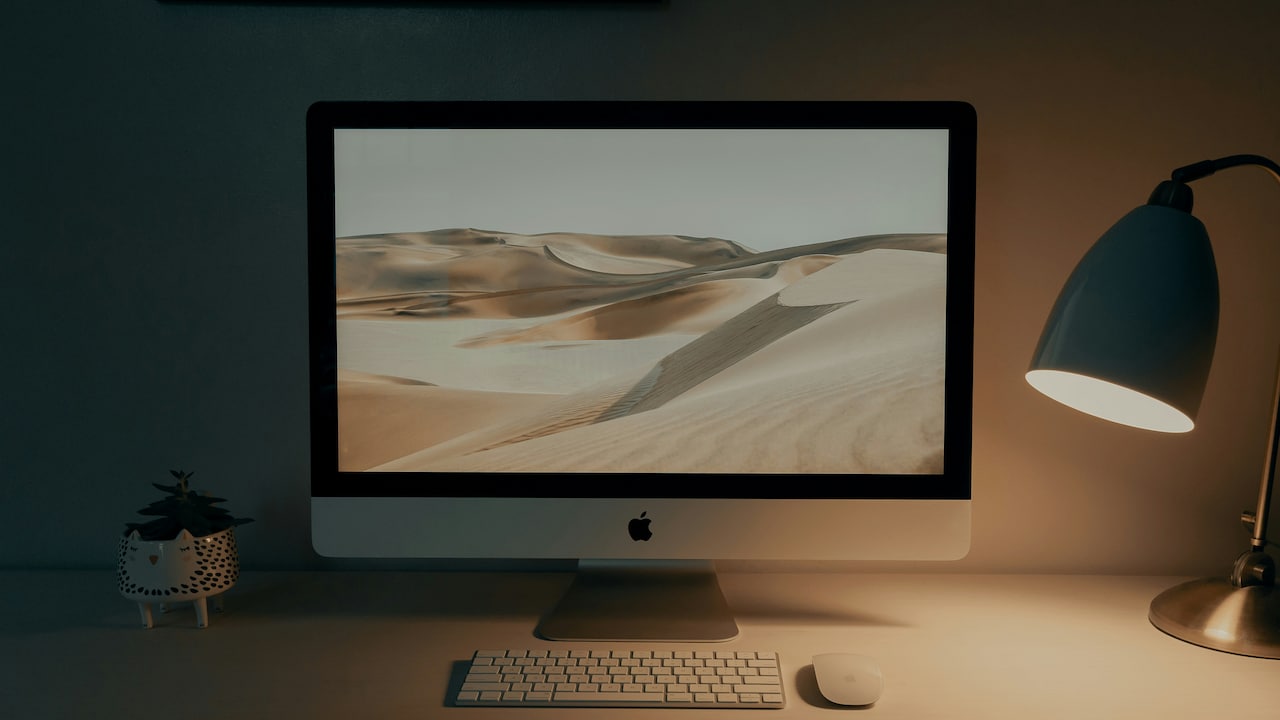
World Computer Literacy Day 2025: Best budget desktop monitors under ₹50,000 for your desk setup
Photo Credit: Unsplash
These options offer strong screens, wide viewing areas, and smooth output. You also get better clarity, simple controls, and stable performance. Upgrading your monitor in 2025 can help you keep up with digital learning needs, home workspace demands, and long working hours. Below, you can explore the products, read short stories about their use, and choose the one that fits your routine.
Also Read: Affordable High-Refresh Gaming: Best 5 Monitors For PS5 Under ₹20,000
| Product Name | Special Feature | Battery/Warranty | User Rating | Price |
|---|---|---|---|---|
| Dell SE2225HM 21.5" FHD Monitor | Eye comfort mode for long screen hours | 3-year brand warranty | 4.3/5 | ₹6,399 |
| Samsung 22" S3 Flat Monitor | Flicker-free viewing support | 1-year brand warranty | 4.2/5 | ₹6,499 |
| Samsung 24" (60.5 cm) S3 Flat Monitor | Eye-saver mode for steady screen use | 1-year brand warranty | 4.2/5 | ₹7,199 |
| BenQ GW2791 27" 1920×1080 Monitor | Brightness intelligence for stable light adjustment | 3-year brand warranty | 4.4/5 | ₹9,898 |
| Samsung 27" (68.5cm) 100Hz Curved Monitor | 100Hz refresh rate for smooth movement | 1-year brand warranty | 4.2/5 | ₹11,299 |
Top 5 Desktop Monitors Under ₹50,000
1. Dell SE2225HM 21.5" / 54.6cm FHD Monitor
Have you ever tried working on a screen that feels too small? This model gives a steady view for tasks, browsing, and long work hours. The 21.5-inch size offers a clear workspace, and the FHD screen supports daily use. It helps you move between apps smoothly and keeps content readable while you work. This upgrade supports simple desk setups and comfortable viewing.
Key Features
- 21.5-inch FHD display
- Smooth refresh support
- Slim and light build
- HDMI and VGA ports
- Eye comfort support
2. Samsung 22" (54.6 cm) S3 Flat Monitor
Do you ever feel your screen limits your workflow? This 22-inch flat monitor helps you move through work and study smoothly. Its FHD panel supports text clarity and basic tasks with ease. The slim design fits small desks and lets you manage long routines. This upgrade helps you stay steady through work, study, and daily browsing without strain.
Key Features
- 22-inch FHD screen
- Eye comfort mode
- Stable refresh rate
- HDMI and VGA support
- Slim flat design
3. Samsung 24" (60.5 cm) S3 Flat Monitor
Have you ever needed more space on your screen? This 24-inch model gives a wider workspace for tabs, notes, and windows. It supports clear text and stable viewing through basic tasks. The screen keeps colours steady and handles long use well. Upgrading to this helps users who balance work, study, and daily content use on one screen.
Key Features
- 24-inch FHD display
- Wide viewing area
- Eye comfort support
- HDMI and VGA ports
- Flat and space-friendly design
4. BenQ GW2791 27" 1920×1080 Monitor
Have you tried working on a larger screen and felt the ease instantly? This 27-inch model offers a wide view for multitasking. The FHD panel supports clean output for long hours. It fits work, browsing, and light content viewing. This upgrade helps people who want bigger workspace areas without crossing the ₹50,000 limit.
Key Features
- 27-inch FHD screen
- Wide viewing angles
- Smart brightness stabilisation
- HDMI and DP ports
- Eye care support
5. Samsung 27" (68.5cm) 100Hz Curved Monitor
Do you enjoy screens that pull you into the view? This 27-inch curved screen offers smooth handling with a 100Hz refresh rate. It suits daily use, long tasks, and regular browsing. Its curve helps your eyes follow the content naturally. This upgrade supports users who want a smooth and wider viewing line for daily work.
Key Features
- 27-inch curved FHD panel
- 100Hz refresh rate
- Eye comfort mode
- HDMI support
- Wide desk presence
World Computer Literacy Day 2025 reminds us how screens shape our daily digital habits. Upgrading your monitor now helps you handle work, study, and content in a smoother way. A good monitor supports long hours and keeps your focus steady. It also fits modern routines where digital use continues to grow each year. Choosing the right one builds a comfortable workspace for everyday needs. Check out these top deals from Amazon
Frequently Asked Questions (FAQs)
1. What makes a good monitor for daily use?
A good daily-use monitor offers clear text, stable viewing angles, simple controls, and comfort during long hours. It should support your apps without lag and provide smooth transitions between tasks. A stable refresh rate and wide viewing area help reduce strain during regular routines like typing, browsing, reading, or attending classes.
2. Is a bigger screen always better?
A bigger screen helps when you multitask or open many tabs, but it also depends on desk space and working style. A large screen offers ease for long hours, but smaller screens suit compact desks. The right choice balances comfort, space, and daily tasks without affecting your seating setup or movement.
3. Should I choose curved or flat monitors?
Curved monitors help your eyes follow the natural line of the screen, which can feel more comfortable for long routines. Flat screens, however, suit simple work setups and multitasking. The choice depends on how long you sit, what tasks you handle, and what feels easy for your eyes during daily use.
4. Do higher refresh rates matter for regular users?
Higher refresh rates make movement smoother, especially when switching between apps, scrolling, or watching content. Even regular users can feel the difference because it reduces motion blur. It does not change picture clarity but improves overall comfort, making long hours on the screen more manageable.
5. Is FHD enough for work in 2025?
Yes, FHD offers clear text and steady output for most daily tasks. It supports browsing, typing, calls, classes, and basic content use. Users who need sharper detail for design or editing may prefer QHD or 4K, but for regular routines, FHD meets the needs without demanding high system power.
(Disclaimer: This article may include references to or features of products and services made available through affiliate marketing campaigns. NDTV Convergence Limited (“NDTV”) strives to maintain editorial independence while participating in such campaigns. NDTV does not assume responsibility for the performance or claims of any featured products or services.)