Best Laptop Specs To Prevent Slowdowns And Keep Your Device Running Fast For Years
Here are the best laptop specs to prevent slowdowns - these include a suitable processor, RAM, SSD storage, and sufficient cooling to keep performance smooth for years.

Check Out The Best Laptop Specs That Matter Most for Speed, Longevity And Smooth Performance.
Almost everyone has experienced the heartbreak of a once-speedy laptop turning sluggish. It starts innocently, apps take a little longer to open, updates feel endless, and multitasking becomes a gamble. Many blame age, but the real culprit often lies in the specifications chosen at purchase. A laptop is more than a gadget; it is a daily companion for work, study, all-day entertainment, and everything in between. Choosing the right laptop specs means fewer frustrations, better productivity, and savings in the long run.
This article explores the best laptop specifications that help prevent slowdowns and keep systems running fast for years. From processors and memory to storage and cooling, every component plays a role. Here we reveal the best laptop specs to prevent slowdowns and keep your device running fast for years, without frustrating lag, crashes, or gradual performance drops over time.

Which Laptop Specs Matter Most for Speed And Smooth Performance; Photo Credit: Pexels
The Core Specifications That Prevent Everyday Slowdowns
1. A Modern, Efficient Processor Makes All the Difference
The processor acts as the brain of a laptop. A weak one struggles even with everyday tasks like browsing, video calls, and document editing. Choosing a modern processor ensures smoother performance today and resilience tomorrow.
For daily use, mid-range processors from recent generations handle multitasking far better than older high-end chips. Newer architectures focus on efficiency, not just raw speed. That means faster performance with lower heat and better battery life. Tasks such as opening multiple tabs, running spreadsheets, or attending online meetings feel effortless.
A common mistake involves opting for entry-level processors to save money upfront. That saving often disappears when the laptop slows down within a year or two. Spending a little extra initially can prevent early replacement costs, which often exceed ₹40,000.
Look for processors designed within the last two or three years. They manage background processes better and adapt well to future software updates. A capable processor keeps the laptop responsive, even as demands grow over time.
2. Sufficient RAM Keeps Multitasking Stress-Free
RAM decides how many tasks a laptop can juggle at once without breaking a sweat. Too little RAM forces the system to rely on slower storage, causing freezes and delays that ruin workflow.
For smooth everyday use, 8GB RAM has become the new baseline. It allows seamless switching between browser tabs, video calls, and productivity tools. For heavier users, those who edit photos, code, or manage large files, 16GB offers noticeable comfort and longevity.
More RAM does not make a laptop magically faster, but it prevents slowdowns when multitasking. It is the difference between a calm commute and a traffic jam during peak hours.
Upgradability also matters. Some laptops allow RAM expansion later, which adds flexibility. Models with soldered RAM lock users into current limits. Choosing wisely here avoids regret after software updates become more demanding.
In the long run, adequate RAM ensures the laptop feels responsive even after years of use, making it one of the smartest investments.
Also Read: Top 5 Lightweight Laptops: Power Without the Pounds
3. Solid State Drives Are No Longer Optional
Storage type plays a huge role in perceived speed. Traditional hard drives feel painfully slow compared to solid-state drives. The difference becomes obvious from the first boot.
An SSD dramatically improves startup times, file transfers, and app launches. Systems equipped with SSDs feel snappy, even with modest processors. It is one upgrade that delivers instant gratification.
Capacity also matters. A 256GB SSD suits basic use, but 512GB offers breathing room as files, updates, and applications pile up. Running out of storage slows systems and adds daily annoyance.
Many still hesitate because SSDs cost more per gigabyte. Yet the price gap has narrowed significantly. Spending an extra ₹3,000–₹5,000 on an SSD can save countless hours of waiting over the laptop's lifespan.
For long-term performance, an SSD is essential. It keeps the system agile and makes everyday computing feel effortless rather than exhausting.
4. Graphics That Match Your Usage, Not Just Trends
Graphics capabilities influence more than gaming. They affect video playback, design software, and even system responsiveness in certain tasks. Choosing the right level prevents unnecessary expense and power drain.
Integrated graphics work well for everyday tasks, streaming, and office work. They have improved significantly and suit most users perfectly. Dedicated graphics cards, while powerful, make sense mainly for gaming, 3D work, or professional editing.
Buying a laptop with a powerful graphics card “just in case” often leads to higher costs and reduced battery life. It is like buying a sports car for grocery runs, impressive but impractical.
For longevity, balance matters. A laptop that matches actual needs stays efficient and reliable. Overpowered components can create heat issues and shorten lifespan.
Understanding usage patterns helps pick the right graphics solution. The result is smoother performance without unnecessary compromises.

Which Laptop Specs Matter Most for Speed And Smooth Performance; Photo Credit: Pexels
5. A Cooling System That Works Silently in the Background
Heat is a silent performance killer. Poor cooling forces components to slow down to protect themselves. Over time, constant heat reduces efficiency and lifespan.
Good cooling design keeps performance stable during long work sessions. Well-placed vents, quality fans, and thoughtful internal layouts matter more than flashy exteriors.
Thin laptops often sacrifice cooling for looks. While they appear sleek, they may struggle under sustained workloads. Choosing a model with a balanced design prevents thermal throttling and unexpected slowdowns.
Noise levels also count. A laptop that sounds like a jet engine distracts during calls and quiet work hours. Efficient cooling keeps noise low while maintaining performance.
Investing in a laptop with solid thermal management pays off over the years. It stays fast, quiet, and comfortable to use, even during demanding tasks.
6. Display Quality Affects Performance Perception
A good display does more than please the eyes. It reduces strain, improves productivity, and makes daily use enjoyable. Poor displays cause fatigue, which often feels like system sluggishness.
Full HD resolution has become the standard. It offers clear text and sharp visuals without overloading the system. Higher resolutions look stunning but may drain battery faster on mid-range hardware.
Brightness and colour accuracy also matter. A dim screen forces higher brightness settings, impacting battery life. Comfortable visuals make long sessions easier.
Refresh rate plays a role, too. Standard displays work fine for most users, while higher refresh rates benefit smoother scrolling and creative work.
Choosing a balanced display ensures comfort and efficiency. It supports long-term usability without unnecessary performance trade-offs.
7. Battery Capacity That Supports Long Workdays
Battery health affects performance more than expected. Weak batteries cause laptops to throttle performance to conserve power, leading to frustrating slowdowns.
A battery with sufficient capacity supports consistent performance throughout the day. It reduces dependence on chargers and avoids sudden power drops during important tasks.
Charging technology also matters. Fast charging saves time and reduces stress during busy schedules. A quick top-up during breaks keeps work uninterrupted.
Over time, batteries degrade. Starting with a higher capacity delays this impact. Replacing batteries can cost over ₹5,000, making the initial choice important.
A strong battery complements other specs. Together, they create a reliable system that performs consistently, whether plugged in or on the move.
Which Laptop Specs Matter Most for Speed And Smooth Performance; Photo Credit: Pexels
8. Build Quality That Protects Performance Internally
Build quality often gets overlooked, yet it directly affects longevity. Sturdy chassis protects internal components from minor shocks and daily wear.
Cheap plastics flex and trap heat, impacting cooling and performance. Solid builds maintain structural integrity, ensuring components remain secure and efficient.
Keyboard quality also plays a role. Comfortable typing reduces errors and fatigue, making work feel smoother. Touchpads with precision enhance navigation speed.
Ports matter too. Adequate connectivity avoids reliance on dongles, which often slow workflows and clutter desks.
A well-built laptop feels reliable. That confidence translates into better productivity and fewer performance complaints over time.
9. Software Compatibility and Update Support
Hardware means little without proper software support. Laptops that receive regular updates stay secure and compatible with new applications.
Choosing widely supported operating systems ensures access to optimised drivers and performance improvements. Poor support leads to bugs and slowdowns.
Pre-installed software can also affect speed. Systems loaded with unnecessary apps feel sluggish from day one. Clean setups perform better and stay responsive longer.
Driver optimisation improves performance silently. It enhances efficiency, battery life, and stability over time.
Long-term software support keeps hardware relevant. It ensures the laptop adapts rather than struggles as technology evolves.
10. Upgradability Extends a Laptop's Useful Life
Upgradability acts as insurance against future slowdowns. Laptops that allow storage or RAM upgrades adapt to growing needs.
Being able to add RAM or replace storage delays replacement costs. A simple upgrade can restore responsiveness after years of use.
Sealed designs look modern but limit flexibility. Once performance dips, options become limited and expensive.
Choosing a laptop with accessible internals adds peace of mind. It allows gradual improvements rather than full replacement.
Upgradability ensures longevity. It keeps systems relevant and responsive without constant reinvestment.
Products Related To This Article
1. Dell 15, 13th Generation Intel Core i5-1334U Processor
2. HP 15, 13th Gen Intel Core i3-1315U
3. Acer SmartChoice Aspire Lite, AMD Ryzen 5-5625U Processor
4. Lenovo IdeaPad 1 AMD Ryzen 5 5500U 15.6" HD Thin and Light Laptop
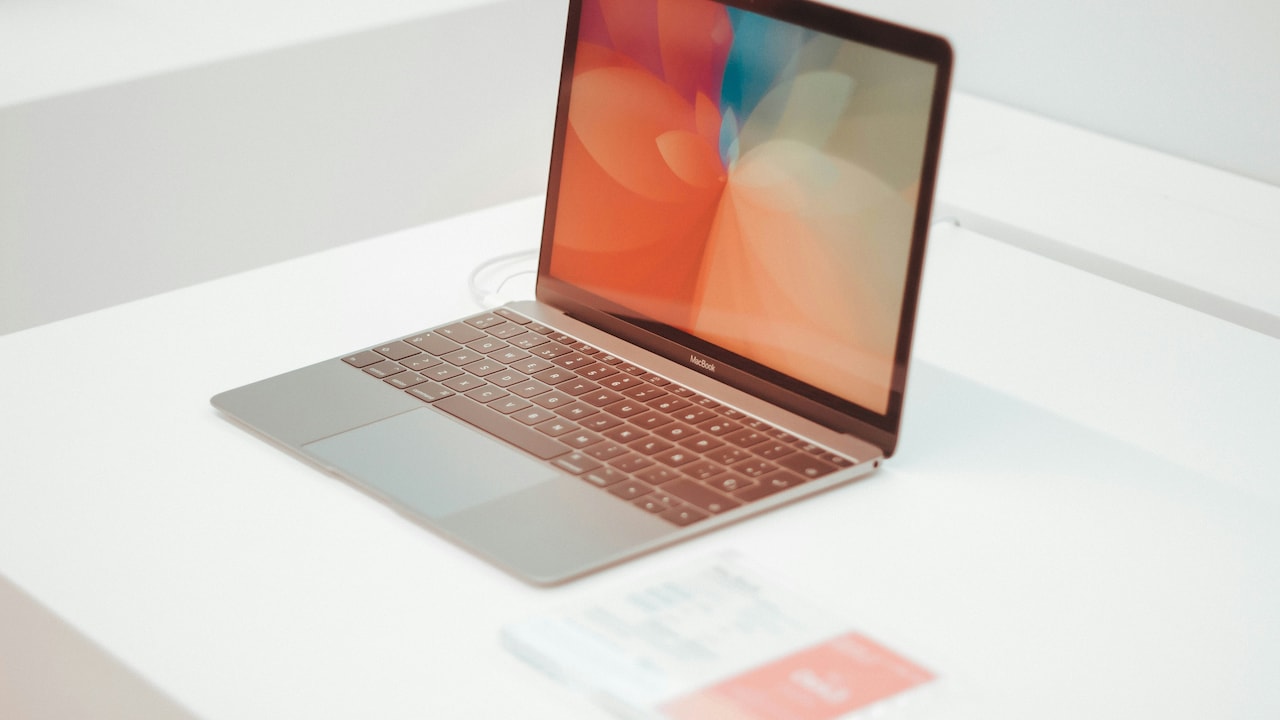
5. Apple 2025 MacBook Air
A fast laptop does not happen by chance. It results from thoughtful choices that balance performance, efficiency, and future needs. Processors, RAM, storage, cooling, and build quality all work together to prevent slowdowns. A well-specified laptop feels dependable, even as demands increase. The right specifications turn a laptop into a long-term partner rather than a short-lived expense.
(Disclaimer: This article may include references to or features of products and services made available through affiliate marketing campaigns. NDTV Convergence Limited (“NDTV”) strives to maintain editorial independence while participating in such campaigns. NDTV does not assume responsibility for the performance or claims of any featured products or services.)