Best Monitor Deals For Your PC: Lenovo, Dell, Samsung, LG, Acer
Top monitor deals from Lenovo, Dell, Samsung, LG, and Acer offer features like eye comfort, high refresh rates, and sleek designs at affordable prices for work and gaming.

Best Monitor Deals: Lenovo, Dell, Samsung, LG, Acer
Choosing the right monitor can transform your work, gaming, or entertainment experience. With technology advancing rapidly, monitors now offer features that go beyond basic display. From high refresh rates to eye comfort modes, the options are endless. However, finding the perfect balance between quality and price can be challenging. That's why we've curated 5 of the best deals available today from trusted brands. Whether you're upgrading your home office or enhancing your gaming station, these monitors promise exceptional value without compromising on performance.
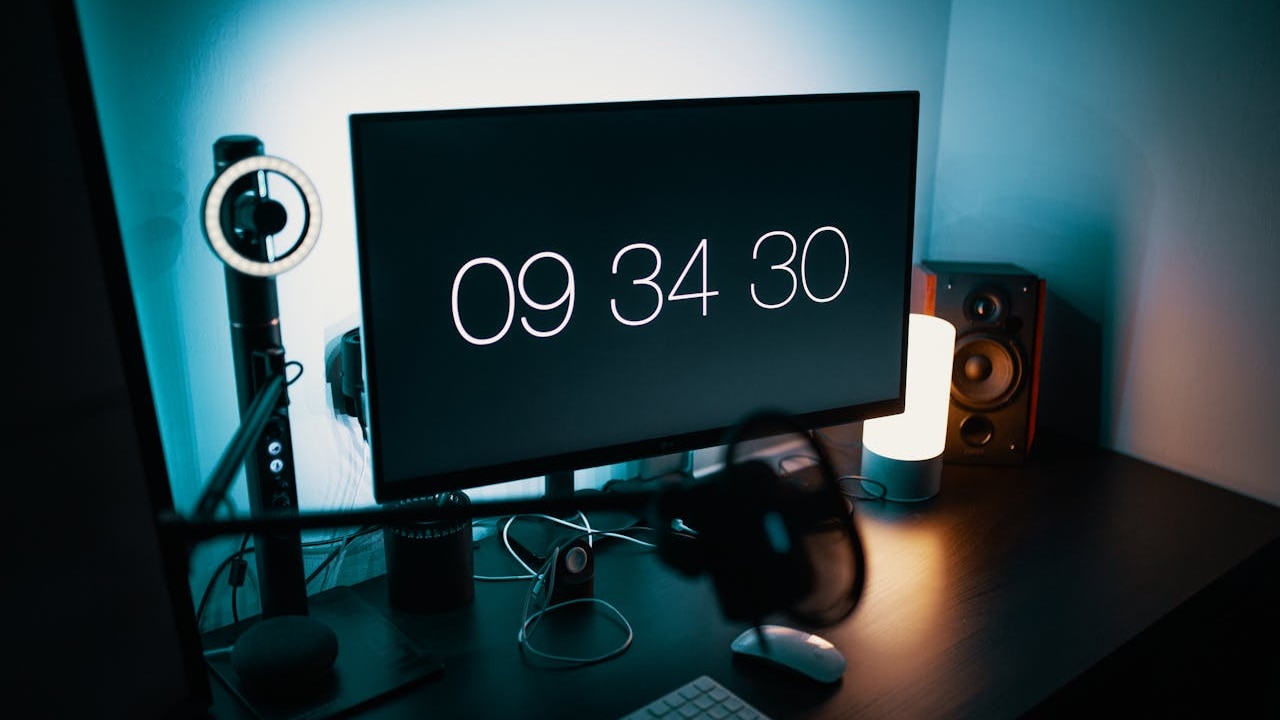
Best Monitor Deals Lenovo, Dell, Samsung, LG, Acer
Photo Credit: Pexels
Investing in a monitor is more than just buying a screen; it's about improving productivity and enjoying immersive visuals. The right choice can reduce eye strain, deliver vibrant colours, and provide smooth motion for gaming or streaming. Our selection includes models that cater to diverse needs, from sleek designs for minimalists to feature-packed options for tech enthusiasts. Read on to explore specifications, standout features, and why these monitors are worth every penny. Your next upgrade is just a click away, and these deals make it irresistible.
| Product Name | Special Feature | Battery/Warranty | User Rating | Price |
|---|---|---|---|---|
| Lenovo L22e-40 | AMD FreeSync, Smart Display Customisation | 3-Year Warranty | 4.3 | ₹6,399 |
| Dell SE2225HM | Ultra-Thin Bezels, TÜV Eye Comfort | 3-Year Warranty | 4.2 | ₹7,199 |
| Samsung S3 | Borderless Design, Eye Saver Mode | 3-Year Warranty | 4.2 | ₹7,199 |
| LG 22MR410 | sRGB 99%, Flicker Safe | 3-Year Warranty | 4.2 | ₹6,199 |
| Acer SA222Q | Ultra Slim, Zero Frame | 3-Year Warranty | 4.2 | ₹6,299 |
These monitors combine affordability with advanced features, making them ideal for work, gaming, and everyday entertainment needs.
Also Read: Can A Better Monitor Boost Your Productivity? Here's What We Found
Why These Monitors Stand Out In Today's Market
1. Lenovo L22e-40: Smart And Stylish Performance
The Lenovo L22e-40 offers a sleek design with a 21.4-inch FHD display and AMD FreeSync for smooth visuals. Its TUV Eye Comfort certification ensures reduced eye strain during long hours of use. With Smart Display Customisation via Artery software, users can personalise settings effortlessly.
Key Features:
- 21.4-inch FHD resolution
- AMD FreeSync technology
- Low Blue Light and Eye Comfort
- 75Hz refresh rate
- HDMI connectivity
2. Dell SE2225HM: Precision And Comfort Combined
Dell's SE2225HM delivers exceptional clarity with its VA panel and ultra-thin bezels. The TÜV Rheinland 3-Star Eye Comfort rating makes it perfect for extended work sessions. Its 100Hz refresh rate ensures fluid motion for gaming and video playback.
Key Features:
- 21.5-inch FHD display
- 100Hz refresh rate
- Tilt adjustment for ergonomic viewing
- Multiple ports including HDMI and DP
- High contrast ratio
3. Samsung S3: Sleek Design Meets Functionality
Samsung's S3 monitor boasts a super slim, borderless design that enhances any workspace. The IPS panel ensures vibrant colours and wide viewing angles, while Eye Saver Mode reduces fatigue during prolonged use.
Key Features:
- 24-inch FHD resolution
- IPS panel for colour accuracy
- 100Hz refresh rate
- Game Mode for optimised visuals
- Wall-mountable design
4. LG 22MR410: Colour Accuracy And Comfort
LG's 22MR410 monitor offers sRGB 99% colour accuracy, making it ideal for creative professionals. Features like Flicker Safe and Reader Mode enhance eye comfort, while AMD FreeSync ensures smooth gaming performance.
Key Features:
- 22-inch FHD display
- sRGB 99% colour gamut
- AMD FreeSync support
- Virtual borderless design
- OnScreen Control software
5. Acer SA222Q: Minimalist Design With Maximum Impact
Acer's SA222Q combines an ultra-slim profile with Zero Frame aesthetics for a modern look. Its IPS panel and Eye Care features make it perfect for both work and play.
Key Features:
- 21.5-inch FHD resolution
- IPS technology for vivid colours
- 100Hz refresh rate
- AMD FreeSync compatibility
- Tilt adjustment option
Choosing the right monitor can upgrade your digital experience, whether for work, gaming, or entertainment. The 5 options listed above offer a perfect blend of performance, comfort, and affordability. From Lenovo's smart customisation to Acer's ultra-slim design, each model brings unique advantages to suit different needs. Investing in a quality monitor is an investment in productivity and visual enjoyment. Explore these deals today and upgrade your setup without breaking the bank. With advanced features and trusted warranties, these monitors are designed to deliver lasting value and satisfaction.
Frequently Asked Questions (FAQs)
Q1. What is the ideal refresh rate for gaming on these monitors?
A refresh rate of 75Hz or higher is recommended for smooth gaming. Most monitors listed here offer 100Hz for better performance.
Q2. Do these monitors support wall mounting?
Yes, models like Samsung S3 and some others include VESA compatibility, making them easy to mount on walls for space-saving setups.
Q3. Are these monitors suitable for long working hours?
Absolutely. Features like Eye Comfort, Low Blue Light, and Flicker Safe make them ideal for reducing strain during extended use.
Q4. Can I connect these monitors to laptops?
Yes, all these monitors come with HDMI and VGA ports, ensuring compatibility with laptops and other devices for seamless connectivity.
Q5. Do these monitors come with built-in speakers?
Most of these models do not include built-in speakers. External speakers or headphones are recommended for audio output.
(Disclaimer: This article may include references to or features of products and services made available through affiliate marketing campaigns. NDTV Convergence Limited (“NDTV”) strives to maintain editorial independence while participating in such campaigns. NDTV does not assume responsibility for the performance or claims of any featured products or services.)