How To Fix Weak Wi-Fi: Common Placement Mistakes And Best Ways To Boost Coverage
Struggling with slow internet? Weak Wi-Fi often comes down to poor router placement. Learn the most common mistakes and simple ways to boost coverage across every corner of your home.
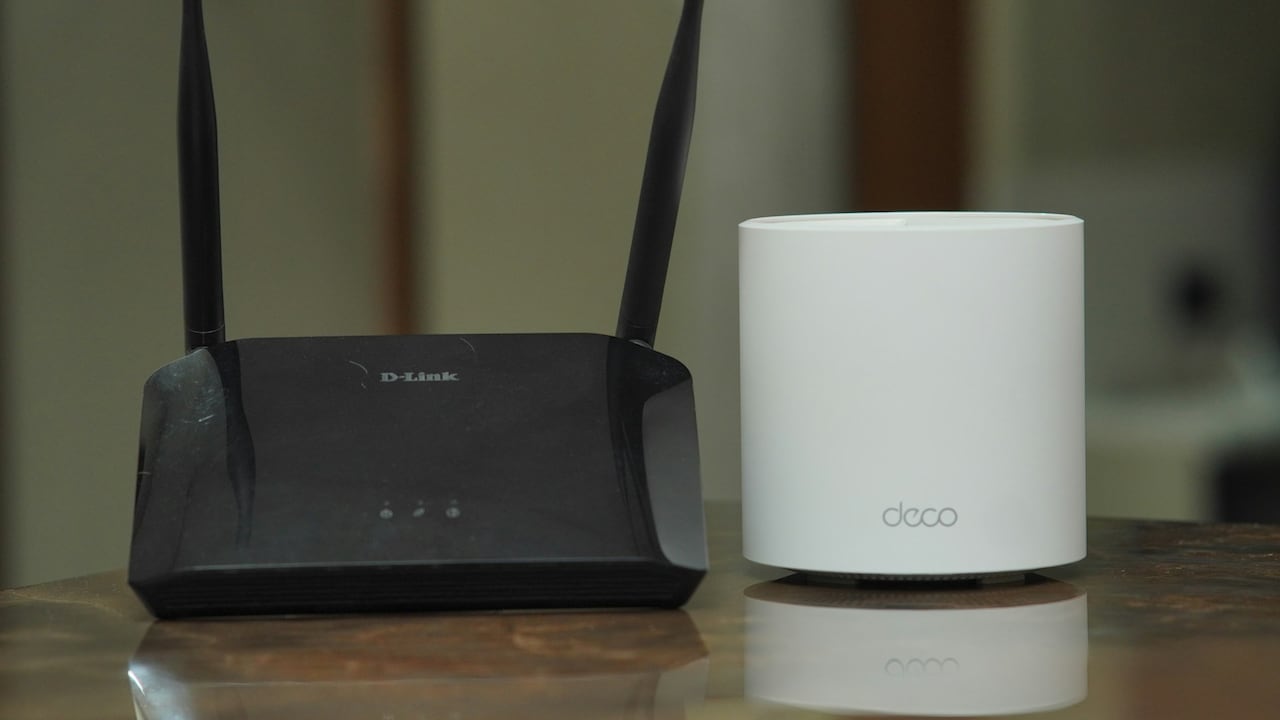
How to place router for the best WiFi speed and experience
Few things disrupt daily life as quietly yet consistently as weak Wi-Fi. It creeps in during online classes, interrupts weekend streaming, and turns work-from-home days into a test of endurance. Many assume the problem lies with the service provider, prompting calls, complaints, and sometimes even costly upgrades. Yet, in most homes, the real culprit sits quietly on a shelf, blinking away, poorly placed and misunderstood.
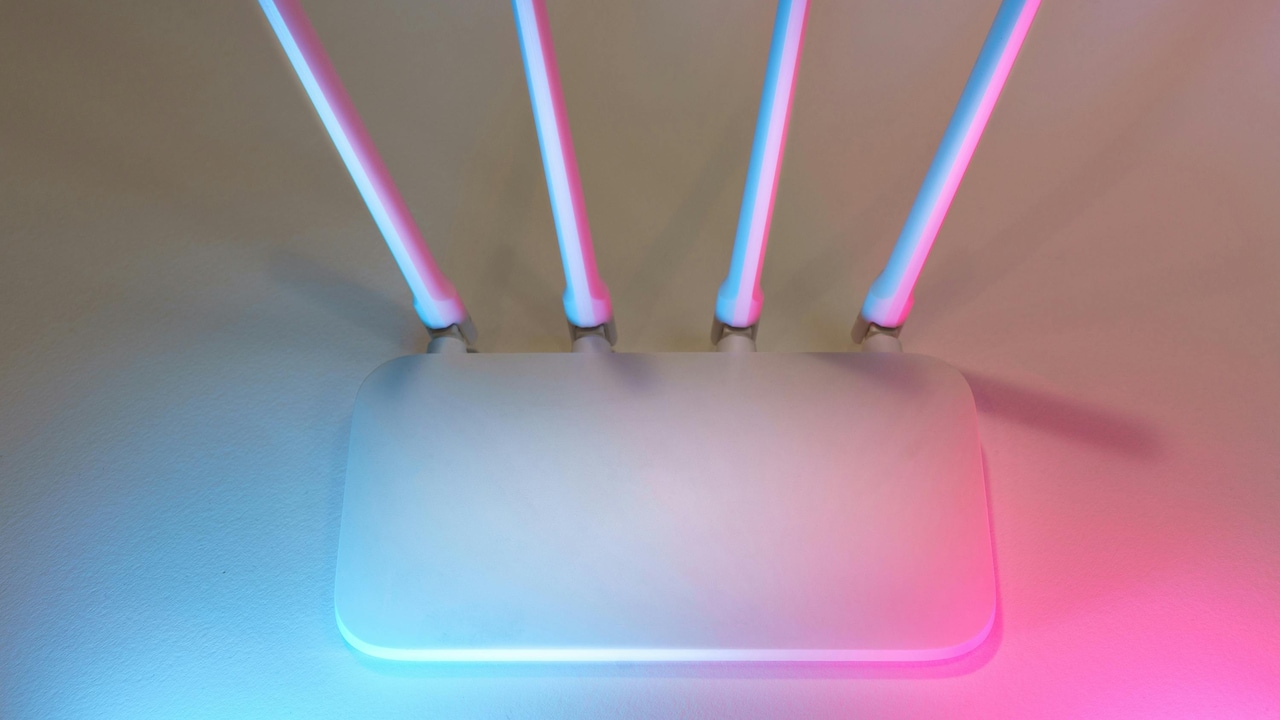
Router placement tips for fast internet; Photo Credit: Pexels
Routers, despite their modest appearance, behave in surprisingly complex ways. Walls, furniture, appliances, and even human movement affect signal strength. The irony lies in how a simple shift of a few feet can transform sluggish connectivity into smooth performance. Fixing weak Wi-Fi rarely demands expensive solutions. Instead, it requires awareness, a bit of experimentation, and some practical adjustments.
This guide unpacks the most common placement mistakes and offers straightforward ways to improve coverage. From understanding how signals travel to avoiding everyday obstacles, each section brings clarity to an issue that affects nearly every household. With a few smart changes, buffering circles can finally become a thing of the past.
Also Read: How To Boost Your Wi-Fi Speed At Home Instantly: 10 Easy Router Placement Tricks
Where Most Wi-Fi Setups Go Wrong And How To Fix Them
Placing The Router In A Corner Of The House
A router tucked neatly into a corner may look tidy, but it quietly sabotages connectivity. Wi-Fi signals radiate outward in all directions, much like ripples in a pond. When placed at the edge of a home, half of that signal effectively disappears into the walls or outside space.
Consider a typical apartment where the router sits near the entrance. The living room might get decent coverage, but the bedrooms at the far end struggle with weak signals. This often leads to frustrating experiences, especially during video calls or late-night streaming sessions.
A central location works far better. Placing the router roughly in the middle of the home ensures signals spread evenly. Even a shift of a few metres can make a noticeable difference. For multi-storey homes, positioning the router on an intermediate level rather than the ground floor can help distribute coverage vertically.
It might feel inconvenient to move the router away from its original spot, especially if cables and power points dictate placement. Yet, a longer cable or a slight rearrangement often costs far less than upgrading to a pricier plan. Sometimes, better connectivity begins with simply letting the router breathe in the centre of the home.
Hiding The Router Inside Cabinets Or Behind Objects
Out of sight often means out of signal. Many households prefer to hide routers inside cabinets or behind decorative pieces to maintain a clean look. Unfortunately, this aesthetic choice comes at the cost of performance.
Wi-Fi signals struggle to pass through solid materials like wood, glass, or metal. A router locked inside a cupboard behaves like a singer performing behind closed doors; sound exists, but clarity fades. The result shows up as dropped connections and painfully slow speeds in nearby rooms.
Open placement works best. A router placed on a shelf or table, free from obstruction, allows signals to travel unhindered. Even decorative items placed directly in front of it can weaken coverage slightly.
The challenge lies in balancing practicality with appearance. A simple solution involves choosing a discreet but open location, such as a high shelf or a corner table. Modern routers often feature sleek designs that blend easily into home interiors.
In many cases, removing the router from a cabinet instantly improves signal strength without spending a single rupee. It serves as a reminder that visibility often equals reliability when it comes to Wi-Fi.
Keeping The Router Too Close To The Floor
Routers placed on the floor rarely perform well, yet this mistake appears surprisingly common. Signals tend to spread outward and slightly downward, meaning a low position limits their reach.
Imagine sitting on the sofa trying to connect while the router rests near the ground behind a TV unit. The signal must travel through furniture and climb upward, losing strength along the way. This leads to inconsistent connectivity even within the same room.
Elevation plays a key role in improving coverage. Placing the router at least 4 to 5 feet above the ground allows signals to disperse more effectively. A wall-mounted position or a sturdy shelf works well.
This simple adjustment often transforms connectivity across the home. Rooms that once struggled with weak signals suddenly experience smoother browsing and faster speeds.
Height might seem like a minor detail, yet it influences performance significantly. Raising the router is one of the easiest fixes available and requires no technical expertise, just a bit of thoughtful placement.
Positioning Near Thick Walls Or Concrete Structures
Concrete walls act like barriers to Wi-Fi signals. Many homes feature thick walls that block or weaken connectivity, especially in older buildings. Placing the router right next to such walls reduces its effectiveness dramatically.
Signals passing through dense materials lose strength quickly. A router positioned against a thick wall may deliver strong coverage in one direction while leaving other areas struggling.
Moving the router slightly away from these obstacles can make a noticeable difference. Even a gap of a few feet helps signals spread more evenly.
Open spaces allow signals to travel further. Rooms with fewer barriers naturally experience better connectivity. When choosing a location, prioritising openness over convenience often yields better results.
This becomes particularly important in homes with multiple rooms separated by heavy construction. Strategic placement ensures signals navigate around obstacles rather than fighting through them.
Understanding how walls affect Wi-Fi helps avoid unnecessary frustration. Sometimes, the solution lies not in upgrading equipment but in respecting the invisible limitations of signal movement.
Placing The Router Near Electronic Appliances
Microwaves, televisions, and even cordless phones can interfere with Wi-Fi signals. These appliances operate on similar frequencies, creating invisible noise that disrupts connectivity.
A router placed next to a microwave might perform well most of the time but falter during meal preparation. Similarly, positioning it near a television can introduce subtle interference that affects speed and stability.
Distance helps reduce these disruptions. Keeping the router at least a few feet away from major appliances ensures a cleaner signal transmission.
The challenge often arises in compact homes where space feels limited. Yet, even small adjustments, moving the router to a nearby shelf or shifting appliances slightly, can improve performance.
Interference often goes unnoticed because it appears inconsistent. One moment, the internet works perfectly, and the next it slows down without warning.
Recognising the role of nearby electronics adds another layer of control over Wi-Fi performance. With careful placement, these invisible conflicts can be minimised, leading to a smoother online experience.
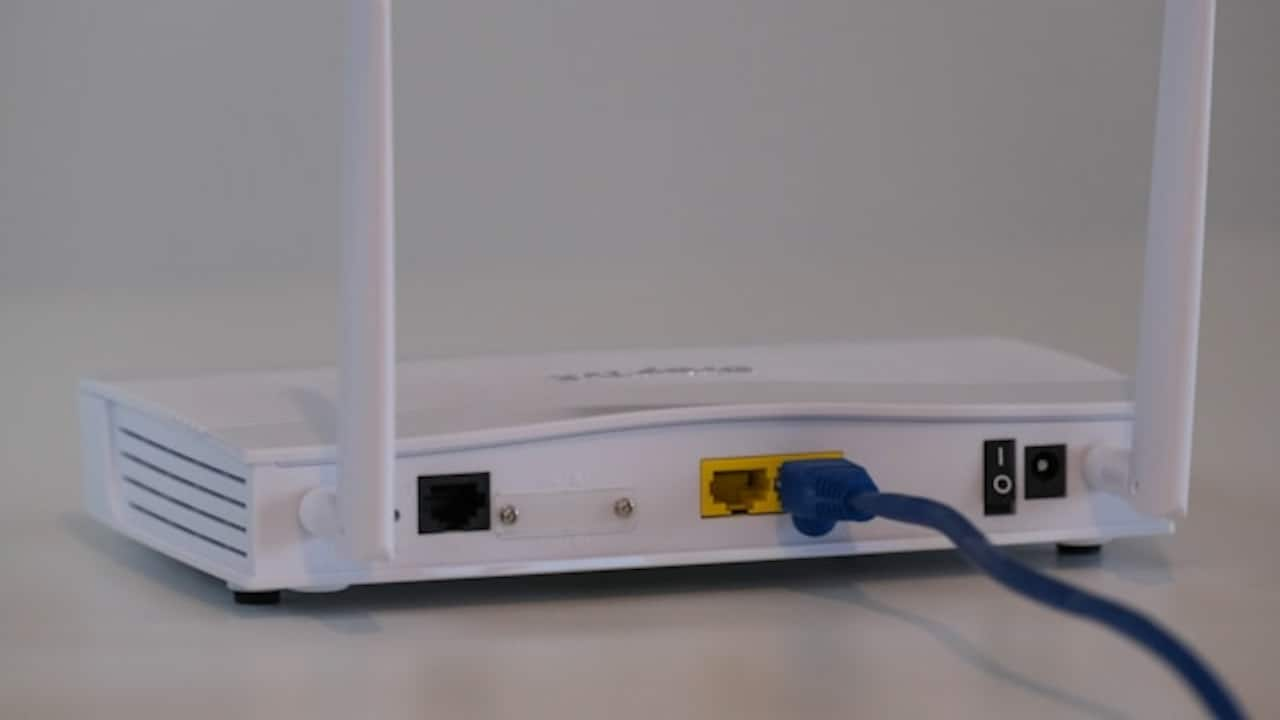
Do not place the router near electronic appliances; Photo Credit: Unsplash
Ignoring Router Antenna Positioning
Routers with external antennas offer flexibility, yet many users leave them untouched. Antenna positioning influences how signals spread across the home.
Vertical antennas typically distribute signals horizontally, making them ideal for single-floor layouts. Angling one antenna horizontally can help improve vertical coverage in multi-storey homes.
This simple adjustment often enhances connectivity without requiring any additional equipment. It becomes especially useful in duplex homes where signals need to travel between floors.
Experimentation plays a key role here. Slight changes in angle can produce noticeable improvements in different areas.
Many overlook this feature, assuming antennas serve only a decorative purpose. In reality, they act as directional tools that shape signal flow.
Taking a moment to adjust antenna orientation can resolve weak spots that once seemed unavoidable. It's a small tweak with surprisingly effective results.
Overlooking The Impact Of Router Age
Technology evolves quickly, and routers are no exception. An older router may struggle to keep up with modern demands, especially in homes with multiple devices.
Streaming, gaming, and video calls require stable and fast connections. A router purchased several years ago might not support newer standards, leading to slower speeds and reduced coverage.
Upgrading to a modern router can improve performance significantly. While this involves some expense, options exist across various budgets, including models under ₹3,000 that deliver solid performance.
However, replacement should come after exploring placement fixes. Many users rush to upgrade without addressing basic issues, only to face similar problems later.
A balanced approach works best. Optimise placement first, then consider upgrading if performance still falls short.
A router acts as the heart of home connectivity. Ensuring it remains capable of handling current needs prevents unnecessary frustration and keeps digital life running smoothly.
Not Using Wi-Fi Extenders Or Mesh Systems
Large homes often face coverage gaps despite proper router placement. In such cases, relying on a single router may not suffice.
Wi-Fi extenders or mesh systems help bridge these gaps. Extenders amplify existing signals, while mesh systems create a seamless network across multiple nodes.
Imagine a home where the living room enjoys strong connectivity, but bedrooms experience weak signals. Adding an extender in between can strengthen coverage effectively.
Mesh systems offer a more advanced solution, ensuring consistent performance throughout the home. Though slightly costlier, often starting around ₹6,000, they provide reliable coverage without frequent drops.
Choosing between these options depends on space and budget. For moderate gaps, extenders work well. For larger areas, mesh systems offer better results.
Expanding coverage ensures every corner of the home stays connected, eliminating the need to hunt for signal strength.
Forgetting To Update Router Firmware
Routers, like smartphones, require updates to function optimally. Firmware updates improve performance, fix bugs, and enhance security.
Ignoring updates can lead to slower speeds and connectivity issues over time. Many users remain unaware of this feature, assuming routers operate independently without maintenance.
Checking for updates through the router's settings takes only a few minutes. Regular updates ensure the device performs at its best.
This step often goes unnoticed because it lacks visibility. Unlike apps that prompt updates, routers remain silent unless accessed directly.
Maintaining firmware ensures long-term reliability. It prevents minor issues from escalating into major disruptions.
A well-maintained router delivers consistent performance, reducing the chances of unexpected slowdowns.
Using The Same Wi-Fi Channel As Neighbours
In densely populated areas, multiple networks operate within close proximity. When several routers use the same channel, interference increases, leading to slower speeds.
This situation resembles multiple conversations happening in the same room. Signals overlap, creating confusion and reducing clarity.
Switching to a less crowded channel can improve performance significantly. Most routers offer automatic channel selection, but manual adjustment often yields better results.
Apps and router settings help identify less congested channels. Choosing the right one reduces interference and enhances speed.
This becomes particularly important in apartment complexes where numerous networks compete for space.
Optimising channels ensures smoother connectivity, especially during peak usage hours when networks experience heavy traffic.
Products Related To This Article
1. D-Link M30 |WiFi 6 Speed 3000 Mbps
2. TP-Link WiFi 6 AX1500 Mbps Archer AX10
3. TENDA-N301 N300 WiFi Easy Setup Router
4. MERCUSYS AC1200 Wireless Dual Band WiFi Router Mercusys AC10
5. Conbre CPE MT-300H 4G Mobile Sim Based Wi-Fi Router
Weak Wi-Fi often feels like an unavoidable nuisance, yet most issues stem from simple, fixable mistakes. From placement and height to interference and outdated equipment, each factor plays a role in shaping connectivity.
Improving Wi-Fi does not always require expensive upgrades or technical expertise. Small adjustments, moving the router, raising its position, or avoiding interference, can transform performance dramatically.
Understanding how signals behave empowers better decisions. It shifts the focus from frustration to practical solutions.
A reliable connection supports modern life in countless ways, from work and education to entertainment and communication. Ensuring strong coverage across the home enhances both productivity and comfort.
With a thoughtful approach and a few strategic changes, weak Wi-Fi can become a problem of the past, replaced by seamless connectivity that keeps pace with everyday demands.
(Disclaimer: This article may include references to or features of products and services made available through affiliate marketing campaigns. NDTV Convergence Limited (“NDTV”) strives to maintain editorial independence while participating in such campaigns. NDTV does not assume responsibility for the performance or claims of any featured products or services.)