5 Best USB C Multiport Adapters For MacBook And Windows Laptops Under ₹2,000
Modern laptops ship with barely any ports, and that gap shows up the moment you need a monitor, a drive, and a charger plugged in at once.
5 Best USB C Multiport Adapters for MacBook and Windows Laptops
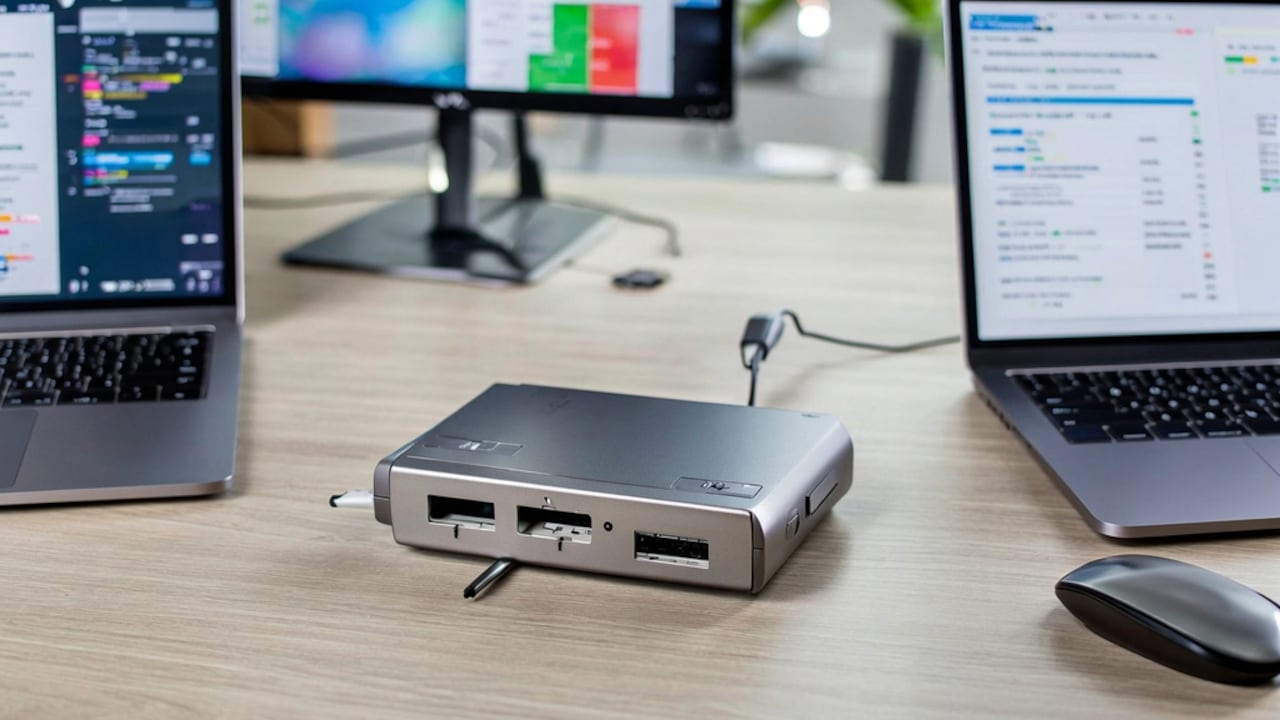
Laptop makers keep stripping ports to make machines thinner, which sounds fantastic until you're sitting at a desk trying to connect an external monitor, a USB drive, and a charger through a single USB-C port. A multiport adapter solves the problem instantly, turning one port into four, seven, or eight, depending on how much your daily setup actually demands.
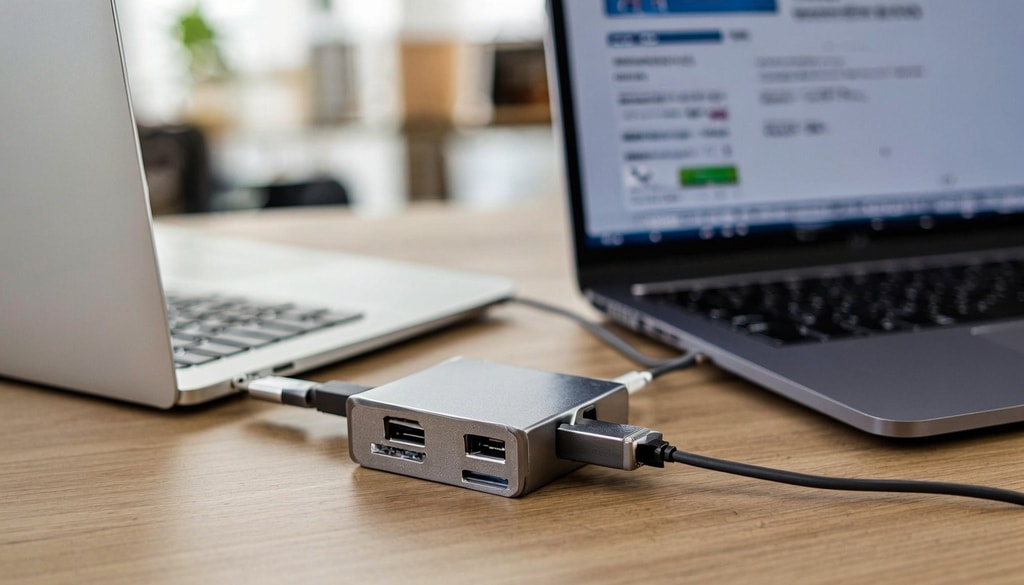
These top five high-speed adapters easily solve your slim laptop's lack of built-in ports; Photo Credit: iStock
These five picks span budget dongles and full docking stations, so there's a fit whether you need occasional HDMI output or a permanent desk setup with card readers and audio. You'll find options compatible with MacBooks, Windows laptops, iPad Pros, and Chromebooks, priced from under ₹300 to ₹2,000. Match the pick to how often you need extra ports, not just how many it advertises.
Also Read: Top 5 USB-C Hubs For Laptops Under ₹2000
5 Best USB-C Multiport Adapters for MacBook and Windows Laptops Under ₹2,000
1. Wozoyo 7 in 1 Docking Station with USB 5Gbps
Price: ₹1,699 | Customer Rating: 5.0/5
This is a 7-in-1 dock for one cable to handle everything: HDMI at 4K@60Hz, two USB 2.0 ports, a 5Gbps USB 3.2 port, SD/TF slots, and 100W pass-through charging. It works across Thunderbolt 4, macOS, and Windows, so switching between a MacBook and a work laptop doesn't mean switching dongles too.
Key Features:
- 7 ports, including HDMI, USB, and card readers
- 100W PD pass-through charging
- Thunderbolt 4, macOS, and Windows compatible
Why Buy: The 100W charging is what separates this dock from cheaper docks that only pass through enough power to trickle-charge. Running a 4K monitor, a card reader, and a charging laptop off one port is the actual problem this solves, not just adding a couple of USB slots. Worth the price if your desk setup needs everything running at once.
2. Wavlink USB-C Hub, Aluminum USB 3.2 Gen 2
Price: ₹1,999 | Customer Rating: 4.2/5
An aluminium hub built around four USB-C data ports running at 10 Gbps, double the speed most budget hubs offer, with 85 W power delivery for charging. The all-metal body handles heat better than plastic hubs during long transfer sessions, which matters if you're regularly moving large video files. It's built to work across MacBook Pro, MacBook Air, iMac, iPad Pro, Dell laptops, and Chromebooks without driver installations.
Key Features:
- 4 USB-C ports at 10Gbps
- 85W power delivery
- Aluminum body, wide device compatibility
Why Buy: The 10Gbps speed matters specifically if you transfer large files often, since most hubs in this range cap out at half that. The aluminium build also means less worry about the hub overheating during back-to-back transfers. A strong pick for anyone doing video or photo work who needs fast external drive access daily.
3. Portronics Mport 31C USB-C Hub Dock 4-in-1
Price: ₹286 | Customer Rating: 4.2/5
A compact 4-in-1 adapter with one USB 3.0 port at 5Gbps and three USB 2.0 ports, aimed at people who just need basic port expansion without paying for extras. Its compact size makes it suitable for permanent storage in a laptop bag, which is ideal for most people who only occasionally need an extra port.
Key Features:
- 4-in-1 with USB 3.0 and USB 2.0 ports
- Up to 5Gbps data transfer
- Compact, travel-friendly size
Why Buy: At this price, the adapter is the one to grab as a backup or travel adapter rather than a primary desk setup. It won't handle a monitor or fast external SSD, but for plugging in a mouse, keyboard, or flash drive on the go, it's hard to beat the cost. The review volume here is the real reassurance, not the spec sheet.
4. Portronics C-Konnect Type C to HDMI Adapter 3-in-1
Price: ₹559 | Customer Rating: 4.3/5
A 3-in-1 adapter focused on HDMI output at 4K@30Hz, paired with a 5Gbps USB 3.0 port and a 100W PD charging pass-through. This is the pick for anyone whose main need is connecting a laptop to an external display or projector rather than running multiple peripherals at once.
Key Features:
- 4K@30Hz HDMI output
- 100W PD charging pass-through
- 5Gbps USB 3.0 port
Why Buy: This adapter earns its spot for the HDMI-first use case, presentations, external monitors, or connecting to a TV, where the 30Hz cap is a non-issue for static screens and documents. The 100W charging pass-through means the laptop doesn't lose power while the display stays connected. Good value if HDMI is the one port you're actually missing.
5. Portronics Mport 8 Plus Dual Plug 8-in-1 Docking Station
Price: ₹439 | Customer Rating: 4.0/5
An 8-in-1 dock featuring a dual-plug design, AUX audio output, USB 3.0, microSD and SD card readers, Type-C data, and USB 2.0, offering more versatility than most adapters in this price range. The dual plug means it can draw power from two sources at once if needed, useful for higher-demand setups.
Key Features:
- 8-in-1 with AUX, card readers, and USB ports
- Dual plug design
- Best Seller, high monthly purchase volume
Why Buy: This dock is the port-count winner at its price, covering audio, two card formats, and multiple USB types that most budget docks skip. The Best Seller badge and purchase volume aren't just vanity numbers here; they reflect a dock that's been tested by enough people to trust for daily desk use. This dock is the best choice if you want maximum ports without paying the high prices typically associated with dock stations.
Choosing a USB-C adapter should be based on the number of ports needed for daily use, rather than simply selecting the one with the most extensive specifications. The Wozoyo and Wavlink docks justify their higher prices with rapid transfer speeds and real charging power for demanding desk setups. The Portronics Mport 31C and C-Konnect cover narrower needs, basic ports or HDMI output, at a fraction of the cost. The Mport 8 Plus sits in between, offering the broadest port mix without docking-station pricing. Buy based on which ports you reach for daily, not which adapter lists the most. Check out USB-C multiport adapters on Amazon and find what fits your setup. Shop now on Amazon.
(Disclaimer: This article may include references to or features of products and services made available through affiliate marketing campaigns. NDTV Convergence Limited (“NDTV”) strives to maintain editorial independence while participating in such campaigns. NDTV does not assume responsibility for the performance or claims of any featured products or services.)