Cheap Laptop Stands Can Cause Typing Discomfort: Angle Adjustments That Matter More
Cheap laptop stands often create wrist strain and typing discomfort. The real problem is not height, but poor angle adjustment that affects posture, finger movement, and long-term comfort.
Why Cheap Laptop Stands Cause Typing Discomfort: How Better Angles Help
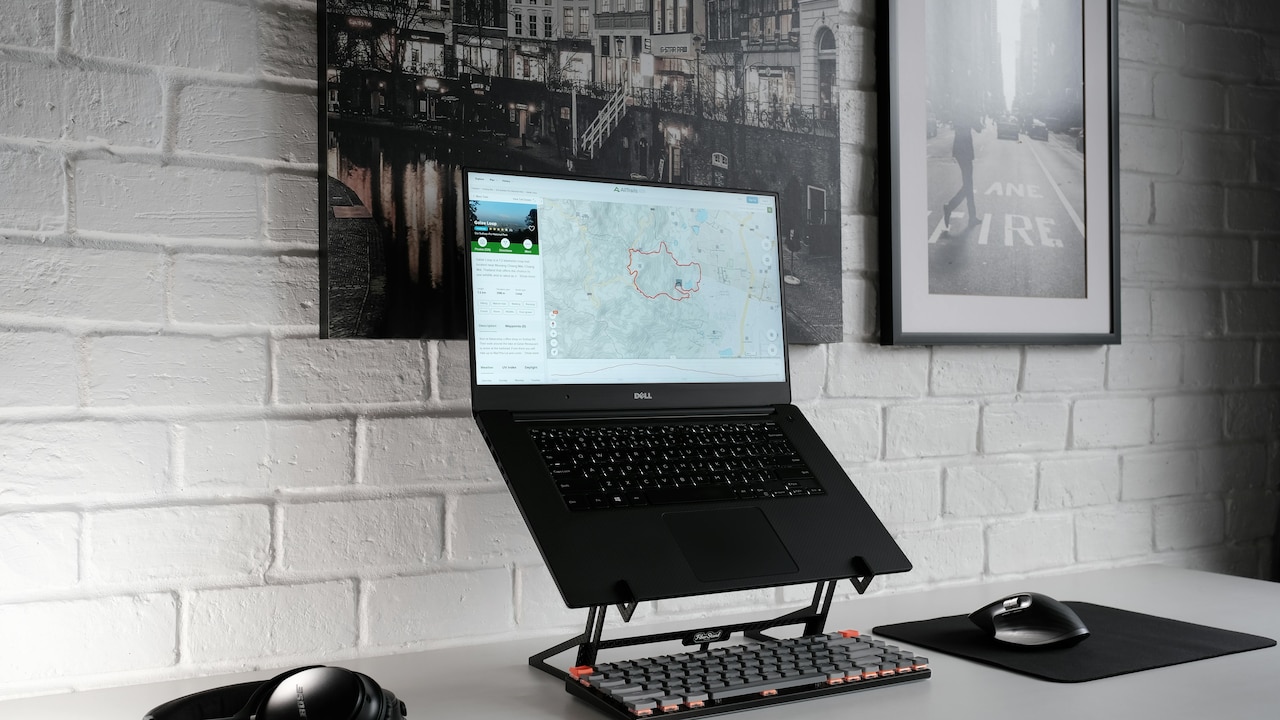
Laptop stands have become the silent stars of modern desks. Walk into any electronics market or scroll through shopping apps, and dozens appear within seconds. Some cost less than a plate of butter chicken and naan. Others arrive with dramatic claims about posture correction and “ergonomic excellence”. Many people buy one during a sale, place the laptop on top, and assume the job is done. Then the discomfort begins. At first, the pain feels harmless. A slight strain in the wrist during long emails. Fingers that seem oddly tired after typing reports. A shoulder that tightens during evening Netflix sessions. The culprit rarely looks suspicious because the stand itself appears useful. The screen sits higher. The work desk looks tidier. The setup even feels professional, almost like a startup founder's workstation squeezed into a small flat.
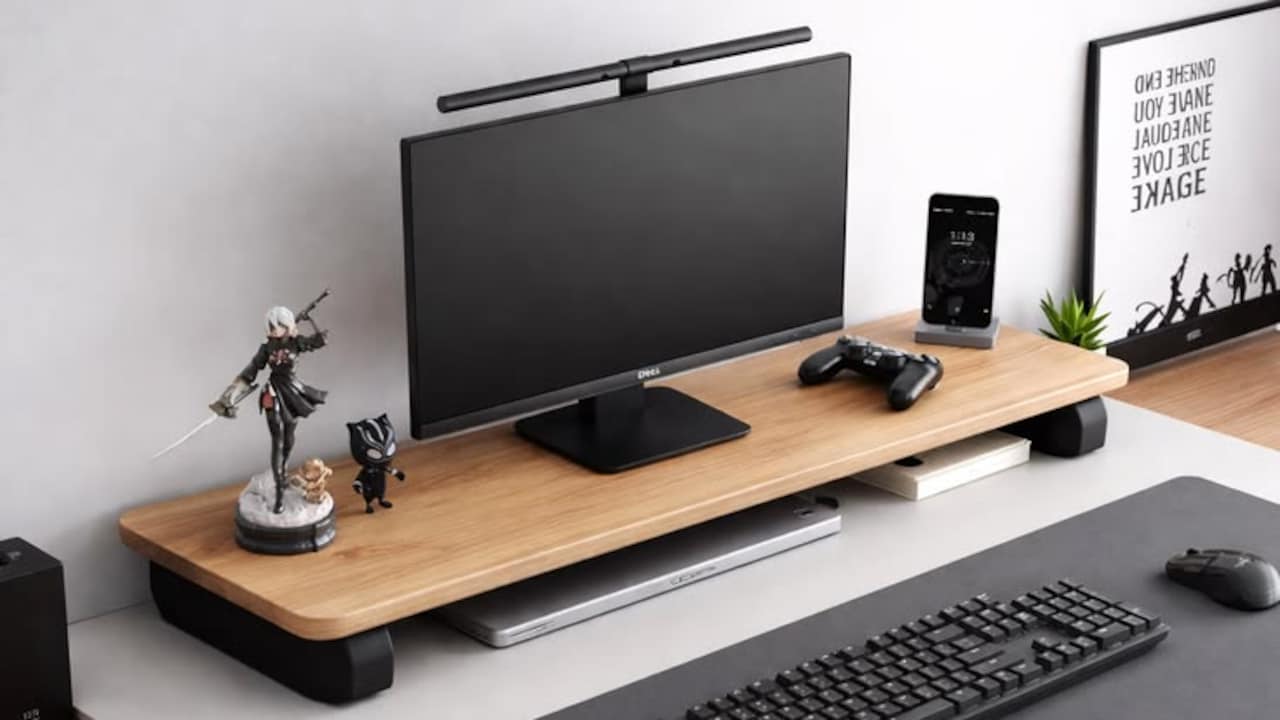
Why Cheap Laptop Stands Cause Typing Discomfort: How Better Angles Help; Photo Credit: Pexels
Yet ergonomics rarely works on appearances alone. Tiny angle changes affect the way hands rest, how wrists bend, and how shoulders react over several hours. Cheap laptop stands often focus on portability and aesthetics while ignoring the typing angle that truly matters. Some elevate screens beautifully but force wrists into unnatural positions that gradually create discomfort. The irony feels almost comical. A product bought to improve comfort quietly creates another kind of pain. The problem grows worse during work-from-home marathons, exam preparation, late-night gaming sessions, or endless spreadsheet battles before quarterly deadlines. Good ergonomics does not require expensive imported accessories worth ₹12,000. Sometimes, a smarter angle adjustment does more than premium aluminium finishes and flashy marketing lines. Understanding that difference can save both money and aching wrists.
The Hidden Ergonomic Problems Behind Cheap Laptop Stands
Flat Elevation Often Creates Wrist Pressure
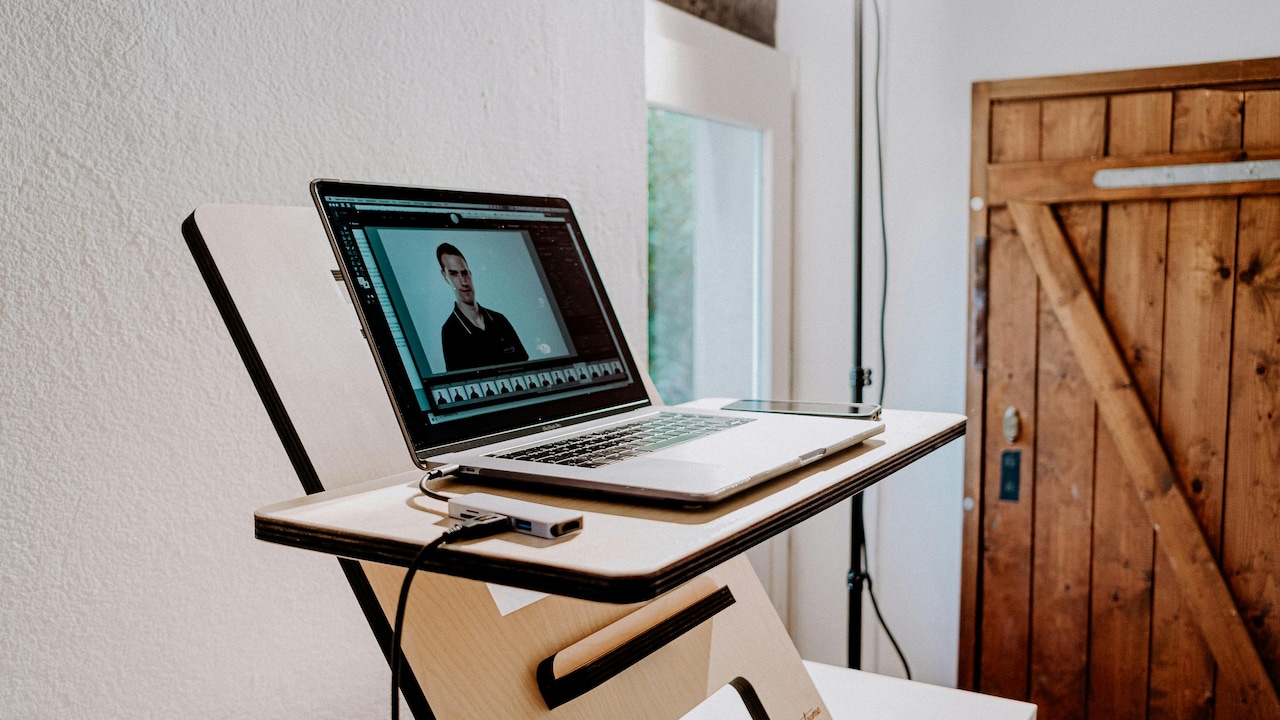
Many low-cost laptop stands raise the device almost vertically, treating screen height as the only ergonomic priority. The result looks impressive on a desk. The laptop suddenly resembles a sleek workstation seen in café photos on social media. Unfortunately, typing comfort usually disappears within an hour.
When the keyboard tilts too sharply upward, wrists bend backwards more than they should. That extended position places pressure on tendons and nerves. During short tasks, the strain remains manageable. Over longer periods, the discomfort quietly builds. Typing begins to feel heavy rather than fluid.
A common scene unfolds during office work. Someone finishes a long presentation and notices stiffness while reaching for a cup of chai. The fingers feel tight, almost reluctant to straighten properly. The body sends small warnings before bigger aches appear.
Cheap stands often skip intermediate adjustment levels. They either lie nearly flat or rise too aggressively. That missing middle ground matters enormously. A gentle incline keeps the screen visible without forcing wrists into awkward angles. Even a few degrees can change how comfortably fingers move across keys.
The issue becomes worse for people who type quickly. Faster typing increases repetitive movement, so poor wrist positioning creates fatigue sooner. Students preparing assignments late at night often experience this first. What starts as mild discomfort during a project deadline can become persistent soreness over weeks.
The stand itself may look harmless, but the angle silently controls how the body behaves throughout the day.
Also Read: Top 10 Laptop Stands You Must Check Out on Myntra for Better Posture and Productivity
Stability Matters More Than Fancy Design
A surprisingly large number of cheap laptop stands wobble during typing. The movement seems minor initially. A tiny shake here. A slight bounce there. Yet over several hours, unstable typing surfaces force muscles to compensate constantly.
Hands naturally prefer stability. When the keyboard shifts with every keystroke, wrists and fingers work harder to maintain rhythm. Typing becomes less efficient and more tiring. The brain notices the instability even when people consciously ignore it.
Some foldable stands prioritise portability above everything else. They collapse into compact shapes that fit neatly into backpacks beside tangled earphones and forgotten pens. While convenient for travel, these designs sometimes sacrifice structural support. The laptop bounces slightly each time someone types with normal force.
The effect resembles writing on a shaky classroom bench during summer afternoons. Concentration drifts because the surface never feels fully steady.
Materials also play a role. Thin plastic frames often flex under pressure. Hinges loosen quickly after repeated adjustments. Once instability enters the setup, posture suffers too. People unconsciously tense their shoulders while typing on moving surfaces.
A stable stand does not need luxury branding or dramatic advertising. It simply needs solid support and balanced weight distribution. Even affordable models can achieve this if manufacturers focus on function rather than decorative gimmicks.
Typing comfort depends as much on steadiness as screen height. Without stability, even the best angle loses its value.
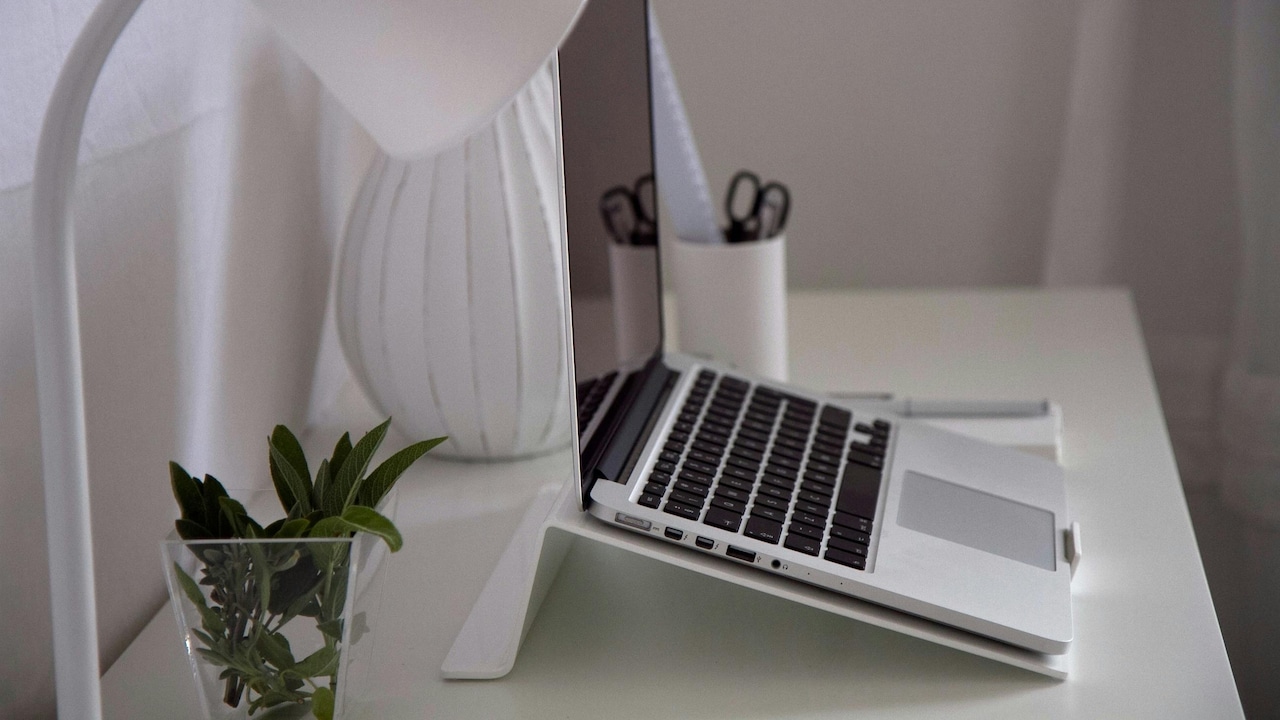
Why Cheap Laptop Stands Cause Typing Discomfort: How Better Angles Help; Photo Credit: Pexels
Extreme Heights Can Disrupt Shoulder Alignment
Laptop stands frequently advertise dramatic elevation ranges. Screens rise impressively high, almost reaching eye level while seated. On paper, that sounds ideal. In reality, extreme height adjustments often create fresh problems for shoulders and elbows.
When the laptop sits too high, the arms must be lifted unnaturally during typing. Elbows drift upward instead of resting comfortably beside the body. Over time, shoulder muscles tighten from maintaining that elevated position. The tension creeps gradually across the neck and upper back.
Many people recognise the sensation after long workdays. Shoulders feel heavy, almost as if carrying invisible grocery bags filled with onions and potatoes from the local market. Stretching provides temporary relief, but the discomfort returns quickly.
The problem often appears in compact home setups where users rely solely on the laptop keyboard instead of adding an external one. Cheap stands rarely explain this trade-off clearly. Raising the screen improves neck posture but simultaneously worsens arm positioning.
Good ergonomics balances multiple body angles together. The screen should not rise at the expense of the shoulders. Moderate elevation paired with proper arm support usually works better than aggressive height increases.
Work-from-home culture intensified this issue. Dining tables transformed into office desks overnight. Many people improvised with whatever stand appeared affordable during online sales. The setup looked productive during video calls, but physical strain quietly accumulated in the background.
Comfort depends on harmony between the neck, shoulders, elbows and wrists. One perfect angle cannot compensate for poor positioning elsewhere.
Tiny Angle Changes Affect Finger Fatigue
Typing feels effortless only when fingers move naturally. Even small angle adjustments can alter that experience dramatically. Cheap stands often ignore this subtle relationship because it sounds less exciting than bold posture claims.
A keyboard tilted too steeply changes how fingers strike the keys. Instead of flowing smoothly across the surface, hands begin working harder against gravity and awkward positioning. The result appears as finger fatigue rather than obvious pain.
People usually notice it during long writing sessions. Fingers lose speed. Typos increase unexpectedly. Typing accuracy drops despite familiarity with the keyboard. The body quietly struggles against the setup without announcing the problem loudly.
The effect resembles cycling uphill with slightly underinflated tyres. Movement still happens, but every action demands more effort than necessary.
Professional writers, coders, and accountants often suffer most because typing dominates their routines. Hours of repetitive movement magnify small ergonomic flaws. A stand lacking fine adjustment suddenly becomes frustrating rather than economical.
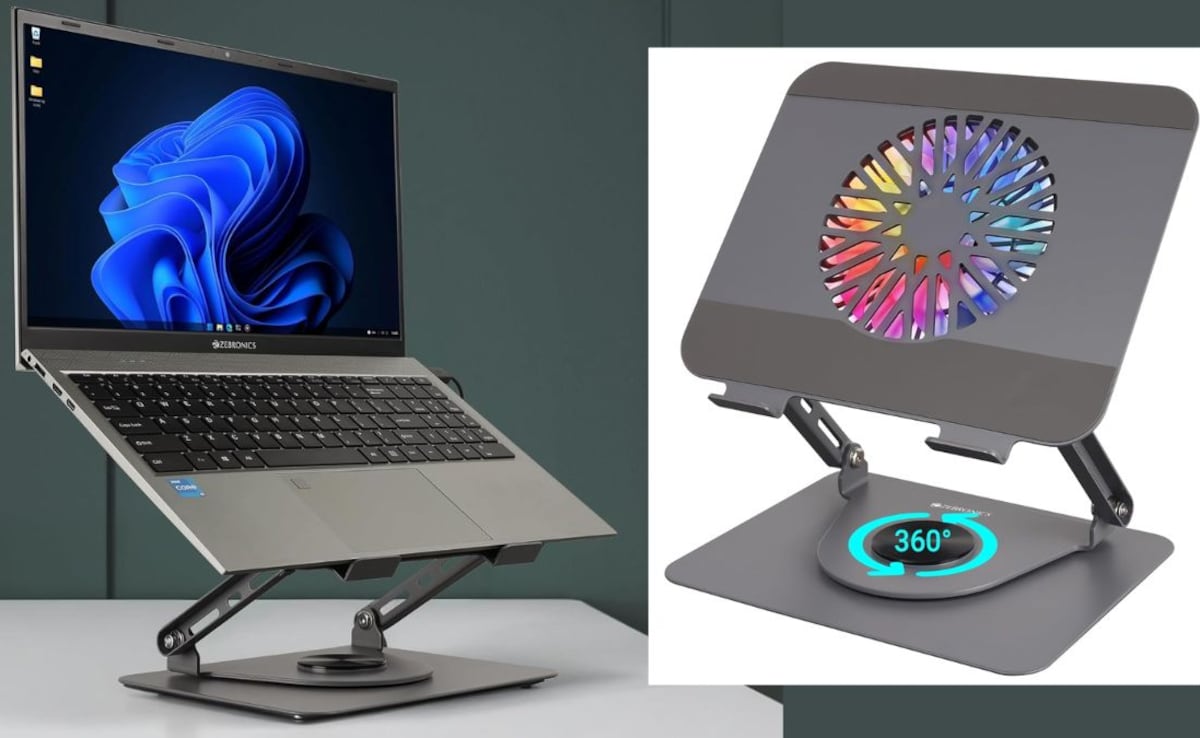
Interestingly, many expensive-looking budget stands fail because they focus purely on aesthetics. Sleek aluminium frames and futuristic cut-outs attract buyers, but the actual typing angle remains awkward. Meanwhile, simpler stands with adjustable hinges sometimes deliver better comfort despite modest appearances.
Finger fatigue rarely receives attention because it develops slowly. Unlike sudden neck pain, it feels subtle and easy to dismiss. Yet long-term typing discomfort affects productivity more than people realise.
The right angle allows hands to glide naturally instead of fighting against the keyboard all day.
Compact Desks Make Poor Angles Worse
Urban homes rarely offer spacious office rooms. Most people squeeze workstations into bedrooms, corners of living rooms, or dining tables shared with everything from laptops to evening snacks. In these compact setups, bad laptop stand angles create even bigger problems.
Limited desk depth pushes the screen closer to the face. A sharply elevated stand then forces wrists into compressed positions because there is no room to rest the forearms properly. Typing begins to feel cramped and uncomfortable very quickly.
The situation becomes familiar during busy mornings. A laptop balances beside a water bottle, charger cables, and yesterday's receipts while someone attends back-to-back meetings. Space disappears rapidly, and ergonomics suffers first.
Cheap stands often assume ideal desk conditions that rarely exist in real homes. Some require large surfaces to maintain proper posture. Others occupy excessive space despite offering minimal adjustment flexibility.
Compact desks demand smarter angle management rather than extreme elevation. Slight tilts and stable positioning usually work better than towering setups that dominate a limited workspace.
Heat also adds to discomfort. Small rooms combined with laptops running continuously create sweaty palms and sticky typing conditions. Poor wrist angles feel even more irritating during humid afternoons when concentration already struggles against the weather.
A practical setup should adapt to realistic living conditions rather than fantasy office environments shown in advertisements. Comfort matters more than achieving a visually impressive workstation.
Sometimes the best ergonomic improvement involves simplifying the arrangement instead of chasing dramatic desk transformations.
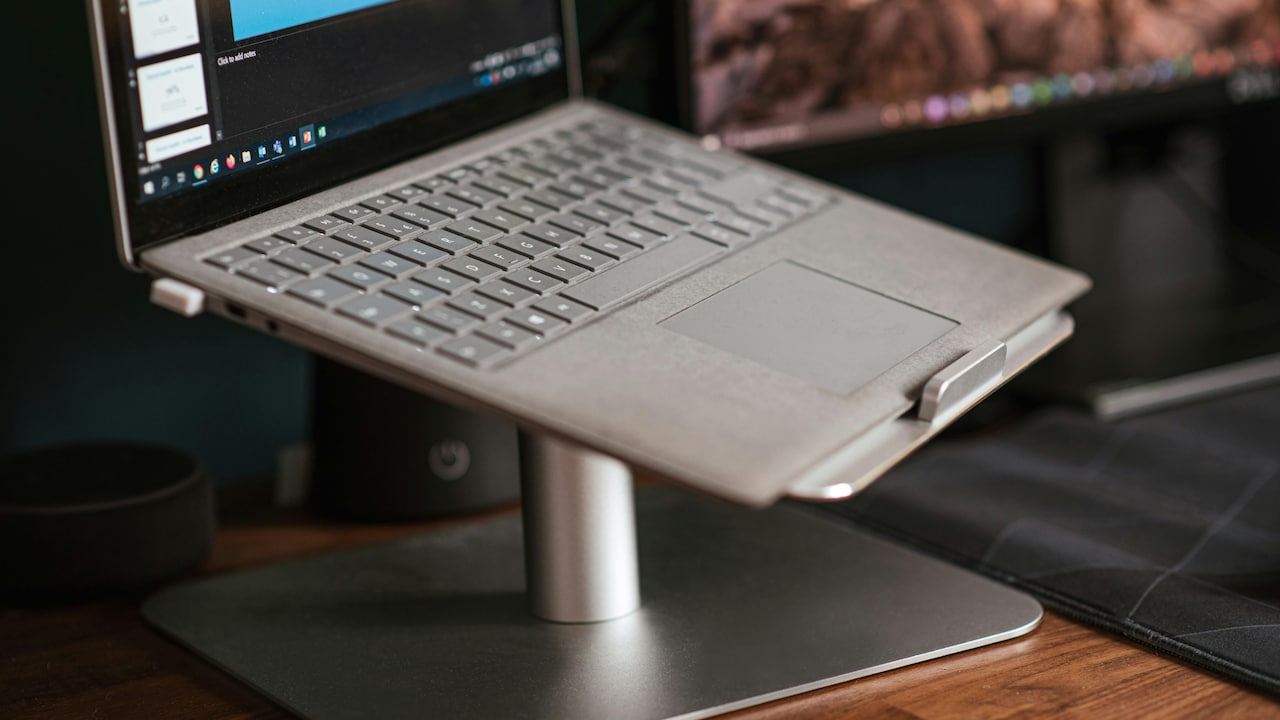
Why Cheap Laptop Stands Cause Typing Discomfort: How Better Angles Help; Photo Credit: Pexels
External Keyboards Solve Half The Problem
Many ergonomic experts recommend external keyboards alongside laptop stands, and the advice exists for good reason. Separating the screen from the typing surface allows each element to sit at a comfortable angle independently.
Cheap stands become problematic mainly because they combine elevated screens with attached keyboards. The higher the screen rises, the more awkward typing becomes. An external keyboard breaks that connection.
Yet many users avoid buying one. Some want portability. Others dislike carrying extra accessories between the office and home. A few simply assume the additional expense feels unnecessary after already purchasing a stand.
Ironically, a modest keyboard costing around ₹800 often improves comfort more effectively than upgrading to a premium stand worth several thousand rupees.
The difference becomes obvious during long work sessions. Wrists rest flatter. Shoulders relax naturally. Typing speed stabilises without conscious effort. The body finally stops compensating for uncomfortable angles.
Wireless keyboards especially suit compact desks because they allow flexible positioning. Some people even place them slightly lower, using books or desk trays for better wrist alignment.
The setup may not look glamorous enough for social media desk tours filled with glowing LEDs and spotless minimalism. However, practical comfort usually outlasts aesthetic trends.
A laptop standing alone rarely solves ergonomic issues completely. They work best as part of a balanced arrangement that considers how humans actually type for hours each day.
Comfort comes from coordination between screen height, keyboard placement, and natural body posture.
Ventilation Designs Sometimes Ignore Comfort
Many affordable laptop stands market themselves heavily around cooling benefits. Open-frame designs promise better airflow and reduced overheating during gaming, editing, or office work. While ventilation matters, some designs accidentally compromise typing comfort in the process.
Large cut-outs and narrow support arms reduce stability beneath the keyboard area. The laptop flexes slightly under pressure, especially near the centre. Every keystroke produces subtle vibrations that gradually irritate wrists and fingers.
The issue feels similar to typing on a thin train tray table during a bumpy journey. Technically functional, but never fully comfortable.
Manufacturers often prioritise airflow aesthetics because they photograph well online. Sharp angles and skeletal frames create a futuristic appearance that attracts buyers quickly. Unfortunately, comfort rarely appears clearly in product photos.
Heat management does matter in warmer climates where laptops already struggle during summer afternoons. Nobody enjoys a keyboard hot enough to toast fingertips during spreadsheet work. Yet cooling should not come at the expense of proper support.
Balanced designs distribute weight evenly while maintaining adequate ventilation. The laptop should feel planted rather than suspended precariously above the desk.
A stand that keeps temperatures low but creates wrist strain solves one issue while introducing another. Ergonomics requires a compromise between airflow, stability, and typing posture.
The smartest designs rarely look the flashiest. They simply support everyday use without drawing attention to themselves.
Adjustable Hinges Wear Out Faster Than Expected
Cheap adjustable stands often impress buyers during the first week. Hinges move smoothly. Angles shift effortlessly. Everything feels sturdy enough to survive years of work calls and late-night browsing.
Then the gradual decline begins.
Frequent adjustments loosen the hinge tension over time. The laptop slowly slips downward while typing. Users tighten screws temporarily, but the stability rarely returns fully. Eventually, the stand settles into awkward positions that no longer support a comfortable posture.
The frustration feels oddly familiar, like a ceiling fan regulator that works perfectly until summer truly arrives.
Budget manufacturing plays a major role here. Thin metal joints and inexpensive plastic components struggle under repeated movement. Portable stands suffer especially because constant folding increases wear.
Once hinge resistance weakens, typing comfort deteriorates rapidly. The screen shakes slightly during use. The keyboard angle changes unpredictably. Hands adjust constantly without realising it.
Many people continue using worn-out stands simply because replacing them feels wasteful. Yet poor ergonomics accumulates quietly over months. Persistent wrist strain often traces back to unstable positioning rather than excessive workload alone.
Durability matters more than dramatic adjustment ranges. A stand offering three reliable angles usually outperforms one promising endless flexibility with fragile construction.
Smart buyers increasingly prioritise long-term comfort over flashy specifications. Ergonomics should improve daily life consistently rather than impress briefly during unboxing.
A dependable angle matters far more than dozens of unstable options.
Sitting Position Influences Stand Performance
Even the best laptop stand cannot compensate for poor sitting posture. The relationship between chair height, desk level, and stand angle determines whether typing feels comfortable or exhausting.
Cheap stands often receive all the blame, while the actual issue involves mismatched furniture arrangements. A stand that feels uncomfortable on one desk may work perfectly elsewhere with slight adjustments.
Dining chairs create a common problem. They usually sit too low for extended laptop work. Users then raise the screen aggressively to compensate, which forces awkward wrist positions while typing. The cycle continues until everything feels uncomfortable simultaneously.
The body naturally seeks balance. Feet should rest comfortably, elbows should stay relaxed, and wrists should remain relatively neutral. Once one element shifts incorrectly, other parts compensate automatically.
Improvised workspaces reveal this clearly. Someone spends hours attending meetings from a sofa corner with the laptop perched on a foldable stand. By evening, shoulders ache, wrists tighten, and concentration disappears entirely.
Small posture changes often deliver surprising improvements. Raising the chair slightly. Supporting elbows properly. Lowering the stand angle by a few degrees. These adjustments sound minor, but they transform typing comfort significantly.
Ergonomics rarely depends on one miracle product. Instead, comfort emerges from how multiple elements interact.
A cheap stand can sometimes work beautifully in the right setup, while an expensive one may fail completely in poor conditions.
Comfort Should Always Beat Aesthetics
Modern desk culture loves visual perfection. Social media feeds overflow with glowing monitors, colour-coordinated accessories, and spotless setups that resemble futuristic movie scenes. Laptop stands play a major role in this aesthetic trend.
Unfortunately, visual appeal often distracts from actual comfort.
Many people choose stands based on appearance first. Sleek aluminium finishes, ultra-thin profiles, and dramatic elevation designs look impressive during video calls. Yet the most photogenic setups do not always support healthy typing posture.
A workstation exists to support work, not merely collect compliments on social media.
Comfort-focused setups sometimes appear surprisingly ordinary. A practical external keyboard. A moderate screen angle. Stable support beneath the laptop. Nothing flashy, yet everything works smoothly for hours.
The obsession with aesthetics creates unnecessary discomfort because users hesitate to adjust setups that “look good”. Someone continues typing at an awkward angle simply because the arrangement appears stylish on the desk.
Real ergonomics values sustainability over appearance. The goal involves reducing strain during everyday tasks rather than creating an eye-catching workspace tour.
Long-term comfort affects mood, productivity, and even patience levels. A body free from constant strain handles work pressure far better than one quietly battling sore wrists and stiff shoulders throughout the day.
The smartest workstation often feels invisible during use. No discomfort. No constant adjustment. Just smooth, natural typing that allows attention to stay focused on the work itself.
Products Related To This Article
1. PLIXIO Adjustable Laptop Stand with 360° Rotating Base Tabletop Ergonomic Foldable Portable Holder Compatible for MacBook
2. STRIFF Laptop Tabletop Stand
3. AITODOS TA Portable Aluminum Alloy Laptop Stand
4. Dyazo 6 Angles Adjustable Aluminum Ergonomic Foldable Portable Tabletop Laptop
5. EDNITA Mini Laptop Stand for Desk
6. Geonix Trek T3 Aluminium Ergonomic Laptop Stand
7. ZEBRONICS Aluminium Alloy Laptop Stand
Laptop stands promise healthier work habits, but cheap designs often overlook the detail that matters most, typing angle. Raising the screen alone does not guarantee comfort. In many cases, aggressive elevation, unstable frames, and poor wrist positioning quietly create new problems while solving old ones.
The difference between comfort and strain often comes down to tiny adjustments. A few degrees lower. A steadier base. Better elbow support. These small changes influence how hands, shoulders, and fingers behave over several hours of typing.
Ergonomics should never feel like a luxury reserved for expensive office setups. Smart positioning matters more than premium branding or flashy desk aesthetics. A practical arrangement that supports natural posture usually outperforms trendy accessories designed mainly for visual appeal.
Workspaces continue evolving as more people balance office routines, home setups, and flexible schedules. In that reality, comfort becomes essential rather than optional. Nobody wants wrists that ache after replying to emails or shoulders that tighten during every online meeting.
The best laptop stand does not demand attention. It quietly supports the body, keeps typing comfortable, and disappears into the background while work flows naturally. That subtle success matters far more than dramatic design claims printed on a product box.
(Disclaimer: This article may include references to or features of products and services made available through affiliate marketing campaigns. NDTV Convergence Limited (“NDTV”) strives to maintain editorial independence while participating in such campaigns. NDTV does not assume responsibility for the performance or claims of any featured products or services.)