How Much Storage Do You Need For Festive Photos
Want enough space for every holiday photo without deleting anything mid-event? Here's precisely how much storage you need and what to buy on Amazon this year.
How Much Storage Do You Need For Festive Photos
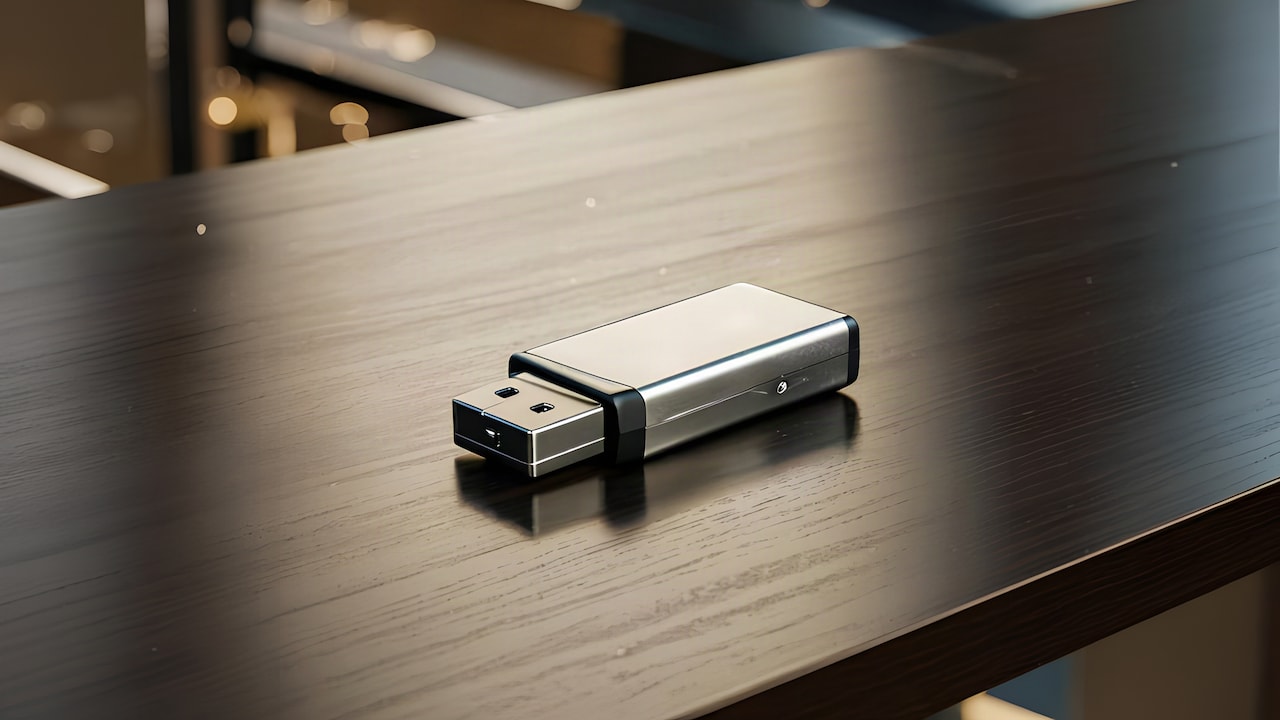
You're at the venue, and your phone is already down to 2 GB. Sounds familiar? It happens every festive season. It's not really about taking too many photos. The thing is, nobody sits down beforehand and works out how many gigabytes a whole week of sangeets, haldis, and receptions is actually going to cost. A three-day wedding uses up storage quite differently than a single night, and most people learn these lessons the hard way, in the middle of the function, phone in hand. Amazon has memory cards, pen drives and hard drives built to fill exactly that gap.
How Much Storage Does A Festive Season Actually Use
Photo Credit: iStock
So, how much storage do you actually need this season? It depends on how many functions you have lined up, whether you're filming as well as shooting, and how heavy your camera settings are. None of the above is complicated. Read on and you'll know exactly what to buy, and you can stop thinking about storage for the rest of the season.
How Much Storage Does A Festive Season Actually Use
Here's a number most people never bother checking. A single phone photo doesn't look like much on paper, pretty much 3 to 5 MB. Shoot 700 or 800 of those over one wedding weekend, though, and it stops looking small.
Video is the real culprit here. A single minute of HD footage can push past 100 MB, so three or four quick sangeet clips can effortlessly end up costing more storage than the stills from the entire day.
Events matter more than days here. Cover a three-day wedding properly, video included, and the total can sit somewhere between 15 and 20 GB. A peaceful puja morning, by comparison, might use less than a gigabyte.
Do You Need A Drive Or Will Cloud Storage Do
Both, honestly, cloud backup works pretty well with a strong Wi-Fi signal, which festive venues rarely have. Uploading hundreds of photos in one sitting quickly eats through mobile data.
Plugging in a drive and copying files across takes minutes and needs no signal at all. But there's one real risk: lose that drive, and everything on it goes with it. So, cloud storage is still worth keeping around as a backup rather than a replacement.
How Do You Actually Work Out Your Storage Number
Sort this out before the season starts. Guessing during a haldi ceremony is never a wise idea.
1. Count Your Events First
Write down all the functions on the calendar this month. A haldi, a sangeet, and a reception at the end – each one has its own storage cost.
Say four functions this month use about 5GB each; that's already 20GB gone, before anything extra gets added on. Skip this bit of maths, and the final number is usually too low.
2. Check Your Camera's File Size
Check your phone's camera settings before anything else. A RAW file can be three or four times the size of an ordinary JPEG.
Planning to shoot RAW for the extra editing room later? Double whatever number you got in step one; it climbs quicker than you'd expect.
3. Add Room For Video
People underestimate video quite a lot. Ten minutes of dhol footage in HD, on its own, can run up to 1.5 GB.
Work out your video minutes as their own separate total, apart from photos, then add that number in properly. Hoping it fits into whatever's left rarely works.
4. Allow Yourself Some Slack
It's a sensible idea to add about a quarter on top of your total, since storage tends to run out sooner than anyone actually plans for.
If your number is too low, you'll end up deleting photos mid-event to make room. Nobody wants that conversation happening during someone's mehendi.
Also Read :5 Amazing Vlogging Cameras With Flip Screen For Beginners
What Really Determines Which Storage Is Right For You
Most people just don't check this part properly, and a little homework now saves quite a lot of frustration later.
Everyone looks at capacity first. Fewer people stop to check speed or format, yet those two decide whether the thing you bought actually does the job.
1. Size Is As Important As Speed
A sluggish card can't keep up with rapid shooting or continuous video. The buffer fills up, and the camera just stops mid-shot.
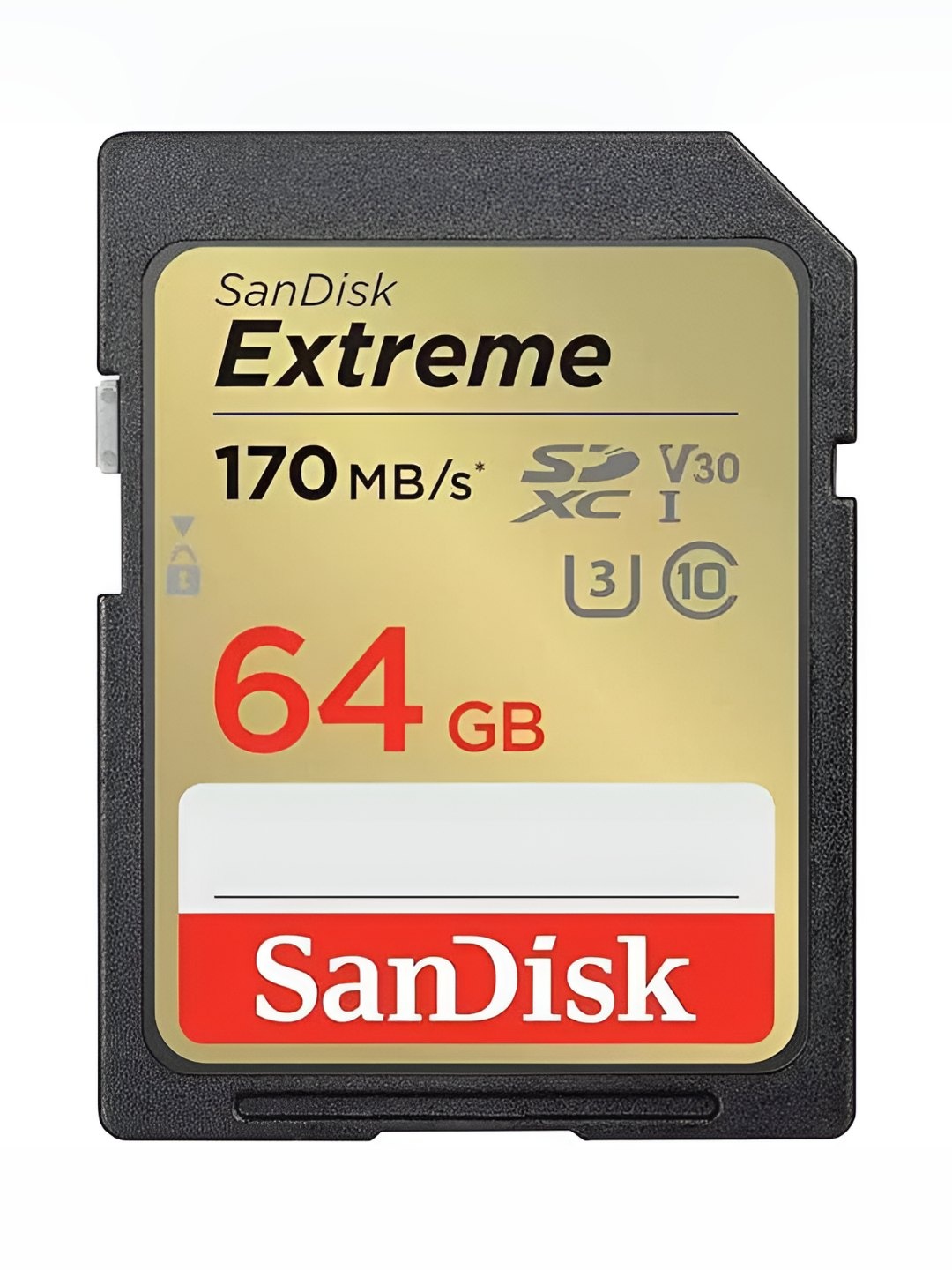
Look out for Class 10 or UHS-3 on the label. Those two handle continuous writing pretty well without choking.
2. Pick Between A Card, A Drive Or Both
Memory cards go directly into cameras, while pen drives and external hard drives are there to back up a phone once the event has ended.
Quite many people need one of each: a card for shooting and a drive for the backup later that night.
3. Check What Your Phone Or Camera Supports
Not every phone can read every storage format right out of the box. A Type-C pen drive plugs directly into most modern Android phones, with nothing else needed.
Check that the port on your phone is compatible before ordering. Getting this wrong means an extra adapter cable nobody planned for.
4. Think About Backup, Not Just Space
A single drive is a copy, not a backup, and copies can fail without warning.
Losing one device shouldn't mean losing a whole season of photos. So, back up your best shots somewhere else too, either on a drive or in the cloud.
So, How Much Storage Do You Really Need?
Covering three or four functions with photos and video? A 128 GB card and a 1 TB drive will cover most families.
Shooting RAW throughout, or covering an entire wedding season? Go up to 2 TB instead. It costs a little extra and takes the worry away completely.
Some Storage Options You May Like
Photo Credit: iStock
Some Storage Options You May Like
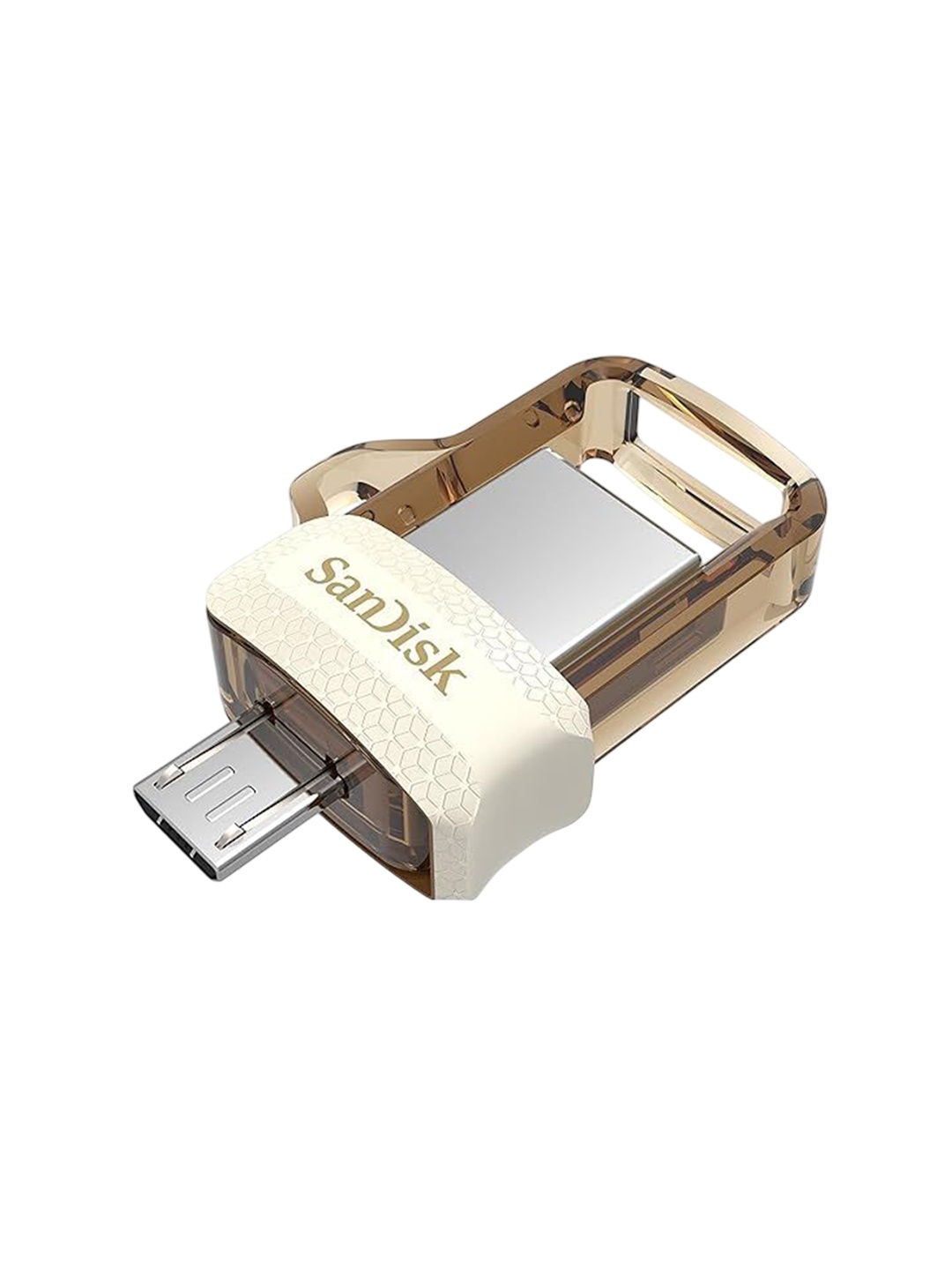
1. SANDISK Ultra Dual Drive Luxe Type-C 128GB Pen Drive
2. HP v236w USB 2.0 64GB Pen Drive, Metal
3. EVM EnStore 64GB USB 2.0 Durable Metal Flash Drive
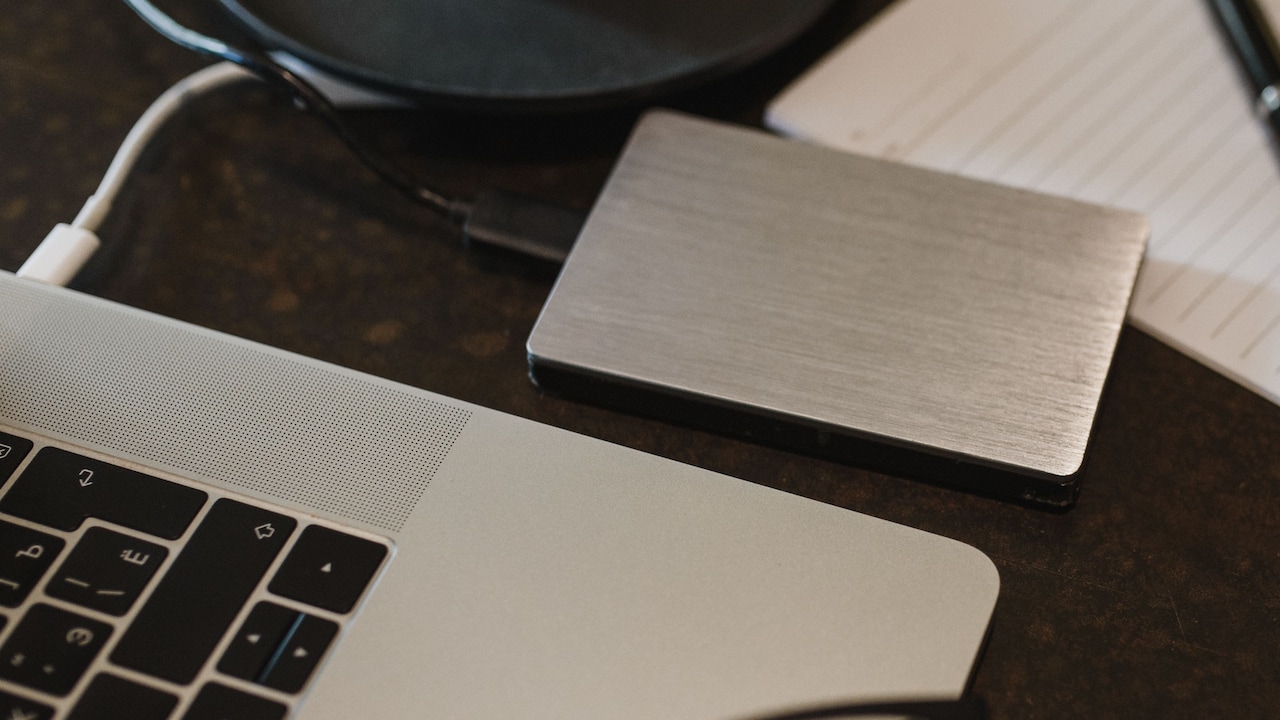
4. Seagate Expansion 2TB External HDD
5. TOSHIBA Canvio Basics 1TB Portable External HDD
6. Western Digital WD 2TB Elements Portable Hard Disk Drive
7. CP PLUS 128GB microSDXC Memory Card
8. Digitek Dud 64GB USB 2.0 Flash Drive
As festive celebrations fill your gallery with family portraits, group selfies, and memorable moments, having the right amount of storage can make all the difference. Choosing a device with sufficient storage helps ensure you never have to worry about running out of space while capturing special occasions. Whether you're clicking a few photos or documenting every festive event, planning your storage needs in advance allows you to focus on making memories instead of managing files. After all, the best festive moments deserve to be captured, saved, and cherished for years to come.
Frequently Asked Questions (FAQs)
1. How much storage does a three-day wedding actually need?
Somewhere around 15 to 20 GB for photos and video combined, more if RAW is involved. Add a third on top so you don't have to delete anything halfway through.
2. Is 64 GB enough for one festive function?
Usually, just for photos. Add video into the mix, and it fills up quickly, which makes 128 GB the safer bet for most people.
3. Should photos be backed up to a drive or the cloud?
Both, if possible. A drive works instantly with no internet needed, while cloud storage saves everything if that drive is ever lost or damaged.
4. Can you use memory cards directly in your phone?
Some do, but most need an adapter. For phones, a Type-C pen drive is usually the easier option.
5. What storage speed does video actually need?
UHS-3 or Class 10, at least. Anything slower struggles with continuous HD recording and starts dropping frames. .
(Disclaimer: This article may include references to or features of products and services made available through affiliate marketing campaigns. NDTV Convergence Limited (“NDTV”) strives to maintain editorial independence while participating in such campaigns. NDTV does not assume responsibility for the performance or claims of any featured products or services.)