How To Check If A Wireless Charger Is Safe For Your Phone Battery
Wondering if a wireless charger is safe for your phone battery? Learn the key safety of a safe charger, charging habits, and features that help protect battery health.
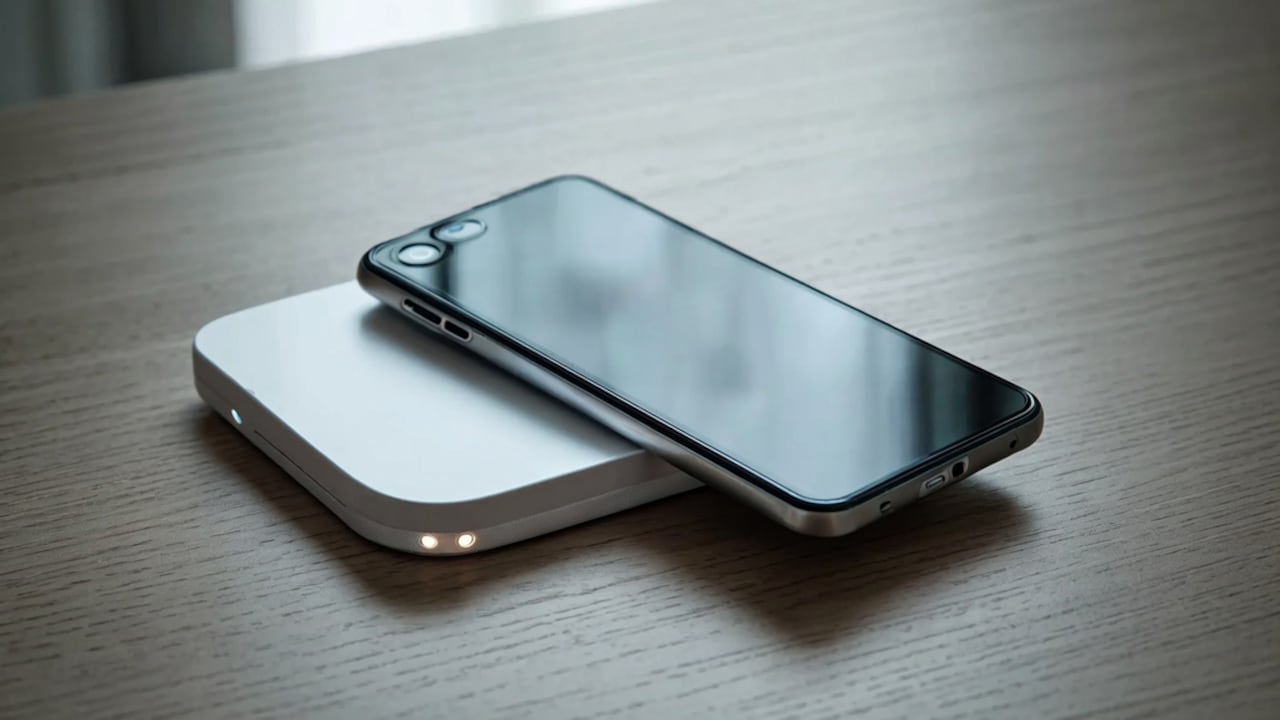
How To Check If A Wireless Charger Is Safe For Your Phone Battery
There was a time when charging a phone meant untangling cables from a bag, desk, or bedside table. Now, many people just place their phone on a charging pad and walk away. Wireless charging has become a very common thing, especially with newer smartphones these days. But as wireless chargers are becoming cheaper and easier to find online, one question keeps coming up again and again. Can a wireless charger actually damage your phone battery? It is a fair concern, honestly. Replacing a phone battery, one of the device's most important parts, is not cheap. For most people, the answer depends less on wireless charging itself and more on which charger they are actually using. So here is how one can tell if a wireless charger is actually safe for a phone battery or not.
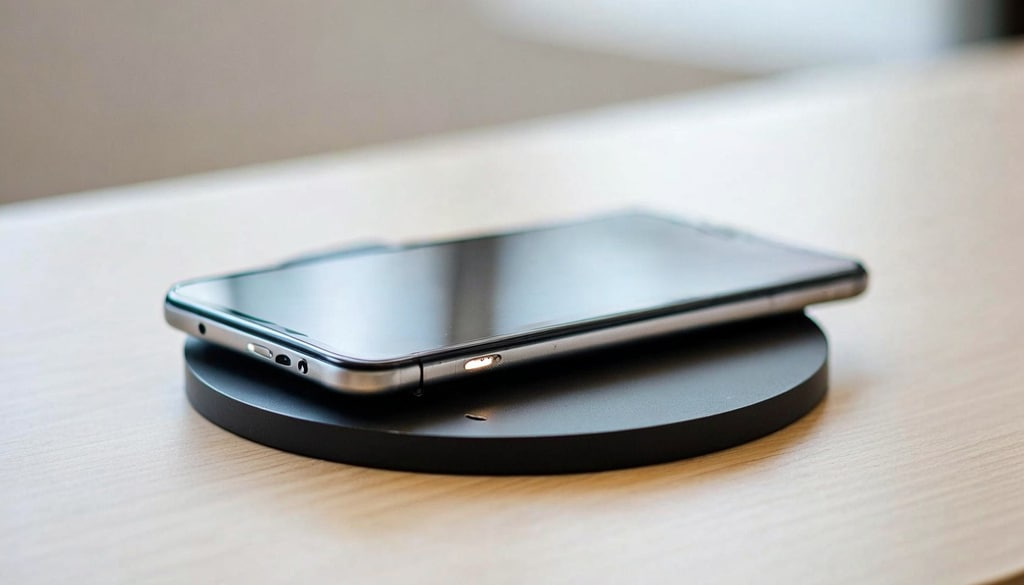
Learn how modern wireless charging features and smart habits fully protect your phone's battery; Photo Credit: iStock
Also Read: 5 Best Wireless Chargers For Bedside Use Under ₹3000
Why Wireless Charging Gets A Bad Reputation
Wireless charging creates a little more heat compared to wired charging. This happens because energy has to travel through electromagnetic coils instead of a direct cable connection.
Heat is one of the biggest enemies of lithium-ion batteries. Too much heat over long periods can slowly reduce battery health and charging efficiency over time.
But that does not mean wireless charging is dangerous at all. Most modern smartphones are designed to manage heat and charging speeds on their own automatically. Low-quality chargers that do not have proper safeguards for controlling heat levels pose the greatest threat.
Check For Qi Certification Before Buying
The first thing to look for when considering a wireless charger is whether the device is Qi-certified. Qi (pronounced "chee") is a wireless charging standard supported by most major smartphone manufacturers. A Qi-certified charger has been tested and certified to ensure safe power delivery, effective temperature management, and compatibility with various devices. Do not buy a really cheap or no-name charger for this reason. In general, it is safer to select a well-reviewed charger from a trusted brand.
1. Look For The Qi Logo
The next step is to check the packaging, the charger body, or the product description online for the Qi logo or certification. If it is not present, try a different model.
2. Verify The Brand
Branded products are generally more reliable․ This reliability is generally due to more frequent quality testing and adherence to safety norms․ When a brand is unfamiliar, specifications and ratings are unclear, or there are insufficient reviews, it is generally advisable to exercise caution.
Pay Attention To Heat During Charging
It is normal for a phone to get mildly warm when it is charging wirelessly, but if the phone is often too hot on a wireless charger, it may be poorly thermally managed. A safe wireless charger should have temperature regulation and, where needed, power modulation capabilities.
1. Monitor The First Few Charging Sessions
When you get a new charger, pay very close attention to the charging pattern and the temperature. Ideally, your phone should never overheat, even if you have a new charger. If you notice problems early, replace or change the charger before there's any further damage.
2. Remove Thick Cases
Some thick protective cases can trap heat and reduce charging efficiency terribly. Removing them often improves both charging speed and temperature control.
3. Match The Charger To Your Phone
Charging a phone with a 7.5-watt charger at 15 watts will not make the phone charge faster. In addition, different manufacturers optimise charging speeds in unique ways. So, it is always better to consider compatibility.
Safety Features That Actually Matter
Many chargers advertise fast charging, but speed should not be the only concern when buying one.
Several built-in safety features play a much bigger role in protecting battery health over time.
1. Check For Overcharge Protection
High-quality wireless chargers stop giving extra power after the smartphone battery reaches 100 per cent capacity. Thus, such a charger easily protects the smartphone battery from overheating at night.
2. Look For Temperature Protection
More advanced chargers regulate power based on temperature levels. Such chargers are quite helpful in hot summer conditions.
3. Ensure Foreign Object Detection
Modern chargers can detect coins, keys or other metal objects placed between the phone and the charging pad. Without this feature, unnecessary heat can build up rapidly and cause problems.
Fast Wireless Charging Isn't Always Better
Many people assume faster charging automatically means better charging. That is not always true, honestly. A battery charged at a moderate speed often experiences less heat compared to extremely fast charging. You probably don't even need the highest charging speed available for daily overnight charging.
Charging Habits Can Affect Battery Health Too
Even the best chargers won't help if you don't charge responsibly. There are some things that you always need to be mindful of if you really want to protect your phone's battery. Never leave phones in direct sunlight while charging, and always make sure to provide sufficient ventilation when they are charging. In addition to these tips, always stick to the original chargers and never overcharge your battery. Most phone batteries today are smart enough to manage charging efficiently on their own, but good habits still help to extend battery life considerably.
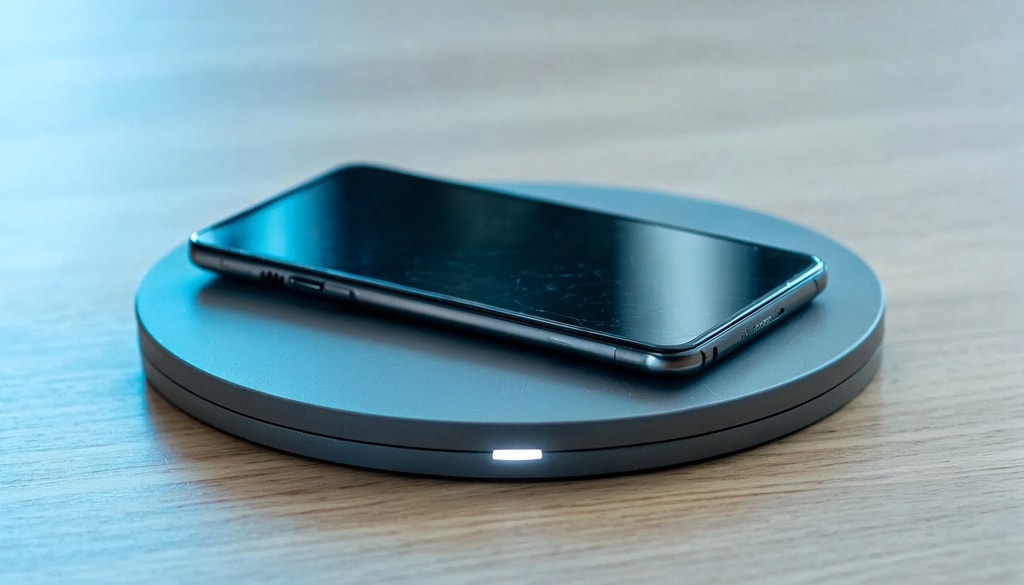
Discover the truth about wireless charger safety and key features that safeguard your battery; Photo Credit: iStock
Some Wireless Chargers You May Like
1. Ambrane 25W Qi2.2 MagSafe Wireless Charger
2. Anker Wireless Charger
3. XECH 3-in-1 Fast Wireless Charger
4. Ambrane Qi2 Magsafe Wireless 3-in-1 Charger
5. Lifelong 10W Fast Wireless Charger
6. URBN Wireless Charger 3 in 1 Magnetic MagSafe Charging Foldable Stand
7. Spigen Wireless Charger 15W
8. UNIGEN UNIPAD 200 Wireless Charger, 15W Qi Fast Wireless Charging Pad
Wireless chargers remove the need for cables and keep desks neat. Just place your phone on the pad, and charging starts without plugging in. Choose one with steady power, a slip-proof base, and the right size for your daily spot. Shop now on Amazon
Frequently Asked Questions (FAQs)
1. Can wireless charging damage my phone battery?
A good quality wireless charger will cause no harm. Moreover, wireless charging is relatively safer than wired charging nowadays.
2. Is wireless charging slower than wired charging?
Wireless charging will always be slower compared to corded charging due to the way it charges your phones. Still, nowadays, speedy wireless chargers have come that don't take much time to charge your phone.
3. Why does my phone get warm while wireless charging?
It's normal for your phone to get warm while charging, and it's not a problem.
4. Is it safe to leave my phone on a wireless charger overnight?
Most modern phones and certified wireless chargers are designed for overnight charging. Features like overcharge protection help to minimise risks.
5. How can I check if my wireless charger is certified?
For certification, you need to check the Qi certification or the Qi mark on the charger. It can be on the charger packaging or directly on the charger. And if you're buying the charger online, check the product details section.
(Disclaimer: This article may include references to or features of products and services made available through affiliate marketing campaigns. NDTV Convergence Limited (“NDTV”) strives to maintain editorial independence while participating in such campaigns. NDTV does not assume responsibility for the performance or claims of any featured products or services.)