Rechargeable Vs Wired Mouse: A Complete Guide To Choosing The Right One
Compare rechargeable and wired mice on comfort, cost, battery life, portability and performance to decide which option suits daily work, gaming and travel better.
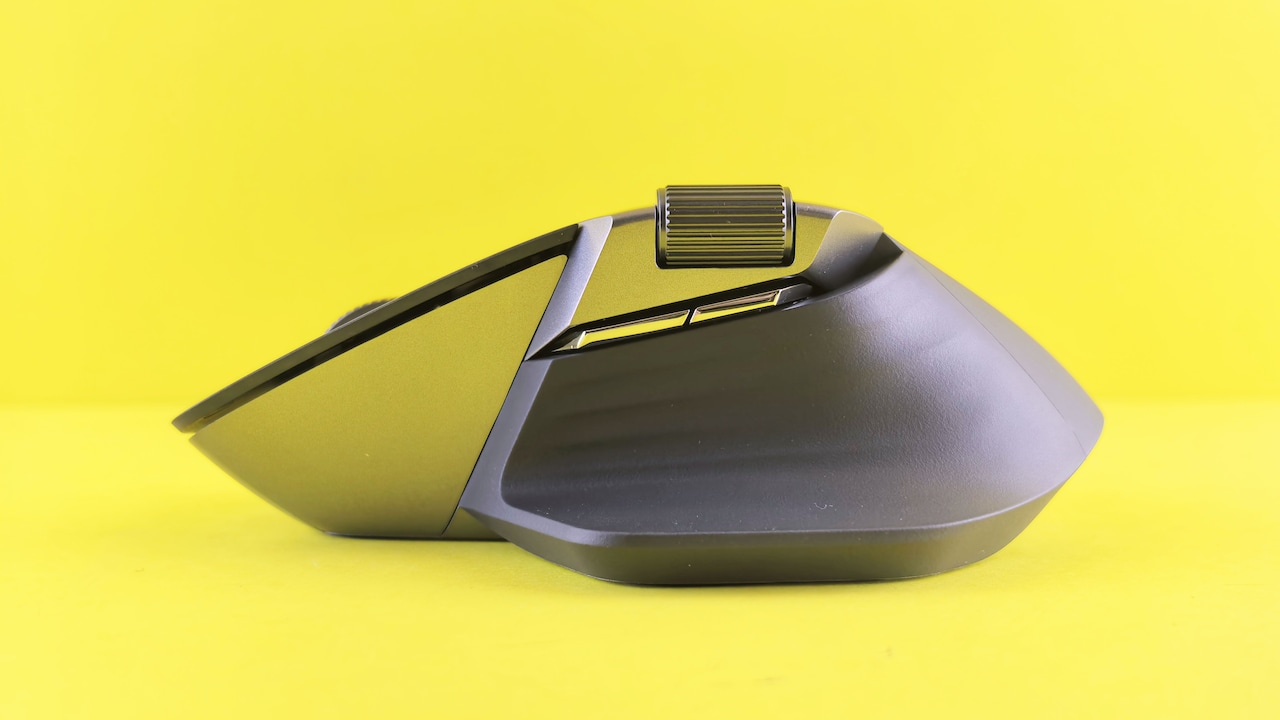
Rechargeable Vs Wired Mouse: Which One Is More Convenient?
The humble computer mouse rarely gets much attention until it stops responding during an urgent presentation, a tense gaming session or the final few minutes of an online exam. Suddenly, that small device becomes the most important object on the desk. Choosing between a rechargeable mouse and a wired mouse may seem straightforward. One removes cable clutter, while the other removes battery anxiety. Yet convenience involves more than whether a wire lies across the table. It includes comfort, reliability, charging habits, portability, cost and even the type of work being done. A student attending online classes may value a lightweight mouse that slips easily into a backpack. A graphic designer may prefer stable performance during long editing sessions. A gamer may care about response time, while someone working from a crowded dining table may simply want fewer wires competing with teacups, notebooks and charging cables. Both designs have clear strengths. Neither suits everyone. The following comparison explores ten practical areas that can help determine which option deserves a place beside the keyboard.
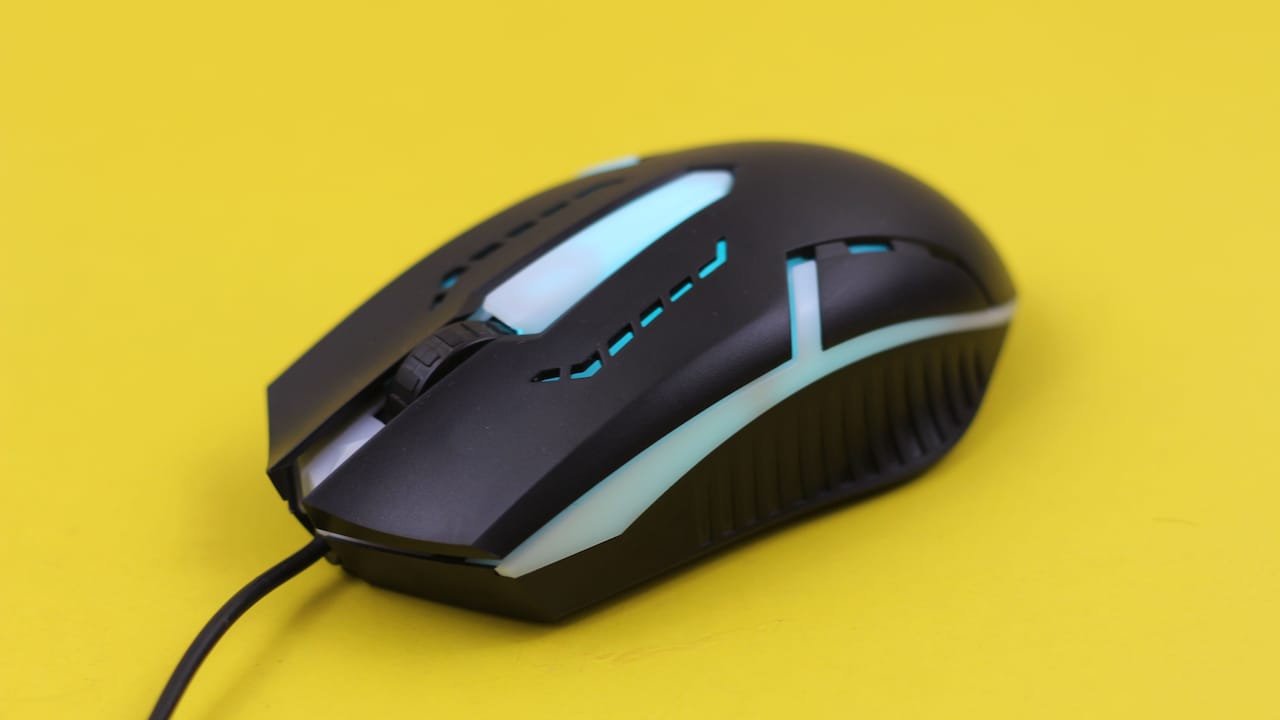
Rechargeable Vs Wired Mouse: Which One Is More Convenient?; Photo Credit: Pexels
Rechargeable Vs Wired Mouse: A Practical Comparison
1. Everyday Ease Of Use
A wired mouse keeps things refreshingly simple. Plug it into a USB port, wait a moment and start working. There is no pairing process, battery check or charging schedule. This straightforward setup suits offices, computer labs and home desktops where the mouse rarely moves from its usual spot.
A rechargeable mouse feels more flexible. It connects through Bluetooth or a wireless receiver, allowing the desk to look cleaner and less tangled. The absence of a cable also makes movement smoother, especially on compact tables where wires often catch against books, speakers or coffee mugs.
However, wireless convenience depends on preparation. A rechargeable mouse with a flat battery becomes a decorative paperweight at the worst possible moment. Many modern models continue working while connected to a charging cable, but that temporarily turns the wireless mouse into a wired one with extra steps.
For daily use, the better option depends on personal habits. Organised users who charge devices regularly may enjoy wireless freedom. Those who remember charging only after seeing a blinking red light may find the reliable wired mouse far less troublesome.
Also Read: Upgrade Your Clicks: Explore Top-Rated Computer Mice For Work And Gaming
2. Desk Clutter And Freedom Of Movement
A rechargeable mouse wins immediate style points on a tidy desk. Without a cable stretching towards the computer, the workspace looks calmer and more organised. This matters on small desks, shared tables and work-from-home corners where every centimetre counts.
The freedom of movement also feels noticeably better. A wireless mouse can glide across a large mouse mat without cable drag. It can even operate from a short distance, which helps during presentations or when controlling a television connected to a laptop. Leaning back on a sofa while browsing suddenly becomes much easier.
A wired mouse can create minor irritation when its cable rubs against the monitor stand or gets trapped under a notebook. Cable holders and desk clips can reduce this problem, though they add another accessory to manage. Some premium wired mice use lightweight braided cables that feel almost invisible during movement, but cheaper models often come with stiff wires.
For people who value a neat setup, rechargeable models feel more convenient. Yet on a permanent desktop, one well-managed cable rarely causes chaos. The real difference becomes more noticeable when space is limited or the mouse travels frequently.
3. Reliability During Important Tasks
Reliability often matters more than appearance. A wired mouse receives power directly from the computer and maintains a stable connection. It does not suffer from drained batteries, wireless interference or accidental pairing issues. During exams, financial work or deadline-heavy projects, that consistency can bring welcome peace of mind.
Rechargeable mice have improved greatly, and most modern models work smoothly under normal conditions. Still, occasional problems can occur. The Bluetooth connection may drop after a software update. A tiny wireless receiver may loosen or disappear inside a crowded laptop bag. Nearby wireless devices can also create interference, although this happens less often with good-quality models.
Battery level adds another layer of uncertainty. A mouse may work perfectly in the morning and begin stuttering by the afternoon. Some models provide clear battery indicators, while others offer little warning before shutting down.
A wired mouse behaves like the dependable colleague who arrives early and never forgets the charger. A rechargeable mouse behaves more like the talented colleague who works brilliantly but occasionally needs a tea break. For critical and uninterrupted tasks, the wired option still holds a slight advantage.
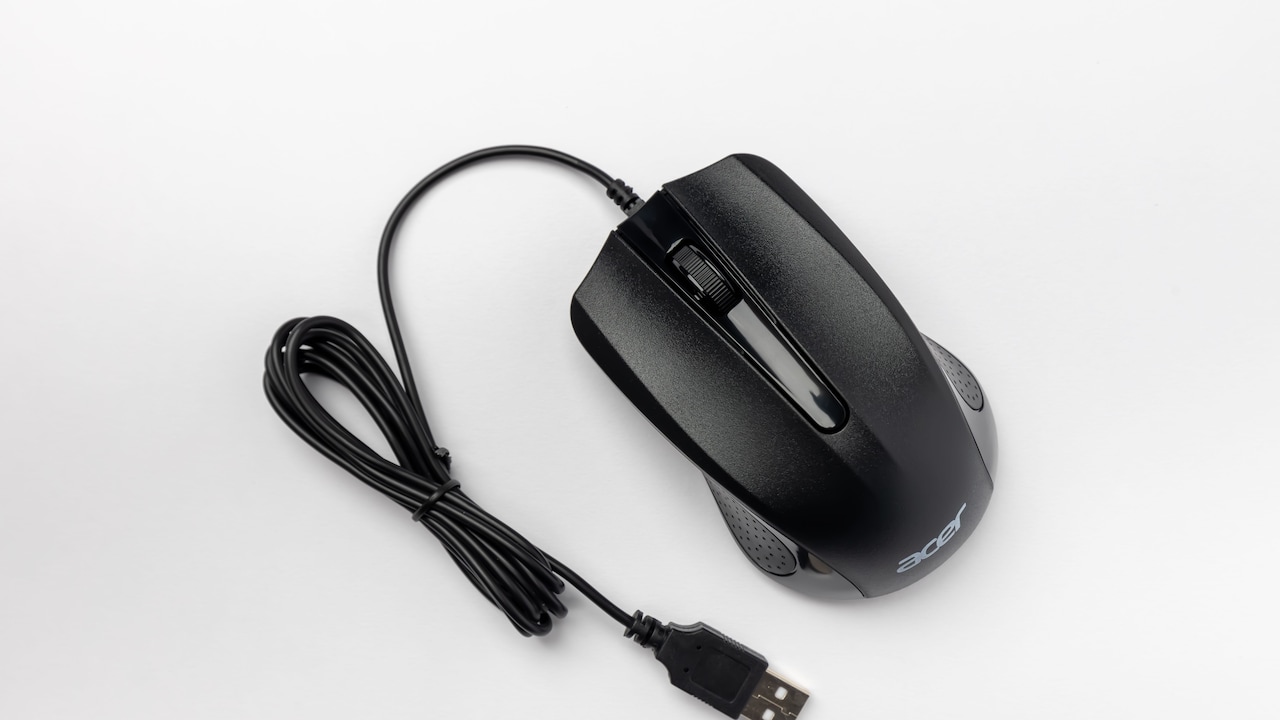
Rechargeable Vs Wired Mouse: Which One Is More Convenient?;Photo Credit: Pexels
4. Portability And Travel Convenience
A rechargeable mouse fits naturally into a mobile lifestyle. It works well for students, travelling professionals and people who switch between home, office and cafés. Without a long cable to coil, the mouse slips easily into a laptop sleeve or small pouch.
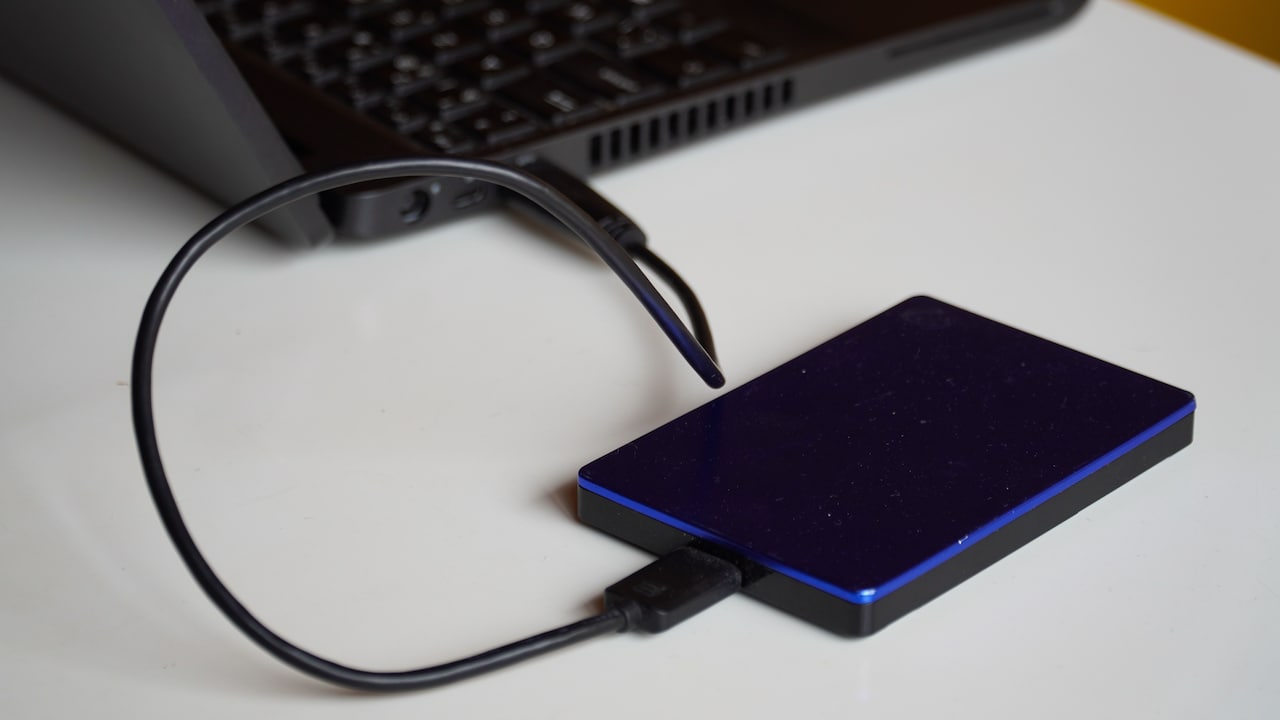
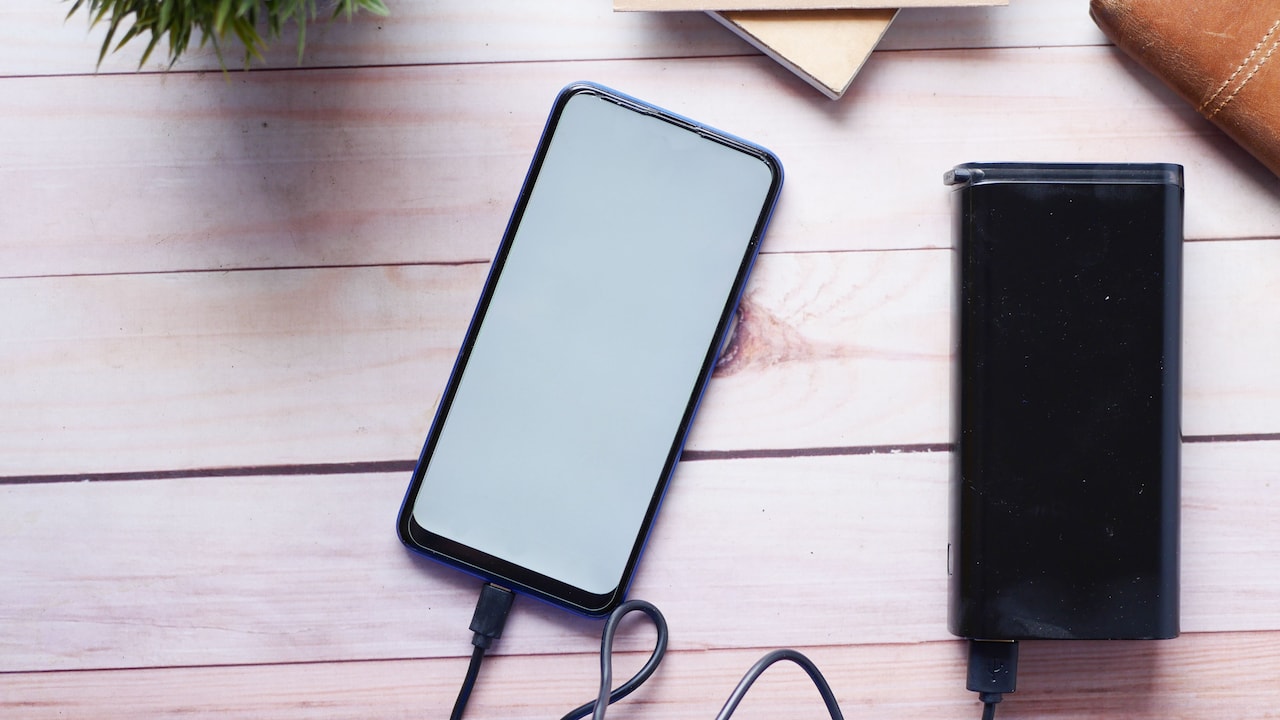
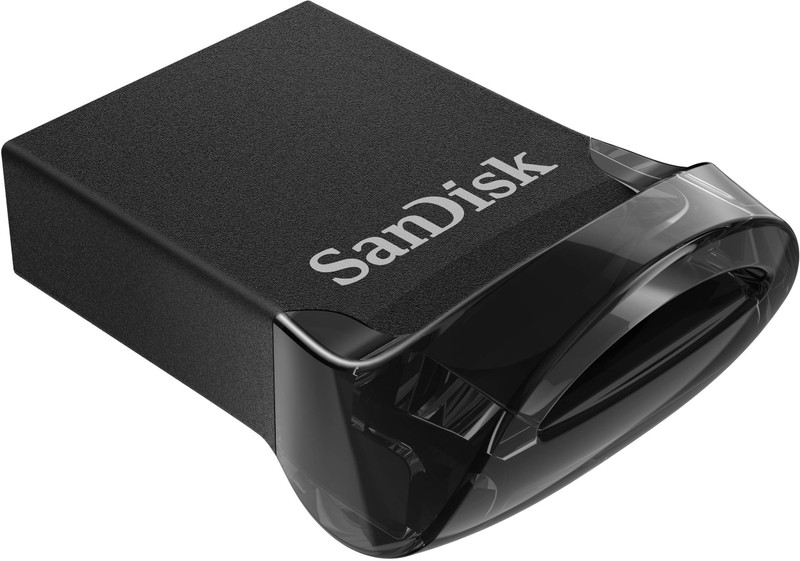
Bluetooth models offer an extra benefit because they do not require a USB receiver. This becomes useful with slim laptops that provide only one or two ports. The available port can remain free for a pen drive, external hard drive or mobile charging cable. Some rechargeable mice can also connect to multiple devices, allowing quick switching between a laptop, tablet and desktop.
Wired mice remain portable, but their cables can become annoying inside a bag. They may tangle with earphones, chargers and everything else that seems determined to form a knot. Repeated bending can also damage the wire near the connector.
However, travellers must remember to charge a wireless mouse before leaving. Finding a dead mouse five minutes before a client meeting can test anyone's patience. Overall, rechargeable mice offer greater travel convenience, provided charging becomes part of the packing routine.
5. Charging And Battery Management
Rechargeable mice eliminate the need to buy disposable batteries, which sounds convenient and economical. Many models can run for days or even weeks after a full charge, depending on usage, lighting and battery capacity. Premium versions may last several months under light use.
Charging habits make the biggest difference. Someone who already charges a phone, smartwatch and earbuds every evening may not mind adding another device. For others, one more cable can feel like an unwanted household responsibility. A mouse that demands charging during a busy workday quickly loses its charm.
Some rechargeable models use USB-C, while older ones rely on Micro-USB. USB-C feels more convenient because the same cable may charge a phone, tablet or laptop. Models with fast charging can provide several hours of use after only a few minutes near a socket.
A wired mouse avoids the entire battery conversation. It remains ready whenever the computer turns on. There is no battery ageing, charging port damage or uncertainty about remaining power. For users who dislike monitoring battery percentages, wired models provide effortless convenience that no wireless feature can fully replace.
6. Performance And Response Time
Performance differences have narrowed significantly. A good rechargeable gaming mouse can now deliver response times that rival wired models. For regular browsing, spreadsheets, design work and casual gaming, most users will notice little difference between the two.
Competitive gamers may still prefer wired mice because they offer a direct and consistent connection. Every click matters during fast-paced matches, and even the possibility of wireless delay can feel uncomfortable. Wired models also avoid sudden performance drops caused by low battery levels.
Rechargeable mice offer smoother movement because there is no cable resistance. This can improve comfort during long gaming or editing sessions. High-end wireless models include precise sensors, adjustable sensitivity and advanced polling rates, but they often cost much more.
For everyday users, performance should not become the deciding factor. A well-made mouse in either category will handle routine work easily. Build quality, sensor accuracy, and ergonomics matter more than the presence of a wire. Serious gamers may lean towards wired or premium wireless models, while everyone else can choose based on comfort and convenience.
7. Comfort During Long Working Hours
Comfort depends heavily on shape, weight and hand size, but the connection type also plays a role. Rechargeable mice often feel slightly heavier because they contain an internal battery. Some users appreciate that solid weight, while others find it tiring after several hours.
Wired mice can feel lighter, especially basic office models. Their lower weight allows quick movement with less effort. However, cable drag can create resistance and make the mouse feel less natural. A stiff cable may gently pull the mouse towards the edge of the desk, which becomes surprisingly irritating during detailed work.
Wireless movement feels freer. The hand can travel across the desk without fighting a cable, making rechargeable models pleasant for creative tasks, presentations and general browsing. Yet a poorly shaped wireless mouse will still cause discomfort, no matter how clean the desk looks.
Before buying, shape deserves more attention than marketing labels. A mouse should support the palm, allow relaxed finger placement and match the user's grip style. Convenience fades quickly when wrist pain arrives. Whether wired or rechargeable, the most comfortable mouse will usually become the most convenient one.
8. Cost And Long-Term Value
Wired mice usually cost less. A reliable basic model may be available for around ₹300 to ₹800, while gaming and professional versions can cost much more. Their simple construction and lack of batteries help keep prices affordable.
Rechargeable mice often start at a higher price. Budget models may cost around ₹700 to ₹1,500, while premium productivity or gaming options can easily cross ₹5,000. The extra cost pays for wireless technology, internal batteries, compact receivers and additional features.
Over time, rechargeable models can offer better value than wireless mice that use disposable batteries. There is no need to keep buying AA or AAA cells. However, internal batteries gradually lose capacity. After a few years, the mouse may need frequent charging or complete replacement if the battery cannot be changed.
Wired mice often last for years as long as the cable and switches remain healthy. Their low purchase price also makes replacement less painful. For strict budgets and shared computers, wired models provide excellent value. Rechargeable mice make more sense when portability, aesthetics and multi-device features justify the higher cost.
9. Environmental Considerations
Rechargeable mice appear more environmentally friendly because they reduce disposable battery waste. A built-in battery can support hundreds of charging cycles, cutting down the number of used cells that enter household rubbish.
However, the full picture remains more complicated. Rechargeable models contain lithium-ion batteries and extra electronic components. When the battery loses capacity, repairing or replacing it may prove difficult. Some sealed models encourage users to replace the entire mouse even when the sensor and buttons still work perfectly.
Wired mice avoid batteries altogether. Their simpler design may give them a longer useful life, especially when handled carefully. Yet damaged cables can also make them unusable, and low-cost models rarely receive repairs.
The most sustainable choice involves buying a durable product and using it for as long as possible. A sturdy wired mouse used for six years may create less waste than a fashionable rechargeable model replaced every two years. Similarly, a high-quality rechargeable mouse with a long-lasting battery can outperform several cheap wired alternatives. Durability matters more than labels.
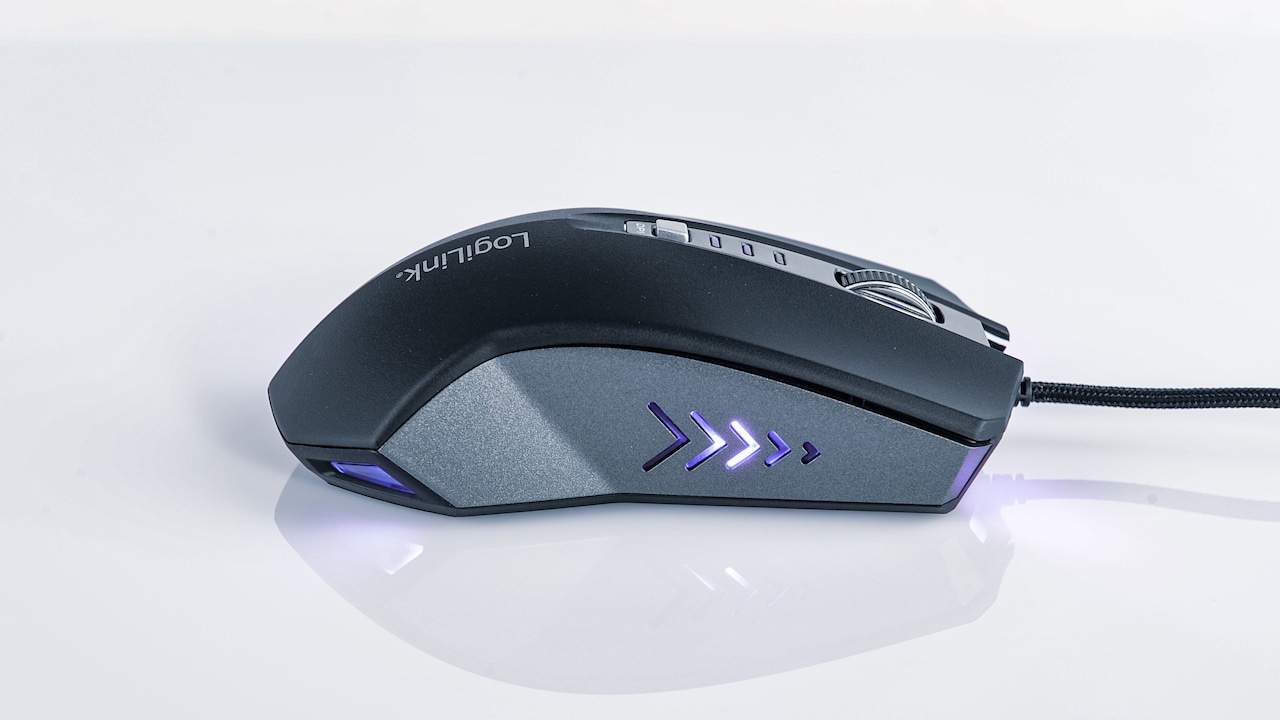
Rechargeable Vs Wired Mouse: Which One Is More Convenient?; Photo Credit: Pexels
10. Suitability For Different Users
Different lifestyles lead to different winners. A school or college student may prefer a rechargeable mouse because it fits neatly into a backpack and works well in libraries, classrooms and shared spaces. A Bluetooth model also saves valuable USB ports on compact laptops.
Office workers with fixed desktops may find wired mice more practical. They remain connected, never need charging and rarely leave the desk. Businesses can also replace them cheaply when necessary.
Content creators and designers may enjoy the unrestricted movement of a rechargeable mouse, especially when working across large screens. Gamers must decide between the guaranteed reliability of wired models and the freedom of advanced wireless options.
Families using one shared computer may benefit from a wired mouse because anyone can sit down and use it immediately. Meanwhile, people controlling smart televisions, tablets or presentation screens will appreciate wireless range.
Convenience has no universal definition. It changes with routine. The best mouse does not always have the most features. It simply fits into daily life without demanding attention, adjustment or frequent troubleshooting.
Products Related To This Article
1. Portronics Toad 101 Wired Optical Mouse with 1200 DPI
2. Logitech M196 Bluetooth Wireless Mouse
3. Offbeat - Atom Dual Bluetooth 5.1+5.1 & 2.4Ghz Wireless
4. Dell MS116 Wired Mouse, 1000 DPI, Scrolling Wheel
5. HP Z3700 Dual Black Mouse, Bluetooth 5.0
6. ZEBRONICS-Transformer-M with a High-Performance Gold-Plated USB Mouse
7. ASUS Marshmallow MD100 Wireless Bluetooth Mouse with Dual Mode
The contest between rechargeable and wired mice does not produce one clear champion. Rechargeable mice offer cleaner desks, easier travel, and unrestricted movement. They suit laptops, flexible workspaces and users who value modern design. Their biggest weakness remains battery management, along with a higher purchase price.
Wired mice deliver simplicity, reliability, and excellent value. They work instantly, require no charging and perform consistently during important tasks. Their cable can feel inconvenient, but careful desk management reduces much of that frustration.
For a fixed workstation, long office hours or a tight budget, a wired mouse often proves more convenient. For travel, presentations, compact desks and multi-device use, a rechargeable mouse usually feels better.
The final choice should follow everyday habits rather than trends. A sleek wireless mouse may look impressive, but it offers little joy when the battery dies before an important meeting. A wired mouse may seem old-fashioned, yet its dependable click can feel deeply comforting. Convenience lives in the small details. Choose the mouse that demands the least thought and supports the way work actually happens.
(Disclaimer: This article may include references to or features of products and services made available through affiliate marketing campaigns. NDTV Convergence Limited (“NDTV”) strives to maintain editorial independence while participating in such campaigns. NDTV does not assume responsibility for the performance or claims of any featured products or services.)