How To Pick WiFi Extenders That Actually Improve Speed
Not all WiFi extenders improve speed. Learn how to choose the right one based on placement, compatibility, and features to eliminate dead zones and enjoy faster, more reliable internet at home.
How To Pick WiFi Extenders That Actually Improve Speed
A weak WiFi signal has a way of appearing at the worst possible moment. Video calls freeze mid-sentence, cricket highlights buffer endlessly, and online payments suddenly refuse to load. It often happens in bedrooms, balconies, or that one corner where the router's signal fades into thin air. WiFi extenders seem like the obvious solution, yet many people find that after installing one, the internet feels no faster, sometimes even slower.
The truth is simple: not every extender improves speed. Some only stretch the signal without strengthening it. Others get placed poorly or fail to match the router's capabilities. Picking the right device requires a bit of understanding, a touch of planning, and a willingness to look beyond marketing claims.
This guide breaks down what actually matters when choosing a WiFi extender, helping turn patchy connections into smooth, reliable internet across the entire home.
How To Pick WiFi Extenders That Actually Improve Speed; Photo Credit: Pexels
Key Factors To Consider Before Buying A WiFi Extender
Understand What A WiFi Extender Actually Does
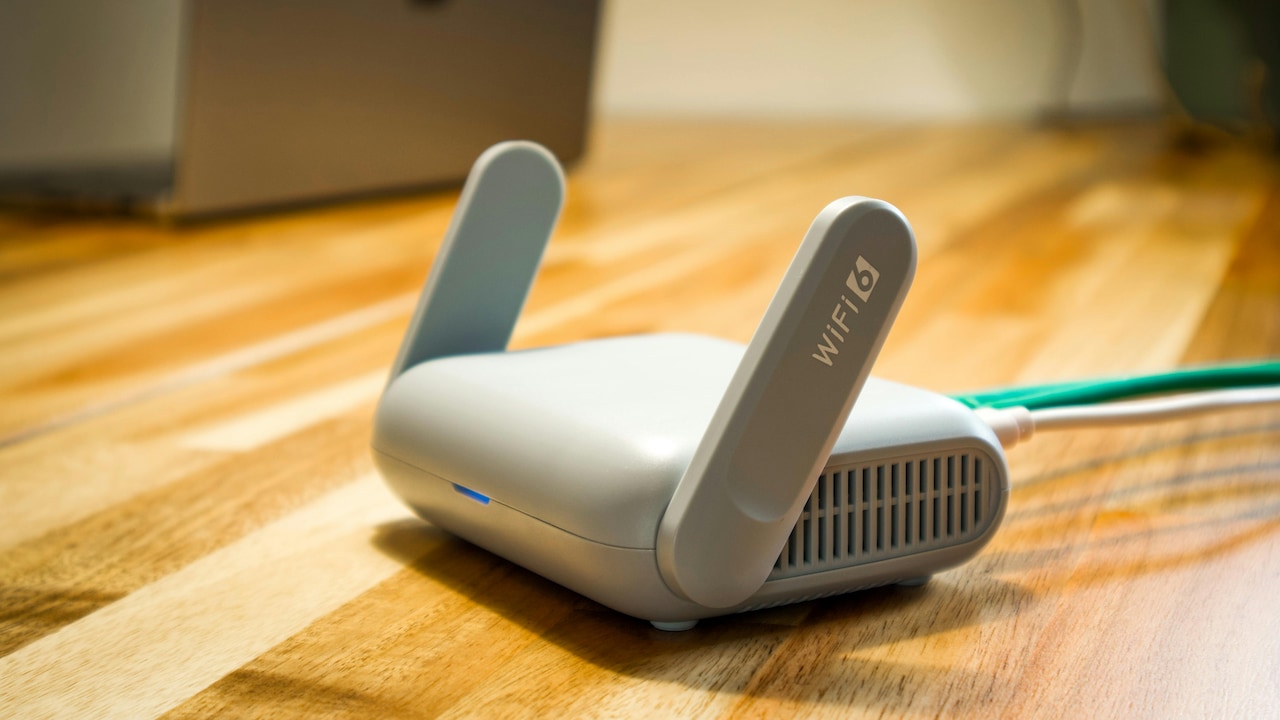
A WiFi extender does not magically boost internet speed beyond what the broadband plan provides. It simply takes the existing signal from the router and rebroadcasts it further. Think of it as passing along a message; if the original message is weak, the repeated version will not be stronger.
Many people expect faster downloads immediately after installing an extender, only to feel disappointed. The key lies in understanding that the extender improves coverage, not raw speed. When placed correctly, it ensures that distant rooms receive a stable signal, which can feel like a speed improvement because buffering is reduced.
However, if the extender picks up a weak signal from the router, it ends up amplifying that weakness. The result feels sluggish and unreliable. A proper setup starts with a strong primary signal. Without that, even the most expensive extender, costing ₹3,000 or more, will struggle to deliver noticeable improvements.
Check Compatibility With The Router First
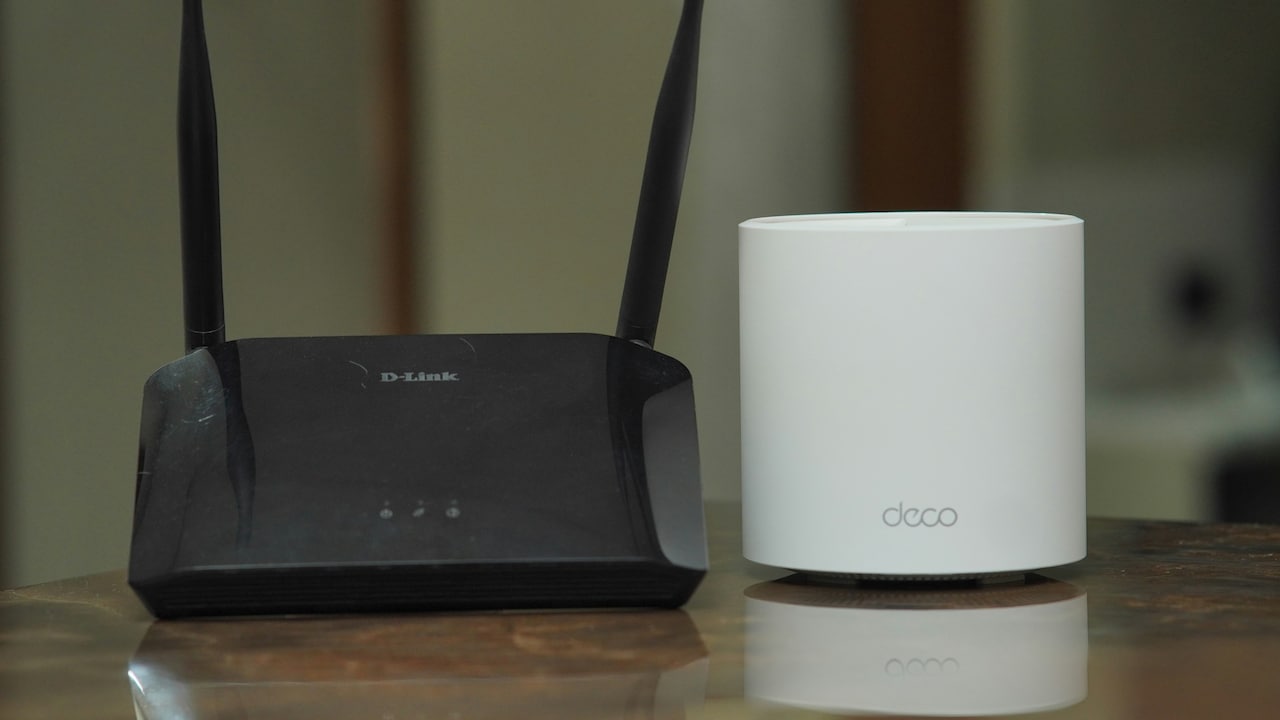
Not all extenders work equally well with every router. Compatibility plays a huge role in determining whether the setup performs smoothly or creates more headaches. Many modern routers support dual-band or even tri-band frequencies, and pairing them with a basic extender limits their potential.
When the router operates on both 2.4 GHz and 5 GHz bands, choosing an extender that supports both ensures better performance. The 2.4 GHz band travels further but offers lower speeds, while 5 GHz delivers faster speeds over shorter distances. A mismatch between router and extender can lead to bottlenecks that slow everything down.
Another overlooked aspect is brand ecosystems. Some brands design extenders that integrate seamlessly with their routers, offering features like unified network names. While cross-brand setups can work, they sometimes require more manual configuration. Spending a little extra, perhaps ₹1,000 more, for better compatibility often saves hours of troubleshooting later.
Also Read: Boost Your Laptop Speed: Top Wi-Fi Routers On Flipkart Right Now
Choose Dual-Band Or Tri-Band For Better Speed
Single-band extenders might seem appealing due to their lower price, often under ₹1,500, but they come with significant limitations. They use the same frequency band to receive and transmit data, which halves the available bandwidth. This results in slower speeds, especially when multiple devices connect.
Dual-band extenders solve this problem by using separate bands for communication. One band connects to the router, while the other serves devices. This separation reduces congestion and improves overall speed. For households with streaming, gaming, and work-from-home setups, this difference becomes noticeable almost immediately.
Tri-band extenders take things a step further by adding an extra dedicated band for communication with the router. While they cost more, often above ₹5,000, they provide smoother performance in larger homes or multi-storey layouts. Investing in better band support ensures that the extender does more than just stretch coverage; it maintains speed where it matters.
Pay Attention To Placement, Not Just Purchase
Even the best extender can fail if placed poorly. Positioning plays a bigger role than most people expect. Placing the extender too far from the router means it receives a weak signal. Placing it too close makes it redundant.
The ideal spot sits halfway between the router and the area with poor coverage. This location allows the extender to receive a strong signal and pass it along effectively. Walls, furniture, and appliances can interfere with signals, so slight adjustments often make a noticeable difference.
A common mistake involves hiding the extender behind cupboards or near televisions. Signals struggle to pass through dense materials and electronic interference. Keeping the device in an open space improves performance without spending an extra rupee. Sometimes, a small shift of a few feet transforms a frustrating connection into a reliable one.

How To Pick WiFi Extenders That Actually Improve Speed; Photo Credit: Pexels
Look for Mesh Technology if the budget allows
Traditional extenders create separate networks, often requiring manual switching between the main router and the extended network. This can feel inconvenient, especially when moving around the house during calls or streaming sessions.
Mesh systems solve this issue by creating a single seamless network. Devices automatically connect to the strongest signal without interruption. While mesh systems cost more, typically starting around ₹7,000, they offer a smoother experience, especially in larger homes.
The benefit goes beyond convenience. Mesh systems manage traffic intelligently, reducing congestion and maintaining consistent speeds. For households with multiple users, smart TVs, and connected devices, this approach often feels more stable than a basic extender setup. It turns WiFi into something that simply works, without constant adjustments.
Check Speed Ratings, But Read Between The Lines
Manufacturers often highlight impressive speed ratings like 1200 Mbps or 3000 Mbps. These numbers look attractive but rarely reflect real-world performance. They represent combined theoretical speeds across all bands, not the actual speed experienced on a single device.
Understanding this helps set realistic expectations. A device rated at 1200 Mbps does not guarantee blazing-fast internet if the broadband plan itself offers only 100 Mbps. Instead, these ratings indicate the extender's capacity to handle multiple devices efficiently.
Choosing a model with higher ratings still makes sense for busy households, but it should align with actual needs. Overspending on extremely high-speed models may not deliver noticeable benefits. A balanced approach ensures that money goes towards features that genuinely improve everyday usage, rather than chasing inflated numbers.
Consider The Size And Layout Of The Home
Every home has its own quirks. Some have thick walls, others stretch across multiple floors, and some include open balconies where signals fade quickly. Choosing an extender without considering the layout often leads to disappointment.
For smaller flats, a single dual-band extender usually suffices. Larger homes may require multiple extenders or a mesh system to ensure consistent coverage. Staircases, corners, and closed rooms often create dead zones that need targeted solutions.
It helps to map out areas where connectivity drops. This simple step guides the placement and number of devices needed. Spending ₹2,000 on one extender may not solve the problem if the layout demands two. Planning ahead prevents repeated purchases and ensures that every room receives stable connectivity.
Evaluate Build Quality And Brand Reliability
A WiFi extender works continuously, often for years. Build quality and reliability matter more than flashy designs. Cheaper devices may overheat, disconnect frequently, or fail within months, leading to frustration and additional costs.
Well-known brands often provide better firmware updates and customer support. This ensures that the device stays compatible with evolving technologies and security standards. Spending slightly more on a trusted brand often pays off in the long run.
Customer reviews also offer valuable insights. Repeated complaints about connectivity issues or overheating should raise caution. A reliable extender feels consistent, maintaining stable connections without frequent resets. This reliability transforms everyday internet usage from a constant annoyance into a smooth experience.
Look For Easy Setup And Smart Features
Technology should simplify life, not complicate it. Modern extenders often come with app-based setup processes that guide users step by step. This reduces the need for technical expertise and saves time.
Features like LED indicators help identify the best placement by showing signal strength. Some models include parental controls, guest networks, and automatic updates. While these features may seem secondary, they add convenience and control.
An easy setup also means fewer chances of misconfiguration, which can affect performance. A straightforward installation ensures that the extender works as intended from the start. Spending a little extra for user-friendly features often prevents hours of frustration later.
Balance Budget With Real Needs
Price plays a major role in decision-making, but the cheapest option rarely delivers the best experience. At the same time, the most expensive model may include features that go unused.
Understanding actual needs helps strike the right balance. A small household with basic browsing and streaming may not require a high-end mesh system. On the other hand, larger homes with multiple devices benefit from investing more upfront.
It helps to view the extender as a long-term investment. Spending ₹3,000 on a reliable device that lasts years feels more economical than replacing a ₹1,200 model repeatedly. The goal is not to spend more, but to spend wisely, ensuring that the device genuinely improves connectivity.
Products Related To This Article
1. TP-Link TL-WA850RE N300 Wireless Range Extender
2. PunnkFunnk 300Mbps WiFi Signal Booster
3. D-Link DIR-615 Wi-fi Ethernet-N300 Single_band 300Mbps Router
4. WiFi Extender, WiFi Extenders Signal Booster for Home Up to 5000 sq.ft and 50 Devices
5. WLAN Repeater, Wi-Fi Signal Booster, 1200 Mbps, Dual Band WLAN Extender
A WiFi extender can transform patchy internet into a seamless experience, but only when chosen thoughtfully. It is not about picking the most expensive model or trusting bold claims on the box. The real difference comes from understanding how extenders work, matching them with the router, placing them correctly, and aligning features with actual needs.
A well-chosen extender eliminates those frustrating moments when videos buffer endlessly or calls drop unexpectedly. It brings consistency, allowing every corner of the home to stay connected without effort. With the right approach, WiFi stops being a daily struggle and becomes something that quietly supports everything, from work to entertainment, without getting in the way.
(Disclaimer: This article may include references to or features of products and services made available through affiliate marketing campaigns. NDTV Convergence Limited (“NDTV”) strives to maintain editorial independence while participating in such campaigns. NDTV does not assume responsibility for the performance or claims of any featured products or services.)