Top USB Hubs For Multi-Device Workstations
Struggling with limited laptop ports? The right USB hub can simplify your setup instantly. These are the best USB hubs to power multi-device workstations efficiently without the cable chaos.
Top USB Hubs For Multi-Device Workstations
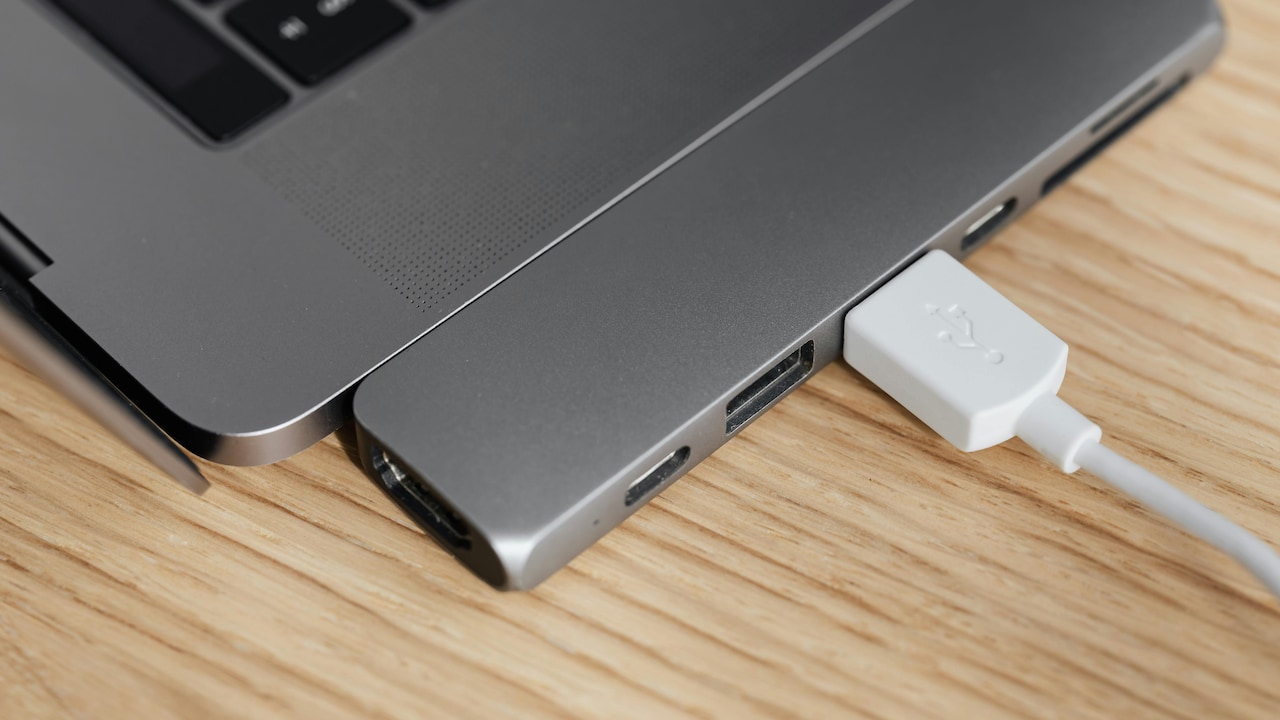
A curious thing has happened on work desks lately. Screens have grown bigger, keyboards louder, and setups more ambitious, yet laptops keep shedding ports like they're on a diet. So, cables pile up, dongles go missing, and suddenly a simple file transfer feels like a juggling act. That's where a good USB hub steps in, quietly restoring order while making multi-device workstations feel seamless again.
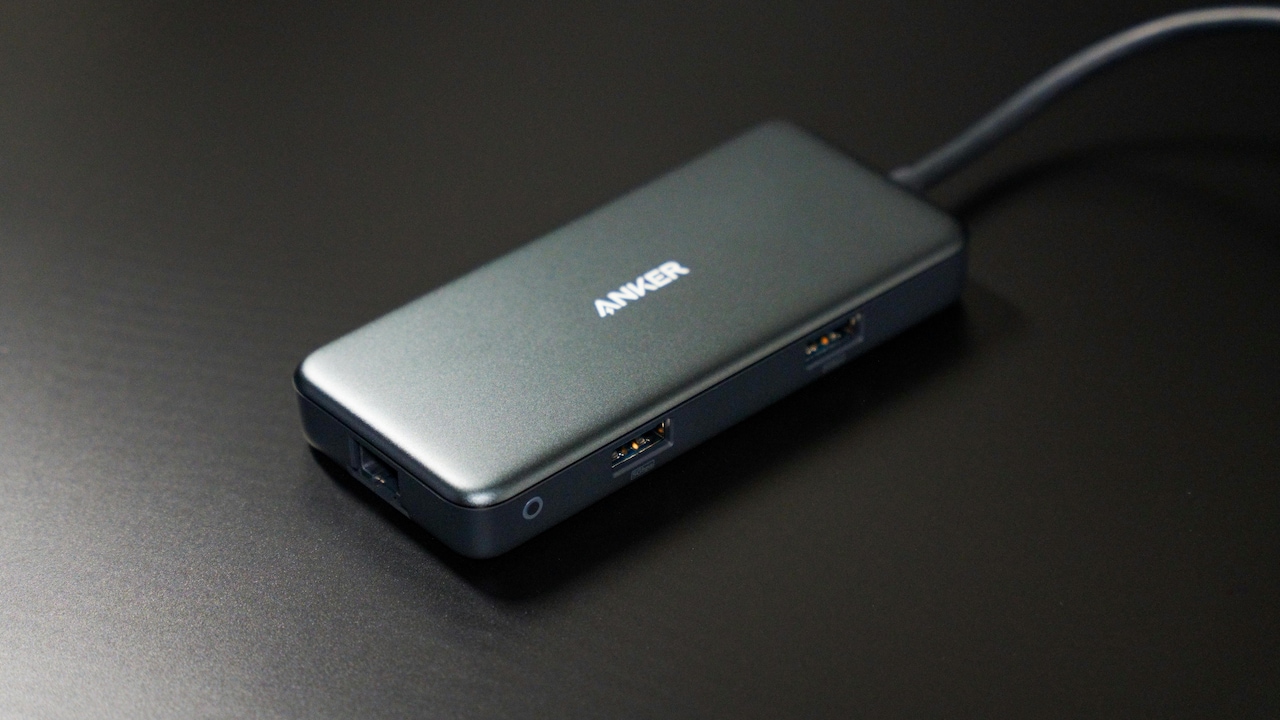
Top USB Hubs For Multi-Device Workstations; Photo Credit: Pexels
Why A Good USB Hub Matters
A USB hub doesn't just add ports; it reshapes how a workstation functions. Whether it's connecting external drives, syncing phones, or running dual displays, the right hub keeps everything running smoothly. Also, with hybrid work now common, portability matters just as much as performance.
Speed, build quality, and compatibility make all the difference. Some hubs focus on simplicity, while others act like full docking stations. The options below cover both ends, so there's something for every kind of desk setup.
Also Read: Portronics To iBall, Check Top 5 USB Hubs Shoppers Want Right Now
Top 5 USB Hubs For Multi-Device Setups
1. Portronics Mport 8 Plus
This compact 8-in-1 hub feels like a complete workstation companion. It brings together USB 3.0, USB 2.0, AUX output, SD and microSD card slots, and Type-C data support in one neat unit. The dual plug design works with both USB-A and Type-C devices, which means fewer compatibility headaches. It suits those juggling multiple gadgets, especially content creators handling memory cards and audio devices. The metal finish adds durability without making it bulky, so it slips easily into a laptop bag.
2. Zebronics ZEB-200HB
For those who want something straightforward, this 4-port hub keeps things simple and efficient. With one USB 3.0 port and three USB 2.0 ports, it handles everyday tasks like connecting keyboards, mice, and flash drives without fuss. The plug-and-play design skips complicated setup, making it ideal for quick desk upgrades. Its lightweight build and aluminium body strike a good balance between portability and sturdiness, especially for users who prefer minimal clutter.
3. Amkette 4 Port USB Hub
This hub focuses on speed and reliability in a slim frame. It includes one USB 3.0 port for fast data transfers and three USB 2.0 ports for accessories. The compact aluminium design keeps it durable while remaining easy to carry around. It works across multiple operating systems, which makes it a flexible choice for mixed-device setups. Whether backing up files or connecting peripherals, it delivers consistent performance without unnecessary extras.
4. Honeywell 7-in-1 Type-C Docking Station
This one leans closer to a full docking station than a basic hub. It offers HDMI output with 4K support, multiple USB ports, and SD card slots, along with high-power Type-C charging. That makes it ideal for users who connect laptops to monitors or projectors regularly. The ability to handle video output, data transfer, and charging at once turns it into a desk anchor. It's especially useful for those building a semi-permanent workstation at home or the office.
5. Spigen ArcDock 4-in-1 Hub
Spigen keeps things clean and modern with this 4-in-1 hub. It includes two USB-A and two USB-C ports, all supporting fast data transfer speeds. The design feels minimal yet premium, and it pairs well with newer laptops that rely heavily on Type-C connectivity. It doesn't overload users with features but focuses on delivering reliable expansion for everyday needs. The lightweight build makes it a practical pick for people constantly moving between workspaces.
Choosing The Right USB Hub For Your Setup
Picking the right USB hub depends on how the workstation gets used. For basic tasks like connecting peripherals, a simple 4-port hub works perfectly. On the other hand, those handling video editing, presentations, or heavy file transfers will benefit from hubs with HDMI output and faster ports.
Also, consider future needs. A hub with both USB-A and Type-C support saves trouble later. Build quality matters too; metal bodies tend to last longer and handle heat better than plastic ones.
Cable length and portability shouldn't get overlooked either. A slightly longer cable can make desk organisation easier, while a compact design suits those who travel often.
USB hubs may seem like small additions, but they shape how smoothly a workstation runs. The right one clears cable chaos, speeds up daily tasks, and keeps devices connected without constant swapping. Whether it's a simple multi-port extender or a feature-packed docking station, investing in a reliable hub makes everyday work feel far less complicated and a lot more efficient. Shop now on Amazon
(Disclaimer: This article may include references to or features of products and services made available through affiliate marketing campaigns. NDTV Convergence Limited (“NDTV”) strives to maintain editorial independence while participating in such campaigns. NDTV does not assume responsibility for the performance or claims of any featured products or services.)