What To Do If Your Power Bank Stops Charging Your Phone Properly
Wondering about what you can do if your power bank is not charging your phone properly? Here's how to spot the real cause and fix the problem at home.
What To Do If Your Power Bank Stops Charging Your Phone Properly
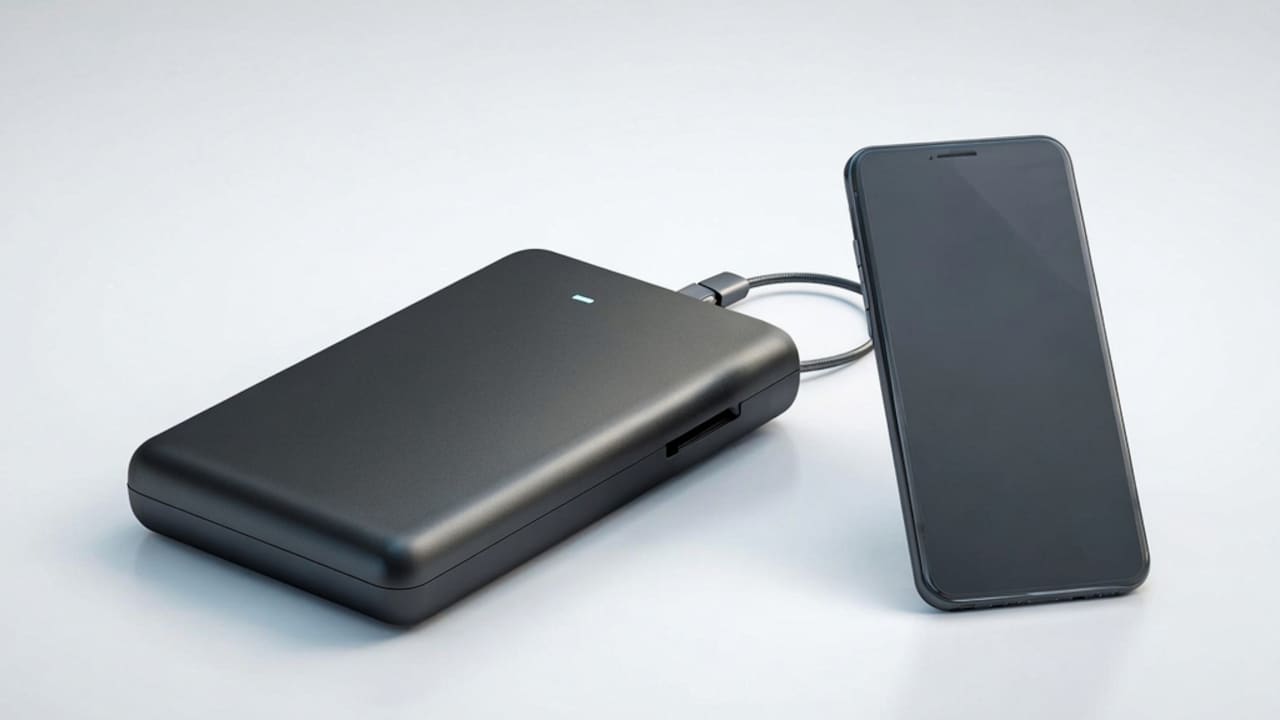
There was a time when carrying a power bank felt like carrying a safety net. You'd step out for the day, phone at 40%, power bank tucked into the bag, and just forget about charging worries completely. But lately, a lot of users have been noticing something odd. The power bank shows a charge, the cable is connected, and yet the phone barely moves past 1%. This is more common than most people realise, and it isn't always because the power bank is "dead". Sometimes it's the cable.
Fix your phone charging issues by finding the root cause of power bank failure.
Photo Credit: iStock
Sometimes it's the port. Sometimes it's just old age catching up with the battery cells inside.
What Can You Do If Your Power Bank Is Not Charging Your Mobile Phone Properly?
Before you toss your power bank aside and order a new one, it helps to actually figure out what's going wrong. A few checks, done right, can save you money and also tell you whether the issue is fixable or not.
1. Check If The Cable Is The Actual Problem
Cables wear out way faster than people expect. Bending, coiling, pets chewing on them – all of that damages the wire inside, even when the outer coating looks fine.
2. Try A Different Cable Entirely
Swap the cable with one you know works, ideally one that charges another device properly. If charging suddenly works fine, congratulations; your power bank was never the villain here.
Cables are cheap to test and even cheaper to replace, so this should always be step one before blaming the power bank itself.
Is Your Power Bank Actually Getting Charged?
This sounds basic, but a surprising number of charging complaints come down to one thing. The power bank itself was never fully charged before use.
1. Check The LED Indicators Carefully
Almost all power banks have LEDs to indicate charge level. If only a couple of them light up after long charging, then there is a chance that the power bank can't take energy from the adapter.
2. Use The Original Or A High-Output Adapter
Cheap or mismatched adapters often can't deliver enough power to charge the bank fully. A 5W charger left overnight won't do what a proper 18W or 20W adapter can do in two hours.
Skipping this step is where a lot of people go wrong. They assume the power bank is broken when, really, it was just never charged to begin with.
Could The Charging Port Be Damaged?
Ports take a beating. Dust, lint, and constant plugging in and out over months can genuinely mess with how well a connection is made.
1. Inspect The Port For Dust Or Debris
Grab a torch and look inside the USB port. If there's fluff or dust sitting in there, a soft brush or a toothpick (used gently) can clear it out.
2. Check For A Loose Or Wobbly Connection
Plug the cable in and gently wiggle it. If charging starts and stops as you move the cable, the port itself has likely come loose internally, and that usually needs a technician's attention.
This is one of those problems where a two-minute check can save you an unnecessary trip to buy a whole new power bank.
Why Battery Health Matters More Than People Think
Every power bank has a limited number of charge cycles. It's not something companies advertise loudly, but it's true for every single battery ever made, including the one in your phone.
1. Understand The Age Of Your Power Bank
If your power bank is over two years old and you use it almost daily, some drop in performance is completely normal. The battery cells inside naturally lose capacity over time, same as any rechargeable battery would.
2. Notice If It Heats Up Too Quickly
A power bank that gets unusually hot within minutes of charging or discharging is a sign the internal cells are struggling. This isn't something you can fix at home, and continuing to use it isn't the safest idea either.
At this stage, it's less about troubleshooting and more about deciding whether the power bank has simply reached the end of its useful life.
Simple Habits That Help Power Banks Last Longer
A little bit of care goes a long way here, more than people give it credit for.
Avoid letting the power bank drain to zero every single time before recharging it, since deep discharges wear the cells out faster. Try to keep it somewhere between 20% and 80% for most of its life if you can manage that.
Heat is another silent killer. Leaving a power bank in a hot car or under direct sun for long hours does more damage than most people realise, and it happens quietly over weeks and months.
Using the cable that came with it, or one of similar quality, also helps more than people assume. Cheap cables restrict current flow and can even damage charging circuits over prolonged use.
Learn how to easily troubleshoot and repair a power bank that fails to charge.
Photo Credit: iStock
Some Power Bank Options You May Like
1. Amazon Basics 20000 mAh Power Bank
2. Xiaomi Power Bank 4i 20000mAh 33W Super Fast Charging
3. Portronics Luxcell Uno 10K 10000 mAh 22.5W Fast Charging Power Bank with Detachable Type C Cable
4. Ambrane Magsafe Wireless 10000 mAh Fast Charging USB Type-C Input Power Bank
5. Ambrane 20000mAh Power Bank with In-Built Type C Cable
6. Portronics Power Shutter 20000mAh 15W Magnetic Wireless Fast Charging Powerbank
7. Boat Energyshroom PB300 Pro 10000 mAh Pocket Size Power Bank
8. Kratos Legend Champ Power Bank 20000mAh
If your power bank has stopped charging your phone properly, don't rush to replace it right away. In many cases, simple issues like a damaged cable, dirty charging ports, battery wear, or overheating can affect its performance. By checking the accessories, cleaning the ports, and ensuring the power bank is used and stored correctly, you can often restore its charging efficiency. However, if it continues to charge slowly, disconnect frequently, or fails to hold power, it may be time to invest in a new, reliable power bank to keep your devices powered up when you need them most.
Frequently Asked Questions (FAQs)
1. Why does my power bank charge my phone so slowly?
Slow charging usually happens due to a low-quality cable, a mismatched adapter, or reduced battery health inside the power bank. Testing with a different cable is the quickest way to narrow it down.
2. Can a power bank be repaired if it stops charging devices?
In some cases, yes, but only if the reason for non-working is a loose port or faulty connector. However, in the case of internal cell degradation, repairing doesn't make much sense.
3. How many times can a power bank be recharged before it wears out?
The power banks are estimated for around 300 to 500 full charge cycles. After that, charge capacity starts decreasing. This number depends on battery quality and usage.
4. Is it normal for a power bank to feel warm while charging?
A bit of warming up is normal, especially if the charging is fast. If it gets too hot to touch it, that is the signal of the need for further diagnostics.
5. Should I unplug my power bank once it reaches full charge?
Most modern power banks have overcharge protection. However, disconnecting after it's charged is a good practice.
(Disclaimer: This article may include references to or features of products and services made available through affiliate marketing campaigns. NDTV Convergence Limited (“NDTV”) strives to maintain editorial independence while participating in such campaigns. NDTV does not assume responsibility for the performance or claims of any featured products or services.)