Why Bluetooth Speakers Distort At High Volume And How To Avoid It
Bluetooth speakers distort at high volume when their drivers, battery, or amplifier get pushed too hard. Learn why the sound cracks, buzzes, or turns muddy, and how to keep your music clear without lowering the vibe.
Why Bluetooth Speakers Distort At High Volume And How To Fix It
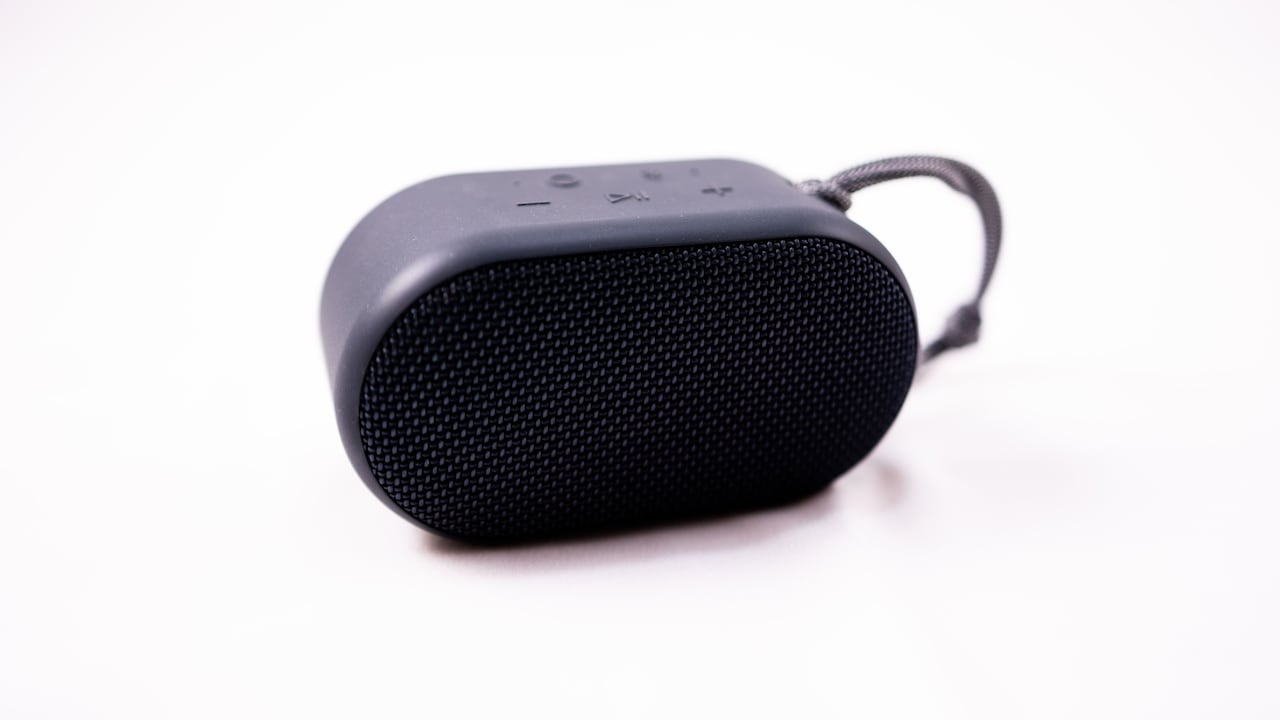
A Bluetooth speaker often becomes the unofficial hero of everyday life. It sits near the window during a lazy Sunday chai session, follows friends to the terrace during a get-together, and somehow becomes louder than the dhol at a family function when someone plays old dance hits. For its size, it does a lot. Yet there comes a point when the cheerful little box loses its charm. The bass turns into a dull thud. The singer's voice starts tearing at the edges. The beat feels less like music and more like a pressure cooker whistle. That unpleasant sound is called distortion. It happens when a speaker cannot reproduce the audio signal cleanly. At low or medium volume, the speaker may sound smooth and balanced. At high volume, the same speaker may struggle because its parts reach their physical or electrical limits.
Why Bluetooth Speakers Distort At High Volume And How To Fix It; Photo Credit: Pexels
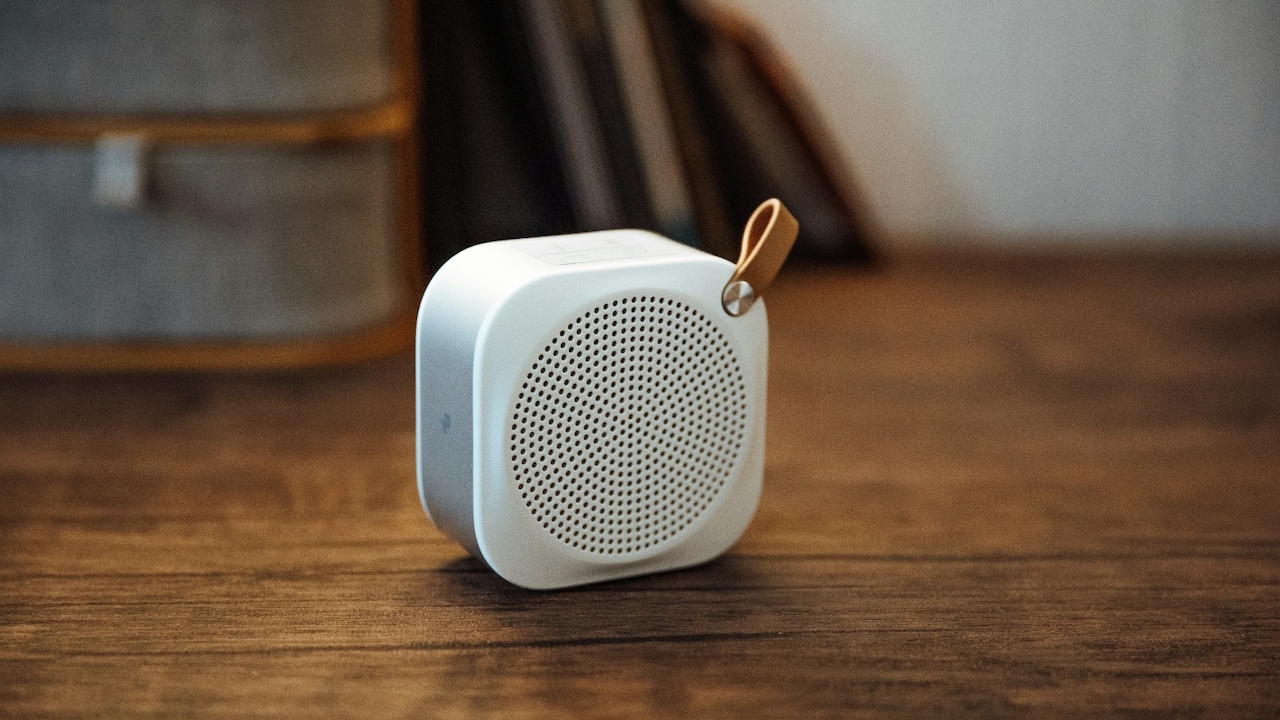
The good news is simple. Distortion does not always mean the speaker has gone bad. In many cases, small changes can save the sound. Better placement, sensible volume levels, cleaner audio files, proper charging habits, and realistic expectations can make a huge difference. A compact speaker cannot behave like a full DJ setup, but it can sound far better when treated kindly.
Why Your Bluetooth Speaker Starts Sounding Harsh At High Volume
When The Speaker Runs Out Of Power
Every Bluetooth speaker has an amplifier inside it. This tiny amplifier boosts the audio signal and sends it to the drivers, which then move air and create sound. At moderate volume, the amplifier usually works within its comfort zone. At full volume, it may run out of clean power. When that happens, it clips the audio signal. Clipping cuts off the smooth peaks of the sound wave and turns them into harsh, jagged edges. The result feels sharp, crunchy, and tiring to the ears.
This often happens with budget speakers that promise “extra loud sound” in a small body. The marketing may sound exciting, especially when the price sits around ₹1,000 to ₹3,000, but physics does not care about festival sale banners. A small amplifier can only deliver so much clean output.
To avoid this, keep the speaker below its maximum volume. Around 70 to 85 per cent usually gives better clarity. Increase the volume on the phone and speaker carefully rather than pushing both to full blast. Clean sound at slightly lower volume always beats loud sound that feels like it has been dragged through gravel.
Also Read: 5 Best Portable Speakers For Picnics Under ₹3000
When Tiny Drivers Try To Produce Big Bass
Bass needs air movement. Bigger speakers move more air, which helps them create deeper and fuller low frequencies. Most portable Bluetooth speakers use small drivers because they need to stay compact and easy to carry. These tiny drivers can sound impressive at first, but they face a tough job when someone plays bass-heavy tracks at high volume.
Think of popular party songs with heavy beats. At medium volume, the bass may feel punchy. At full volume, the driver may move beyond its safe range. It starts wobbling instead of moving cleanly. That creates a flabby, buzzing, or rattling sound. The speaker tries to give nightclub energy, but its little driver has the stamina of someone who promised to go for a morning run after a wedding buffet.
Many speakers use digital tricks to boost bass. These tricks work well at lower levels, but at high volume, they can overload the driver. To avoid this, reduce bass boost in the app or equaliser. Keep the speaker on a firm surface and avoid corners if the bass sounds boomy. For regular loud use, choose a larger speaker with passive radiators or a dedicated woofer. Size does matter when bass enters the room.
When The Battery Starts Giving Up
A low battery can make a Bluetooth speaker sound worse. Many speakers reduce power output when the battery drops, especially below 20 or 30 per cent. The amplifier then receives less stable power, and the sound may lose control. Bass weakens, vocals turn rough, and sudden beats may crackle.
This can confuse many users. The speaker may sound fine during the first hour of a picnic, then suddenly turn messy when the playlist reaches the best songs. The issue may not be the song, phone, or Bluetooth connection. The battery may simply be gasping for charge.
Lithium-ion batteries also age with time. After two or three years of regular charging, the battery may not hold voltage as well as it once did. Even if the speaker shows half charge, it may struggle during loud playback.
The fix is simple but useful. Charge the speaker before long listening sessions. Avoid playing at full volume when the battery is low. Do not leave the speaker unused for months with a drained battery. A healthy battery gives the amplifier better support, and better support keeps distortion away for longer.
Why Bluetooth Speakers Distort At High Volume And How To Fix It; Photo Credit: Pexels
When Poor Audio Quality Spoils The Party
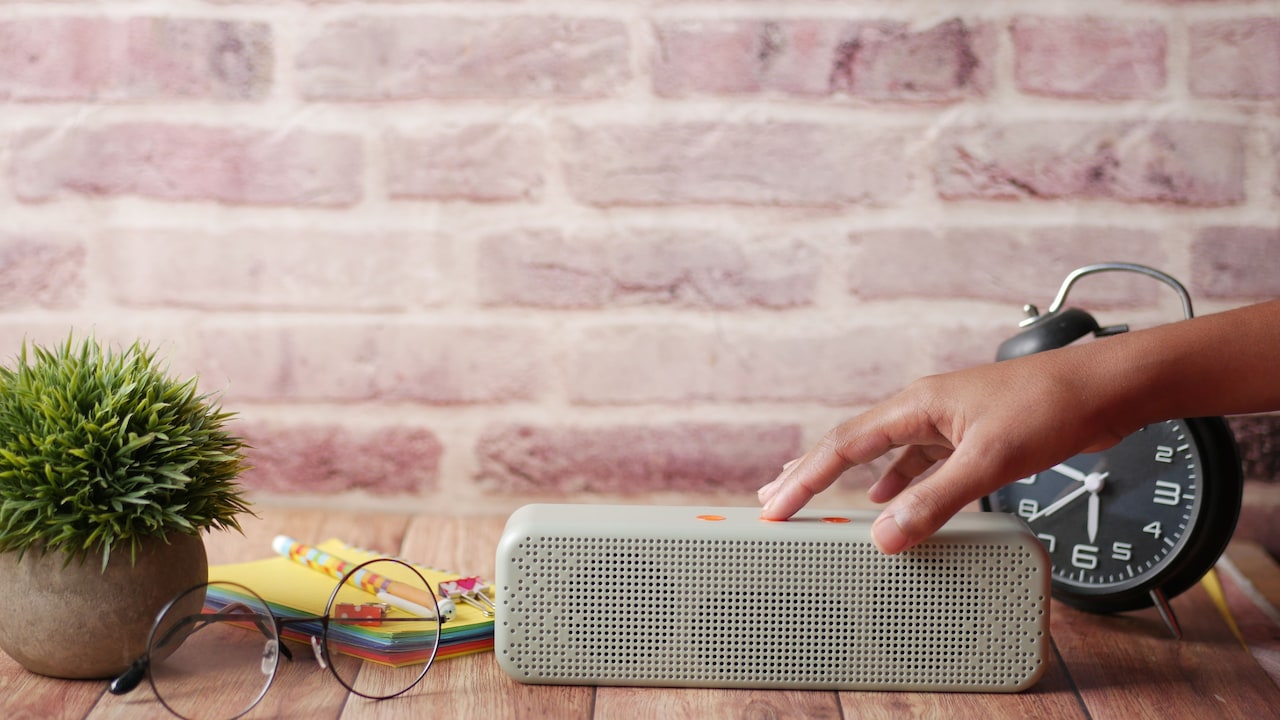
Sometimes the speaker gets blamed for a problem that began with the audio file. Low-quality music streams, heavily compressed files, and badly recorded videos can sound rough at high volume. At low volume, these flaws may hide in the background. At high volume, they step forward like an uncle taking over the dance floor after one plate of biryani too many.
Compression removes parts of the audio to make files smaller. Good compression can still sound decent, but poor compression creates harsh cymbals, flat vocals, and muddy bass. Many social media videos carry audio that already sounds damaged. A Bluetooth speaker at high volume only makes that damage louder.
Streaming quality also matters. Music apps often reduce quality on mobile data to save bandwidth. That may suit casual listening, but it can hurt sound during parties or outdoor use.
To avoid this, set your music app to high-quality streaming, especially on Wi-Fi. Download playlists in better quality before travel. Avoid using random low-resolution videos as the main music source. A good speaker cannot polish a bad file into gold. Feed it cleaner audio, and it will return the favour.
When The Equaliser Goes Too Far
Equalisers feel powerful. A little bass boost here, a little treble lift there, and suddenly the music seems more exciting. The trouble begins when every slider gets pushed up like marks on a school report card after tuition. Boosting bass, mids, and treble together increases the signal level. At high volume, that extra level can overload the speaker and cause distortion.
Bass boost creates the biggest risk because low frequencies demand more power and driver movement. Treble boost can also make distortion feel sharper and more painful. Many phones, music apps, and speaker apps include presets such as “Bass Boost”, “Party”, “Rock”, or “3D Sound”. These can work nicely at moderate volume, but they often cause trouble near maximum output.
The best approach is balance. Instead of boosting everything, reduce the frequencies that sound excessive. If the bass booms, lower the bass slightly. If vocals feel buried, reduce bass before increasing mids. Keep loudness modes off when playing near full volume.
An equaliser should season the music, not drown it in masala. A small adjustment can improve flavour. Too much can ruin the whole dish.
When Placement Creates Rattles And Boom
Where a speaker sits can change how it sounds. Place it on a thin plastic table, and the table may vibrate. Keep it near loose window grills, metal trays, or cupboard doors, and those objects may rattle along with the beat. The speaker may sound distorted, even though the distortion actually comes from the surroundings.
Corners can also exaggerate bass. A corner traps low frequencies and makes them louder. This can feel powerful at first, but it may turn the bass thick and muddy. On the other hand, placing a small speaker in the middle of a large open terrace can make it sound weak, so users increase the volume too much and create distortion.
A firm surface helps a lot. Keep the speaker on a solid wooden table, shelf, or floor. Move it away from loose objects. Try placing it near a wall, but not jammed tightly into a corner. Some speakers sound better standing upright, while others sound better lying flat, depending on driver design.
Before blaming the speaker, shift it around the room. Sometimes a cleaner sound sits just one foot away.
When Bluetooth Connection Problems Add Noise
Bluetooth has improved greatly, but it still has limits. Weak connections, crowded wireless environments, and codec issues can affect sound quality. In flats, cafés, gyms, and offices, many devices compete for wireless space. Phones, earbuds, smartwatches, routers, and laptops all create digital traffic. When the connection weakens, the speaker may stutter, drop details, or produce brief crackles.
Distance matters too. A phone kept in another room, inside a bag, or behind thick walls may struggle to send a stable signal. Human bodies can also block Bluetooth signals, which explains why sound sometimes cuts out during crowded gatherings.
Codec quality plays a role as well. Some speakers and phones support better Bluetooth codecs, while others use basic ones. The difference may not sound dramatic at low volume, but high volume can expose roughness.
To avoid this, keep the phone close to the speaker. Remove unnecessary paired devices if the speaker keeps switching or glitching. Update the speaker firmware when the brand offers an app. Restart both the phone and speaker if the sound suddenly turns odd. Digital problems often disappear after a fresh connection.
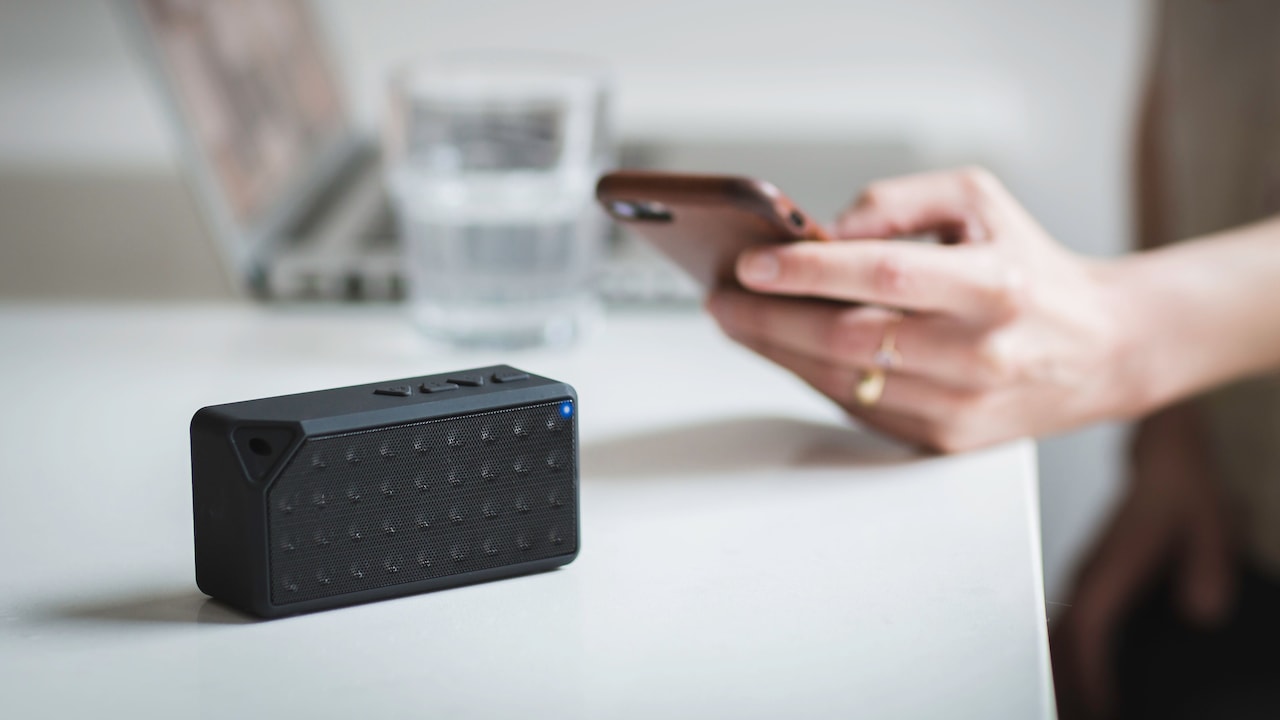
Why Bluetooth Speakers Distort At High Volume And How To Fix It; Photo Credit: Pexels
When Heat Makes The Speaker Struggle
Loud music creates heat inside a speaker. The amplifier works harder, the battery drains faster, and the voice coil in the driver warms up. In warm weather, this becomes more serious. A speaker kept under direct sun during a rooftop gathering may sound fine at first, then lose clarity as it heats up.
Heat can reduce performance. Some speakers protect themselves by limiting power when internal temperatures rise. Others simply begin to sound strained. Bass may soften, treble may roughen, and distortion may appear earlier than expected.
This matters especially during long sessions. A small speaker playing at full volume for three hours in summer heat has a difficult job. Add dust, humidity, and occasional splashes near a pool or balcony, and the poor thing deserves sympathy.
Keep the speaker in the shade whenever possible. Avoid covering it with a cloth or placing it inside a closed bag while playing. Give it a short break during long events. Let air move around it. A cooler speaker works more comfortably, and comfortable electronics usually sound cleaner. Treat it less like a disposable gadget and more like a tiny musician doing overtime.
When The Speaker Has Physical Damage
Distortion can also come from damage. A dropped speaker may develop a loose driver, a cracked casing, or a damaged passive radiator. Dust and grit can enter the grille. Water exposure can weaken internal parts, even if the speaker claims splash resistance. Once something physical changes inside, high volume reveals the problem quickly.
A damaged driver often buzzes at specific notes. For example, one song may sound fine, while another with deep bass creates a nasty rattle. A torn diaphragm or loose internal wire may behave the same way. If the speaker rattles even at medium volume on different songs and devices, hardware damage becomes likely.
Check the outside first. Look for dents, gaps, or a loose grille. Shake the speaker gently and listen for moving parts inside. Do not poke the driver through the mesh. That can make things worse. Try another phone and another track to rule out software or file issues.
For speakers still under warranty, contact the service centre rather than opening the unit. A repair may cost less than replacing a good speaker. For low-cost models, replacement may make more sense, especially if the battery has also weakened.
When Expectations Grow Bigger Than The Speaker
The most common reason for distortion may be the simplest one: the speaker is too small for the job. A compact Bluetooth speaker works well in a bedroom, kitchen, study corner, or small balcony. It may not handle a noisy terrace gathering, a large hall, or a dance session with twenty people chatting over the music.
People often expect one palm-sized speaker to fill every space because ads show it beside mountains, beaches, bikes, and dramatic splashes of water. Real life sounds different. Open spaces swallow bass. Crowds absorb sound. Traffic, fans, utensils, and conversation all compete with music. The user then increases the volume until the speaker protests.
The solution is not always to buy the most expensive model. Match the speaker to the space. For a small room, a compact speaker works beautifully. For larger gatherings, use a bigger speaker, pair two compatible units, or choose a model with higher wattage and better driver design. Spending ₹5,000 to ₹10,000 on the right size can beat buying a tiny speaker and forcing it beyond its limits.
A speaker sounds best when it plays the role it was built for.
Products Related To This Article
1. Tribit StormBox Mini+ Bluetooth Speaker 12W
2. Zebronics 2026 Launch Portable Bluetooth Speaker
3. Boat Aavante Bar 490 10W Signature Sound, Dual Full-Range Drivers
4. pTron Newly Launched Fusion Tunes 10W Mini Bluetooth Speaker, Wireless Karaoke Mic
5. Sonos Roam 2 | Lightweight Portable Waterproof Speaker with Bluetooth
6. GOBOULT Groove Q20 Bluetooth Speaker with 20 Watt BoomX Audio
7. iGear Melody Rechargeable Bluetooth Portable Karaoke Machine for Kids Adults
Bluetooth speaker distortion at high volume may feel mysterious, but it usually has clear causes. The amplifier may run out of clean power. The drivers may struggle with heavy bass. The battery may sag. The audio file may already carry flaws. Placement, heat, Bluetooth glitches, equaliser settings, and physical damage can all add their own mischief.
The easiest fix is also the most practical: stop treating maximum volume as the normal setting. Most speakers deliver their sweetest sound a little below the top. Keep the battery charged, use good-quality audio, place the speaker on a stable surface, and avoid extreme bass boosts. For larger spaces, choose a speaker with enough size and power instead of asking a tiny one to perform miracles.
Good sound does not always mean louder sound. It means clear vocals, tight bass, and music that feels pleasant even after an hour. A Bluetooth speaker can bring warmth to a quiet evening, energy to a small party, and rhythm to daily chores. Give it the right conditions, and it will sing instead of shout.
(Disclaimer: This article may include references to or features of products and services made available through affiliate marketing campaigns. NDTV Convergence Limited (“NDTV”) strives to maintain editorial independence while participating in such campaigns. NDTV does not assume responsibility for the performance or claims of any featured products or services.)