Why Your Bluetooth Speaker Connects To The Wrong Device Automatically
Does your Bluetooth speaker keep reconnecting to someone else’s phone, laptop or TV? Stored pairings, connection priority and background Bluetooth activity could explain why it keeps choosing the wrong device.
Why Your Bluetooth Speaker Connects To The Wrong Device Automatically
Few pieces of technology create confusion quite as efficiently as a Bluetooth speaker that appears to have a mind of its own. You switch it on expecting your phone to connect, press play, and hear nothing. A few seconds later, someone across the room announces that their phone has mysteriously connected instead. It becomes even stranger in homes where several people use the same speaker. One day it connects perfectly. The next morning, it grabs a laptop sitting in another room. You disconnect that, only for an iOS or Android tablet to take its place. The speaker usually isn't malfunctioning. Bluetooth devices remember previous connections and often attempt to restore them automatically. The trouble begins when several previously paired gadgets remain nearby and ready to connect. Connection order, Bluetooth settings, multipoint features, operating systems and even the way you switch devices off can influence what happens next. Understanding these small details can turn an irritating daily ritual into a much more predictable experience.
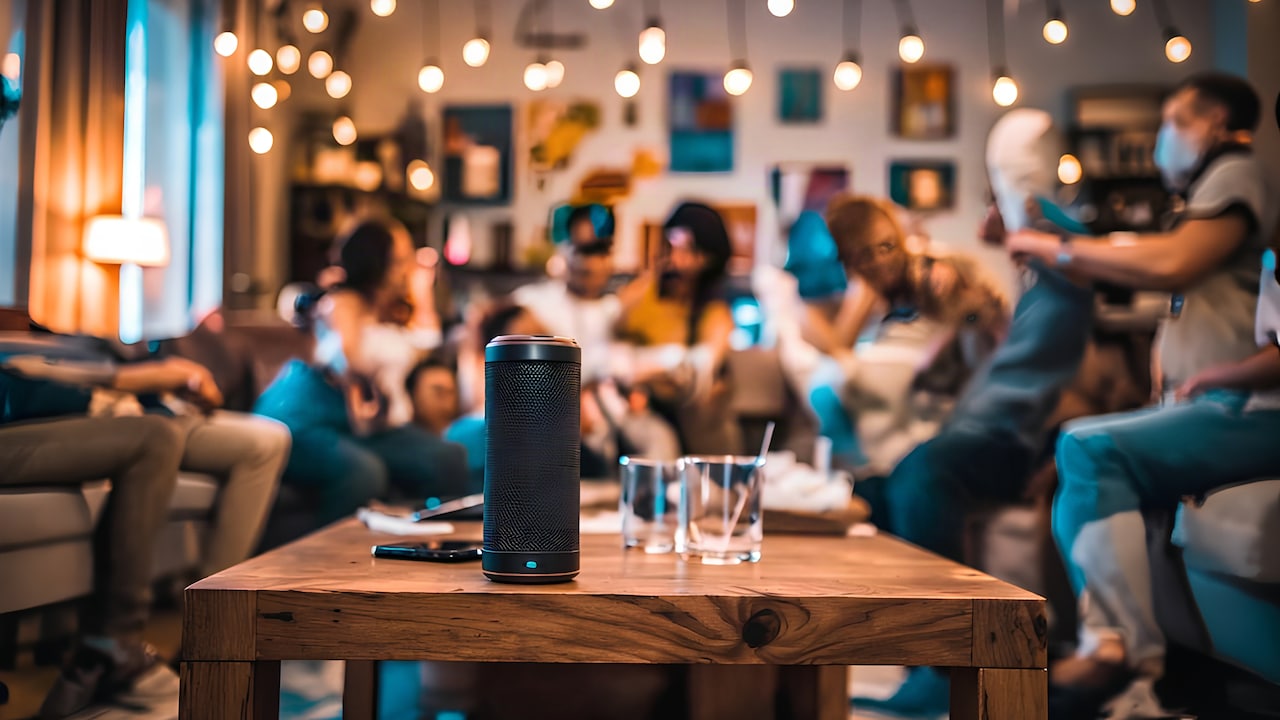
Why Your Bluetooth Speaker Connects To The Wrong Device Automatically; Photo Credit: Pexels
What Makes A Bluetooth Speaker Choose One Device Over Another?
1. Your Speaker Remembers Previously Paired Devices
Pairing a Bluetooth speaker isn't always a one-time interaction that disappears when you disconnect. Most speakers maintain a list of devices they have successfully paired with before. That list might include phones, tablets, laptops and televisions used months ago.
When you switch the speaker on, it may immediately search for one of those familiar devices.
This becomes noticeable in shared households. Suppose one person pairs the speaker with a phone during breakfast and somebody else connects a laptop later that evening. The next morning, both devices may remain within range. The speaker now has more than one recognised option.
It won't necessarily know which person intends to use it.
Depending on its software, the speaker might reconnect to the last successful device or simply connect to whichever remembered gadget responds first.
That explains why deleting the speaker from your phone doesn't always solve the problem. The unwanted connection may originate from another device stored inside the speaker's memory.
Clearing old pairings can therefore make connection behaviour far less chaotic.
Also Read: 5 Best Bluetooth Speakers Under ₹800 For Indoor Monsoon Playlists
2. The Last Connected Device Often Gets Priority
Bluetooth speakers frequently favour the gadget they used most recently. It makes everyday use convenient when one person owns both devices, but things become less convenient once several people share the speaker.
Imagine connecting a laptop for a film at night. The following morning, you switch on the speaker because you want music from your phone. Unfortunately, the laptop is still running nearby.
The speaker remembers yesterday's connection and heads straight back to the laptop.
Your phone may even show the speaker in its Bluetooth menu while refusing to connect because another device already occupies the connection.
This behaviour can feel random because the previous connection might have happened hours earlier. Nobody remembers that a laptop streamed audio before bedtime.
A simple habit can prevent much of the confusion. Disconnect the speaker from devices when you're finished using them, especially shared laptops, televisions or tablets.
Also consider switching Bluetooth off on devices that rarely need the speaker. Otherwise, yesterday's movie laptop can unexpectedly become today's music controller.
3. Another Device May Respond Faster Than Your Phone
Bluetooth reconnection can sometimes resemble several people rushing towards the same empty chair. The first one there gets it.
When your speaker starts searching for previously paired devices, several gadgets might respond almost simultaneously. A laptop already awake with Bluetooth running may respond before the phone you have just unlocked.
The speaker connects to the laptop first.
From your perspective, the situation looks ridiculous. Your phone may sit centimetres away from the speaker while the machine connects to something several metres away.
Distance isn't always the deciding factor.
Operating-system behaviour, power-saving settings, Bluetooth hardware and background activity can affect how quickly a device responds to reconnection attempts.
The problem becomes more noticeable in rooms packed with gadgets. Phones, work laptops, smart TVs and tablets may all compete for the same familiar speaker.
If one device constantly steals the connection, manually disconnect the speaker from that gadget or remove the pairing entirely. Reducing the number of active remembered devices gives the speaker fewer opportunities to make the wrong choice.
Why Your Bluetooth Speaker Connects To The Wrong Device Automatically; Photo Credit: Pexels
4. Bluetooth Stays Active Even When You Are Not Using It
Bluetooth can continue working quietly in the background long after you stop actively using a device.
A laptop sitting on a desk may still have Bluetooth enabled. So might an unused tablet lying beside the sofa or a phone charging in another room.
Switch on your speaker and one of those devices can reconnect before you even open the music app on your current phone.
The frustrating part is that the unwanted device doesn't need to be playing audio. It simply needs Bluetooth enabled and permission to reconnect.
This often leads to the classic situation where a speaker says "connected", yet nobody immediately knows what it has connected to.
Checking nearby gadgets usually reveals the culprit.
If certain devices rarely use the speaker, forgetting the speaker from their Bluetooth settings may work better than repeatedly switching Bluetooth off. That prevents accidental reconnections without affecting Bluetooth accessories such as wireless keyboards, watches or earphones.
A little digital housekeeping saves plenty of detective work later.
5. Multipoint Bluetooth Can Make Things More Confusing
Some modern Bluetooth speakers support multipoint connections. This feature allows the speaker to maintain connections with two compatible devices simultaneously.
In theory, that's useful. You might keep a laptop and phone connected without constantly pairing and unpairing them.
In practice, multipoint can make connection behaviour harder to understand.
One device may remain connected silently while another provides the actual audio. Then a notification, video or call from the first device can interrupt playback or suddenly take priority.
It can seem as though the speaker has switched devices on its own.
The situation gets especially messy when several family members use one speaker. One phone might occupy one connection slot while a laptop takes the second, leaving a third person unable to connect at all.
Check whether your speaker supports multipoint and how its manufacturer handles audio priority. Some models provide controls through a companion app.
If you don't need simultaneous connections, limiting the speaker to one active device can make everyday use considerably simpler.
6. Auto-Connect Settings On Phones And Laptops Can Take Over
The speaker isn't always the one making the decision. Your phone, computer or tablet can initiate the reconnection too.
Operating systems often remember Bluetooth accessories and reconnect automatically when they detect them nearby. This saves you from manually selecting headphones or speakers every morning.
Problems appear when several devices remember the same speaker.
Your laptop wakes from sleep and spots it. Your phone detects it moments later. Both have permission to reconnect automatically.
Whichever connection succeeds first may take control.
Computers can be particularly sneaky because they often wake briefly for updates, notifications or background tasks. A closed laptop might therefore become involved when nobody expects it.
Review the Bluetooth settings on devices that repeatedly hijack the speaker. Forgetting the speaker from a seldom-used device offers a more permanent solution than disconnecting it each time.
Keep automatic reconnection on the gadgets you genuinely use with the speaker. The goal isn't to disable a useful feature everywhere. It is simply to reduce unnecessary competition.
Why Your Bluetooth Speaker Connects To The Wrong Device Automatically; Photo Credit: Pexels
7. Your Speaker's Pairing Memory May Be Too Crowded
A speaker that has moved between bedrooms, offices, holidays and house parties can accumulate an impressive collection of remembered devices.
Some models store only a handful. Others remember considerably more.
Eventually, that pairing history can become difficult to manage, especially when the speaker doesn't provide a screen showing which devices remain saved.
Someone may have connected a phone during a weekend gathering six months ago, and the speaker can still remember it.
This can create confusing reconnections whenever old devices return within range.
Clearing the speaker's pairing memory gives it a fresh start. The method differs between models, but manufacturers commonly use a combination of button presses or an option inside a companion app.
After resetting the Bluetooth list, pair only the devices that genuinely need access.
Think of it like clearing unnecessary contacts from an overstuffed address book. Fewer remembered gadgets mean fewer possible connection surprises.
Just remember that clearing the list usually means everyone will need to pair their approved devices again afterwards.
8. Smart TVs And Streaming Devices Can Quietly Reconnect
Phones get blamed for most Bluetooth troubles, but televisions and streaming devices can be surprisingly persistent.
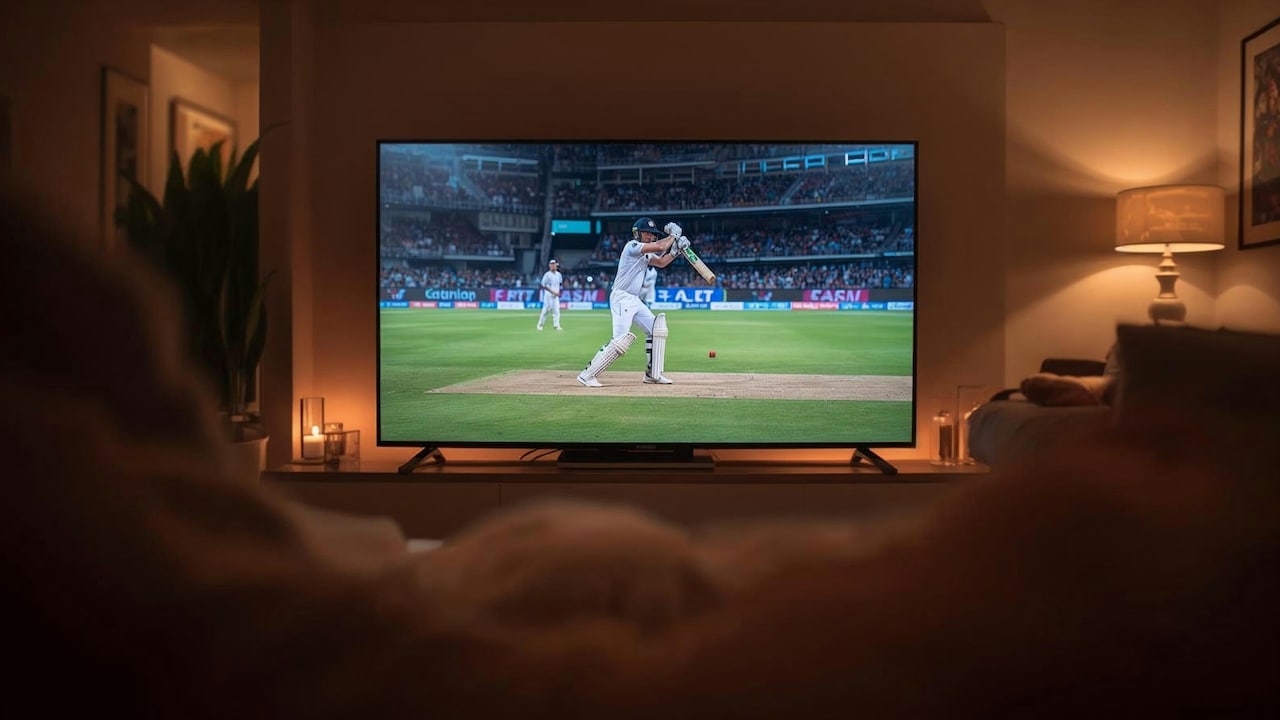
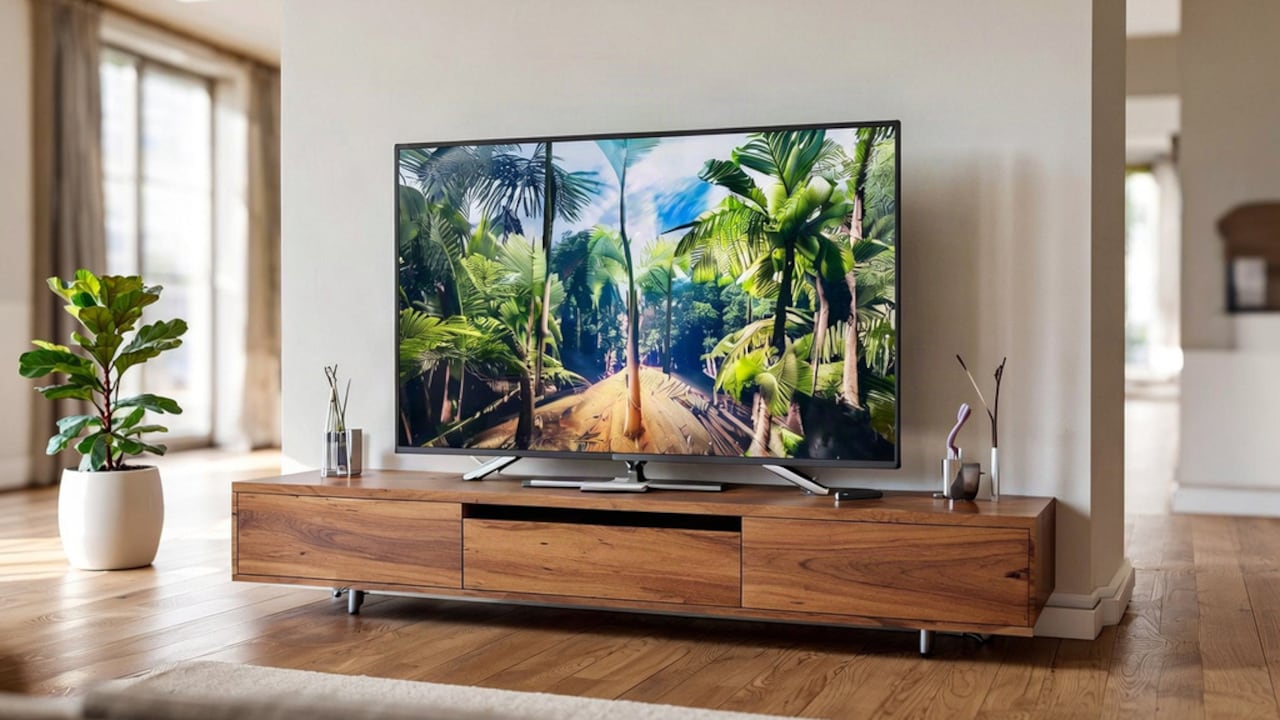
If you have ever paired your speaker with a smart TV for a film, match or late-night viewing session, the TV may continue treating it as a preferred audio output.
Turn the speaker on days later and the television could reconnect automatically.
This can happen even when you're planning to play music from your phone.
Because televisions aren't the first devices people check during Bluetooth problems, the connection can appear almost supernatural. Everyone inspects their phones while the television quietly holds onto the speaker.
Streaming boxes, projectors and computers connected to televisions can cause similar behaviour.
Check the audio or Bluetooth menu on entertainment devices if your speaker repeatedly becomes unavailable near the television.
If you rarely use the speaker for TV audio, removing the pairing may prevent future interruptions. Otherwise, manually changing the television's audio output after use can help.
That small adjustment can end plenty of living-room Bluetooth mysteries.
9. Sleep Mode Is Not The Same As Fully Disconnecting
Closing a laptop lid or locking a tablet doesn't always terminate its Bluetooth connection immediately.
Many devices enter a low-power sleep state rather than shutting down completely. Wireless services may continue running so accessories can reconnect quickly when the device wakes.
That convenience can create trouble for shared speakers.
Suppose you finish working, close your laptop and later switch on the speaker for music. The laptop may still respond to the speaker's connection request despite appearing inactive.
Suddenly, your phone can't connect.
The same thing can happen with tablets left asleep for hours.
Instead of assuming sleeping devices have disappeared from the Bluetooth environment, manually disconnect the speaker before putting them away when connection conflicts happen regularly.
You don't need to turn every gadget completely off after each use. That would quickly become annoying.
Simply knowing that "sleeping" doesn't always mean "disconnected" makes troubleshooting easier. The apparently inactive laptop in the corner might still be very much awake as far as Bluetooth is concerned.
10. Resetting The Connection Can Fix Persistent Behaviour
Sometimes the connection order becomes so confusing that repeatedly disconnecting devices only provides temporary relief.
At that point, starting again often works better.
Remove or "forget" the speaker from the Bluetooth settings of devices that use it. Clear the speaker's stored pairing list according to its instructions. Restart the speaker and your main phone, then pair them again.
Add other devices only when necessary.
This process clears old connection relationships that may have accumulated over months or years.
Software updates can also help. Speaker manufacturers occasionally improve Bluetooth stability through firmware updates, while phone and laptop updates may fix wireless connection bugs.
Don't rush straight to a factory reset whenever the wrong phone connects once. Occasional connection competition is normal.
However, if the speaker constantly ignores your preferred device, reconnects unpredictably or refuses to release old devices, rebuilding the pairing setup can restore order.
Sometimes Bluetooth doesn't need another clever workaround. It simply needs a clean slate.
Products Related To This Article
1. boAt Stone 350 Pro Plus 16W Signature Sound
2. ZEBRONICS Astra 35, Portable Bluetooth Speaker, 16 Watts
3. E GATE Thor 306 42W Party Speaker
4. Portronics SoundDrum 1 12W TWS Portable Bluetooth Speaker
5. Dubstep Pop 1400 Portable Bluetooth Speaker
6. boAt Aavante Bar 490 10W Signature Sound
7. CrossBeats Blaze B24 Bluetooth Soundbar 24W
A Bluetooth speaker connecting to the wrong device usually comes down to memory, timing and too many gadgets trying to reconnect automatically. The speaker may favour its last connection, while nearby phones, laptops, TVs and tablets quietly compete for access. Fortunately, the fix rarely requires replacing the speaker. Removing forgotten pairings, disconnecting unused devices and understanding multipoint behaviour can make connections far more predictable. A few minutes spent cleaning up Bluetooth settings can save plenty of future moments spent asking, "Whose phone has the speaker now?"
(Disclaimer: This article may include references to or features of products and services made available through affiliate marketing campaigns. NDTV Convergence Limited (“NDTV”) strives to maintain editorial independence while participating in such campaigns. NDTV does not assume responsibility for the performance or claims of any featured products or services.)