How To Set Up Colour Changing Bulbs For A Festive Diwali At Home
Want to light up your home for Diwali? Here’s how to set up colour-changing bulbs the right way for a bright, festive, and fuss-free Diwali celebration.
Easy way to use colour changing bulbs for Diwali decoration
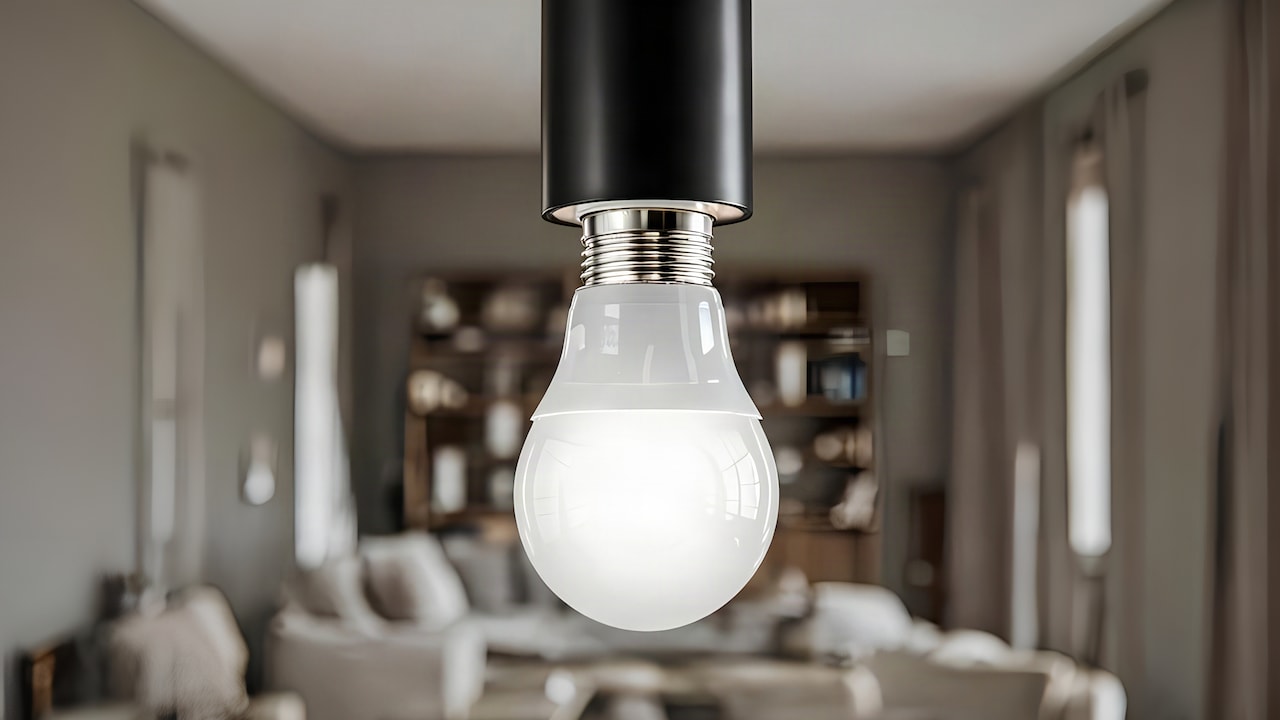
Diwali is the one time of year when your whole home deserves to look its best, and the right lighting can make all the difference. Colour-changing bulbs are a big hit for festive arrangements, and it's easy to see why: they're versatile, reusable, and simple to use once you've mastered the basics. You don't have to spend a lot for that warm and glowing Diwali at home, as Amazon has a wide range of smart and RGB bulbs to fit every budget and room size.
How To Set Up Colour-Changing Bulbs For Diwali At Home
Photo Credit: iStock
That said, just buying the bulbs is not enough. The final look depends on how you connect the bulbs, where you position them, and which colour settings you choose. It can be worth having a little bit of a plan in place before you start, as this will save you time and effort, and the result will tend to feel far more intentional than just stringing lights randomly.
Also Read: Top 5 Electric Diyas For A Flame-Free Diwali Under ₹1,500
How To Set Up Colour-Changing Bulbs For Diwali At Home
You don't need any special skills or wiring knowledge to set up colour-changing bulbs. Most modern RGB or smart bulbs are plug-and-play and work right out of the box. The trick is knowing where to begin and keeping the whole process simple so you can enjoy the result without any last-minute stress.
1. Check Your Fixtures And Fittings First
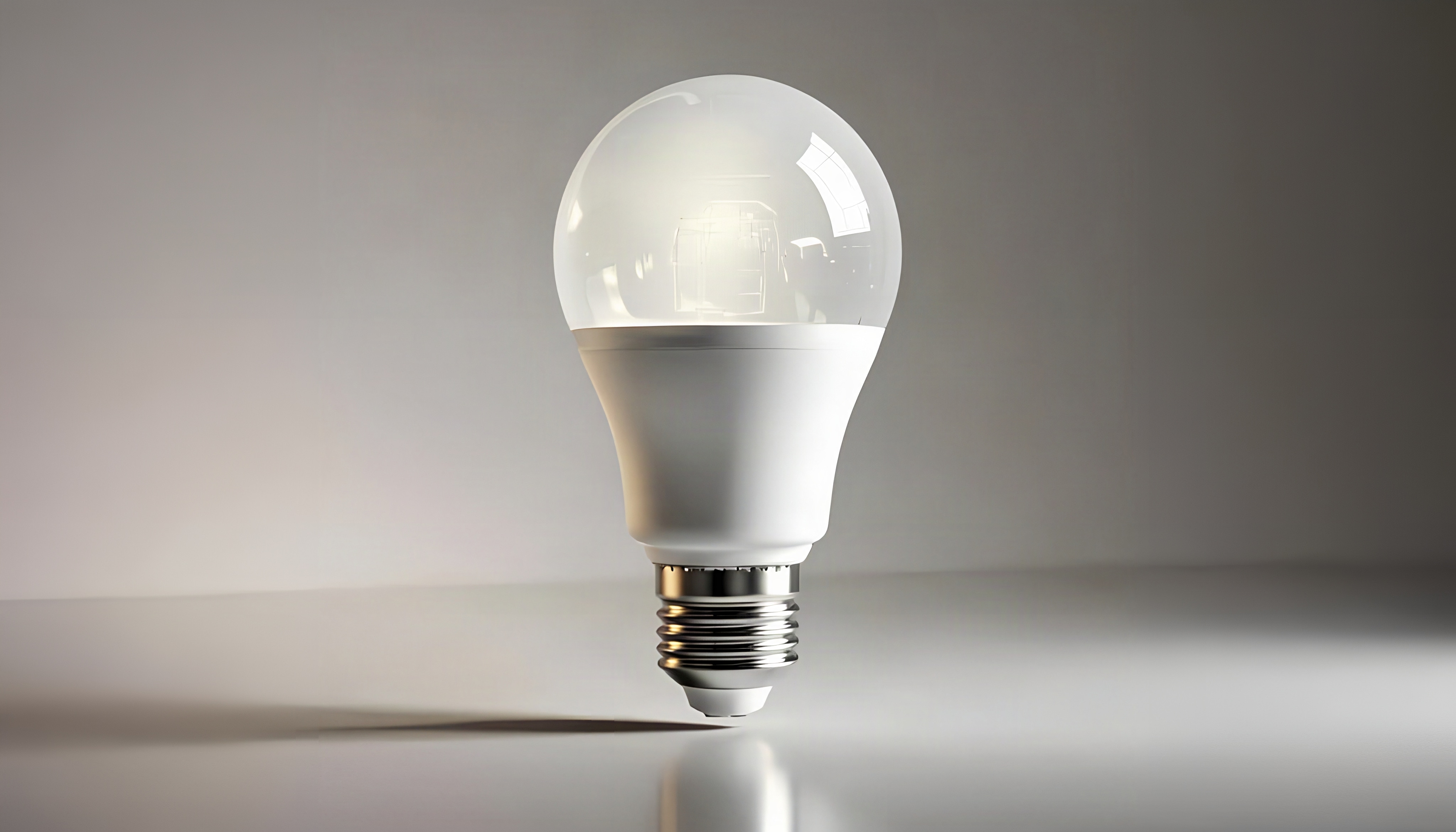
Take a quick look around your home at the light fixtures before you buy any bulbs. Most colour-changing bulbs come in B22 and E27 fittings, so check that you have the right one before ordering; otherwise, you may have to send it back. Not all fittings in a home are the same size or type, so check each room individually.
2. Pick The Right Bulb Type For Your Space
Smart bulbs that connect via an app tend to give you more control, whereas simple RGB bulbs with a remote are better if you want something that doesn't require any fuss to set up. Brighter output is more important in larger spaces like the living room or drawing room. A dimmer glow or a lower wattage bulb may actually be better for shelves, corners or decorative areas.
Setting Up The Bulbs Room By Room
Doing everything at once tends to give you a much more cohesive festive look than one room at a time. Each room of the house is intended for a particular purpose, and the lighting should be suitable.
1. Living Room And Main Entrance
The two spots are the first impression your guests will have of your Diwali setup, so they deserve a bit of extra attention. Warm amber, golden yellow or combinations of red and orange seem to feel the most festive here. A layered effect that feels grand and welcoming is achieved with colour-changing bulbs in your main overhead lights and some fairy lights around the door frame.
2. Pooja Room Or Prayer Corner
Pooja spaces look lovely in soft whites, pale yellows or a soft golden tone. In this area, avoid anything too sharp or flashy – the idea is to create calm and warmth, not a party atmosphere. Great for adjusting ambience: a dimmer setting on your RGB bulb, and most smart bulbs can be dimmed down through their app.
3. Balcony And Outdoor Areas
Outdoor spaces need something a little more colourful. Deep reds, blues, or even a slow colour-cycling mode can add a festive energy that people outside the home can also see. Just be sure to use bulbs rated for outdoor use, or at least put them in a covered fixture that will shield them from moist air.
Connecting And Controlling Your Colour-Changing Bulbs
Once the bulbs are in place, the next step is to get them working together. This is where smart bulbs really trump the basic remote-controlled ones.
1. Download The Correct App
Most smart colour-changing bulbs come with a branded app, with Tuya, Philips Hue and Syska being some of the more commonly available ones. Once the app's downloaded and the bulb's connected to your home Wi-Fi, you can control the colour, brightness and even set timers from your phone. This is particularly handy if you want the lights to come on automatically in the evening.
2. Group Bulbs Together For A Uniform Look
If you've put bulbs in multiple rooms, you can group them in the app to change their colour all at once instead of one by one. It's a little thing that matters when the time for the actual festivities is upon you, especially when the transition from a warm pre-puja mood to a more energetic, celebratory one needs to happen as the guests start to arrive.
3. Use Preset Modes And Schedules
It's like every smart bulb app has preset modes of lighting, like candlelight, party, relax, etc. The warm white or party mode works really well as a base for Diwali, so you can always modify it. You can set the lights to turn on automatically at dusk, so you don't have to think about it during the day.
A Few Things To Keep In Mind Before Diwali
A little bit of prep before the day itself makes the whole set-up seem a lot smoother.
1. Test Everything A Day Before
Plug in all the bulbs and run through the colours and modes that you plan to use, at least a day ahead of Diwali. This gives you time to replace anything that's not working without any last-minute panic. It also helps you to adjust the brightness levels in each room while it's still daylight and makes it easier to judge the contrast.
2. Don't Overload A Single Socket Or Extension
It's effortless to plug too many bulbs or decorative lights into one socket when you're going from room to room with festive lighting. Watch how many items are drawing power from a single point, and if need be, use a good quality extension board with surge protection. A simple step to protect your home and your electronics during the celebrations.
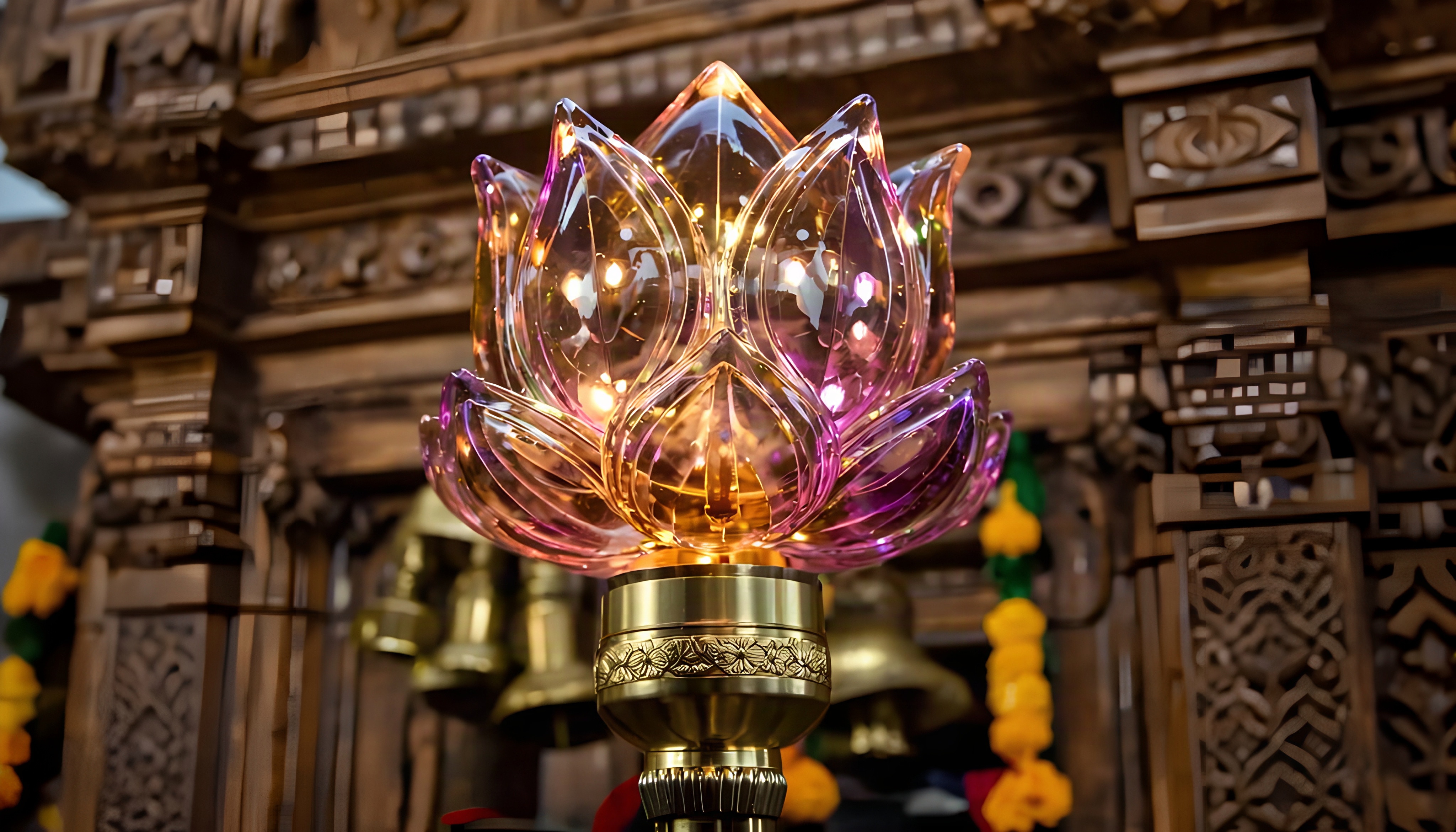
Some Products You May Like
Photo Credit: iStock
Some Products You May Like
1. Crompton Immensa 9W Bluetooth Smart LED Bulb B22
2. KAMAY 1.2W Flowerlite LED Bulb for Mandir
3. Keyplus LED Colour Changing E27 Bulb
4. Philips SceneSwitch 12W LED Bulb
5. wipro 9-Watt B22 WiFi Smart LED Bulb
6. MAGIK Spectrum 0.5W LED Bulb (Multicolour)
7. Stylo 360 Degree Crystal Magic Disco LED Light Rotating Bulb
8. Gesto 12 W LED Wireless Light Bulb
Frequently Asked Questions (FAQs)
1. Do colour-changing bulbs work without a smartphone?
Yes, many colour-changing bulbs will come with a little remote control in the box, so you don't need a smartphone to use them. But smart bulbs require an app and a Wi-Fi connection to offer their full range of features.
2. Are colour-changing bulbs safe to use indoors during Diwali?
Of course. LED colour-changing bulbs produce very little heat compared to older types of bulbs. This makes them safer to be used for longer hours in the festive season.
3. How many colour-changing bulbs do I need for a full home setup?
It is contingent upon the size of your home, but if you start with four to six bulbs spread out in the main rooms and entryway, that's usually enough to create a noticeable festive effect without going overboard.
4. Can I leave colour-changing bulbs on overnight during Diwali?
It's not a particularly wise idea to leave them running unattended all night. It's better to use the timer feature on a smart bulb app to turn them off at a set time. Much safer and much more energy efficient.
5. What colours work best for a traditional Diwali look?
The warmest tones, such as golden yellow, orange and deep red, tend to feel the most traditional and festive. If that's the vibe you're going for, you can always mix in cool whites or blues for a more modern twist.
(Disclaimer: This article may include references to or features of products and services made available through affiliate marketing campaigns. NDTV Convergence Limited (“NDTV”) strives to maintain editorial independence while participating in such campaigns. NDTV does not assume responsibility for the performance or claims of any featured products or services.)