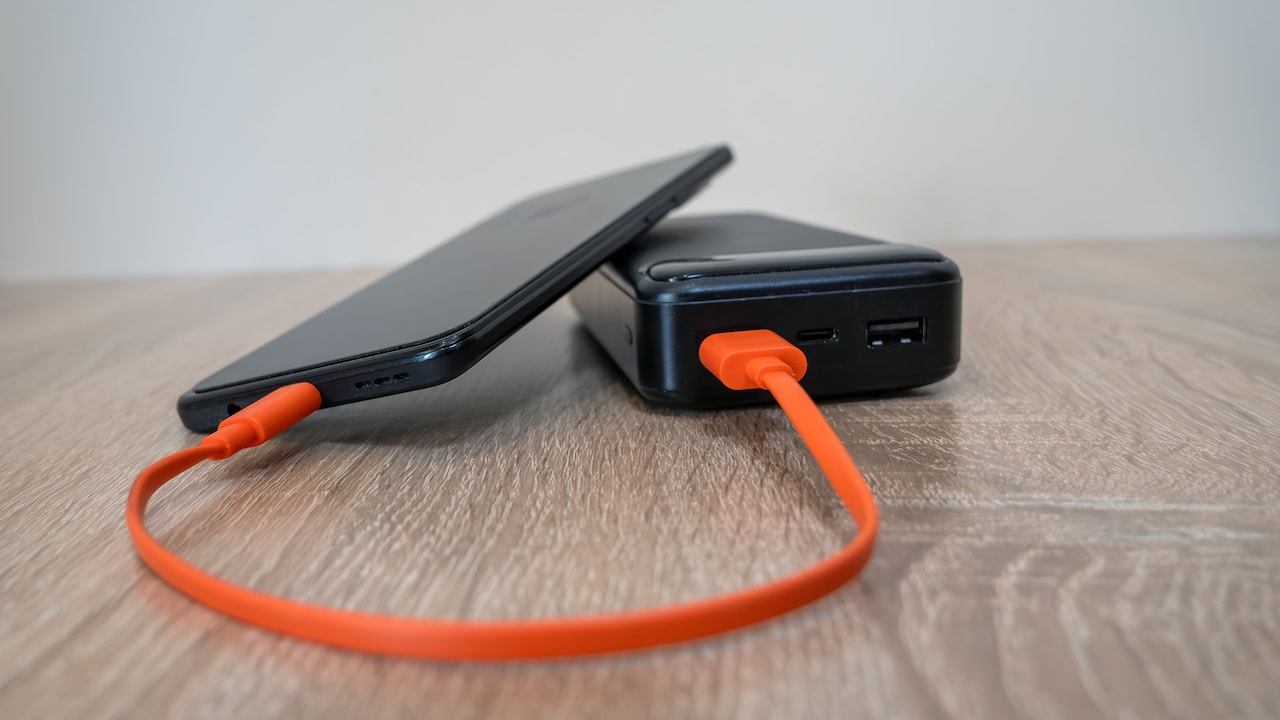
How To Capture Pandal Lights On Your Phone?
Want to capture pandal lights on your phone? Try these simple photography tips to get sharper, brighter and more festive-looking Durga Puja photos at night.
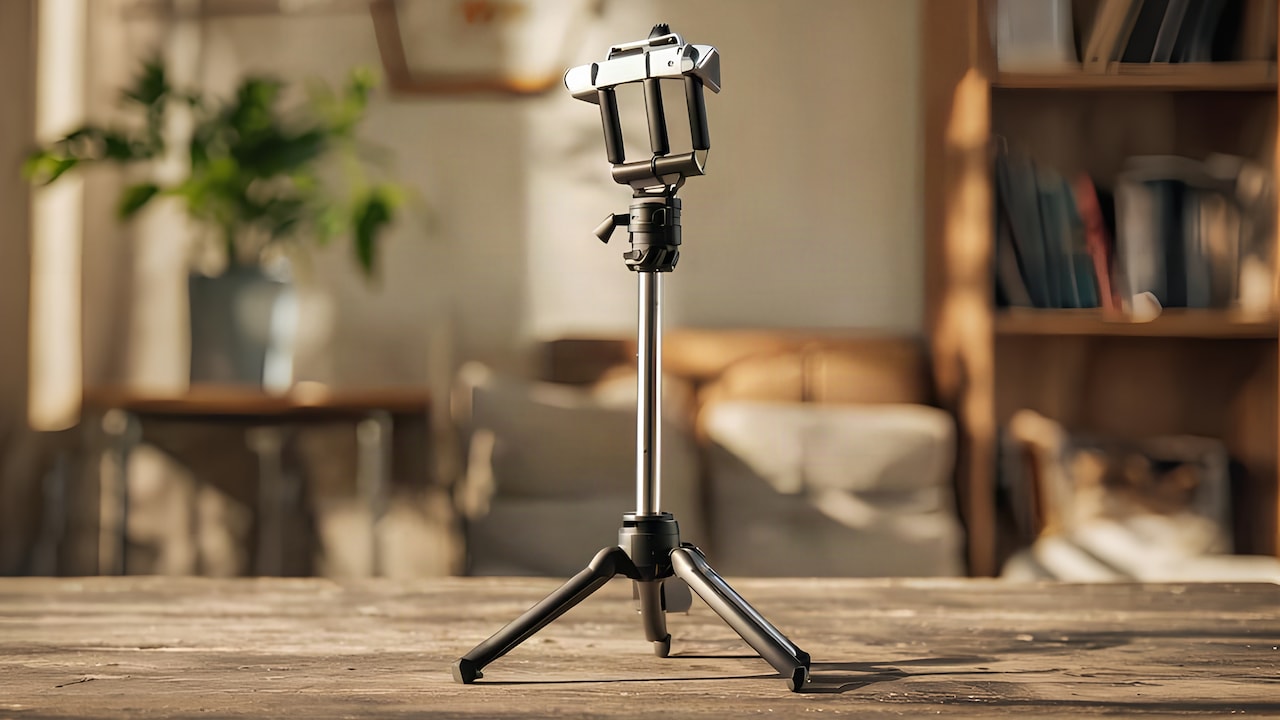
How To Capture Pandal Lights On Your Phone?
Festive evenings have a different kind of glow when Durga Puja pandals start lighting up. You'll see some of the best pandals with glowing idols, unique designs, and lots of lights. So, naturally, you want to take a picture, but phone photos of bright lights at night can turn out a little overexposed. The lights may look too harsh, the darker areas can disappear, and one small hand movement can make the whole picture blurry. That is where a few simple changes to your phone photography can make a noticeable difference.
Selfie Stick Tripod
Photo Credit: iStock
You don't need a professional camera or complicated settings for these shots. Your phone is already capable of capturing plenty of detail if you use the right angle, exposure, and timing. So, whether you're visiting crowded pandals or checking out smaller neighbourhood celebrations, you don't need to worry about a thing. This guide will share some easy tips that can help you capture pandal lights on your phone without making the process feel like a photography class.
Start With The Right Phone Camera Settings
Don't start snapping photos immediately; it's worth spending at least a couple of minutes looking at your camera settings. It becomes much easier to take night photos when the phone doesn't try to illuminate dark corners automatically.
1. Clean Your Camera Lens First
This step sounds almost too simple, but it can change the picture quite a lot. Even a tiny smudge or dust dot on the camera lens can spoil the image, making the pandal lights look hazy when there are several of them in the frame.
Gently wipe the lens with a clean cloth before entering the pandal. Don't use your shirt or any clothing; otherwise, you may leave more smudges on the glass.
2. Reduce Exposure When Lights Look Too Bright
Tap on the brightest part of the pandal and see how the image changes. If the bulbs look like white spots with no details visible, decrease exposure a bit by sliding the brightness control on your phone.
There is no need to make the whole image darker. Adjust the brightness so that the glow of the bulbs and decor still retains the details.
Find An Angle That Shows The Lights Properly
You don't need to stand right in front of the decor to click decent pandal photos. Just moving a bit can help you capture the pandal lights much better.
1. Include Some Foreground In The Frame
Instead of shooting the pandal only, add some foreground objects to the picture, like people, flowers, a railing, and any parts of the entrance to the pandal.
Silhouettes of a few people can work well, too. Avoid filling the whole frame with silhouettes of strangers, of course.
2. Try A Low-Angle Shot
Crouch a little and shoot upwards if there is a high entrance or big lighting installation at the pandal. Such a shooting angle will emphasise the height of the pandal and allow you to fit more lights into the frame.
Moreover, you'll get a unique photo compared to the usual straight ones. Try both horizontal and vertical angles before leaving.
Also Read: From Power Banks To Protectors: The Only Mobile Accessory Guide You Need In 2025
Keep Your Phone Steady For Sharper Night Photos
Even when the subject isn't moving, your hands can create enough movement to make a night photo soft. This happens more easily when your phone uses a longer exposure.
1. Hold Your Phone With Both Hands
Keep your elbows close to your body and hold the phone with both hands while clicking. It sounds basic, yes, but it gives you much more control in a crowded pandal. Use a nearby railing or wall to support yourself and stabilise your hands. Never try to photograph using a device that is unstable.
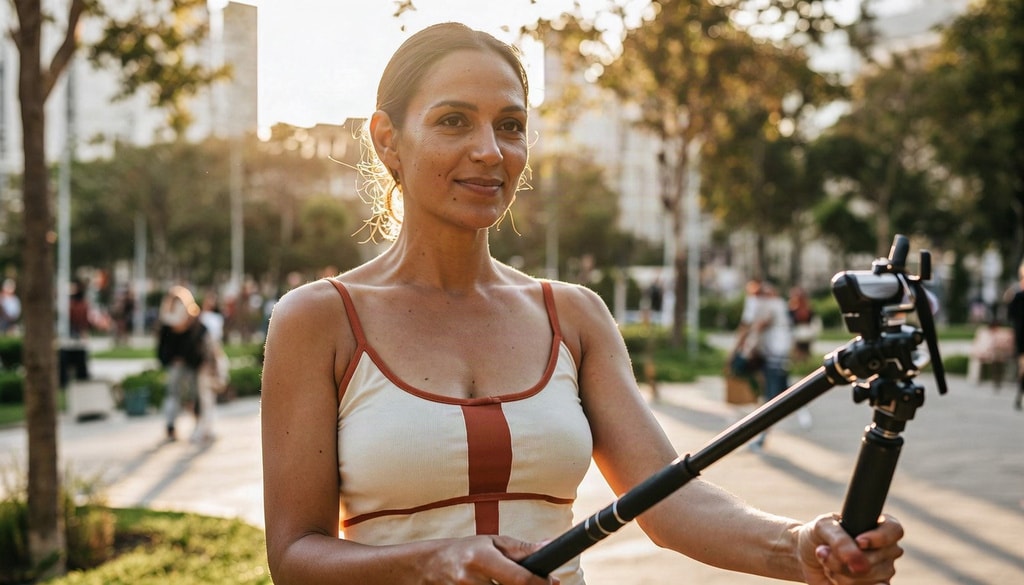
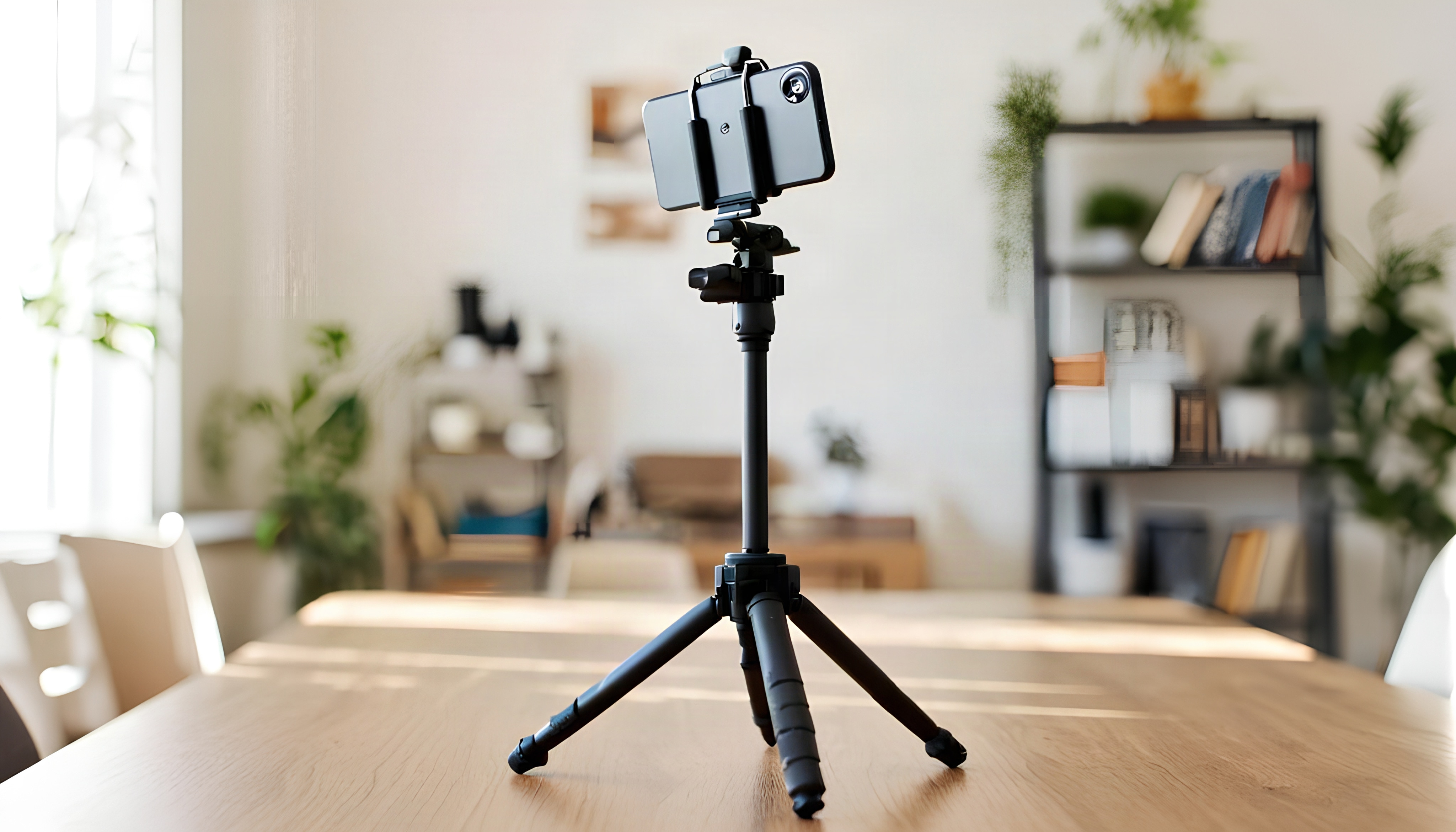
2. Use A Tripod For Static Pandal Shots
Using a tripod can make your job much easier if you plan to take a detailed photo of a pandal entrance. A tripod will help to avoid camera movements and blurring.
You can place the phone, frame the shot, and use a timer or remote instead of touching the screen at the exact moment of capture. This is especially useful for longer-exposure night shots.
Use Night Mode Without Losing The Pandal Lights
Night mode may be useful, but there is no need to use it automatically. Bright decorations and a dark environment around the pandal can confuse the phone camera in terms of exposure.
1. Give Night Mode A Try, Then Compare
Take a picture in your camera's normal mode and then enable night mode and click again. Compare the two photographs and choose whichever looks better.
Night mode in certain scenarios enhances the darkness, while in others it makes the light brighter and unnatural. The result mostly varies depending on your device and environment.
2. Don't Zoom Too Much
Zooming in can make bright lights and other details look soft, especially at night. Rather than using your phone's zoom, it is better to get closer while taking the pictures.
If you have a phone with a proper telephoto camera, you can use that lens instead. Otherwise, take a wider photo and crop it later rather than heavily zooming before taking the shot.
Selfie Stick Tripod
Photo Credit: iStock
Some Phone Photography Products You May Like
1. ULANZI JJ02 Selfie Stick Tripod With Detachable Remote
2. Tygot Lightweight & Portable 7-Foot Tripod Stand
3. Amazon Basics 10-Inch Ring Light With Tripod Stand
4. Syvo WT 3130 Aluminium Tripod
5. HOLD UP Selfie Stick With Wireless Remote And Tripod Stand
6. Mobilife 71" Selfie Stick Tripod Auto Open 360 Degree Rotating
7. DJI Osmo Mobile 7P Gimbal Stabiliser
8. M1 3-Axis Gimbal Stabiliser for Mobile with Built-in Extension Rod
Capturing the beauty of pandal lights on your phone is all about using the right settings and finding the best angles. Try tapping on the brightest part of the scene to adjust exposure, keep your hands steady and make use of Night Mode if your phone supports it. Experimenting with reflections, wide shots and close-up details can help you create memorable photos that showcase the festive atmosphere. With a little practice, you can turn colourful pandal lights into stunning photographs that stand out in your gallery.
FAQs
1. Can I use flash when shooting pandal pictures?
No, don't use flash, as it will overexpose the photos and make them look horrible.
2. Why do pandal lights look too bright in my phone photos?
They can confuse the automatic exposure system of the phone. Tap on the brightest part of the frame and decrease exposure a little.
3. Is Night Mode useful while taking pictures of the pandals?
It might be useful if you need enhanced detail in shadows in dark environments. However, take a photograph without enabling the night mode and compare.
4. What can I do to ensure non-blurry pandal photographs?
All you have to do is keep your hands stable whenever you click the photo. Also, keep your hands stable for a second or two even after you've pressed the capture button.
5. Should I use the portrait mode to take pictures of the pandals?
It might be helpful when taking pictures of someone whose back is lit up by pandal lights but not helpful for taking pictures of pandals themselves.
(Disclaimer: This article may include references to or features of products and services made available through affiliate marketing campaigns. NDTV Convergence Limited (“NDTV”) strives to maintain editorial independence while participating in such campaigns. NDTV does not assume responsibility for the performance or claims of any featured products or services.)