How To Take Better Festive Photos On Your Phone
Want stunning festive photos from your phone? Discover simple tips on lighting, composition, and editing to capture beautiful holiday memories every time.
How To Take Better Festive Photos On Your Phone
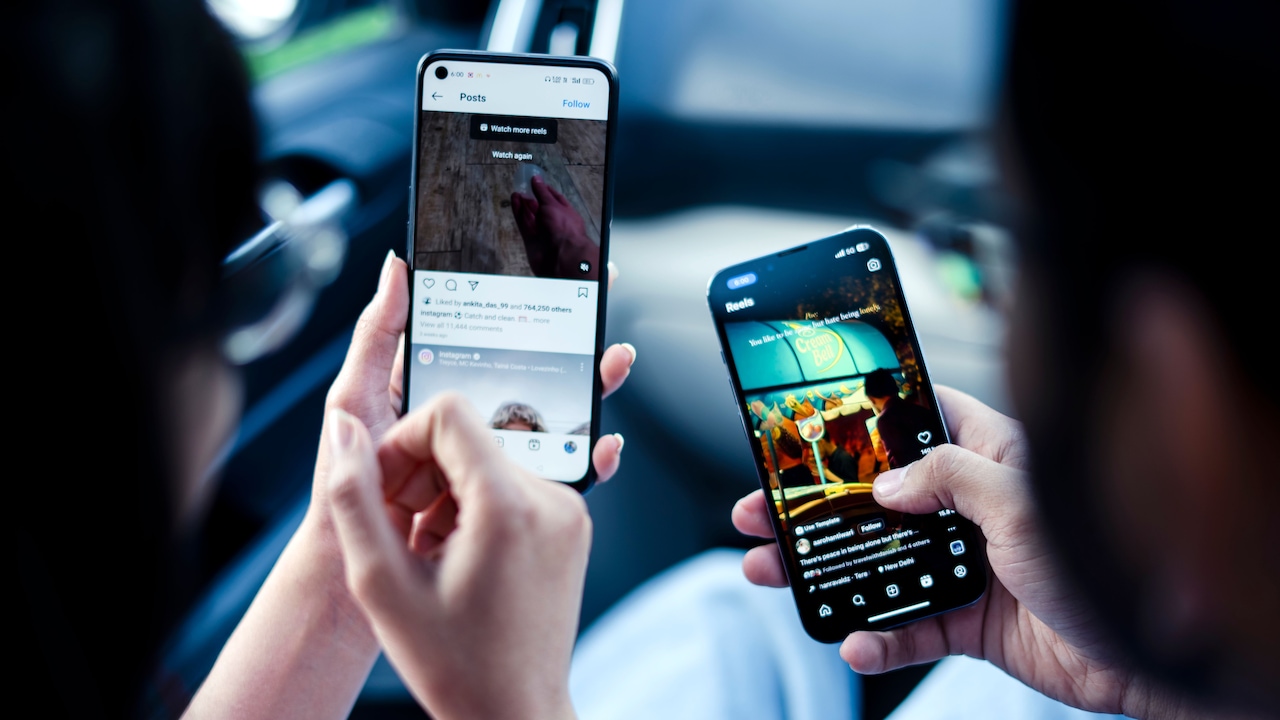
The festive seasons bring some of the best moments of the year, fairy lights glowing in the dark, families gathered around the table, children ripping open presents and tables overflowing with food. These are the moments to remember. But all too often, the photos we snap in the moment are blurry, too dark, or just a little flat. The good news is you don't need a professional camera or expensive kit to change that. Your phone is actually a very powerful tool for festive photography – especially with a little know-how behind it. Whether you're capturing a beautifully decorated corner of your home or candid laughs at Christmas dinner, with a few easy tweaks to your shooting technique, you can make a world of difference. Here's how you can get started with some of the best products on Amazon.
Getting The Basics Right Before You Shoot; Photo Credit: iStock
Getting The Basics Right Before You Shoot
1. Clean Your Lens First
This may sound all too simple but a smudged or dusty lens is one of the most common reasons for soft, hazy photos — especially in the low-light festive settings. Your phone is often in pockets and bags, so before any shoot, quickly wipe the lens with a soft cloth. You'll often notice an immediate improvement in clarity and sharpness without changing one setting.
2. Use Portrait Or Night Mode Thoughtfully
Most modern smartphones have portrait mode and night mode baked in, and they're both genuinely useful during the festive season. Portrait mode gives that lovely blurred background effect and works well for gift shots or close-up portraits by the tree. Night mode is particularly useful if you want to take photos of fairy lights or candlelit dinners and not have them come out muddy or grainy. Make sure your phone is steady when using night mode, as it takes a slightly longer exposure.
Also Read: Instant Camera Vs Phone Camera: Which Captures Festive Memories Better
Making The Most Of Festive Lighting
1. Work With Natural Light Where You Can
Natural daylight is the best way to get clean, true-to-life photos. Even in winter. If you are shooting indoors, try to get your subject closer to a window during the day. The outside light is soft and diffused and works very well for faces and will bring out the colours in your decorations far better than most overhead lighting will.
2. Embrace Fairy Lights As A Background
String lights and fairy lights aren't just decorations, they're a ready-made photography backdrop. Put your subject just a little in front of a string of lights and switch your phone's camera to portrait mode. The lights blur into soft, warm orbs in the background, instantly giving your photo a cosy, festive vibe. Play around with the distance between your subject and the lights and see which effect you like better.
Composition Tips That Make A Real Difference
1. Follow The Rule Of Thirds
Instead of placing your subject in the centre of every shot, try using the rule of thirds. Most phone cameras have a setting to turn on a grid. Position your main subject on one of the vertical grid lines, or at one of the intersection points, and you'll often find the photo feels a lot more balanced and engaging. It's a minor change, but it makes a difference, even if you can't quite explain why at first.
2. Look For Details, Not Just Group Shots
Group shots are nice but some of the most evocative festive shots are actually close-up details: a pair of hands wrapping a gift, a mug of something warm with steam rising, a beautiful laid table setting or a child's face in that moment just before they open something. These detail shots add variety to your collection and often capture the feeling of the season better than a wide shot ever could.
Editing Your Festive Photos Simply And Effectively
1. Adjust Brightness and Warmth
Most phone editing apps, including the built-in editor on both iPhone and Android, allow you to adjust brightness, contrast and warmth with a simple slider. A little extra warmth helps bring out the golden tones from candles and fairy lights in festive scenes. Don't go crazy with the sliders, subtle changes tend to look more natural and refined than heavy-handed ones.
2. Don't Over-Filter
It's easy to throw a bold filter on every photo, but holiday images usually look best with minimal processing. The colours and mood of the season are already visually rich, a heavy filter can muddy the tones or make your photos look dated quickly. If you are using a filter, keep it down to about thirty or forty per cent so that it enhances and does not dominate the image.

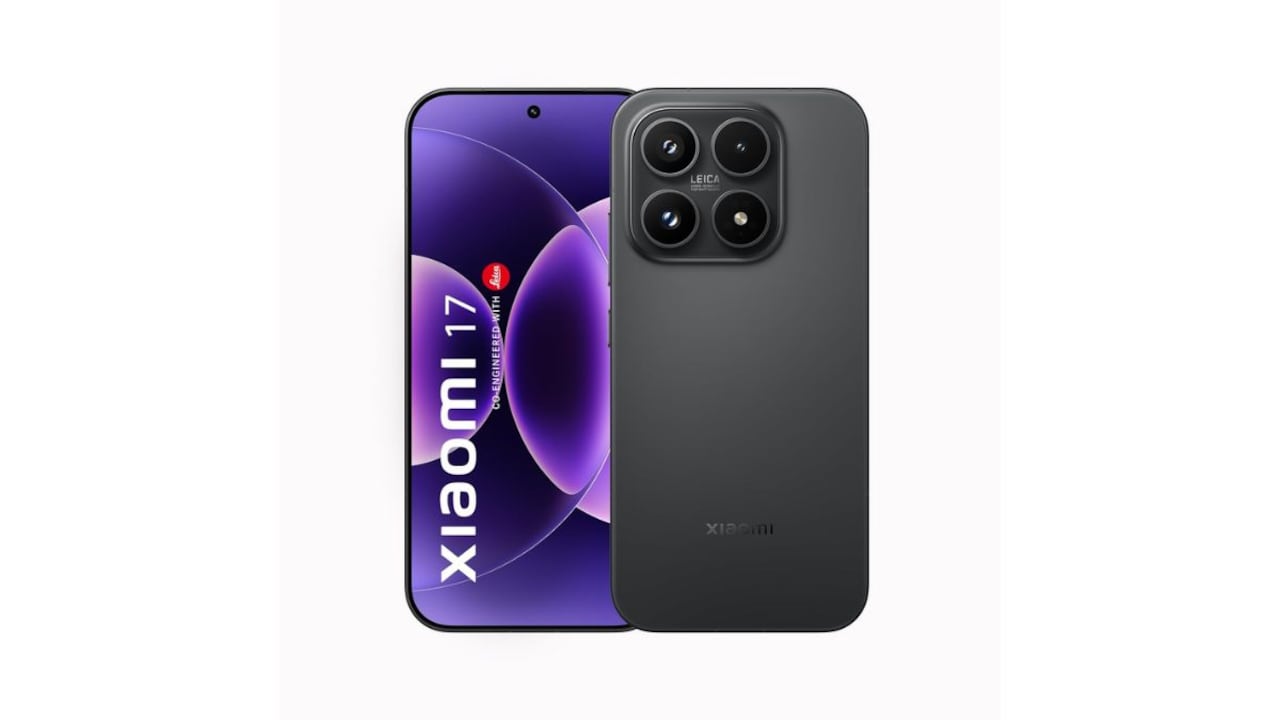
Some Products You May Like; Photo Credit: iStock
Some Products You May Like:
1. Apple iPhone Air 256 GB: The thinnest iPhone
2. REDMI Turbo 5 (8GB + 256GB) Turbo White
3. Samsung Galaxy S25 FE 5G Smartphone
4. OnePlus Nord CE6
5. Oppo Find X9s 5G
6. vivo X300 FE 5G
7. Nothing Phone (3)
8. Motorola Edge 60 Pro Pantone Shadow
Great festive photos don't need a pro camera, just smartphone techniques. Use natural and fairy light glow, clean your lens, play with portrait mode, and focus on candid emotions. With right angles and quick edits, your phone can capture the joy, colours, and sparkle of every festive moment beautifully. Shop now on Amazon.
Frequently Asked Questions (FAQs)
1. What's the best phone setting for indoor festive photos?
Try switching to night mode or portrait mode depending on the shot. For group photos in dim settings, night mode reduces blur and grain. For individual shots near decorations, portrait mode adds depth and warmth.
2. How do I avoid blurry photos in low light?
Keep your phone as still as possible — prop it against a surface or use a small tripod if you have one. Tap the screen to focus on your subject before pressing the shutter, and avoid using digital zoom, as it reduces image quality.
3. Can I take stunning festive photos without any editing apps?
Absolutely. Your phone's built-in editor is more capable than most people think. Small tweaks to brightness, warmth, and contrast are all you need to make a noticeable difference.
4. What time of day is best for festive outdoor photos?
The hour just after sunrise or before sunset, often called the golden hour, gives the warmest, most flattering light for outdoor shots. If you're photographing decorations after dark, look for well-lit areas and use night mode.
5. How do I get children to look natural in festive photos?
Rather than asking them to pose, try capturing them while they're genuinely busy, opening gifts, helping decorate, or playing. Candid moments are nearly always more joyful and authentic than posed ones.
(Disclaimer: This article may include references to or features of products and services made available through affiliate marketing campaigns. NDTV Convergence Limited (“NDTV”) strives to maintain editorial independence while participating in such campaigns. NDTV does not assume responsibility for the performance or claims of any featured products or services.)