Why Does Your Phone Lag After A Few Months: Top 10 Tips To Follow
A fast phone slowing down too soon? Storage clutter, background apps, and updates could be the reason. Here are 10 simple tips to keep your device smooth and lag-free for longer.

Easy tips to make new phones glitch less and stay smooth
There's something oddly satisfying about unboxing a new phone. The screen gleams, apps open in a blink, and even the simplest swipe feels fluid. Fast forward a few months, and the magic fades. Suddenly, apps take longer to load, scrolling feels choppy, and that once-speedy device begins to test patience during a busy day. This isn't just bad luck. It happens to almost everyone, whether the phone costs ₹10,000 or ₹1,00,000. Behind the scenes, small digital clutter builds up, software evolves, and usage patterns change. The good news? Most of these slowdowns have simple explanations and even simpler fixes.
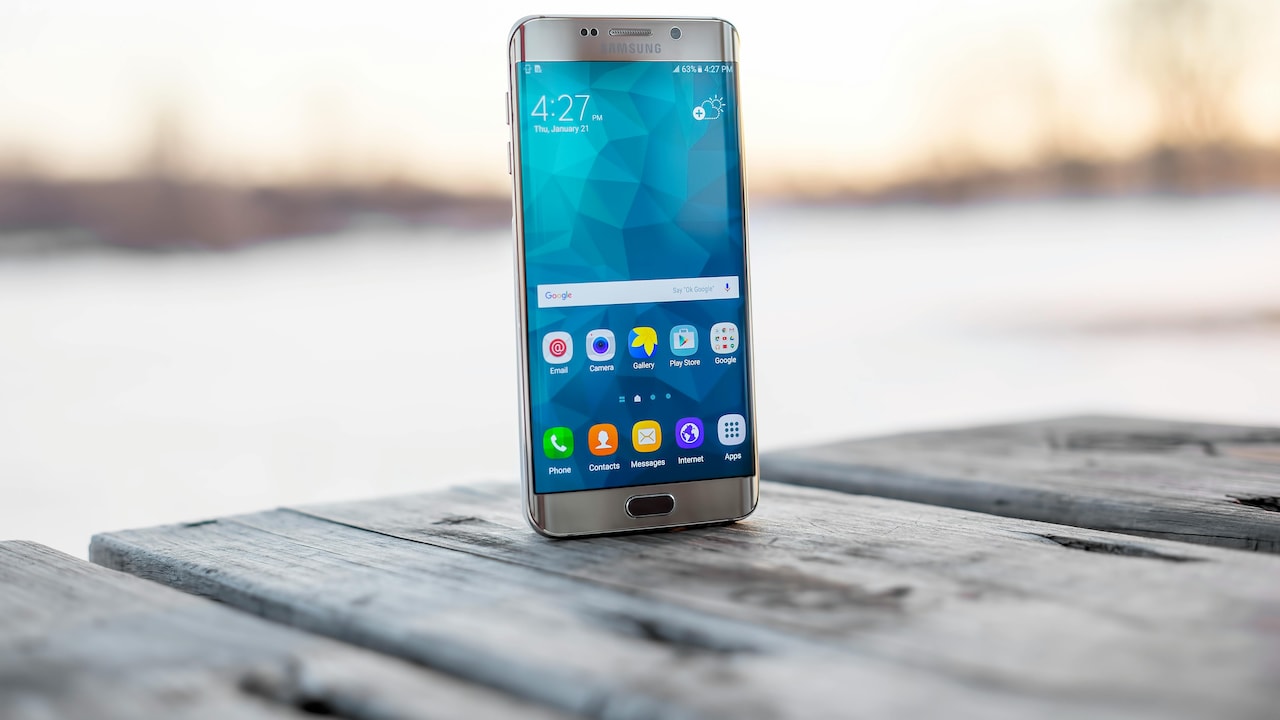
What makes new phones lag after a few months; Photo Credit: Pexels
The following ten tips unpack why phones slow down and how to bring back that smooth performance without spending a rupee on a new device.
Also Read: Top 5 Samsung Mobile Phones Under ₹15,000 In 2026
Understanding The Slowdown: Simple Fixes That Actually Work
1. Why Storage Fills Up Faster Than Expected
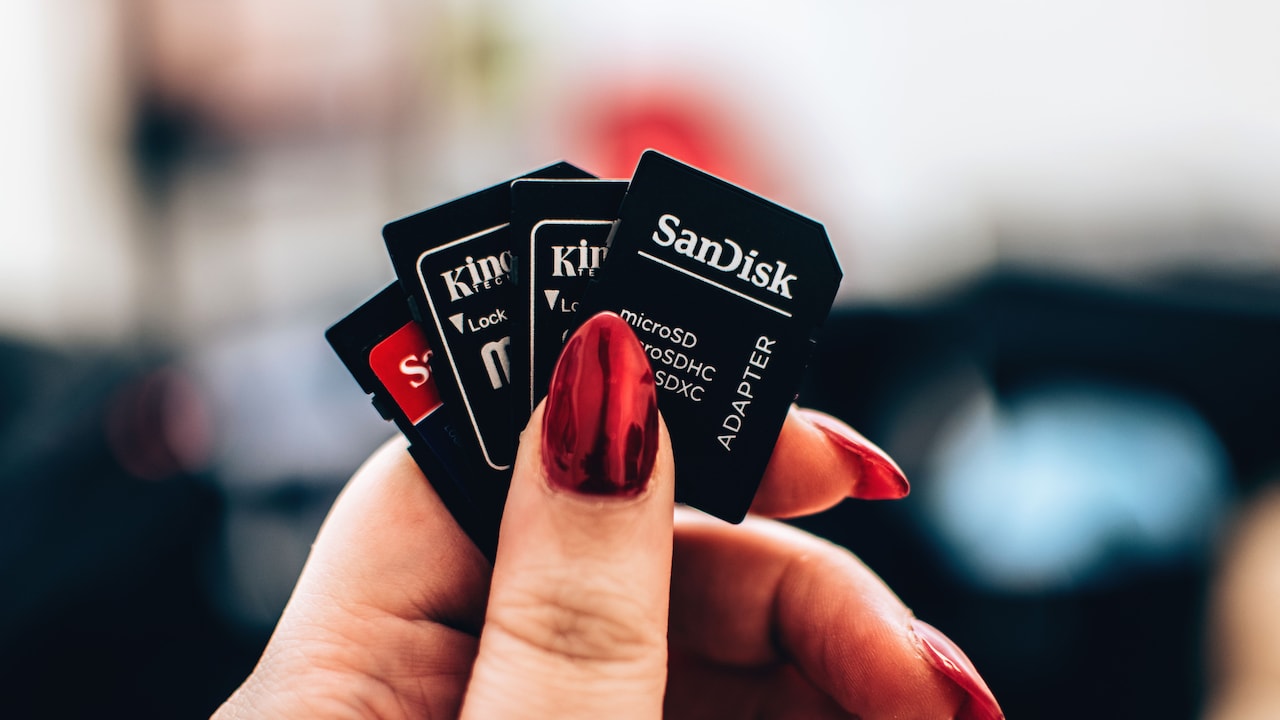
A phone's storage often seems generous at first. Plenty of space for photos, apps, and videos. But over time, things pile up quietly. Screenshots, forwarded media, app data, and offline downloads grow without notice. Before long, storage edges close to full capacity.
When storage runs low, performance suffers. The phone struggles to manage files efficiently, which leads to slower app launches and laggy navigation. It's similar to trying to find something in an overstuffed cupboard; everything takes longer.
Clearing unnecessary files helps more than expected. Old videos, duplicate photos, and unused downloads usually occupy a surprising amount of space. Even messaging apps tend to store media that no longer holds value.
Keeping at least 20–25% of storage free allows the system to function smoothly. A quick clean-up session every few weeks can make the phone feel noticeably faster, almost like giving it room to breathe again.
2. Why Too Many Apps Slow Things Down
Downloading apps feels harmless. Each one promises convenience, entertainment, or productivity. Over time, though, dozens of apps sit quietly in the background, even when rarely used.
Many apps run background processes. They check for updates, send notifications, and consume system resources without being opened. This constant activity strains the phone's memory and processor.
Deleting unused apps often brings immediate improvement. It also reduces clutter, making the phone easier to navigate. A simple rule helps: if an app hasn't been used in a month, it likely isn't essential.
Lightweight alternatives also make a difference. Some apps offer “lite” versions that consume fewer resources while still delivering core features. Less strain on the system means smoother performance overall.
3. Why Software Updates Can Feel Slower
Software updates promise new features and better security. Yet, after installing one, the phone sometimes feels slower. It's a common frustration.
Updates often come with heavier requirements. They optimise for newer hardware, which means older devices may struggle to keep up. New animations, features, and background processes demand more power.
Skipping updates isn't ideal either. Security patches protect personal data, especially with online payments and banking apps becoming part of daily life.
A balanced approach works best. Install updates, but avoid piling them up all at once. After updating, give the phone time to settle. Restarting the device and clearing temporary files can help stabilise performance.
4. Why Background Apps Drain Performance
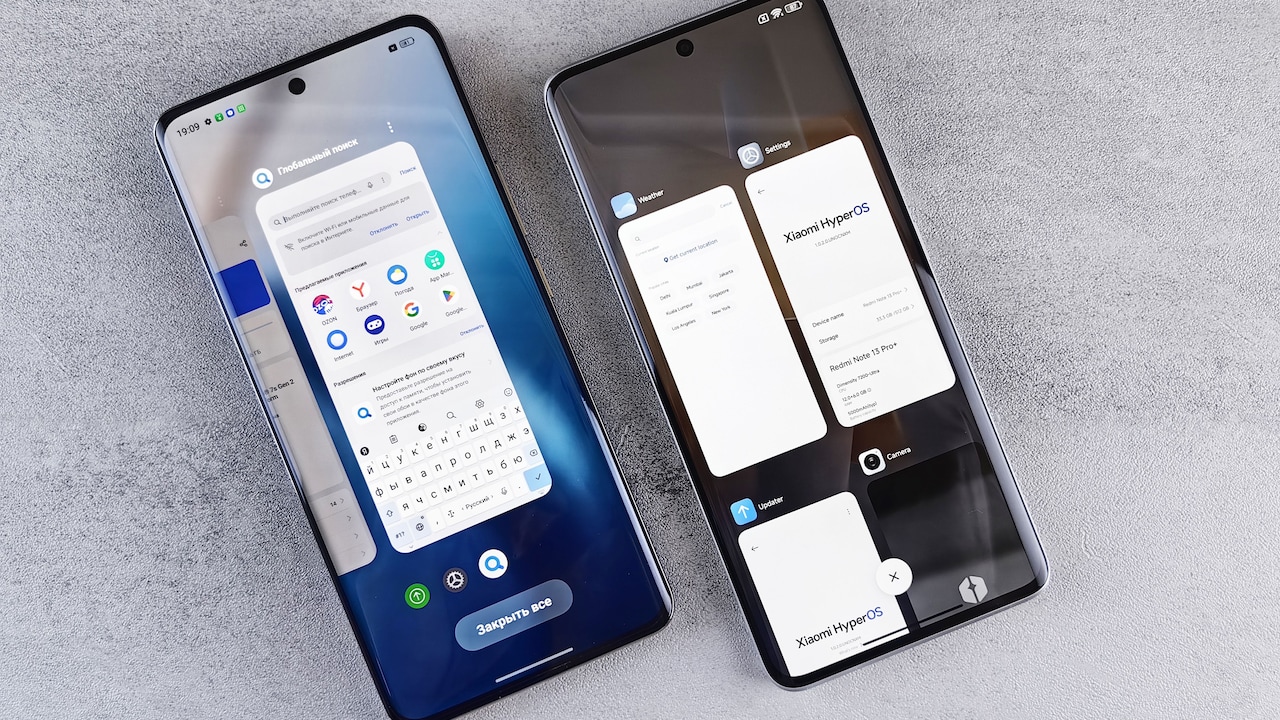
Even when not actively used, many apps continue running quietly. Music players, social media platforms, and messaging apps often stay active in the background.
This constant activity uses RAM, which limits the resources available for tasks at hand. As a result, switching between apps becomes slower, and occasional freezing may occur.
Closing unnecessary background apps helps free up memory. It doesn't require constant effort, just a quick check now and then.
Battery life improves, too. A phone that isn't juggling multiple hidden processes tends to last longer on a single charge. It's a simple habit that delivers both speed and efficiency.
5. Why Cache Builds Up Over Time
Cache files store temporary data to help apps load faster. While useful, they can accumulate excessively over time.
Instead of speeding things up, too much cached data begins to slow apps down. It can also cause glitches, such as apps crashing or behaving unpredictably.
Clearing cache periodically keeps things running smoothly. Most phones allow this through settings without deleting important data.
It's a small action with noticeable results. Apps open faster, and the system feels less cluttered. Think of it as a quick refresh rather than a complete reset.

Cache buildup can cause glitch in your new devices; Photo Credit: Pexels
6. Why Heavy Games And Apps Take A Toll
Modern apps, especially games, demand significant processing power. High graphics, constant updates, and online features push the phone's hardware to its limits.
Over time, this strain affects overall performance. Even simple tasks may feel slower after prolonged heavy usage.
Reducing graphics settings in games helps ease the load. Closing games completely after playing also prevents them from consuming resources in the background.
Balancing usage matters. Mixing lighter apps with heavier ones allows the phone to maintain steady performance instead of constantly operating at full capacity.
7. Why Old Batteries Affect Speed
Battery health plays a bigger role than most people realise. As batteries age, their efficiency drops. The phone may struggle to deliver consistent performance, especially during demanding tasks.
Some devices intentionally reduce performance to prevent sudden shutdowns when the battery weakens. This can make the phone feel slower than usual.
Replacing the battery often restores performance. It's a cost-effective solution compared to buying a new phone, especially if the device still meets everyday needs.
Regular charging habits also help. Avoid letting the battery drain completely too often, and use reliable chargers to maintain long-term health.
8. Why Widgets And Live Wallpapers Slow Things Down
Widgets and live wallpapers add personality to a phone. They display weather updates, news headlines, and animated backgrounds.
However, they constantly refresh in the background. This continuous activity uses both CPU and battery, which affects performance.
Switching to a static wallpaper and limiting widgets can make a noticeable difference. The phone feels lighter and responds faster.
It's a trade-off between style and speed. A minimal home screen often leads to a smoother experience, especially on mid-range devices.
9. Why Poor Network Conditions Cause Lag
Sometimes, the issue isn't the phone at all. Slow internet connections can make apps appear laggy.
Streaming videos buffer, messages take longer to send, and apps that rely on real-time data struggle to load. It creates the impression of a slow device.
Switching between mobile data and Wi-Fi helps identify the issue. In areas with weak signals, even the fastest phone may struggle.
Keeping apps updated ensures better optimisation for varying network conditions. A stable connection often restores the smooth experience expected from the device.
10. Why Restarting Your Phone Still Works Wonders
It may sound too simple, but restarting a phone solves many performance issues. Over time, background processes accumulate, and the system becomes less efficient.
A restart clears temporary glitches and refreshes system resources. It's like giving the phone a short break before it gets back to work.
Making this a weekly habit keeps performance steady. It requires no technical knowledge and takes only a few minutes.
Sometimes, the simplest solutions turn out to be the most effective.
Products Related To This Article
1. Redmi A4 5G
2. iQOO Z10 Lite 5G (Cyber Green, 8GB RAM, 256GB Storage)
3. realme C71 4G Smartphone 6GB+128GB
4. Samsung Galaxy M17 5G Mobile (Moonlight Silver, 6GB RAM, 128GB Storage)
5. Motorola G57 Power 5G (Fluidity, 8GB RAM, 128GB Storage)
A slowing phone doesn't always signal the end of its life. More often, it reflects how digital clutter, heavy usage, and everyday habits affect performance over time.
With a few mindful adjustments, clearing storage, managing apps, and maintaining the battery, a phone can regain much of its original speed. These changes don't demand technical expertise or expensive upgrades. They simply require awareness and consistency.
In a world where new gadgets launch every few months, it's easy to feel tempted by the latest model. Yet, a well-maintained phone often performs just as well for daily tasks.
Keeping things light, organised, and updated ensures that the device remains reliable. And that smooth, lag-free experience? It doesn't have to fade away so quickly after all.
(Disclaimer: This article may include references to or features of products and services made available through affiliate marketing campaigns. NDTV Convergence Limited (“NDTV”) strives to maintain editorial independence while participating in such campaigns. NDTV does not assume responsibility for the performance or claims of any featured products or services.)