Why Smartphones Overheat While Charging And 10 Simple Ways To Keep Your Phone Cool And Safe
Smartphones often heat up during charging due to fast charging, background apps, poor accessories, or trapped heat. Understanding the causes and adopting simple habits can help keep your phone cool, safe, and extend its battery life.
Know common reasons behind a smartphone heating up during charging and how to prevent the problem.
Nearly every smartphone user has noticed it at some point. The device goes on charge after a long day of calls, scrolling, streaming, and messaging. A little while later, the back panel feels warmer than expected. Sometimes it becomes noticeably hot.
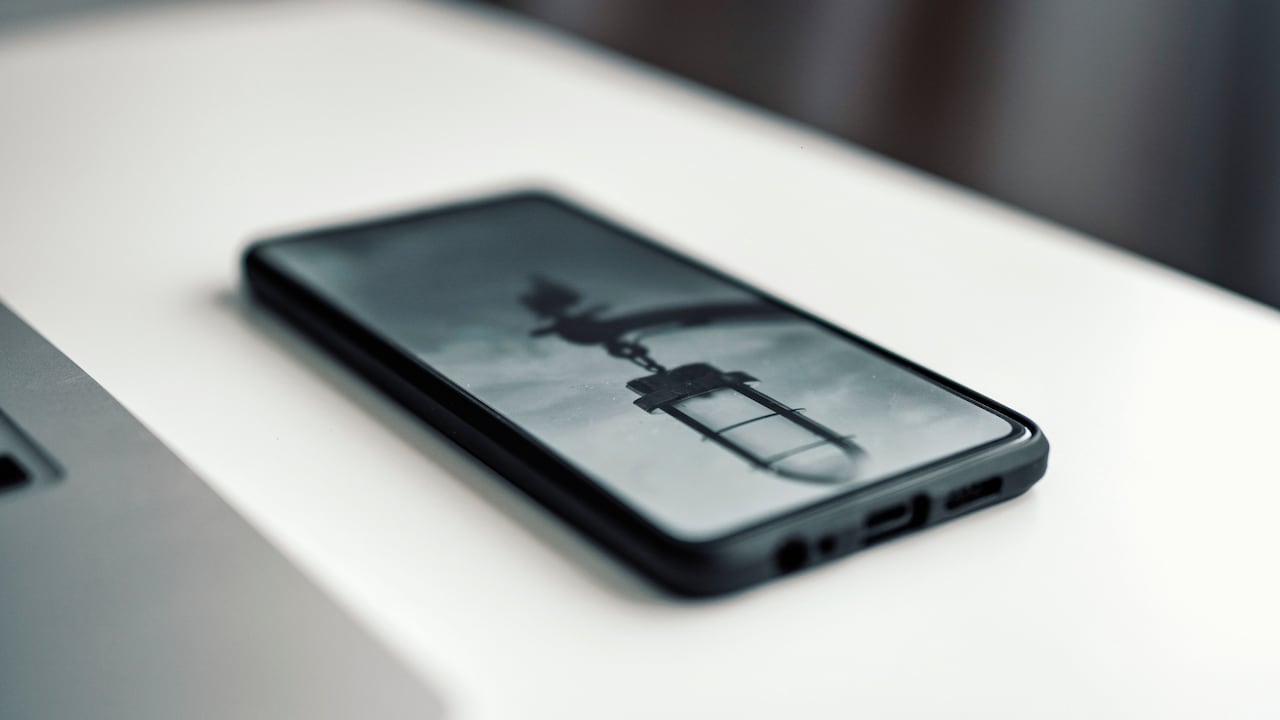
Try these 10 simple tips to prevent your smartphone from heating; Photo Credit: Pexels
A slightly warm smartphone during charging is normal. Batteries, processors, and charging circuits all produce heat while working. However, when a device becomes too hot, it signals that something within the charging process is struggling to manage energy efficiently.
Modern smartphones contain powerful processors, large batteries, and high-speed charging systems. These features offer convenience but also increase the chances of heat build-up. In warm climates or crowded city homes where devices charge overnight, the problem becomes even more noticeable.
Overheating does more than cause discomfort. Excessive heat can reduce battery health, slow performance, and in rare cases create safety risks. Fortunately, simple habits can keep a device cool and extend its lifespan.
Understanding why smartphones heat up while charging provides the first step towards preventing the problem. The following insights explain common causes and practical ways to keep a phone cool, safe, and reliable during charging.
Also Read: Top 5 Samsung Mobile Phones Under ₹15,000 In 2026
Key Factors That Make Smartphones Heat Up During Charging
Fast Charging Generates Extra Heat
Fast charging has transformed the way smartphones power up. A device that once needed three hours to reach 100 per cent can now reach similar levels in under an hour. While convenient, this technology produces more heat.
Fast charging works by pushing a higher electrical current into the battery. More energy flows into the battery cells in a shorter time. This rapid energy transfer naturally generates heat as the battery chemistry reacts to the incoming charge.
Most modern devices include temperature control systems that slow charging when heat levels rise. Yet repeated exposure to high temperatures gradually affects battery health. Over time, the phone may lose the ability to hold a charge throughout the day.
Heat also increases if fast charging occurs in already warm surroundings. Imagine a phone charging beside a sunny window during an afternoon power nap. The external warmth combines with internal charging heat, creating an uncomfortable temperature spike.
Allowing the phone to charge normally rather than always relying on ultra-fast modes can help. Many devices also include “optimised charging” settings that slow the charging speed after reaching 80 per cent. Using these features allows the battery to fill gently, reducing heat and preserving long-term performance.
Charging While Using The Phone
Many people treat charging time as an opportunity to continue watching videos, gaming, or scrolling through social media. The habit feels harmless, but it often leads to overheating.
When a phone charges, the battery already works hard to store energy. If the processor simultaneously runs demanding apps, the device performs two energy-heavy tasks at once. Charging adds energy while the processor consumes it rapidly. This push and pull generates heat inside the phone.
Gaming illustrates the effect clearly. A high-graphic mobile game forces the processor and graphics chip to run continuously. Combine that with charging, and the phone behaves like a tiny computer working overtime.
Streaming videos during charging also raises temperatures. The screen remains bright, the processor decodes video, and internet connectivity stays active.
Allowing the phone to rest while charging significantly reduces heat generation. Charging during quiet moments, such as meal times or before sleep, gives the battery space to replenish energy without competing tasks. Even a short break from usage can help the device cool down and charge more efficiently.
Poor Quality Chargers And Cables
Not all chargers deliver electricity in a stable or safe manner. Low-quality charging accessories often cause smartphones to heat up more than expected.
Original chargers supplied by manufacturers include voltage regulation systems. These systems ensure the correct amount of power flows into the device. Cheap alternatives sometimes lack such protection, allowing uneven power delivery.
When voltage fluctuates, the phone's internal circuitry works harder to regulate incoming electricity. This extra effort creates additional heat. Over time, it can also damage the battery or charging port.
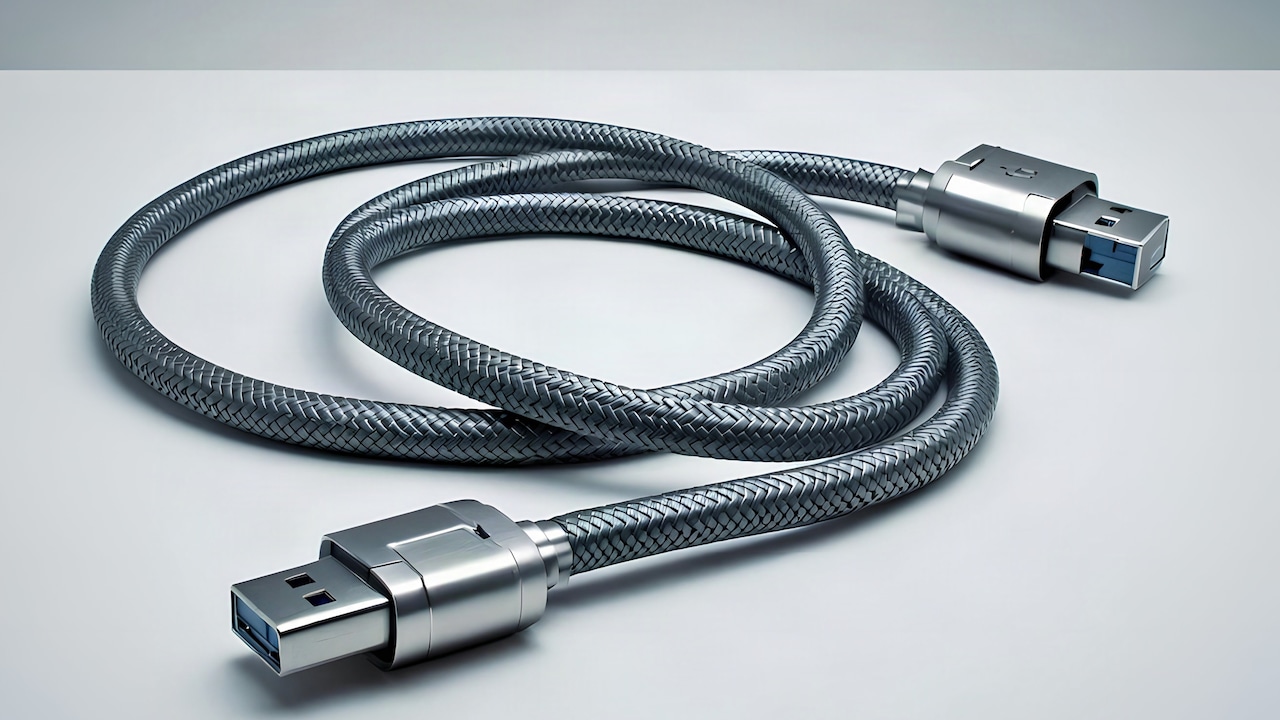
Cables play an equally important role. Thin or poorly insulated cables struggle to carry high currents. Resistance inside the wire increases, and resistance naturally produces heat.
A common example appears at roadside electronics stalls where chargers sell for around ₹150. While tempting, such accessories may compromise both safety and battery life.
Choosing certified chargers from trusted brands or official service centres ensures stable charging conditions. Spending a little more on reliable accessories prevents overheating problems and protects a device worth far more.
Thick Phone Cases Trap Heat
Phone cases protect devices from scratches and drops. However, certain cases also trap heat during charging.
Rubber, silicone, and thick plastic covers insulate the phone. Insulation keeps heat inside the device rather than allowing it to escape into the surrounding air. As the battery warms during charging, the trapped heat accumulates.
The effect becomes obvious when removing a case after charging. The phone often feels noticeably warmer than expected. Without the case, heat would have dispersed more easily.
Heavy gaming cases and rugged covers designed for impact protection tend to worsen the problem. Their thick layers act almost like winter jackets for the phone.
Removing the case during charging allows natural heat dissipation. Even a few millimetres of exposed surface can significantly improve airflow around the device.
Slim cases made from breathable materials also help reduce heat retention. While protection remains important, allowing the phone to release heat effectively keeps both the battery and internal components healthier over time.
Background Apps Continue Working
Even when a phone appears idle, numerous apps quietly operate in the background. Messaging services sync conversations, navigation apps update location data, and cloud services upload files. During charging, these background processes contribute to heat generation.
Many smartphones host dozens of installed applications. Some constantly refresh information from the internet. Each refresh activates the processor briefly. While each action seems minor, the combined activity adds strain during charging.
Consider a phone connected to multiple messaging apps, email accounts, and social media platforms. Notifications arrive frequently. Each one wakes the processor and screen for a moment.
When charging begins, the battery tries to store energy while the system continues to perform these background tasks. The result resembles a kitchen where cooking continues while someone attempts to clean the stove simultaneously.
Closing unused apps or enabling battery optimisation features reduces unnecessary activity. Many devices also include power-saving modes that limit background refresh.
Allowing the phone a quiet charging session without dozens of active apps lowers internal workload and helps maintain a cooler temperature.
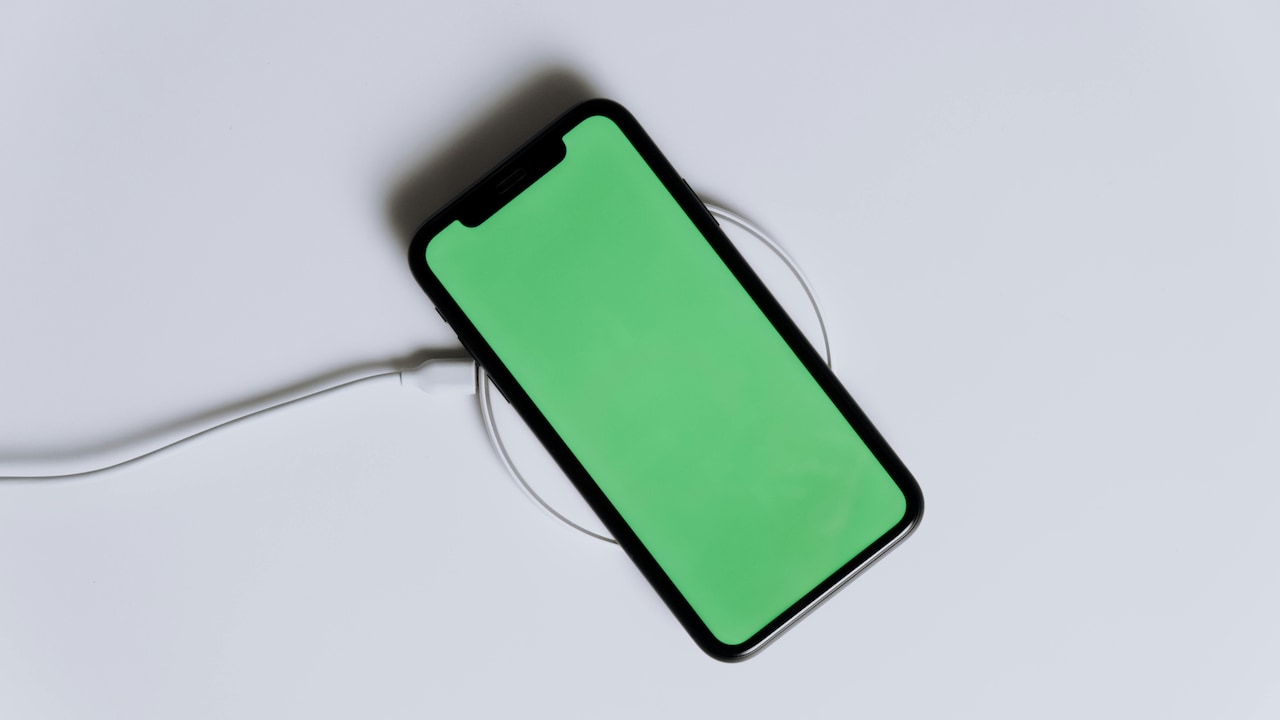
Always close background apps to prevent your smartphone from heating during charging; Photo Credit: Pexels
Environmental Heat And Charging Conditions
Smartphones react strongly to surrounding temperatures. Charging in hot environments often leads to overheating.
Picture a phone charging on a car dashboard during a sunny afternoon. Even without active usage, sunlight warms the device. Once charging begins, the battery generates additional heat. The combined effect pushes temperatures beyond comfortable levels.
Charging under pillows or blankets creates a similar issue. The fabric traps heat and restricts airflow. Overnight charging beneath bedding, therefore, becomes a common reason for unexpected warmth.
Rooms without proper ventilation also contribute to the problem. In densely packed apartments during summer evenings, ambient temperatures may already remain high.
Placing the phone on a hard surface such as a table or desk allows better heat dispersion. Air flows freely around the device, helping heat escape.
Charging near windows, fans, or cooler areas within the room improves temperature control. Small adjustments in charging location often make a noticeable difference in keeping the phone comfortable and safe.
Ageing Batteries Produce More Heat
As smartphones grow older, batteries gradually lose efficiency. Ageing batteries often produce more heat during charging.
Lithium-ion batteries degrade over time due to chemical changes inside the cells. After hundreds of charging cycles, the battery struggles to store energy smoothly. Internal resistance increases, and higher resistance generates heat.
Older phones often display familiar signs. The battery drains faster, charging takes longer, and the device feels warmer than before.
Many users continue charging ageing devices overnight, sometimes using fast chargers designed for newer models. The mismatch between ageing battery chemistry and powerful charging speeds can intensify heat levels.
Replacing an old battery restores efficiency and reduces overheating. Service centres typically perform battery replacements at reasonable prices compared to buying a new phone.
Keeping track of battery health also helps. Many smartphones display battery condition in settings. If the health percentage drops significantly, a replacement battery can return the device to comfortable operating temperatures.
Software Updates And System Processes
Software plays an important role in controlling heat. After installing system updates, smartphones sometimes run background processes that temporarily increase temperature during charging.
These processes include app optimisation, file indexing, and security checks. While necessary, they require additional processing power. Charging at the same time adds to the workload.
Users often notice warmth after updating the operating system overnight. The device may appear idle, yet internal processes remain active.
Once optimisation finishes, temperatures usually return to normal. However, outdated or poorly optimised apps can continue draining resources.
Keeping apps updated ensures compatibility with the latest system software. Developers frequently release updates that improve efficiency and reduce processor load.
Restarting the phone occasionally also helps clear temporary processes. A fresh system start allows the device to operate more smoothly and maintain cooler temperatures during charging sessions.
Wireless Charging Generates Additional Heat
Wireless charging has grown popular due to its convenience. Simply placing a phone on a charging pad feels effortless. Yet wireless charging often produces more heat than traditional wired charging.
The technology relies on electromagnetic induction. Energy transfers through coils inside the charging pad and the phone. During this process, some energy converts into heat rather than electricity.
Alignment also matters. If the phone sits slightly off centre on the charging pad, energy transfer becomes less efficient. The charger compensates by working harder, generating additional warmth.
Wireless chargers placed on soft surfaces such as beds or couches worsen the situation. Soft materials trap heat and restrict airflow around the charging pad.
Using wireless charging on a flat, hard surface improves cooling. Ensuring the phone sits correctly on the charging coil also reduces energy loss.
Although wireless charging offers convenience, alternating between wired and wireless methods helps manage heat and maintain better battery health.
Simple Habits That Keep Phones Cool
Preventing overheating often requires only small changes in daily habits. Charging routines, accessory choices, and device settings all influence temperature levels.
Placing the phone on a table instead of a bed during charging immediately improves airflow. Removing the case for longer charging sessions allows trapped heat to escape.
Charging the device before the battery falls to extremely low levels also helps. Lithium batteries prefer moderate charge cycles rather than deep discharges.
Activating battery optimisation settings allows the phone to manage charging speed intelligently. Many devices charge slowly overnight and finish filling the battery shortly before morning alarms ring.
Keeping software updated ensures the system runs efficiently without unnecessary strain. Regularly clearing unused apps also reduces background activity.
A cool charging environment makes a surprising difference as well. A spot near a fan or away from direct sunlight helps the phone stay comfortable.
These habits require little effort yet contribute significantly to maintaining healthy battery temperatures and extending the device's lifespan.
Products Related To This Article
1. REDMI 15 5G Frosted White 6GB + 128GB
2. iQOO Z10x 5G (Ultramarine, 8GB RAM, 256GB Storage)
3. Samsung Galaxy A55 5G (Awesome Iceblue, 12GB RAM, 256GB Storage)
4. OnePlus Nord 5 | Snapdragon 8s Gen 3
5. iPhone 16e 128 GB: Built for Apple Intelligence
Smartphones serve as daily companions for communication, work, entertainment, and payments. With such constant use, charging becomes a routine activity that rarely receives much thought. Yet the way a device charges plays a crucial role in its long-term health.
Overheating during charging usually arises from everyday habits. Fast charging, heavy app usage, poor accessories, and warm environments all add stress to the battery. While modern devices include safety systems, repeated exposure to high temperatures gradually affects performance.
Fortunately, preventing overheating does not require technical expertise. Simple adjustments such as using reliable chargers, avoiding heavy usage during charging, and allowing proper airflow can make a significant difference.
Treating a smartphone with the same care given to other valuable electronics ensures dependable performance for years. A cooler phone charges more efficiently, lasts longer throughout the day, and avoids unnecessary battery damage.
A calm charging routine may not sound exciting, yet it quietly protects one of the most essential devices in modern life. When a phone stays cool, it stays reliable, and that makes everyday digital life far smoother.
(Disclaimer: This article may include references to or features of products and services made available through affiliate marketing campaigns. NDTV Convergence Limited (“NDTV”) strives to maintain editorial independence while participating in such campaigns. NDTV does not assume responsibility for the performance or claims of any featured products or services.)