Common Installation Mistakes To Avoid That Void Warranty Or Compromise Security In Your Home Devices
One wrong install can void the warranty and weaken security. Avoid common mistakes with power, placement, passwords and wiring, so your smart locks, cameras and routers stay safe, stable and supported. Just check out these common installation mistakes to avoid that cause untold damage, including voiding the warranty.

Avoid these common installation mistakes that keep your smart home safe and the warranty intact.
Home gadgets have started to feel like family members. They beep for attention, throw tantrums when the Wi-Fi sulks, and act extra dramatic during a power cut. Still, they earn their keep until a dodgy installation turns them into expensive decor. Plenty of problems start with 'quick jugaad' thinking: a loose connection here, a shared password there, and suddenly the smart lock behaves like a sleepy latch. Warranties also come with fine print that people rarely read.
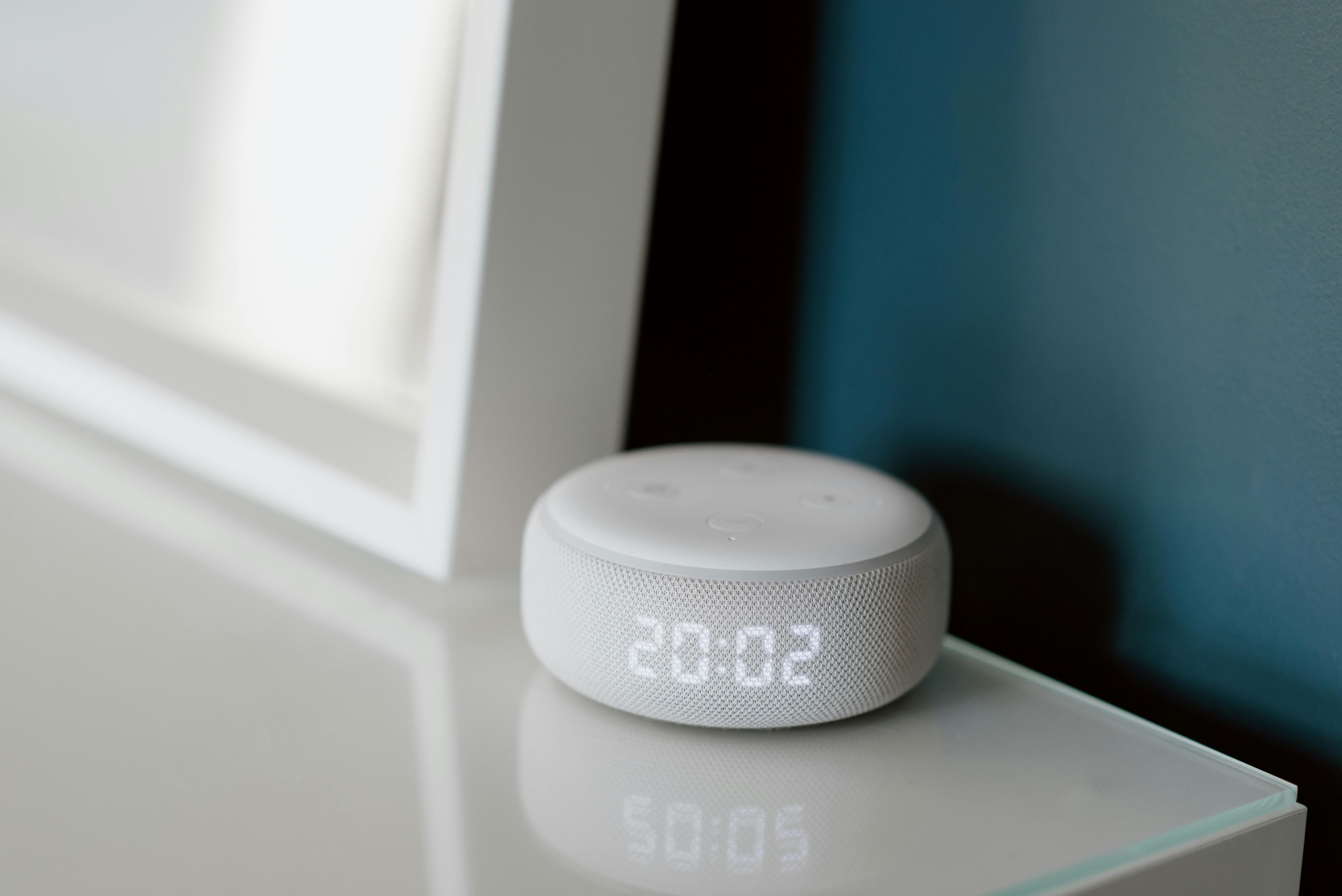
Power cuts happen- are your smart devices really protected?
Photo Credit: Pexels
Also Read: How To Choose Long-Lasting Carpets For Real Homes: Stain-Proof And Pet-Safe Guide
So, learn all about the top common installation mistakes to avoid that void warranty or compromise security in your home devices causing more than just monetary damage. This topic stays evergreen because homes keep upgrading. Today it's a video doorbell. Tomorrow it's a mesh Wi-Fi system. Installations need the right fit, too, not just a nice box and a hopeful smile.
10 Installation Mistakes That Can Void Warranty Or Put Your Home at Risk
1. Skipping The Manual And The Warranty Terms
Most people open the box like it's a snack pack, tear, toss, and get straight to the 'fun'. The manual then sits under the TV unit with old bills. That one habit causes half the avoidable failures. Brands often list specific dos and don'ts: approved voltage range, indoor-only limits, installer requirements, and which parts count as 'consumables'. Miss those, and the service centre may label the issue 'user damage'.
A common example: smart doorbells and cameras. Many need a particular adaptor rating. Use a random charger because 'it fits', and heat builds up. The device might work for weeks, then fail during a humid spell. Another example involves smart locks. Some models specify door thickness, alignment, and exact drilling points. A minor misalignment makes the motor strain, drains batteries fast, and triggers premature wear, and then the warranty conversation turns uncomfortable.
A simple fix: scan the quick-start guide and the warranty page before installing. Take photos of the serial number and purchase invoice. Save them in a folder. Future-you will feel grateful.
2. Using Cheap, Mismatched Power Adaptors And Cables

Before drilling holes, check if your camera sees what you need.
Photo Credit: Pexels
Power looks boring until it ruins everything. Many home devices ship with an adaptor for a reason. Swapping it for a ₹199 bargain charger often invites voltage fluctuations, poor current delivery, and overheating. Even a fancy device can behave oddly on a weak adaptor, random reboots, camera flicker, router drops, or speakers that crackle like frying papad.
Cables matter too. Thin, low-grade cables heat up, especially for devices that draw steady power, such as CCTV systems, NVRs, mesh nodes, and smart displays. Some people extend power using long wires and tape joints. It looks neat for a week. Then monsoon moisture creeps i,n and corrosion starts its slow magic.
Warranty teams notice this quickly. Burn marks, melted insulation, and third-party adaptors make an easy excuse to reject claims. Security suffers too, because unstable power triggers resets that switch devices back to default settings.
Choose the brand adaptor when possible. If an extension becomes necessary, buy a reputable surge-protected power strip and good-quality cables. For outdoor devices, use weather-rated cabling and proper conduits instead of a 'temporary' run that becomes permanent.
3. Ignoring Earthing And Surge Protection
Power cuts and voltage swings turn up often. TVs and fridges get attention, but smart devices need protection too. Without proper earthing, a surge can silently damage the tiny components inside routers, smart locks, hubs and camera systems. Sometimes the device doesn't die immediately. It limps along with a weaker range or odd glitches, which feels even more frustrating.
Surge events also create security gaps. A router reboot can drop the network, leaving cameras offline. A smart lock might fail to sync logs. A door sensor might stop sending alerts. Worse, after a hard reset, some devices revert to default credentials if the setup didn't lock them down properly.
Many homes run multiple devices on one extension board. People plug in the router, the camera DVR, the smart speaker, and a phone charger. One spark later, the whole stack behaves like it has forgotten its purpose.
A sensible setup includes: proper earthing, a surge protector, and ideally a small UPS for the router and camera system. That UPS costs money, yes, but it often costs less than replacing a fried network setup. Think of it as insurance against 'why now?' moments.
4. Mounting Devices In The Wrong Spot
Placement decides performance. A camera mounted too high might miss faces. A doorbell angled badly catches only shoulders and parcels. A motion sensor pointed at the curtains will alert you every time the fan runs. Then people blame the device, not the spot.
Wrong placement can also compromise security. Put a Wi-Fi camera within easy reach, and an intruder can simply twist it away or cut the cable. Install a smart lock where rainwater hits directly, and the keypad starts acting moody. Fit a router behind a metal cabinet, and the signal struggles to reach bedrooms. Then, people install range extenders and create new weak points.
Warranties sometimes exclude damage from weather exposure, improper mounting, or drilling where the brand warns against it. That includes drilling into damp walls, placing indoor units outdoors, or using poor-quality screws that rust quickly.
Before drilling, test the position. Hold the device in place and check the view in the app. Watch for glare from sunlight and headlights. Keep outdoor units under a shade when possible. For routers, aim for a central, open location at a reasonable height. Your devices will feel less cranky.
5. Messy Wiring And 'Temporary' Fixes That Become Permanent
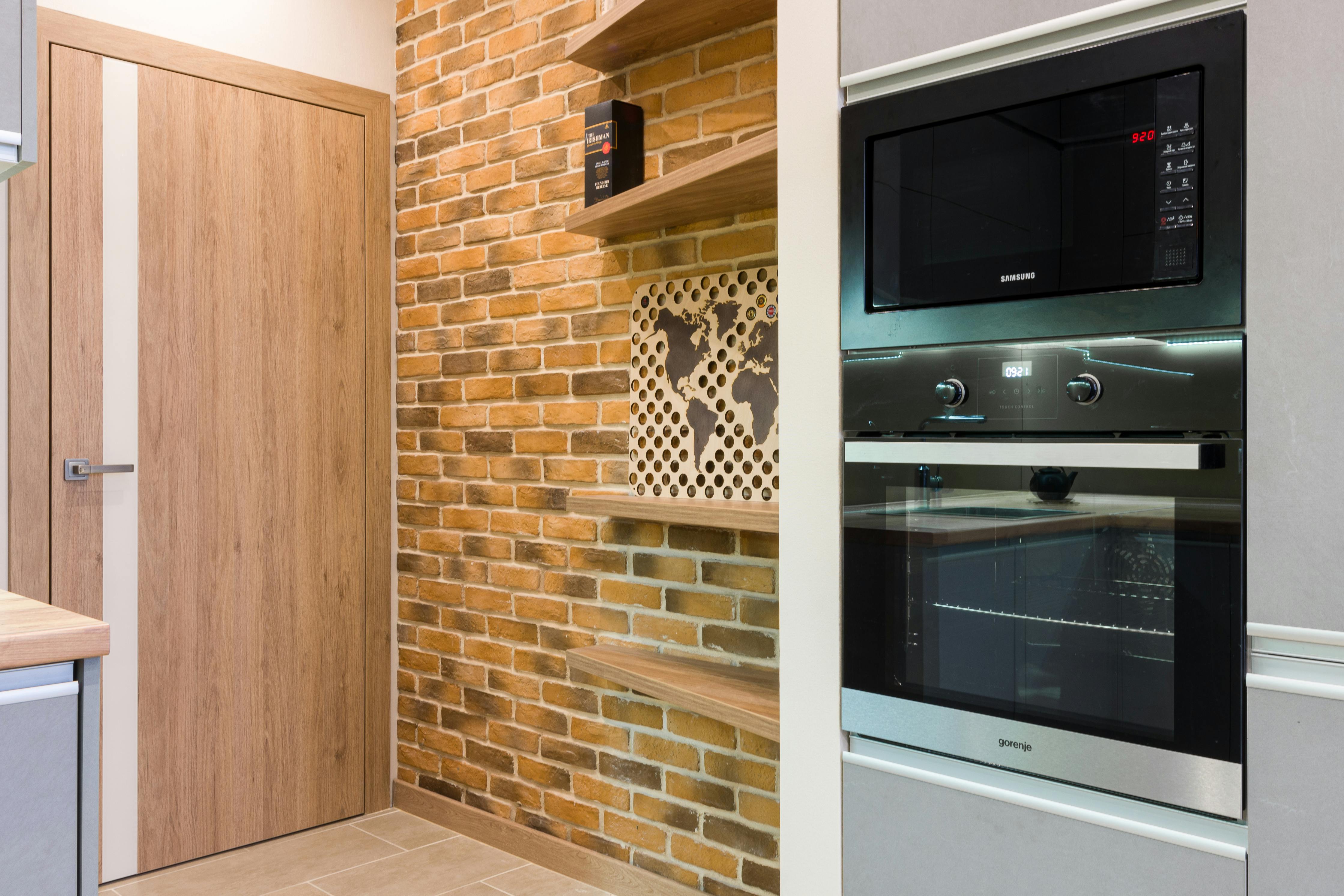
That cheap adaptor might save ₹200 today but ruin your gadget tomorrow.
Photo Credit: Pexels
Loose connections cause fires, failures and endless troubleshooting. People often twist wires together, wrap tape, and declare victory. That might work for a festival week when guests arrive, and the home needs extra lighting. It shouldn't support devices that run 24/7.
CCTV systems often suffer here. Installers sometimes run thin power lines, mix connectors, or leave joints exposed near balconies. Over time, moisture and heat weaken the connection. Cameras start showing static, drop offline, or reboot randomly. Then the DVR gets blamed.
Smart locks and video doorbells also face wiring mistakes. A loose doorbell wire can short out and damage the transformer. A poorly crimped connector can cause intermittent power and false 'tamper' alerts. Service centres see tape jobs and refuse warranty support, because they can't trust the rest of the installation.
Use proper connectors, junction boxes, and cable management. Keep cables away from sharp edges and moving hinges. Label the wires if you have multiple devices. It looks organised, and it saves hours later. 'Temporary' fixes usually become permanent stress.
6. Leaving Default Passwords And Weak Admin Access
This one hurts because it feels small. Default credentials turn smart devices into easy targets. Many cameras and routers come with a printed password. Some still ship with classic defaults. People keep them because 'who will bother?' That's like leaving your front gate latch open because the street looks quiet.
Security issues here don't just mean hacking drama. Real-life problems include prank alerts, camera feeds accessed remotely, or a router that gets hijacked and slows down everything. Once a router gets compromised, every connected device sits at risk, smart TV, speaker, bulbs, locks, laptops, all of it.
Warranty may not cover a device that got bricked due to malware or unauthorised access attempts. Brands might treat that as misuse or negligence.
Fix it during setup: change admin usernames where possible, use strong, unique passwords, and enable two-factor authentication for apps. Avoid reusing your email password. Store credentials in a password manager. Also, disable remote access unless you truly need it. Convenience feels great, but security needs boundaries.
7. Installing Unofficial Apps, Firmware, Or 'Modded' Features
Some people love shortcuts. A friend shares a 'better' app version. A random website offers a firmware update that unlocks extra features. That temptation can void the warranty instantly. It can also open doors for spyware and backdoors.
Even when the intent stays harmless, unofficial firmware can break device stability. A smart lock might lose battery calibration. A router might mismanage encryption. A camera might stop receiving security patches. Then the home runs on outdated software, which attackers love.
Official updates arrive for a reason. Brands patch vulnerabilities, improve stability, and fix bugs discovered in the wild. Skipping updates or taking unofficial routes can leave the device frozen in time.
Stick to official apps from trusted stores. Update firmware using the device settings, not a file shared in a chat group. If the device feels slow after an update, troubleshoot properly: reset, reconfigure, or contact support. The 'hacky' approach may feel clever, but it often ends in regret and a service centre bill that stings more than ₹2,000.
8. Mixing Smart Devices On One Flat Network
Modern homes often run a circus of gadgets: cameras, bulbs, speakers, TVs, laptops, phones, and maybe a smart lock. Many people connect everything to the same Wi-Fi network with one password. It feels simple. It also creates a big risk.
If one low-cost device has weak security, an attacker could use it as a stepping stone to other devices. Cameras and routers also store sensitive data. A compromised network can expose video feeds, home routines, and personal information.
A lot of routers now offer a guest network or device isolation features. Use them. Put smart bulbs and basic gadgets on a separate network. Keep work laptops and personal phones on the main network. This approach also improves performance, because gadgets stop fighting for bandwidth like relatives fighting over the last gulab jamun.
Some warranties don't explicitly mention network setup, but they often deny support if they suspect misuse or tampering due to an insecure configuration. Segmentation won't just boost security; it also reduces troubleshooting headaches. When something acts up, you'll know where to look.
9. Hiring Untrained Installers Or Skipping Authorised Service For Complex Devices
A skilled technician can make the installation smooth. The wrong one can turn it into a mini renovation. Many devices look 'DIY-friendly', but certain setups need trained hands, especially smart locks, wired doorbells, CCTV systems, and inverters powering network equipment.
Untrained installers might drill into the wrong area, damage internal parts, or use incorrect screws. They might also share your Wi-Fi password openly, or configure the device with their own email 'for testing' and forget to remove it. That creates a privacy risk that feels awkward to confront later.
Warranties often require installation by authorised or certified technicians for specific products. Even if the brand doesn't demand it, authorised setup usually creates a clean service record. It helps during claims and future servicing.
Ask for a proper invoice for installation, not just a WhatsApp message. Verify the installer's details if the brand provides a list. Paying ₹500 less upfront can cost ₹5,000 later, plus the stress of living with a device you can't fully trust.
10. Skipping Post-Install Checks And Ongoing Maintenance
People treat installation like a finish line. In reality, it's the starting point. Devices need quick health checks: camera angle validation, night-vision testing, motion zones, lock calibration, backup codes, and notification settings. Without this, you might discover problems only when something goes wrong.
A simple example: a camera might record perfectly in daylight but struggle at night due to reflection from a nearby light. A doorbell might miss alerts because the phone blocks notifications. A smart lock might work fine for adults but fail for kids because the handle sits too high or the latch sticks.
Maintenance matters too. Dust builds up on sensors. Batteries degrade. Firmware updates arrive. Network passwords change. A forgotten old admin account might remain active. All of this affects security and warranty claims, because brands can point to poor upkeep.
Set a monthly reminder: check recordings, change batteries, test alerts, and review connected users. It takes ten minutes and saves hours of panic later. A secure home runs on habits, not just hardware.
Products Related To This Article
1. Godrej Smart Lock I Catus Connect I Digital Lock For Wooden Door
2. Qubo Smart Door Lock Select
3. Native by UC Urban Company Native Lock Pro with Camera Unlock And Doorbell Connect
4. LAVNA Digital Smart Door Lock
5. Atomberg Azhero Smart Door Lock
Home devices promise comfort and safety, but installation decides whether they deliver. So, read the warranty terms, use proper power protection, place devices thoughtfully, lock down credentials, update software officially, and test everything after setup. When the home runs smoothly, you stop thinking about gadgets and start enjoying what they were meant to protect: your time, privacy, and peace of mind. If a device feels 'too smart to fail', that's exactly when it needs the basics done right.
(Disclaimer: This article may include references to or features of products and services made available through affiliate marketing campaigns. NDTV Convergence Limited (“NDTV”) strives to maintain editorial independence while participating in such campaigns. NDTV does not assume responsibility for the performance or claims of any featured products or services.)