Affordable High Resolution Webcams That Deliver Impressive Clarity
Explore a selection of affordable webcams that provide impressive resolution, clear audio performance, and reliable functionality for everyday video needs.
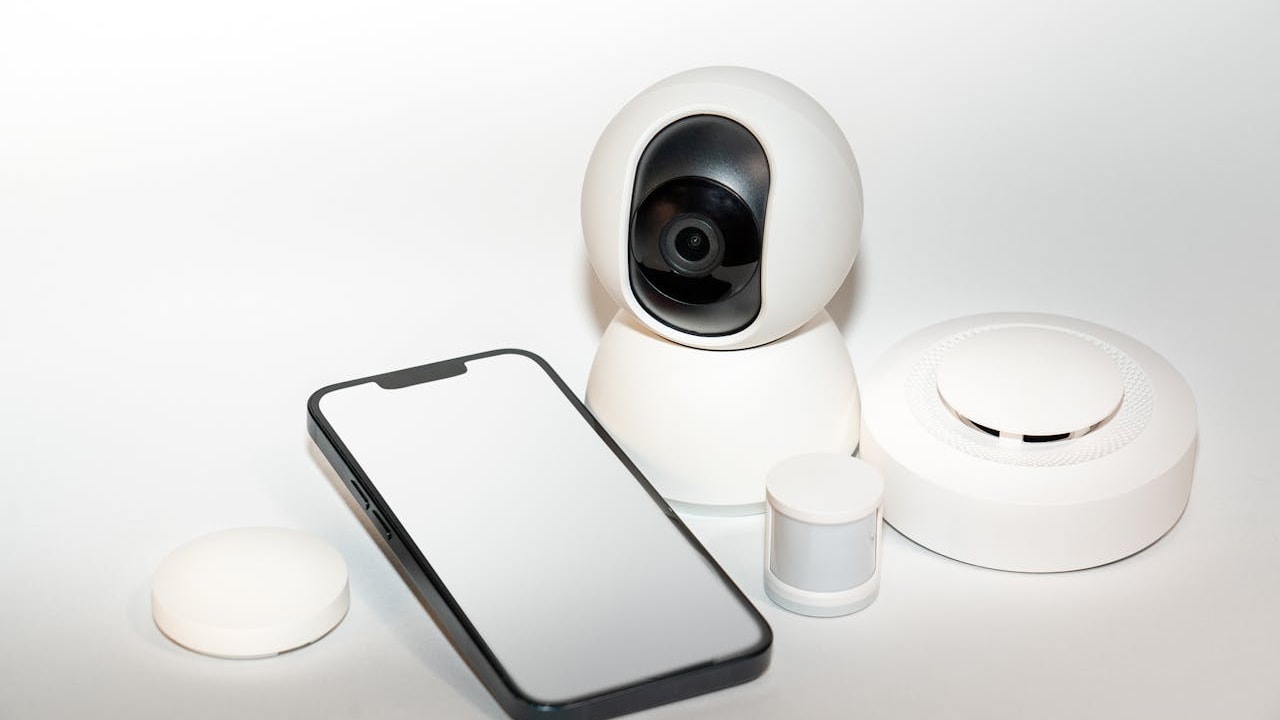
High Resolution Low Cost Webcams
High resolution webcams have become essential for remote work, online classes, virtual meetings, and content creation. As video communication grows, users increasingly seek devices that deliver crisp clarity without exceeding modest budgets. Thankfully, the market now offers an impressive range of compact, plug and play webcams that combine sharp video, dependable microphones, and user friendly installation. Whether upgrading from a laptop camera or setting up a dedicated workstation, choosing an affordable model with the right balance of performance and reliability can significantly enhance everyday video interactions across various platforms and devices.
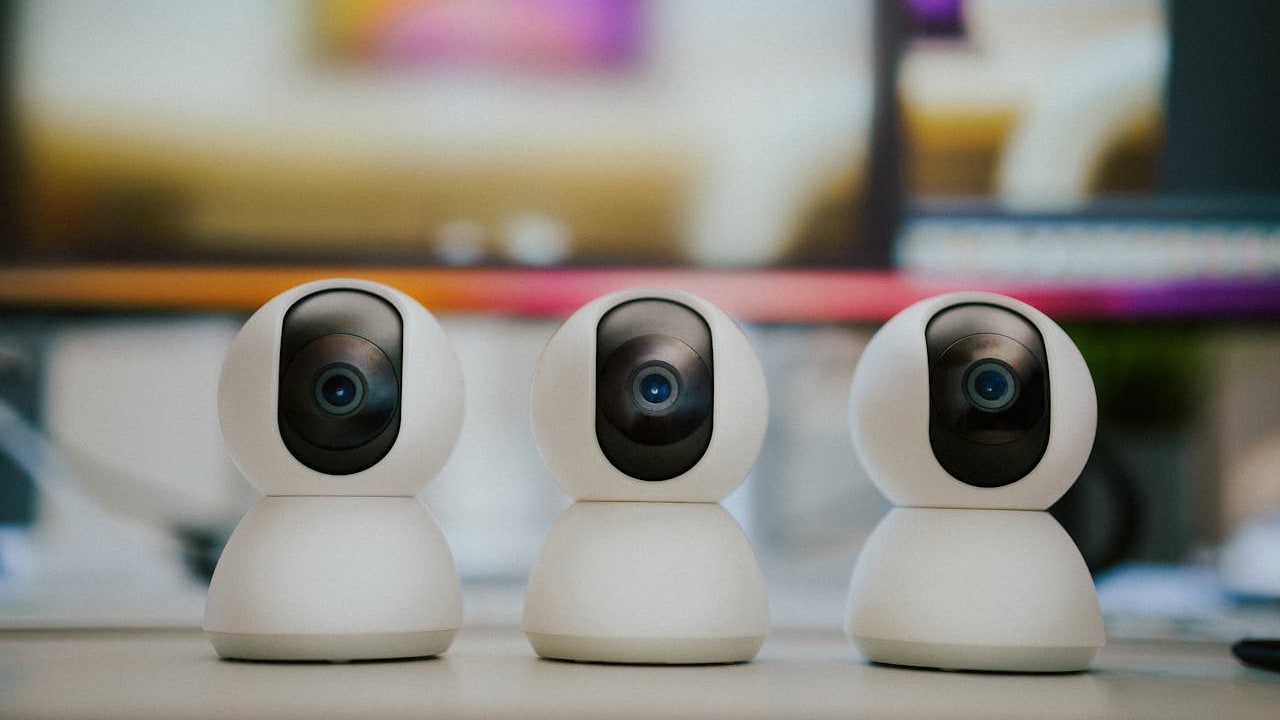
High Resolution Low Cost Webcams
Photo Credit: Pexels
With so many options available, identifying a dependable webcam requires focusing on key factors such as resolution, light correction, field of view, and microphone quality. These elements play a vital role in improving visual clarity and conversational fluidity during online interactions. Affordable models today incorporate features once reserved for premium devices, enabling users to enjoy sharper images and better audio at minimal cost. The following selection showcases budget friendly webcams that provide satisfying performance for work and personal use, helping readers make confident choices based on practical functionality and value.
| Product Name | Special Feature | Battery/Warranty | User Rating | Price |
|---|---|---|---|---|
| HP 320/53X26AA | Auto light correction | 1 year warranty | 4.1 | ₹2,449 |
| ZEBRONICS Zeb-Live PRO 1920 HD | Wide angle lens | 1 year warranty | 4.0 | ₹1,299 |
| Lenovo NET_BO 300 | Full HD clarity | 1 year warranty | 4.1 | ₹2,795 |
| ZEBRONICS Crystal Clear | Noise reduction mic | 1 year warranty | 3.6 | ₹699 |
| Lenovo NET_BO 300 | Low light enhancement | 1 year warranty | 4.1 | ₹2,795 |
| Logitech Brio 300 | Adjustable clip mount | 1 year warranty | 4.1 | ₹6,847 |
| Logitech Brio 2HD | Autofocus lens | 1 year warranty | 4.3 | ₹3,045 |
| Logitech HD Webcam c270 | Compact travel design | 1 year warranty | 4.4 | ₹2,195 |
| Logitech Brio 100 2 HD | HD streaming support | 1 year warranty | 4.3 | ₹3,095 |
These affordable webcams provide reliable clarity, simple installation, and practical features suitable for a wide range of everyday digital communication needs.
Also Read: Wireless Home Security Cameras Under ₹1500 On Flipkart
Choosing High Resolution Budget Webcams That Offer Practical Everyday Performance
1. HP 320/53X26AA With Improved Low Light Correction
This webcam offers reliable clarity even in dim surroundings by adjusting exposure automatically to maintain visibility at all times. Its straightforward setup and compact structure make it suitable for home offices and video learning environments, ensuring users enjoy consistent image quality without technical complications.
Key Features:
- Automatic brightness adjustment
- Full HD video output
- Integrated microphone
- Universal mounting option
- Plug and play setup
2. ZEBRONICS Zeb-Live PRO 1920 HD With Wide Field Coverage
Designed for users who require broader framing, this webcam offers a wider field of view that accommodates multiple people or larger visual backgrounds. It ensures that group calls and collaborative sessions remain visually balanced without the need to reposition equipment frequently during meetings.
Key Features:
- Wide angle lens
- Clear audio capture
- Smooth video transmission
- Flexible mounting design
- Compatible with major platforms
3. Lenovo NET_BO 300 With Crisp Full HD Output
Delivering sharp and vibrant video, this webcam is ideal for presentations, virtual interviews, and content sharing. The high resolution output helps maintain professional appearance while its dependable microphone ensures conversations sound clear during routine communication tasks.
Key Features:
- Full HD recording
- Built in noise filtered microphone
- Quick setup process
- Adjustable tilt function
- Stable colour reproduction
4. ZEBRONICS Crystal Clear With Enhanced Noise Filtering
This model is specifically designed to improve clarity during conversations by reducing background disturbances. Its advanced microphone technology allows users to speak naturally while maintaining professional sound quality, making it well suited for remote work calls.
Key Features:
- Noise reduction microphone
- Smooth video performance
- Easy installation
- Sturdy clip attachment
- Light correction support
5. Lenovo NET_BO 300 With Better Visibility In Dim Rooms
Equipped with advanced light balancing, this webcam ensures users remain clearly visible even under challenging lighting conditions. It automatically adjusts image settings to preserve definition, making it a practical choice for workspaces without dedicated lighting equipment.
Key Features:
- Low light enhancement
- Clear HD output
- Integrated microphone
- Wide compatibility
- Portable build
6. Logitech Brio 300 With Flexible Mounting Options
This webcam features a versatile clip and adjustable design that enables secure mounting on screens, laptops, or tripods. It provides stable video output and user friendly controls, making it convenient for frequent switching between different devices.
Key Features:
- Adjustable mounting clip
- Full HD clarity
- Built in microphone
- Lightweight structure
- Broad software support
7. Logitech Brio 2HD With Auto Focusing Precision
This model offers automatic focusing capability that keeps subjects sharp without manual adjustments. It is ideal for users who move frequently during calls, ensuring videos remain consistently clear without interruptions.
Key Features:
- Autofocus lens
- Vibrant video quality
- Noise reduced microphone
- Easy installation
- Smooth frame rate
8. Logitech HD Webcam c270 With Travel Friendly Design
Compact and lightweight, this webcam is excellent for professionals who travel or frequently switch between multiple work locations. Its portable frame and stable video performance allow consistent communication on the go without the need for bulky accessories.
Key Features:
- Lightweight body
- HD resolution
- Universal USB connection
- Built in mic
- Simple portability
9. Logitech Brio 100 2 HD With Smooth Streaming Capabilities
Built for users who require steadier video during livestreams or long meetings, this model offers reliable frame delivery and enhanced focus control. It maintains clarity during movement, making it suitable for teaching, training, and content recording.
Key Features:
- HD streaming support
- Clear sound capture
- Smooth frame delivery
- Adjustable lens angle
- Quick plug in operation
Affordable high resolution webcams now offer practical features that meet the demands of modern communication, from remote work to virtual learning and personal video calls. With options that include improved light correction, wider viewing angles, and better audio capture, users no longer need to rely on basic built in cameras for important interactions. Each model in this selection provides a balance of clarity, stability, and ease of use while keeping overall costs low. Choosing a webcam that aligns with individual requirements ensures better visual presence and more effective conversations, helping users stay productive and connected across varied digital platforms and environments.
Frequently Asked Questions (FAQs)
Q1. How do I choose the right webcam resolution for everyday use?
For everyday calls, HD resolution is typically sufficient, while Full HD offers sharper visuals for presentations or interviews. Consider lighting conditions and usage frequency before choosing.
Q2. Do budget webcams usually include built in microphones?
Yes, most affordable webcams now come with integrated microphones designed to capture clear audio. Some also include noise reduction features to improve clarity.
Q3. What mounting options should I look for in a low cost webcam?
Look for webcams with adjustable clips that fit monitors, laptops, or tripods. Flexible mounting helps maintain the best angle for video calls.
Q4. Can budget webcams perform well in low light conditions?
Many modern low cost models include automatic light correction or enhancement features. These adjustments help maintain visibility even in dim rooms.
Q5. Are inexpensive webcams compatible with common video calling platforms?
Yes, most budget friendly webcams are plug and play and work smoothly with popular calling services. They rarely require additional software for basic operation.
(Disclaimer: This article may include references to or features of products and services made available through affiliate marketing campaigns. NDTV Convergence Limited (“NDTV”) strives to maintain editorial independence while participating in such campaigns. NDTV does not assume responsibility for the performance or claims of any featured products or services.)