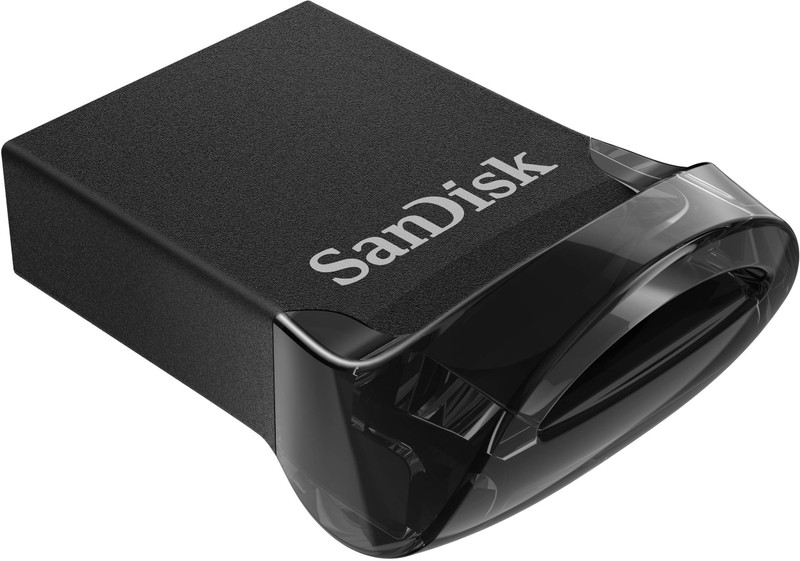
Can Any Memory Card Work In A Dash Cam? 10 Storage Myths That Can Cause Recording Failures
Not every memory card suits a dash cam. The wrong card can cause corrupted files, missed footage and recording errors. Here are 10 common storage myths that could leave your dash cam failing when you need it most.

Can Any Memory Card Work In A Dash Cam? 10 Myths You Should Know
A dash cam usually receives attention for its camera resolution, viewing angle, GPS features and night-time performance. The memory card often gets treated as an afterthought. Buy a card, slot it in, and forget about it. Simple, right? Not quite. Dash cams place unusually heavy demands on storage. Unlike a phone, where a memory card may occasionally save photographs or music, a dash cam can write video continuously for hours. During a daily commute from Noida to Gurugram, a weekend highway trip or an afternoon trapped in Bengaluru traffic, that tiny card keeps recording, deleting and rewriting data without much rest. That relentless workload explains why seemingly harmless storage choices can cause serious recording failures. A card may appear perfectly healthy in a work laptop yet struggle inside a dash cam. Another may work for several months before suddenly producing unreadable footage exactly when it matters. Understanding a few storage basics can prevent those unpleasant surprises. More importantly, it can help drivers avoid spending money on specifications that sound impressive but offer little real benefit. Here are 10 memory-card myths worth leaving behind before the next drive.
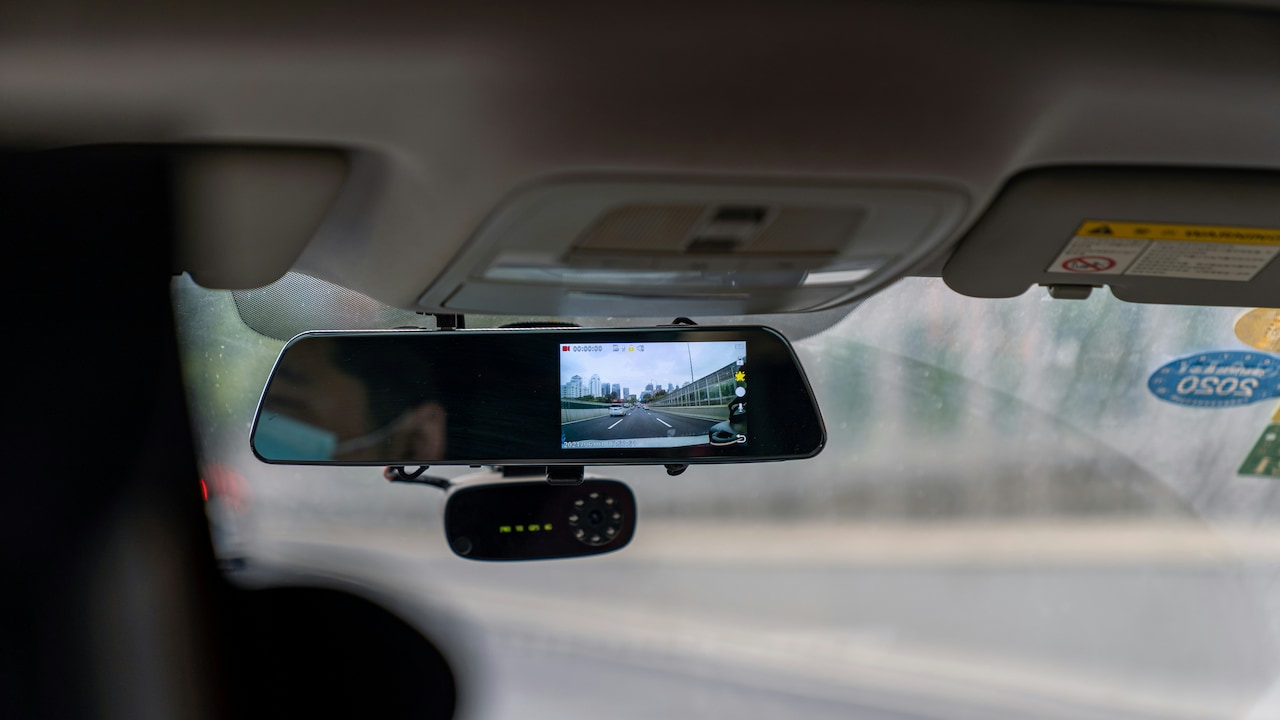
Can Any Memory Card Work In A Dash Cam? 10 Myths You Should Know; Photo Credit: Pexels
Why The Right Memory Card Matters For Reliable Dash Cam Recording
Myth 1: Any MicroSD Card Will Work In A Dash Cam
The familiar microSD shape creates the first trap. Two cards may look identical, fit into the same slot and carry the same capacity label, yet behave very differently inside a dash cam.
Dash cams continuously write video files. Once the storage fills up, older clips usually get overwritten so recording can continue. That repeated write-and-erase cycle creates far more stress than storing holiday photographs or transferring documents between devices.
A standard consumer card designed for occasional phone use may initially work perfectly. Then the driver notices skipped recordings, random restarts or the dreaded card-error warning after a few months.
Dash cams generally benefit from high-endurance memory cards specifically designed for continuous recording. These cards use memory and controllers intended to tolerate repeated rewriting for longer periods.
Think of the difference like footwear. Chappals may be perfectly comfortable for a quick trip downstairs, but nobody chooses them for a marathon.
Before buying a card, check the dash cam manufacturer's compatibility guidance, supported capacity and recommended endurance class rather than choosing whatever happens to be lying in a drawer.
Also Read: Top 5 Memory Cards For Phones Running Out Of Storage
Myth 2: A Faster Card Automatically Means Better Recording
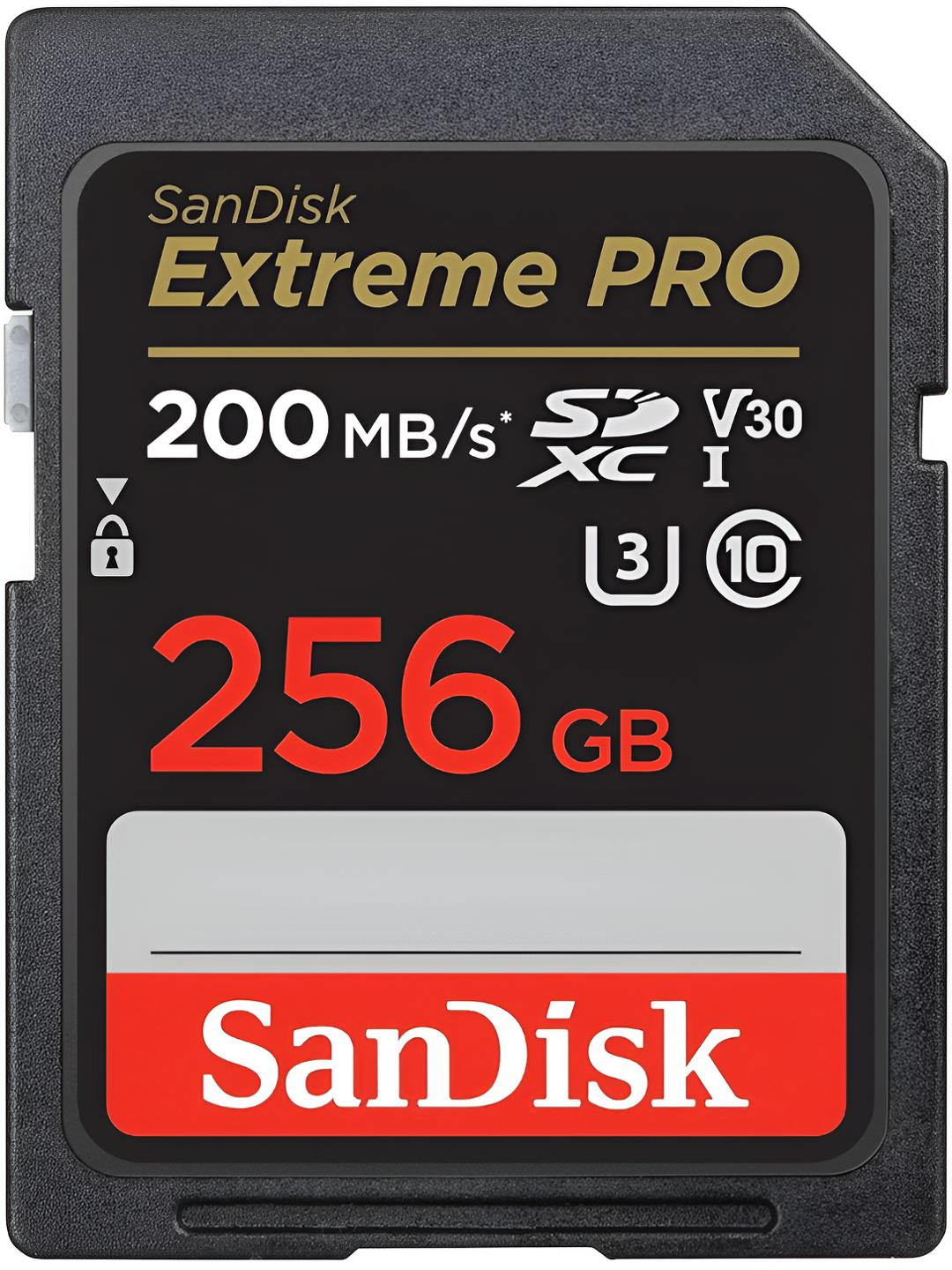
Memory-card packaging loves impressive speed numbers. Seeing “170 MB/s” printed across the front can make a card look vastly superior to one advertising lower figures.
Those headline speeds can be misleading for dash cam buyers.
Many advertised numbers describe maximum read speeds, meaning how quickly data can be copied from the card to another device. Dash cams care much more about sustained write performance because video must continuously reach the card without interruptions.
A premium card built for fast photography may deliver spectacular burst speeds yet provide little practical advantage inside a dash cam recording ordinary 1080p or 4K footage.
Instead, look at recognised video and write-speed classifications. Ratings such as U3 or V30 indicate minimum sustained write performance and can matter more than an enormous number printed beside a lightning-bolt graphic.
There is also no prize for buying dramatically more speed than the camera requires. A ₹2,000 card will not magically improve footage if a ₹900 endurance card already meets the dash cam's recording needs.
Compatibility, endurance and sustained writing matter more than marketing theatre.
Myth 3: Bigger Capacity Is Always Better
A large memory card certainly has advantages. More storage means the dash cam can retain a longer history of footage before older clips get overwritten.
That does not mean the biggest card on the shelf is automatically the smartest purchase.
Every dash cam supports a particular range of card capacities. Some older or budget models may accept 64 GB or 128 GB cards but fail to recognise larger 256 GB or 512 GB options. Others may technically recognise them yet behave unpredictably after prolonged use.
Buying unsupported capacity can lead to formatting errors, incomplete recordings or a card that simply refuses to initialise.
The practical question should therefore be: how much supported storage is useful?
Someone driving for one hour each day may have modest requirements. A taxi driver, delivery professional or regular long-distance traveller could benefit considerably from larger supported storage because more driving history remains available.
Higher-resolution cameras also consume storage faster. Dual-channel systems recording front and rear footage can fill a card considerably quicker than a single-camera setup.
Choose capacity according to recording needs, but stay within the dash cam maker's official limits.
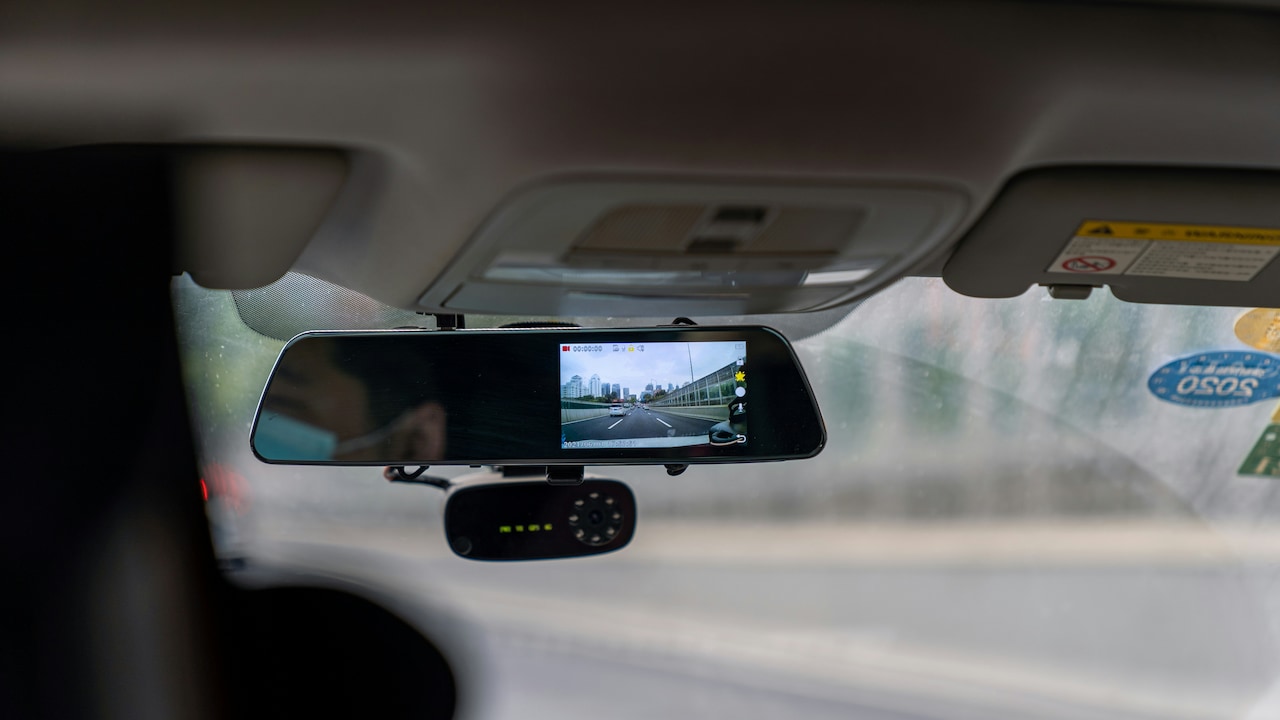
Can Any Memory Card Work In A Dash Cam? 10 Myths You Should Know; Photo Credit: Pexels
Myth 4: Formatting The Card Once Is Enough
Formatting often feels like a one-time ritual performed during installation. The card goes into the dash cam, gets formatted, and life continues.
Unfortunately, continuous recording makes storage messier over time.
A dash cam constantly creates files, locks certain clips, deletes older recordings and writes new footage into available space. Power interruptions can also occur when the ignition switches off unexpectedly or when the camera loses power during writing.
Over months, these repeated operations can contribute to file-system errors or fragmented storage behaviour. Periodic formatting gives the card a clean structure again and can reduce unexplained recording problems.
Many dash cam manufacturers recommend formatting the card at regular intervals. Some models even display reminders.
Formatting should usually happen inside the dash cam rather than through a computer because the camera can create the file system and folder structure it expects.
Of course, formatting deletes stored footage. Any important accident clip, scenic mountain drive or amusing roadside moment should be copied elsewhere first.
Treat formatting like basic vehicle maintenance. Nobody waits for smoke from the bonnet before checking engine oil. Storage deserves similar preventive attention.
Myth 5: If The Dash Cam Shows Recording, Everything Must Be Fine
That blinking red recording symbol feels wonderfully reassuring. Unfortunately, it does not always guarantee that usable video is reaching the memory card.
A failing card may allow the camera to begin recording while producing corrupted clips, incomplete files or gaps between recordings. Some dash cams continue displaying a recording icon until the storage problem becomes severe enough to trigger an obvious warning.
The unpleasant discovery may come later while searching for footage after a parking scrape.
Regularly checking recordings is therefore worthwhile. Open recent clips every few weeks and confirm that video plays smoothly, timestamps look correct and files cover the expected journey without mysterious gaps.
Drivers using front-and-rear systems should check footage from both channels.
Listen for unusual symptoms too. Repeated beeping, unexpected restarts, slow startup times and frequent memory warnings can all indicate storage trouble.
Dash cams work quietly in the background, which makes them easy to forget. Yet their purpose is to preserve evidence when something unexpected happens.
A two-minute recording check during a weekend car clean can provide far more confidence than simply trusting a flashing icon.
Myth 6: Memory Cards Last Forever
MicroSD cards have no moving mechanical parts, so they can appear almost indestructible. Drop one on a desk and nothing dramatic happens. Put it back into the dash cam and it carries on working.
Internally, however, flash memory wears with use.
Every memory cell can tolerate only a limited number of write-and-erase cycles. Dash cams repeatedly cycle through storage, meaning cards experience considerably more wear than those used mainly for photographs or music.
Heat adds another challenge. A parked car under strong summer sunshine can become brutally hot. The memory card sits inside the dash cam near the windscreen, dealing with both continuous writes and elevated temperatures.
Even endurance-rated cards eventually wear out.
There is no universal replacement date because lifespan depends on card quality, capacity, recording resolution, driving hours and environmental conditions. The smarter approach involves watching for warning signs and replacing a heavily used card before failures become frequent.
Keep the old card for non-critical storage if it remains readable, but avoid gambling important footage on exhausted flash memory.
A memory card costs far less than losing the only clear recording of a disputed incident.
Myth 7: Cheap High-Capacity Cards Offer The Best Value
An online listing promising 512 GB for ₹499 can feel like discovering buried treasure. Unfortunately, unbelievable memory-card bargains deserve suspicion.
Counterfeit storage remains a real problem. Some fake cards report a much larger capacity than they physically contain. A computer may display 512 GB, while the card actually holds a fraction of that amount.
Problems begin when the genuine storage fills. New data may overwrite existing files, become corrupted or disappear entirely. Inside a dash cam, the result can be especially confusing because recording appears normal until someone tries to open the footage.
Extremely cheap cards may also use low-grade flash memory unsuitable for continuous writing.
Buying from established sellers and reputable brands reduces the risk. Packaging, serial numbers and warranty support can provide additional reassurance.
Storage-testing software can also verify whether a card genuinely offers its advertised capacity, though dash cam users should still format the card properly afterwards.
Saving ₹500 on storage loses its charm quickly when an important clip refuses to open.
With dash cams, value means reliable recording over time rather than simply getting the largest number of gigabytes for the lowest possible price.
Can Any Memory Card Work In A Dash Cam? 10 Myths You Should Know; Photo Credit: Pexels
Myth 8: The Same Card Can Be Swapped Between Dash Cams Freely
Moving one microSD card between two cameras sounds convenient. Perhaps one dash cam sits in the family hatchback while another travels in the weekend SUV.
The problem is that different dash cams may use different file systems, folder structures, recording formats and allocation settings.
A card formatted by one camera may not behave correctly in another. Even when the second dash cam recognises it, recording reliability can suffer if the expected storage structure differs.
There is another practical issue. Swapping cards increases the chance of removing one while the camera is still writing data. Pulling storage during an active write can corrupt the current file or damage the file system.
The safer approach is to keep a dedicated card for each dash cam. If a card must move between devices, back up anything important and format it inside the new dash cam before relying on it.
Dedicated storage also makes troubleshooting easier. When a camera suddenly develops recording problems, there are fewer variables to investigate.
Memory cards are tiny enough to misplace beside a chai cup. Giving each dash cam its own card saves both technical trouble and unnecessary searching.
Myth 9: Parking Mode Does Not Affect Memory Card Wear
Parking mode sounds gentle compared with normal driving. The car is stationary, so surely the memory card gets a relaxing break.
Not necessarily.
Depending on the dash cam, parking mode may record continuously at a lower frame rate, save time-lapse footage or capture clips whenever motion or impact gets detected. In a busy apartment parking area, motion-triggered recording can activate repeatedly throughout the day.
That means the card may continue receiving substantial write activity long after the driver leaves the vehicle.
Cars parked outdoors also expose dash cams to heat while parking mode operates, creating an especially demanding environment for flash storage.
Anyone using parking surveillance regularly should give endurance greater priority when choosing a card. Capacity matters too because additional recording hours can shorten the amount of footage retained before looping begins.
Parking mode settings deserve attention as well. Overly sensitive motion detection can generate unnecessary clips, increasing storage usage without providing much useful evidence.
Parking surveillance is one of a dash cam's most valuable features, but it quietly turns the memory card into a round-the-clock worker. Choose storage accordingly rather than treating parked hours as downtime.
Myth 10: Once A Card Fails, The Dash Cam Must Be Faulty
A dash cam that suddenly freezes, restarts or refuses to record can immediately look defective. The natural reaction may be to blame the camera, wiring or power supply.
The memory card deserves investigation first.
Storage problems can produce surprisingly dramatic symptoms. A corrupted card may cause slow booting, repeated error messages, random recording stops or restart loops. In some cases, the dash cam appears completely normal again after installing a compatible fresh card.
Troubleshooting should start with important footage being backed up whenever possible. The existing card can then be reformatted and tested. If problems return, trying another known-good endurance card can reveal whether storage caused the issue.
That does not mean every dash cam problem comes from the memory card. Loose power connections, failing adapters, overheating and firmware issues can produce similar behaviour.
Still, the card remains one of the easiest components to test.
Before replacing an otherwise capable ₹10,000 dash cam because it has started acting possessed, a fresh compatible memory card may prove to be a much cheaper diagnosis.
Products Related To This Article
1. Qubo Car Dashcam [New Launch] Pro 2K Front + Rear by Hero Group
2. CP PLUS Dash Cam for Car CP-W310
3. 70mai A510 HDR 3K Dual Channel Dash Cam
4. Hayden X1 4K QHD 1440P Car Dash Camera, Metal Body, Front Dash Cam
5. REDTIGER F17 2026 Edition 4K 3 Channel Dash Cam
6. Onelap Vidsure™ (2026 Sony STARVIS IMX335) - 3K Upscaled to 4K Dashcam for Car
7. DDPAI Dash Cam for Car, 2K Resolution, with 3MP Camera
A memory card may be the smallest component in a dash cam setup, yet it carries one of the biggest responsibilities. The camera can only preserve what the storage successfully records.
The safest choice is not simply the fastest card, the largest card or the cheapest card with an impressive capacity label. Reliable dash cam storage comes from matching the card to the camera's supported specifications, choosing endurance-focused memory, formatting it periodically and checking actual recordings from time to time.
Heat, continuous writing and parking surveillance gradually wear flash memory, so even a dependable card should never be treated as immortal.
Most dash cam owners hope they will never need footage for anything more serious than replaying an unusual traffic moment. When that one important clip is needed, however, discovering that the memory card quietly failed three weeks earlier can be maddening.
A little attention to storage prevents that awkward surprise. After all, a dash cam is supposed to remember the journey even when everyone else remembers events differently.
(Disclaimer: This article may include references to or features of products and services made available through affiliate marketing campaigns. NDTV Convergence Limited (“NDTV”) strives to maintain editorial independence while participating in such campaigns. NDTV does not assume responsibility for the performance or claims of any featured products or services.)