Best Multi-Fan Laptop Cooling Pads For Gaming And Work
A laptop that throttles mid-game or slows down during a long work call usually has one problem: heat with nowhere to go. These five cooling pads pull that heat away with dual fans built for real, sustained use.
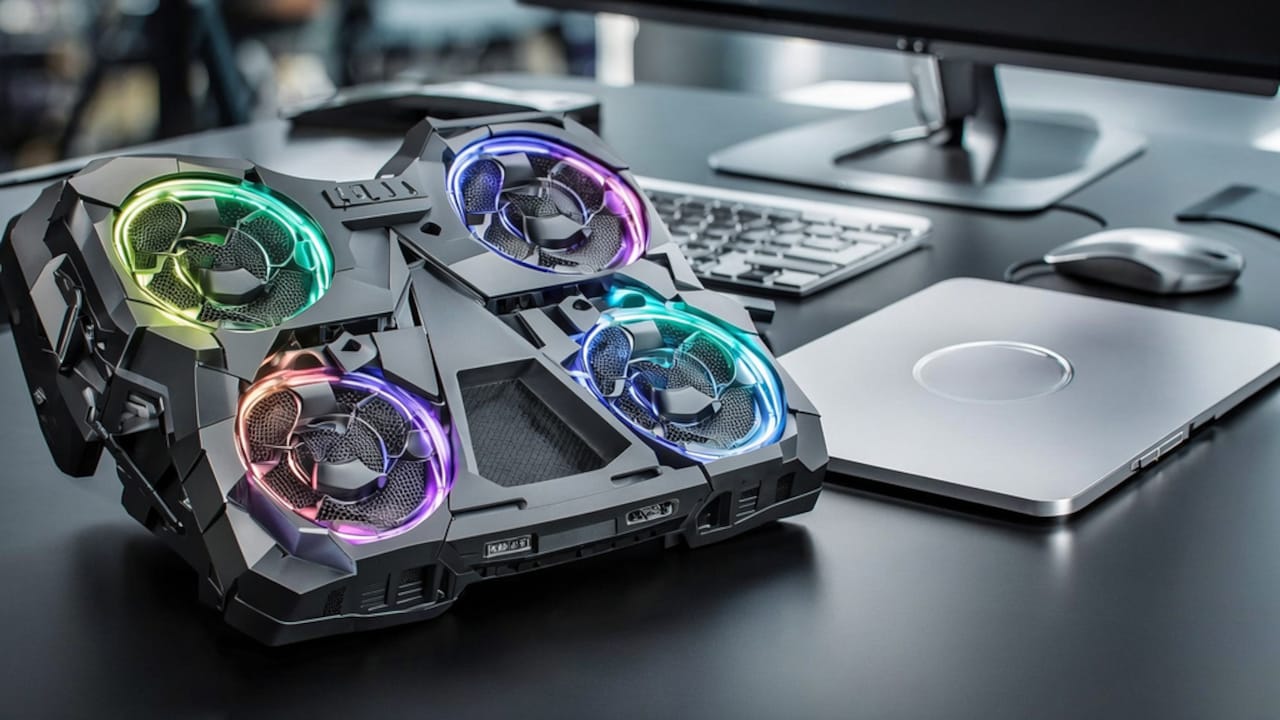
Best Multi-Fan Laptop Cooling Pads For Gaming And Work
Laptops weren't really designed to sit flat on a desk for six hours straight, let alone run a game for three. Heat builds up under the chassis, the fans inside spin harder, and performance quietly drops without warning. A cooling pad with multiple fans fixes the airflow problem instead of just looking like it's helping.
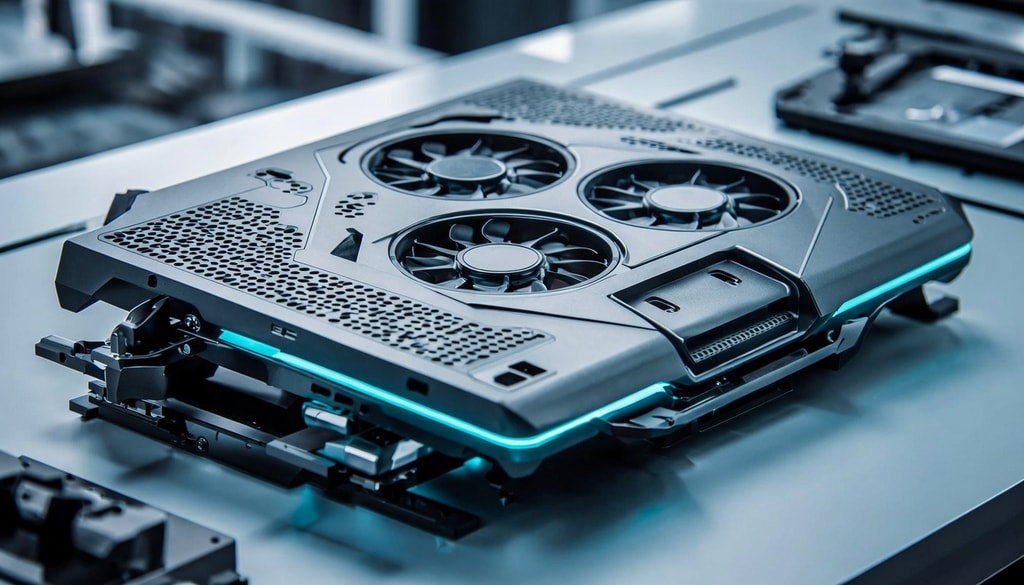
Reliable laptop cooling pad prevents performance throttling by constantly dispersing built-up internal heat using fans.
Photo Credit: iStock
Across this list, you'll find dual 120mm and 125mm fan setups, adjustable height stands, USB-powered builds that need no separate charger, and a couple of picks with phone holders or LCD displays built in. Prices stay under ₹800, and there's a fit here whether the laptop is doing spreadsheets all day or running something heavier in the evening.
Also Read: How To Stop Your Laptop From Overheating
5 Best Multi-Fan Laptop Cooling Pads For Gaming And Work Under ₹800
1. Ant Esports NC230 Gaming Notebook Cooler for 10–17 Inch Laptops
Price: ₹699 | Customer Rating: 4.0/5
Six 70mm fans set this apart from the dual-fan picks on this list, moving air across the full underside rather than two cooling zones. Metal mesh build and 5 height levels keep it stable, and dual USB 2.0 ports mean a mouse or keyboard never competes for a port. Built for 10 to 17-inch laptops, MacBooks, and PS5.
Key Features:
- Six 70mm RGB fans
- 5 height levels, anti-slip baffles
- Dual USB 2.0 ports
Why Buy:
Six fans are the real difference here; most budget pads cap out at two, so heat gets pulled away from a wider area underneath. The anti-slip baffles and 5 height levels add stability, whereas loose mesh pads often skip. Worth it for anyone running a larger laptop that two fans struggle to cool.
2. Lapster Chillpro Ultra Laptop Cooler Pad
Price: ₹639 | Customer Rating: 4.1/5
This one adds a multi-level height adjustment that the cheaper pads in this list skip entirely, letting the laptop sit at a proper angle instead of flat on the desk. The metal mesh build dissipates heat better than plastic, and a built-in mobile holder keeps a phone propped up during calls. Two fans handle the cooling underneath.
Key Features:
- Multi-level height adjustment
- Built-in mobile holder
- Metal mesh dual-fan design
Why Buy:
The height adjustment changes your posture more than people expect, raising the screen to eye level instead of hunching over a flat laptop all day. The mobile holder is a small detail that ends up being used constantly once it's there. Worth the jump from the cheapest option if ergonomics matter as much as cooling.
3. Lapcare Chillmate Powerful Laptop Cooler Pad
Price: ₹679 | Customer Rating: 4.0/5
Two 125mm fans, larger than the 120mm fans on most budget cooling pads, move more air while staying genuinely quiet during long sessions. The 5-step retractable stand gives more angle options than a basic two-position pad, and dual USB ports mean peripherals don't compete with the laptop for a slot. Built for desks where the laptop runs for hours.
Key Features:
- Dual 125mm fans
- 5-step retractable stand
- Silent, noiseless operation
Why Buy:
Bigger fans at low noise is the actual selling point here, since most cheap cooling pads make a tradeoff between airflow and sound. The 5-step stand means finding a genuinely comfortable typing angle instead of settling for whatever the laptop defaults to. A strong pick for anyone who works long hours and notices fan whine.
4. CLAW Air Pro C39 Laptop Cooling Pad with Dual 125mm Fans
Price: ₹589 | Customer Rating: 4,1/5
Dual 125mm fans spinning at 1000 RPM, paired with an anti-slip baffle that keeps the laptop from sliding during typing, which cheaper mesh surfaces don't always manage. Five height levels and a mobile stand round it out, and two USB 2.0 ports keep a mouse or drive connected without using the laptop's own ports. Built more like a workstation accessory.
Key Features:
- Dual 125mm fans at 1000 RPM
- Anti-slip baffle
- 5 height levels, mobile stand
Why Buy:
The anti-slip baffle solves a problem most cooling pads ignore: a laptop sliding forward mid-typing session is more common than people realize. At 1000 RPM, the fans move real air, not just a token breeze. Good value for anyone who wants a sturdier, more complete setup without paying premium prices.
5. Zebronics ZEB-NC3300 USB Powered Laptop Cooling Pad
Price: ₹499 | Customer Rating: 3.9/5
Two fans, blue LED lighting, and a metal mesh surface built to pull heat out from underneath a laptop rather than just propping it up. It runs entirely off USB power, so there's no separate charger to carry or lose. Two extra USB ports on the side mean a mouse or keyboard can plug in without hunting for a port.
Key Features:
- Dual fan cooling system
- Two extra USB ports
- Blue LED lighting
Why Buy:
At this price, the extra USB ports are what tip it over from a basic cooling pad to something genuinely useful on a cramped desk. The dual fans keep a laptop noticeably cooler during longer sessions without needing their own power brick. A solid pick if the goal is simple, reliable cooling without spending much.
Picking a cooling pad comes down to how the laptop gets used day to day, not just how many fans are listed on the box. The Zebronics and CLAW picks suit straightforward daily cooling without much fuss, while the Lapster and Lapcare options add height adjustment and bigger fans for long desk hours. The EvoFox sits at the top for anyone who wants an LCD display and a setup that looks intentional. Check fan size, noise level, and stand adjustability before deciding, since those factors matter more than price alone. Check out laptop cooling pads on Amazon and grab the one that fits your setup. Shop now on Amazon.
(Disclaimer: This article may include references to or features of products and services made available through affiliate marketing campaigns. NDTV Convergence Limited (“NDTV”) strives to maintain editorial independence while participating in such campaigns. NDTV does not assume responsibility for the performance or claims of any featured products or services.)