How To Stop Your Laptop From Overheating During Monsoon WFH Days
Struggling with laptop overheating during monsoon WFH days? Find easy fixes, smart habits, and the best cooling products to keep the device running smoothly.

How To Stop Your Laptop From Overheating During Monsoon WFH Days
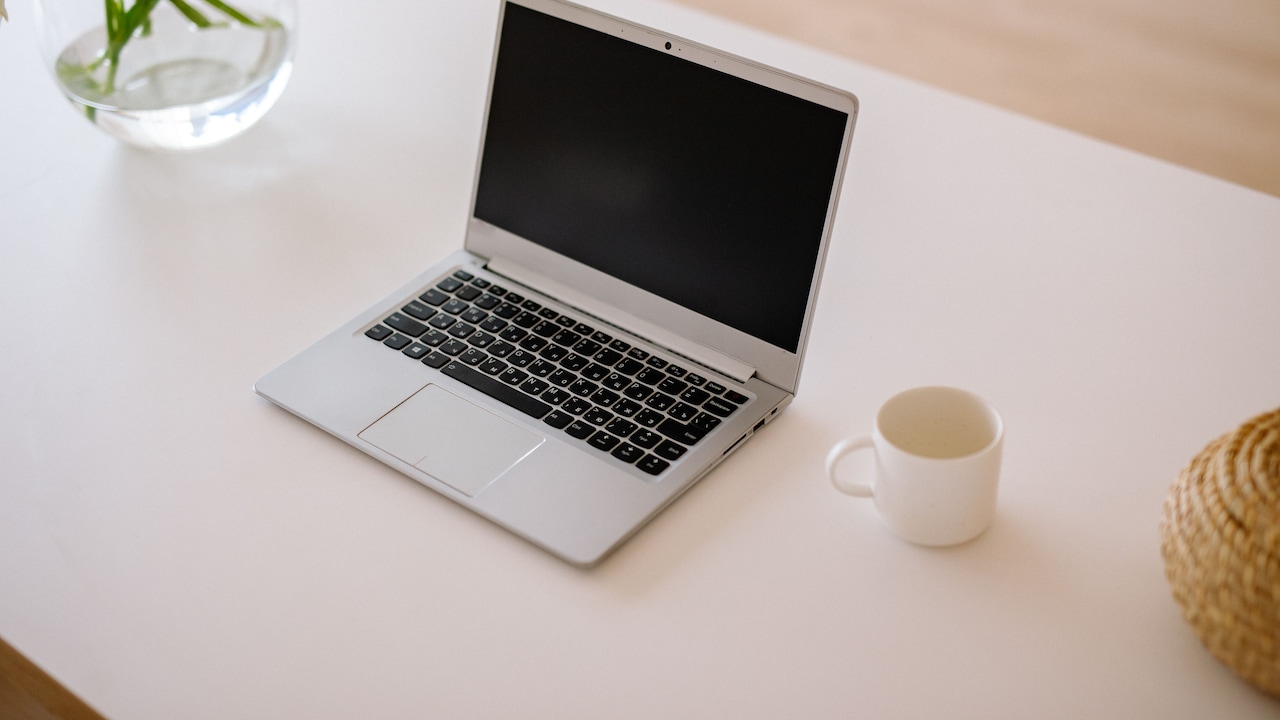
Monsoon season brings welcome relief from the summer heat, but for anyone working from home, it also quietly introduces one of the more frustrating tech problems you'll face: a laptop that keeps overheating. The combination of rising humidity levels, poor indoor ventilation, and long WFH hours all works against your machine at once. What worsens it is that most people don't realise that humidity is just as damaging to internal components as direct heat. If your laptop has been hot, shutting down, or slow during the rainy months, you're not imagining it — and there's a lot you can do about it.

Discover easy fixes and top cooling accessories to prevent your laptop from overheating this monsoon.
Photo Credit: iStock
The positive news is you don't need costly upgrades or technical know-how to get around laptop overheating. Implementing some wise practices and using the right accessories can significantly enhance cooling during the monsoon, ensuring your gadget operates reliably. Here are some viable tips to keep your laptop running smoothly while you work from home during the monsoon.
Why Laptops Overheat More During Monsoon Season
It is helpful to know what is really going on before you reach for the solutions. Humidity increases significantly inside the house during the monsoon, especially in rooms with poor ventilation. When the air is humid, it is harder for the internal fans of your laptop to effectively draw heat away. Moreover, dust build-up further clogs the vents, and we keep the windows closed. With a day's worth of video calls, browser tabs, and background apps, your machine struggles to maintain a manageable temperature.
How To Keep Your Laptop Cool When Working From Home In Monsoon
1. Use A Laptop Cooling Pad
This is the single most effective change you can make. A good cooling pad sits beneath your laptop and uses built-in fans to push cooler air upward through the vents. It keeps the base lifted off your desk surface, which also stops heat from bouncing back into the chassis. Look for one with adjustable fan speeds and a USB-powered setup so it doesn't need a separate socket.
2. Keep Your Workspace Ventilated
It sounds obvious, but the room you work in matters enormously. Keeping a window cracked open — even slightly — allows some air circulation and reduces the damp, stagnant air that traps heat. If you're in a room with no windows, a small desk fan pointed away from your laptop (to pull warm air out rather than push it toward the machine) helps more than most people realise.
3. Clean Your Laptop Vents Regularly
Dust is the silent enemy of thermal performance. During monsoon, with windows mostly shut, indoor dust tends to settle faster and gets sucked into your laptop's vents with every hour of use. A can of compressed air directed through the vents every few weeks clears out the buildup before it becomes a real problem.
4. Manage What's Running In The Background
Your laptop generates heat in direct proportion to how intensely it's working. During a long WFH day, background apps, automatic updates, browser extensions, and unused tabs all contribute to CPU load. Make a habit of closing programmes you aren't actively using, pausing cloud sync during work hours, and checking your task manager for any processes that are unnecessarily eating up resources.
5. Use A Dehumidifier In Your Room
This one is often overlooked, but it's genuinely useful for both your health and your hardware. A portable dehumidifier pulls excess moisture out of the air, which directly reduces the stress on your laptop's cooling system. It also prevents the kind of slow corrosion that humidity causes to connectors and circuit boards over time.
6. Elevate Your Laptop Properly
If you don't want to invest in a cooling pad right away, even propping up the back of your laptop a few centimetres with a book or a simple stand creates a meaningful airflow improvement underneath it. Never work with your laptop flat on a bed, sofa, or carpet — these surfaces block the bottom vents entirely and are one of the most common causes of overheating.
Small Habits That Make A Big Difference
1. Avoid Placing Your Laptop Near Windows During Rain
It might seem harmless, but working near an open window during heavy rain exposes your laptop to fine water droplets and a sharp drop in local temperature. That temperature contrast — warm internal components meeting cool, damp air — creates a condensation risk inside the chassis over time. Keep your workstation at least a metre away from open windows on rainy days, and if you're near a wall that tends to feel damp during the monsoon, move your setup to a drier spot in the room entirely.
2. Keep Your Laptop's Software And Drivers Updated
Outdated system drivers — particularly chipset and fan control drivers — often prevent your laptop from managing heat the way it was designed to. Manufacturers regularly push thermal management updates that improve how the cooling system responds under load. Keeping your operating system and drivers current means your laptop is using the most efficient version of its internal cooling logic, which quietly reduces peak temperatures during heavy WFH sessions without you having to do anything else.

Stop laptop overheating while working from home this monsoon with these simple, effective solutions.
Photo Credit: iStock
Some Laptop Cooling Products You May Like
1. ChillCore Laptop Cooling Pad
2. KLIM Wind Laptop Cooling Pad
3. ICE COOREL RGB Laptop Cooling Pad
4. Targus HD3 Gaming Chill Mat
5. SUMISKY Laptop Stand Cooling Pad 100% Bamboo Adjustable Laptop Desk
6. ICE COOREL Laptop Cooling Pad
7. Thermaltake Massive 14 Steel Mesh Panel
8. ACEDAYS Magnetic Cooler
Keeping your laptop cool during monsoon WFH days isn't difficult if you follow a few smart habits. From ensuring proper ventilation and avoiding soft surfaces to using cooling accessories and maintaining your device regularly, small steps can make a big difference. Moisture and humidity may increase the risk of overheating, but with the right care, your laptop can perform smoothly without interruptions. Stay mindful of your workspace setup and device health to enjoy a hassle-free and productive work-from-home experience even on the rainiest days.
Frequently Asked Questions (FAQs)
1. Can humidity actually damage my laptop?
Yes, high humidity for an extended period can corrode internal components in laptops, cause short circuits, and reduce the life of your battery and circuit board connections.
2. How do I know if my laptop is overheating?
Signs include the fan running all the time at full speed, the base getting very hot to the touch, sudden shutdowns, and slower than normal performance on normal tasks.
3. Does a cooling pad really work?
Yes, a reliable cooling pad will knock your laptop's temps down a few degrees, which does make a palpable difference to sustained performance and longevity.
4. Is it safe to use a dehumidifier near my laptop?
100%. The dehumidifier extracts the moisture from the surrounding air and can be safely used in any room with electronics. Just don't aim it directly at your device.
5. How often should I clean my laptop vents?
During monsoon season, once every two to three weeks with compressed air is a reasonable habit. A deeper internal clean by a technician once or twice a year is also worthwhile.
(Disclaimer: This article may include references to or features of products and services made available through affiliate marketing campaigns. NDTV Convergence Limited (“NDTV”) strives to maintain editorial independence while participating in such campaigns. NDTV does not assume responsibility for the performance or claims of any featured products or services.)