Do Bigger Screens Reduce Productivity? Why Large Monitors Can Slow Your Work
Big monitors promise efficiency, but they often slow work down. From constant multitasking to mental fatigue, larger screens can quietly reduce focus, energy, and output, especially when used without clear boundaries.
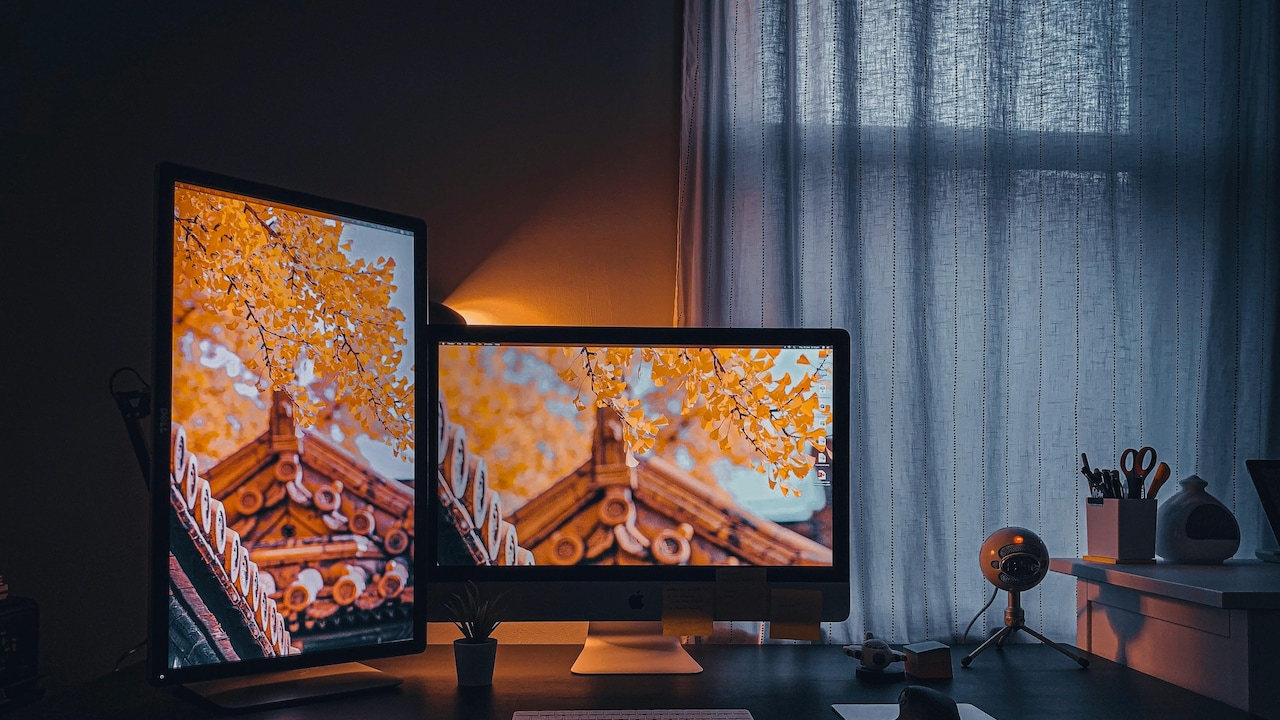
Bigger Screens Reduce Productivity? When Large Monitors Actually Make Your Work Slower.
Walk into any modern office or home workspace, and one thing stands out. Screens keep growing. Curved monitors, ultra-wide displays, and wall-like setups now feel normal. The logic seems simple. More screen means more space. More space means more work done. But reality often tells a different story.
Many professionals notice an unexpected shift after switching to a larger display. Tasks feel heavier. Focus slips. Work stretches late into the evening. Even simple jobs take longer. The screen looks impressive, yet the mind feels crowded. This strange contradiction raises a real question. Do bigger screens reduce productivity instead of improving it?
Productivity does not depend on hardware alone. It depends on attention, energy, and clarity. Large monitors can support these things, but they can also work against them. The difference lies in how the brain processes information and how workspaces shape behaviour. Understanding this balance helps people choose setups that serve work, not slow it down.
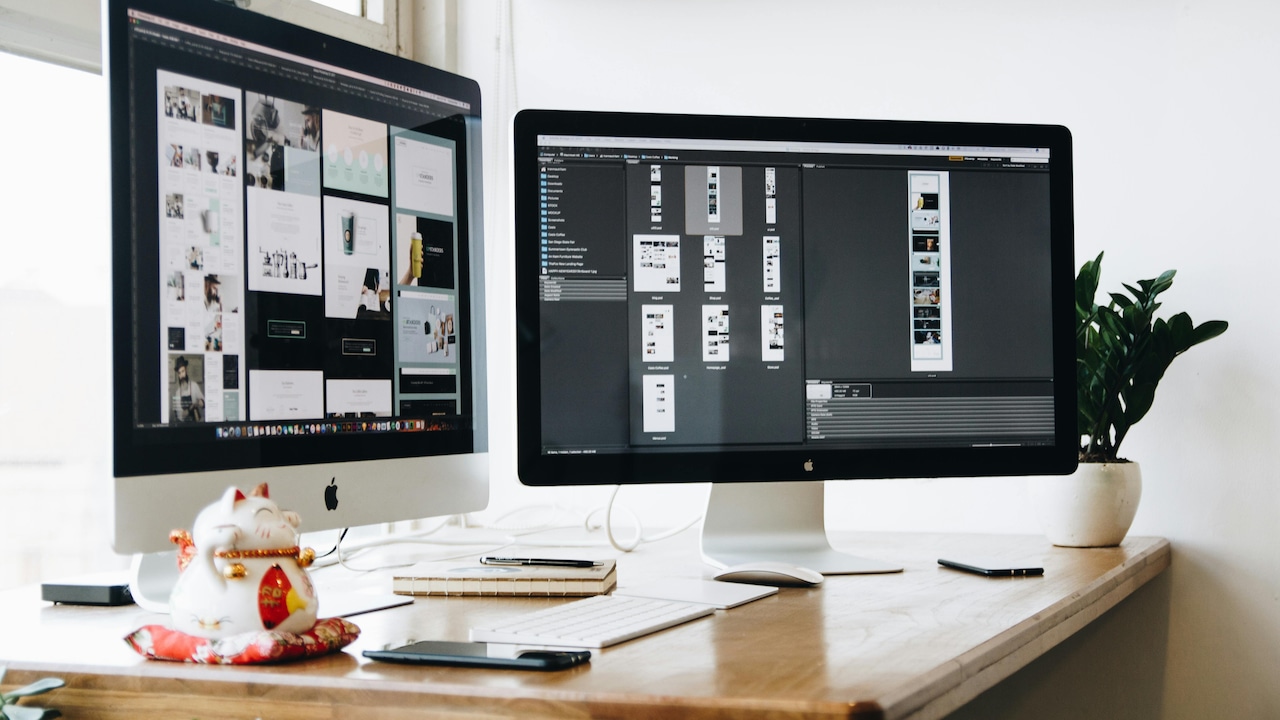
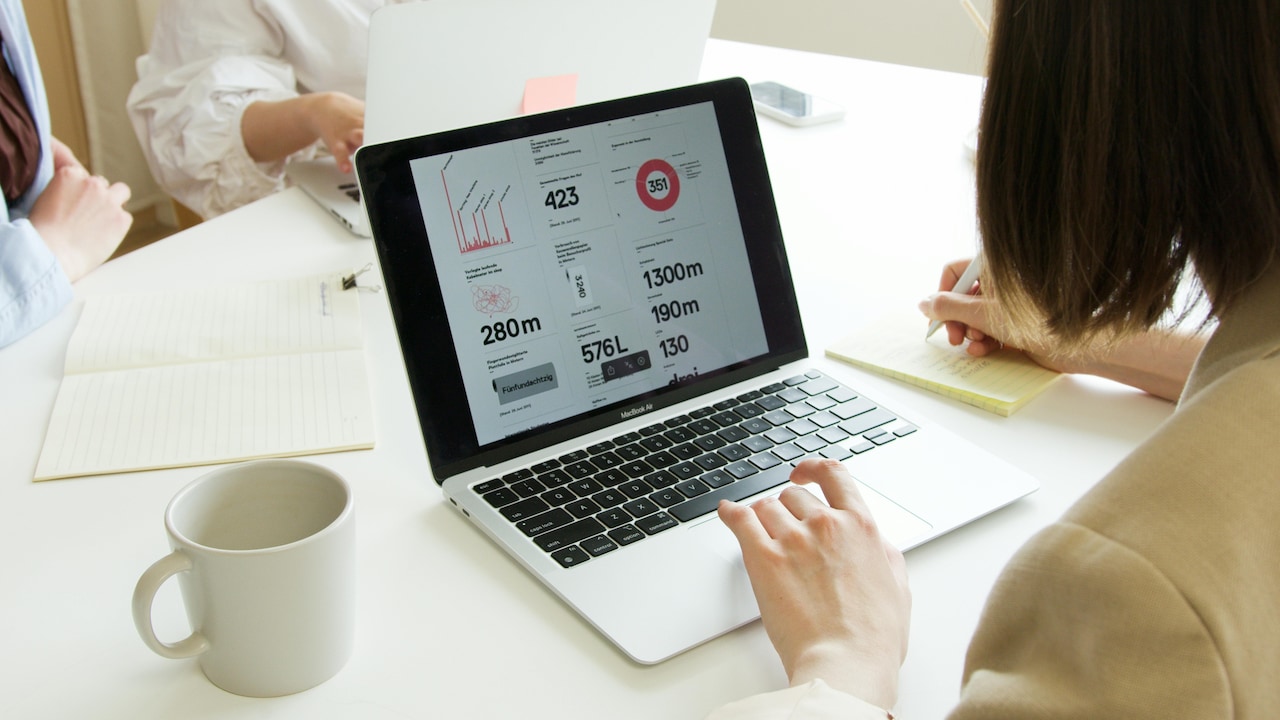
Bigger Screens Reduce Productivity? When Large Monitors Actually Make Your Work Slower; Photo Credit: Pexels
When More Screen Space Starts Working Against You
1. Too Much Visual Space Overwhelms the Brain
Large monitors flood the eyes with information. Multiple windows stay open. Notifications sit in the corner. Tabs stretch across the screen. The brain tries to track everything at once. This constant scanning drains mental energy faster than expected. Human attention works best with limits. A smaller screen forces prioritisation. Only essential tasks stay visible. Large screens remove that boundary. The mind keeps checking unused areas, even without real purpose. This creates subtle fatigue that builds through the day.
In busy roles such as finance, design or tech support, the overload grows quickly. Instead of faster decisions, hesitation creeps in. The brain pauses to process too many visual cues. Over time, focus fragments. Work feels busy but progress slows. Many people blame tiredness or long hours. The screen often plays a bigger role. A calm visual field supports deeper thinking. An oversized display often does the opposite unless managed carefully.
2. Bigger Screens Encourage Multitasking, Not Deep Work
Large monitors invite multitasking. Emails stay open beside spreadsheets. Messaging apps sit next to presentations. News updates peek from one corner. The screen allows it all, so people use it. Multitasking feels productive. It rarely is. Switching between tasks reduces efficiency. Each shift costs attention and time. Studies show that frequent context switching can cut productivity by nearly 40 percent.
Smaller screens limit this behaviour. They push users to focus on one task at a time. Large screens remove that natural friction. Work turns reactive instead of intentional. Over a full day, this habit stretches timelines. A task that should take an hour spills into two. Deadlines feel tighter. Stress rises. The irony becomes clear. More screen space creates less meaningful output.
Deep work thrives on focus. Large monitors often undermine it unless strict boundaries are in place.
Also Read: Top 5 Gaming Monitors Under ₹10,000 That Do Not Compromise On Play
3. Eye Movement Increases Cognitive Load
Large screens require more eye movement. Scanning from one side to the other takes effort. Neck and shoulder muscles also work harder. This physical strain links closely with mental fatigue. On smaller displays, information stays within a tighter visual range. The eyes move less. The brain processes faster. On ultra-wide screens, even reading becomes more demanding.
This effect becomes noticeable during long hours. People feel tired earlier in the day. Concentration drops after lunch. Mistakes increase. The body sends signals long before the mind notices. Ergonomics often focuses on chairs and desks. Screen size matters just as much. Comfort supports productivity. Strain erodes it quietly. A screen that feels luxurious at first can turn exhausting over time if it demands constant physical adjustment.
4. Bigger Screens Blur Work Boundaries
Large monitors often blur the line between work and rest. Workspaces begin to dominate rooms. The screen stays visible even after hours. This affects mental recovery. When the brain associates a large visual setup with pressure and deadlines, relaxation becomes harder. Even a short glance at the screen can trigger work thoughts. This prolongs stress.
Smaller setups help create separation. Closing a laptop or switching off a compact monitor signals closure. Large displays feel permanent. Work lingers mentally even when the system shuts down.
Over weeks, this affects motivation. Burnout creeps in. Productivity drops, not because of laziness, but because the mind never fully resets. Healthy work needs clear boundaries. Oversized screens sometimes erase them without realising it.
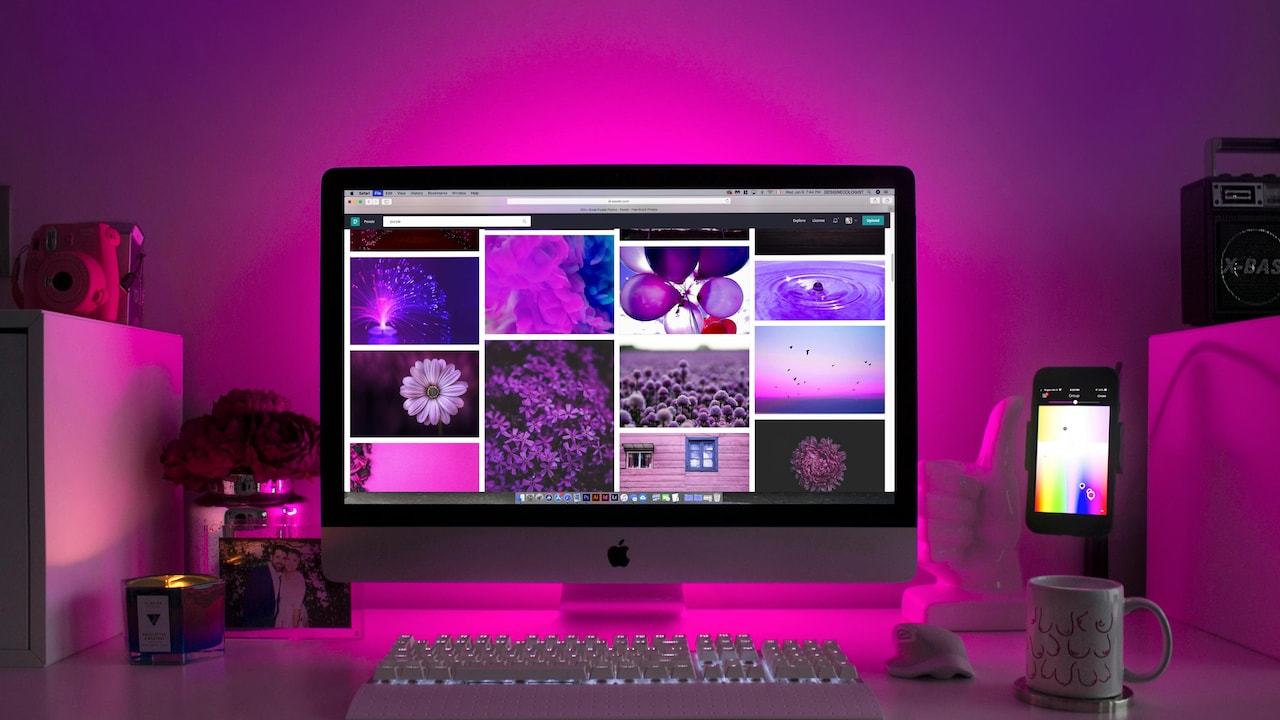
Bigger Screens Reduce Productivity? When Large Monitors Actually Make Your Work Slower; Photo Credit: Pexels
5. Large Screens Can Slow Decision-Making
More information does not always lead to better decisions. Large screens encourage comparison. Charts sit side by side. Options multiply. Analysis stretches longer than needed. This leads to decision fatigue. The brain keeps searching for the perfect choice. Momentum stalls. Simple calls turn complex.
In fast-paced environments, speed matters. Smaller screens limit overanalysis. They encourage action. Large screens invite endless refinement. Many professionals notice this during reviews or planning sessions. Work feels thorough but slow. Outcomes improve marginally, if at all. Efficiency thrives on clarity, not abundance. A focused view often beats a panoramic one
6. Productivity Tools Become Distractions
Large monitors showcase productivity tools beautifully. Dashboards glow. Widgets update constantly. Task managers display dozens of items. These tools aim to help. On large screens, they often distract. People spend time organising work instead of doing it. Colour-coded lists feel satisfying. Actual progress lags. This phenomenon feels familiar. Hours pass adjusting layouts, checking trackers, and tweaking systems. The screen supports this behaviour effortlessly.
Smaller screens reduce this temptation. They prioritise execution over optimisation. Work moves forward instead of sideways. Tools should support output. When the screen turns them into centrepieces, productivity suffers quietly.
7. Bigger Screens Increase Mental Fatigue Over Time
Large displays demand sustained attention across wider spaces. This accelerates mental exhaustion. The effect feels subtle at first. Over weeks, it becomes obvious. People report heavier eyes, dull headaches, and reduced patience. Breaks feel less refreshing. Even weekends feel shorter mentally.
Mental fatigue directly impacts productivity. Speed drops. Creativity fades. Motivation weakens. Tasks feel harder than they should. Smaller or well-managed screens reduce this load. They allow the brain to rest between bursts of focus. Long-term productivity depends on sustainable energy, not visual grandeur.
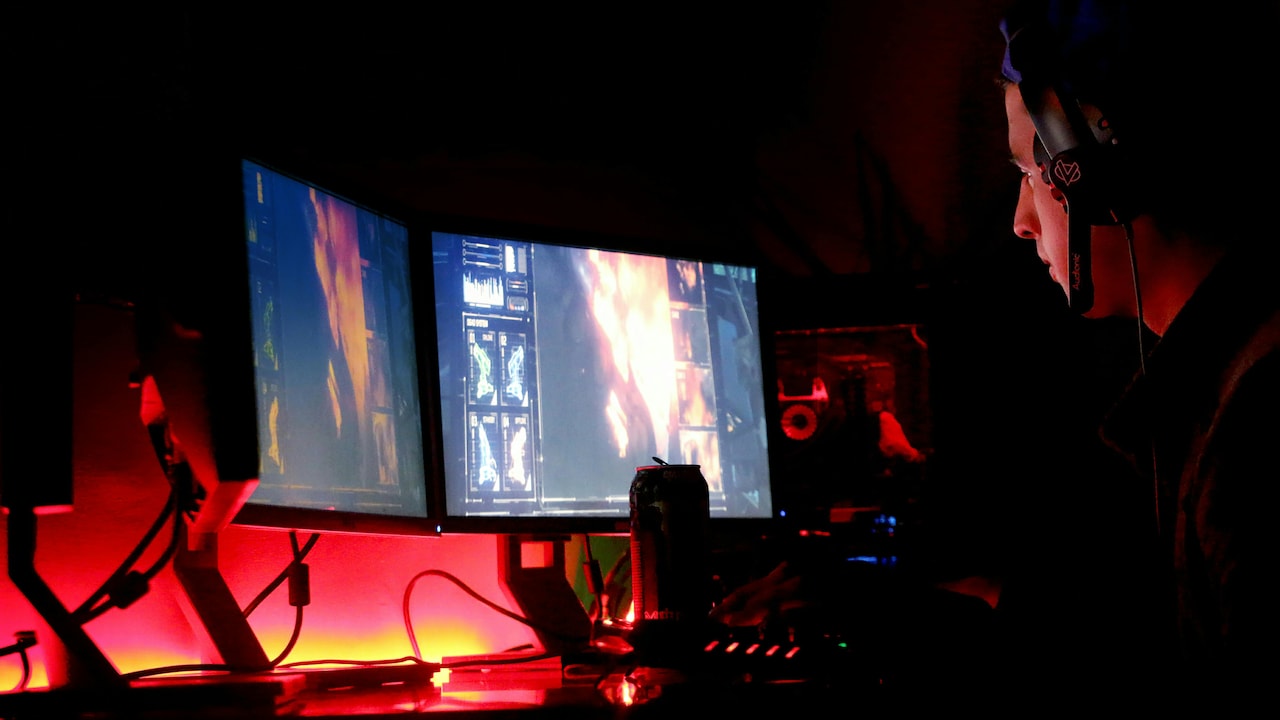
Bigger Screens Reduce Productivity? When Large Monitors Actually Make Your Work Slower
Photo Credit: Pexels
8. Large Monitors Change Posture and Movement
Large screens often sit farther away or wider than ideal. Users lean forward. Heads tilt. Shoulders tense. Poor posture develops gradually. Physical discomfort distracts the mind. Minor aches steal attention. Over time, pain reduces work capacity. Smaller setups encourage natural positioning. Movement feels easier. Comfort improves.
Health directly links to productivity. A ₹20,000 monitor offers little value if it leads to chronic discomfort. Investing in comfort often delivers better returns than chasing screen size.
The body notices what the mind ignores.
9. Bigger Screens Do Not Suit Every Role
Large monitors suit certain tasks. Video editing, design and data analysis benefit from space. Many other roles do not. Writing, planning and communication thrive on simplicity. A focused view helps words flow. A wide display invites distraction.
Many people adopt large screens because they seem professional. Actual needs differ. Matching tools to tasks matters more than following trends. Using the wrong setup slows work. Customisation boosts it. Productivity improves when equipment serves the job, not the other way around.
10. When Smaller Screens Actually Work Better
Smaller screens force discipline. They promote focus. They limit clutter. Many high performers prefer them for this reason. A compact setup encourages deliberate choices. One task takes centre stage. Completion feels satisfying. This does not mean rejecting large monitors entirely. It means using them wisely. Split screens thoughtfully. Hide distractions. Adjust layouts regularly. The goal remains simple. Support attention. Reduce friction. Protect energy. Sometimes, less screen delivers more work.
Products Related To This Article
1. BenQ GW2490T 24" 1300:1 CR 1920x1080 FHD IPS Monitor
2. Acer EK240Y P6 P6 23.8 Inch IPS Full HD Backlit LED Monitor
3. Samsung 22" (54.6 cm) S3 Flat Monitor
4. Zebronics 21.5" (54.6cm) LED Monitor
5. MSI PRO MP223 E2 21.45-Inch Full HD Office Monitor
Bigger screens promise productivity. Reality often challenges that promise. Large monitors can overwhelm attention, encourage multitasking, and drain energy. They change behaviour in subtle ways that slow work instead of speeding it up.
Productivity thrives on clarity, focus, and balance. Screen size plays a role, but intention matters more. Choosing the right setup requires honesty about work habits and needs. A smaller or well-managed screen often supports deeper work, better health, and faster progress. In the end, productivity depends less on how much space sits on the desk and more on how wisely that space gets used.
(Disclaimer: This article may include references to or features of products and services made available through affiliate marketing campaigns. NDTV Convergence Limited (“NDTV”) strives to maintain editorial independence while participating in such campaigns. NDTV does not assume responsibility for the performance or claims of any featured products or services.)