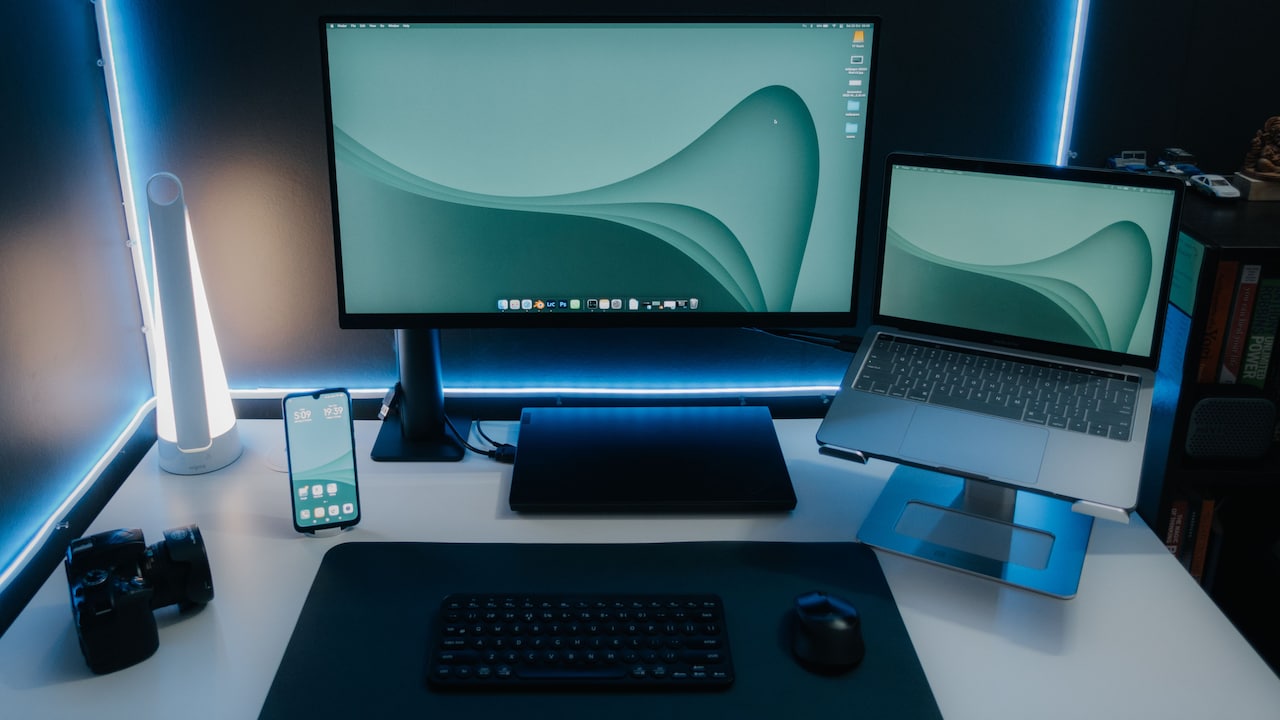
How To Choose An External Hard Disk Without Paying For More Storage Than You Need
Choose the right external hard disk by matching storage to your actual needs. Compare capacity, speed, price and usage to avoid paying for terabytes that may remain unused.
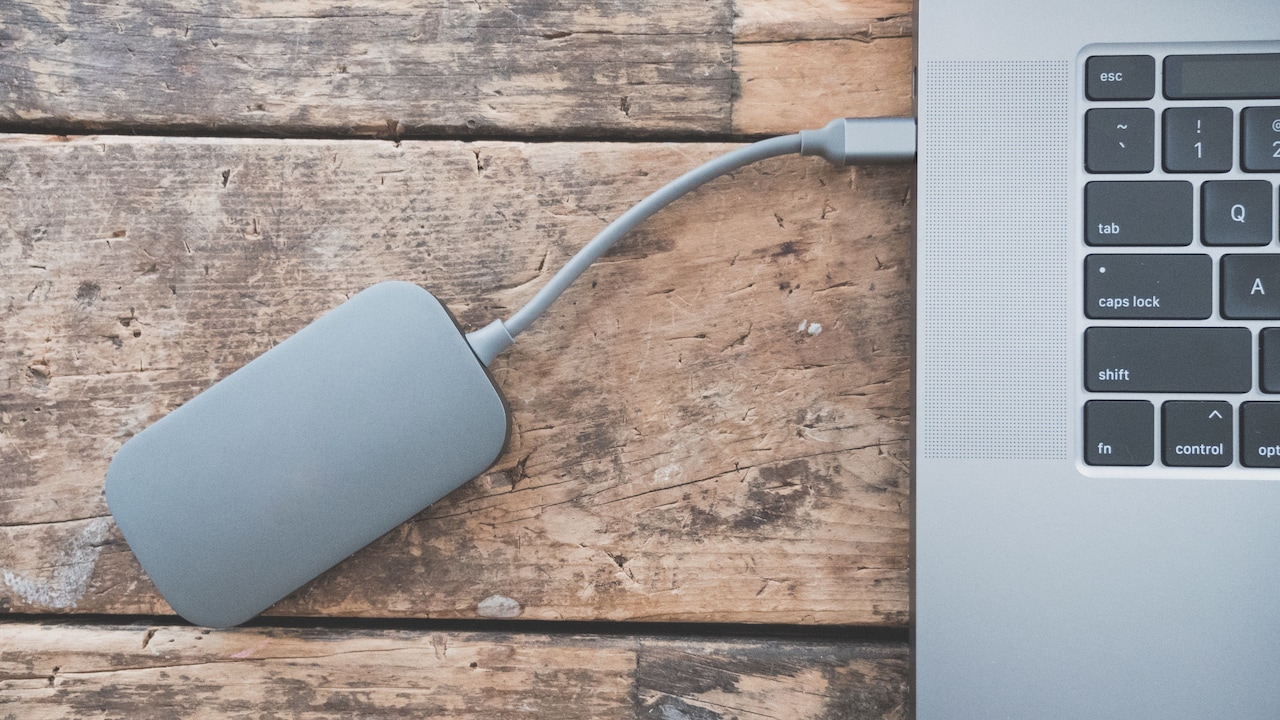
Hard disk buying guide for beginners
External hard disks rarely enjoy the glamour of a new smartphone or laptop. They sit quietly beside a computer, holding family photographs, office documents, films, project files and backups that nobody wants to lose. Yet choosing one can feel strangely confusing. A 1TB drive looks affordable. A 2TB model promises extra peace of mind. Then a 4TB option appears with a tempting discount, and suddenly the shopping cart contains enough storage for a small production studio.

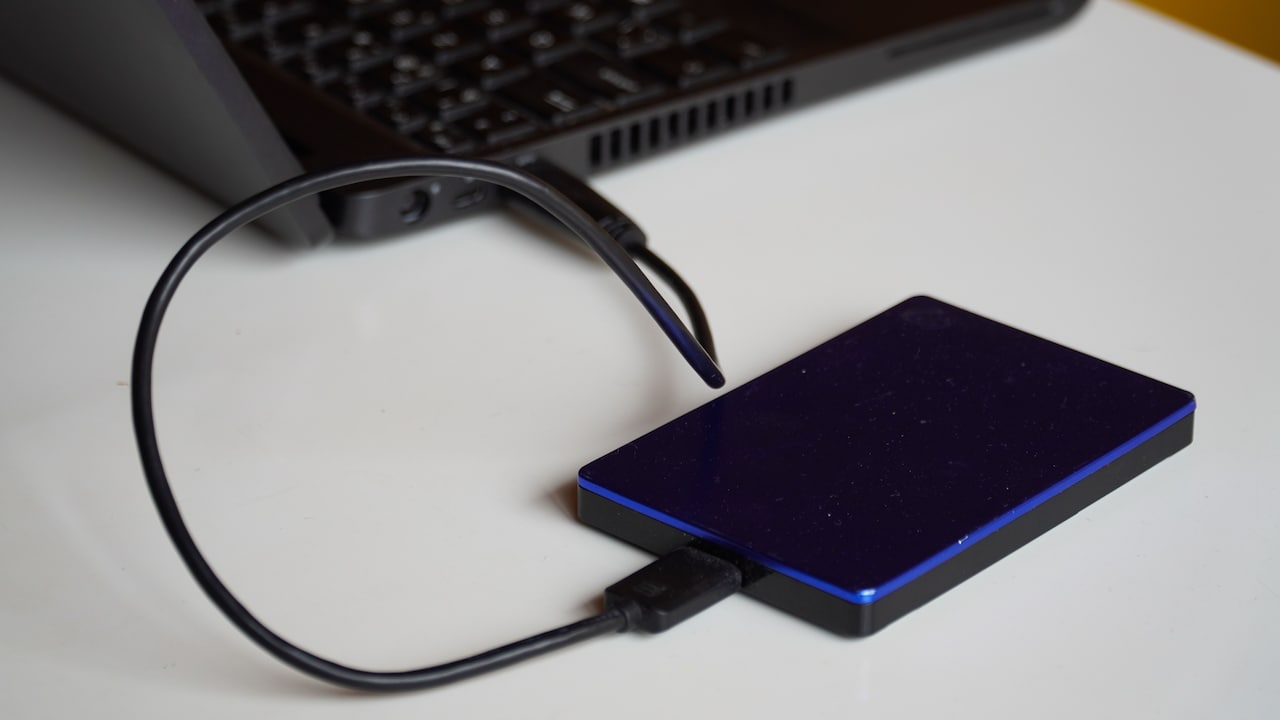
Things to consider when buying an external hard disk; Photo Credit: Pexels
More capacity does not always mean better value. Storage that remains empty for years still costs money. At the same time, choosing a drive that fills up within six months creates its own frustration. The goal is not to buy the biggest external hard disk available. The goal is to buy the right amount of storage for the way you actually use technology.
Also Read: Best SSD Portable Drives For Fast Data Transfer And Backup
A sensible decision starts with a quick look at current files, expected growth and backup habits. Speed, portability and reliability matter too. Once these factors enter the picture, choosing a drive becomes much easier and far less expensive.
Key Factors To Consider Before Buying An External Hard Disk
Check How Much Storage You Already Use
Before comparing shiny boxes and impressive numbers, check how much space your current files occupy. This simple step prevents guesswork from controlling the purchase.
Open the storage settings on your laptop or desktop and look at the space used by documents, photographs, videos, applications and other files. Also check memory cards, pen drives and older computers that may contain files waiting for a proper home. A person who uses only 180GB across several devices probably does not need a 4TB external hard disk.
Do not count temporary files, installed software or items that you never plan to back up. Focus on the content that truly matters. That may include family photographs, work folders, scanned certificates, financial records and personal videos.
Add these figures together and keep a little room for growth. If the total comes to 350GB, a 1TB drive will usually provide comfortable breathing space. Buying 5TB for the same collection would resemble renting an entire warehouse to store two suitcases.
A quick storage audit takes only a few minutes, yet it can save several thousand rupees.
Understand What A Terabyte Really Holds
Storage numbers often sound more useful than they actually feel. A terabyte looks huge on the box, but its value depends entirely on the type of files you keep.
Documents and spreadsheets use very little space. Thousands of PDFs, presentations and office files may occupy only a few gigabytes. Photographs need more room, especially high-resolution images from modern phones and cameras. Videos take the largest bite. A few hours of 4K footage can consume storage faster than snacks disappear during a weekend film marathon.
A 1TB drive may hold hundreds of thousands of ordinary documents, a large photo collection or many hours of Full HD video. However, the usable capacity will appear slightly lower after formatting. That difference is normal and does not mean the manufacturer has misplaced part of the drive.
Think about your file mix rather than chasing the biggest number. Someone storing tax documents and phone photographs has different needs from a wedding videographer handling raw footage.
Storage capacity only becomes meaningful when connected to real files. Once you understand what fills your devices, the correct size becomes easier to spot.
Decide Whether You Need Backup Or Extra Space
An external hard disk can serve two very different purposes. It can act as a backup, or it can become extra storage for files that no longer fit on the computer. The purpose changes how much capacity you need.
For a full backup, choose a drive with more space than the data stored on your main device. If your laptop contains 600GB of important files, a 1TB drive may work. However, regular backup versions could fill it quickly. A 2TB model may make more sense if backup software keeps older copies.
Extra storage works differently. You may move films, photographs or completed projects to the drive and delete them from the laptop. In that case, estimate how quickly your collection grows. A casual user may add only 50GB a year, while a content creator could add that much in a single afternoon.
Avoid treating one external drive as both the only storage location and the only backup. If the drive fails, every file stored exclusively on it may disappear. Important data should exist in at least two places. Capacity matters, but a backup plan matters more.
Calculate Your Realistic Storage Growth
People often buy excessive storage because they imagine a dramatic future. They picture thousands of travel videos, a home cinema archive and several creative projects that may never leave the planning stage.
A better approach uses recent behaviour. Check how much your data has grown over the past year. If you added 100GB in twelve months, your next three years may require roughly 300GB, with some extra room for unexpected files. That calculation gives a far more useful estimate than vague thoughts about “needing space later”.
Storage habits can change, of course. A new job, camera or gaming hobby may increase demand. Build in a sensible buffer of around 25 to 50 per cent rather than multiplying your needs five times.
Suppose your current files occupy 500GB and you expect to add 150GB each year. After three years, you may need around 950GB. A 1TB drive would sit dangerously close to full, so 2TB would offer a sensible margin. A 5TB model would probably spend most of its life gathering dust beside the router.
Future-proofing should protect against realistic growth, not imaginary digital adventures.
Compare Price Per Terabyte Carefully
Larger drives often cost less per terabyte, which can make them look like obvious bargains. However, a lower price per terabyte does not automatically mean a lower overall cost.
Imagine a 1TB drive priced at ₹4,500 and a 2TB model priced at ₹6,500. The larger option offers better value per terabyte. Yet it still costs ₹2,000 more. If you expect to use only 600GB, that extra capacity may provide no practical benefit.
Retailers understand the appeal of “more for less”. A small price jump can tempt shoppers into buying twice the storage. Before agreeing, ask whether the additional space will serve a real purpose within the expected life of the drive.
Also compare models with similar speed, build quality, warranty and connection type. A cheap high-capacity drive may use slower technology or offer weaker support. The lowest price per terabyte should never become the only deciding factor.
Set a capacity range first, then compare prices within that range. This keeps the decision focused. Otherwise, every discount becomes an invitation to buy a larger digital cupboard than your home actually needs.
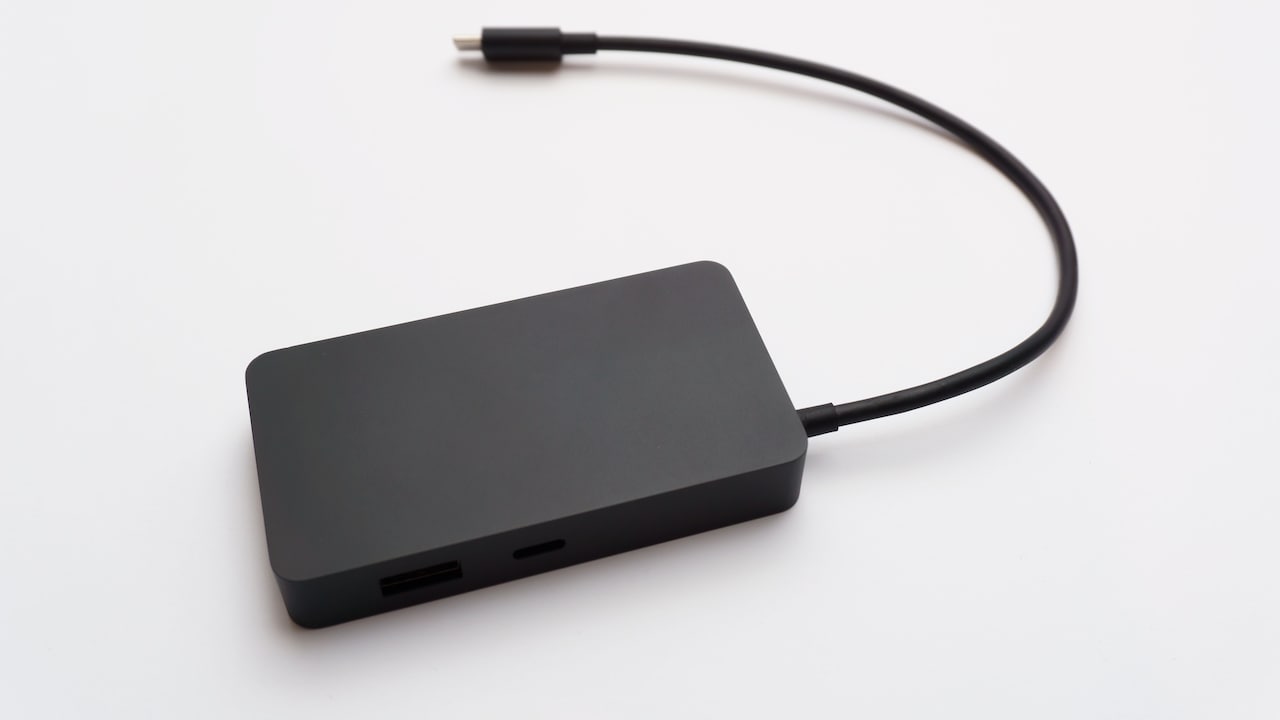
Always compare the price per terabyte before purchasing the hard disk; Photo Credit: Pexels
Choose Between HDD And SSD
External hard disks usually fall into two broad categories: traditional hard disk drives and solid-state drives. Both store files, but they differ in speed, durability, size and price.
An HDD uses moving parts. It generally offers more storage for the money, making it suitable for backups, film collections and files that do not need constant access. A 2TB portable HDD may cost far less than a 2TB SSD. For many households, that price difference matters more than a few saved seconds.
An SSD has no moving mechanical parts. It transfers files faster, handles movement better and fits easily into a pocket. It suits photographers, editors and professionals who regularly open large files directly from the drive. However, its higher price can encourage unnecessary spending.
Do not pay for SSD speed when the drive will remain in a drawer and run a weekly backup. On the other hand, do not choose a slow HDD for daily video editing simply because it offers more terabytes.
The cheapest capacity does not always deliver the best experience. Match the storage technology to the work, not to the loudest number on the packaging.
Consider The Files You Store Most Often
Different files create different storage demands. Knowing what you plan to keep helps prevent both overspending and disappointment.
Office documents, e-books and scanned records take up very little space. A 1TB drive can hold an enormous collection of such files. Photographs need more room, although compressed phone images remain fairly manageable. RAW camera files grow much faster and can turn a modest archive into a storage-heavy collection.
Video changes everything. Full HD footage consumes significant space, while 4K and higher resolutions can fill a drive quickly. Game backups, virtual machines and large design projects also demand substantial capacity.
Look at your largest folders and identify the main space consumers. Do not base the purchase on the number of files. Ten thousand text documents may use less storage than a single long 4K video.
This step also reveals what does not deserve permanent storage. Duplicate photographs, old downloads and five copies of the same wedding video can waste surprising amounts of space. A little digital cleaning may reduce the required capacity and the final bill. Sometimes the cheapest storage upgrade begins with the delete key.
Check Compatibility And Connection Speed
A spacious drive becomes frustrating when it connects slowly or refuses to work properly with your devices. Check compatibility before buying, especially when moving files between different operating systems.
Most external drives use USB connections. Newer USB standards support faster transfers, but the actual speed also depends on the drive, cable and computer port. Plugging a fast drive into an older port can reduce performance. The drive will still work in many cases, but it may not deliver the speed promised on the box.
Some slim laptops use USB-C ports, while older computers may rely on traditional USB-A connections. Choose a drive with the correct cable or allow for the cost of a reliable adaptor. Spending ₹500 or more on accessories after buying the drive can weaken an otherwise good deal.
Formatting matters as well. Certain file systems work best with Windows, while others suit macOS. Cross-platform users may need a format that both systems can read and write.
Capacity should never distract from usability. A smaller drive that connects easily and transfers files smoothly offers more value than a huge one that causes trouble every time it leaves the drawer.
Think About Portability And Physical Risk
A drive used at home faces different risks from one carried through airports, offices, cafés and crowded trains. Portability should influence both the type of drive and the amount you spend.
Portable HDDs offer affordable capacity and usually draw power directly from the computer. However, their moving parts can suffer damage from drops or sharp knocks, especially while operating. A sturdy case helps, but careful handling still matters.
SSDs cope better with movement and weigh less. They suit people who carry important files daily. Yet their compact size creates another problem: small drives disappear easily. A device worth several thousand rupees can vanish into a sofa gap, backpack pocket or mysterious household drawer where charging cables go to retire.
Desktop external drives often offer larger capacities at lower prices, but they need a power socket. They work well for fixed backup stations and large media libraries.
Avoid paying for portable features when the drive will never leave the desk. Equally, avoid buying a bulky desktop model for regular travel merely because it offers extra storage. The right form factor protects both the files and the budget.
Leave Room For Backups Without Overbuying
A drive should not operate at maximum capacity. File systems need breathing room, and backups become awkward when only a few gigabytes remain free. Still, that does not justify buying several unused terabytes.
Aim for enough space to hold current data, expected growth and a practical safety margin. For many users, keeping around 15 to 25 per cent of the drive free provides a comfortable cushion. Backup software may need more room if it stores several versions of changed files.
Consider a household with 700GB of current data and modest annual growth. A 1TB drive may feel tight almost immediately. A 2TB model would provide space for expansion and backup history. A 4TB drive might only make sense if multiple computers, extensive videos or large creative projects enter the plan.
Storage needs also evolve. Drives age, connection standards change and prices generally shift over time. Buying ten years of capacity today may not offer the clever saving it appears to promise.
Choose enough room for the next few years rather than the next few decades. Sensible spare capacity protects convenience. Excessive spare capacity merely protects empty space.
Look Beyond Capacity Before Paying
Capacity dominates product listings, but reliability, warranty and security often matter more than an extra terabyte. A cheap drive that fails early becomes expensive in every possible way.
Choose a recognised manufacturer with clear warranty terms and accessible service support. Read recent customer feedback, but look for patterns rather than reacting to one angry review written in capital letters. Every storage brand receives complaints. Repeated reports of connection failures, damaged packaging or poor support deserve closer attention.
Some drives include backup software, password protection or hardware encryption. These features can help when storing personal or professional information. However, do not pay extra for software that you will never install. Free backup tools may already meet your needs.
Check whether the package includes the required cable and whether the warranty covers the local market. Imported models sometimes create trouble during service claims.
The best external drive does not need the highest capacity. It needs dependable performance, suitable speed and enough room for the files that matter. Losing important photographs to a poor-quality drive hurts far more than missing a discount on unused storage.
Products Related To This Article
1. Western Digital WD 2TB My Passport Portable Hard Disk Drive
2. Seagate Expansion 2TB External HDD
3. UnionSine External Hard Disk 500GB Portable HDD USB 3.0
4. Zebronics 2.5" SSD/HDD Enclosure
5. UnionSine External Hard Disk 500GB Portable HDD USB 3.0 Compatible with PC
6. KINGSTER 500GB External Hard Drive
7. SANDISK 1TB Portable SSD
Choosing an external hard disk becomes easier when capacity stops being the only attraction. Start with the files you already own, calculate realistic growth and decide whether the drive will provide backup, extra storage or both.
A modest document and photo collection may need only 1TB. Larger video libraries, multiple computers or professional projects may justify 2TB or more. The correct figure depends on actual habits, not on the biggest discount banner.
Consider speed, connection type, portability, warranty and reliability before paying. An affordable HDD may suit occasional backups, while a faster SSD may earn its higher price through daily use. Leave enough spare room for growth, but resist buying vast amounts of storage simply because the price per terabyte looks attractive.
Unused space has no special value. It does not make files safer, faster or better organised. A carefully chosen drive, backed by a sensible routine, delivers far more than a giant capacity number.
Buy for the files you have, the growth you can reasonably expect and the way you genuinely work. Your wallet will remain lighter in the pleasant sense, and your digital life will still have plenty of room to breathe.
(Disclaimer: This article may include references to or features of products and services made available through affiliate marketing campaigns. NDTV Convergence Limited (“NDTV”) strives to maintain editorial independence while participating in such campaigns. NDTV does not assume responsibility for the performance or claims of any featured products or services.)