How To Pick The Best Mechanical Keyboard For Work And Gaming
Discover how to choose the best mechanical keyboard for work and gaming with tips on switches, keyboard sizes and features for long-term performance and comfort.
How To Pick The Best Mechanical Keyboard For Work And Gaming
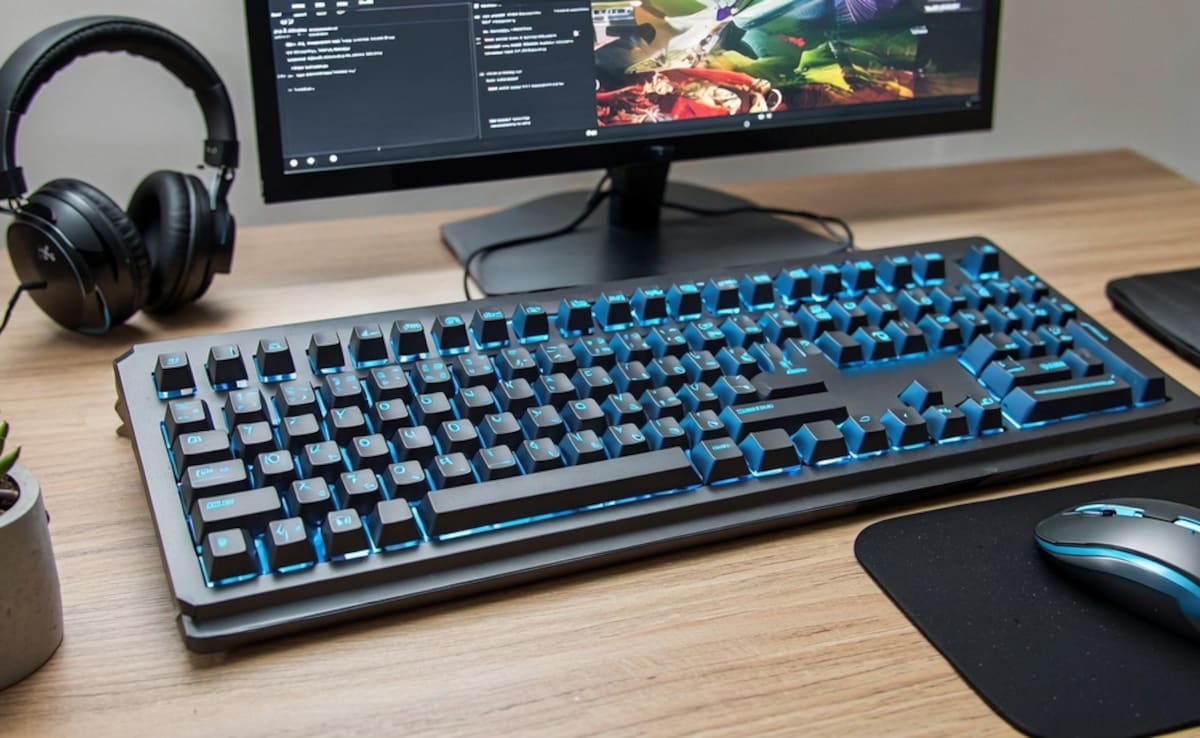
Mechanical keyboards moved past the niche of gaming tools. Now they're a solid pick for office folks, programmers, content creators, and even gamers, who spend a tonne of hours typing, scrolling, and basically pushing through stuff every single day. As there are so many options, it can feel overwhelming at times. Different switch types, layouts, connection methods, and extra features all shape how the entire experience feels for you. This guide is meant to help you choose a mechanical keyboard that actually fits both work and gaming, so you can sort out what matters most before you buy.
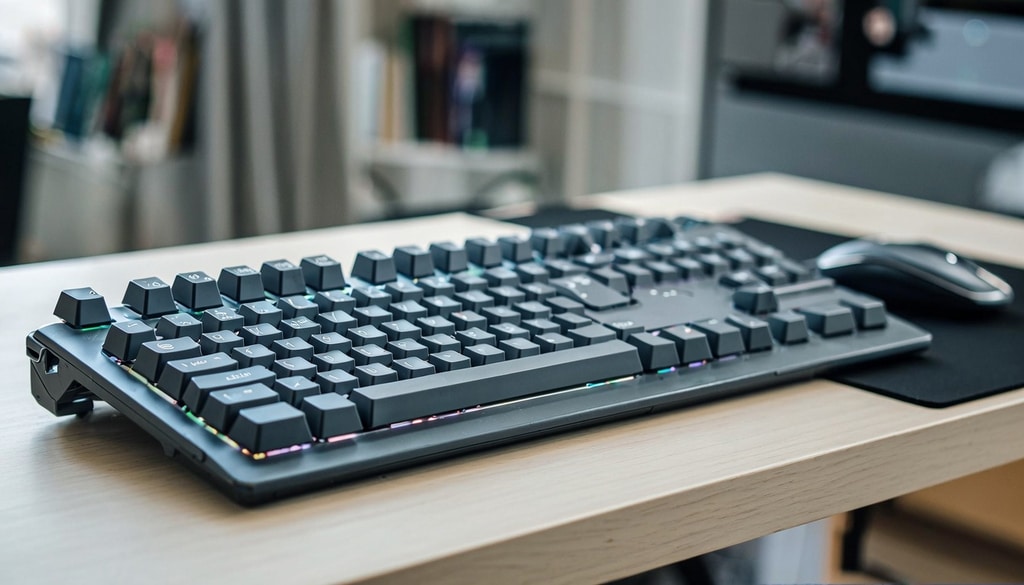
Learn how to select the perfect mechanical keyboard for gaming, office work, and performance; Photo Credit: iStock
Why Mechanical Keyboards Are Popular For Work And Gaming
Mechanical keyboards do feel a lot more responsive and also oddly satisfying when you type, compared with the usual membrane ones. They tend to last longer, you can customise them in a couple of ways, and the key presses feel more precise, so quite a lot of professionals and gamers often prefer them.
Choose The Right Switch Type
The type of switch plays the biggest role in determining how a mechanical keyboard feels and performs.
1. Linear Switches
Linear switches provide a smooth keystroke without a noticeable tactile bump, resulting in a consistent feel throughout. Many gamers like them too, mostly because the actuation comes fast and in a really steady way.
2. Tactile Switches
Tactile switches offer a noticeable bump when a key is pressed. This feedback helps improve your typing accuracy, but you still get a responsive gaming feel overall.
3. Clicky Switches
Clicky switches combine tactile response with a pretty audible click sound. Some users find them fun and satisfying, but their noise can be distracting in shared workspaces.
Select The Right Keyboard Size
Keyboard size affects comfort, portability, and desk space.
1. Full-Size Keyboards
These keyboards have a number pad as well as dedicated function keys, and they're excellent for people who do spreadsheets a lot or tend to work with data entry. In other words, if your daily flow is mostly tables or input tasks, this setup feels pretty natural.
2. Tenkeyless (TKL) Keyboards
TKL keyboards remove the number pad, creating a more compact design while retaining most essential keys. They are a popular option for both work and gaming.
3. Compact Keyboards
Layouts like 75% and 65% save even more space, making them ideal for minimalist setups or frequent travellers.
Compare Wired And Wireless Options
Connectivity can influence convenience and overall performance; a lot depends on the network and its stability.
1. Benefits Of Wired Keyboards
Wired keyboards tend to give stable performance, with no battery issues at all, so you never really have to think about recharging. They're also usually picked by competitive gamers who really care about consistency rather than fancy extras, and the whole thing just feels more predictable.
2. Benefits Of Wireless Keyboards
Wireless keyboards help cut down on cable chaos and give you more flexibility in everyday use. Many modern models also boast pretty solid battery life, and they can manage several device connections at the same time.
Also Read: 5 Best Wireless Keyboards Under ₹1,500 for Seamless Work-from-Home Setup
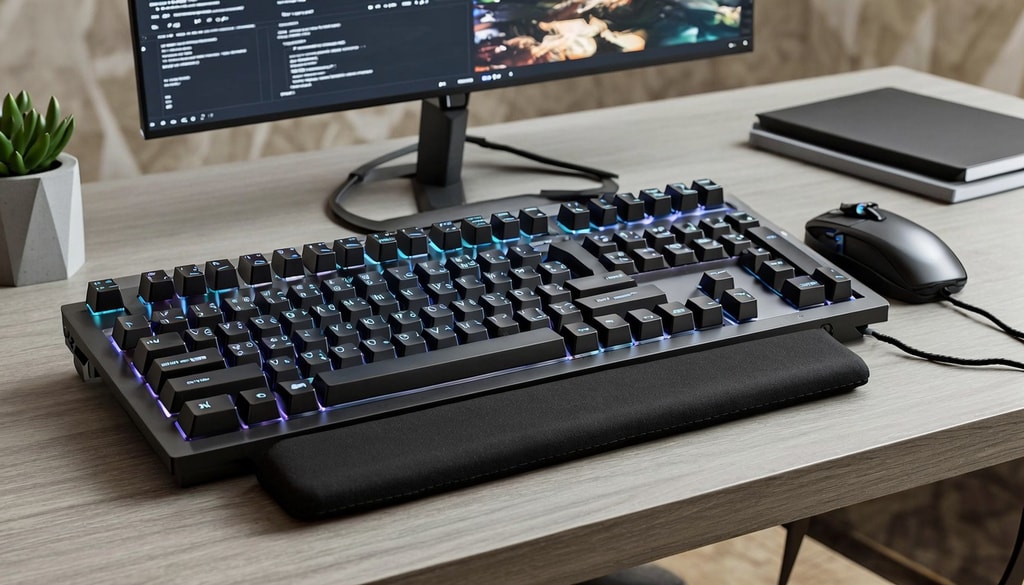
Essential tips for picking a mechanical keyboard using switch types, layout sizes, and comfort features; Photo Credit: iStock
Evaluate Build Quality And Extra Features
A sturdy keyboard can really ramp up your day-to-day long-term experience, as it keeps things smoother over time. The enhanced durability of the key feel and the subtle comfort contribute to an overall improved experience.
1. Keycap Material And Build Quality
Try looking for sturdy components like aluminium frames and PBT keycaps. They usually hold up better over time and keep their look more or less the same in practice.
2. Productivity And Gaming Features
Features such as programmable keys, RGB lighting, media controls, hot-swappable switches, and multi-device connectivity can add convenience and make day-to-day use better depending on what you actually need.
Top Mechanical Keyboard Options To Consider
1. daWg Highkey 685, Anti-Ghosting Wired Mechanical 100% Keyboard
2. Acer Nitro X Wired Mechanical Gaming Keyboard
3. EvoFox Katana X2 FS Mechanical Gaming Keyboard
4. ZEBRONICS Zeb-MAX Chroma Premium Mechanical Gaming Keyboard
5. VERITY Unifire 78 Tri-Mode Mechanical Keyboard
6. HyperX Alloy Origins 60 Smartchoice- USB-C Mechanical Gaming Keyboard
7. HP GK400Y Mechanical Gaming Keyboard
8. Acer Nitro G Wired Mechanical Gaming Keyboard
Typing feels smoother and more precise with a mechanical keyboard.
You can compare switch types, sizes, and backlight options to match your desk and use. A good keyboard lasts for years and makes work, study, or gaming more comfortable. Check reviews, pick the one that fits your hands and budget, and upgrade your setup today. Shop now on Amazon
Frequently Asked Questions (FAQs)
1. Is a mechanical keyboard beneficial for office work?
Yes. Mechanical keyboards give more tactile, sort-of-feel feedback and also that small comfort factor that can help with typing efficiency, especially during those long work sessions when your hands start to feel a bit strained.
2. Which switch type is best for both gaming and typing?
Tactile switches are often considered the best balance for many people because they give you that physical feedback when you type, but they stay responsive enough for gaming too, so it feels kind of smooth and not overly loud or delayed.
3. Are wireless mechanical keyboards reliable for gaming?
A lot of newer wireless mechanical keyboards have low-latency performance that works pretty well for most gaming, so it's fine most of the time. Still, some competitive players prefer wired connections because they feel more immediate and dependable.
4. How long do mechanical keyboards last?
Most mechanical switches are rated for tens of millions of keypresses, making them a lot more durable than regular membrane keyboards, and honestly, it holds up better in day-to-day use too.
5. Do I need RGB lighting on a mechanical keyboard?
Not necessarily. For many people, RGB lighting is mostly a personal choice; they really like the added brightness and the various customisation options, which can create a more engaging experience. But yes, in the end, it's mostly preference, not required.
(Disclaimer: This article may include references to or features of products and services made available through affiliate marketing campaigns. NDTV Convergence Limited (“NDTV”) strives to maintain editorial independence while participating in such campaigns. NDTV does not assume responsibility for the performance or claims of any featured products or services.)