Mechanical Vs Membrane Wireless Keyboards: Which One Is Better For Daily Work?
Mechanical and membrane wireless keyboards each offer distinct advantages. Discover how they compare in comfort, durability, noise, battery life, and value to find the best option for daily work.
How to choose between mechanical and wireless keyboards
The keyboard often receives less attention than laptops, monitors, or smartphones. Yet it remains one of the most frequently used devices during a working day. A comfortable keyboard can make long hours feel effortless, while an uncomfortable one can leave fingers tired and productivity lagging.
Mechanical vs wireless keyboard which is better; Photo Credit: Pexels
Wireless keyboards have grown enormously in popularity. Clean desk setups, flexible workspaces, and hybrid working arrangements have encouraged many people to ditch tangled cables. However, choosing between a mechanical and a membrane wireless keyboard remains a challenge.
Some users swear by the satisfying click and precision of mechanical switches. Others prefer the quiet simplicity and affordability of membrane models. Both camps have valid arguments, and neither option suits everyone. Understanding the differences can help determine which keyboard deserves a place on the desk.
Also Read: Best 5 Ant Esports Gaming Keyboards Under 1,000 On Amazon
Key Differences Between Mechanical And Membrane Wireless Keyboards
Understanding How The Two Keyboard Types Work
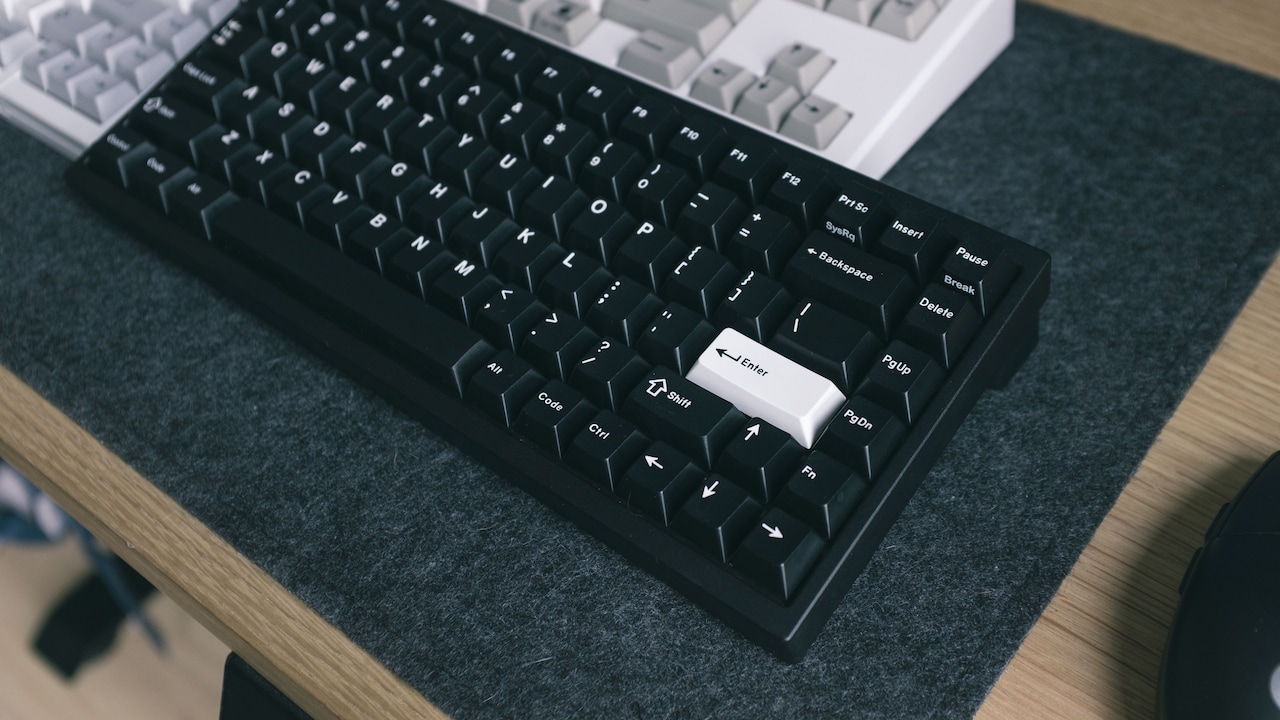
The biggest difference lies beneath the keys. Mechanical keyboards use individual switches under each keycap. Every key has its own mechanism that registers a press with precision and consistency. This design creates the distinctive feel that enthusiasts often praise.
Membrane keyboards take a different approach. They rely on pressure pads beneath a flexible membrane layer. When a key is pressed, the layers connect and send a signal to the computer. The result feels softer and quieter compared to a mechanical board.
Think of it like comparing a traditional doorbell with a touch-sensitive panel. Both perform the same task, but the experience feels completely different. The underlying technology shapes everything from typing comfort to durability. Before looking at features and performance, understanding this basic distinction provides valuable context for the rest of the comparison.
Typing Comfort During Long Working Hours
Comfort matters when fingers spend six to eight hours a day moving across a keyboard. Mechanical keyboards typically provide stronger tactile feedback. Users can feel exactly when a key activates, which often reduces accidental presses and improves typing confidence.
Many professionals enjoy this responsiveness. Writers, programmers, and analysts frequently describe the experience as more engaging and satisfying. The keys feel deliberate rather than mushy, helping maintain a steady rhythm throughout the day.
Membrane keyboards, meanwhile, offer a softer touch. Some people find this gentler on the fingers, especially during shorter typing sessions. The lower resistance can feel comfortable for users who dislike the pronounced feedback of mechanical switches.
Personal preference plays a huge role here. A keyboard that feels fantastic to one person may feel awkward to another. For long-term daily work, testing different keys often reveals more than any specification sheet ever could.
Noise Levels In Shared Workspaces
The sound of a keyboard can become surprisingly important. In a quiet office, a loud keyboard may attract more attention than intended.
Mechanical keyboards have a reputation for producing noticeable sound. Depending on the switch type, every keypress may generate a click or clack. Some users love this auditory feedback because it creates a sense of momentum and productivity. Others find it distracting.
Membrane keyboards generally operate more quietly. The softer rubber layers absorb much of the impact, making them suitable for shared workspaces, libraries, and late-night work sessions when others are sleeping nearby.
Imagine joining an early morning video call while family members are still resting. A noisy keyboard can suddenly feel far less charming. Although modern mechanical keyboards now offer quieter switch options, membrane models still hold a natural advantage when silent operation becomes a priority.
Speed And Accuracy For Everyday Tasks
Typing speed often depends more on skill than hardware, but keyboard design still influences performance. Mechanical keyboards tend to offer faster feedback and more precise actuation. Because each key activates consistently, experienced typists often achieve higher accuracy rates.
For professionals handling large volumes of text, this consistency can make a noticeable difference. A small reduction in typing errors adds up significantly over weeks and months.
Membrane keyboards remain perfectly capable of standard office tasks. Email management, online meetings, browsing, and document editing rarely demand ultra-precise key activation. Most users complete these activities comfortably without noticing any limitations.
The difference becomes more apparent during intensive workloads. Those who spend entire days writing reports, entering data, or coding may appreciate the responsiveness of a mechanical keyboard. For lighter workloads, membrane keyboards often deliver more than enough performance without any major drawbacks.
Durability And Long-Term Reliability
A keyboard faces thousands of keypresses every single day. Over time, durability becomes an important consideration.
Mechanical keyboards usually last much longer because each switch is built to withstand extensive use. Many models are rated for tens of millions of keystrokes per key. This longevity makes them popular among users who view their keyboard as a long-term investment.
Membrane keyboards generally have shorter lifespans. The rubber membrane can gradually wear out, leading to less responsive keys over time. While many membrane keyboards still last for years, they rarely match the endurance of mechanical alternatives.
A useful comparison is footwear. A premium pair of shoes may cost more initially but often survives far longer than a budget pair. Mechanical keyboards follow a similar pattern. The upfront investment may seem higher, yet the product often continues performing reliably for many years.
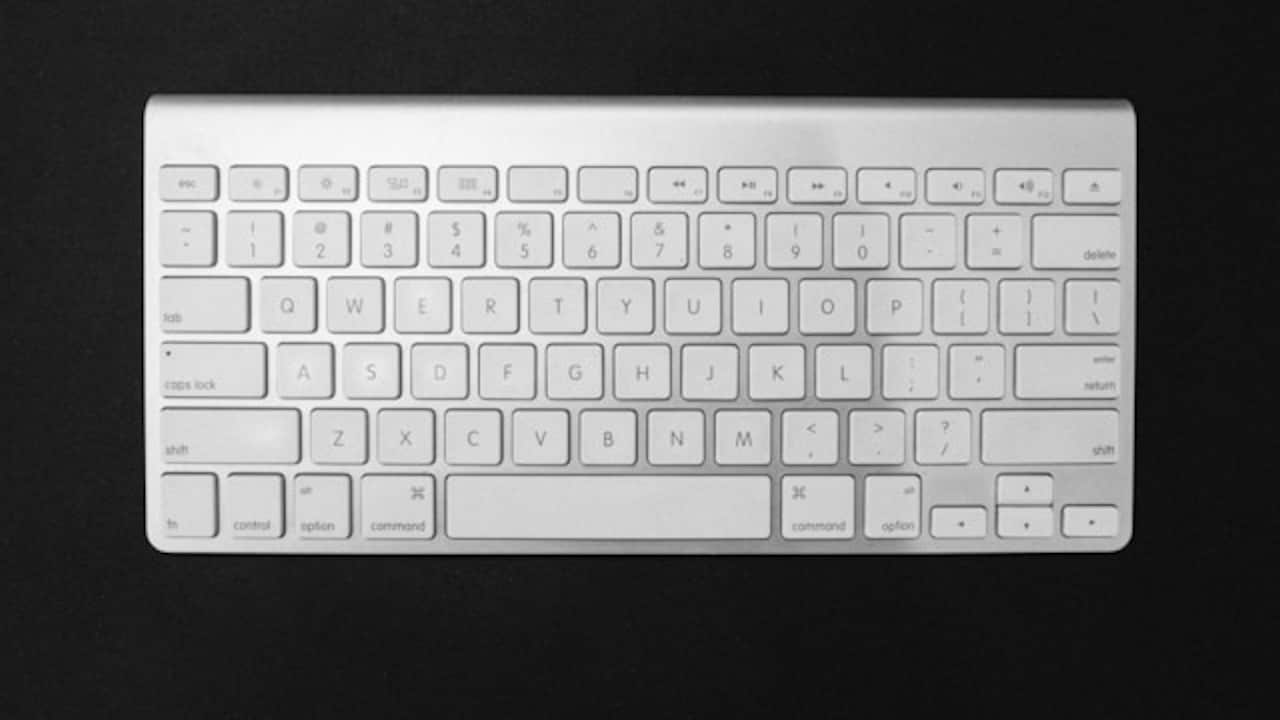
Mechanical keyboards usually last longer because each switch is built to withstand extensive use; Photo Credit: Unsplash
Battery Life And Wireless Performance
Wireless technology introduces another factor: battery efficiency. Nobody enjoys seeing a low-battery warning during an important presentation.
Membrane wireless keyboards often consume less power because their simpler designs require fewer resources. As a result, many models offer impressive battery life that stretches for months.
Mechanical wireless keyboards have improved dramatically in recent years. However, features such as RGB lighting, advanced connectivity options, and high-performance switches can increase power consumption. Users who enjoy colourful lighting effects may find themselves charging more frequently.
That said, premium mechanical models now deliver excellent battery performance. For most users, the difference is manageable. The decision should focus more on typing experience than battery concerns, although frequent travellers may appreciate the extra endurance that membrane keyboards often provide.
Portability And Desk Setup Convenience
People who work from multiple locations often prioritise portability. Carrying a keyboard between home, office, and cafés requires something practical and lightweight.
Membrane keyboards typically excel in this area. Their slim profiles and lighter construction make them easy to slip into a backpack. Many compact wireless membrane keyboards occupy very little space and pair quickly with multiple devices.
Mechanical keyboards tend to be heavier. The individual switches and sturdier frames contribute to a more substantial build. While this enhances durability, it can reduce portability.
A keyboard that feels reassuringly solid on a desk may feel considerably less appealing when carried through crowded train stations or airports. Users who frequently move around often appreciate the convenience offered by lightweight membrane models, while those with dedicated workstations may prefer the stability of mechanical designs.
Value For Money And Budget Considerations
Price often influences buying decisions more than any technical specification. Membrane wireless keyboards usually occupy the budget-friendly end of the market. Reliable options can often be found between ₹1,000 and ₹3,000.
Mechanical wireless keyboards generally cost more. Entry-level models commonly start around ₹3,000, while premium options can easily exceed ₹10,000. Higher prices reflect better switches, stronger construction, and additional features.
However, value involves more than the initial purchase cost. A keyboard used every working day affects comfort, productivity, and overall satisfaction. Spending slightly more on a tool that delivers years of reliable service may prove worthwhile.
The key lies in matching spending to actual needs. Purchasing a premium mechanical keyboard solely for occasional email use may not provide meaningful benefits. Likewise, a heavy typist might quickly outgrow a basic membrane model.
Customisation And User Experience
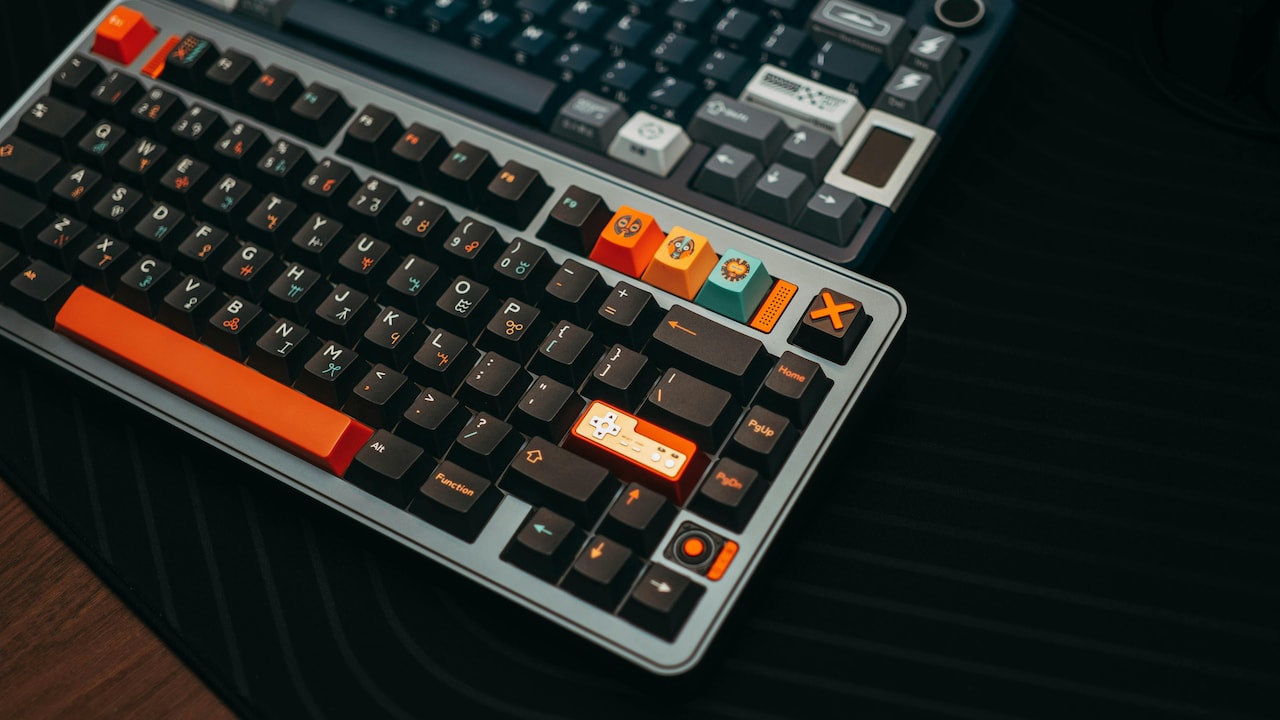
One area where mechanical keyboards shine is customisation. Many models allow users to swap keycaps, change switches, program shortcuts, and personalise lighting effects. This flexibility appeals to people who enjoy tailoring their workspace.
The customisation trend has grown significantly in recent years. Entire online communities now discuss keycap designs with the enthusiasm usually reserved for cars or cricket teams.
Membrane keyboards generally focus on simplicity. They work straight out of the box with minimal setup. Many users appreciate this straightforward approach because it removes complexity.
For daily work, the importance of customisation varies. Some professionals love adjusting every detail of their setup. Others simply want a reliable keyboard that disappears into the background while they focus on tasks. Neither approach is wrong; it depends entirely on individual preferences.
Which Keyboard Suits Different Types Of Workers?
Different professions often benefit from different keyboard styles. Writers, developers, designers, and data analysts frequently gravitate towards mechanical keyboards because of their responsiveness and durability. The tactile feedback helps maintain accuracy during extended sessions.
Students, office workers, and casual users often find membrane keyboards perfectly adequate. Their affordability, quiet operation, and portability make them practical choices for everyday productivity.
Hybrid workers present an interesting middle ground. Some prioritise portability and choose membrane models. Others build dedicated home offices and invest in mechanical keyboards for maximum comfort.
The ideal keyboard depends less on trends and more on daily habits. The best option is the one that complements the user's workflow rather than forcing adjustments to accommodate the hardware.
Products Related To This Article
1. HyperX Alloy Core RGB USB Membrane Gaming Keyboard
2. Kreo Swarm 75% Wireless Mechanical Keyboard with Pass Through Keycaps
3. EvoFox Fireblade TKL Semi-Mechanical Gaming Keyboard with Rainbow Backlit& Breathing Effect
4. EvoFox Katana S Mini Wired Mechanical Keyboard
5. yperX Alloy Core RGB USB Membrane Gaming Keyboard
6. Ant Esports MK800 Pro Wired Mecha Membrane Backlit Gaming Keyboard
The debate between mechanical and membrane wireless keyboards has no universal winner. Both technologies serve different needs and preferences.
Mechanical keyboards offer superior durability, stronger tactile feedback, greater customisation, and a typing experience that many professionals find deeply satisfying. They often justify their higher price through long-term reliability and performance.
Membrane keyboards provide affordability, quieter operation, excellent portability, and impressive battery life. For many users, they deliver everything required for productive daily work without stretching the budget.
Ultimately, the better keyboard is the one that matches the way work actually happens. A writer producing thousands of words each day may appreciate the precision of a mechanical keyboard. Someone managing emails, meetings, and everyday office tasks may find a membrane keyboard more practical.
Rather than chasing trends, focus on comfort, workflow, and personal preference. The right keyboard should feel less like a gadget and more like a trusted colleague that quietly helps get the job done every day.
(Disclaimer: This article may include references to or features of products and services made available through affiliate marketing campaigns. NDTV Convergence Limited (“NDTV”) strives to maintain editorial independence while participating in such campaigns. NDTV does not assume responsibility for the performance or claims of any featured products or services.)