Monitor Resolution Vs Refresh Rate: Which One Matters For Office Work
Confused between monitor resolution and refresh rate for office work? This guide breaks down what actually matters for long hours, productivity and comfort, without gaming jargon or tech fluff.
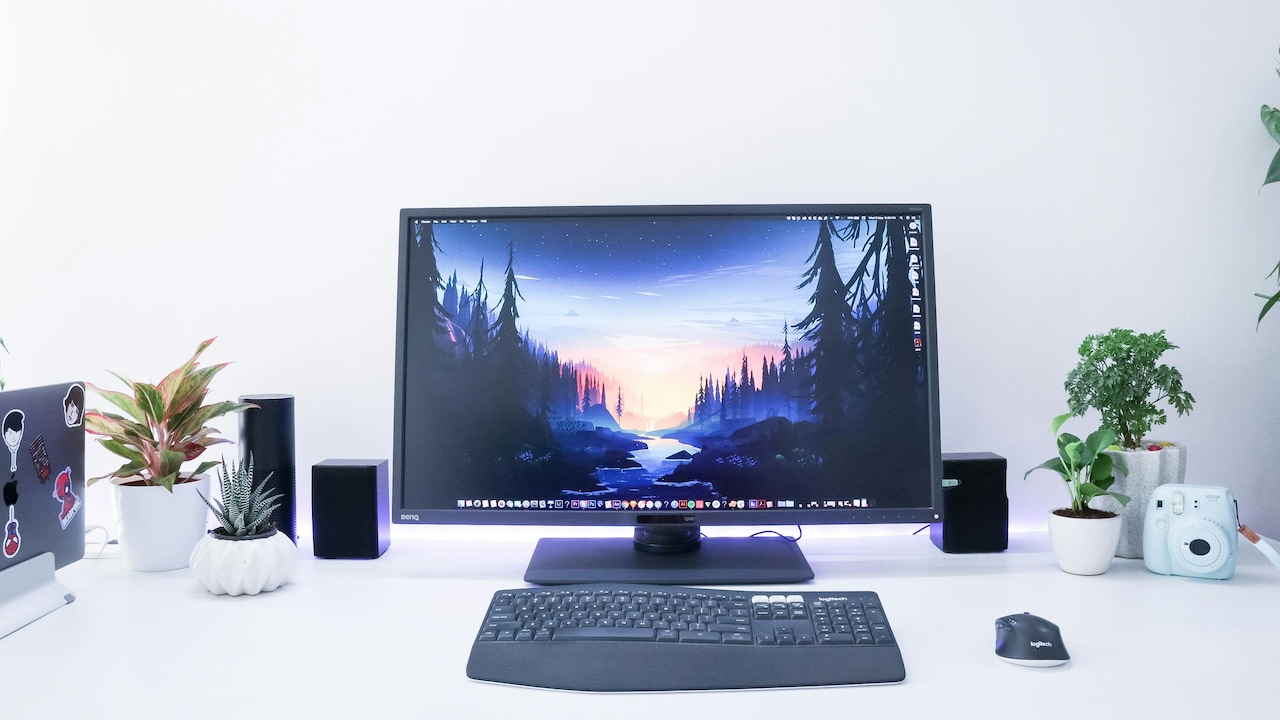
Here's how to choose when it comes to monitor resolution vs refresh rate for office work.
Office work has changed quietly but dramatically. Screens now dominate the workday, whether the job involves writing reports, analysing data, attending virtual meetings, or juggling ten browser tabs at once. Yet many people still buy monitors based on buzzwords rather than real needs.

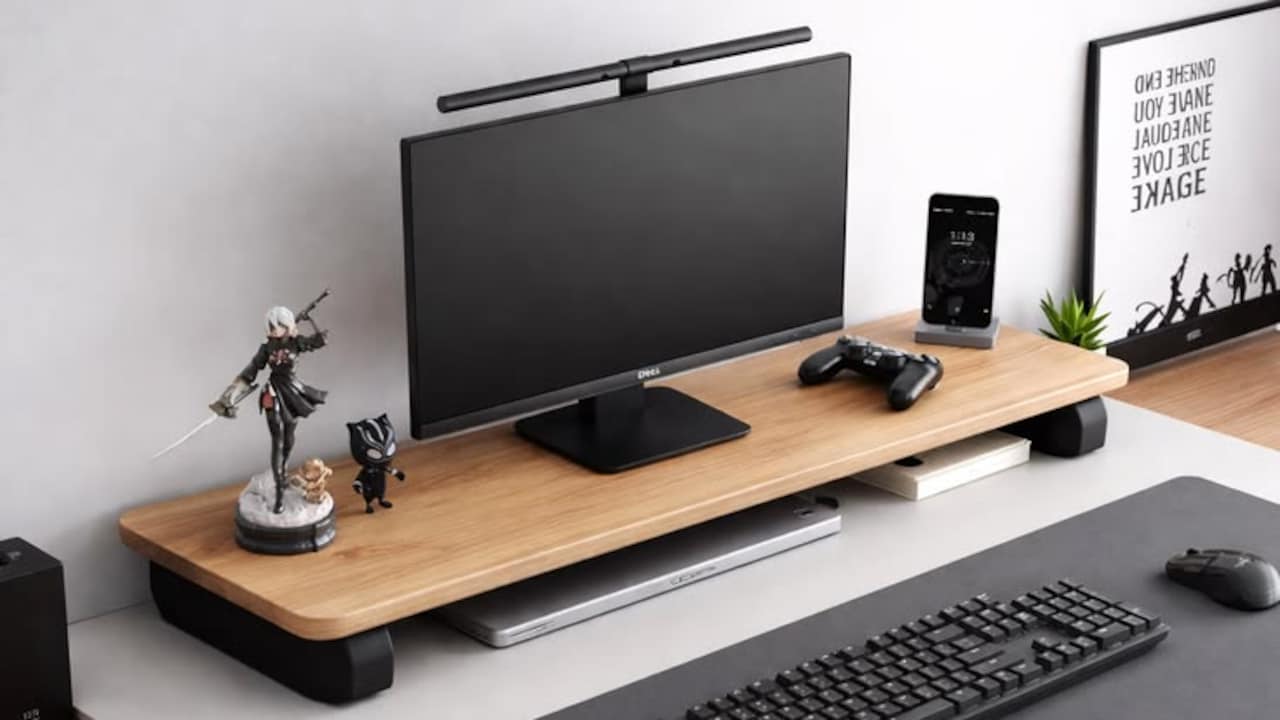
Always remember these key differences in monitor resolution vs refresh rate before buying; Photo Credit: Unsplash
Two terms cause the most confusion: resolution and refresh rate. One promises sharper visuals. The other claims smoother motion. Both sound important, and both affect the experience in different ways. The challenge lies in knowing which one deserves priority for office tasks, especially when budgets stay tight and desk space remains limited.
Picture a typical weekday. The screen lights up at 9 am. By lunch, eyes feel strained. By evening, scrolling feels tiring, and text starts to blur. A better monitor can ease this daily grind, but only if the right feature gets attention.
This article explores monitor resolution versus refresh rate from an office-first perspective. It focuses on real-world use, practical benefits, and common mistakes. Think of it as friendly guidance from someone who understands long workdays, power cuts mid-call, and the joy of finally closing all open tabs at 7 pm.
Also Read: Top 8 Monitors For Work, Editing And Gaming Based On What You Actually Need From Samsung To LG
Understanding The Display Features That Matter Most At Work
1. Understanding Monitor Resolution Without the Tech Headache
Resolution refers to the number of pixels displayed on a screen. More pixels mean sharper images and clearer text. For office work, this directly affects how comfortable reading feels across long hours. A higher resolution allows more content on the screen without shrinking text into unreadable ants.
Full HD, or 1920×1080, has become the baseline for most offices. It works fine for emails and basic documents. However, once spreadsheets grow wider or design tools enter the picture, limitations show up quickly. Text loses crispness. Zooming becomes a constant habit.
Quad HD, or 2560×1440, offers a noticeable upgrade. Fonts look smoother. Multiple windows sit side by side without feeling cramped. For roles involving data, writing, or research, this extra clarity reduces eye fatigue by the end of the day.
Ultra HD or 4K sounds tempting but brings mixed results. On smaller screens, scaling issues can make text too small. On larger displays, it shines but demands stronger hardware.
For office tasks, resolution shapes clarity, comfort, and efficiency far more often than flashy specs suggest.
2. Refresh Rate Explained in Everyday Office Terms
Refresh rate measures how many times a screen updates per second. It appears in hertz, such as 60Hz or 144Hz. Higher numbers mean smoother motion. This feature dominates gaming discussions, but office users hear about it more often now.
At 60Hz, most office tasks run perfectly fine. Scrolling through documents feels normal. Video calls run smoothly. Cursor movement stays predictable. This rate has powered offices for years without complaint.
Higher refresh rates, like 90Hz or 120Hz, make motion feel smoother. Scrolling long web pages feels lighter. Dragging windows appears fluid. The difference feels pleasant but subtle for office work.
The key question lies in necessity. Does smoother scrolling improve productivity? For most roles, the answer leans towards comfort rather than performance. It feels nice, not essential.
Refresh rate matters more when motion dominates the screen. Office work focuses on static content like text and charts. As a result, refresh rate plays a supporting role rather than a starring one.
3. Why Resolution Directly Affects Productivity
Resolution influences how much work fits on the screen. Higher resolution allows multiple documents, spreadsheets, and browser windows to stay visible at once. This reduces constant switching between tabs, which quietly drains focus.
Consider a finance professional comparing figures across sheets. With higher resolution, both sheets sit side by side without zooming out. For writers and editors, text looks cleaner, making long reading sessions easier on the eyes.
Lower resolution forces compromises. Text appears jagged. Zoom levels fluctuate. Neck strain increases from leaning closer. These small discomforts add up over months.
Sharper resolution also improves video calls. Faces look clearer. Shared screens appear readable without asking someone to zoom in again. Meetings feel smoother and more professional.
Productivity thrives when the screen fades into the background. A good resolution does exactly that. It removes friction and allows the brain to focus on tasks rather than fighting the display.
4. Refresh Rate and Eye Comfort During Long Workdays
Eye comfort often enters the refresh rate debate. Many assume higher refresh rates automatically reduce strain. The truth sits somewhere in between.
At very low refresh rates, flicker can cause discomfort. Modern monitors largely avoid this issue, even at 60Hz. For most office users, eye strain comes from brightness, poor contrast, and long screen time rather than refresh rate alone.
Higher refresh rates do make scrolling smoother. This can feel easier on the eyes during long reading sessions. The effect resembles turning pages gently instead of jerking them forward.
However, the improvement remains modest. Factors like screen size, resolution, blue light filtering, and posture matter more. A well-calibrated 60Hz monitor often feels more comfortable than a poorly tuned 144Hz one.
Refresh rate contributes to comfort, but it rarely solves eye strain on its own. Treat it as a bonus rather than a cure.
5. The Budget Question: Where Money Makes the Most Sense
Office monitors span a wide price range. Spending wisely matters, especially when buying for home setups or small offices.
Higher resolution displays often cost more, but the return feels tangible. Clearer text, better multitasking, and reduced fatigue justify the expense over the years of use. A solid Quad HD monitor often sits in a reasonable range, offering excellent value.
High refresh rate monitors push prices up quickly. The benefit for office tasks remains limited. Paying extra for 144Hz rarely transforms work efficiency.
When budgets hover around ₹15,000 to ₹25,000, prioritising resolution delivers better everyday gains. Spending beyond that on refresh rate often serves personal preference rather than practical need.
Smart spending focuses on features used daily. Resolution earns its keep every hour. Refresh rate shines occasionally.
People with a budget of ₹15,000 - ₹25,000 should focus on resolution rather than refresh rate; Photo Credit: Unsplash
6. Laptop Users and External Monitors: A Common Scenario
Many professionals now work on laptops plugged into external monitors. This setup brings its own challenges.
Laptops often support limited refresh rates through older ports. Chasing high refresh rates can lead to compatibility issues. Resolution upgrades, on the other hand, usually work smoothly with modern connections.
External monitors extend the workspace. Higher resolution allows the laptop screen to act as a secondary display while the main monitor handles heavy lifting. This improves workflow without complex settings.
Using a higher refresh rate monitor with a laptop rarely shows its full potential. Office tasks do not push frame rates high enough to notice dramatic differences.
For laptop-based offices, resolution upgrades integrate more naturally and provide immediate benefits.
7. Text-Heavy Work: Writers, Analysts, and Managers
Roles focused on text demand clarity. Writers stare at paragraphs for hours. Analysts scan dense tables. Managers review reports and presentations all day.
Resolution defines how pleasant this experience feels. Crisp fonts reduce squinting. Clear lines improve comprehension. Long documents feel less tiring.
Refresh rate barely enters the picture here. The text does not move fast enough to showcase smoother motion. The eyes care more about sharp edges and consistent spacing.
For text-heavy work, investing in better resolution feels like upgrading glasses. Everything sharpens. Fatigue reduces. Focus improves.
This group benefits the most from prioritising resolution without hesitation.
8. Multitasking and Screen Real Estate
Modern office work thrives on multitasking. Email stays open. Chat apps buzz. Documents sit half-finished. A browser hosts countless tabs.
Higher resolution expands digital desk space. Two or three windows fit comfortably. No constant resizing. No overlap chaos.
Refresh rate does little for multitasking. Smooth animations look nice, but do not create more room. Resolution physically adds space.
For those juggling multiple tools, resolution becomes a productivity multiplier. It supports modern workflows rather than decorating them.
9. When Refresh Rate Actually Matters at Work
Refresh rate does matter in specific office scenarios. Roles involving motion-heavy tasks benefit more. Video editors scrubbing timelines notice smoother playback. Designers working with animations appreciate fluid previews.
Even then, resolution still holds importance. Fine details require clarity. Colour accuracy and panel quality often matter more than refresh rate alone.
For general office roles, the refresh rate becomes noticeable but not essential. For specialised creative tasks, it earns more relevance.
Understanding job needs prevents overpaying for unused features.
10. Making the Final Choice Without Regret
Choosing between resolution and refresh rate feels easier once daily tasks take centre stage. Office work values clarity, comfort, and space. Resolution directly supports all three.
Refresh rate adds polish. It enhances feel rather than function. It pleases the senses but rarely changes outcomes.
The best monitor choice aligns with how the screen gets used, not how marketing describes it. A clear display that fits workflow beats a spec sheet full of unused power.
Office days already demand enough energy. The screen should support work quietly, without demanding attention.
Products Related To This Article
1. Samsung 34"(86.42cm) Odyssey G5 Curved Gaming Monitor
2. acer EK240Y P6 P6 23.8 Inch IPS Full HD Backlit LED Monitor
3. LG 32MR50C (32 Inch) Full HD Curved Monitor
4. MSI PRO MP223 E2 21.45-Inch Full HD Office Monitor
5. Lenovo L27i-4A, 27 inch (68.5cm)
Monitor resolution and refresh rate both shape the screen experience, but they do not carry equal weight for office work. Resolution influences clarity, comfort, and productivity every single day. It helps eyes relax, minds focus, and tasks flow smoothly.
Refresh rate improves motion smoothness, offering a pleasant touch rather than a necessity. For most office roles, its impact remains subtle.
When choosing a monitor for office use, prioritising resolution delivers better long-term value. It aligns with how work actually happens, from early emails to late-night reports.
A good monitor should fade into the background, letting work take centre stage. Resolution helps achieve that balance, quietly making long days a little easier.
(Disclaimer: This article may include references to or features of products and services made available through affiliate marketing campaigns. NDTV Convergence Limited (“NDTV”) strives to maintain editorial independence while participating in such campaigns. NDTV does not assume responsibility for the performance or claims of any featured products or services.)