Thin And Light Laptop Vs Performance Laptop: Which One Suits Your Routine?
Thin and light laptops favour portability and battery life, while performance laptops prioritise speed and power. The right choice depends on how you work, travel and use your device each day.

Thin And Light Laptop Vs Performance Laptop: Which Should You Buy?
Laptop shopping often begins with excitement and ends with twenty browser tabs, six comparison videos and one family member asking, “Why not just buy the cheapest one?” The confusion makes sense. Thin and light laptops look elegant, travel easily and promise long battery life. Performance laptops arrive with powerful processors, dedicated graphics and cooling systems that sound ready to launch a small satellite. Both categories can seem equally tempting, especially when glossy advertisements make every model look like an electronic essential. Yet specifications alone rarely reveal which laptop will feel comfortable after six months. A machine may score brilliantly in benchmark tests but become a burden during a daily commute. Another may slip effortlessly into a backpack but struggle when asked to edit high-resolution videos.

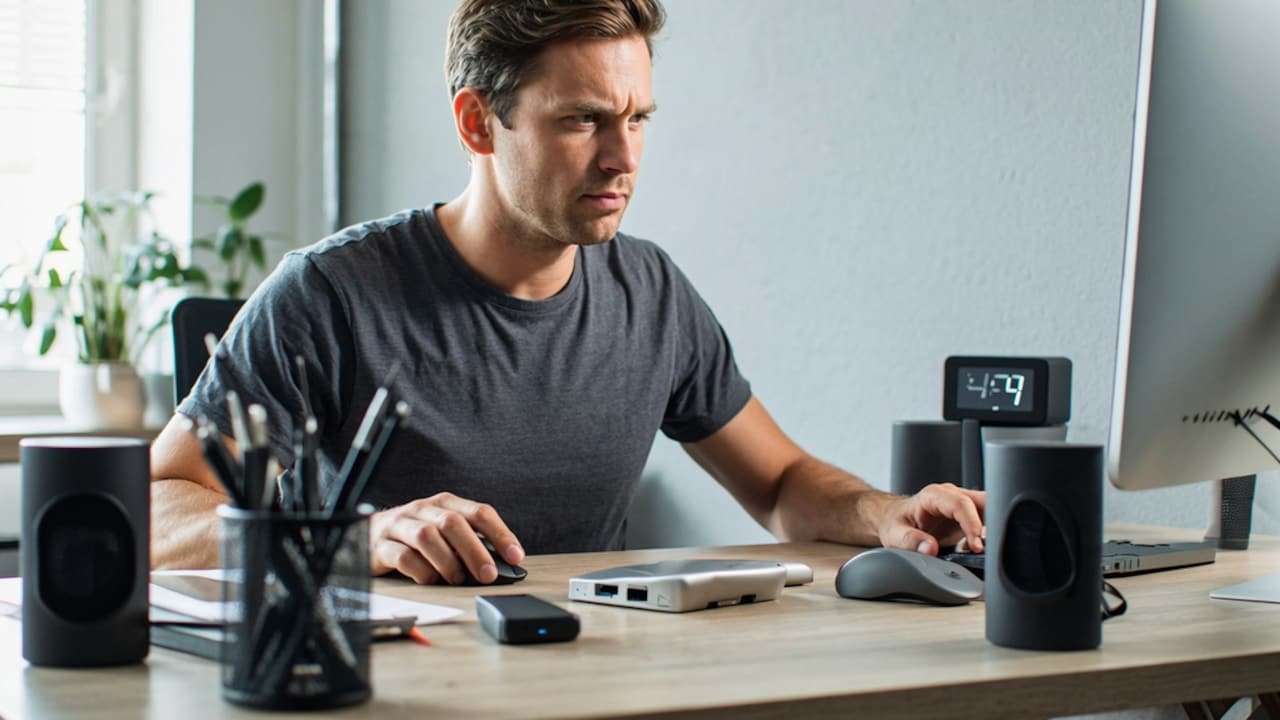
Thin And Light Laptop Vs Performance Laptop: Which Should You Buy?; Photo Credit: Pexels
The sensible approach starts with routine rather than raw numbers. Where will the laptop sit? How often will it travel? Which applications will run on it? Will it handle spreadsheets and video calls, or complex 3D projects and modern games? The following ten comparisons explore how each category fits into real life.
Key Differences That Shape Your Choice
Portability And The Daily Commute
A thin and light laptop suits anyone who carries a device through buses, trains, college corridors or airport queues. Many models weigh between one and one-and-a-half kilograms, so they fit into a backpack without turning every journey into an accidental shoulder workout.
That difference may appear small on a product page. It feels much larger after standing for forty minutes in a packed metro with a laptop, charger, water bottle and lunch box pressing against one shoulder.
Performance laptops often weigh more because they contain larger cooling systems, stronger graphics hardware and bigger batteries. Their chargers can also resemble compact bricks. Carrying the full setup between home, office and a café soon becomes tiring.
However, weight matters less when the laptop spends most of its life on a desk. A graphic designer working from a home studio may happily accept a heavier machine in exchange for stronger performance. A sales professional visiting clients across the city may value portability far more.
The best question is simple: does the laptop travel with the routine, or does the routine come to the laptop?
Also Read: 5 Best Laptops For Students On A Budget Under ₹45,000
Performance For Everyday Work
For browsing, online classes, documents, presentations, emails and video calls, a modern thin and light laptop usually offers more than enough power. Current mid-range processors handle several everyday applications without turning the fan into background music.
This makes slim laptops ideal for students, teachers, writers, consultants and office professionals. A typical day might involve opening multiple browser tabs, joining a meeting, editing a spreadsheet and streaming music. None of these tasks demands a heavyweight graphics card.
Performance laptops make sense when daily work includes demanding software. Video editing, 3D rendering, architecture tools, data modelling, engineering simulations and software development can push ordinary machines to their limits. A powerful processor and dedicated graphics card can reduce waiting time and keep complex projects moving smoothly.
The mistake lies in buying power that never gets used. Spending ₹1,20,000 on a gaming-focused machine for emails and presentations resembles hiring a wedding band to play an alarm tone. It works, but the arrangement feels excessive.
Routine should decide the level of performance. Occasional heavy work may not justify carrying a powerful laptop every day.
Battery Life Away From The Plug
Thin and light laptops usually win the battery contest. Their energy-efficient processors, integrated graphics and compact displays allow many models to last through lectures, meetings or a moderate workday without constant charging.
That freedom matters more than expected. Power sockets at cafés often hide behind tables, airport charging points attract small crowds and classroom plugs rarely sit near the most comfortable seat. A laptop that survives several hours offers welcome peace of mind.
Performance laptops consume more energy. Powerful processors and dedicated graphics require additional electricity, especially during gaming, rendering or editing. Manufacturers may install larger batteries, but demanding hardware can drain them quickly. Some models deliver impressive battery life during light tasks, yet their performance drops when disconnected from the charger.
Consider how often work happens away from a reliable socket. A college student moving between classes may value endurance over graphics power. A video editor working mostly at a fixed desk may care less, since the charger remains within reach.
Battery claims also deserve caution. Real usage, screen brightness, and background applications can change the final result. Routine testing matters more than the biggest number printed on the box.

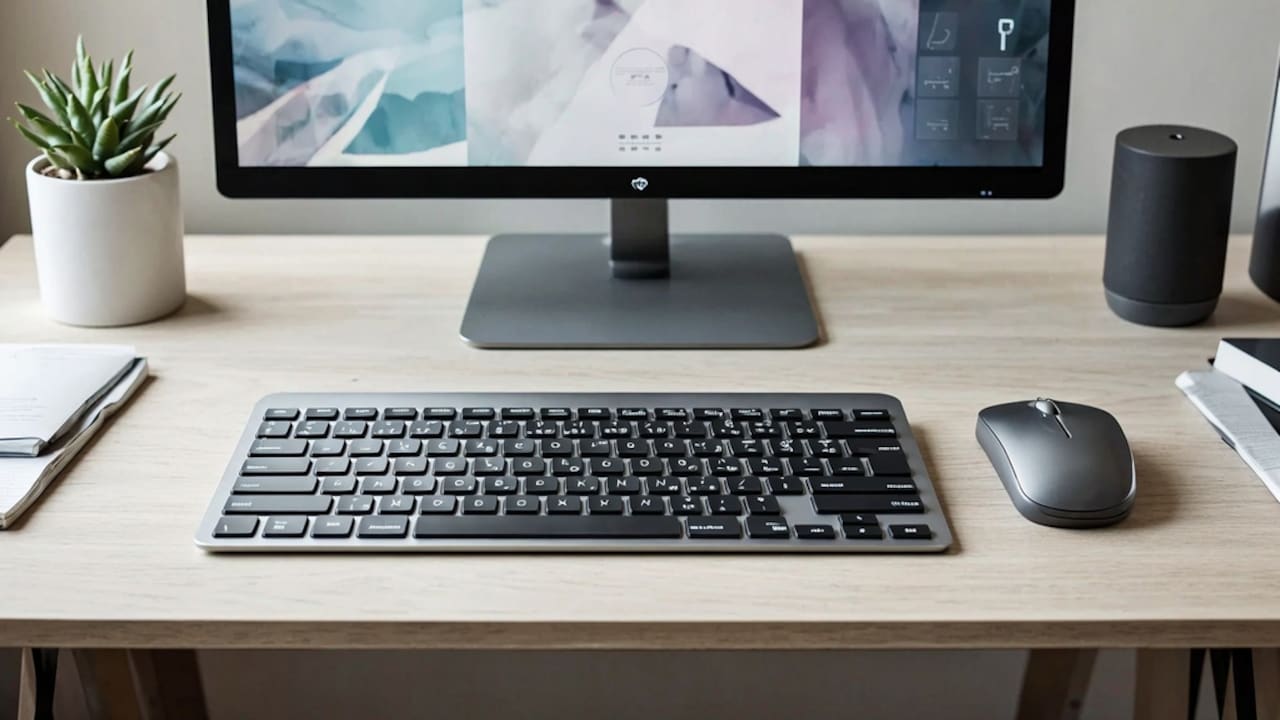
Thin And Light Laptop Vs Performance Laptop: Which Should You Buy?; Photo Credit: Pexels
Gaming And Creative Workloads
A performance laptop becomes the obvious choice for serious gaming. Dedicated graphics hardware supports smoother frame rates, richer visual settings and better performance in modern titles. Stronger cooling also helps the machine sustain power during long sessions.
The same advantage applies to creative work. Video editors, animators, architects, music producers and 3D artists often use applications that demand significant processing strength. A high-performance laptop can export projects faster and handle complex timelines with fewer interruptions.
Thin and light models still have a place. Integrated graphics have improved considerably, and many slim laptops can manage casual games, basic photo editing and short social media videos. Someone trimming reels, designing simple posters or enjoying older games may never need a bulky machine.
Trouble begins when expectations outgrow the hardware. A slim laptop may open a demanding game or editing program, but heat and limited graphics power can reduce performance over time. A five-minute task may run smoothly while a two-hour project brings visible strain.
The right choice depends on frequency. Occasional creative work supports a thin machine. Daily professional workloads justify stronger hardware and the extra weight that comes with it.
Heat, Fans And Everyday Comfort
Power generates heat, and performance laptops need serious cooling to control it. Larger fans, heat pipes and ventilation systems help protect internal components, but they also add weight and noise.
During heavy gaming or rendering, a performance laptop may sound noticeably loud. The keyboard can feel warm, while the area near the exhaust becomes uncomfortable. Placing such a machine directly on the lap often proves optimistic, despite the name “laptop”.
Thin and light laptops usually stay quieter during basic tasks. Their efficient processors produce less heat while browsing, writing or watching videos. This makes them pleasant in libraries, meetings and shared rooms where a roaring fan might attract more attention than the actual presentation.
However, slim designs have limited space for cooling. When pushed hard, some models become hot and reduce their speed to protect the hardware. This process can make sustained demanding work slower.
Comfort depends on the environment. A quiet machine suits lecture halls and office meetings. A powerful system suits a desk with proper ventilation. Buyers should also check whether the fan runs constantly, since an irritating hum can test patience during long work sessions.
Display Quality And Screen Priorities
Laptop displays vary widely, regardless of category. Thin and light models often focus on sharp resolution, good brightness and attractive colours. Premium options may include OLED panels that make films, photographs and presentations look wonderfully rich.
Performance laptops often prioritise speed. High refresh-rate displays create smoother movement in games and fast-paced visual work. Some models also offer better colour accuracy, which helps photographers, designers and video editors.
The choice should follow daily screen use. A student reading documents for hours needs comfortable brightness and clear text. A gamer benefits from a high refresh rate. A creator should check colour coverage and accuracy rather than trusting labels such as “vivid” or “cinematic”.
Screen size matters too. A 13-inch or 14-inch thin laptop travels easily and fits onto small café tables. A 15-inch or 16-inch performance laptop provides more working space but takes up extra room in a bag.
An external monitor can change the equation. Someone who works at a desk may choose a portable laptop and connect it to a larger display at home. This arrangement offers mobility during travel and comfort during longer sessions without carrying a giant screen everywhere.
Upgrade Options And Long-Term Use
Performance laptops often offer better upgrade options. Many allow users to increase memory, replace storage or add another solid-state drive. These upgrades can extend the useful life of a machine and support growing workloads.
Thin and light laptops usually sacrifice upgrade flexibility for compact design. Manufacturers may attach memory directly to the motherboard, which means buyers cannot increase it later. Storage may remain replaceable on some models, though this varies.
This detail matters when planning to use a laptop for four or five years. A machine with 8GB of memory may handle basic tasks today but feel restricted as applications grow heavier. Choosing 16GB from the beginning often provides a safer margin, particularly when upgrades are impossible.
Performance laptops may also feel relevant for longer because their stronger components can cope with future software demands. However, heavier machines can develop battery wear, fan noise or portability frustrations over time.
Longevity does not depend only on power. Build quality, software support, repair access and careful use also matter. A sensible specification that matches the routine will age better than an expensive machine purchased merely for impressive numbers.
Thin And Light Laptop Vs Performance Laptop: Which Should You Buy?; Photo Credit: Pexels
Price, Value And Hidden Expenses
Thin and light laptops cover a wide price range. Reliable everyday models may cost around ₹45,000 to ₹75,000, while premium designs can move well beyond ₹1,00,000. Buyers often pay extra for low weight, strong battery life and refined construction.
Performance laptops generally cost more when they include powerful graphics. Entry-level gaming or creator models may begin near ₹60,000, while high-end options can cross ₹2,00,000 with ease.
The purchase price tells only part of the story. A performance laptop may require a larger bag, a cooling stand, additional storage or a more powerful replacement charger. Its battery may also wear faster under heavy use. A thin laptop might need an external monitor, extra ports or cloud storage if its compact design limits connectivity.
Value comes from useful features, not the longest specification list. Spending ₹20,000 more for a graphics card makes sense when it saves hours of rendering every week. The same expense becomes wasteful when the laptop mainly handles invoices and streaming.
A realistic budget should include accessories, software and expected lifespan. The cheapest model can become expensive when it needs replacing too soon.
Keyboard, Ports And Practical Convenience
A laptop can look stunning in photographs and still become annoying during everyday use. Keyboard quality, trackpad comfort and port selection often shape the experience more than a small processor difference.
Thin and light laptops may offer fewer ports because slim bodies leave limited space. Some rely heavily on USB-C connections, forcing users to carry adapters for projectors, memory cards or traditional USB devices. Losing the adapter five minutes before a presentation can create a very specific kind of panic.
Performance laptops usually include a wider range of ports. HDMI, Ethernet, multiple USB connections and audio sockets remain common. Their larger keyboards may also include number pads, which help with accounting, data entry and spreadsheets.
Yet performance models can compromise portability and desk space. Their large chargers and side vents may make cable management awkward.
Anyone who types for hours should test the keyboard whenever possible. Key travel, spacing and layout matter greatly. Port requirements also deserve a quick inventory. Consider external drives, monitors, cameras and office projectors.
A machine that connects smoothly to existing equipment will feel far more practical than one that requires a small pouch full of dongles.
Matching The Laptop To Your Routine
The final decision becomes easier when viewed through a normal week rather than an imagined future. Think about where the laptop travels, how many hours it runs and which tasks appear regularly.
A college student attending lectures, preparing assignments and watching entertainment may prefer a thin and light laptop. A consultant moving between client offices will appreciate low weight and dependable battery life. A writer, teacher or business owner may also find a slim machine perfectly suited to daily work.
A gamer, architect, filmmaker, engineer or 3D designer will gain more from a performance laptop. The additional power can save time, support demanding software and deliver smoother results. The heavier body becomes a reasonable trade-off when the laptop functions as a portable workstation.
Some users sit between both categories. Premium thin laptops with capable processors can handle moderate creative work, while lighter performance models balance power and mobility. These hybrid choices cost more but reduce compromise.
Ignore the fantasy version of the routine. Buying for a hobby that may begin “someday” often leads to unnecessary expense. Choose for the tasks that already fill the calendar.
Products Related To This Article
1. Dell 15 (Previously Inspiron) Laptop
2. HP 15 Smartchoice, 13th Gen Intel Core i3-1315U
3. Dell 15 (Previously Inspiron) Laptop, 14th Gen Intel Core i3/Core 3
4. Lenovo ThinkBook 16, AMD Ryzen 5 7535HS, 16GB RAM
5. Primebook 2 Pro (2026) | 8GB RAM, 128GB UFS Storage
6. Lenovo ThinkBook 14, AMD Ryzen 5 220
7. HP 14, AMD Ryzen 7 7730U (16GB DDR4, 512GB SSD) FHD
Neither category wins every contest. Thin and light laptops offer freedom, comfort and reliable everyday performance. They suit people who move frequently, work away from power sockets and value a device that disappears easily into a bag.
Performance laptops trade elegance and endurance for speed. They suit demanding creative applications, engineering tools, gaming and workloads where every saved minute carries value.
The smartest choice starts with honest observation. A laptop should support the day rather than complicate it. Weight matters during commutes. Battery life matters during long classes. Graphics power matters during editing and gaming. Ports matter when the projector cable appears at the worst possible moment.
Specifications can guide the purchase, but routine should make the final decision. The best laptop is not always the thinnest, fastest or most expensive model. It is the one that handles Monday morning, Friday evening and every chaotic deadline in between without becoming a burden.
(Disclaimer: This article may include references to or features of products and services made available through affiliate marketing campaigns. NDTV Convergence Limited (“NDTV”) strives to maintain editorial independence while participating in such campaigns. NDTV does not assume responsibility for the performance or claims of any featured products or services.)