Best SanDisk USB Drives For Students And Professionals At Amazon Great Republic Day Sale
Choose the right USB drive that can make everyday academic and professional tasks smoother and more organised. With options ranging from compact basic drives to high-capacity dual-interface models, users can select storage solutions that suit their workflow and device compatibility.
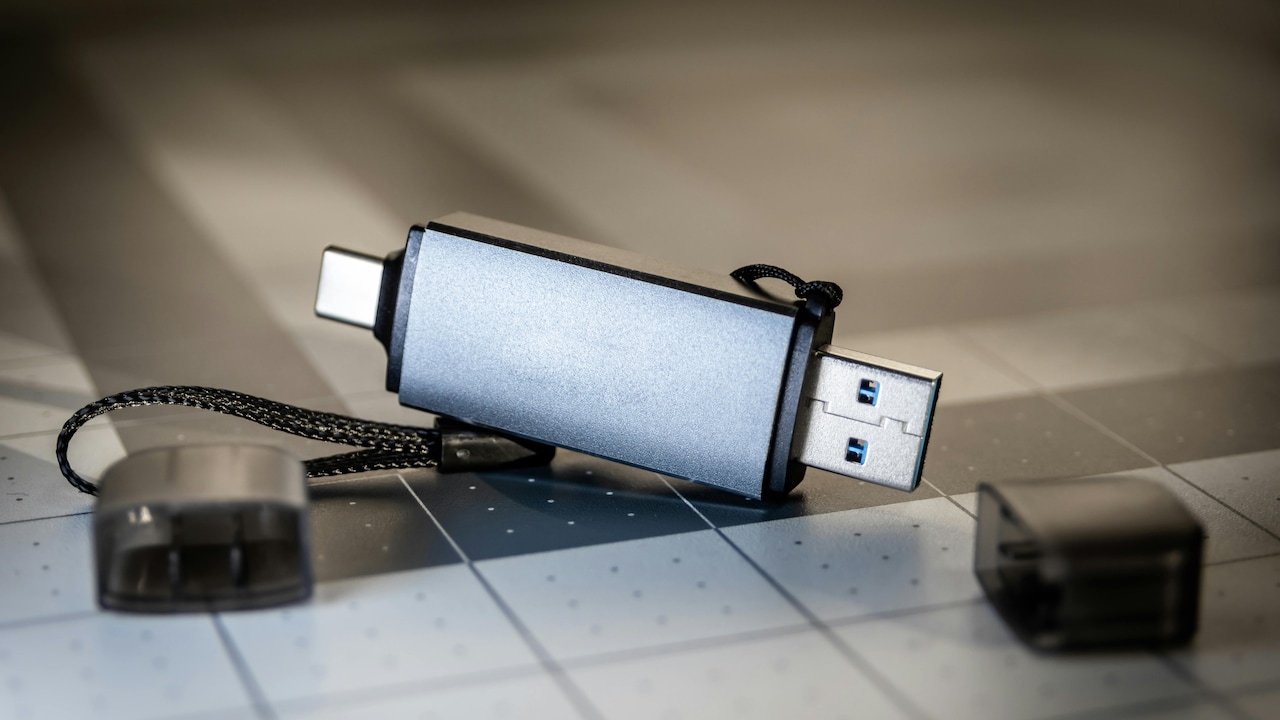
Compact and reliable USB storage options suited for academic and professional use
Reliable digital storage has become a daily need for students managing coursework and professionals handling presentations, documents, and backups. USB drives remain a practical solution because they are compact, easy to use, and compatible with multiple devices. Here, we have focused on the best SanDisk USB drives suited for academic and work environments, covering a range of capacities and connection types. Whether it is transferring assignments, storing office files, or keeping personal data secure, when you choose the right USB drive, it helps maintain productivity and organisation. The options below highlight balance storage space, speed, and durability, making them suitable for everyday use across laptops, desktops, and mobile devices.
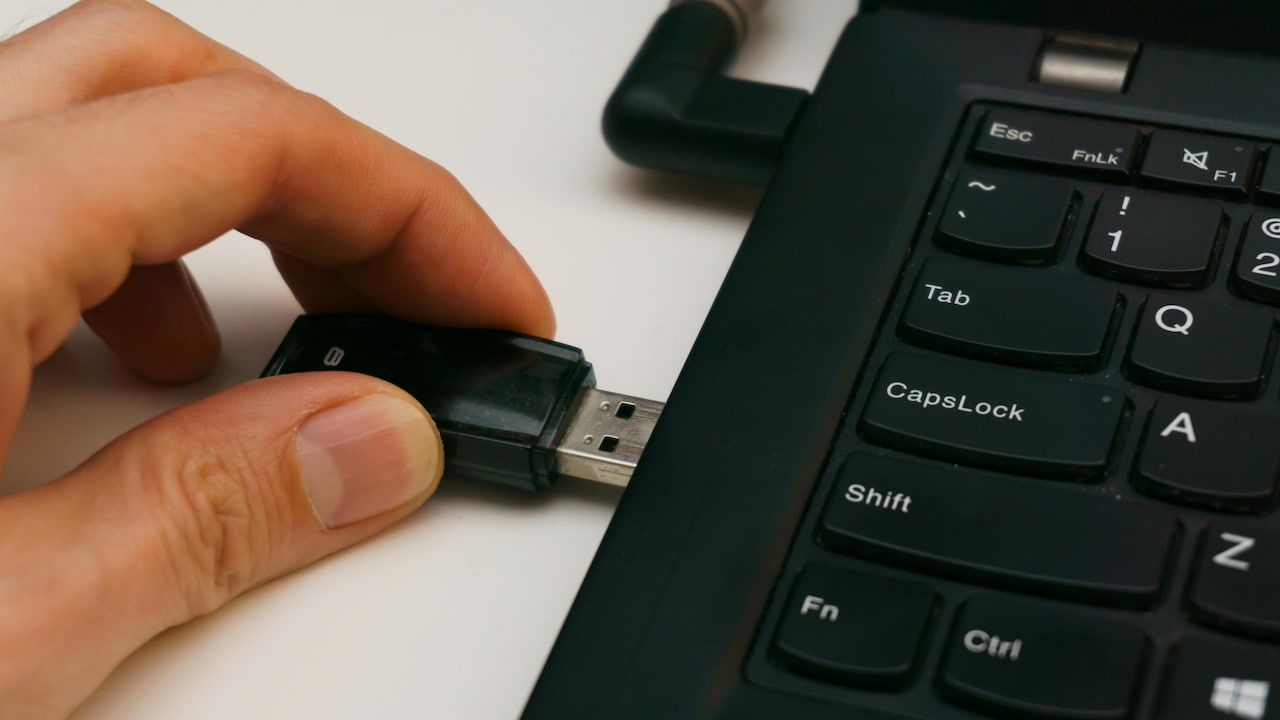
Compact and reliable USB storage options suited for academic and professional use; Photo Credit: Pexels
The Amazon Great Republic Day sale is now live, making it an ideal time to purchase essential tech accessories. During this sale period, several SanDisk USB drives are available with attractive discounts, allowing students and professionals to upgrade their storage without stretching their budget. With multiple variants on offer, buyers can select a drive that matches their usage needs while benefiting from festive pricing and convenient online delivery.
Also Read: Small Price, Big Help: Find 10 USB Gadgets Under ₹500 That Are Surprisingly Practical
| Product Name | Use Case | Special Feature | User Rating | Price |
|---|---|---|---|---|
| SanDisk Cruzer Blade 64GB | Academic files | Compact body | 4.2/5 | ₹700 |
| SanDisk Ultra Flair 64GB | Office documents | Metal casing | 4.3/5 | ₹799 |
| SanDisk Ultra Dual Drive Go Type-C 256GB | Cross-device transfer | Dual interface | 4.2/5 | ₹2,749 |
| SanDisk Ultra Dual Drive Luxe Type-C 256GB | Large file handling | High Speed | 4.2/5 | ₹3,149 |
| SanDisk iXpand USB 3.0 Flash Drive Flip 128GB | Mobile Update | Dual compatibility | 4.2/5 | ₹3,549 |
Best SanDisk USB Drives For Students and Professionals This Republic Day Sale
1. SanDisk Cruzer Blade 64GB
A lightweight USB drive designed for basic file storage and transfer. Its compact build makes it easy to carry in pockets or bags for daily academic or office use. Suitable for documents, images, and small media files.
Key Features
- 64GB storage capacity
- USB 2.0 interface
- Compact and lightweight design
- Plug-and-play functionality
- Compatible with most operating systems
2. SanDisk Ultra Flair 64GB
This USB drive offers faster data transfer compared to standard models, housed in a durable metal casing. Ideal for professionals who regularly move files between systems.
Key Features
- USB 3.0 interface
- Durable metal body
- Faster transfer speeds
- 64GB capacity
- Backward compatible
3. SanDisk Ultra Dual Drive Go Type-C 256GB
Designed for users who work across laptops and mobile devices, this dual-connector drive allows seamless file sharing between USB-C and USB-A devices.
Key Features
- Dual connectors (Type-C and USB-A)
- 256GB storage capacity
- Compact swivel design
- Suitable for mobile and desktop use
- High-speed performance
4. SanDisk Ultra Dual Drive Luxe Type-C 256GB
A premium metal USB drive built for fast and secure data transfer. It supports high-speed performance, making it suitable for large files.
Key Features
- USB Type-C and USB-A support
- Up to 400MB/s read speed
- Full metal design
- 256GB capacity
- OTG support
5. SanDisk iXpand USB 3.0 Flash Drive Flip 128GB
This drive is tailored for users who need storage across iOS devices and computers. The flip design protects connectors when not in use.
Key Features
- USB 3.0 interface
- 128GB storage
- Dual compatibility
- Metallic finish
- Secure file transfer
USB drives remain a practical tool for both students and professionals despite the rise of cloud storage. They offer quick access, offline reliability, and control over personal data. The SanDisk USB drives featured here cater to varied requirements, from everyday document storage to handling large files across multiple devices. With the Amazon Great Republic Day Sale currently live, buyers can invest in dependable storage solutions while keeping costs in check. Shop now on Amazon
Frequently Asked Questions (FAQs)
1. Why are USB drives still useful today?
USB drives provide quick file transfer and offline storage, making them useful when internet access is limited or unreliable.
2. What storage capacity is suitable for students?
Capacities between 64GB and 128GB are generally sufficient for documents, presentations, and study materials.
3. Are faster USB drives important for office work?
Higher transfer speeds help save time when moving large files such as videos or project folders.
4. Can one USB drive work across different devices?
Many modern drives support multiple connectors, allowing use with laptops, tablets, and smartphones.
5. How should USB drives be stored safely?
Keeping them in protective cases and ejecting them properly helps prevent data loss and physical damage.
(Disclaimer: This article may include references to or features of products and services made available through affiliate marketing campaigns. NDTV Convergence Limited (“NDTV”) strives to maintain editorial independence while participating in such campaigns. NDTV does not assume responsibility for the performance or claims of any featured products or services.)