Stop Smart TV Lag: What Causes Slowdowns And How To Maintain Peak Performance
Smart TV lag ruining your binge time? Discover the real reasons behind slowdowns and simple fixes to keep your TV fast, responsive, and frustration-free.
10 common reasons and quick fixes for a smart TV that keeps lagging
There's a certain excitement that comes with switching on a smart TV after a long day. The plan feels simple: sink into the sofa, queue up a favourite show, and let the world fade away. Yet, that moment often gets interrupted by a spinning wheel, a frozen screen, or an app that takes forever to load. Suddenly, relaxation turns into quiet irritation.
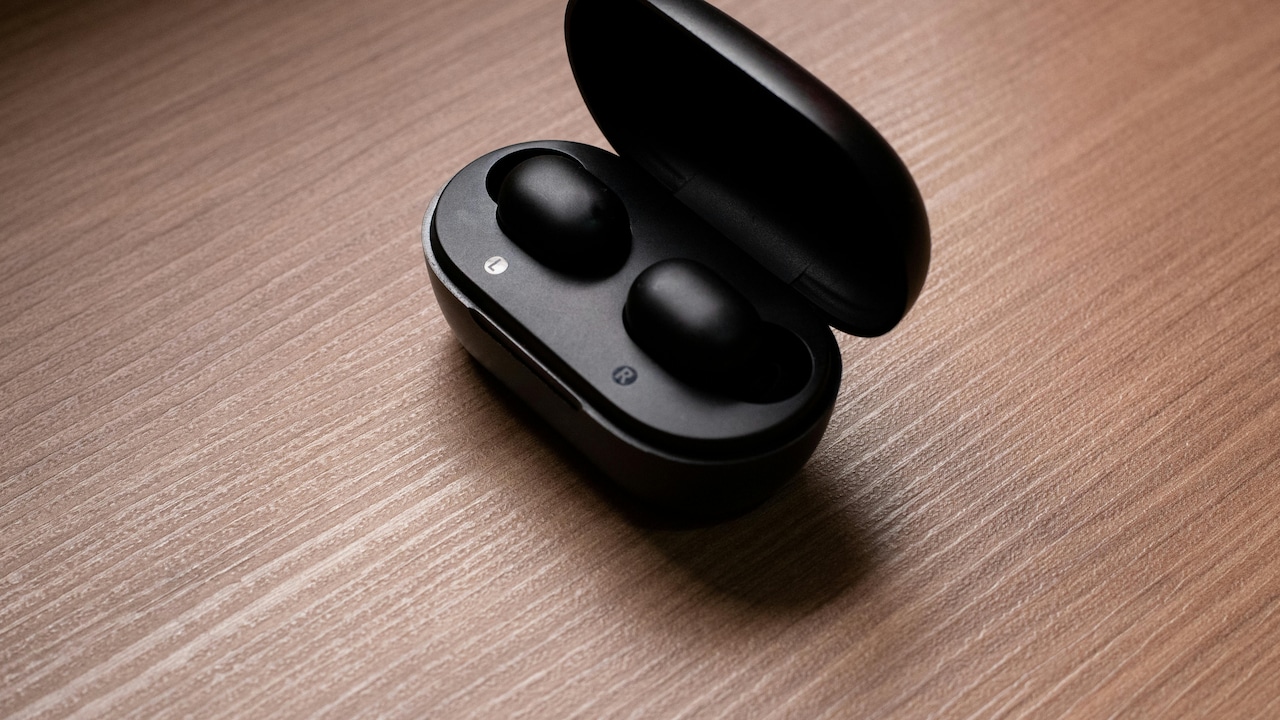
Explore the top reasons behind a lagging smart TV; Photo Credit: Unsplash
Smart TVs, much like smartphones, carry their own digital baggage. Over time, apps pile up, software ages, and performance takes a hit. What once felt lightning-fast begins to drag, almost as if the television has grown tired.
The good news? Most of these issues don't require expensive repairs or a brand-new device costing ₹50,000 or more. A bit of understanding and regular upkeep can restore that smooth, effortless experience. This article dives into the real causes behind smart TV lag and shares practical ways to keep performance at its best.
Also Read: Top 10 4K Ultra HD Smart TVs For Your Home Entertainment Needs
Why Smart TVs Slow Down And How To Fix It
Outdated Software Slowing Things Down
Software acts as the brain of any smart TV, quietly managing everything from streaming apps to system performance. When updates get ignored, that brain begins to struggle. Developers release updates not just for new features but also to fix bugs and improve speed. Without them, even a premium television can feel outdated within months.
Many households avoid updates because they seem time-consuming or risky. Yet, skipping them often leads to compatibility issues with apps like streaming platforms, which update frequently. That mismatch causes delays, crashes, and sluggish navigation.
Think of it like using an old map in a rapidly changing city. Roads shift, routes change, and confusion builds. Similarly, outdated software struggles to keep up with modern demands.
Regular updates, ideally once every few weeks, keep the system running smoothly. Most TVs offer automatic updates, which simplify the process. Enabling this feature ensures the device stays optimised without constant manual effort. A few minutes spent updating can save hours of frustration later.
Too Many Apps Weighing Down Performance
Smart TVs often turn into digital junk drawers. Over time, apps accumulate, some used daily, others forgotten entirely. Each installed app consumes storage and, in some cases, continues running in the background.
This clutter slows down the system. The TV must work harder to manage resources, leading to delayed responses and longer loading times. Even switching between apps can feel like a chore.
It's similar to a cluttered room. Finding anything becomes difficult when unnecessary items pile up. Clearing space instantly makes everything easier to navigate.
A simple solution involves reviewing installed apps every couple of months. Remove anything that hasn't been used recently. Most people discover several apps installed during initial setup that never get touched again.
Keeping only essential apps ensures the system remains light and responsive. It also reduces the chances of crashes, especially during peak usage hours like weekend movie nights.
Limited Storage Space Creating Bottlenecks
Storage plays a bigger role than many realise. When internal memory fills up, the TV struggles to perform even basic tasks. Temporary files, cached data, and app updates quietly eat into available space.
Once storage nears capacity, operations slow down dramatically. Apps take longer to open, menus lag, and updates may fail altogether.
Imagine trying to work at a desk piled high with papers. There's no room to function efficiently. The same principle applies here.
Clearing cache regularly can make a noticeable difference. Many TVs allow users to clear app data through settings. This removes unnecessary files without affecting essential content.
For those who prefer a hands-off approach, restarting the TV occasionally helps clear temporary memory. It's a simple habit that often gets overlooked but delivers immediate improvements.
If storage issues persist, using external devices like streaming sticks can shift the load away from the TV, restoring smooth performance.
Weak Internet Connection Causing Lag
A smart TV depends heavily on a stable internet connection. Even the most advanced device cannot perform well if the network struggles. Buffering, low-resolution playback, and delayed responses often trace back to poor connectivity.
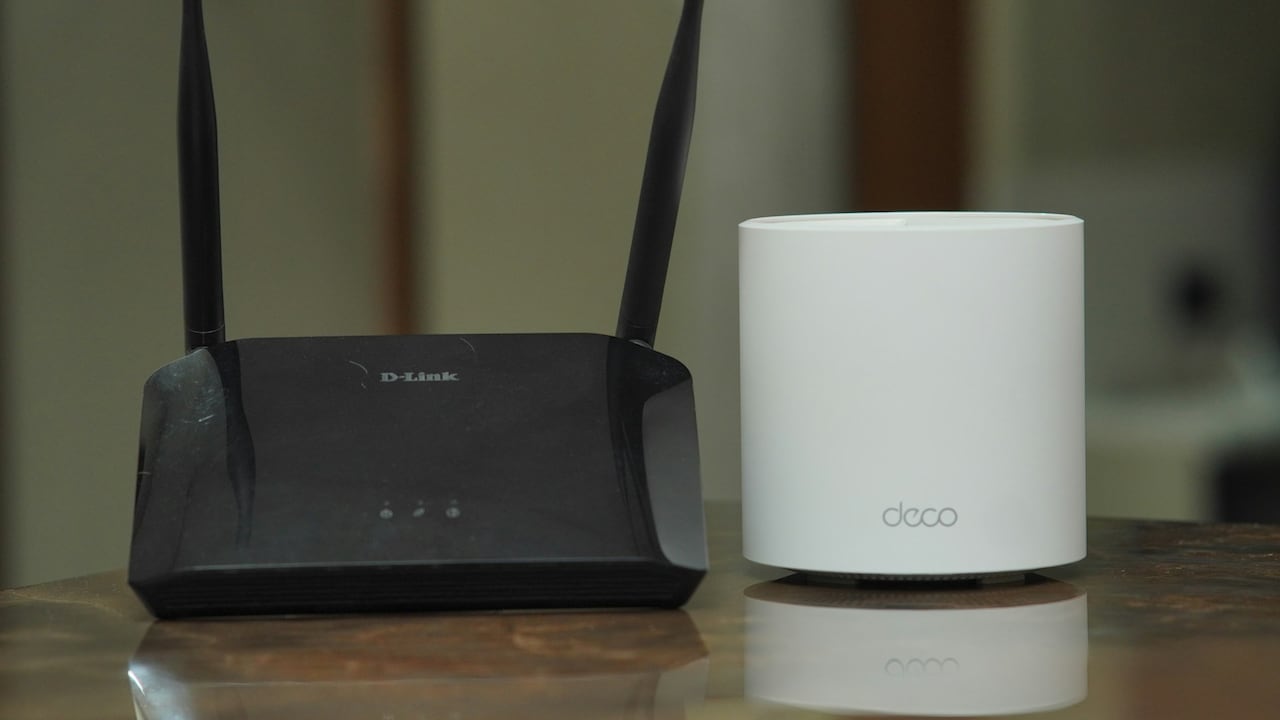
In many homes, Wi-Fi signals weaken across rooms, especially when routers sit far from the TV. Walls, furniture, and other devices interfere with signals, reducing speed.
The experience feels familiar, waiting endlessly for a video to load while others in the house scroll effortlessly on their phones.
Positioning the router closer to the TV or using a wired Ethernet connection can significantly improve performance. Ethernet offers consistent speed and reduces interruptions.
Upgrading to a higher-speed plan, especially when multiple devices share the network, also helps. While it may cost an extra ₹300–₹500 per month, the improvement in streaming quality and responsiveness makes it worthwhile.
Background Processes Draining Resources
Smart TVs often run processes quietly in the background. Automatic updates, app syncing, and system checks all consume resources. While these tasks are essential, they can slow down performance when too many run simultaneously.
The effect becomes noticeable when switching between apps or navigating menus. Delays creep in, and the interface feels less responsive.
It's like trying to hold multiple conversations at once. Focus drops, and everything takes longer.
Restarting the TV helps close unnecessary background processes. Unlike standby mode, a full restart clears active tasks and refreshes the system.
Some TVs also allow users to manage background activity through settings. Limiting these processes ensures the device focuses on what matters most, delivering smooth, uninterrupted entertainment.
Background processes like automatic updates and app syncing can cause lagging issues; Photo Credit: Unsplash
Ageing Hardware Losing Efficiency
No device remains at peak performance forever. Over time, hardware components wear down, and processing speeds decline. Smart TVs face the same reality.
As apps become more advanced, they demand more power. Older TVs struggle to keep up, leading to slower performance and occasional glitches.
This doesn't mean the device becomes useless overnight. However, expectations need adjustment. Features that worked flawlessly a few years ago may now show signs of strain.
Regular maintenance can extend the lifespan, but eventually, hardware limitations become noticeable. Instead of replacing the entire TV, many households opt for external streaming devices. These gadgets, often priced around ₹3,000–₹6,000, bring modern performance without the cost of a full upgrade.
Understanding this natural ageing process helps manage expectations and avoid unnecessary frustration.
Overheating Affecting Performance
Heat quietly impacts performance more than most realise. Smart TVs generate heat during operation, especially during long streaming sessions. Poor ventilation traps this heat, slowing down internal components.
When a TV overheats, performance dips. Apps may crash, menus lag, and the system may even restart unexpectedly.
The situation resembles working in a stuffy room. Concentration drops, and efficiency suffers.
Ensuring proper airflow around the TV makes a big difference. Avoid placing it in enclosed cabinets or tight spaces. Leaving a few inches of space around vents allows heat to dissipate effectively.
Cleaning dust from vents also helps. Dust buildup restricts airflow and worsens overheating issues.
Simple adjustments in placement and cleaning can prevent many performance problems, keeping the TV running smoothly even during extended use.
App Compatibility Issues Creating Delays
Not all apps work equally well on every TV. Some apps receive frequent updates, while others lag behind. When compatibility issues arise, performance suffers.
Users may notice certain apps crashing more often or taking longer to load. These inconsistencies create a frustrating viewing experience.
It's similar to trying to fit a new puzzle piece into an old set, it doesn't quite align.
Checking for app updates regularly ensures compatibility with the latest system version. If an app continues to cause issues, reinstalling it often resolves hidden glitches.
In some cases, switching to alternative apps offering similar content improves performance. Many streaming platforms provide multiple access options, allowing users to choose the most stable one.
Staying flexible with app choices can make a noticeable difference in overall experience.
Ignoring Regular Maintenance Habits
Smart TVs require occasional care, much like any other electronic device. Ignoring basic maintenance leads to a gradual performance decline.
Simple habits, such as restarting the TV weekly, clearing the cache, and updating software, go a long way. Yet, these tasks often get overlooked.
The result? A device that feels slower with each passing month.
Treating the TV like a long-term investment changes the approach. A few minutes of maintenance ensure consistent performance and avoid sudden issues.
Even small actions, like checking settings or removing unused apps, contribute to a smoother experience.
Consistency matters more than complexity. Regular upkeep keeps the system responsive and enjoyable, reducing the need for costly repairs or replacements.
Products Related To This Article
1. Xiaomi 138 cm (55 inch) FX Ultra HD 4K Smart LED Fire TV
2. TCL 80 cms (32 inches) V5C Series Full HD Smart QLED Google TV
3. Samsung 80 cm (32 inches) HD Smart LED TV
4. VW 109 cm (43 inches) OptimaX Series Full HD Smart QLED Android TV
5. acer 100 cm (40 inches) Ultra I Series FHD Smart LED Google TV
Smart TV lag doesn't appear overnight. It builds gradually, shaped by software updates, storage limits, network issues, and everyday usage habits. What begins as a minor delay can grow into a persistent annoyance if left unchecked.
Fortunately, most of these problems have simple solutions. Keeping software updated, managing apps wisely, ensuring strong internet connectivity, and practising regular maintenance can restore performance without spending heavily.
A smart TV should enhance relaxation, not interrupt it. With a little attention and care, it can continue to deliver smooth, enjoyable viewing for years. After all, the goal remains simple: press play and enjoy the moment without waiting for the screen to catch up.
(Disclaimer: This article may include references to or features of products and services made available through affiliate marketing campaigns. NDTV Convergence Limited (“NDTV”) strives to maintain editorial independence while participating in such campaigns. NDTV does not assume responsibility for the performance or claims of any featured products or services.)