Earbuds Keep Disconnecting Randomly? The Real Reason No One Talks About
Earbuds disconnecting randomly is not always a device fault. Hidden factors like signal interference, battery behaviour and device overload quietly disrupt connections more than most realise.
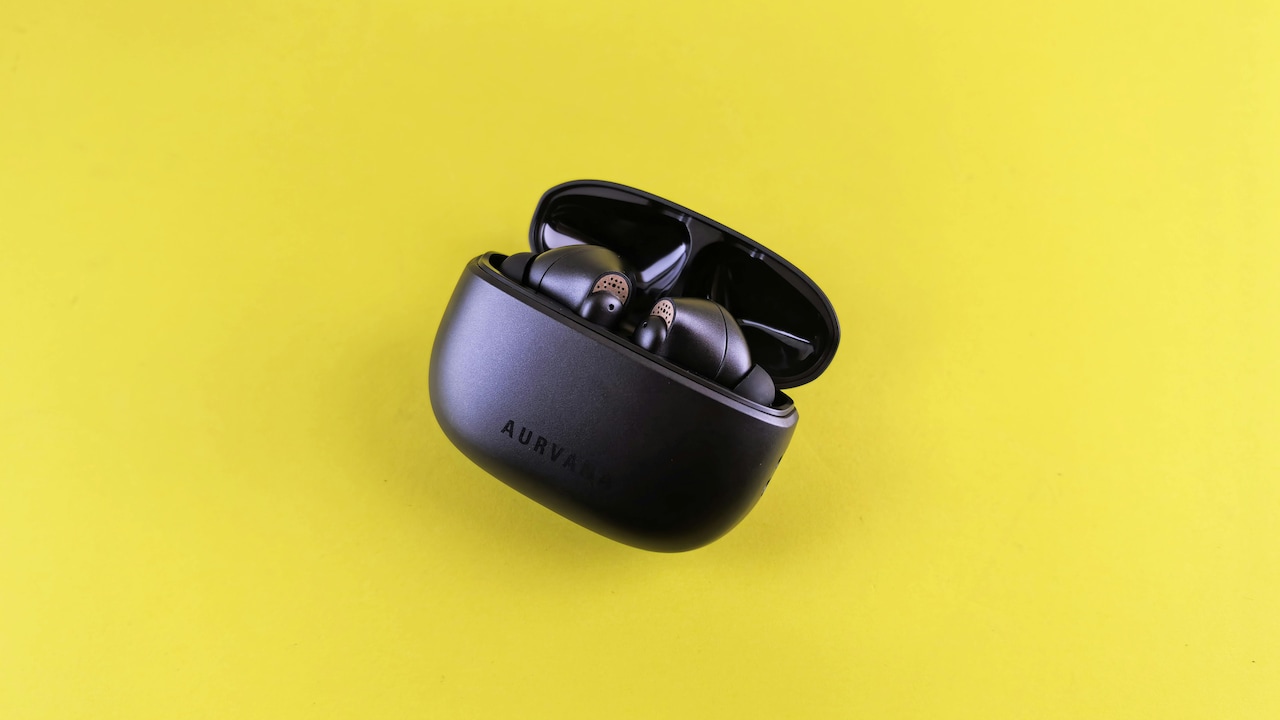
Earbuds Disconnecting Frequently? Hidden Reasons And Easy Fixes Explained
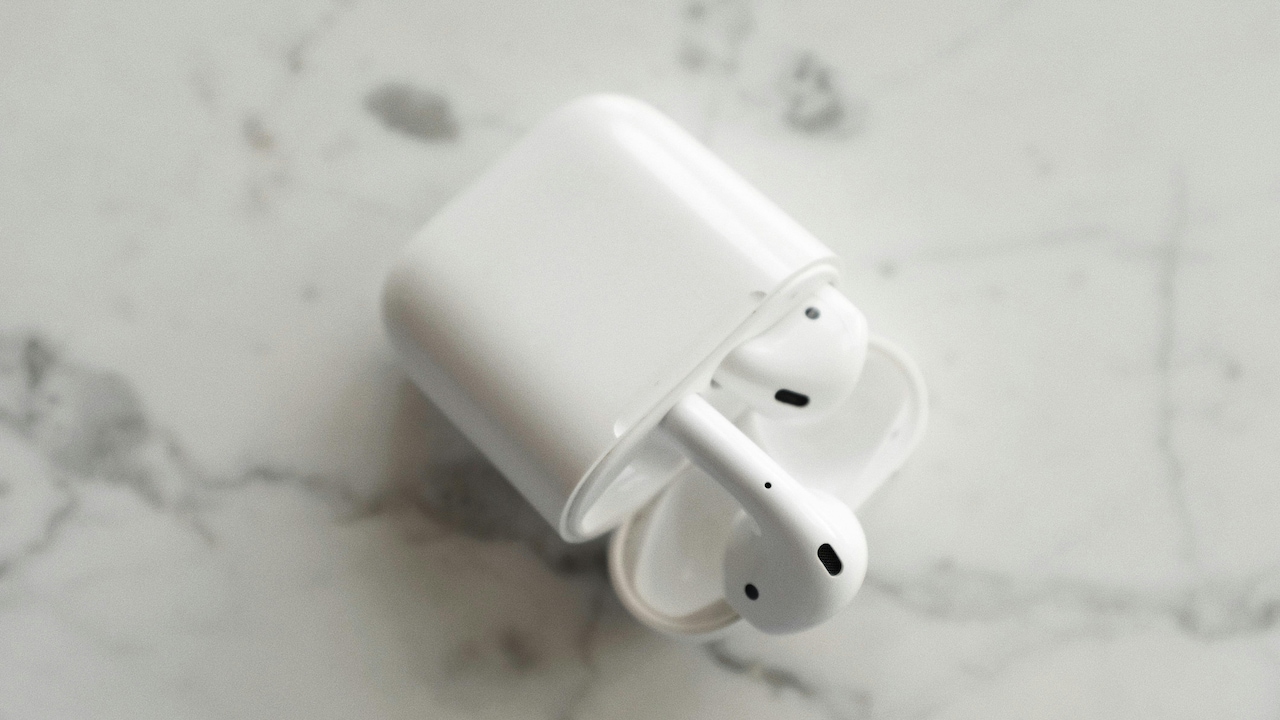
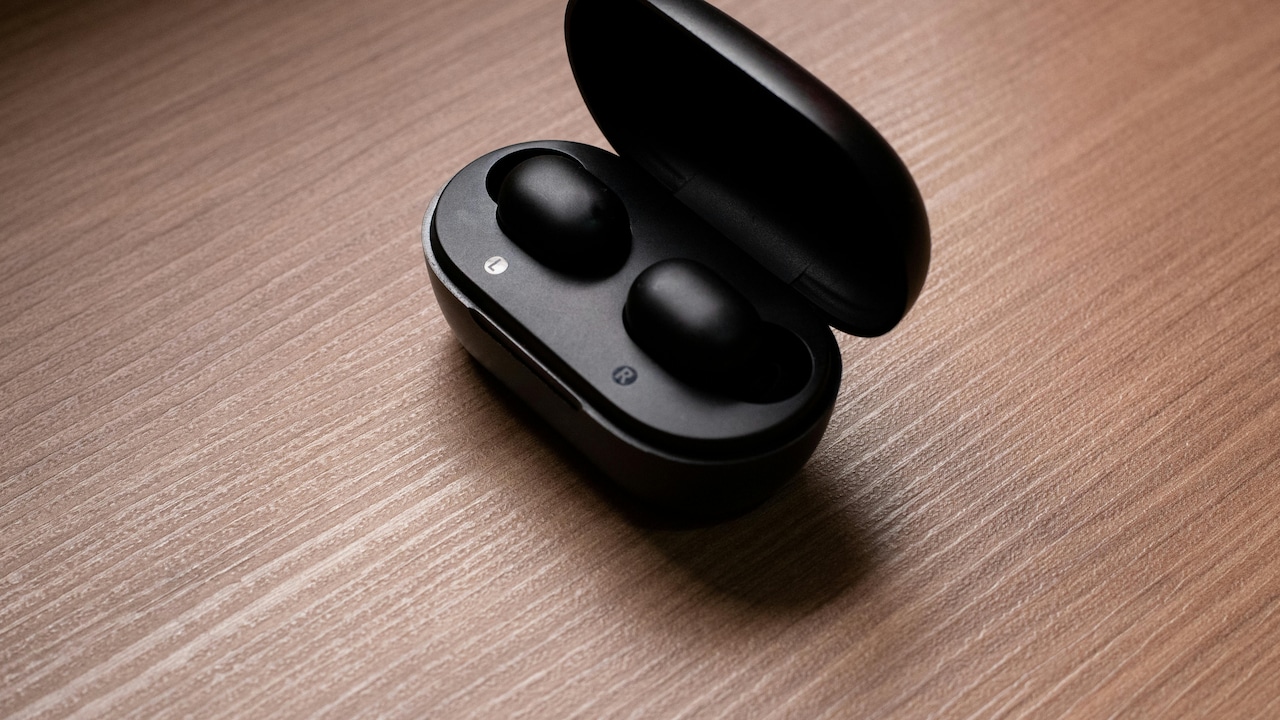
Few things feel as oddly irritating as earbuds cutting out mid-song. One moment, there's a favourite track playing smoothly; the next, silence creeps in like an unwanted guest. It feels random, almost personal. Blame often falls on poor quality or ageing devices, but the truth runs deeper and, surprisingly, closer to home.
Wireless technology promises freedom. No tangled wires, no awkward adjustments. Yet that freedom comes with invisible complexities. Signals bounce, devices compete, and environments interfere in ways most never consider. Add daily habits, like stuffing earbuds into pockets or connecting to multiple devices, and things get even messier.
The issue isn't always about spending ₹10,000 more on premium earbuds. Even top-tier models face the same invisible hurdles. The real story lies in how modern wireless ecosystems behave and how small, overlooked factors quietly disrupt them.
Understanding these hidden triggers doesn't just solve a tech annoyance. It restores those small, satisfying moments, morning walks, gym sessions, and long commutes, where music or calls flow without interruption. And once these reasons come into focus, the solution often feels surprisingly simple.

Earbuds Disconnecting Frequently? Hidden Reasons And Easy Fixes Explained; Photo Credit: Pexels
What's Really Causing Those Random Dropouts?
Bluetooth Isn't As Stable As It Seems
Bluetooth feels like magic until it doesn't. It connects devices instantly, streams audio effortlessly, and then, without warning, drops everything. The illusion of stability hides a fragile system constantly negotiating signals.
Bluetooth operates on short-range radio waves. These waves don't travel in straight, uninterrupted lines. Walls, bodies, and even a crowded train compartment can weaken them. When dozens of devices operate nearby, signals overlap like conversations in a noisy room. Earbuds struggle to stay locked onto a single source.
Most users expect a seamless connection within a range of about 10 metres. In reality, that range shrinks dramatically in real-world conditions. A phone tucked inside a backpack or placed behind a metal surface can disrupt the signal entirely.
The problem becomes more noticeable in crowded urban spaces. Think about a busy café or a packed metro coach. Every person carries at least one Bluetooth device. That's dozens of invisible signals competing at once.
Understanding this limitation changes expectations. The issue isn't always faulty earbuds. It's often the invisible chaos surrounding them. Once this becomes clear, simple adjustments, like keeping the phone closer, start to make a noticeable difference.
The Hidden Enemy: Signal Interference
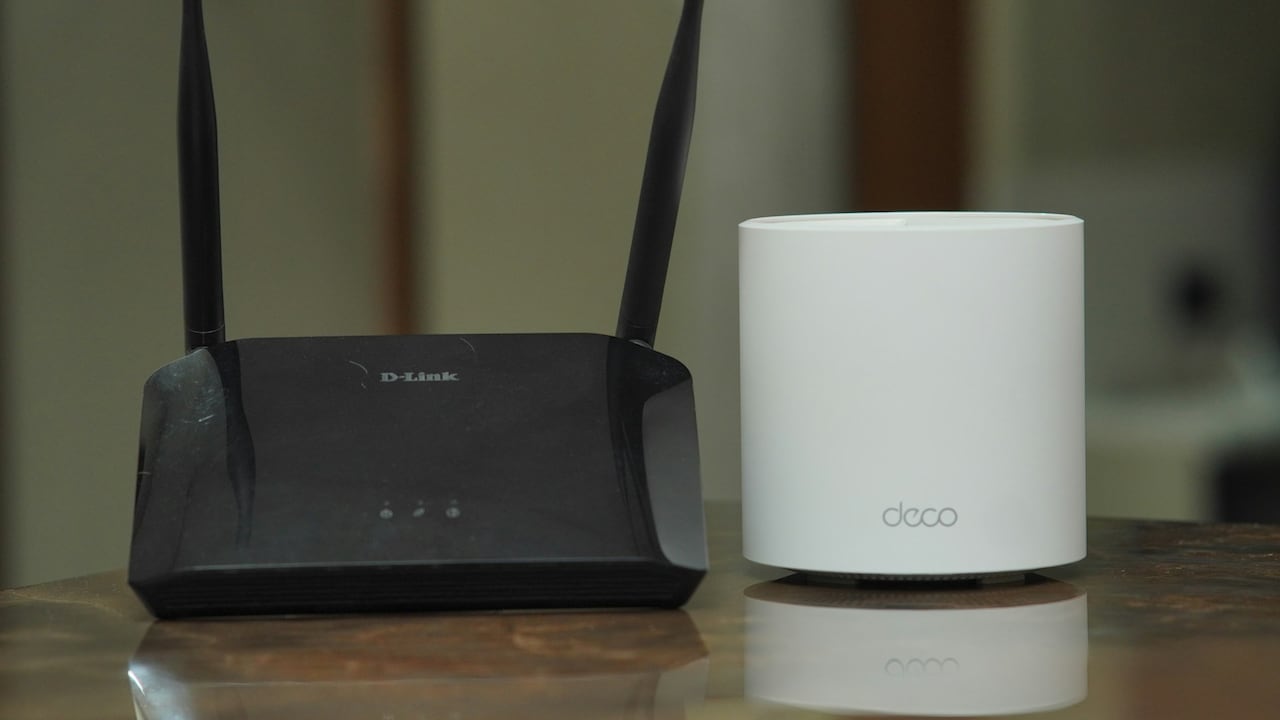
Interference rarely gets the attention it deserves. Yet it sits at the heart of most disconnection problems. Wi-Fi routers, microwave ovens, and even smart home devices all operate within similar frequency bands.
In homes, the router often becomes the biggest culprit. High-speed internet may feel like a blessing, but it floods the air with competing signals. Earbuds struggle to maintain a clean connection in this digital crowd.
Even everyday appliances play a role. A microwave running in the kitchen can disrupt signals for a few seconds. It sounds unlikely, but the science backs it up. These appliances emit electromagnetic waves that clash with Bluetooth frequencies.
Public spaces make things worse. Shopping malls, airports, and offices run multiple wireless systems simultaneously. The result feels like trying to hear a whisper in a room full of shouting voices.
This explains why earbuds work perfectly at home but fail during travel. The environment shifts, and so does the signal quality.
Reducing interference doesn't require technical expertise. Moving slightly away from routers or avoiding overly crowded wireless zones can stabilise connections. It's less about fixing the earbuds and more about navigating the invisible environment around them.
Also Read: 7 Best Earbuds Under ₹1,500 For Small Ears: Comfortable, Secure And Budget-Friendly Picks
Low Battery, Big Problems
Battery levels affect more than playback time. They influence connection stability in subtle ways that often go unnoticed. As battery levels drop, earbuds reduce power output to conserve energy.
This reduction weakens signal strength. The connection becomes less stable, leading to sudden dropouts or uneven audio. It feels like a glitch, but it's actually a built-in energy-saving response.
Phones behave similarly. A device running low on battery may limit background processes, including Bluetooth performance. The result creates a double impact, as both the earbuds and the phone struggle to maintain a steady connection.
Charging habits also matter. Constant partial charging or leaving devices plugged in overnight can degrade battery health over time. After a few months, even fully charged earbuds may not deliver the same performance.
This explains why older earbuds disconnect more frequently. It's not always about outdated technology. It's often about worn-out batteries quietly losing efficiency.
Keeping devices adequately charged and avoiding extreme battery drain helps maintain stronger connections. It's a small habit with a noticeable payoff, fewer interruptions and smoother listening experiences.
Software Glitches Nobody Mentions
Hardware often takes the blame, but software plays an equally important role. Earbuds rely on firmware, while phones depend on operating systems. When these don't align perfectly, issues begin to surface.
Updates introduce improvements but also new bugs. A phone update might change how Bluetooth behaves, causing previously stable earbuds to disconnect unexpectedly. It feels sudden because the change happens silently.
Apps can interfere, too. Music streaming apps, call management tools, and even fitness trackers constantly interact with Bluetooth. If one app behaves unpredictably, it can disrupt the entire connection.
Background processes add another layer. Phones juggle multiple tasks at once. When resources get stretched, Bluetooth performance can take a hit.
Restarting devices often fixes these issues, yet many overlook this simple step. It resets temporary glitches and restores normal behaviour.
Keeping software updated helps, but updates should be installed thoughtfully. Checking for compatibility and known issues can prevent unnecessary frustration. Sometimes, stability matters more than having the latest version.
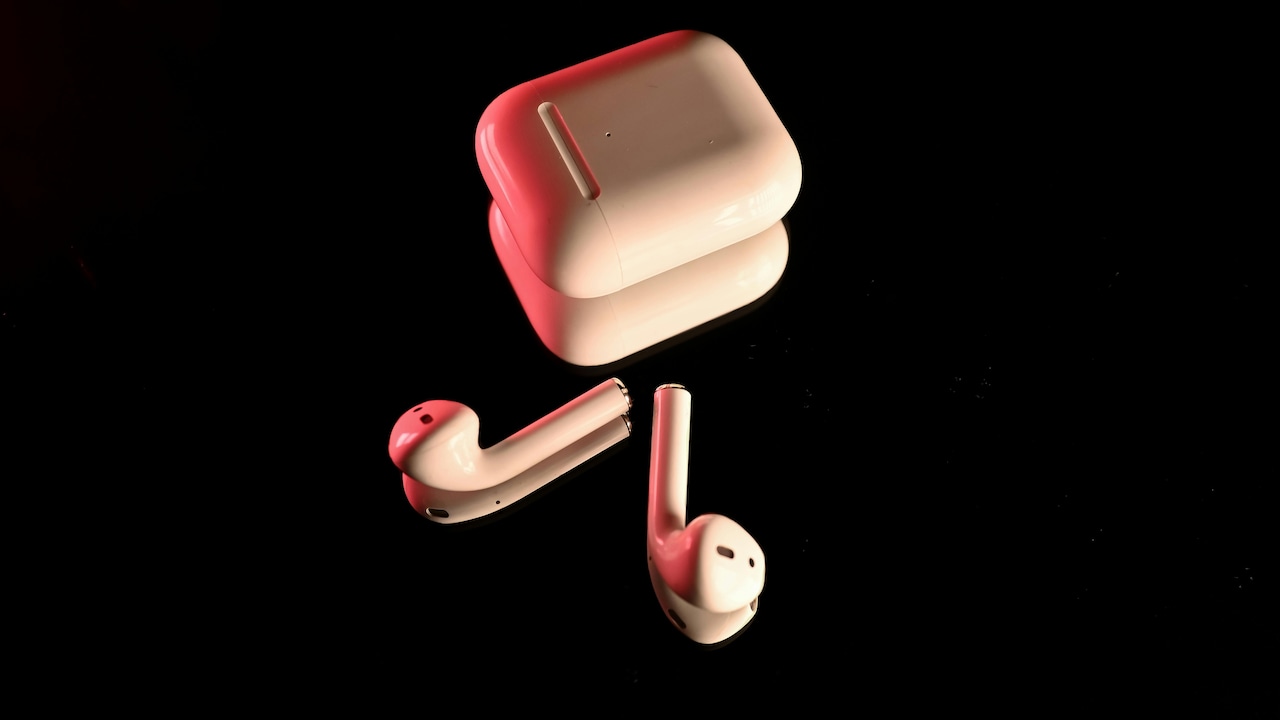
Earbuds Disconnecting Frequently? Hidden Reasons And Easy Fixes Explained; Photo Credit: Pexels
Too Many Devices, Too Little Stability
Modern life revolves around multiple devices. Phones, laptops, tablets, and smart TVs all compete for attention and connections. Earbuds often try to juggle more than one device at a time.
Multi-device pairing sounds convenient. Switching between a laptop and phone feels seamless in theory. In practice, it creates confusion. Earbuds may attempt to connect to multiple sources simultaneously, leading to random disconnections.
Even when not actively in use, previously paired devices remain in memory. If they come within range, earbuds might try to reconnect automatically. This silent switching disrupts ongoing playback.
Picture a scenario where earbuds connect to a laptop left open in another room while being used with a phone. The result feels like a glitch, but it's simply the earbuds trying to follow instructions.
Managing connected devices solves this problem. Removing unused pairings and limiting active connections can stabilise performance. It reduces confusion and ensures earbuds focus on one device at a time.
Sometimes, less truly becomes more, especially when it comes to wireless connections.
Physical Obstructions Matter More Than Expected
It's easy to overlook the human body as a barrier, but it plays a surprisingly significant role. Bluetooth signals struggle to pass through dense materials, and the human body contains plenty of water, an excellent signal blocker.
Placing a phone in a back pocket while using earbuds can weaken the connection. The body sits directly between the device and the earbuds, disrupting the signal path.
Clothing and accessories add to the challenge. Thick jackets, bags, and even helmets can interfere with signal transmission. The effect becomes more noticeable during movement, such as walking or cycling.
Orientation matters too. Turning the head or shifting position can momentarily block signals. These small changes create brief dropouts that feel random.
Understanding this behaviour leads to simple fixes. Keeping the phone in a front pocket or closer to the earbuds improves signal strength. It's not about changing technology but adjusting habits.
These subtle changes often make the biggest difference, turning a frustrating experience into a smooth one.
Cheap Components Vs Smart Design
Price often influences expectations. Expensive earbuds promise better performance, while budget options carry lower expectations. However, the gap isn't always as straightforward as it seems.
Some affordable earbuds perform surprisingly well due to an efficient design. Meanwhile, premium models may struggle if optimisation falls short. It's not just about cost, it's about how components work together.
Antenna design plays a critical role. Well-designed antennas maintain stronger connections even in challenging environments. Poorly designed ones struggle regardless of price.
Chipsets also matter. Advanced chips handle signal processing more efficiently, reducing dropouts. However, even the best chips can't overcome poor design choices.
Marketing often focuses on sound quality and battery life, leaving connection stability overlooked. Yet for daily use, stability matters just as much.
Understanding this shifts buying decisions. Instead of chasing higher prices, looking for reliable performance reviews offers better insights. A well-balanced product often outperforms an expensive but poorly optimised one.
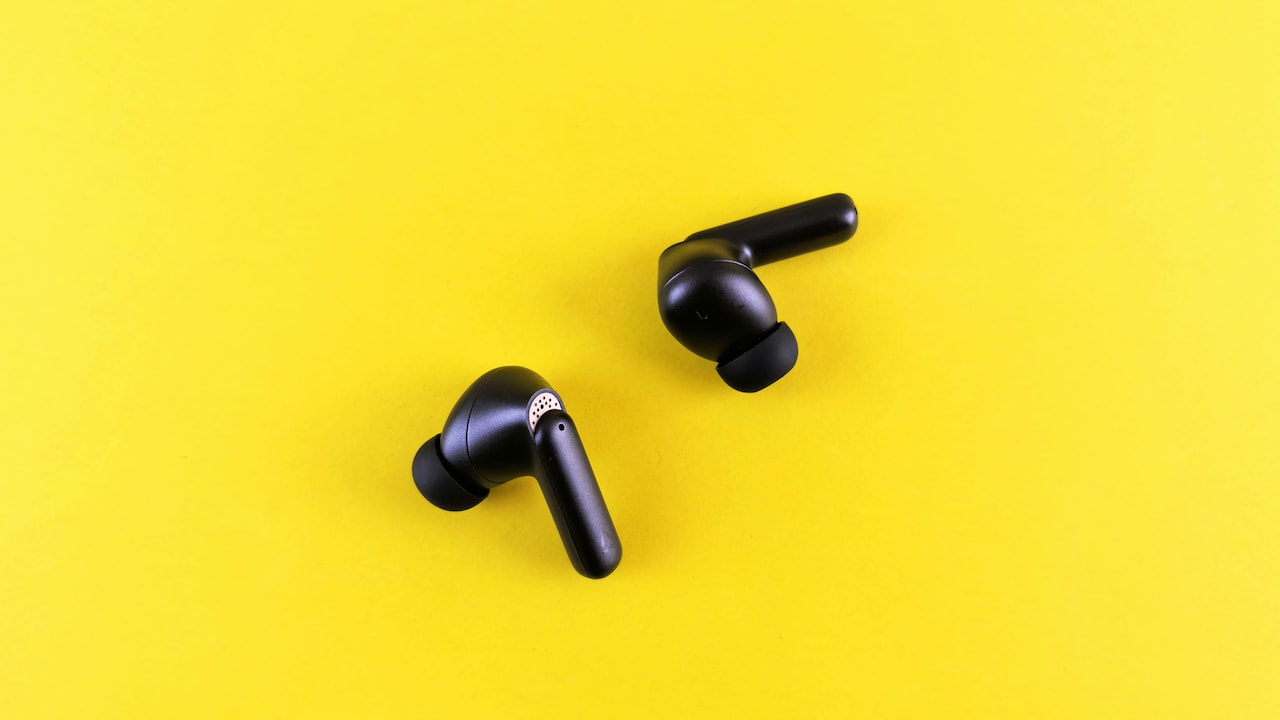
Earbuds Disconnecting Frequently? Hidden Reasons And Easy Fixes Explained; Photo Credit: Pexels
Environmental Factors You Never Consider
Weather and surroundings quietly influence wireless performance. High humidity, for instance, can affect signal propagation. It may not cause major disruptions, but it contributes to instability.
Urban environments introduce additional challenges. Tall buildings reflect signals, creating complex pathways. Signals bounce and overlap, making it harder for earbuds to maintain a direct connection.
Travel adds another layer. Airports and railway stations host countless wireless systems. The density of signals creates an environment where interference becomes unavoidable.
Even elevation matters. Using earbuds in a basement versus an open space can produce noticeably different results. Enclosed spaces trap signals, increasing interference.
These factors rarely get discussed, yet they shape everyday experiences. Recognising them helps set realistic expectations and encourages practical adjustments.
Sometimes, the solution lies not in the device but in the environment it operates in.
The Role Of Codec Compatibility
Audio codecs determine how sound gets transmitted over Bluetooth. Different devices support different codecs, and mismatches can lead to instability.
When a phone and earbuds don't share the same preferred codec, they fall back to a basic option. This fallback may not handle data as efficiently, leading to connection issues.
Higher-quality codecs require more bandwidth. In environments with interference, maintaining these connections becomes harder. The system may switch codecs mid-use, causing brief dropouts.
Users rarely notice these switches, yet they affect performance significantly. It's like changing gears unexpectedly while driving.
Checking compatibility between devices can improve stability. Some phones allow manual codec selection, offering better control.
Understanding codecs transforms troubleshooting. It adds another layer of clarity to what often feels like random behaviour.
Habits That Quietly Make Things Worse
Daily habits shape how earbuds perform. Tossing them into bags without protection can damage internal components over time. Dust and moisture accumulate, affecting connectivity.
Using earbuds during intense workouts exposes them to sweat. While many models offer resistance, repeated exposure still impacts performance.
Neglecting regular cleaning leads to buildup around sensors and connectors. This can interfere with charging and signal transmission.
Even how earbuds get stored matters. Leaving them outside their case increases exposure to environmental factors.
These habits don't cause immediate issues but create a gradual decline. Over time, disconnections become more frequent, and performance drops.
Adopting simple care routines extends lifespan and improves reliability. Cleaning, proper storage, and mindful usage make a noticeable difference.
Technology may feel advanced, but it still responds to basic care.
Products Related To This Article
1. Boat Nirvana Ion
2. Noise Master Buds, Sound by Bose in-Ear Bluetooth Earbuds
3. OnePlus Nord Buds 3r TWS Earbuds up to 54 Hours Playback
4. GOBOULT Z40 True Wireless in Ear Earbuds with 60H Playtime
5. Philips TAT1269 Bluetooth Truly Wireless in Ear Earbuds with mic
Random disconnections rarely come down to a single cause. They emerge from a mix of invisible signals, everyday habits, and overlooked technical details. Blaming the wireless earbuds alone misses the bigger picture.
The real reason no one talks about lies is in complexity. Wireless ecosystems involve multiple devices, environments, and behaviours interacting constantly. Each small factor adds up, creating those frustrating interruptions.
Yet the solution doesn't require expensive upgrades or technical expertise. Small changes, keeping devices close, managing connections, updating software, and maintaining good habits, can dramatically improve performance.
Understanding these hidden factors transforms frustration into control. It turns unpredictable behaviour into something manageable.
And once the interruptions fade, those everyday moments, music during a commute, calls on the go, quiet late-night listening, feel seamless again.
(Disclaimer: This article may include references to or features of products and services made available through affiliate marketing campaigns. NDTV Convergence Limited (“NDTV”) strives to maintain editorial independence while participating in such campaigns. NDTV does not assume responsibility for the performance or claims of any featured products or services.)