Wi-Fi Weak In One Room? Router Placement Tips To Boost Signal At Home
Struggling with weak Wi-Fi in one room? The problem is often router placement, not your plan. Learn expert fixes to boost signal strength, reduce dead zones, and get smoother streaming and calls across your home.
Is Your Wi-Fi Weak in One Room? Learn Expert Router Placement Fixes for Better Signal.
Every home has that one room. The rest of the house runs perfectly fine, but step into this particular corner, and suddenly the Wi-Fi behaves like it has taken a personal day. Messages refuse to send, videos buffer at 144p, and meetings freeze right when it's your turn to speak. The worst part? It's often the room you actually use most, your bedroom, your study, or the one spot where the fan breeze hits just right.
Most people assume weak Wi-Fi means a weak router or a slow plan. That's not always true. In many homes, the real culprit is placement. Where the router sits matters more than people realise, because Wi-Fi doesn't travel like water flowing through pipes. It behaves more like light, bouncing, fading, getting blocked, and sometimes disappearing behind the wrong obstacles.
This guide focuses on practical, expert-style router placement fixes. No complicated jargon. No pressure to buy expensive equipment. Just smart tweaks, relatable examples, and a few “Ohhh, so that's why!” moments.
Wi-Fi Weak In One Room? Router Placement Tips To Boost Signal At Home
Photo Credit: Pexels
Why Router Placement Matters More Than Your Internet Plan
1) Place the router like a ceiling fan, not like a shoe rack
A router is not a decorative item, but most homes treat it like one. It gets shoved behind the TV, tucked under a table, or hidden inside a cabinet because wires look messy. Unfortunately, that's the fastest way to weaken your signal.
Wi-Fi works best when it spreads outward and downward in a broad pattern. If the router sits on the floor or inside a cupboard, it struggles to “see” the house. It's like trying to shout instructions from inside a pillow fort. The sound exists, but it doesn't travel well.
The ideal placement is at a height, roughly chest level or higher. A sturdy shelf, a wall mount, or even the top of a safe cabinet works well, as long as it's not sealed inside something. In many homes, placing it near the living room TV seems logical, but that often means it sits low and surrounded by electronics.
A simple test: if the router is lower than your sofa seat, it's probably too low. Lift it, and you'll often feel the difference instantly in the “problem room”.
2) Keep it central, or accept that one room will suffer
Wi-Fi routers don't have favourites, but physics does. If the router sits at one extreme end of the house, the farthest room will almost always struggle. People often place routers where the broadband line enters, which is convenient for wiring, but terrible for coverage.
A central location gives the signal the best chance to reach every room with similar strength. In a typical flat, the ideal spot is somewhere near the middle, often a hallway shelf, a living room wall near the centre, or a point where the router can “spread” in multiple directions.
The biggest mistake is placing it near a window or balcony because it looks tidy there. That wastes signal outdoors, feeding Wi-Fi to pigeons and neighbouring buildings while your bedroom sits starving.
If moving the router feels impossible due to wiring, it may still be worth the effort. A longer Ethernet cable usually costs far less than upgrading your router. Spending ₹300–₹600 on a longer cable can fix a problem people wrongly try to solve with ₹6,000 hardware.
3) Stop hiding it behind the TV like a guilty secret
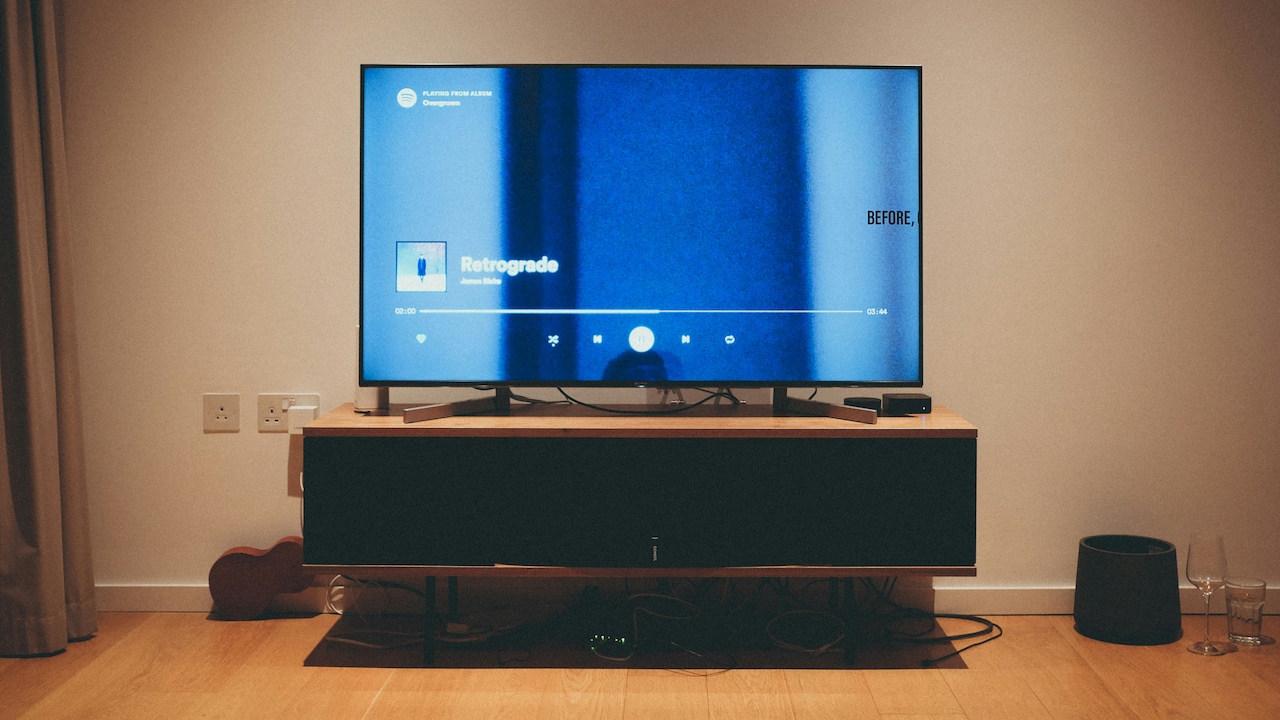
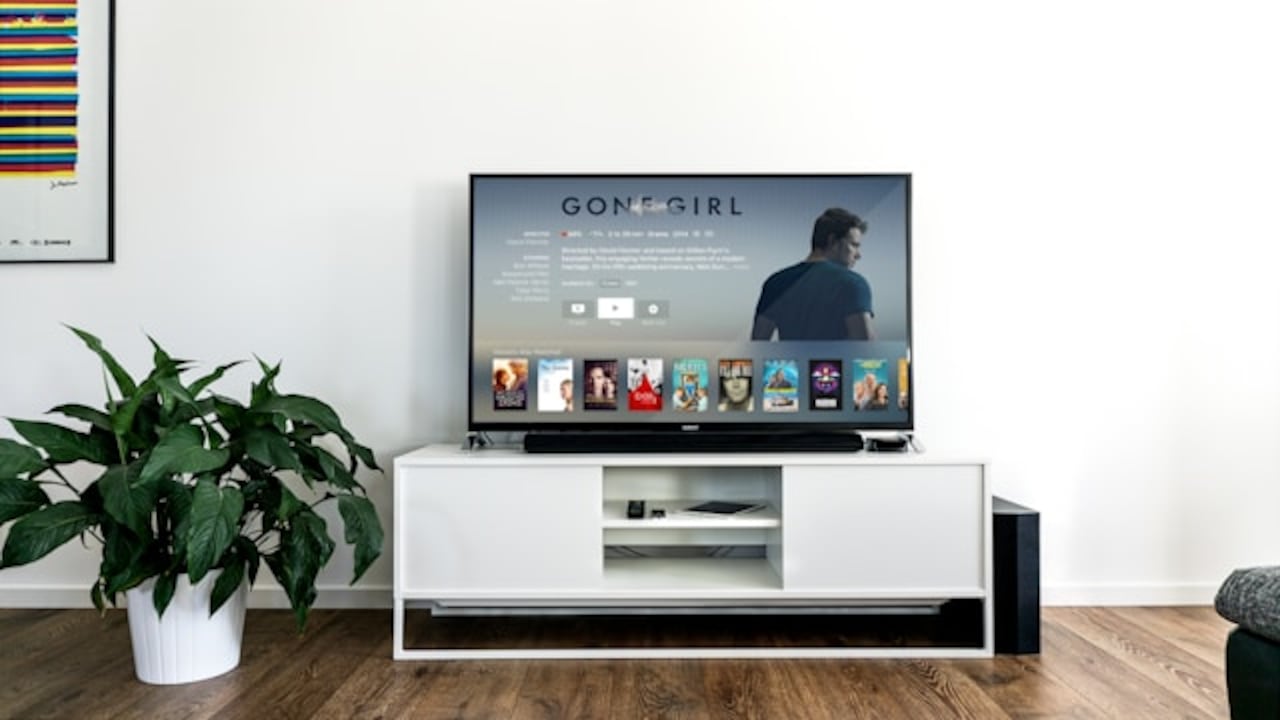
The TV unit is the most common router prison. It seems perfect: power socket nearby, broadband line nearby, and the router stays out of sight. But this placement often creates a Wi-Fi disaster zone.
TV units tend to be packed with things that interfere with the signal. There's the TV itself, the set-top box, speakers, gaming consoles, and sometimes even a metal-backed panel. Routers placed here end up surrounded by electronic noise and physical barriers.
Wi-Fi signals weaken when they pass through dense objects. They also struggle when competing with nearby devices emitting their own electromagnetic signals. That's why people often notice the Wi-Fi drops when someone turns on the microwave or when the Bluetooth speaker is running.
If the router must stay near the TV, place it outside the unit, not inside it. Give it breathing space. Keep it a little away from other electronics. Think of it as giving your Wi-Fi a clean stage instead of forcing it to perform inside a crowded auto-rickshaw.
4) Respect walls: some walls are basically Wi-Fi villains
Not all walls are equal. Some are gentle and let the signal pass with minor loss. Others behave as if they were designed specifically to annoy people who work from home.
Thick concrete walls, brick walls, and walls with metal reinforcements can weaken Wi-Fi dramatically. Bathrooms are also a classic Wi-Fi dead zone because tiles, mirrors, and plumbing can interfere more than expected. That's why the bedroom next to the bathroom sometimes feels like it lives in another universe.
If the weak room sits behind multiple thick walls, router placement becomes even more important. Sometimes moving the router just two metres to the left can reduce the number of walls the signal must cross. That small shift can turn “barely usable” into “smooth enough”.
A good trick is to visualise the house like a straight path. The fewer walls between the router and the weak room, the better. Even a slightly less central placement can win if it creates a cleaner path to the trouble spot.
5) Don't place it near mirrors, aquariums, or water tanks
This one sounds dramatic, but it's real. Wi-Fi does not like water. It gets absorbed and weakened by it. That includes aquariums, large water filters, water tanks, and even big vases filled with water.
Mirrors can also reflect signals in odd ways, creating weird dead spots. Many homes have large mirrors near entrances or in bedrooms. If the router sits facing one, it may bounce the signal in directions you don't want.
This matters because a lot of “one room weak” problems happen due to one surprisingly placed object. Sometimes it's not even the room itself. It's the aquarium sitting between the router and that room, quietly acting like a signal sponge.
The fix is not to remove the mirror or throw out the aquarium. Just avoid placing the router directly next to them or behind them. Give the router a clean line of sight to as much of the home as possible. Wi-Fi likes open air. It thrives on it.
6) Angle the antennas properly (yes, it actually matters)
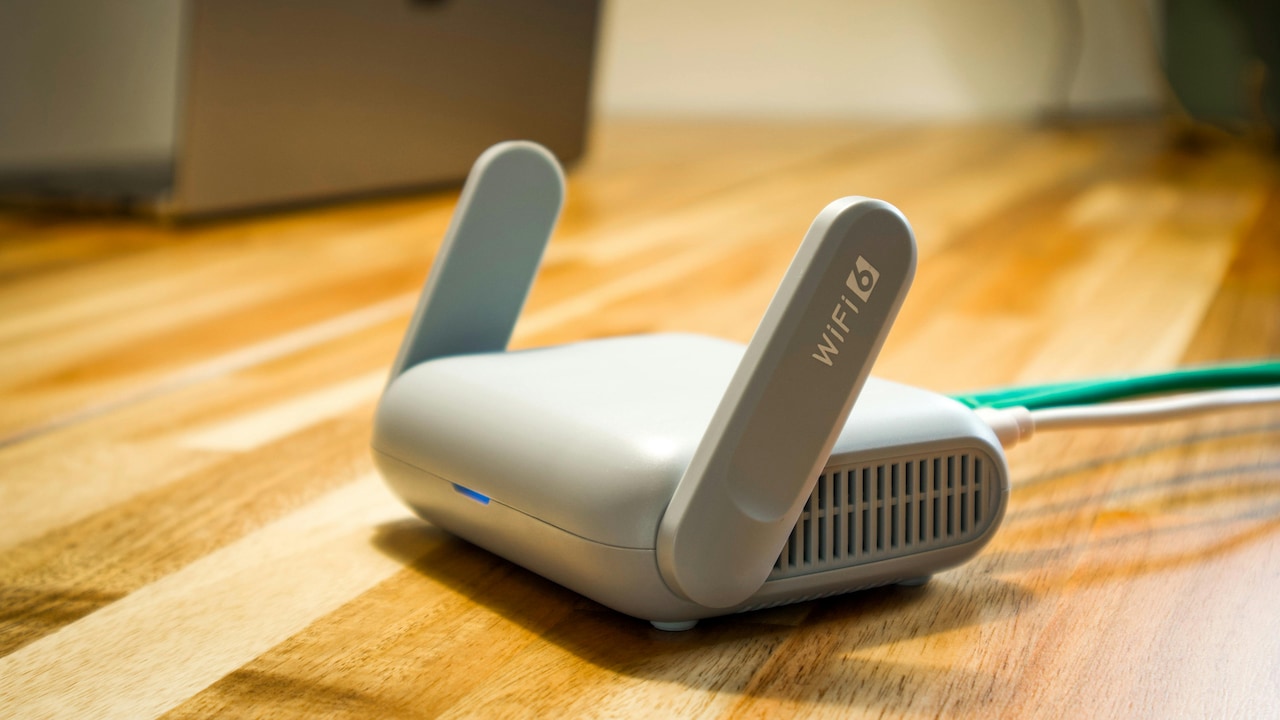
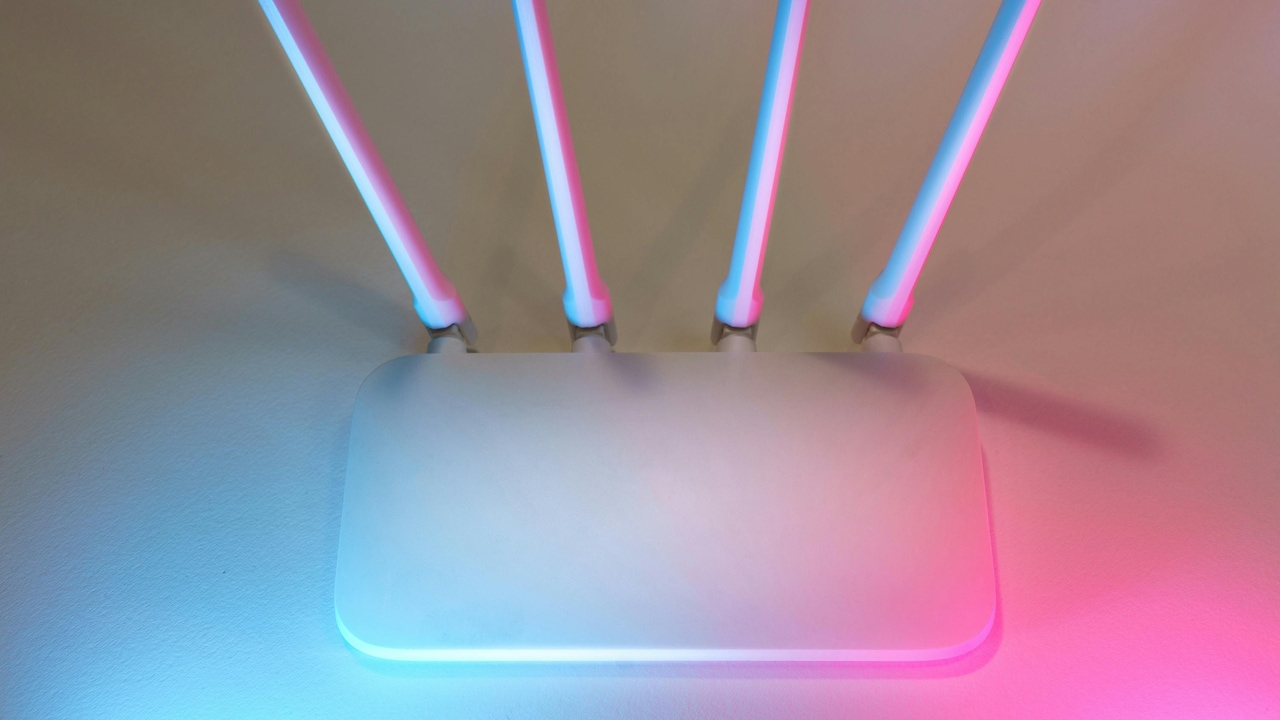
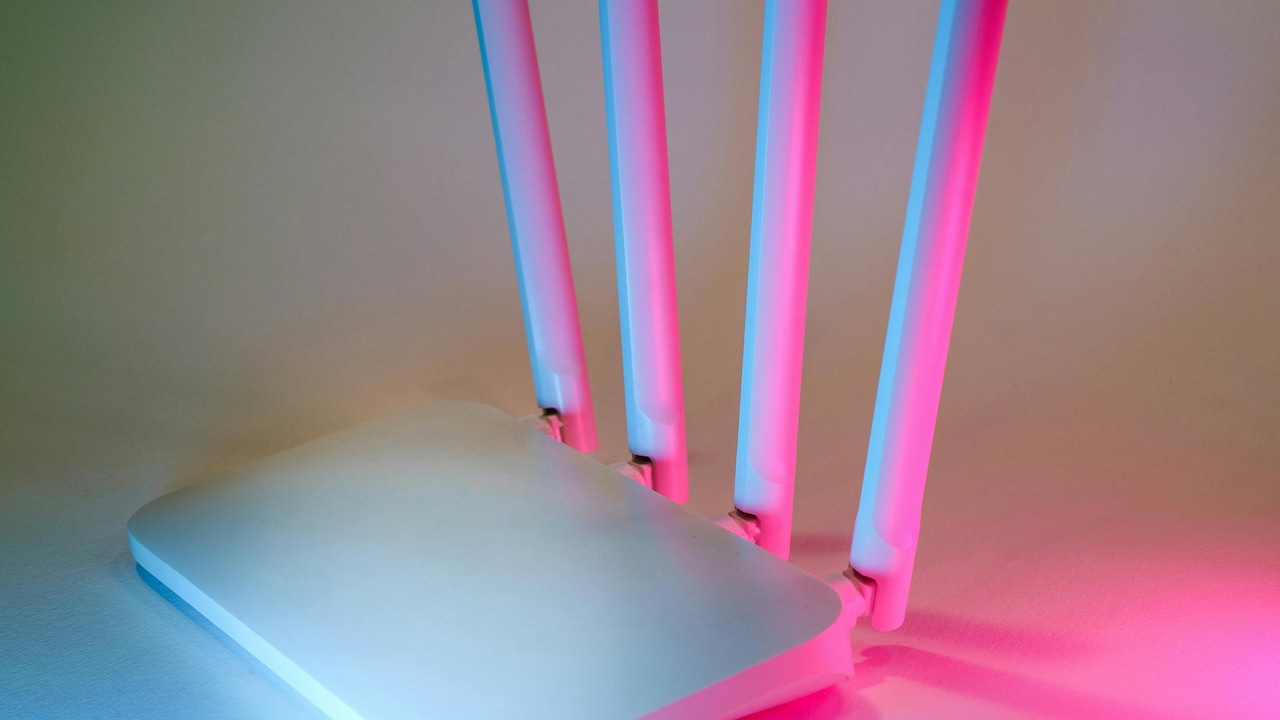
If your router has external antennas, their position matters more than people think. Many users never touch them, or they point them all in the same direction like a little antenna army. That's not ideal.
Wi-Fi signals spread differently based on antenna orientation. A vertical antenna tends to spread the signal horizontally across a floor. A horizontal antenna can help with devices placed above or below, depending on the layout.
In most homes, a mix works best. If there are two antennas, one vertical and one slightly angled can improve coverage. If there are three, try one vertical, one angled, and one slightly horizontal. This helps the signal spread in multiple planes instead of focusing on one.
This is especially useful for multi-storey homes where the router sits on one floor, and the weak room sits upstairs or downstairs. People often assume they need a new router, but sometimes a simple antenna adjustment improves stability.
It's a small change, but it's the kind of small change that makes people say, “Wait, why didn't anyone tell me this earlier?”
7) Choose the right band: 2.4 GHz for reach, 5 GHz for speed
Modern routers usually offer two bands: 2.4 GHz and 5 GHz. Many people connect to whichever network name looks familiar, then wonder why one room behaves badly.
Here's the simple truth. 2.4 GHz travels farther and penetrates walls better, but it's slower and more crowded. 5 GHz is faster and cleaner, but it struggles through walls and loses strength quickly.
So if one room is weak, forcing that room onto 5 GHz can make things worse. A room that's far away or behind thick walls often works better on 2.4 GHz, even if the speed is slightly lower. The connection will feel more stable, which matters more for video calls and browsing.
On the other hand, if you sit close to the router, 5 GHz is brilliant for streaming and downloads.
The smartest setup is to use both bands intentionally. The weak room should usually prioritise reach and stability. Speed is useless if the connection drops every two minutes.
8) Avoid the “router next to microwave” tragedy
A microwave can destroy Wi-Fi performance, especially on 2.4 GHz. It's not superstition. Microwaves operate around the same frequency range, and when someone heats leftovers, the Wi-Fi can suddenly wobble.
This issue shows up in many homes because routers are placed near the kitchen for convenience. Maybe the broadband cable comes in near the kitchen wall. Maybe that's where the only spare socket exists. Either way, the router ends up sharing space with the microwave, fridge, and a jungle of metal utensils.
Even if the Wi-Fi doesn't completely drop, it may become unstable. That's the worst kind of problem because it feels random. One minute everything works, the next minute the internet behaves like it's sulking.
If your weak room problem gets worse during meal times, this is a clue. Moving the router away from the kitchen zone can improve performance instantly. If moving isn't possible, switching more devices to 5 GHz can reduce interference, since microwaves mainly disturb 2.4 GHz.
9) Use the “problem room test” instead of guessing
Many people fix Wi-Fi like they fix a ceiling leak: by guessing and hoping. They move the router randomly, change settings they don't understand, and restart it like a ritual. It's not the best way.
A better method is a simple problem-room test. Stand in the weak room and check the Wi-Fi strength on your phone. Then move the router a short distance, one metre or two, and check again. Repeat. This sounds basic, but it works because Wi-Fi coverage changes dramatically with small shifts.
Sometimes the best spot is not where you expect. A router placed slightly higher, slightly away from a corner, or slightly more open can transform coverage. It's like moving a lamp in a dark room. One small change can brighten the entire space.
Also, test at the time you actually use Wi-Fi. Evening hours can be more crowded. Neighbouring networks interfere more. Testing at 11 am and deciding everything is fine may not reflect real life at 9 pm when everyone is streaming.
Fixing Wi-Fi becomes easier when you treat it like a mini experiment, not a mystery.
Wi-Fi Weak In One Room? Router Placement Tips To Boost Signal At Home
Photo Credit: Pexels
10) When placement isn't enough, add a mesh node or extender intelligently
Sometimes, even perfect placement cannot defeat the layout. If the home has thick walls, a long corridor, or multiple floors, the signal may still struggle in one room. That's when extra hardware makes sense, but only if used correctly.
A common mistake is placing an extender inside the weak room. That seems logical, but it often fails because the extender needs a strong signal to repeat. If the weak room already has poor Wi-Fi, the extender will simply repeat the weak Wi-Fi. That's like trying to refill a water bottle from a dripping tap.
Instead, place the extender or mesh node halfway between the router and the weak room. It should sit where the Wi-Fi is still strong enough to grab and then push forward.
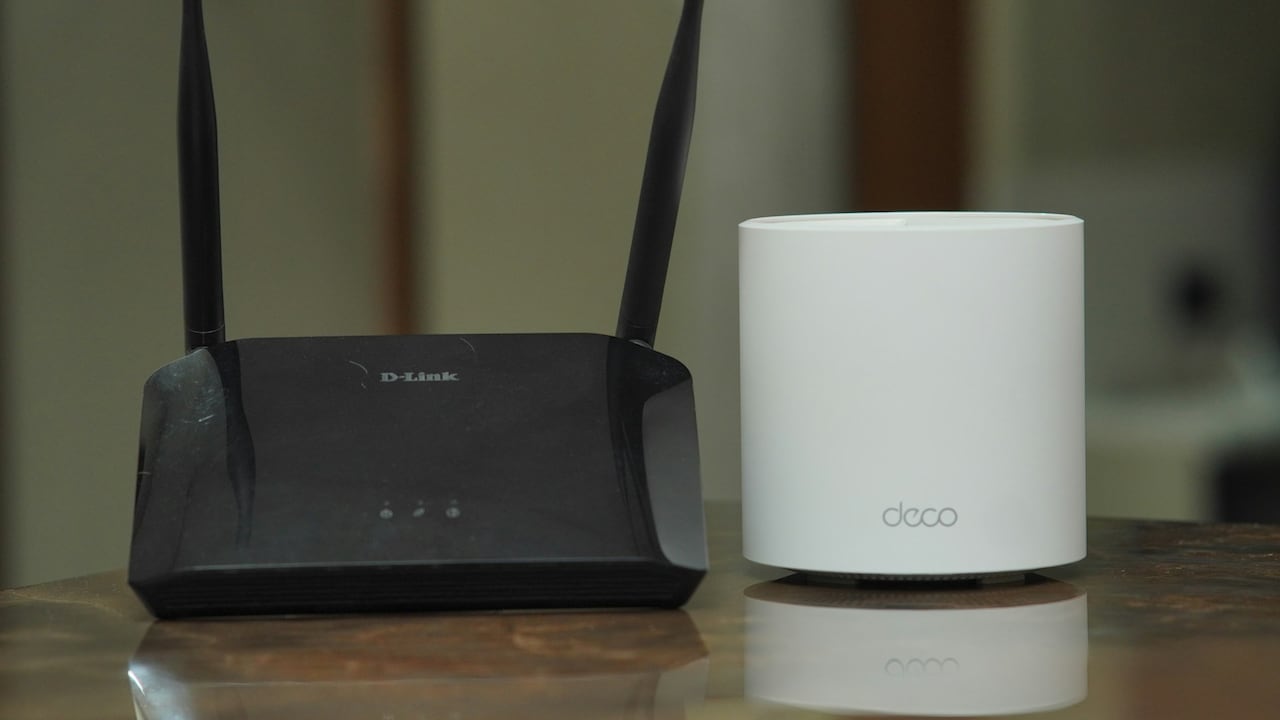
Mesh systems are usually smoother than cheap extenders, especially for seamless roaming. They cost more, but the experience often feels more stable. Even then, placement rules still apply. A mesh node hidden behind a sofa will behave like a mesh node with low self-esteem.
If you do decide to spend, spend smart. A well-placed node can be worth far more than an expensive router used badly.
Products Related To This Article
1. TP-Link WiFi 6 AX1500 Mbps Archer AX10
2. D-Link DIR-615 Wi-fi Ethernet-N300 Single_band
3. TP-link N300 WiFi Wireless Router TL-WR845N
4. MERCUSYS AC1200 Wireless Dual Band WiFi Router Mercusys AC10
5. D-Link DIR-825 |High Speed 1200Mbps Dual Band Wi-Fi Router
A weak Wi-Fi room can feel like a personal insult, especially when the rest of the home works perfectly. But in most cases, the fix is not dramatic. It's not a cursed room. It's not “your ISP hates you”. It's usually a placement problem, quietly caused by low height, thick walls, awkward corners, or the router being trapped behind furniture like it's grounded.
The best part is that router placement costs almost nothing. A higher shelf, a more central location, a small shift away from the TV unit, or a better antenna angle can improve the signal more than people expect. Even when extra hardware is needed, smart placement still decides whether it works brilliantly or disappoints.
So the next time one room refuses to cooperate, don't panic and don't immediately spend ₹8,000. Start with the basics. Give your router space, height, and a fighting chance. Your future self, streaming smoothly, working without glitches, and finally finishing that download without rage, will be grateful.
(Disclaimer: This article may include references to or features of products and services made available through affiliate marketing campaigns. NDTV Convergence Limited (“NDTV”) strives to maintain editorial independence while participating in such campaigns. NDTV does not assume responsibility for the performance or claims of any featured products or services.)