Watch India Vs Pakistan T20 World Cup Live: Best Wi-Fi 6 Routers For 4K Streaming On JioHotstar
Immerse yourself in the thrill of India Vs Pakistan T20 World Cup match. Explore WiFi 6 routers to make 4K streaming stable, fast, and lag-free.
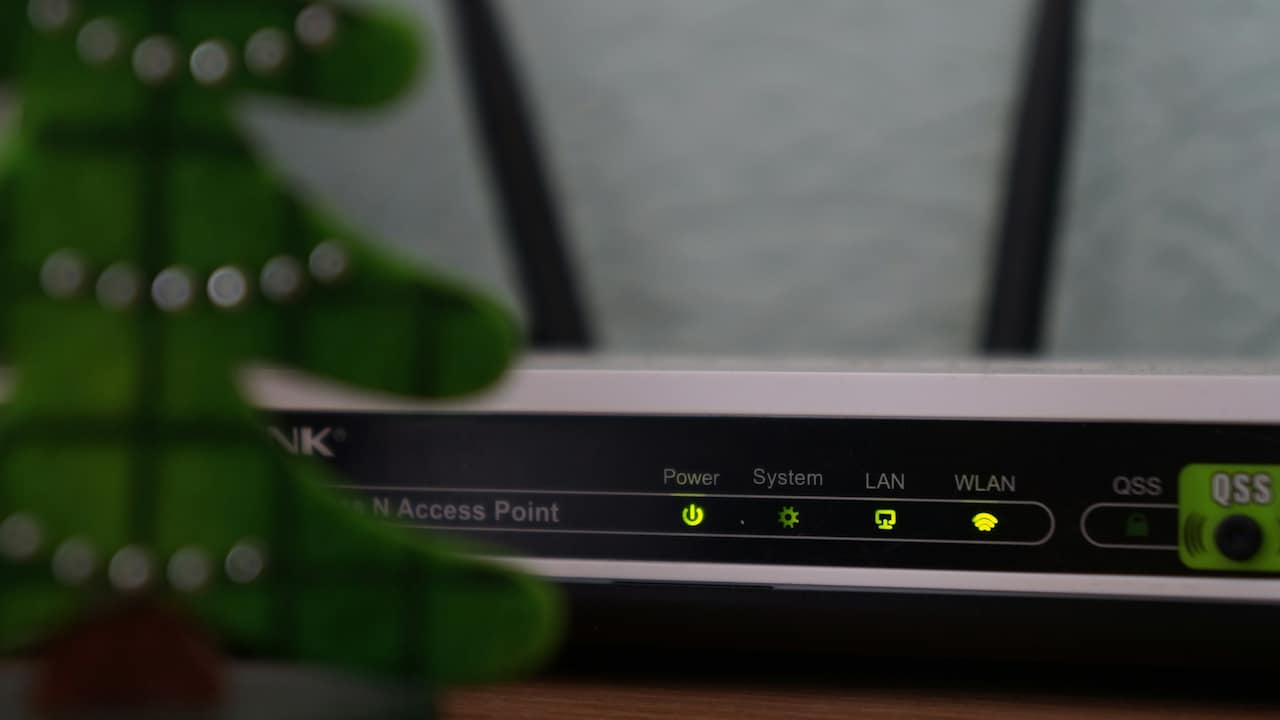
Try these WiFi 6 routers for 4K streaming and enjoy the thrilling India vs Pakistan T20 World Cup at home
As the much-awaited India vs Pakistan T20 World Cup 2026 approaches, you need to be prepared for the thrill. It's high time to arrange your fan gear, tasty snacks, and your dear ones to cheer on every achievement. But amidst this hustle and bustle, the last thing you may need is a lagging WiFi network that takes forever to load. Thankfully, upgrading to a WiFi 6 router for 4K streaming can spare you from buffering disasters. Ready to see some options?
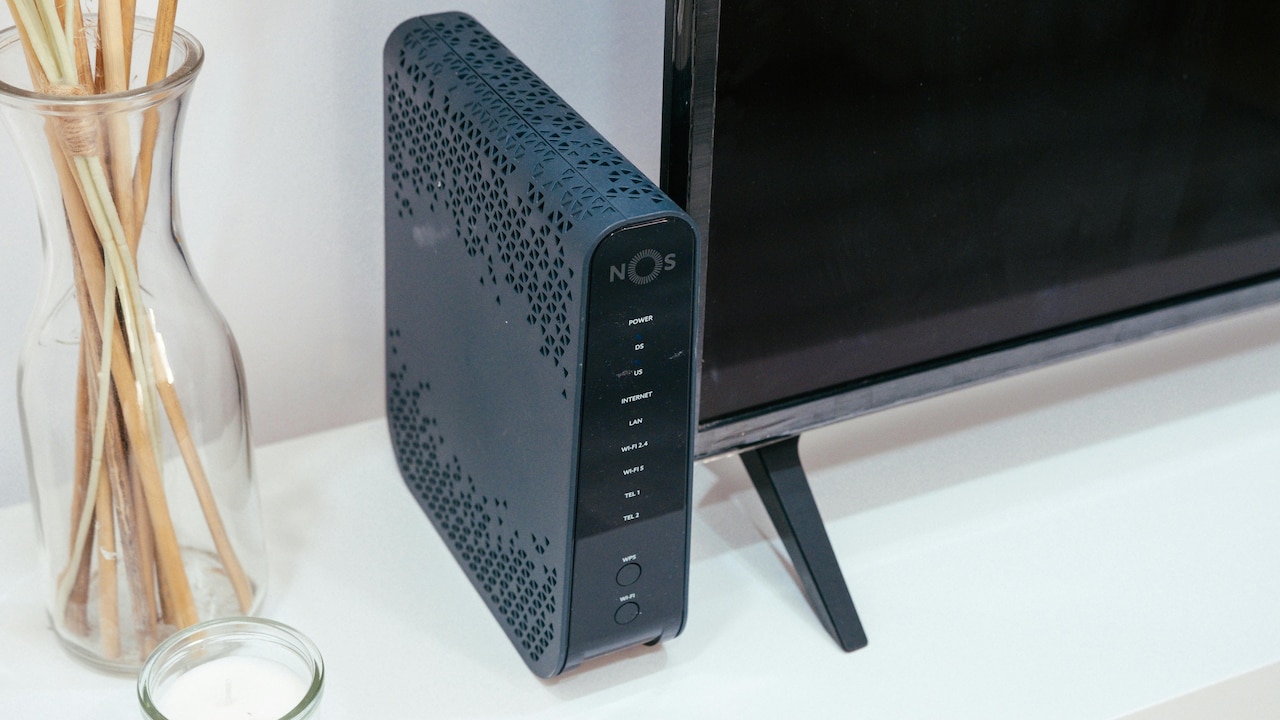
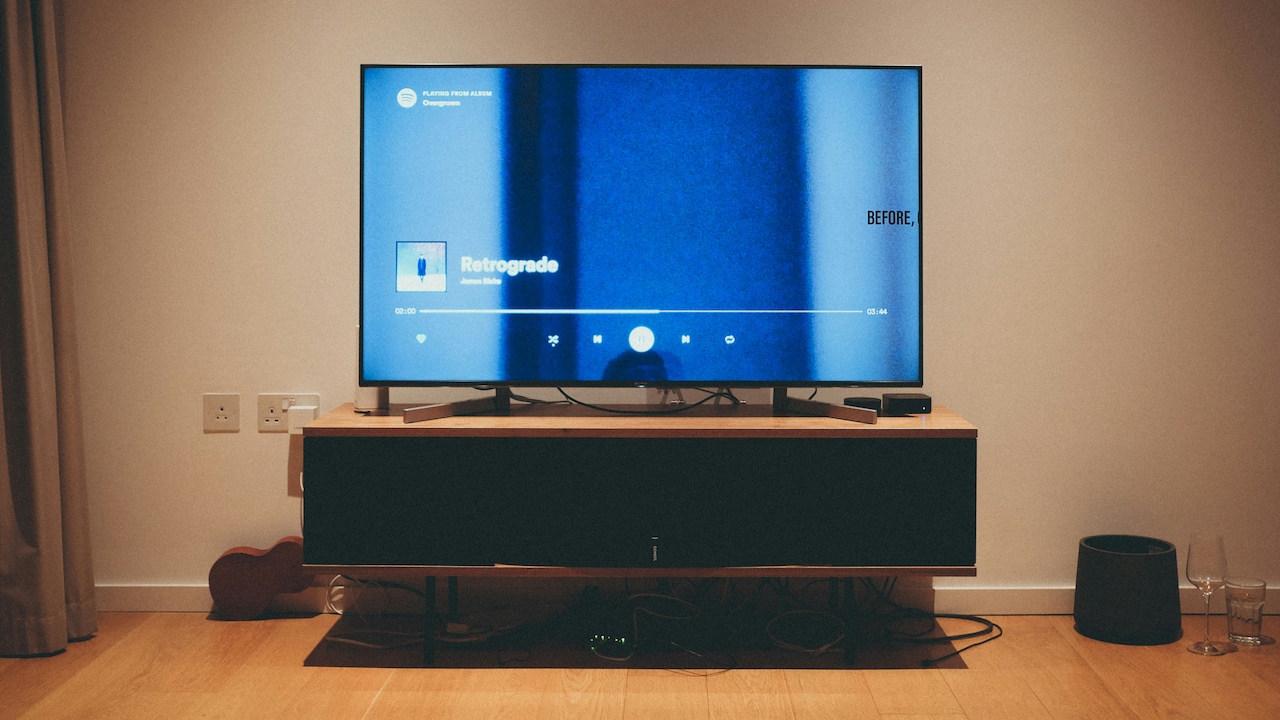
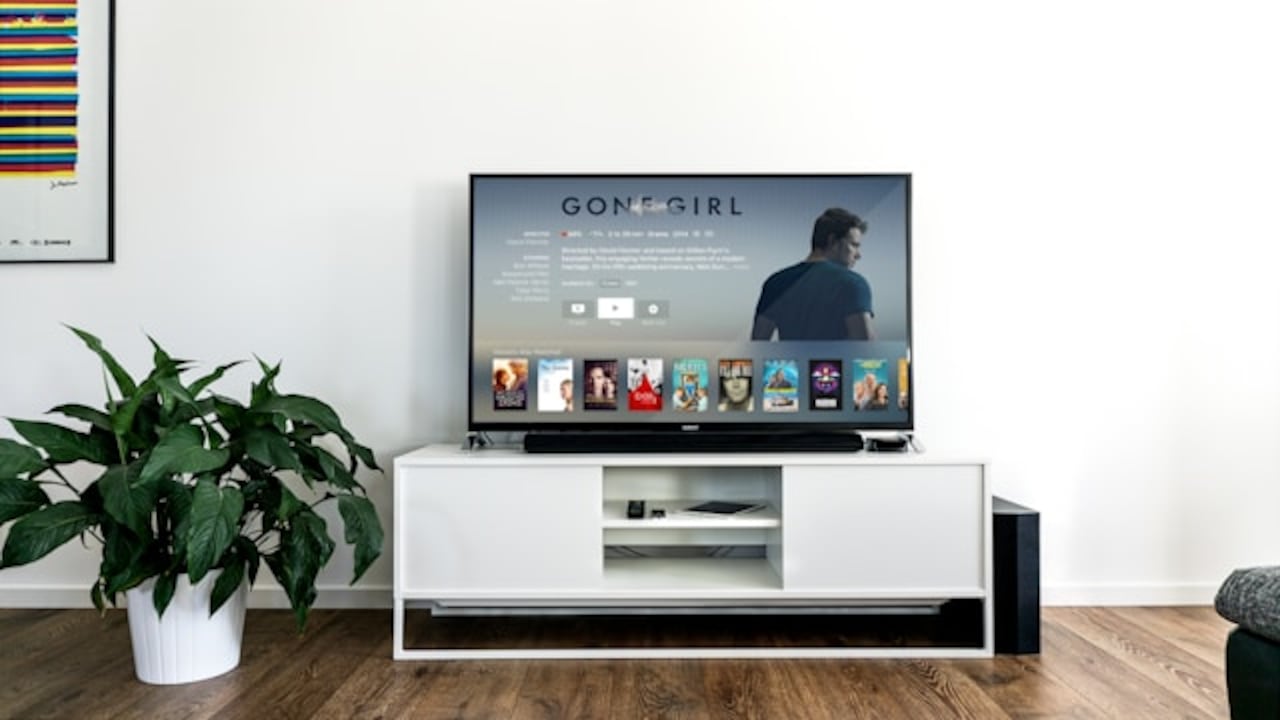
Watch the India vs Pakistan T20 World Cup lag-free with these WiFi 6 routers for 4K streaming; Photo Credit: Pexels
Buying a WiFi 6 router for 4K streaming isn't about going for the most expensive option for your 4K TV. Instead, you need to consider features like speed, stability, and add-ons like parental controls. In this article, we have rounded up some WiFi 6 routers that boast to handle multiple devices, reduce lag, and keep your stream free from interruptions.
Also Read: T20 World Cup 2026 Stadium Checklist: 10 Essentials For Fans
| Product Name | Special Feature | Warranty | User Rating | Price |
|---|---|---|---|---|
| D‑Link R15 (AX1500) | Three Gigabit LAN ports | 3 years | 3.8/5 | ₹3,099 |
| TP‑Link Archer AX10 (AX1500) | Broader coverage with four antennas | 3 years | 4.4/5 | ₹3,199 |
| TP‑Link Archer AX23 (AX1800) | Speed of upto 1.8 Gbps | 3 years | 4.4/5 | ₹3,899 |
| TP‑Link Archer AX53 (AX3000) | Ultra-low latency | 3 years | 4.3/5 | ₹4,699 |
| ASUS RT‑AX53U (AX1800) | Ultra-fast speed of 1800 Mbps | 3 years | 4.3/5 | ₹6,999 |
Top Deals On Wi-Fi 6 Routers For 4K Streaming
1. D‑Link R15 (AX1500) - Wi‑Fi 6 Router
The D‑Link R15 offers an affordable and reliable option to watch India vs Pakistan T20 World Cup 2026 uninterruptedly. It ensures fast speed, stability, and higher capacity, so you can stream or play games across various desvices. With coverage up to 2500 sq. ft., this Wi-Fi 6 router supports the requirement of places needing a wide coverage.
Key Features
- Equipped with an AI chipset
- Dual bands with SmartConnect
- Ideal for surfing, gaming, streaming, and conferencing
- Easy to setup
- Packed with feautures like AI parental controls and AI traffic optimiser
2. TP‑Link Archer AX10 (AX1500) - Wi‑Fi 6 Router
The TP‑Link Archer AX10 falls in the budget-friendly category. It uses a triple‑core CPU to provide you with fast, stable, and lag-free 4K streaming. Thanks to its dual band design, this WiFi 6 router reduces congestion easily. Plus, it is compatible with Alexa for added convenience.
Key Features
- Offers great WiFi speeds of upto 1.5 Gbps
- Has a triple-core CPU
- Uses four antennas to offer a broad coverage
- Lets you connect dozens of devices without hampering stability
- Gigabit Ethernet ports
3. TP‑Link Archer AX23 (AX1800) - Wi‑Fi 6 Router
The next wi-fi 6 router for 4K streaming is from TP-Link. It is their Archer AX23, a slightly expensive option but totally worth it. This dual-band router speeds up to 1.8 Gbps, so you can enjoy lag-free 4K streaming anytime. Moreover, it has a dual-core CPU that keeps the engine running smoothly.
Key Features
- OneMesh extenders for impressive coverage
- Offers features like parental controls and URL blocking
- Beamforming for great signal strength, speed, and coverage
- OFDMA for less latency and more entertainment
- Fast 1.8 Gbps WiFi
4. TP‑Link Archer AX53 (AX3000) - Wi‑Fi 6 Router
The Archer AX53 is designed to provide 2402 Mbps on 5 GHz and 574 Mbps on 2.4 GHz band. This WiFi 6 router makes 4k streaming a piece of cake. With ultra-low latency and great Wi-Fi coverage, this router offers stable and super fast internet for all users. Moreover, it is designed to consume less power and keep you connected.
Key Features
- Four external antennas
- Beamforming for a strong and reliable network
- Defends against cyberthreats using TP-Link HomeShield
- Easy to pair with Alexa
- Great battery life
5. ASUS RT‑AX53U (AX1800) - Wi‑Fi 6 Router
The ASUS RT‑AX53U is an extendable router that offers network security and great speed for lag-free gaming and streaming. With feaures like parental controls and AI protection pro, this router ensures 27/7 end-to-end security. It is a new-gen WiFi that offers upto 80% better range and 1.5x better speed, making it suitable for large homes.
Key Features
- Supports parental control and internet security
- OFDMA for reduced latency
- Great networking speed of about 1800Mbps
- AiMesh compatibility
- USB port for added functionality
When it comes to experiencing the thrill of cricket matches at home, you need the perfect setup. From a big-screen smart TV to a reliable sound speaker, everything needs to make sense. And investing in a WiFi 6 router for 4K streaming can take your experience to the next level. Say goodbye to annoying lagging and buffering, and give these routers a well-deserved shot. Shop now on Amazon.
Frequently Asked Questions (FAQs)
1. How to choose a Wi-Fi 6 router for 4K treaming?
To choose a Wi-Fi 6 router for 4K streaming, look for options with a dual band, Gigabit Ethernet ports, four antennas, and a great coverage.
2. Is Wi-Fi 6 good enough for 4K streaming?
Yes, WiFi6 can be sufficient to enjoy 4k streaming while sparing your from the headache of buffering.
3. Can Wi-Fi 6 stream 8K?
Interestingly, WiFi 6 can handle 8K content like a pro. However, it's important to choose a router that ensures low latency and high stability to stream without buffering.
4. Where to place a Wi‑Fi router for best performance?
Always place your router in a open and unobstructed area. Keep it away from walls, metal objects, or things that can affect your streaming quality.
5. Is WiFi 6 good for gaming?
Yes, WiFi 6 can be excellent for gaming and streaming. It offers less latency, faster speeds, and is capable of handling multiple devices at once.
(Disclaimer: This article may include references to or features of products and services made available through affiliate marketing campaigns. NDTV Convergence Limited (“NDTV”) strives to maintain editorial independence while participating in such campaigns. NDTV does not assume responsibility for the performance or claims of any featured products or services.)