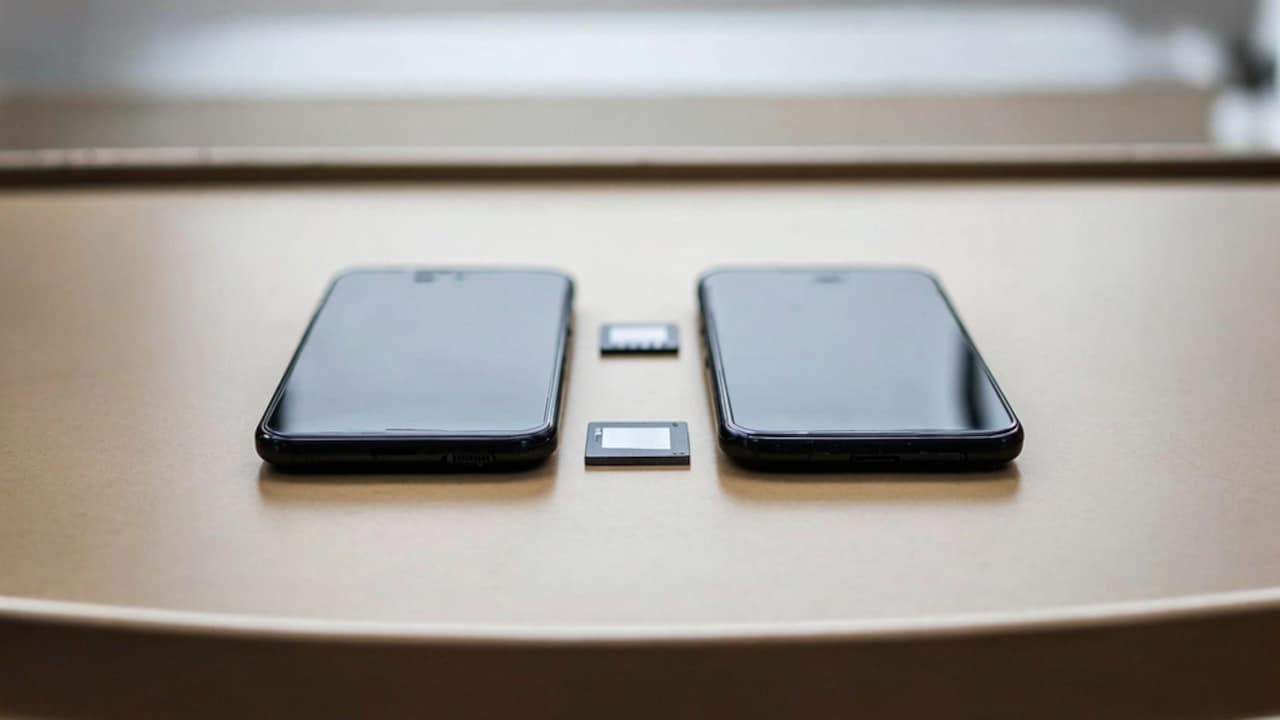
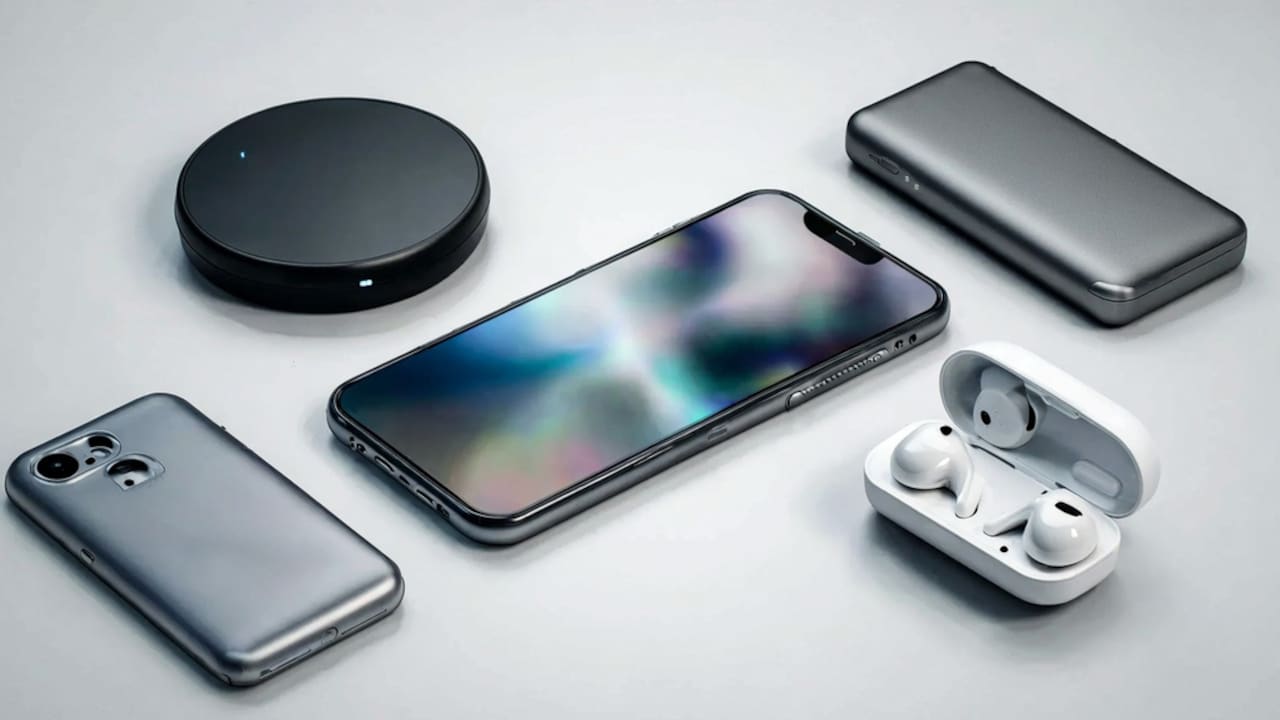
How To Choose A Phone Case That Doesn't Block Wireless Charging?
Frustrated with your phone case blocking wireless charging on your phone? Here's how to pick a phone case that stays protective without blocking the charge.
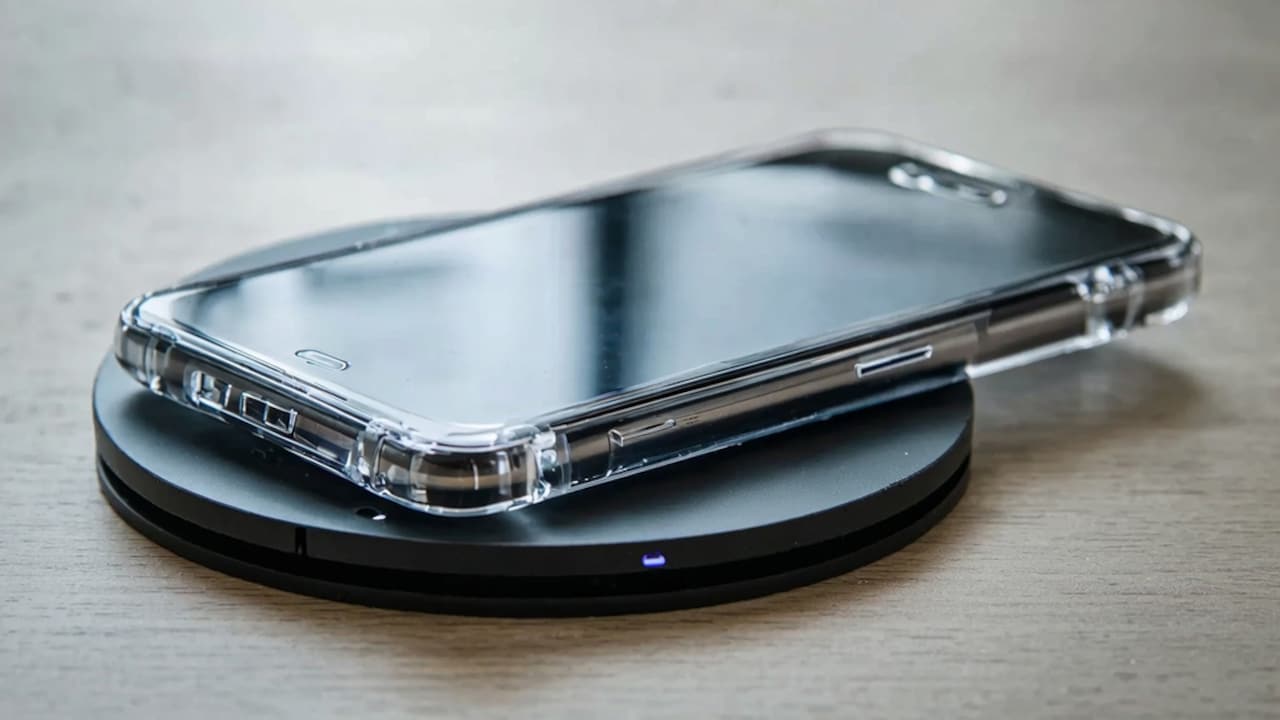
Easy tips to find a wireless charging compatible phone case
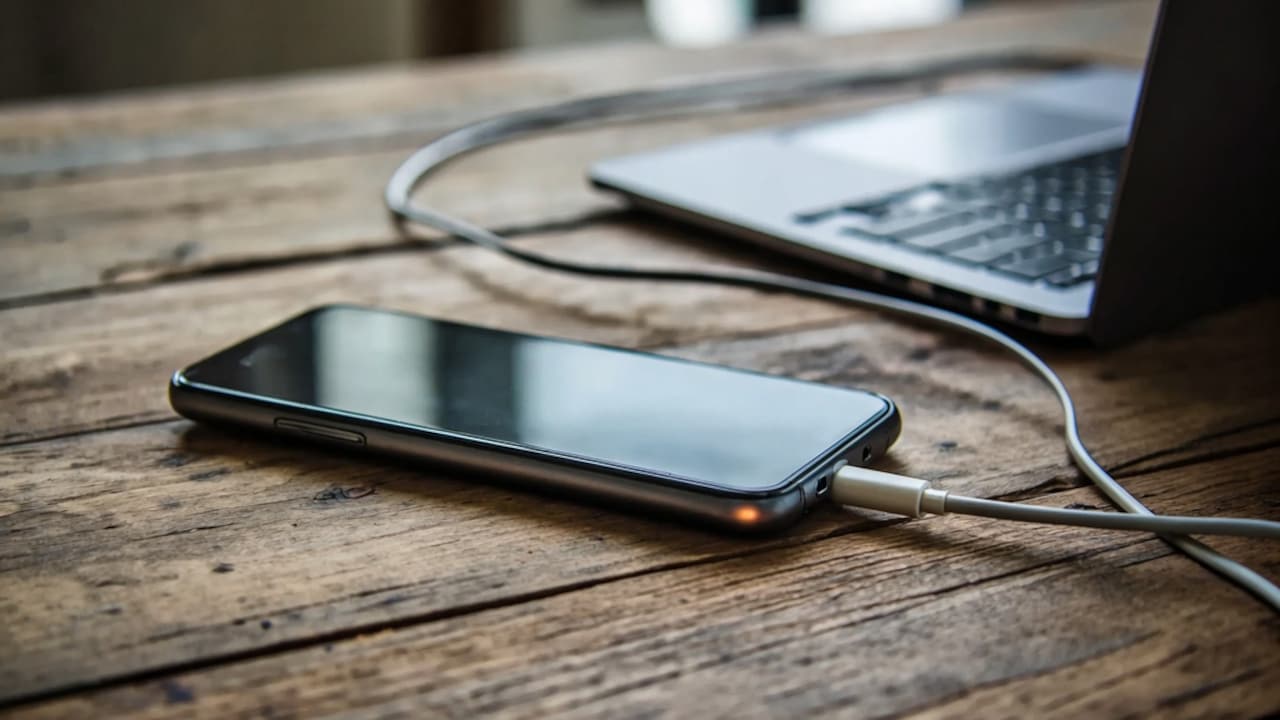
Wireless charging felt like magic the first time most of us tried it. No cable, no fumbling in the dark, just place the phone down and walk away. Then one day it stops working properly, and the case sitting quietly on your phone is usually the reason nobody suspects first. It's not always obvious why. Some cases look thin and harmless but still mess with the coil inside your charging pad. Others claim to be "wireless charging friendly" on the box and still cause the same slow, inconsistent charge everyone complains about online.
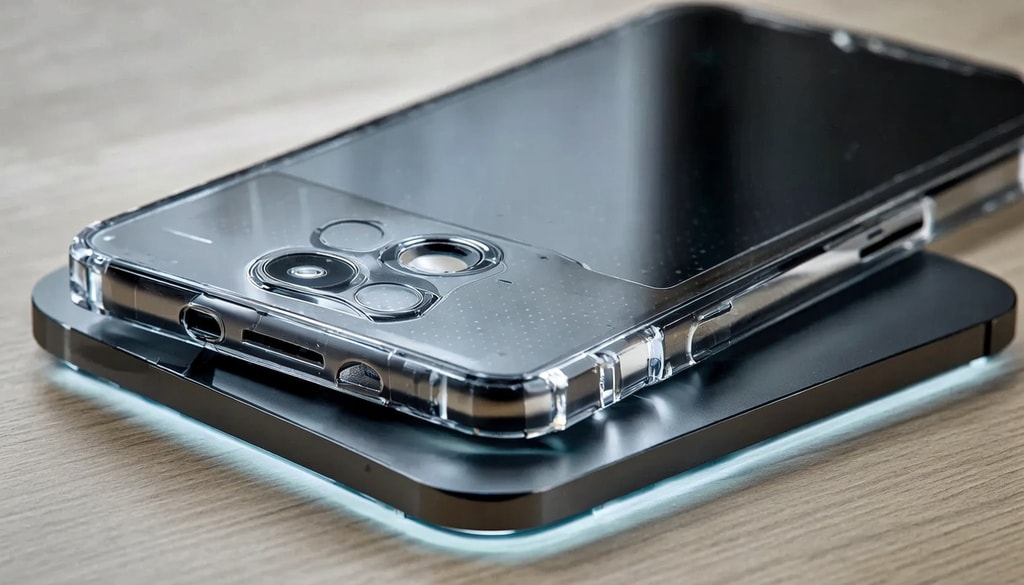
Find the perfect protective phone case that fully supports wireless charging without any interruptions.
Photo Credit: iStock
This is common with Indian users too, especially with the mix of local charging pads and imported phone cases that don't always talk to each other properly. So here's a simple breakdown of what actually matters when picking a case that won't get in the way.
Also Read: Drop, Charge, And Go: 5 Charging Pads For A Clutter-Free Setup
What Actually Blocks Wireless Charging In A Case
Wireless charging works through something called electromagnetic induction. The pad has a coil, your phone has a coil, and the two need to sit close enough for energy to pass between them without much resistance. A case adds distance, and depending on what it's made of, it can also add interference.
Thickness is the most obvious culprit. Most Qi chargers are designed to work through 3 to 5mm of material, so a chunky case pushes your phone just far enough away that charging becomes patchy or stops completely.
1. Distance Is The First Enemy
Every extra millimetre between the coil in your phone and the coil in the charger reduces efficiency. A rugged case with built-in bumpers or a kickstand often adds just enough thickness to disrupt the connection, even if it still technically "fits" on the pad.
2. Metal Is The Real Troublemaker
Any case with metal parts, whether it's a metal frame, a magnetic ring, or even small metallic buttons, can interfere badly. Metal disrupts the magnetic field, and in some cases it can even cause the charger to heat more than it should.
Materials That Actually Work Well With Wireless Charging
Not all cases are equally effective, and the material has a greater impact than many people realise. This part is where a lot of buying decisions go wrong, mostly because packaging rarely explains it clearly.
Silicone and TPU cases tend to perform the best. Leather is usually fine too, as long as it's genuine or high-quality PU without metal stitching or reinforced corners.
1. Silicone And TPU Cases
These kinds of cases are soft and thin, and thus, they have low impact on the charging process. Moreover, they are budget-friendly.
2. Leather And Fabric Options
Leather cases look premium and usually charge just fine, but always double-check for hidden metal backing. Some designer leather cases use a metal plate inside for structure, and that's precisely what causes charging problems.
How To Check If A Case Will Support Wireless Charging Before You Buy
You don't have to guess or rely purely on marketing claims. There are a few quick ways to confirm compatibility before you spend money on a case that might not work with your setup.
Reading the product description carefully matters more than people realise, since brands often mention "wireless charging compatible" only if they've actually tested it.
1. Look For The Qi Compatibility Label
If a case explicitly says Qi compatible, that's a strong signal it has been tested with standard wireless chargers. Cases without this label aren't necessarily bad, but they may not be as reliable.
2. Test It At The Store If You Can
Whenever possible, ask to test the case at the store using their charging pad. It takes less than a minute and saves you the trouble of returning a case later because it doesn't charge properly at home.
Case Features That Actually Help Rather Than Block Charging
Some case features are designed with wireless charging in mind, and choosing these over the flashier options usually works out better in the long run, especially if you charge your phone daily.
MagSafe compatible cases, for instance, are built specifically to align with Apple's wireless charging magnets, and this alignment often improves charging speed instead of hurting it.
1. MagSafe And Magnetic Alignment Rings
These built-in magnets snap the phone into the exact centre of the charging coil every time. This solves one of the most common wireless charging complaints, which is the phone charging slowly because it's placed slightly off centre.
2. Cutout Designs For The Charging Zone
A few brands design their cases with a slightly thinner or cutout section right where the coil sits. It's a small design choice, but it noticeably improves charging speed compared to a uniformly thick case.
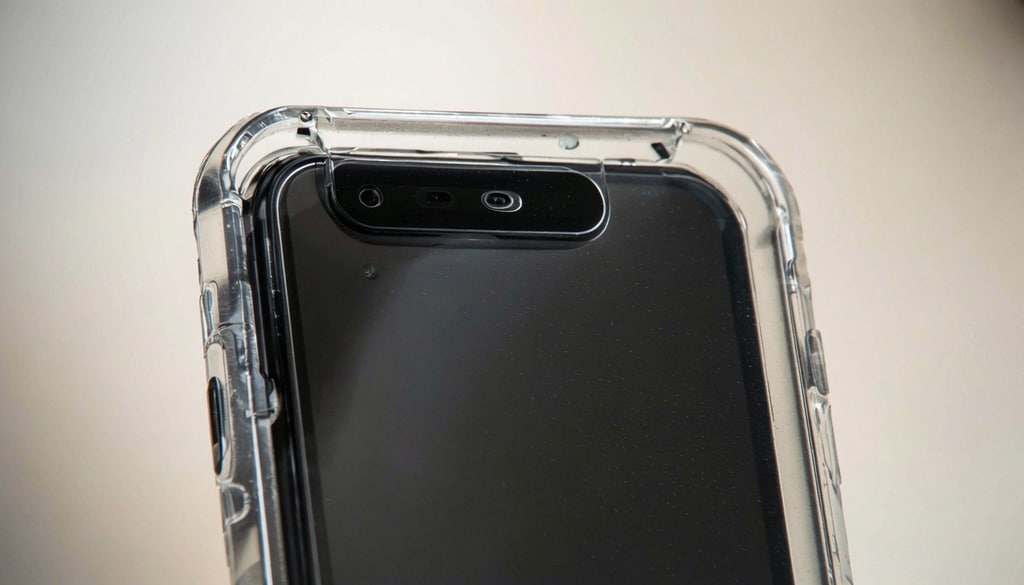
Learn how to choose a durable phone case that never blocks your wireless charger again.
Photo Credit: iStock
Some Phone Cases That Won't Block Wireless Charging
1. Spigen Ultra Hybrid MagFit Back Cover Case
2. ESR Shockproof Military-Grade Protection Case MagSafe Compatible Case
3. VONZEE Translucent Matte Back Cover Compatible With Magnetic Wireless Charging
4. CEDO Shockproof Transparent Back Cover Compatible With Magsafe
5. Ringke Silicone Magnetic Case Back Cover
6. DailyObjects Nimbus 2.0 Magnetic Phone Case Cover
7. Mous Limitless 5.0 Case
8. Enflamo Polycarbonate Matte Back Cover Case Compatible with Mag-Safe
FAQs
1. Do all phone cases block wireless charging?
No, most phone cases that are under 3 mm thickness and don't have any metallic elements perform fine with the wireless chargers. This problem appears when the case is thick or rugged.
2. Can a cardholder case cause wireless charging problems?
Yes, metal cards can affect the charging field, even with a thin case. Hence, it is better to remove the cards before placing your phone on the charger.
3. Why does my phone charge more slowly with a case on compared to without one?
As we said, even the thin case affects the efficiency of charging, as it adds extra distance. However, you shouldn't worry about it because it is normal.
4. Are MagSafe cases only for iPhones?
MagSafe is designed for iPhones initially. However, several Android case brands offer magnetic alignment rings inspired by the same concept, and they may help to align the phone on Qi chargers.
5. Does a case with a pop socket or kickstand block the charging?
Not always, but it depends on the place. If the accessory covers the coil area, it will definitely interfere with charging; thus, checking the design will help you avoid interference.
(Disclaimer: This article may include references to or features of products and services made available through affiliate marketing campaigns. NDTV Convergence Limited (“NDTV”) strives to maintain editorial independence while participating in such campaigns. NDTV does not assume responsibility for the performance or claims of any featured products or services.)