How To Take Care Of Your Wireless Earbuds: Here Is How To Make Them Last Longer
From AirPods to CMF Buds and other Bluetooth earbuds, learn how to clean, store and maintain wireless earbuds properly for better sound, comfort and longer battery life.
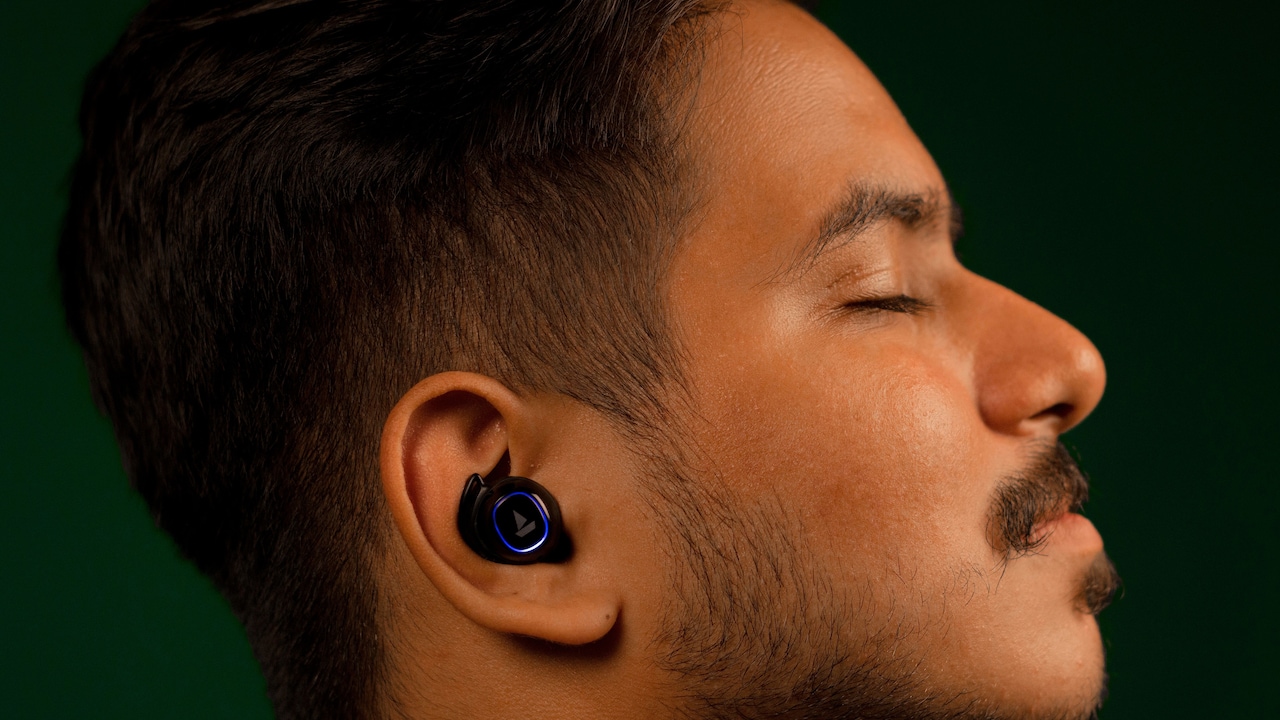
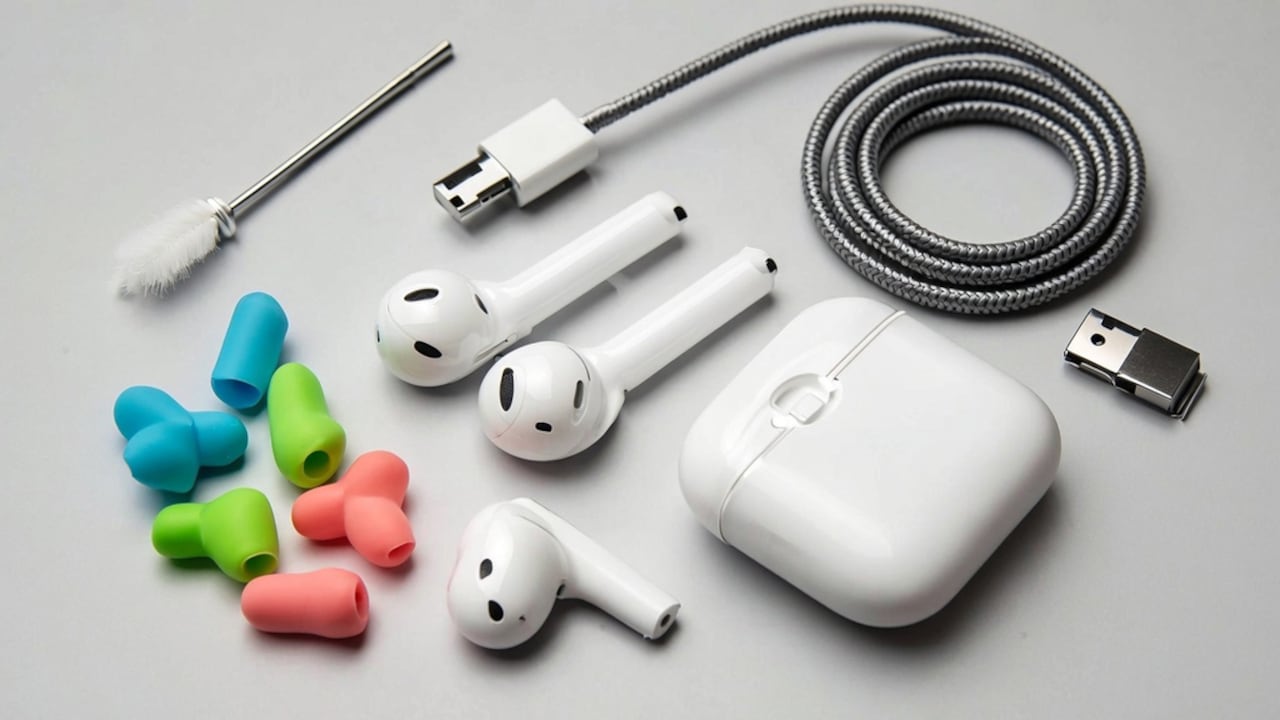
Cleaning your earbuds regularly can help maintain clear and balanced sound.
Wireless earbuds are effortless and deliver premium sound quality without the bulk of Bluetooth headphones or the tangled wires of traditional earphones. However, there is a particular kind of panic reserved for wireless earbuds.
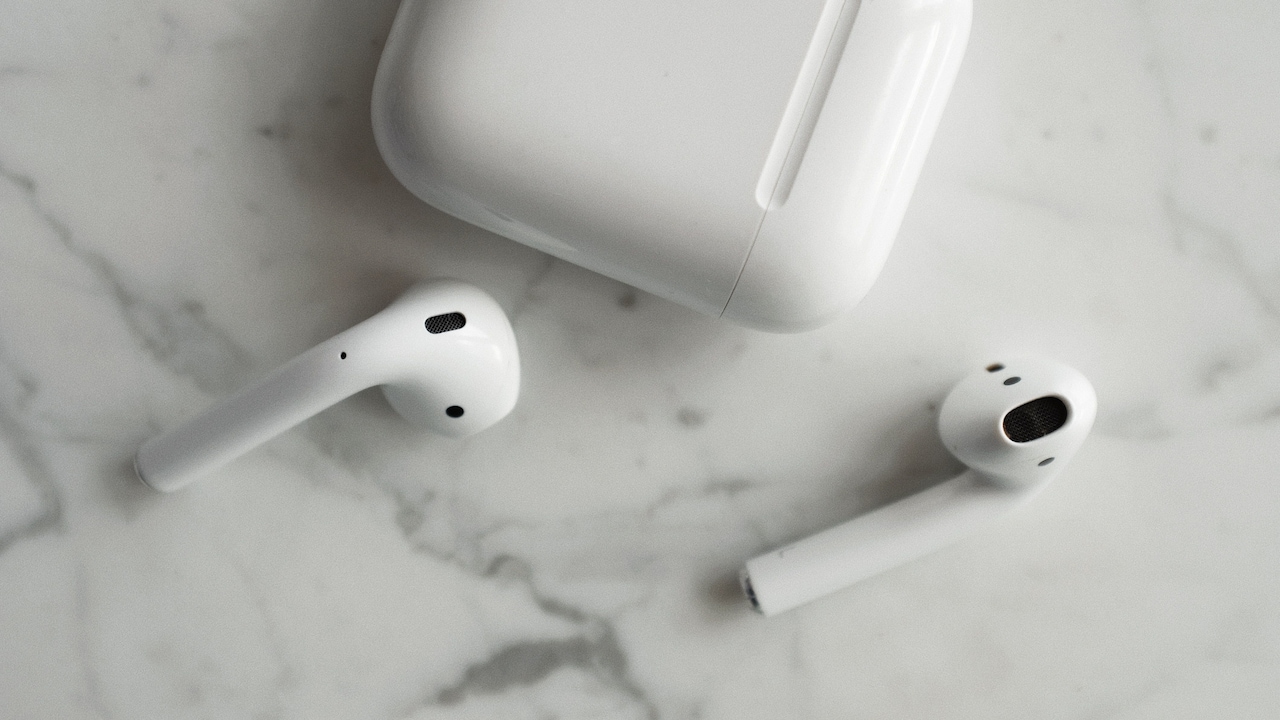
Proper care and maintenance can help wireless earbuds last significantly longer.
Photo Credit: Pexels
No, we're not talking about the panic of losing them, that's an entirely different emotional experience. We're talking about the panic that arrives when your favourite song suddenly sounds different. The bass isn't as rich, one side feels quieter, and the battery that once lasted an entire workday now struggles to survive a commute.
In this situation, most of us immediately blame the earbuds and give up, saying, "These things don't last."
Also Read: Top 5 Wireless Earbuds Under ₹2,000
But here's the uncomfortable truth: wireless earbuds often age the way houseplants die. Not suddenly. Gradually. From neglect.
Whether you're using Apple AirPods, CMF Buds, Galaxy Buds, OnePlus Buds or any other in-ear Bluetooth earbuds, they probably work harder than almost any gadget you own. They accompany morning walks, take work calls, survive gym sessions, sit through flights and spend countless hours tucked inside your ears. Yet very few people actively maintain them.
We clean our phones. We dust our laptops. Some people even wipe their television screens more often than they clean their earbuds.
And yet earbuds endure perhaps the least glamorous environment imaginable.
The Strange Journey Of A Typical Earbud
Think about where your earbuds travel in a single day.
They start in a charging case that has spent the night collecting dust on a bedside table or deep inside your bag. They move into your ears during breakfast. They accompany a sweaty workout. They disappear into a handbag or pocket. By evening they've travelled through offices, public transport, coffee shops and pavements before eventually returning to their case.
It's a surprisingly demanding life for something that weighs only a few grams.
The problem is that damage rarely arrives with a dramatic warning. Earbuds don't usually stop working overnight. Instead, they slowly gather tiny problems that eventually become noticeable.
At first, music sounds a little duller. Calls become slightly less clear. Battery life quietly drops. Connectivity becomes unreliable.
Because these changes happen gradually, users often assume the product is simply ageing. In reality, many issues begin with something far less complicated.
Dirt.
Nobody Wants To Talk About Earwax, But We Have To
Let's address the elephant in the room.
Your ears produce wax. Your earbuds sit directly inside those ears. The outcome is not particularly mysterious.
Over weeks and months, microscopic layers of wax and debris settle on the speaker mesh. Because the accumulation happens slowly, most users don't notice it. Then one day they find themselves increasing the volume by a few extra clicks.
A few months later they're increasing it again.
The sound hasn't necessarily changed because the drivers are failing. Sometimes it's simply because a barrier has formed between the speaker and your ear.
It's almost funny when you think about it. People will spend hours researching replacement earbuds while the actual problem is sitting on the surface of the existing pair.
Good earbuds are designed to deliver incredibly detailed sound. They can't do that if they're wearing a coat of earwax.
The Charging Case Is The Most Ignored Part
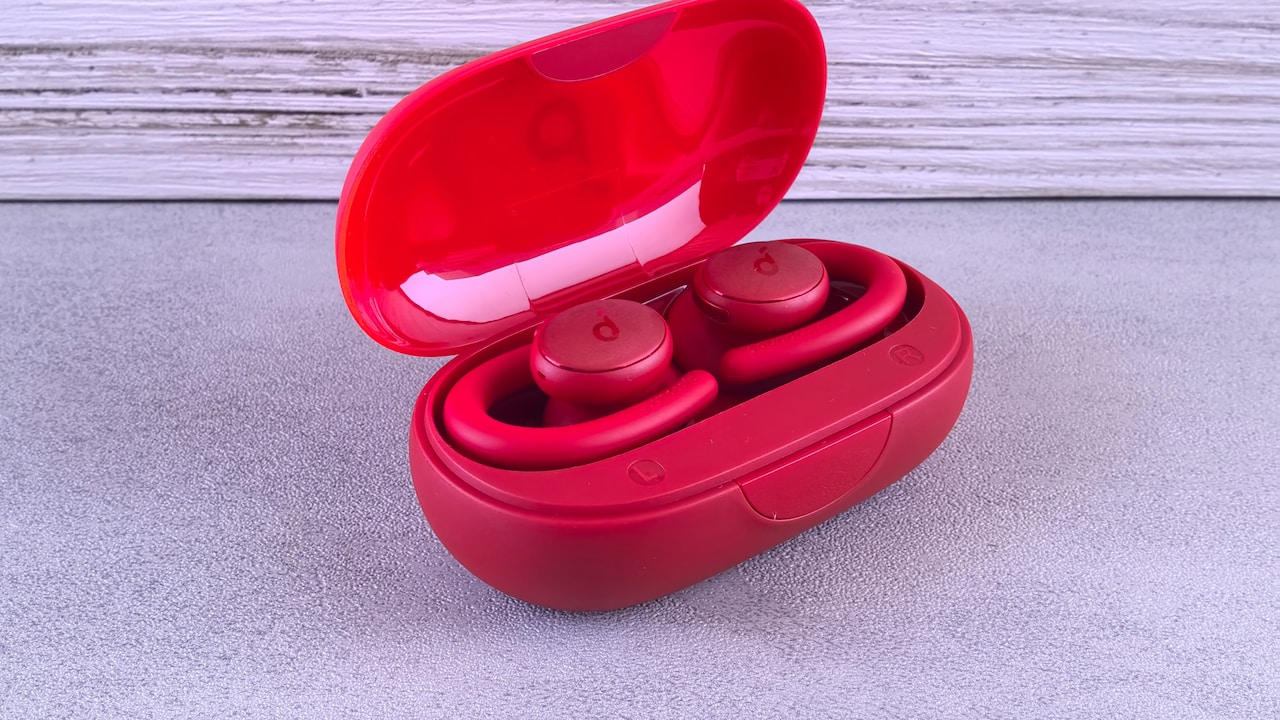
Allowing earbuds to dry after workouts can prevent moisture-related issues.
Photo Credit: Pexels
The charging case might be the least appreciated piece of technology in modern life.
It spends most of its time getting shoved into pockets and bags without complaint. It protects the earbuds, charges them and somehow manages not to get much credit for any of it.
Unfortunately, it's also where a lot of problems begin.
Open the average charging case and you'll often find lint, dust, crumbs and mysterious particles that seem to have appeared from nowhere. Those tiny charging contacts that keep your earbuds powered need a clean connection to function properly. Once debris starts interfering, charging can become inconsistent.
This explains why some people wake up to discover one earbud fully charged while the other seems to have taken the evening off.
The earbuds get blamed.
The dusty charging case gets away with it.
Why The Gym Can Be A Dangerous Place For Earbuds
Modern earbuds are marketed as workout companions, and rightly so. They can handle a morning run, a gym session or a brisk walk in unpredictable weather.
But there is a misunderstanding that often comes with water-resistant technology.
People hear the words sweat-resistant and assume their earbuds are indestructible.
What manufacturers actually mean is that the earbuds can survive moisture, not that they enjoy it.
Imagine spending an hour in a hot gym, then immediately being locked inside a small plastic box with damp clothes.
That's essentially what happens when sweaty earbuds are placed straight back into a charging case.
Moisture likes dark, enclosed spaces. Electronics, generally speaking, do not.
Allowing earbuds a few minutes to breathe after a workout is one of those small habits that sounds insignificant but can make a surprising difference over time.
A Charging Case Is Not Decoration
One of the biggest threats to wireless earbuds isn't water or dust.
It's confidence.
The confidence that makes someone place an expensive pair of earbuds loose inside a pocket alongside keys. The confidence that leaves them balancing on a café table. The confidence that says, "I'll just put them here for a second."
Wireless earbuds are masters of disappearing.
They're dropped between sofa cushions, forgotten in jacket pockets and occasionally launched across rooms while removing jumpers.
The charging case exists for a reason. It isn't merely a battery pack. It's protective housing.
Treating it as an optional accessory is a bit like buying a car and deciding seatbelts are unnecessary.
The Battery Is Watching Everything You Do
If earbuds could complain, battery treatment would probably top the list.
Small batteries are remarkably clever, but they also remember bad habits.
Leaving earbuds completely discharged for weeks at a time, storing them improperly or forgetting about them in a drawer for months can gradually affect performance. It's one reason why two people who buy the same product on the same day can have very different experiences a year later.
One pair still feels reliable. The other feels tired. The difference often comes down to everyday habits rather than manufacturing quality.
Sometimes Maintenance Isn't Physical At All
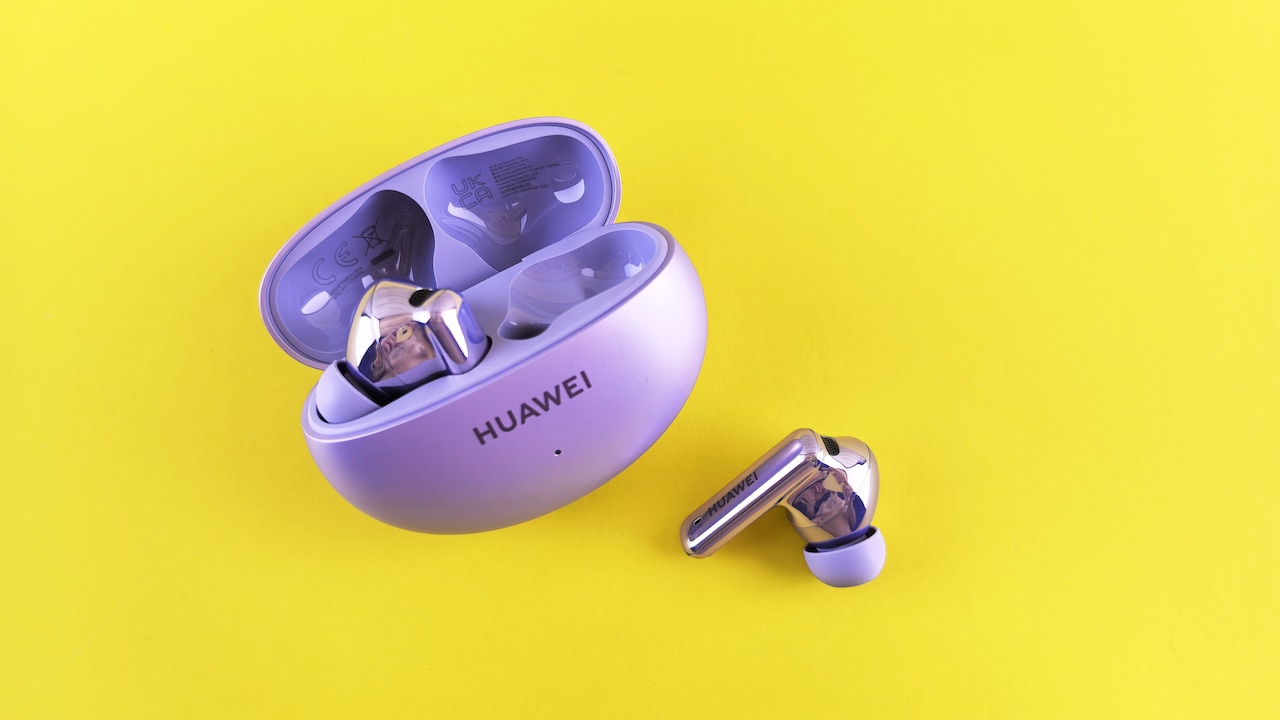
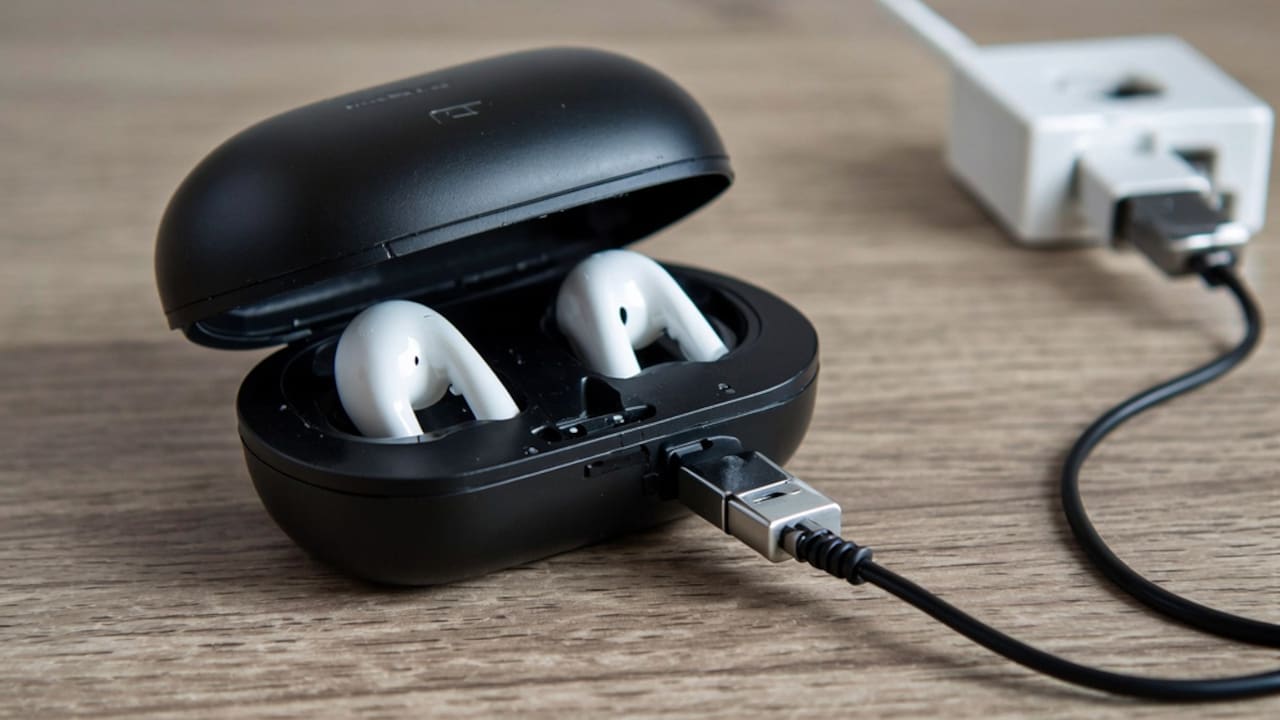
Storing earbuds in their charging case helps protect them from damage.
Photo Credit: Pexels
What makes modern earbuds fascinating is that they're no longer just audio devices. They're software products too. Apple AirPods receive updates. CMF Buds receive updates. Most premium wireless earbuds now rely on firmware to improve performance, fix bugs and optimise battery efficiency.
Yet many users never think about software once the earbuds leave the box. When something goes wrong, they immediately suspect hardware failure. Sometimes the solution is sitting quietly inside a companion app waiting to be installed.
Technology has become so advanced that even our earphones occasionally need updates. Twenty years ago, that sentence would have sounded ridiculous.
The Best Earbud Care Routine Is The One You'll Actually Follow
The problem with maintenance advice is that it's often too complicated. Nobody wants a fifteen-step cleaning routine for a gadget they use while buying groceries.
The reality is much simpler. Pay attention to them occasionally. Clean them before they become visibly dirty. Allow them to dry after exercise. Keep the charging case reasonably clean. Store them where they're supposed to be stored.
That's it.
Looking after wireless earbuds isn't really about cleaning technology. It's about noticing it.
Key Takeaways: 5 Simple Ways To Extend The Life Of Your Wireless Earbuds
Just to recap, these five habits can go a long way in helping your wireless earbuds last longer and perform better:
- Clean your earbuds regularly to remove earwax, dust and debris that can affect sound quality.
- Keep the charging case clean as dirt and lint can interfere with charging performance.
- Let earbuds dry after workouts before placing them back in the case to avoid moisture-related damage.
- Store them properly in their charging case instead of leaving them loose in pockets or bags.
- Check for software updates and follow good charging habits to maintain battery health over time.
Because, these tiny devices have quietly become some of the most-used gadgets in our lives. They soundtrack our walks, rescue boring journeys, make work calls bearable and occasionally provide the perfect excuse to avoid conversation.
Considering everything they do for us, giving them a little care every now and then seems like a fair trade. And unlike replacing a pair of premium earbuds, it won't cost a thing.
Top 10 Earbuds To Shop On Amazon
1. Noise Newly Launch ALT Buds Truly Wireless Earbuds with 35dB ANC, AI Spatial Audio, 45H Playtime, App Support, InstaCharge, Dual Pairing, BT V6.0 (Chosen Grey (Metallic))
2. Oppo Enco Air 5 True Wireless Noise Cancelling Earbuds with 52dB Real time ANC,Upto 54Hrs Playtime,Triple-Mic AI Clear Call,Low Latency,Fast Charging.(Midnight Black)
3. HAMMER Airflow Neo Earbuds with 80H Playtime, 13mm Titanium Driver, 40ms Gaming Mode, Fast Charging Buds, Type-C Charging, Voice Assistant, Lightweight Dual-Tone Design (Grey)
4. OnePlus Nord Buds 3r TWS Earbuds up to 54 Hours Playback, 2-mic Clear Calls, 3D Spatial Audio, AI Translation, 12.4mm Drivers, Dual-Device Connectivity, 47ms Low Latency - Ash Black
5. boAt 2026 Launch Airdopes Joy v2, 35H Battery, Pocketable Design, ASAP™ Charge, 13mm Drivers, Easy Touch Controls, ENx™ Tech, IWP™ & App Support TWS Bluetooth Earbuds with mic (Dusty Rose)
6. Samsung Galaxy Buds4 Pro (Black) in-Ear Wireless Earbuds with Hi-Fi Audio | Adaptive ANC 2.0 and EQ 2.0 | 2-Way Speaker | 360-Audio | Voice Detect | Live Translation | Head Gesture | IP57
7. Philips TAT1269 Bluetooth Truly Wireless in Ear Earbuds with mic, 13mm Drivers, Bluetooth 5.4, 40H Playtime, IPX5, Fast Charging, Touch Controls, Voice Assistant, Mono Mode, LED Indicator (Deep Black)
8. realme Buds T110 Bluetooth Truly Wireless in Ear Earbuds with mic, AI ENC for Calls, Google Fast Pair, 38 Hours Total Playback with Fast Charging and Low Latency Gaming Mode (Punk Black)
9. Portronics Harmonics Twins S16 in Ear Wireless TWS Earbuds with 24 Hrs Playtime, Clear Calls, Game & Music Mode, Low Latency, Bluetooth 5.3v, LED Display, Type C Fast Charging(Blue)
10. realme Buds T200x True Wireless Earbuds with 12.4mm Dynamic Bass Drivers, 25 dB ANC, Quad Mic, 45ms Latency, Upto 48 Hrs Playback, Fast Charge, IP55 Rated, BT 5.4 (Moonlight White)
Frequently Asked Questions (FAQs)
1. How often should I clean my wireless earbuds?
Wireless earbuds should ideally be cleaned once a week, especially if you use them daily for music, calls or workouts. Regular cleaning helps maintain audio quality and hygiene.
2. Why do my earbuds sound quieter than before?
Earwax, dust and debris can build up on the speaker mesh over time, blocking sound output and making earbuds seem quieter than they actually are.
3. Can sweat damage wireless earbuds?
Even sweat-resistant earbuds can be affected by moisture over time. It's best to wipe them dry and allow them to air out before placing them back in the charging case.
4. Should I keep my earbuds in the charging case when not in use?
Yes. Storing earbuds in their charging case protects them from dust, accidental drops and physical damage while ensuring they remain charged.
5. Does updating earbud software improve performance?
Yes. Firmware updates often bring bug fixes, better connectivity, improved battery optimisation and enhanced overall performance.
(Disclaimer: This article may include references to or features of products and services made available through affiliate marketing campaigns. NDTV Convergence Limited (“NDTV”) strives to maintain editorial independence while participating in such campaigns. NDTV does not assume responsibility for the performance or claims of any featured products or services.)